# slide-maker: editable presentations from your own material

简体中文

License: MIT Codex Claude Code Output: editable PPTX Tencent SkillHub

ClawHub Templates: 30

Free and open source, built by Addsum

slide-maker is an open-source AI skill for creating editable presentations. It runs in AI assistants that support skills. Give it a paper, repository, document or topic. It plans the content, designs the slides and generates a `.pptx` you can edit in PowerPoint, along with the script used to generate and revise it. Choose a built-in template or bring a reference deck. Confirm the outline and design before the build, then view the rendered slides and choose the level of independent review.

Intro video · Templates · Examples · Features · How it works · Under the hood · Quick start · Troubleshooting

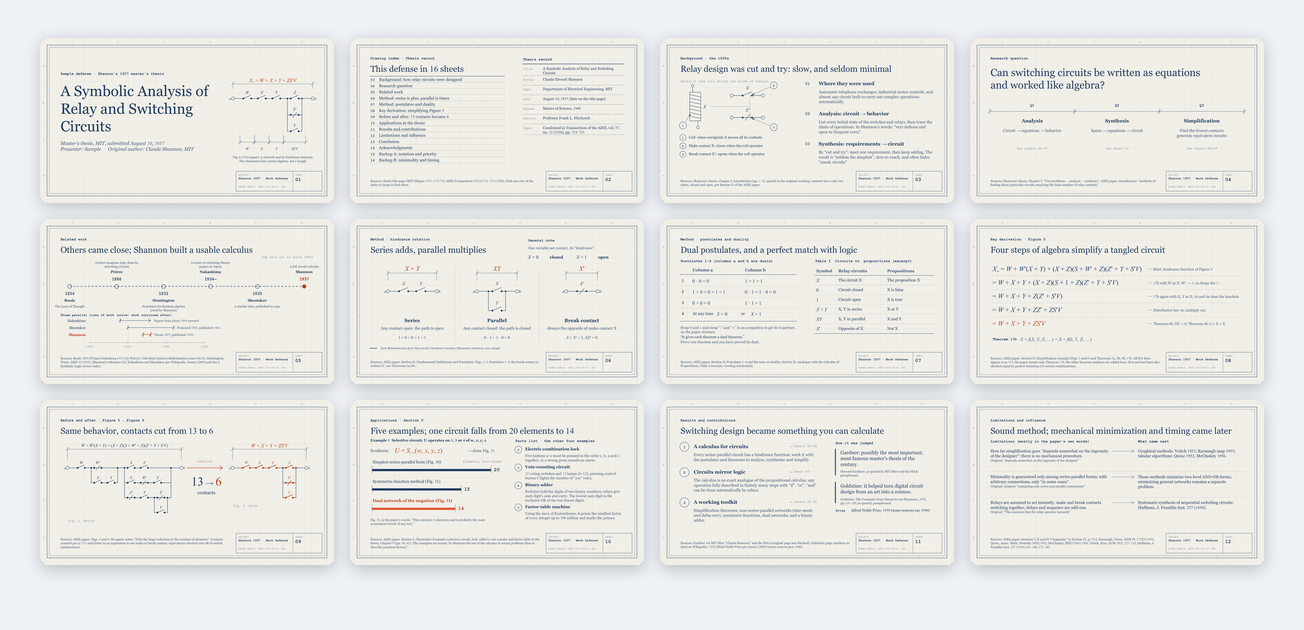
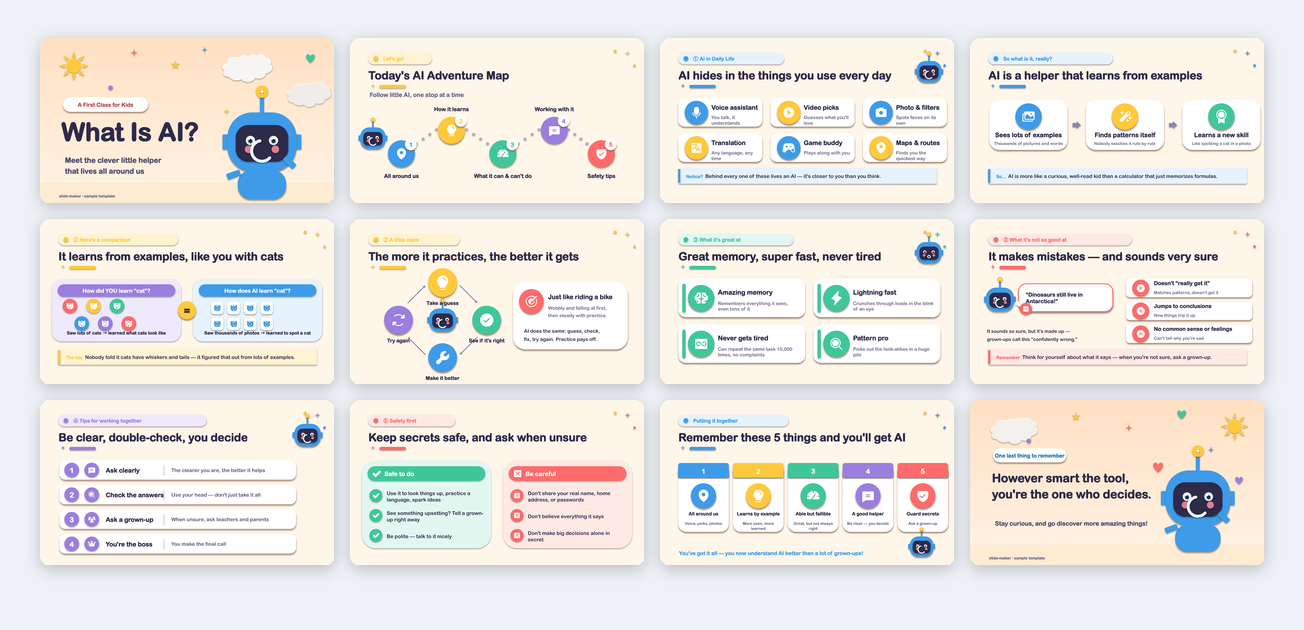
## Quick start Install slide-maker in your AI assistant. Open a terminal, run this command, then choose your assistant and installation scope: ```bash npx skills add addsumtech/slides_maker ``` After installation, ask your AI assistant to create a presentation. The first run checks the environment and guides you through any missing dependencies. Replace `paper.pdf` in this example with your own filename: ```text Use slide-maker to turn paper.pdf into an English lab-meeting presentation. Audience: my advisor and labmates. A 12-minute live talk, about 15 slides. Keep it visual and concise. Show me the outline and design directions first. ``` To choose a style, browse the templates below and copy its prompt. ## Template library The skill includes thirty templates. Each has two palettes and seven page types: cover, section, image with text, points, quote, data and closing. Typography, charts and layouts share the same design, with pages adapted to your content. Four templates use images: **Editorial magazine (editorial), Soft organic (soft) and Collage scrapbook (collage)** arrange your photos; **Watercolour storybook (storybook)** works with a series of illustrations. The other twenty-six templates use editable native shapes and need no pictures. Twelve selected styles are shown below. Select “Preview all pages” beneath a sample to see every page type and both palettes.
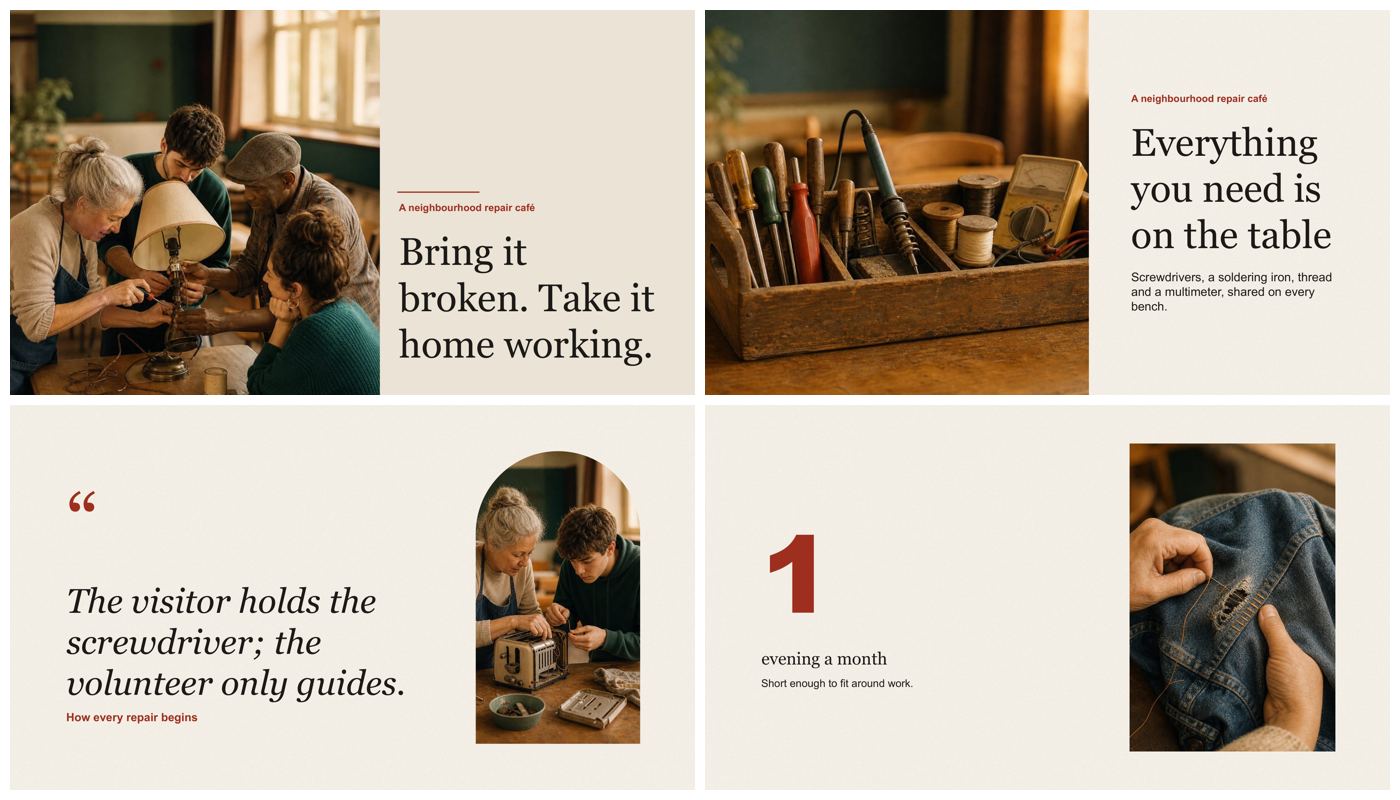
editorial template sample pages
Editorial magazine
Photo layouts
Preview all pages
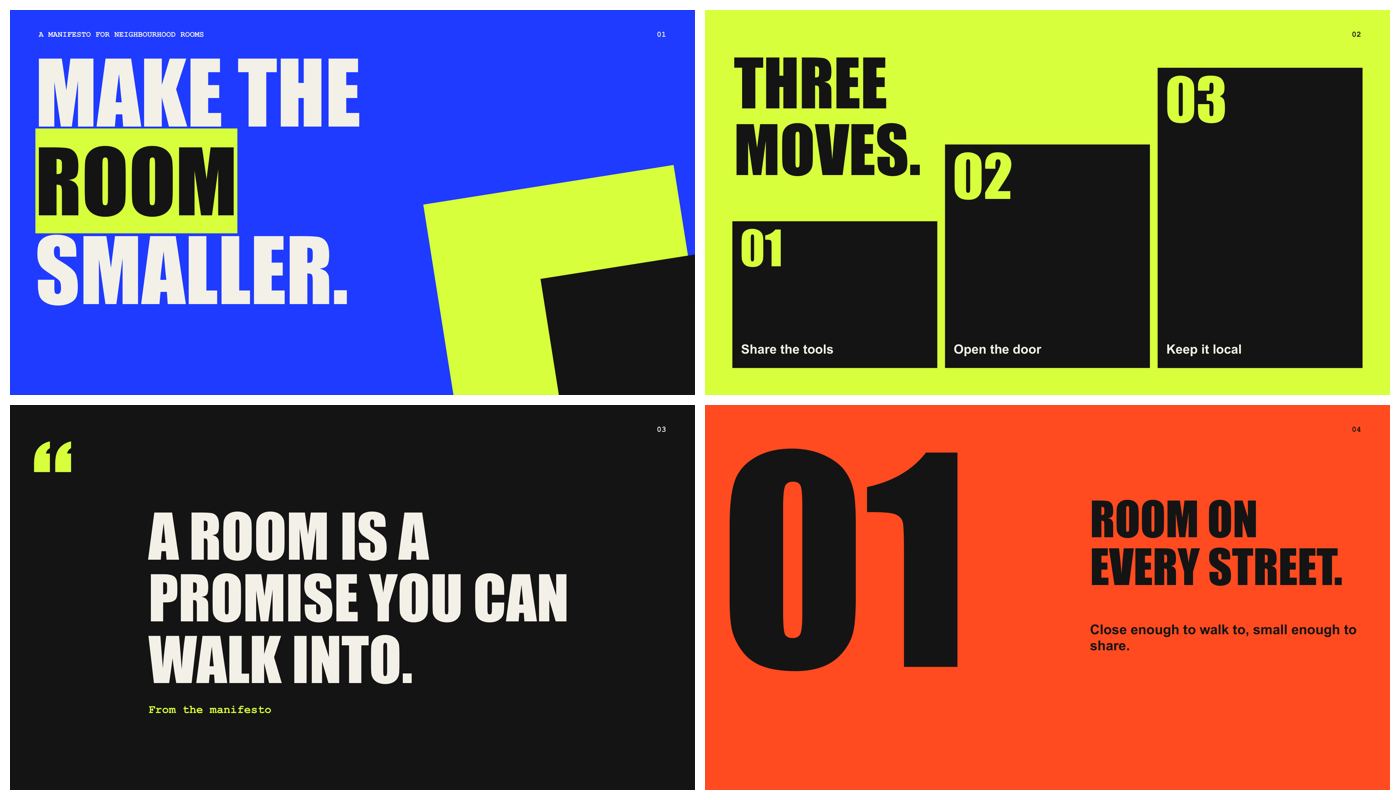
poster template sample pages
Type poster
launch, manifesto, opinion
Preview all pages
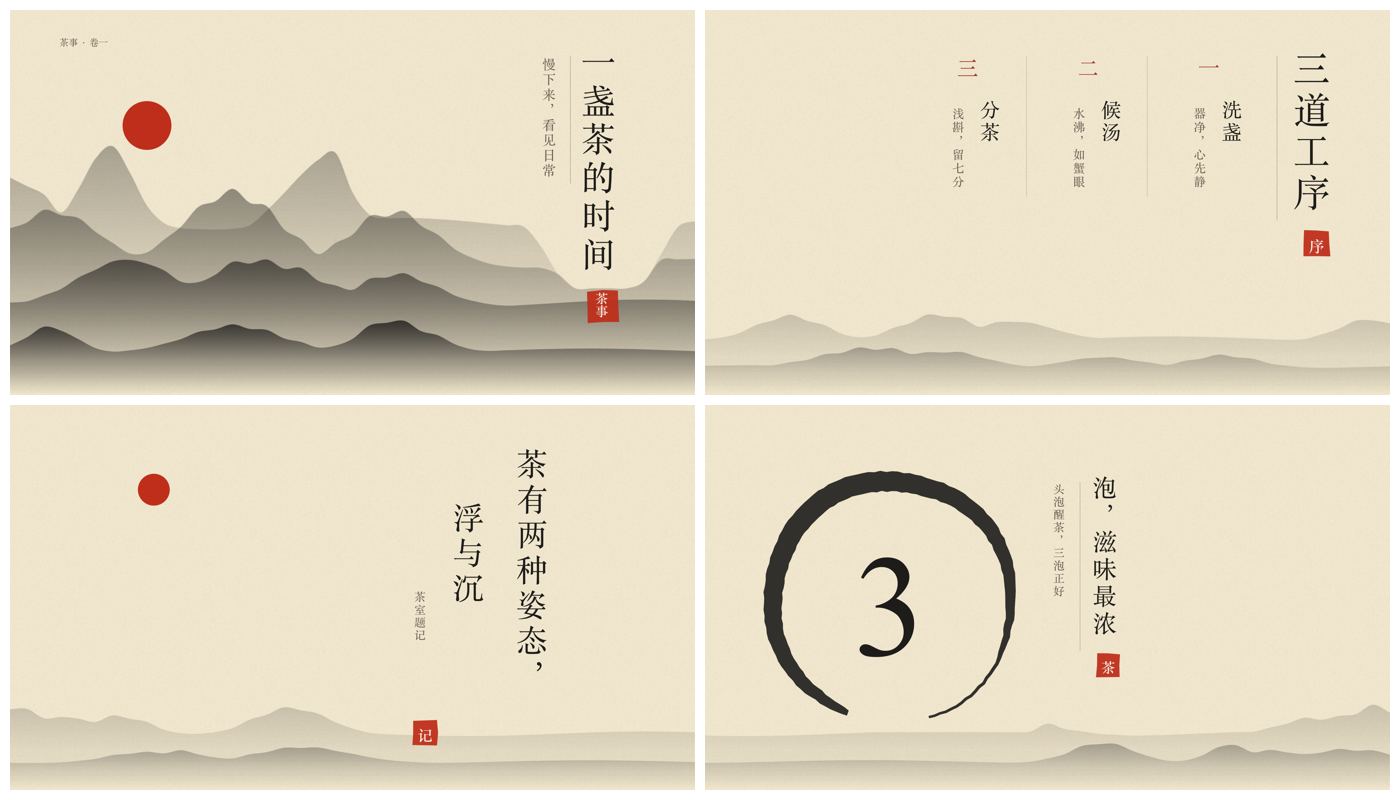
ink template sample pages
Ink wash
culture, history, craft
Preview all pages
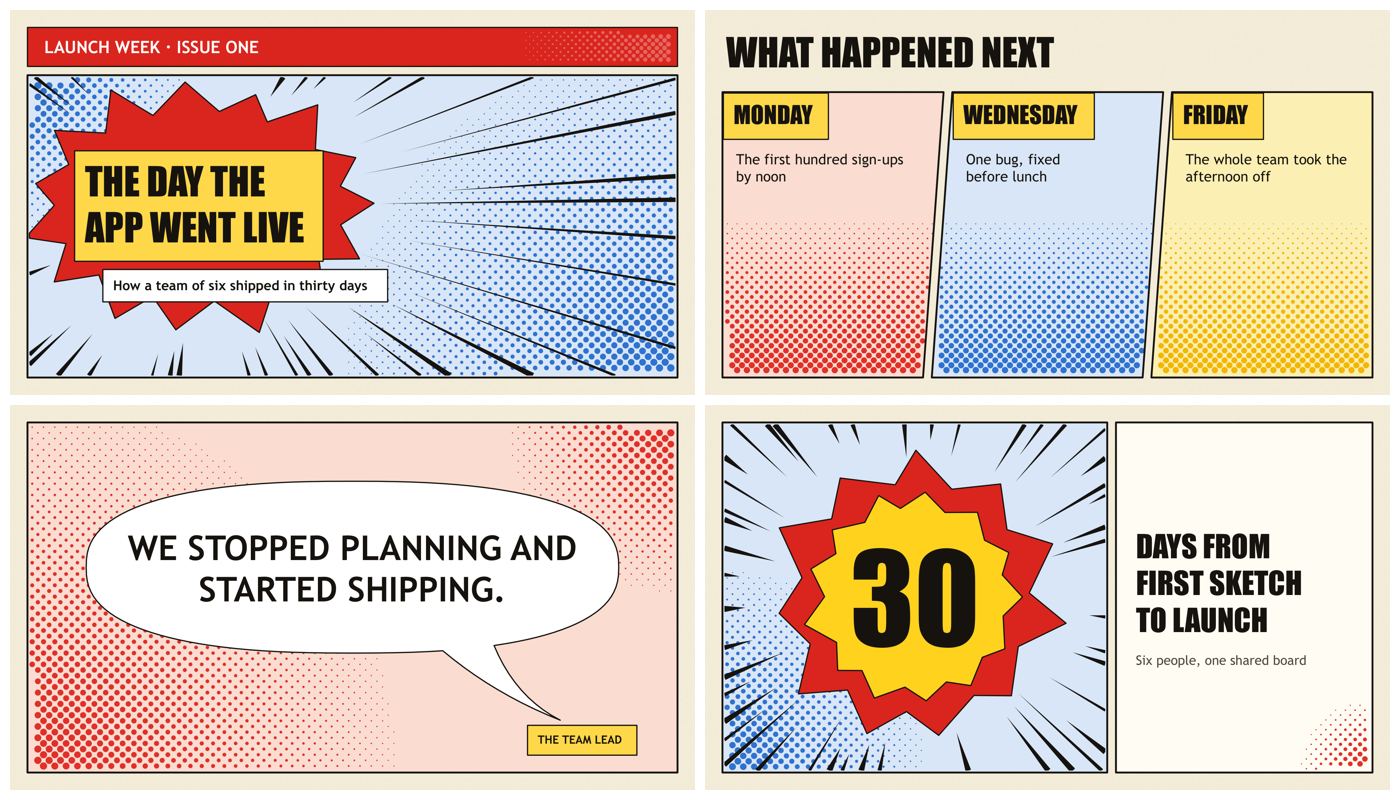
comic template sample pages
Comic panels
storytelling, user journey, explainer
Preview all pages
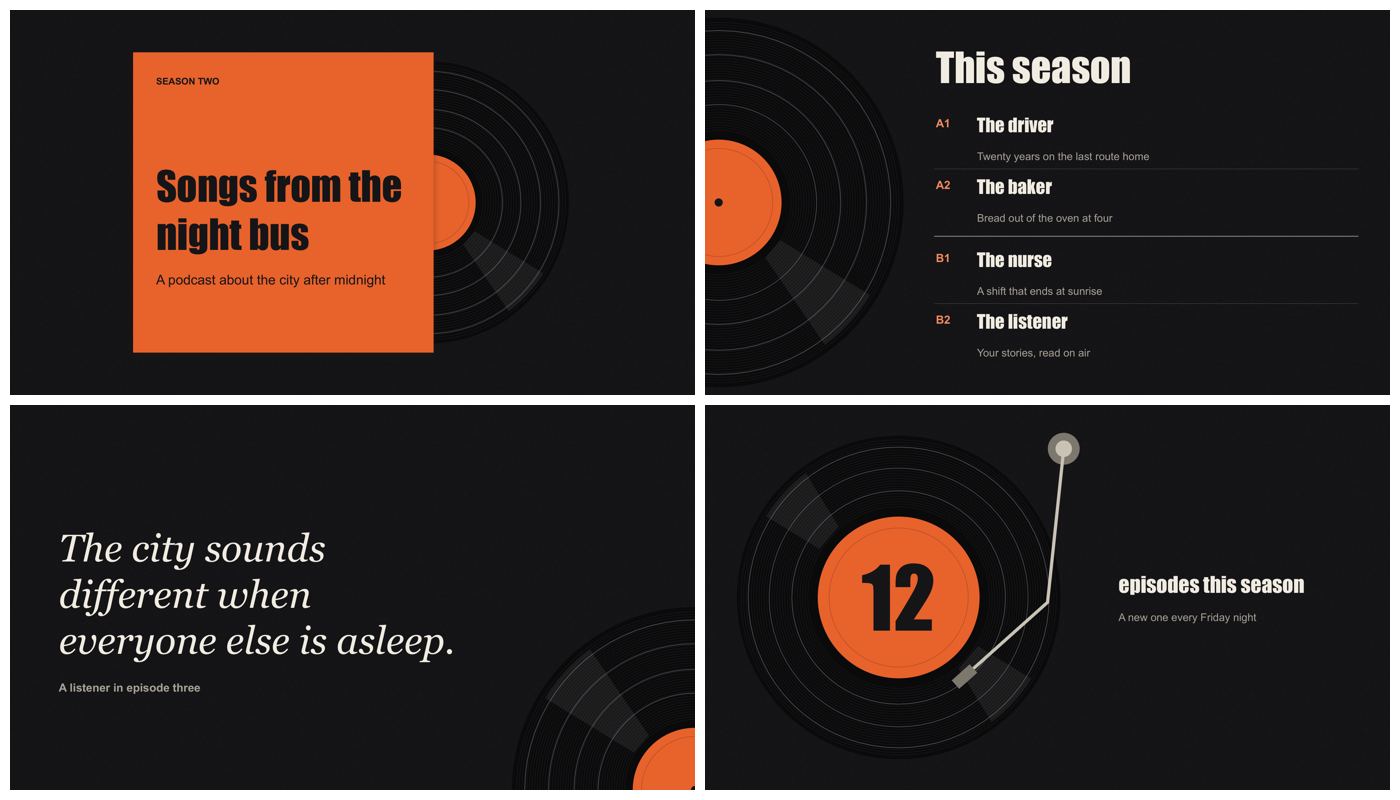
vinyl template sample pages
Vinyl record
music, podcast, culture
Preview all pages
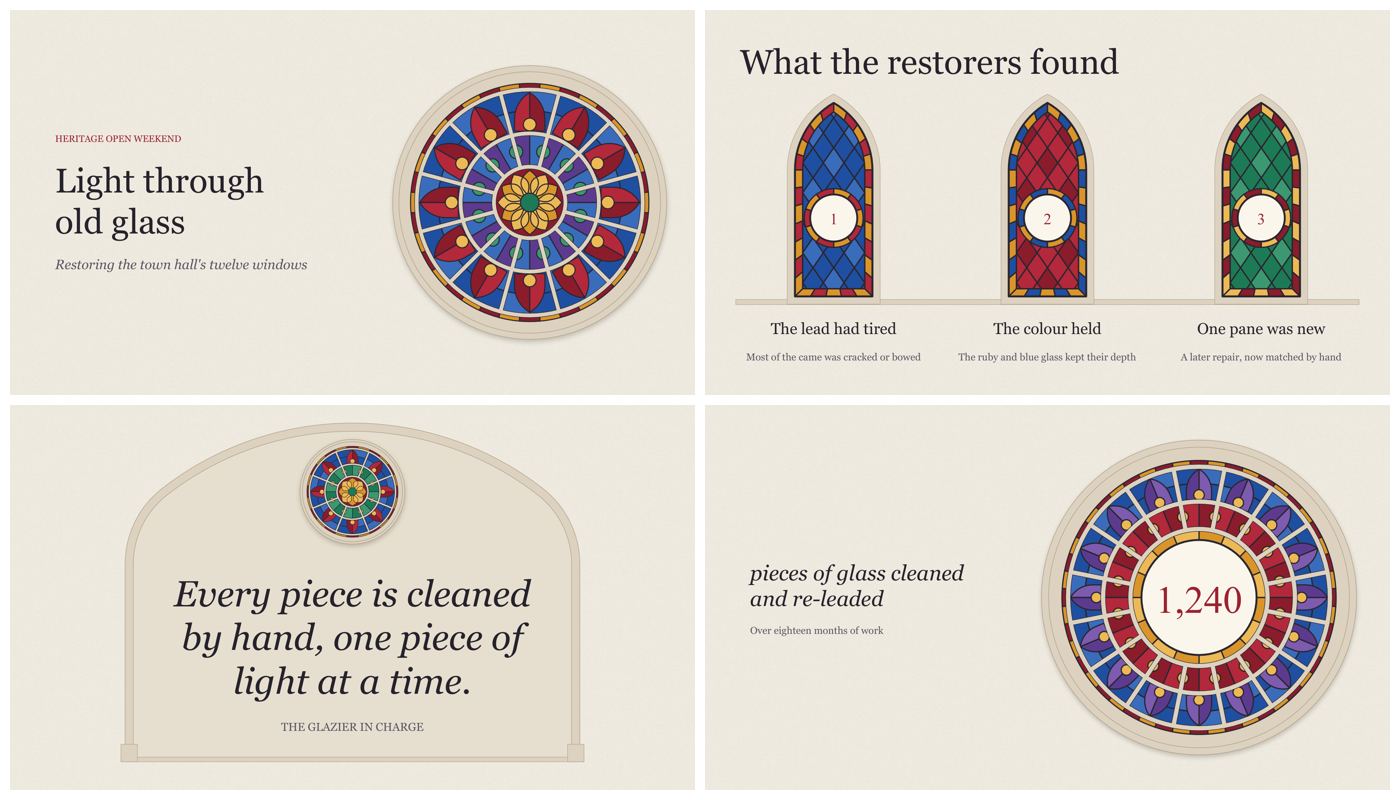
stainedglass template sample pages
Stained glass
heritage, culture, celebrations
Preview all pages
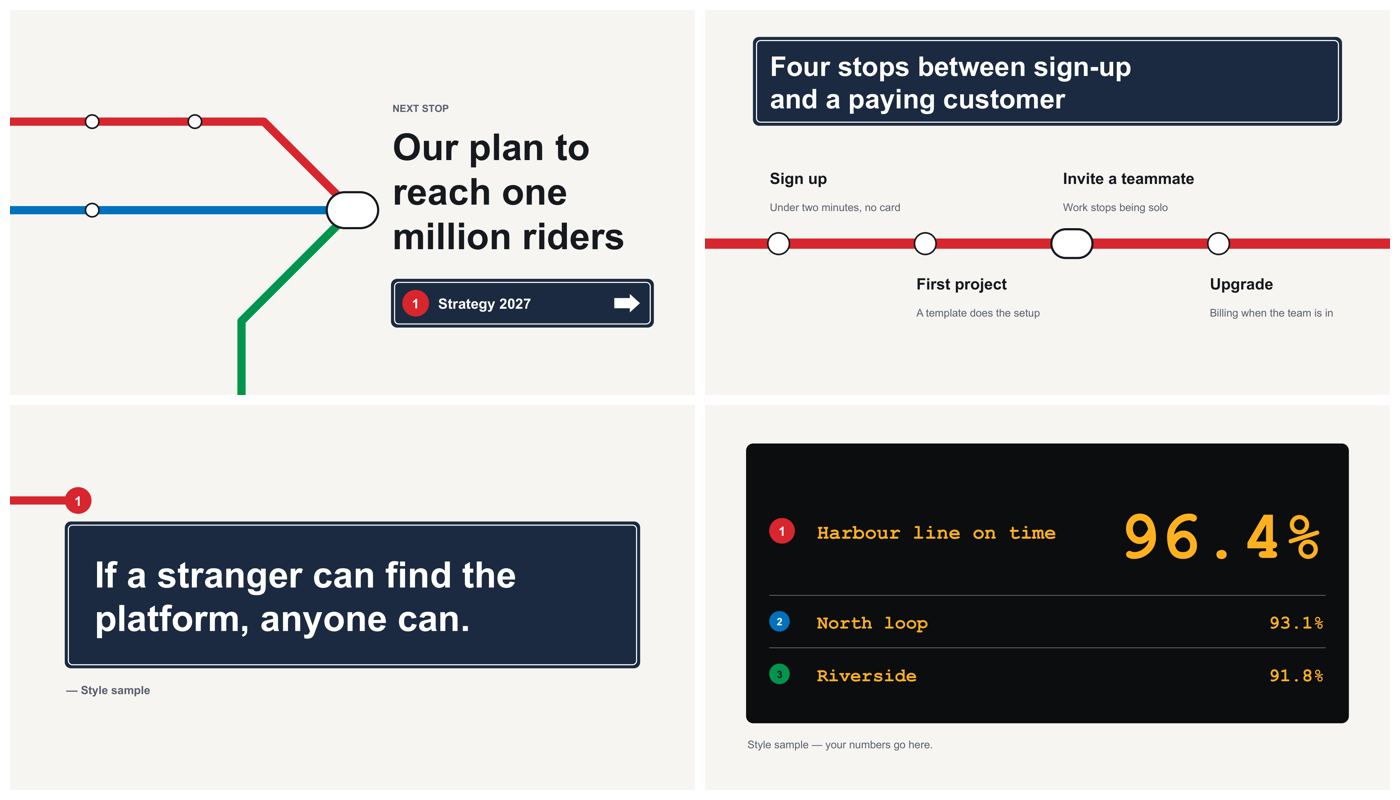
wayfinding template sample pages
Wayfinding
roadmap, process, onboarding
Preview all pages
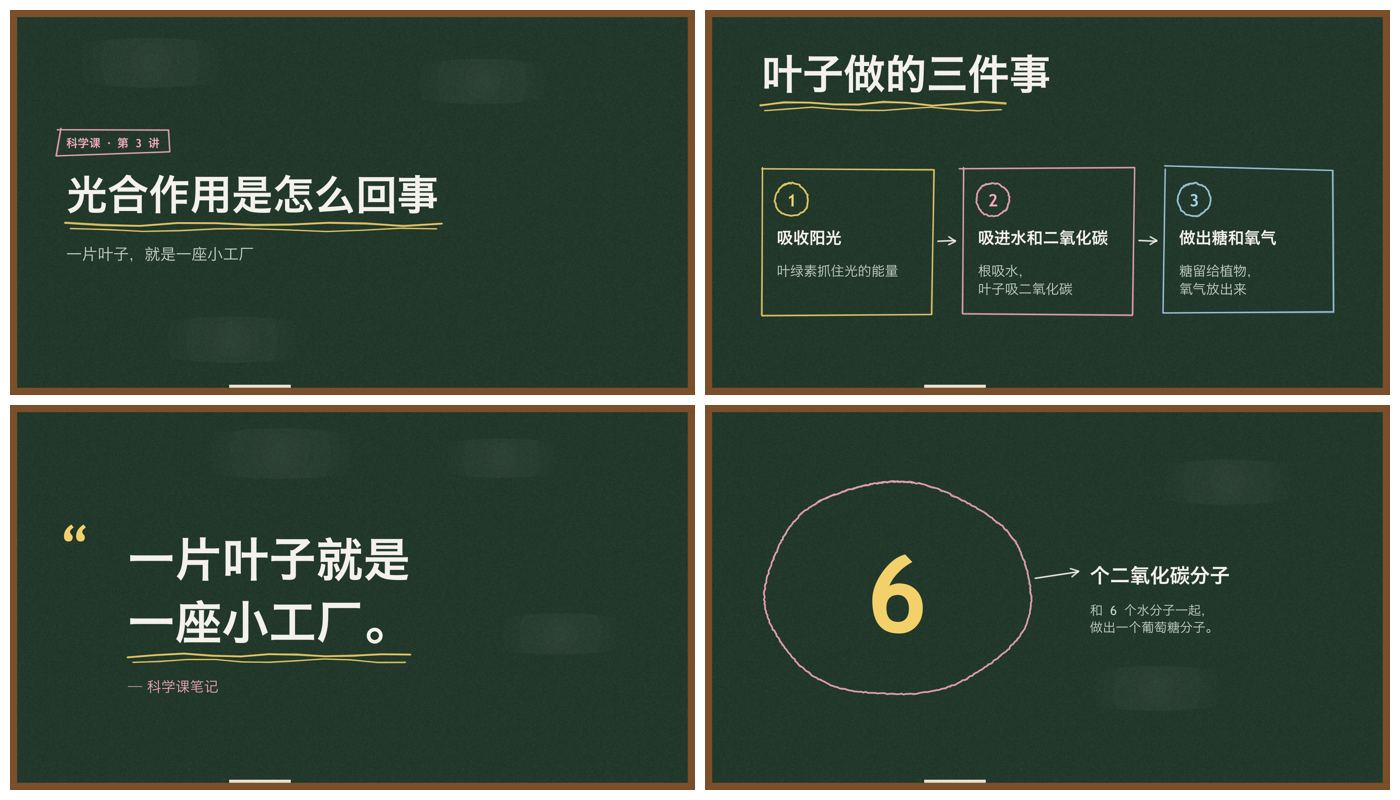
chalkboard template sample pages
Chalkboard
lesson, class, training
Preview all pages
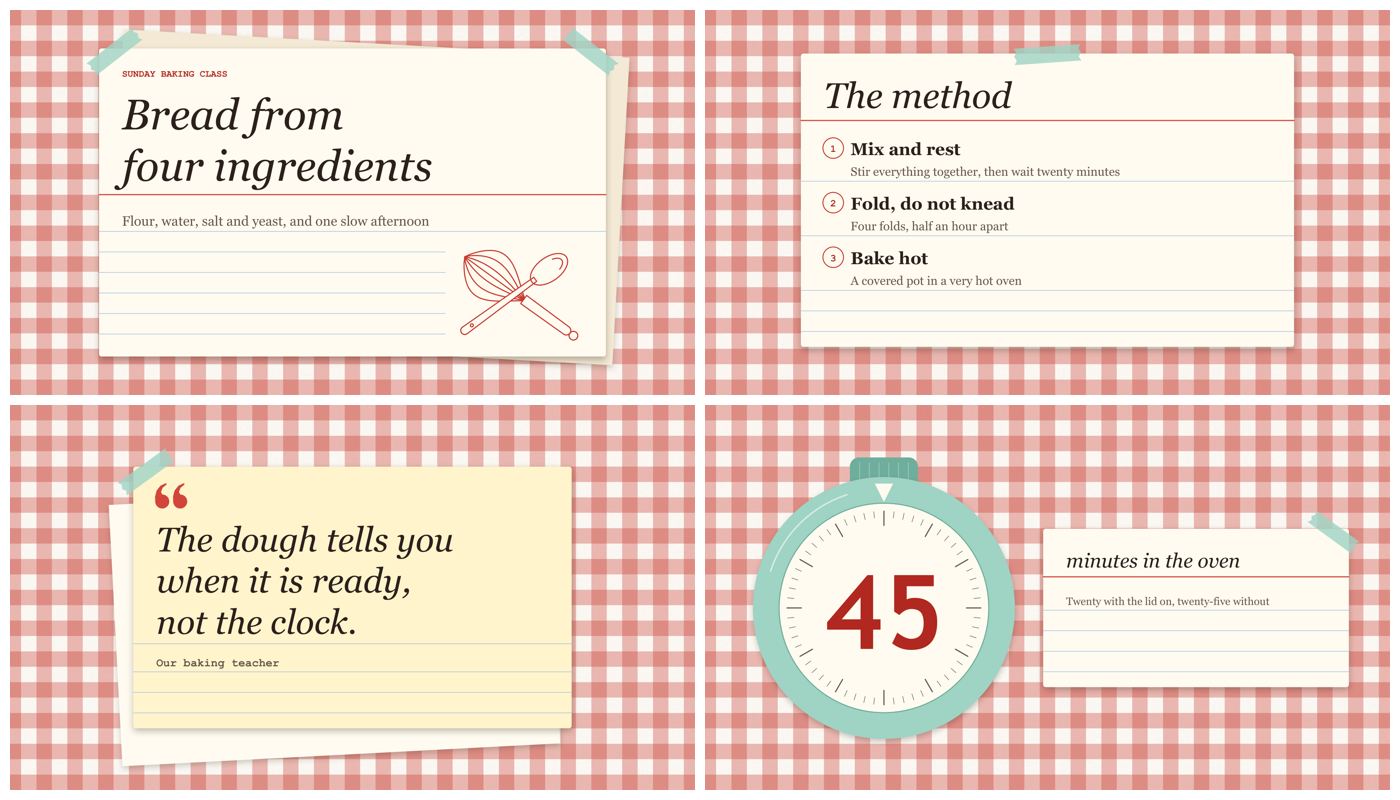
recipe template sample pages
Recipe card
food, cooking, recipes
Preview all pages
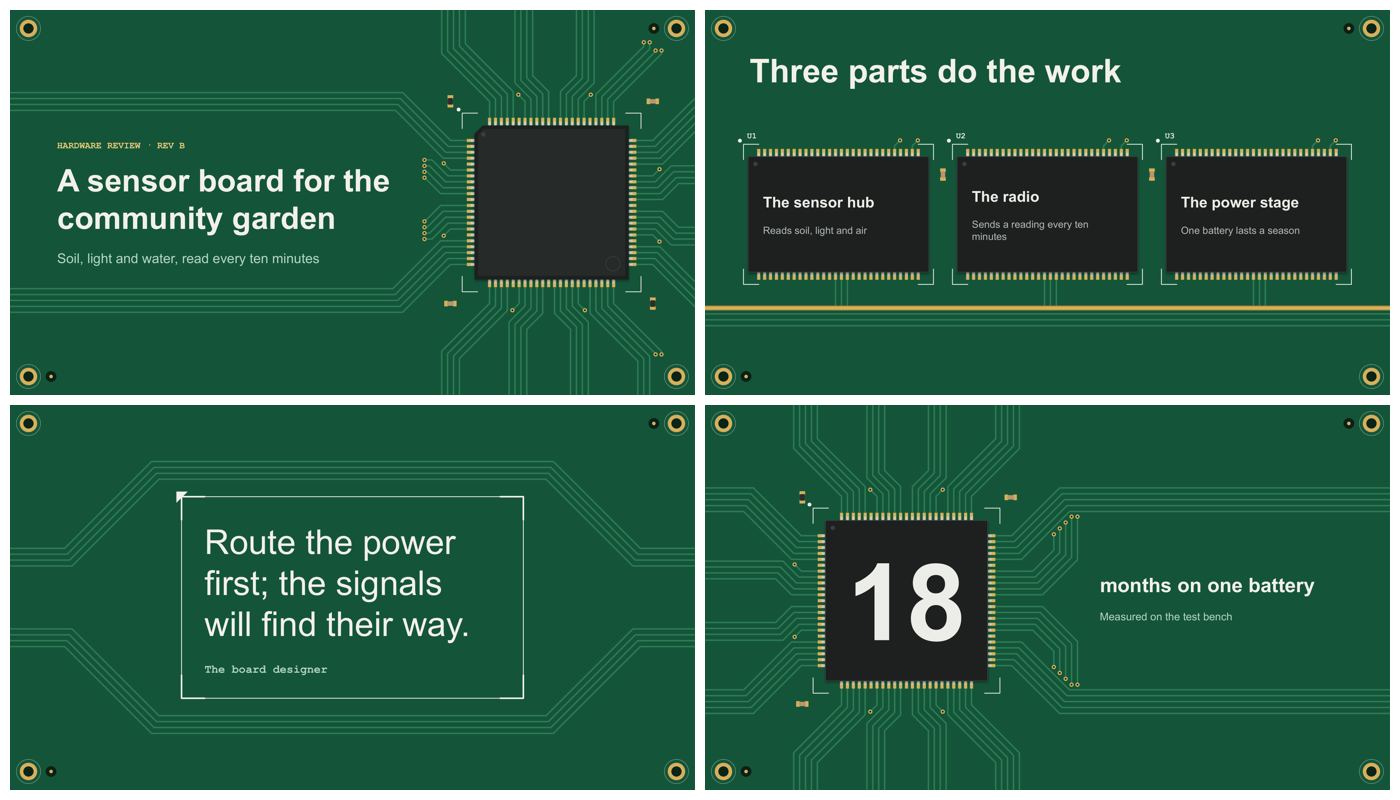
circuit template sample pages
Circuit board
hardware, IoT, embedded systems
Preview all pages
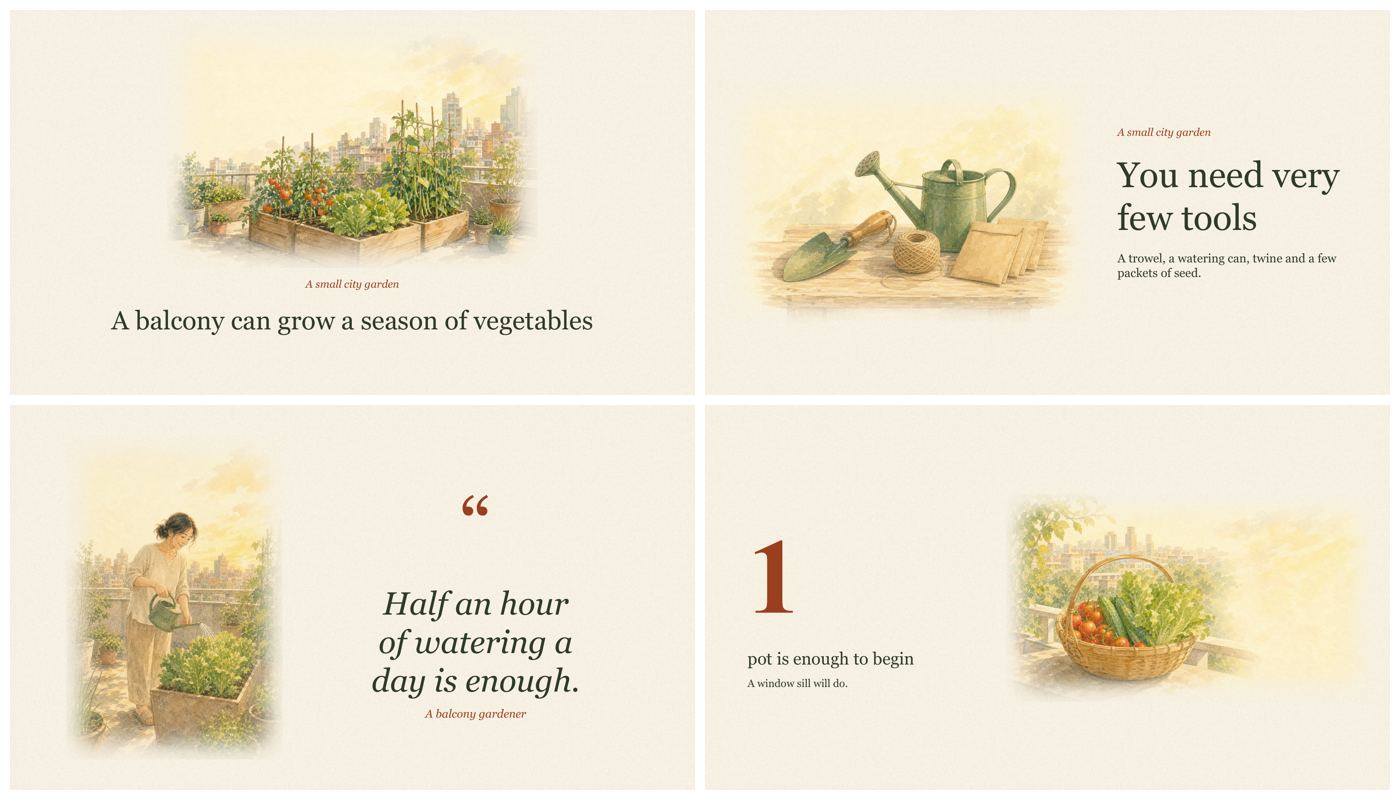
storybook template sample pages
Watercolour storybook
Illustrated storytelling
Preview all pages
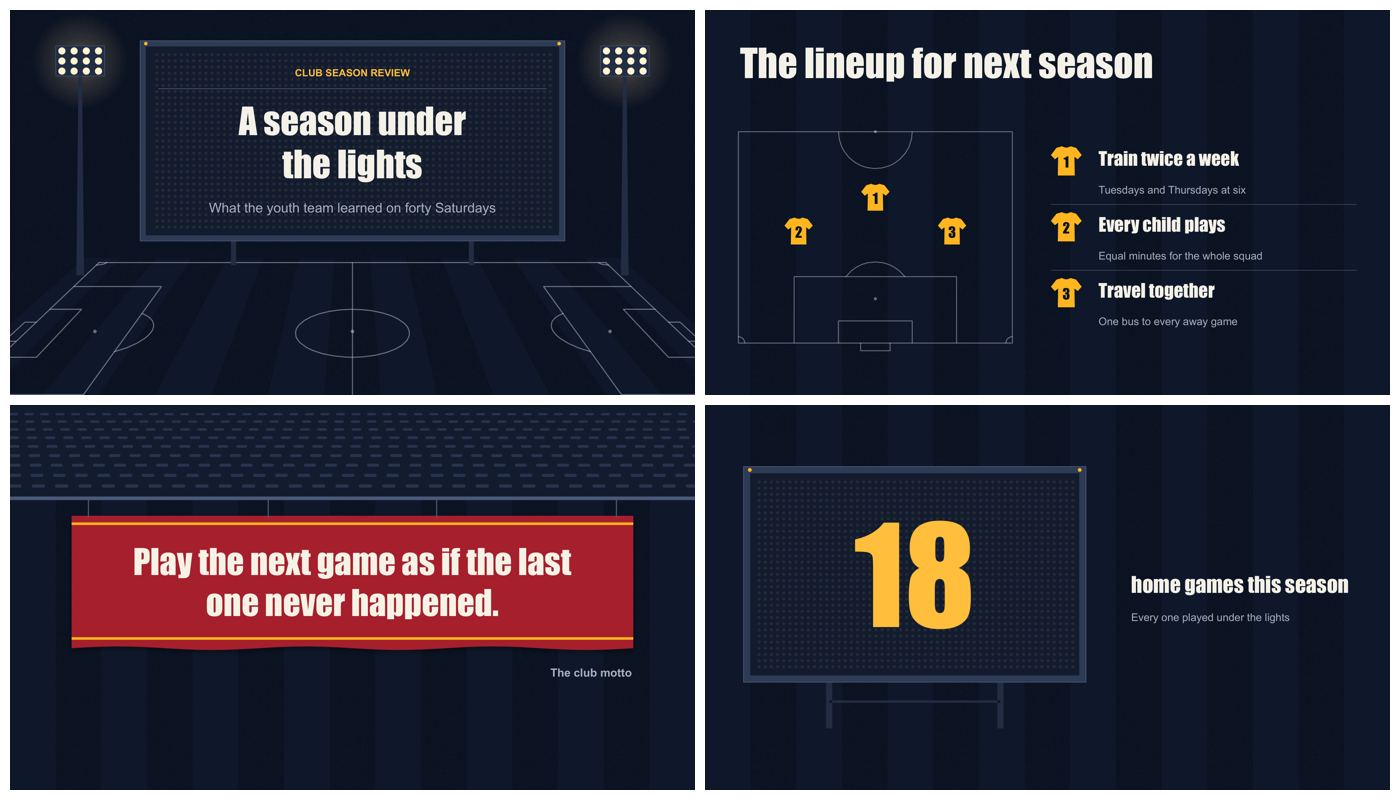
scoreboard template sample pages
Scoreboard
sports, competition, team results
Preview all pages

Browse all thirty templates

### Using a template Choose a style in the [online library](https://slides.addsum.top/#languages), copy its prompt and paste it into the AI assistant where you installed slide-maker. Add your material, audience and slide count. For example: ```text Use slide-maker with the Herbarium (herbarium) template and its light palette. Turn notes.md into an 8-slide biology lesson for middle-school students. ``` If you are unsure which style to use, ask for recommendations based on your topic. You can also supply a school or company PPTX as a reference for typography, colours and layout. ## Example decks Twelve finished decks, each built from real material for a common use, in English and in Chinese. The template library sets the look; these show what a complete deck contains: KPI grids, native charts, tables, timelines, diagrams, equations, backup slides and a sources page. Flip through one online, or download its `.pptx` and click into any object. To reuse a deck's design, give its `.pptx` to slide-maker as a reference deck.
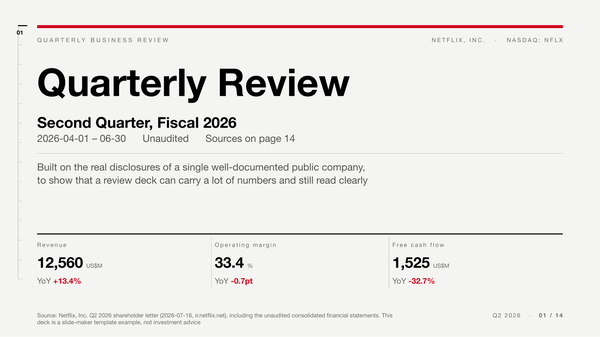
Quarterly Review / Business Update example deck preview
Quarterly Review / Business Update
quarterly review, business update, metrics dashboard, exec readout
Flip online · Download .pptx
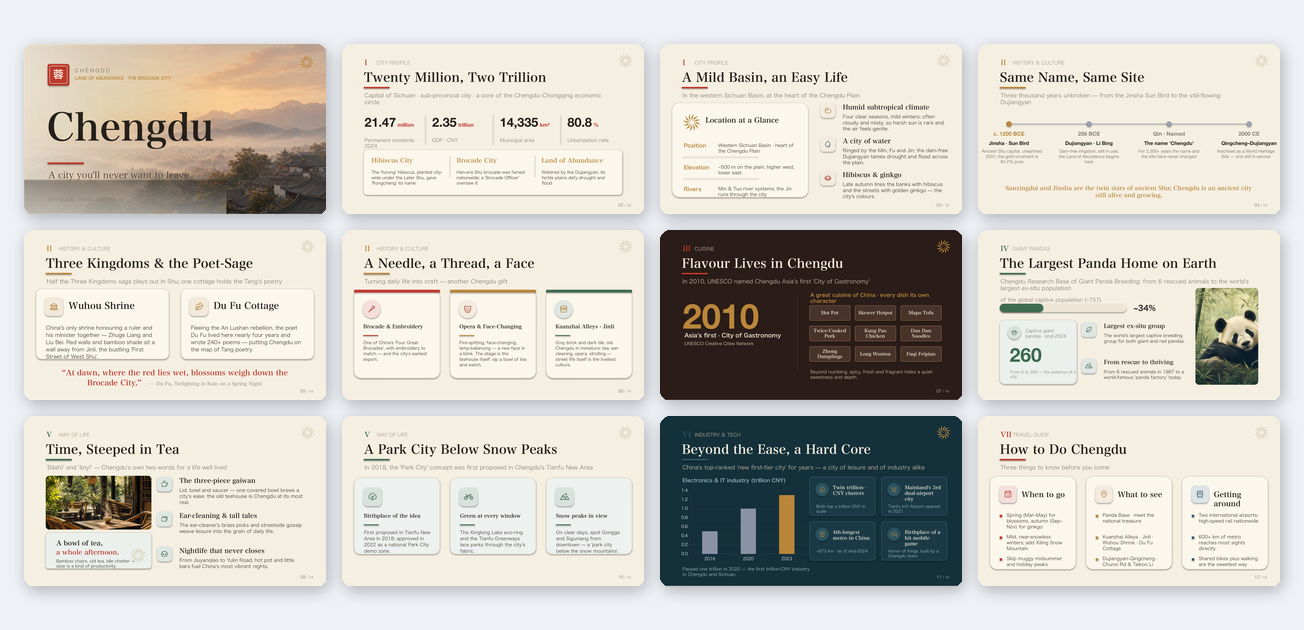
Visual Storytelling / Culture example deck preview
Visual Storytelling / Culture
city, culture, event, brand story
Flip online · Download .pptx
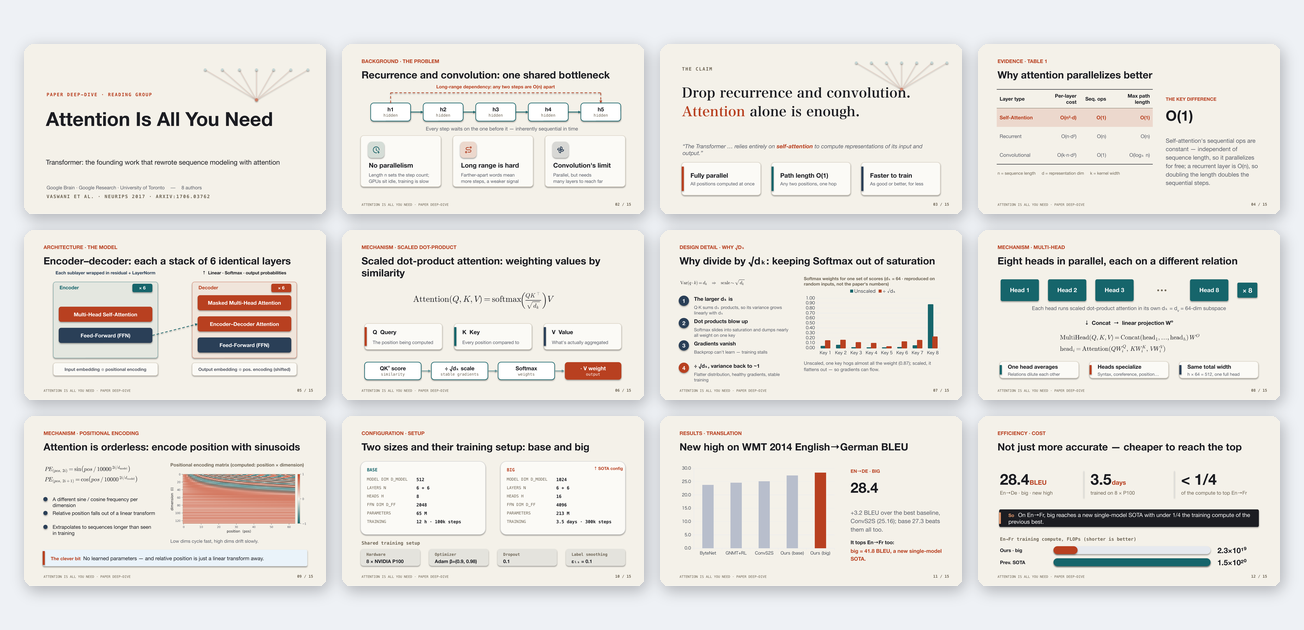
Lab Meeting / Paper Talk example deck preview
Lab Meeting / Paper Talk
paper reading, lab meeting, method overview, experiment report
Flip online · Download .pptx
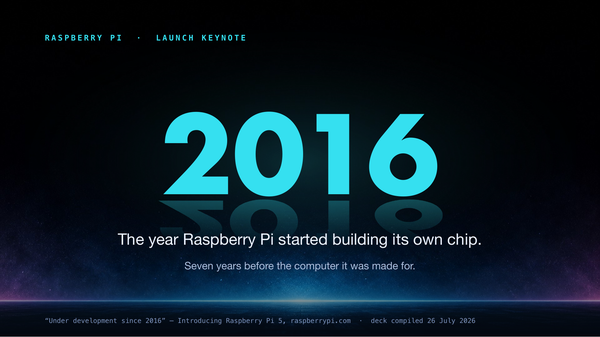
Product Launch / Keynote example deck preview
Product Launch / Keynote
launch keynote, product reveal, spec walkthrough
Flip online · Download .pptx
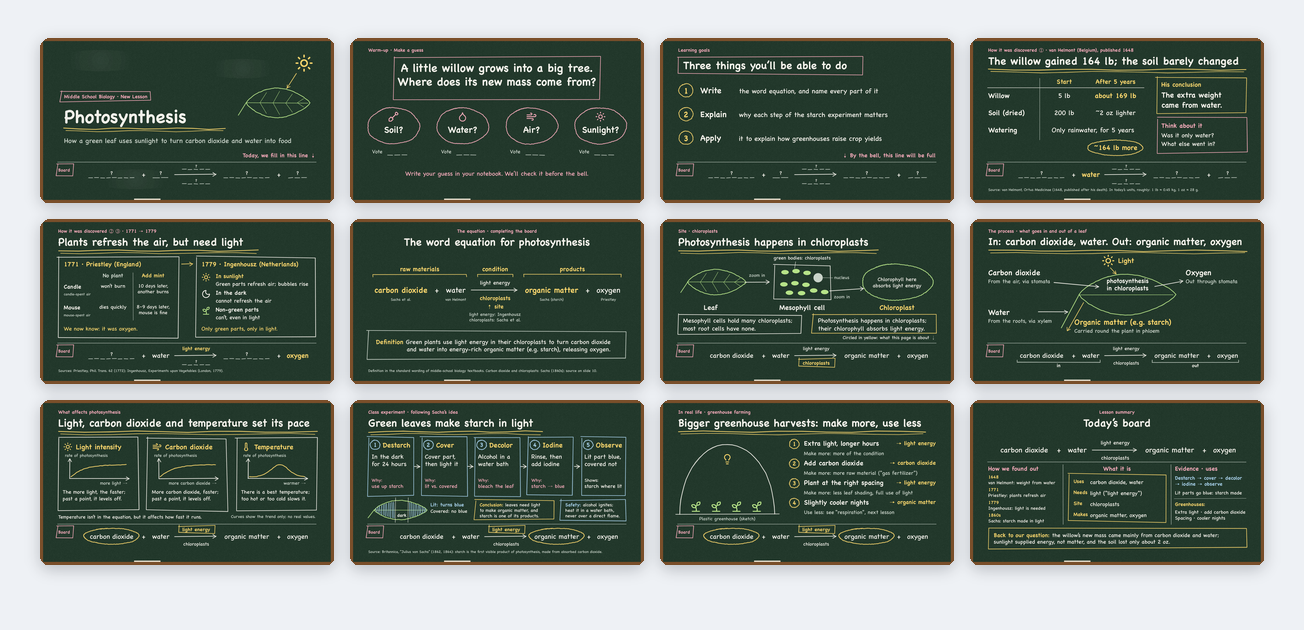
Classroom Lesson / Courseware example deck preview
Classroom Lesson / Courseware
school lesson, courseware, in-class quiz, chalkboard look
Flip online · Download .pptx
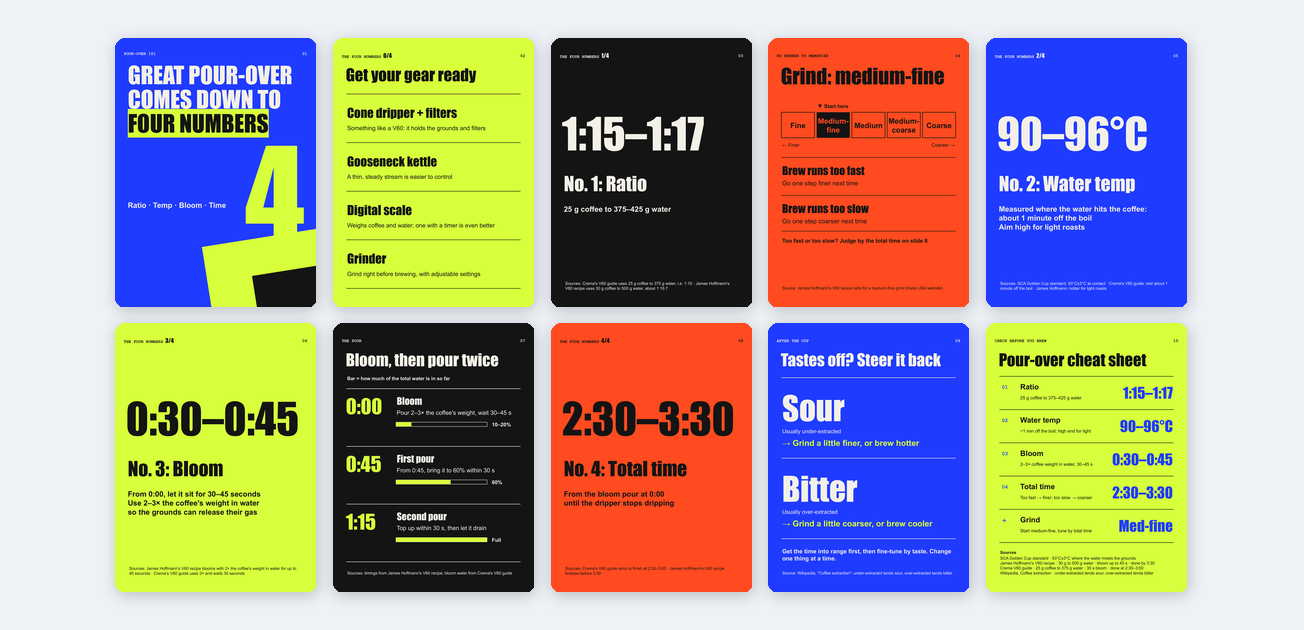
Social Carousel / 3:4 Portrait example deck preview
Social Carousel / 3:4 Portrait
RedNote or Instagram carousel, how-to post, cheat sheet
Flip online · Download .pptx
Startup Pitch / Fundraising example deck preview
Startup Pitch / Fundraising
seed pitch, investor meeting, fundraising deck, demo day
Flip online · Download .pptx
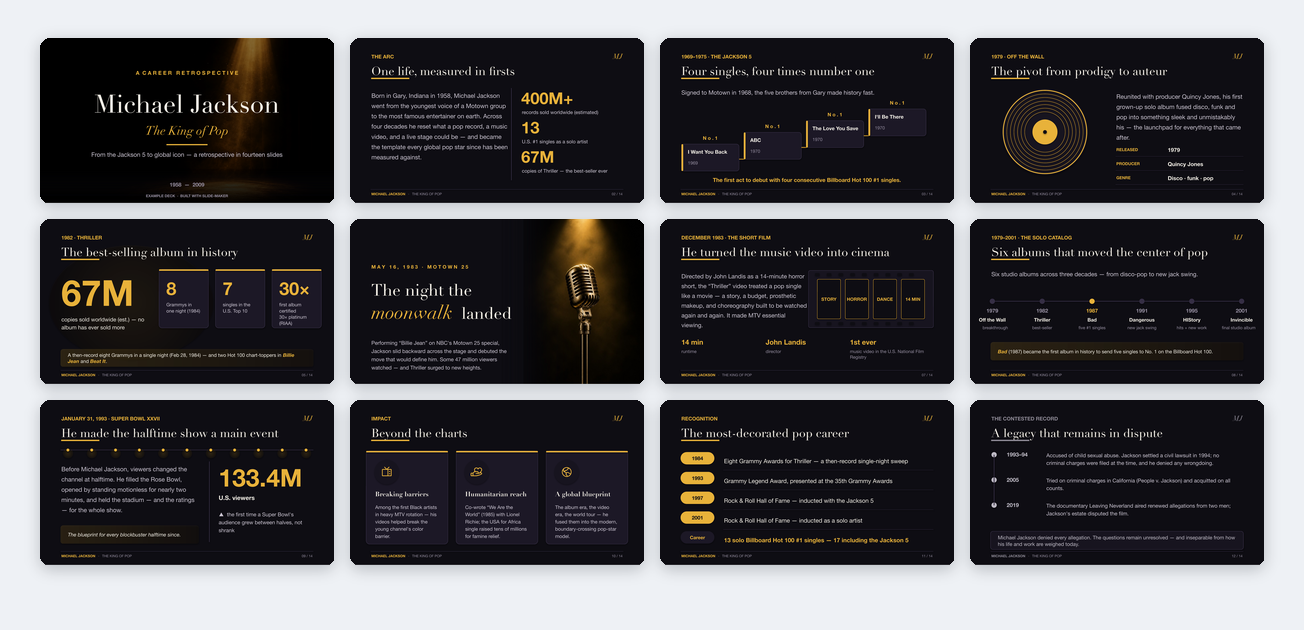
Biography / Brand Story example deck preview
Biography / Brand Story
public figure, brand archive, cultural retrospective
Flip online · Download .pptx
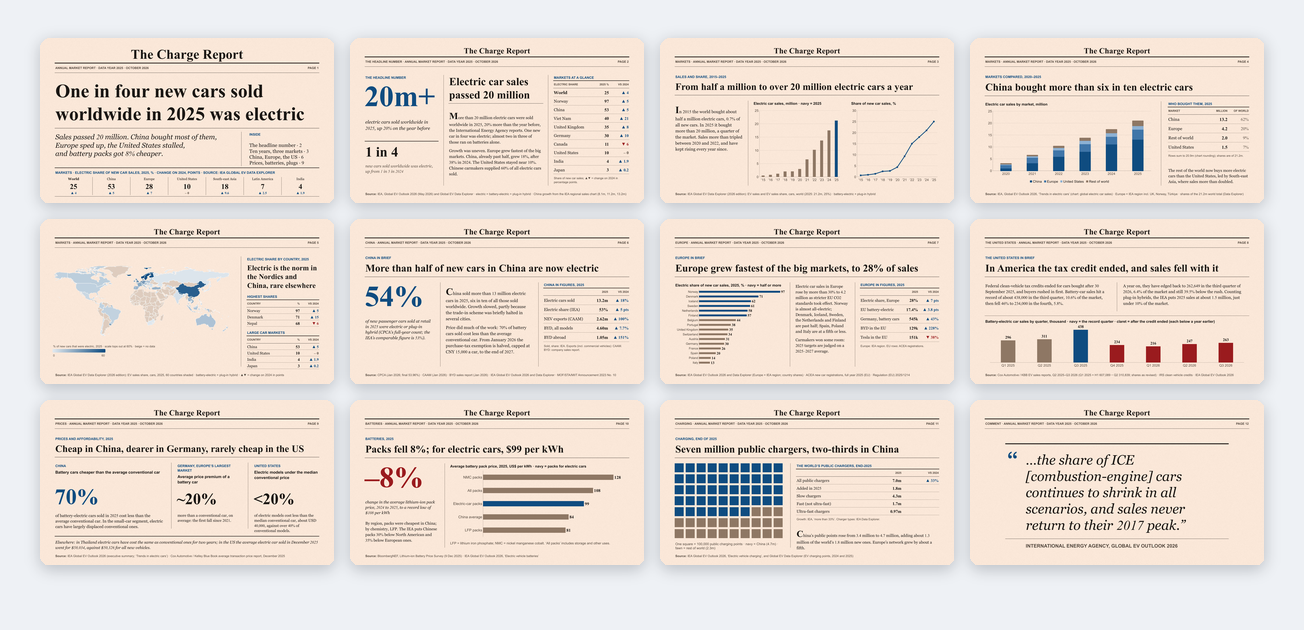
Market Report / Newsletter example deck preview
Market Report / Newsletter
industry report, periodic briefing, data with a world map
Flip online · Download .pptx
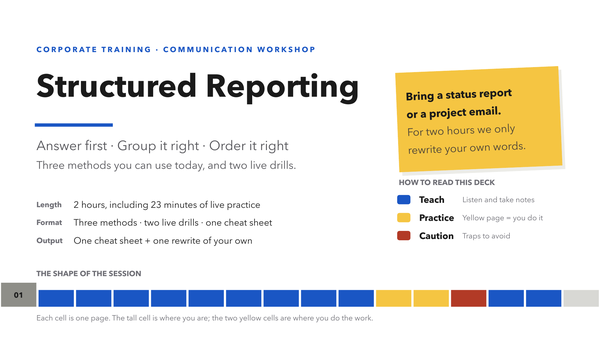
Corporate Training / Workshop example deck preview
Corporate Training / Workshop
training deck, workshop, skills enablement, exercises
Flip online · Download .pptx
Thesis Defense / Research Talk example deck preview
Thesis Defense / Research Talk
thesis defense, proposal review, academic or engineering talk
Flip online · Download .pptx
Teaching / Knowledge Sharing example deck preview
Teaching / Knowledge Sharing
class explanation, reading share, training material
Flip online · Download .pptx

The Chinese versions are in the Chinese README.

## Features and deliverables | Feature | What you receive | | --- | --- | | Editable PPTX | Text boxes, native shapes and native charts you can change in PowerPoint. Photos, illustrations and cropped paper figures remain images. | | Equations and data | Editable math text where possible; two-dimensional layouts such as fractions and matrices may be rendered as images. Data charts use native chart objects where suitable, so you can change their values. | | Notes and animation | Presentation decks include per-slide speaker notes. Click builds are optional; static slides are supported. | | Previews and build script | PPTX, PDF, browser preview and the generation script. Files go into a subfolder named after the presentation in your Downloads folder by default. The script supports later revisions. | | Brand and preferences | Extract fonts and colours from brand guidelines, a logo or an existing deck, then confirm and save them for reuse. Recurring design preferences can also be saved. Your current request takes priority. | | Version history | Keep build versions, compare changes and restore a whole deck or selected slides. | | Canvas sizes | 16:9, 4:3, 1:1, rednote 3:4 cards, 9:16 portrait and A4, with layouts recomposed for each format. | Key figures are checked against their sources, and paper figures are cropped from the original where possible. With only a topic, the skill researches it online before planning the slides. Before a formal presentation, confirm that the key data and conclusions match your intent. ## How it works 1. Define the task. Agree on the topic, material, audience, duration, slide count and style. You can delegate design choices; material assumptions are stated before the build. 2. Read the material. Extract text, figures, data and equations, keeping track of sources. Supported inputs include papers, repositories, Word, Excel, CSV, images, audio and video. 3. Confirm the plan. Review the slide-by-slide outline, then the typography, palette, layouts and animation. Without an existing template, you can compare design directions first. 4. Build and check. Generate the PPTX, render its pages and check file structure, overflow, overlaps and fonts. 5. View and review. See the first render, then choose the review tier. Independent reviewers check content and design; revisions are checked before delivery. 6. Revise in conversation. Ask for changes such as “turn slide 7 into a chart,” “make it 10 slides” or “shorten the notes.” The deck is rebuilt from its original script. ### Review and usage The skill is free. Running it uses your AI subscription or API credits. Slide count, source length, image generation and review effort affect usage and elapsed time. | `review:` | Scope | | --- | --- | | `fast` (default) | One round covering content and design, checking about five key claims. | | `standard` | Separate content and design reviewers, up to two rounds, checking about ten key claims. | | `thorough` | A fuller panel with cross-checks where required, up to three rounds, checking all key claims. Suited to defenses, pitches and other high-stakes talks. | | `none` | Your explicit choice after viewing the render: skip independent review, including its source re-check. | Long decks are reviewed by section as well as for overall coherence. Delegating the choice runs at least `fast`; it never skips review automatically. ## Under the hood A typical slide generator turns one prompt into slides in a single pass. slide-maker splits the work across specialised agents, checks the file it actually built, and remembers what you taught it.
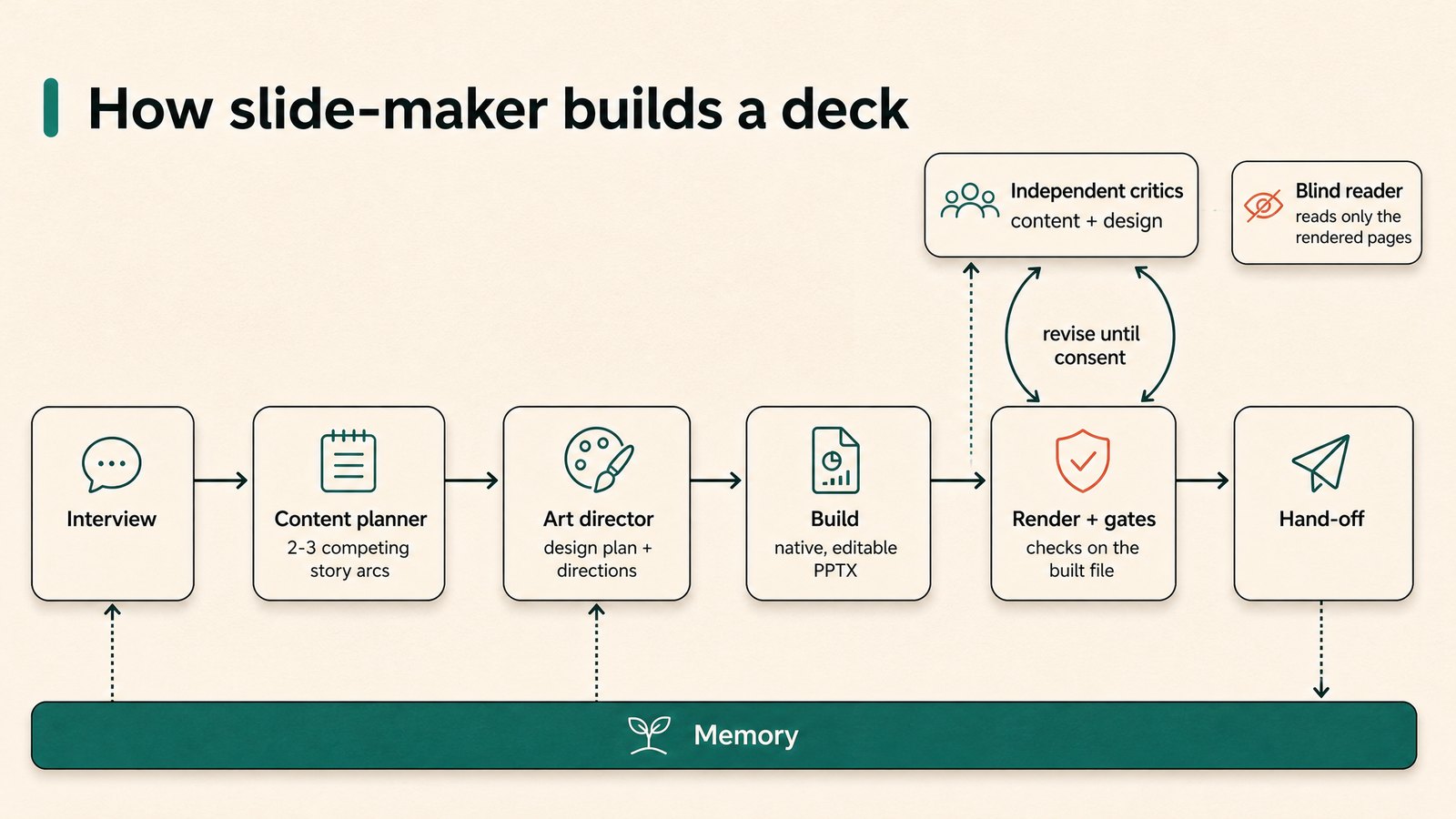
Pipeline: interview, content planner, art director, build, render and gates, hand-off; independent critics loop with the build until they consent; a blind reader sees only the rendered pages; memory feeds the interview, design and review

| Technique | What it does | | --- | --- | | Multi-agent roles | A content planner reads your material and proposes 2–3 competing story arcs (`arc_divergence.py` checks they really differ before one is picked); an art director writes the design plan; build-time workers prepare assets. Each runs in its own context when the host can dispatch subagents, otherwise inline. | | Native, editable PPTX | DeckKit builds real text boxes, shapes and charts, not screenshots, in one of 30 visual languages or your own template. | | Gates on the built file | Deterministic checks read the `.pptx` and its rendered pages: overflow, overlaps, fonts, contrast, whether the planned hero page and light/dark rhythm actually landed, and whether each number traces back to your source. | | Actor–critic loop | Independent critics review content and design; the deck is revised until a critic consents, and a consent must cite the exact review it rests on. | | Blind read-back | A separate reader gets only the rendered images and a fixed question list; where its reading disagrees with the plan, that is a finding. | | Any agent runtime | Claude Code, Codex and other agents run the same scripts; Codex runs get an extra delivery gate. | ### Memory

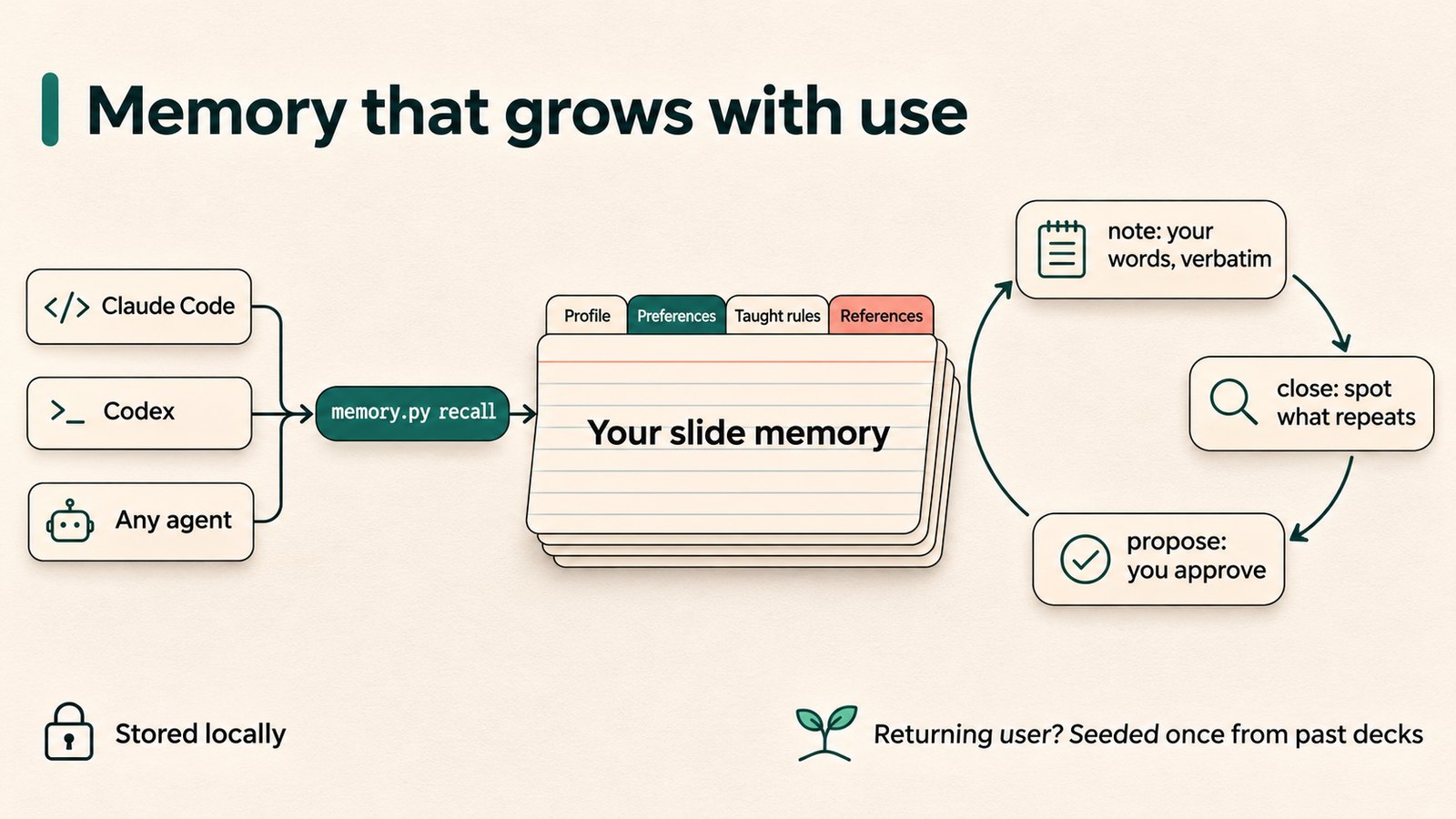
Claude Code, Codex or any agent calls memory.py recall to read your slide memory (profile, preferences, taught rules, references); a note, close, propose cycle grows it; stored locally; returning users are seeded once from past decks

- **One command per step.** `memory.py recall --step design` returns your profile, standing preferences, vetoes and the rules you taught, so any agent applies them without reading the docs. - **Learns from use.** What you ask for is logged in your own words; a request repeated across decks becomes a proposed preference, and a rule you keep skipping is put back to you. - **You decide.** Anything that binds future decks is written only on your yes; `memory.py forget` removes any line. It is stored under your home folder, and personal identifiers are refused. - **Returning users** are asked once whether the records past decks left may seed it; new users start fresh. ## Installation and setup Choose either automatic or manual installation. Automatic installation is recommended for most users. ### Automatic installation (recommended) Run this command in a terminal: ```bash npx skills add addsumtech/slides_maker ``` Choose your AI assistant and installation scope when prompted. Select a global installation if you want to use the skill across projects. Once installed, ask your assistant to create a presentation. If `npx` is not found or your Node.js version is too old, install [Node.js](https://nodejs.org/en/download) 22.20 or later, reopen the terminal and try again.
More automatic-installation options - `-g`: install globally for use across projects. - `-a claude-code` or `-a codex`: select an assistant without the tool-selection prompt. - `-y`: skip installation confirmation. See the [npx skills documentation](https://github.com/vercel-labs/skills) for all options.
### Manual installation Use this method if you want a source checkout or prefer to maintain the installation yourself. With Git and Python installed, run these commands in order: ```bash git clone --depth 1 https://github.com/addsumtech/slides_maker.git cd slides_maker python3 -m pip install -r skills/slide-maker/requirements.txt python3 skills/slide-maker/scripts/install_skill.py --target all ``` The final command copies the skill into the AI-assistant skill directories detected on your machine.
Select a manual-installation directory `all` detects existing host directories. If none are found, it uses the host-neutral `~/.agents/skills/` directory. To select a directory explicitly, replace `all` with `agents`, `codex` or `claude`.
Claude Code plugin and skill marketplaces For plugin installation, enter these commands in Claude Code: ```text /plugin marketplace add addsumtech/slides_maker /plugin install slide-maker@slides-maker ``` Other distribution options: [Tencent SkillHub](https://skillhub.cloud.tencent.com/skills/slides-maker) and [ClawHub](https://clawhub.ai/dong845/skills/slide-maker). OpenClaw users can follow the ClawHub installation instructions.
### Runtime environment Whichever installation method you choose, the first presentation request checks the environment and attempts to install missing Python packages. If system tools such as Python or LibreOffice are missing, follow the installation instructions shown. Existing tools do not need to be installed again. You need **Python 3.9+**, **LibreOffice** to render page previews, and librsvg, cairosvg or a Chrome-family browser to rasterize SVG icons. For system tools, use the commands below: | OS | LibreOffice | SVG icons | | --- | --- | --- | | macOS | `brew install --cask libreoffice` | `brew install librsvg` | | Linux (Ubuntu / Debian) | `sudo apt install libreoffice` | `sudo apt install librsvg2-bin` | | Windows | `winget install TheDocumentFoundation.LibreOffice` | Install Chrome or Edge | Windows has less test coverage. If your terminal only provides the `python` command, replace `python3` in the examples with `python`. See [Troubleshooting](#troubleshooting) for other issues. ### Create a presentation Give your material to the assistant where you installed the skill, or provide a file path it can read, and describe what you need. Claude Code also accepts `/slide-maker`. In addition to the paper-talk example above, you can start from a repository: ```text Use slide-maker to introduce this codebase to new teammates. Focus on the architecture and main workflows. ``` With a reference deck, specify which parts to use: ```text Use the typography, colours and layouts in /path/ref.pptx as a reference. Build a new English presentation using the content of paper.pdf. ``` The assistant asks about details that affect the plan, such as audience, slide count and style. Short answers are enough; say “you decide” to delegate a choice. ### Updates and optional images When a newer version is available, slide-maker asks before updating. It stays quiet when current or offline. Remote version information is cached for 24 hours; local changes are checked each time. To disable version notifications, set `export SLIDE_MAKER_NO_VERSION_CHECK=1`. Ask for image generation when you need a cover or illustrations. Use the image-generation tool available in your AI assistant, or configure an OpenAI API key. Image generation is optional; native text, shapes and charts do not depend on it. ## Use cases | Source | Presentation | | --- | --- | | Papers, experiment results and figures | Lab meetings, paper readings, conference talks, proposals, defenses, academic posters | | Repositories, README files, technical docs | Architecture introductions, progress updates, code walkthroughs, engineering reviews | | Course material, product docs, market data | Lessons, product introductions, market analyses, proposals | | A topic | A presentation planned from online research | | A reference PPTX | New content using an existing design as a reference | | Content for other formats | rednote cards, portrait covers, square cards, A4 one-pagers | ## Troubleshooting If generation or rendering fails, ask your assistant to locate and run the skill's `scripts/check_env.py`. For a global installation, you can also use the matching directory: ```bash # Host-neutral skill directory python3 ~/.agents/skills/slide-maker/scripts/check_env.py # Codex python3 ~/.codex/skills/slide-maker/scripts/check_env.py # Claude Code python3 ~/.claude/skills/slide-maker/scripts/check_env.py ``` It lists missing dependencies and repair commands. For build errors, fonts, rendering and image sourcing, see [Troubleshooting & FAQ](skills/slide-maker/references/troubleshooting-faq.md). If the problem persists, open an [issue](https://github.com/addsumtech/slides_maker/issues) with the error output. ## Security and license See [SECURITY.md](SECURITY.md) for reporting security issues. The project uses the [MIT license](LICENSE). ## Sponsor [![Infistar.cc](docs/sponsors/infistar-en.png)](https://www.infistar.cc/register?aff=7EYG68N9&ref_source=link) slides_maker × Infistar.cc | Claude, GPT, Gemini, Grok, DeepSeek & more, one key, a fraction of official prices 💥 Up to 99% off: from 0.1x official pricing ✅ Official upstreams, 100% genuine models: no downgrades, no dilution, every model verifiable ⚡ 1,000+ redundant routes with automatic failover: one route stumbles, the next takes over 🧩 200+ models from 16 brands: text, image and video with one key 🏆 Recommended by 100+ top open-source projects, the largest with 100k+ stars 🎯 Run multi-agent analysis and AI illustration with multiple models through one key, at a fraction of official prices 🎁 slides_maker users: sign up through the exclusive link and get CNY 5 free https://www.infistar.cc/register?aff=7EYG68N9&ref_source=link