Eden NS2
A fork of the Eden Nintendo Switch emulator that runs Nintendo Switch 2 games.
Status
| Game | State |
|---|---|
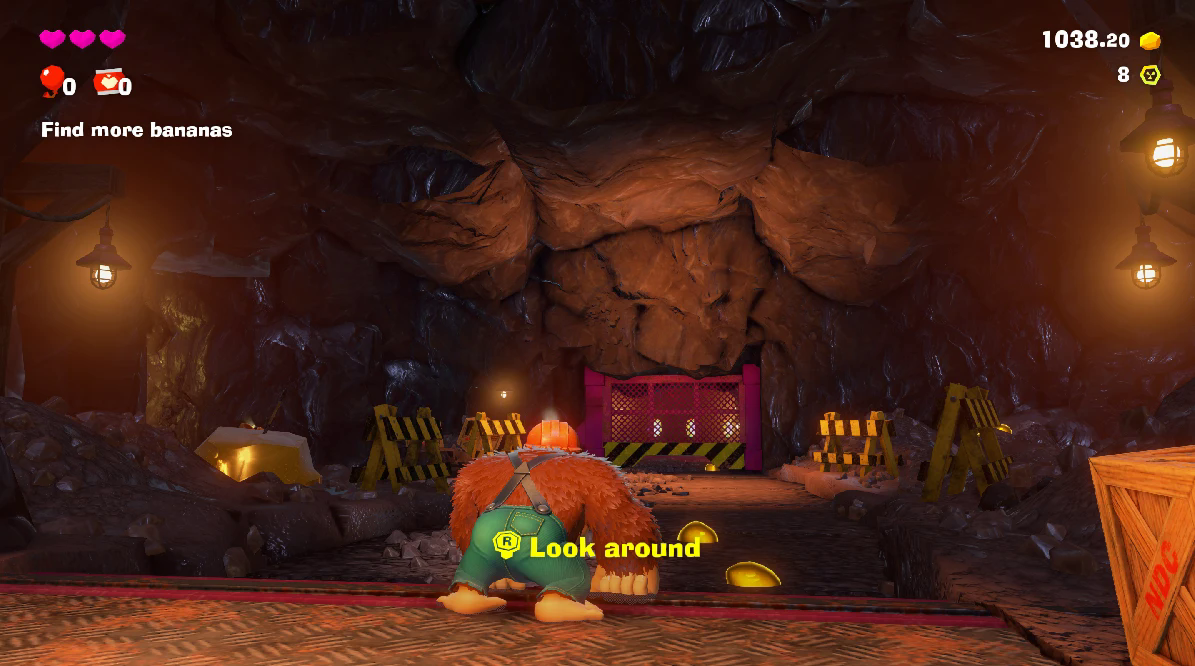
Donkey Kong Bananza (040074A01BF12000, v7.0.0) | Playable; slow in some areas |
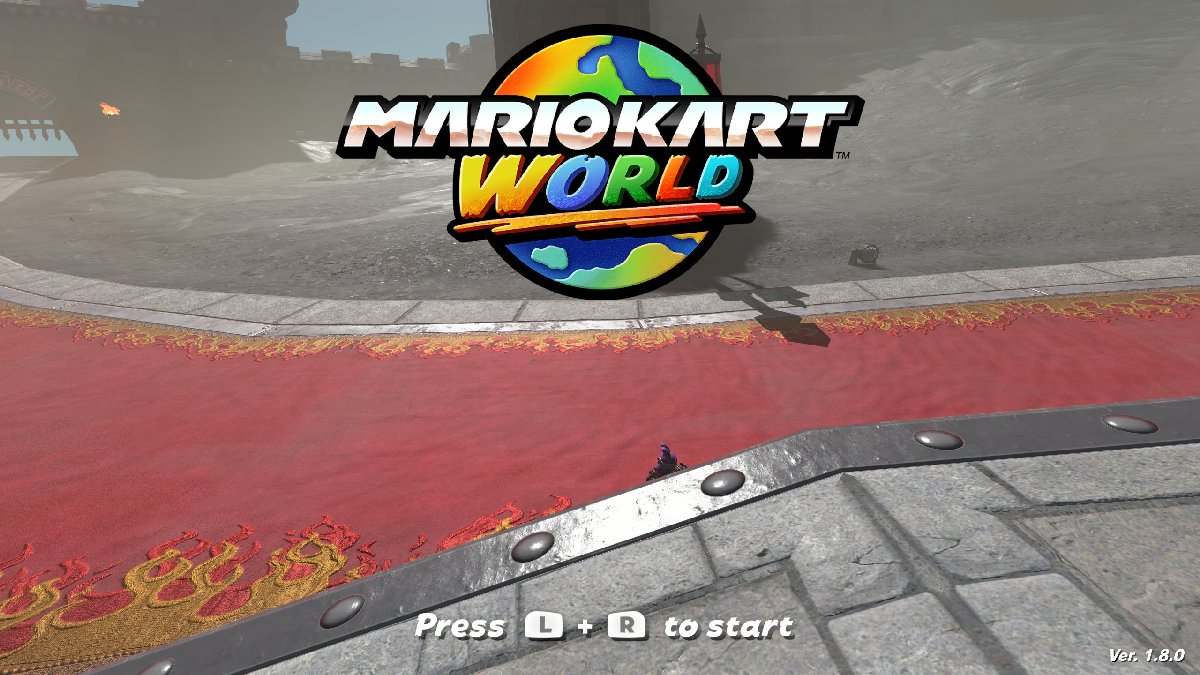
Mario Kart World (0400C3F00006E000, v1.8.0) | Playable; slow in some areas |
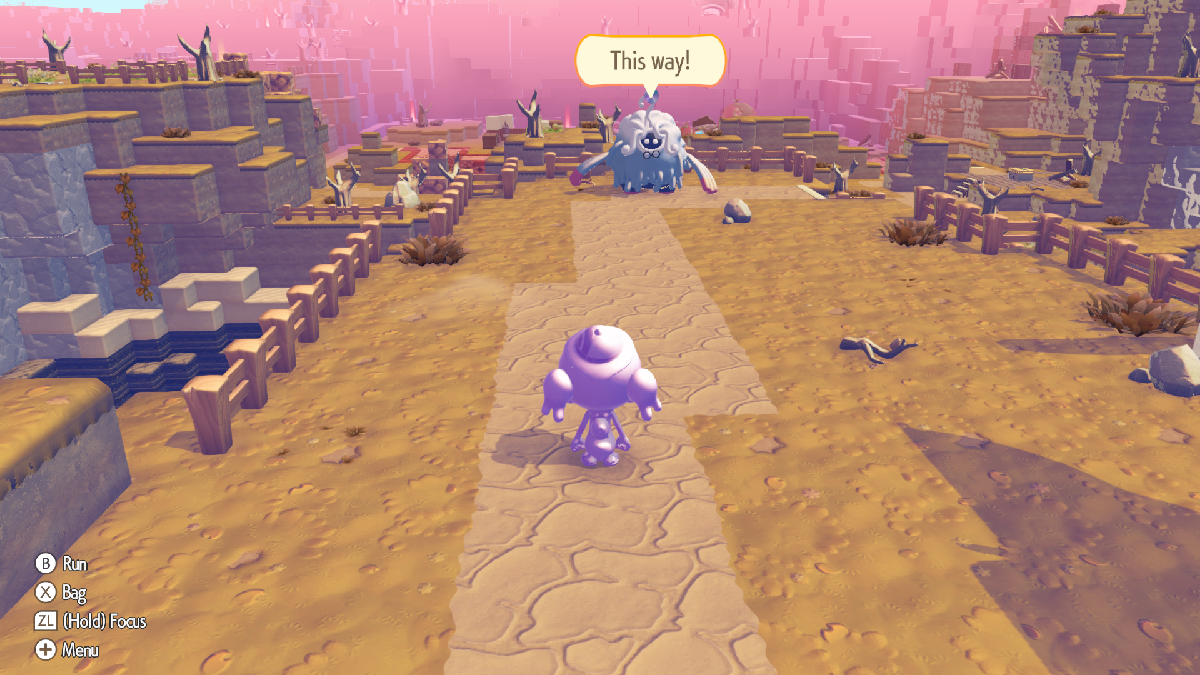
Pokémon Pokopia (0400A3A01EE4C000) | Playable; stable 60 FPS |
Splatoon Raiders (0400380020056000) | Playable; stable 60 FPS |
Nintendo Switch 2 Welcome Tour (040057C02159A000) | Boots; runs very slowly |
Known issues
- Performance: still a work in progress; expect slowdowns and stutter.
- Donkey Kong Bananza: destructible terrain is invisible on AMD GPUs.
- Mario Kart World: loading screens can take a long time, especially the first time a course is loaded. Recommended per-game settings: GPU accuracy Low, asynchronous shaders on, and ASTC recompression BC3 (needed on GPUs with less than 8 GB of video memory). Some geometry (task/mesh shaders) is missing, and character eye textures and shadows can look glitchy.
- Nintendo Switch 2 Welcome Tour: reaches the intro and the tour, but runs very slowly.
Building (Windows, MSYS2 MINGW64)
-
Install MSYS2 and, in a MINGW64 shell, install the MinGW toolchain, CMake, Ninja, Qt 6, FFmpeg, SDL3, Boost, OpenSSL and the Vulkan headers, plus git, patch and autotools (for example
pacman -S --needed mingw-w64-x86_64-{toolchain,cmake,ninja,qt6,ffmpeg,sdl3,boost,openssl,vulkan-headers} git patch autotools; exact package names may differ — see docs/Deps.md). -
Configure and build from the repository root:
cmake -S . -B build -G Ninja -DCMAKE_BUILD_TYPE=Release -DBUILD_TESTING=OFF -DYUZU_TESTS=OFF \ -DENABLE_WERROR=OFF -DYUZU_ROOM=OFF -DYUZU_CMD=OFF -DENABLE_LIBUSB=OFF \ -Denet_FORCE_BUNDLED=ON -Dlibusb_FORCE_BUNDLED=ON -DVulkanMemoryAllocator_FORCE_BUNDLED=ON ninja -C build yuzu -
Copy the MinGW runtime DLLs (Qt and its dependencies) next to
build/bin/eden.exeand add abuild/bin/qt.confcontaining[Paths]/Plugins = plugins(see docs/ns2/NOTES.md).
The NS2 patch's MSVC script (build-eden-msvc.bat) is included but has not been tried with this tree.
Building (Linux)
Not tested yet; nothing in the changes is Windows-only.
-
Install the dependencies for your distribution; docs/Deps.md has full commands for Arch, Debian/Ubuntu/Mint, Fedora, Gentoo and others. For example:
# Arch sudo pacman -Syu --needed base-devel boost catch2 cmake enet ffmpeg fmt git glslang libzip lz4 ninja \ nlohmann-json openssl opus qt6-base qt6-multimedia qt6-charts sdl3 zlib zstd zip unzip \ vulkan-headers vulkan-utility-libraries libusb spirv-tools spirv-headers -
Configure and build from the repository root:
cmake -S . -B build -G Ninja -DCMAKE_BUILD_TYPE=Release -DBUILD_TESTING=OFF -DYUZU_TESTS=OFF \
      -DENABLE_WERROR=OFF
ninja -C build yuzu
If CMake cannot find a package your distribution doesn't ship (enet, libusb, VulkanMemoryAllocator, ...), add the matching
-D<name>_FORCE_BUNDLED=ONflag from the Windows command above. -
The binary is
build/bin/eden; no DLL copying is needed.
Running
Use your own dumped games, keys and firmware. Load a game from its extracted dump (the romfs
folder next to exefs is found automatically):
build/bin/eden -g "<dump>/updates/<version>/exefs/main"Recommended settings: Vulkan, 12 GB memory layout, multi-core CPU.
Licence
GPL-3.0-or-later, like Eden (see LICENSE.txt). Not affiliated with the Eden project or Nintendo; no game data, keys or firmware are included.