Star 历史趋势
数据来源: GitHub API · 生成自 Stargazers.cn
README.md

MultAI
One prompt, many minds.
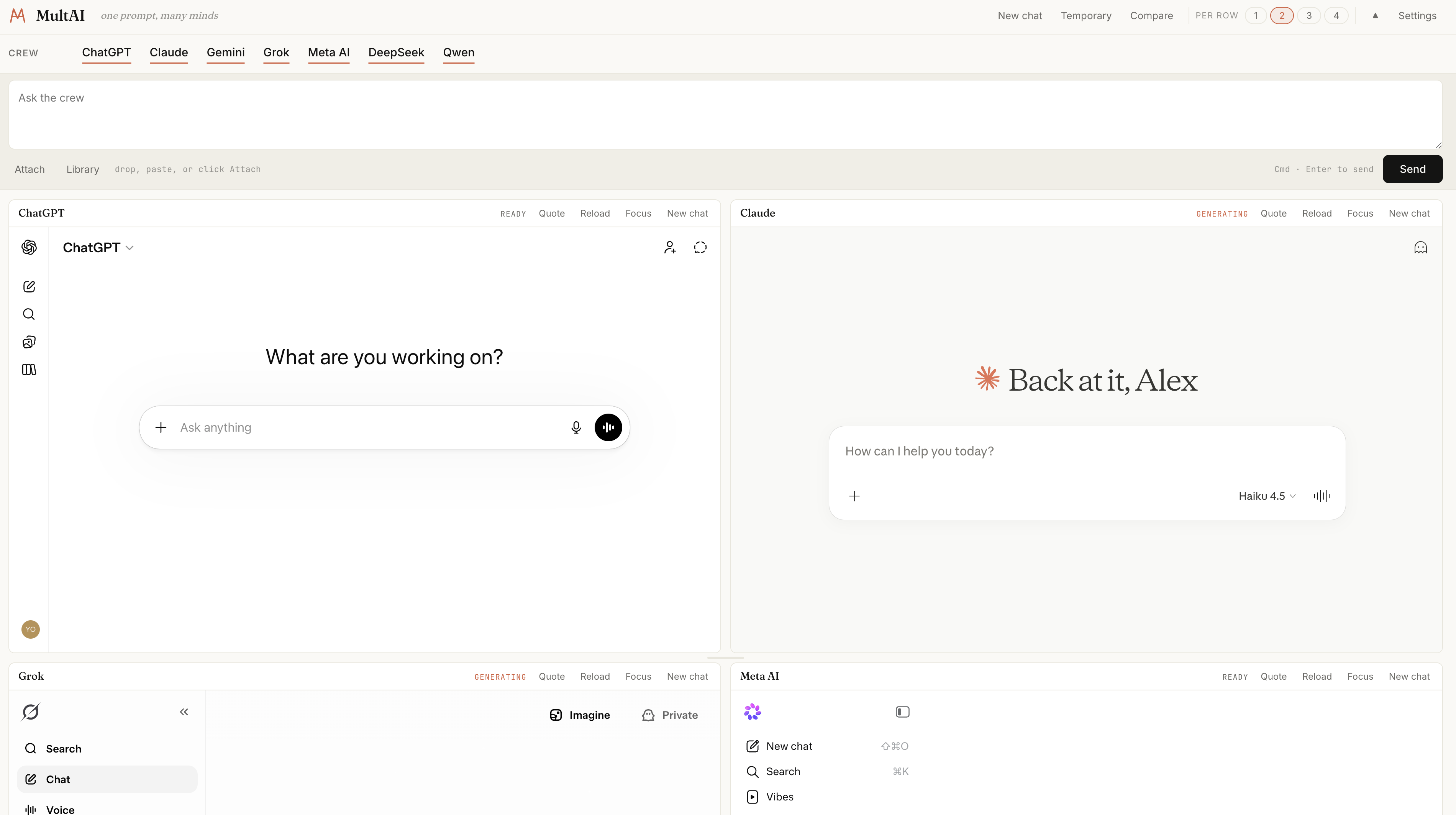
MultAI is a Chrome extension that lets you talk to seven AI chat sites at once — ChatGPT, Claude, Gemini, Grok, Meta AI, DeepSeek, and Qwen — from a single cockpit page.
Install (unpacked)
- Clone or download this repository.
- Open
chrome://extensionsin Chrome (or any Chromium browser — Edge, Brave, Arc). - Toggle Developer mode on (top right).
- Click Load unpacked and select the project folder (the one that contains
manifest.json). - Click the MultAI action in the toolbar to open the cockpit.
The first time you open the cockpit, each pane will need you to sign in to that provider in its own iframe. After that, your browser session is reused on every load.
What it does
- One prompt box broadcasts to every active pane at the same time.
- Each pane is the real provider website in an iframe — same account, same models, same conversations you already have. MultAI does not proxy anything through a server.
- Side-by-side layout makes it trivial to spot which model hallucinated, which was fastest, which handled the nuance you cared about.
Features
- Broadcast prompt — type once, send to every active pane with Cmd + Enter.
- Attachments — drag, paste, or click Attach. Files are forwarded to every pane that supports them.
- New chat, everywhere — one button resets every active pane to a fresh conversation.
- Temporary chat — a separate button starts incognito / temporary sessions in providers that support it (ChatGPT, Claude, Gemini, Grok, Qwen).
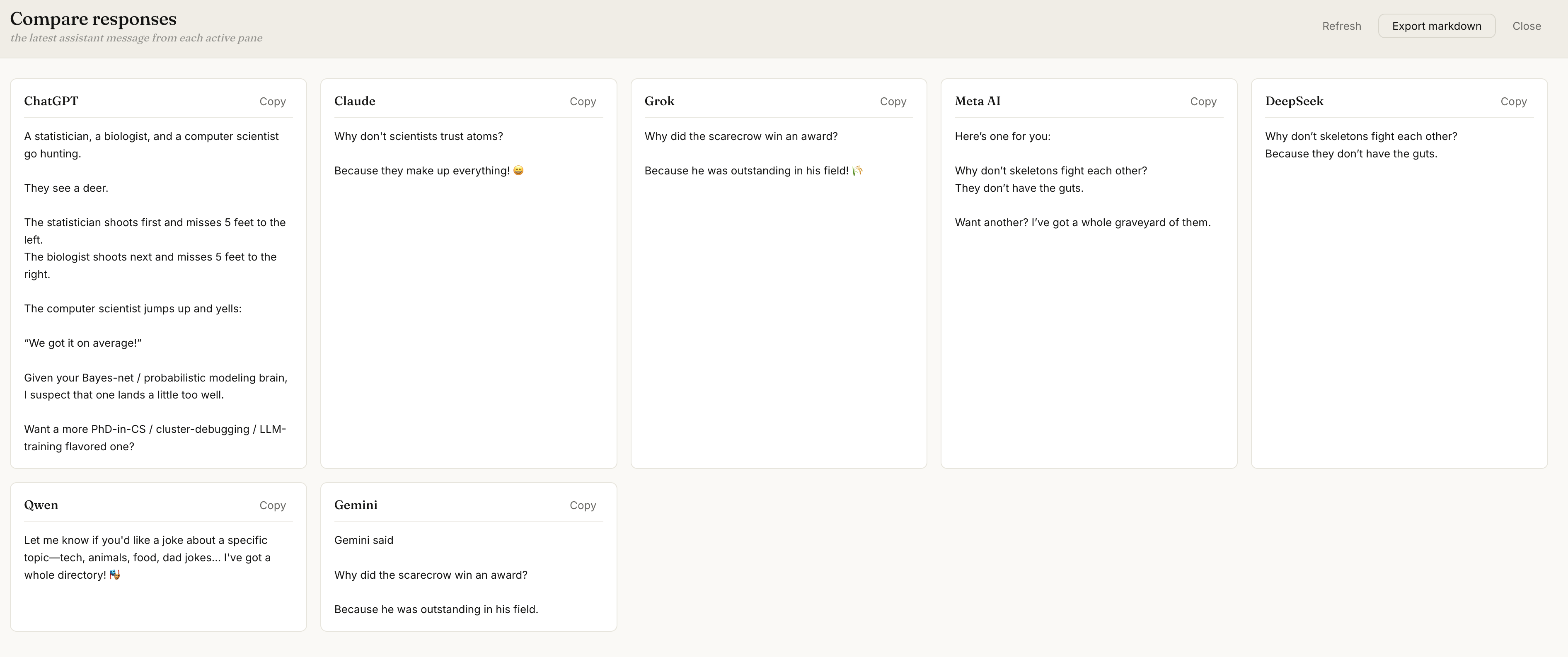
- Compare — a drawer that collects the latest assistant reply from every pane so you can read them side-by-side and export the lot as Markdown.
- Tiled layout — choose 1 / 2 / 3 / 4 panes per row, drag pane titles to swap positions, drag the horizontal handle between rows to resize them. Adding or removing a pane does not reset that pane's conversation — iframes stay mounted, so your history in each site is preserved.
- Bench — providers you are not currently using sit in a small panel on the right. Click to bring one back.
- Prompt library — save and reuse frequent prompts locally.
- Foldable top bar — collapse the Crew row when you want maximum space for panes.
Privacy
- Everything runs locally in your browser. No server of ours sees your prompt or the replies.
- Each pane is the provider's own website, loaded under your own login. Your chats live on each provider's servers exactly as if you had opened their site in a regular tab.
- Storage is limited to
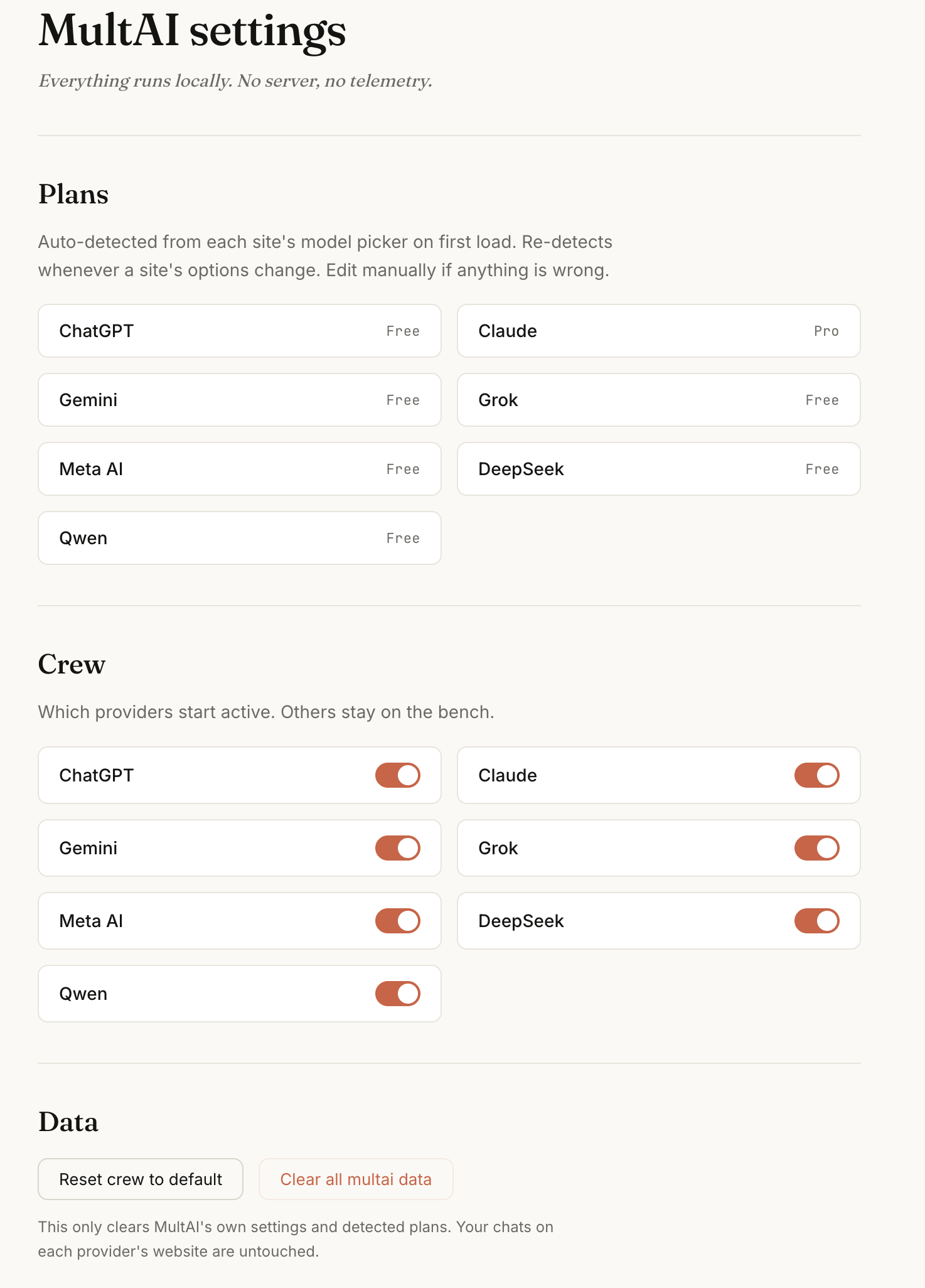
chrome.storage.local— crew selection, pane row heights, max panes per row, the prompt library, and the saved plans shown on the settings page.
Usage tips
- Cmd / Ctrl + Enter — send prompt to every active pane.
- Cmd / Ctrl + / — open the prompt library.
- Cmd / Ctrl + Shift + C — open the Compare drawer.
- Alt + 1…9 — focus the nth pane.
- Drag a pane title onto another pane to swap positions.
- Drag the bar between rows to resize the rows above and below.
- Click a pane's Focus button to collapse the view to just that pane; click the provider name in the Bench to bring others back.
Supported providers
| Provider | Standard chat | Temporary chat |
|---|---|---|
| ChatGPT | yes | yes |
| Claude | yes | yes |
| Gemini | yes | no |
| Grok | yes | no |
| Meta AI | yes | no |
| DeepSeek | yes | no |
| Qwen | yes | yes |
Technical notes
- Chrome extension, Manifest V3.
- Each provider pane is an iframe. A per-provider content script handles prompt insertion, send, new chat, and reading the last response.
declarativeNetRequestrewrites theX-Frame-Options/Content-Security-Policy: frame-ancestorsheaders for the supported provider domains so the cockpit page can host them.- Layout is CSS Grid; pane swap is HTML5 drag-and-drop; row resize is a small custom drag handler.
Status
This is version 0.1.0 — early, functional, rough around the edges. Bug reports and patches welcome.
License
MIT.