
TextGO
All-in-One Text Tool








📖 English / 简体中文
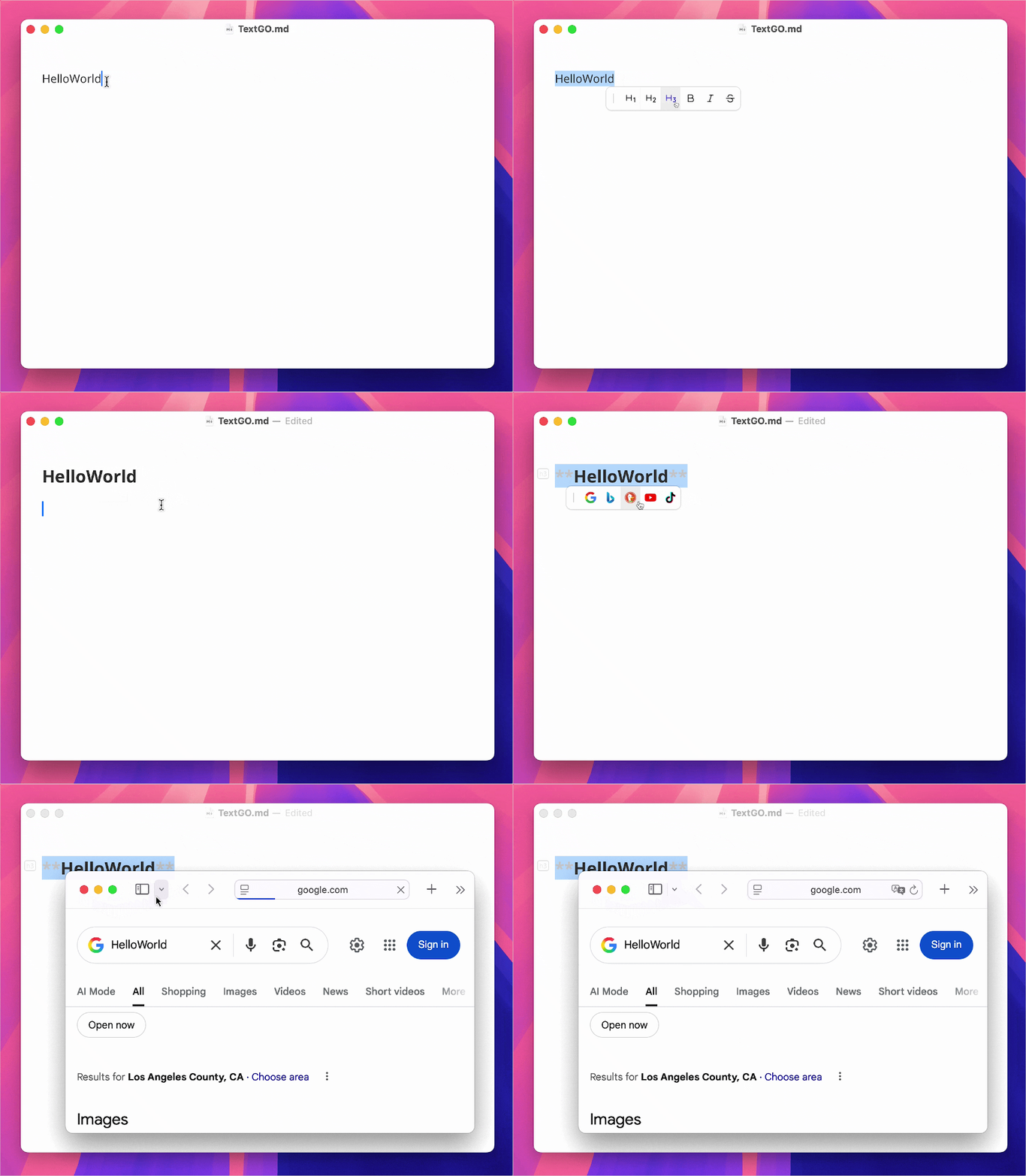
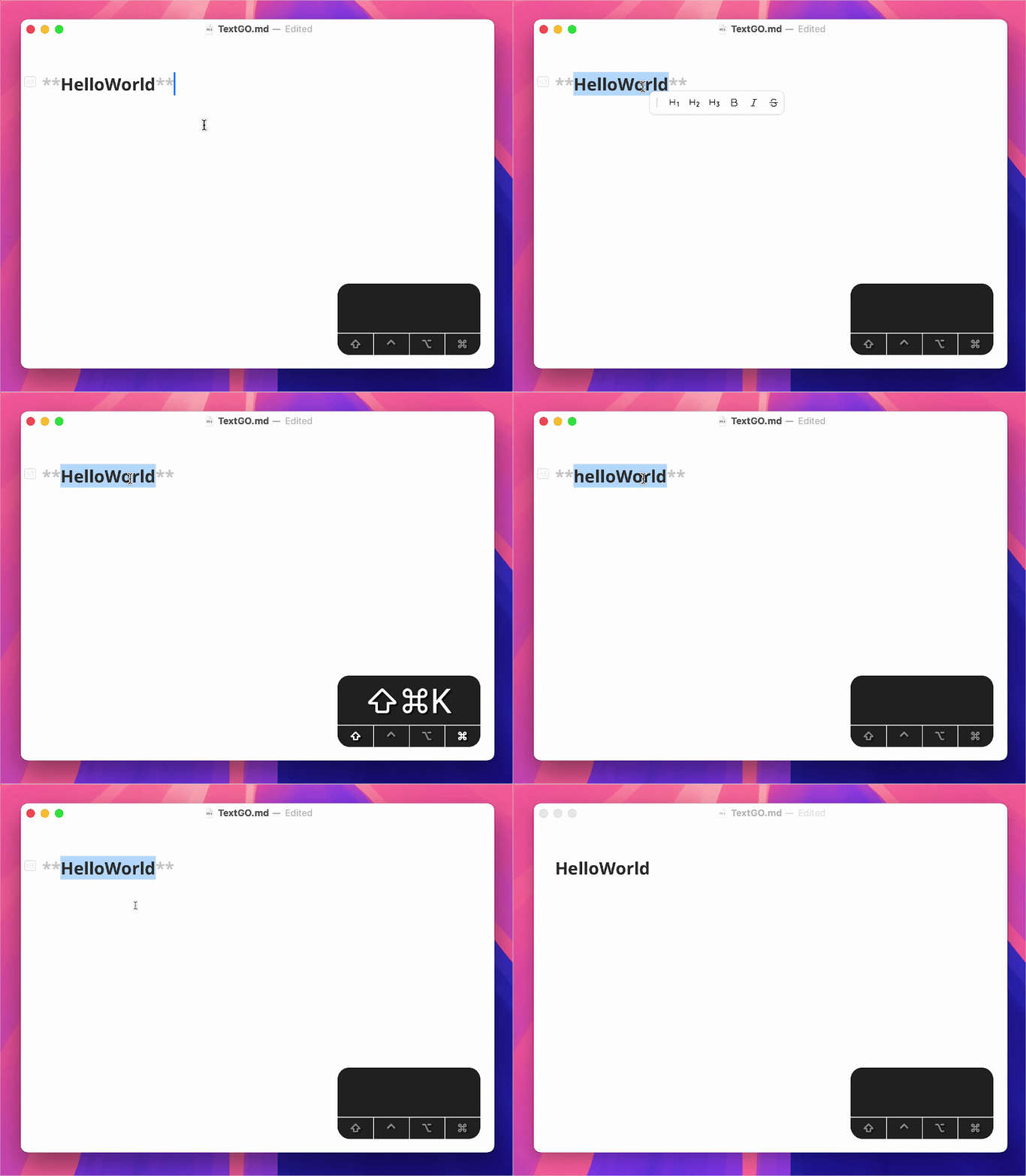
TextGO is a cross-platform text processing tool that recognizes text types and runs custom actions.
 |  |
|---|
✨ Core Features
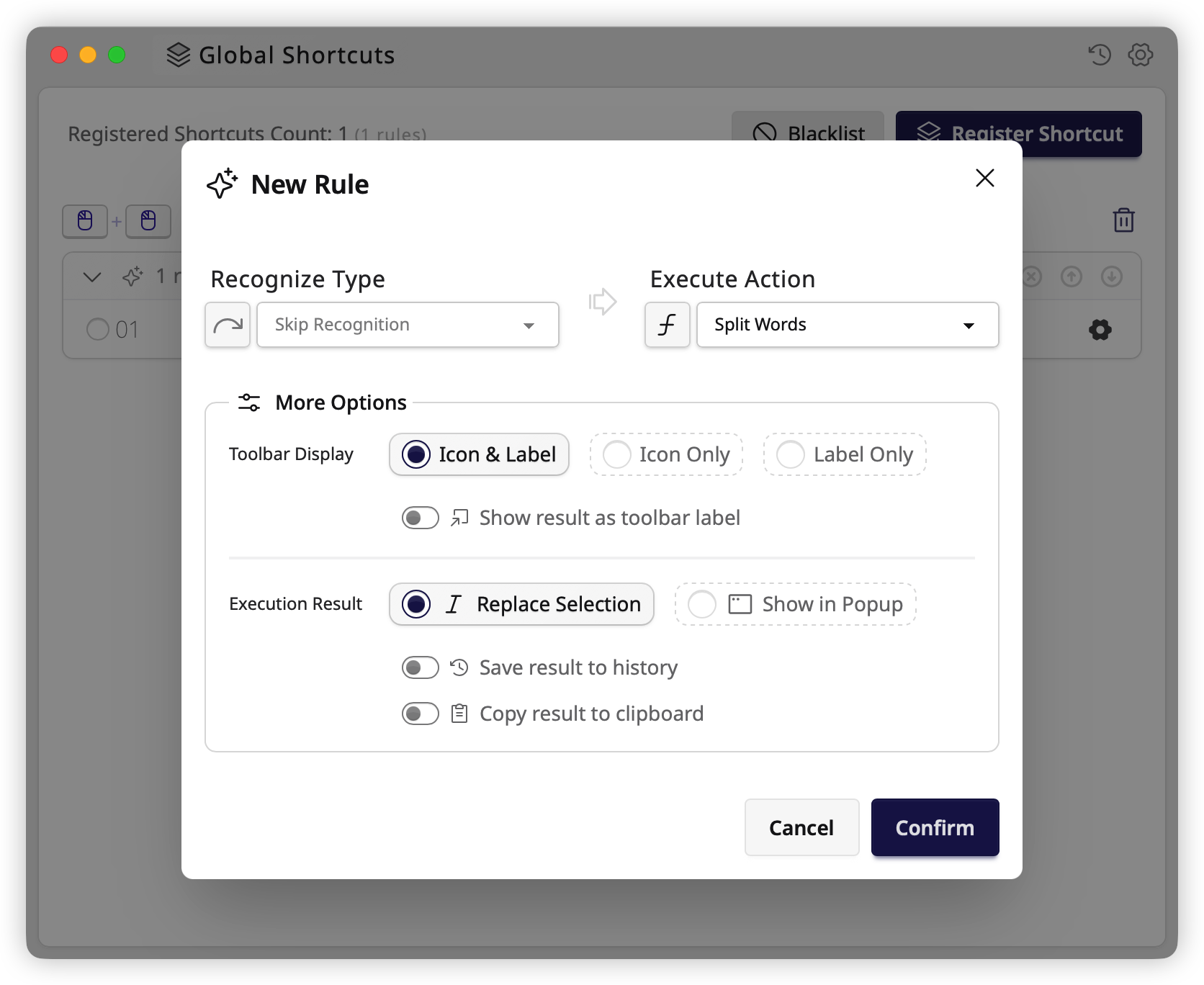
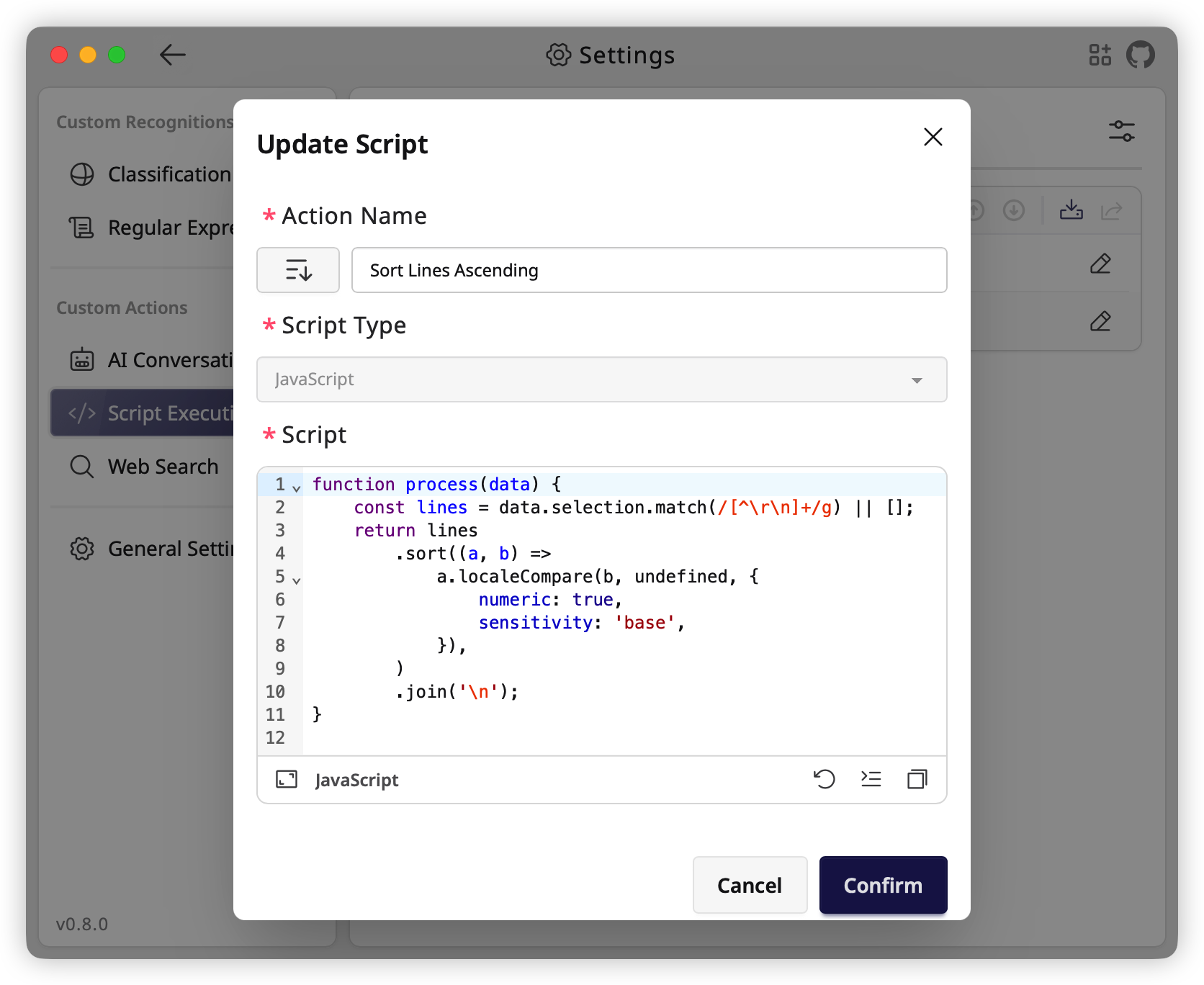
- Multiple Triggers: Hotkeys, double-click, shift-click, or drag-select, each with independent rule configurations.
- Flexible Modes: Choose instant execution or interactive toolbar mode based on your workflow.
- Customizable Appearance: Use custom SVG toolbar icons and customize light and dark themes separately.
- Ready to Use: A rich set of built-in text types and processing actions, ready to use with minimal configuration.
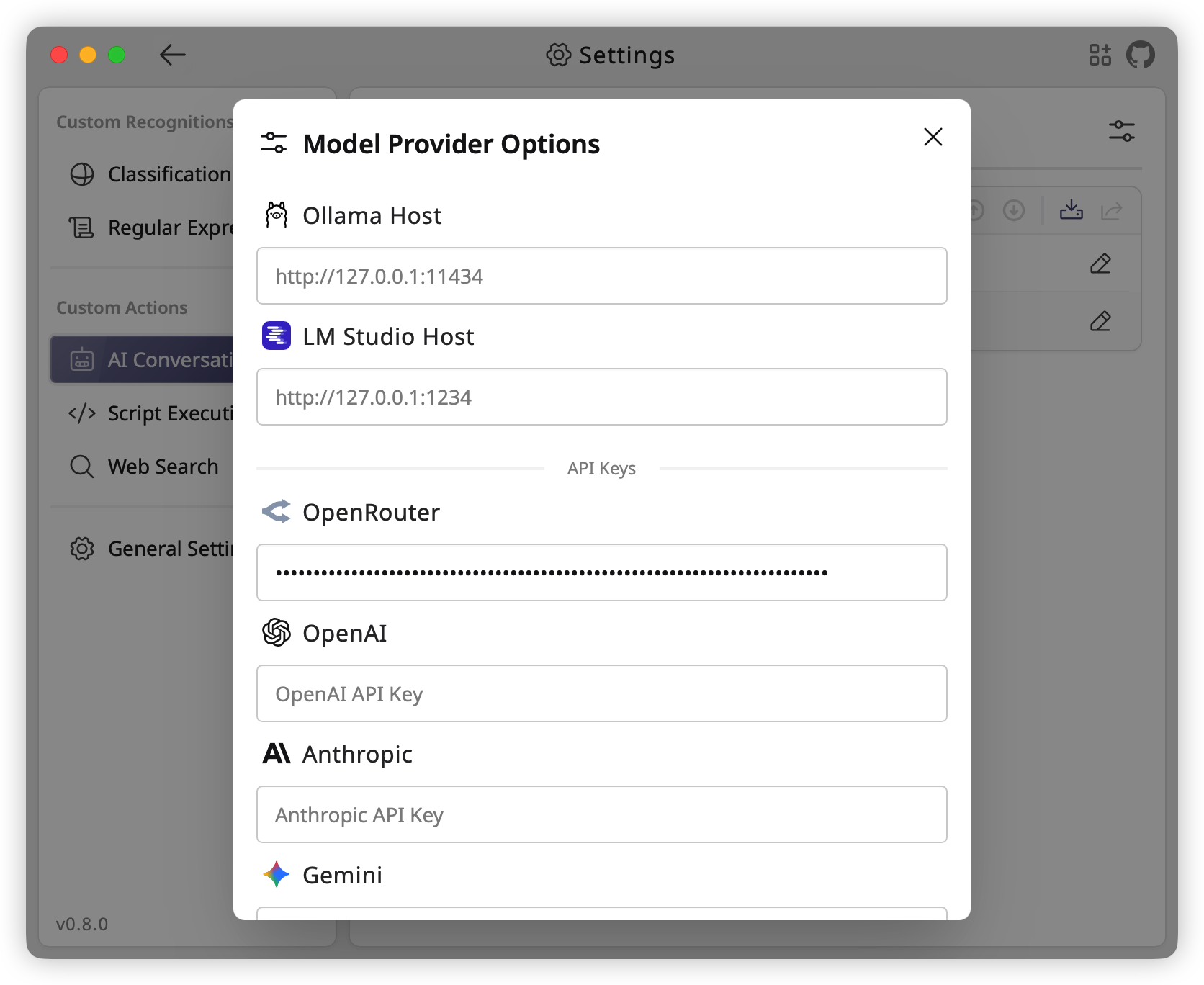
- Highly Extensible: Extend with regex, ML models, scripts, or local/cloud AI for recognition and processing.
 |  |  |
|---|
⬇️ Getting Started
Installation
Download the installer for your platform from GitHub Releases and follow the installation instructions.
Permissions
On macOS, TextGO needs the Accessibility permission to read selected text and simulate keyboard input.
Setup steps:
- Open "System Settings" > "Privacy & Security" > "Accessibility"
- Find TextGO and enable it
- If TextGO is not listed, click the "+" button to add it manually
[!TIP] The system will automatically prompt for authorization when the app is used for the first time.
Extensions
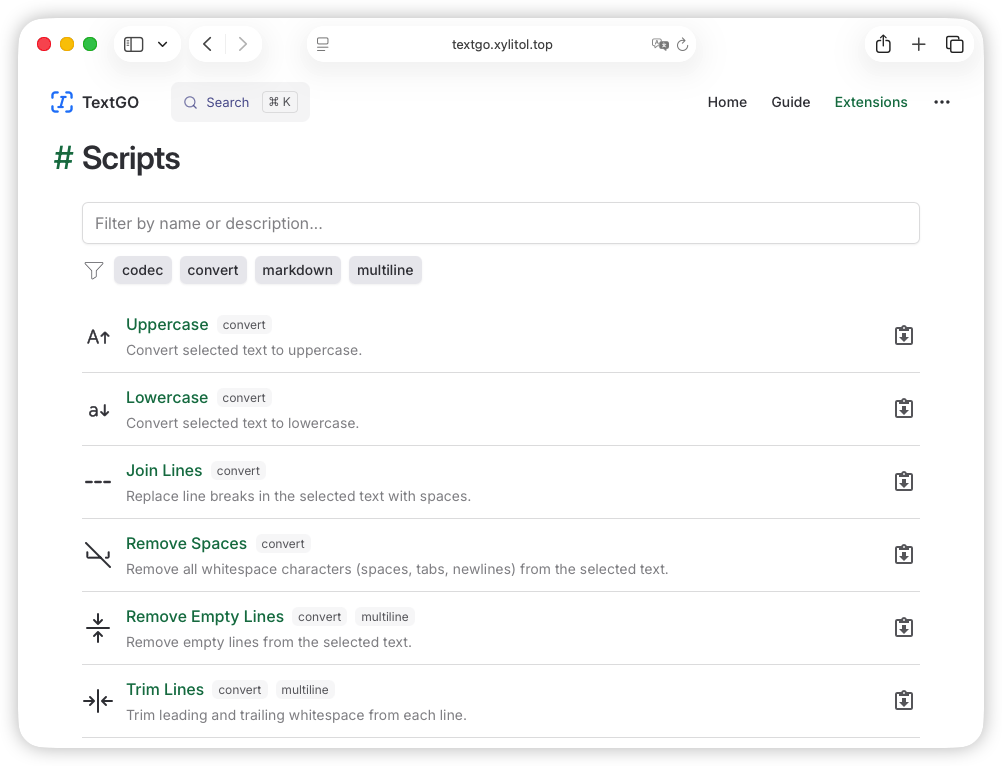
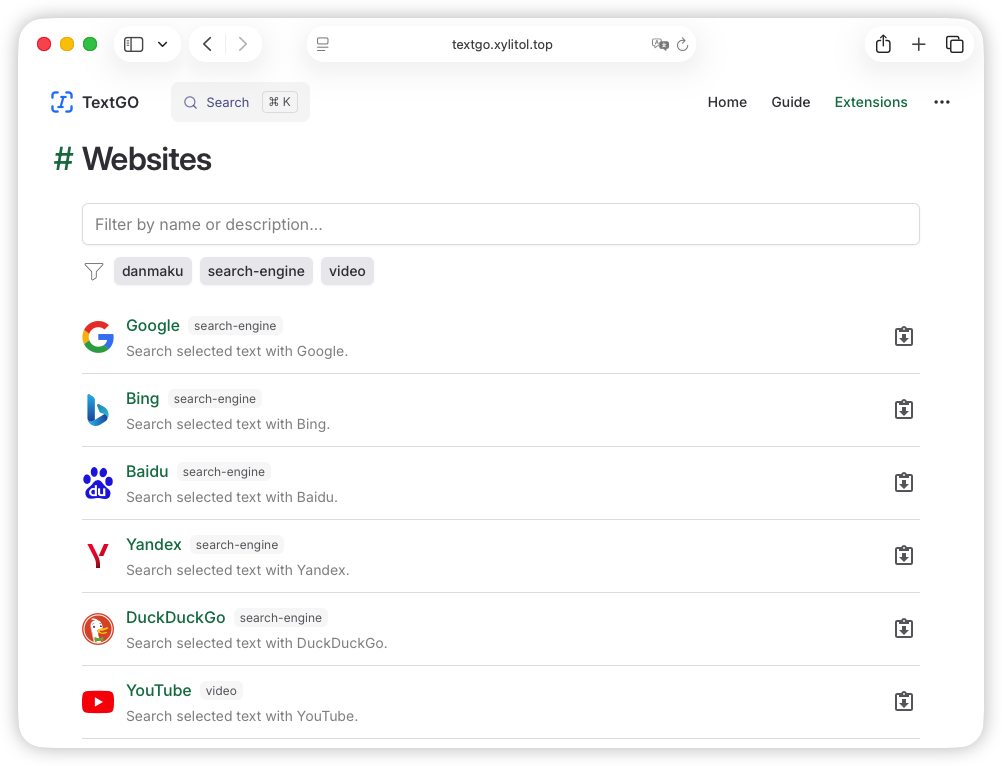
Browse and install extensions from the official Extensions page:
 |  |
|---|
FAQ
1. macOS says the app is damaged and cannot be opened.
Run this command in Terminal:
sudo xattr -r -d com.apple.quarantine /Applications/TextGO.app2. macOS says Apple cannot check the app for malicious software.
Follow these steps:
- Open "System Settings" > "Privacy & Security"
- Find the blocked application in the "Security" section
- Click the "Open Anyway" button
- Enter your login password and confirm
3. Accessibility permission stops working after a TextGO update.
TextGO is unsigned, so macOS binds Accessibility permission to its current binary. An update changes the binary identity and invalidates the permission, even if System Settings still shows it as enabled.
To restore permission:
- Open "System Settings" > "Privacy & Security" > "Accessibility"
- Select TextGO from the list and remove it with the "−" button
- Click the "+" button to add TextGO back
- Restart the app
[!NOTE] For detailed usage instructions, please refer to the User Guide.
🛠️ Development
-
Follow the official Tauri documentation to install Rust and Node.js; use pnpm as the package manager
-
Clone and set up the project:
git clone https://github.com/C5H12O5/TextGO.git cd TextGO pnpm install -
Start development mode:
pnpm tauri dev # enable debug logs on Unix-like systems RUST_LOG=debug pnpm tauri dev # enable debug logs on Windows PowerShell $env:RUST_LOG="debug"; pnpm tauri dev -
Build installer:
pnpm tauri build
🎉 Acknowledgments
This project builds on many excellent open-source projects. We thank their developers and contributors.
For a complete list of third-party dependencies and licenses, see LICENSES.md.
📄 License
This project is licensed under the GPLv3 License.