NX Venom
Mirror: https://gitverse.ru/CatcherITGF/NX-Venom
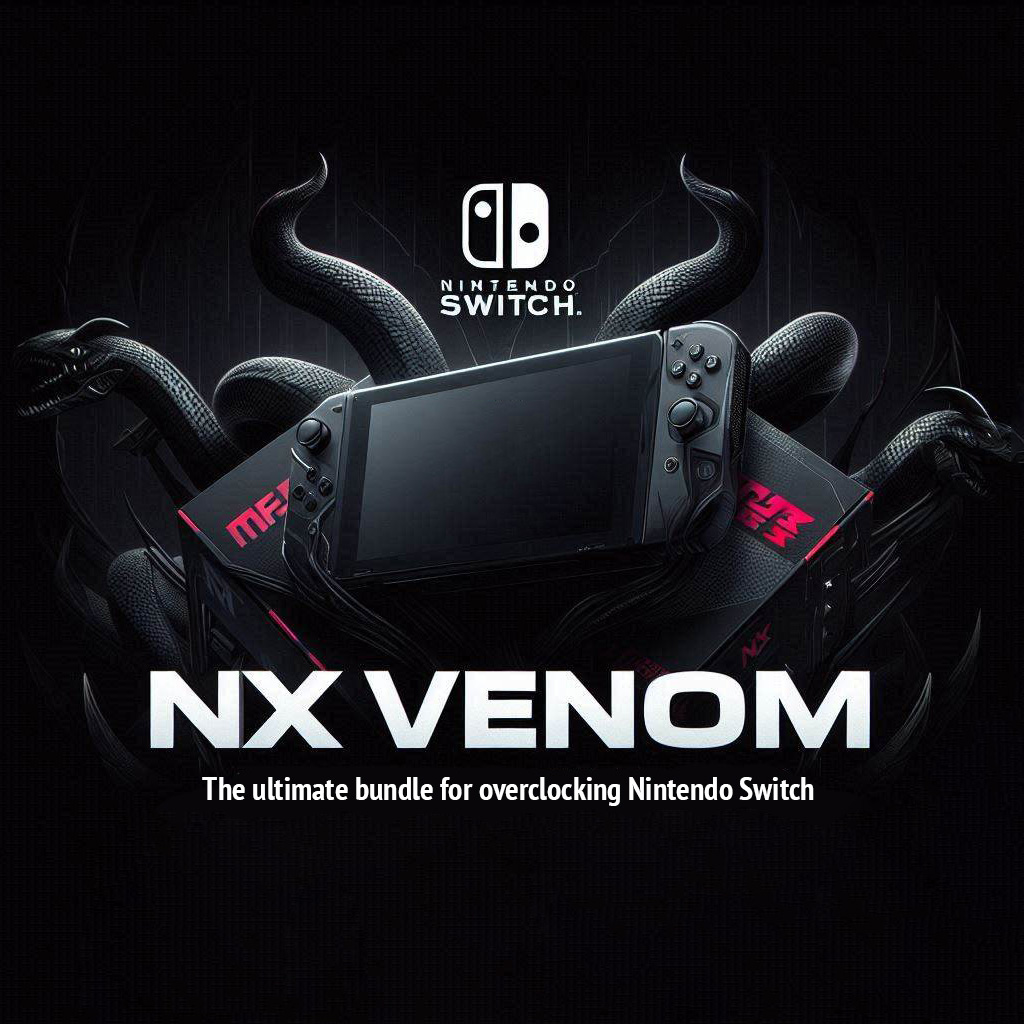
[!NOTE]
The project is being developed for informational purposes showing the capabilities of the Switch hardware and is not aimed at extracting commercial benefits.
[!WARNING]
ATTENTION! Overclocking the console does not lead to irreversible consequences, however it poses a risk to data due to the features of Horizon OS. Therefore, it is strongly recommended to use overclocking exclusively in emuMMC and make backups. USE AT YOUR OWN RISK!
Community & support
Telegram: Nintendo Busters
Discord: NSwitch 60FPS Cheats & Mods (channel #overclocking)
Installation
- Make backup and delete everything except
NintendoandemuMMCfolders on the SD card. - Unpack the NX Venom to the root of the SD card. Use a card reader, or
Hekate→Tools→USB Tools. - Use the
All-in-One Switch Updaterhomebrew application for updates in non-applet mode (launch any game with the R trigger button pushed down). The answer to "Do you want to overwrite existing .ini config" isYES.
How to use
- Opening the
Ultrahandmenu (as well as exiting theStatus Monitor) by a combinationZR + ZL + Down. - Use the
Horizon OCoverlay to manage overclocking settings. - The lower the acceleration parameters, the safer and the fewer side effects. Use wisely!
- Recommended overclocking parameters for handheld mode and battery life: CPU
1020 - 1428, GPU768 - 921, Mem Max.
HomeBrew Menu
To launch HomeBrew apps open the Album or any game icon whilst holding the R button. You can also install a forwarder application via DBI: download (use this app ONLY in EmuMMC).
Hardware Requirements
- Nintendo Switch V1 (Erista)
- Nintendo Switch V2 (Mariko)
- Nintendo Switch Lite (Mariko)
- Nintendo Switch OLED (Mariko)
Philosophy
The rule by which you need to be guided using console overclocking is the absence of side effects. The console should work without atmosphere errors, game crashes, shutdown due to overheating. Having achieved this result, you get a stable console, high performance in games and balanced power consumption.
Guides
FAQ
- If there are problems after installation, try to fix the attributes:
Hekate→Tools→Arch Bit - For questions, help, wishes and suggestions, feel free to contact the Telegram group Nintendo Busters or Discord server NSwitch 60FPS Cheats & Mods (channel #overlocking).
Content
- Atmosphere
- Hekate
- Sigpatches
- Horizon-OC
- SaltyNX
- FPSLocker
- ReverseNX-RT
- Uberhand-Overlay
- Status Monitor
- DBI
- AIO Switch Updater
- Lockpick RCM
- TegraExplorer
Credits
Special thanks to meha, ppkantorski (b0rd2dEAth), Cooler3D, redraz, b3711, lineon, MasaGratoR, CtC, Efosamark, i3sey, Irene, khmm12, ChanseyIsTheBest, Agjeococh, souldbminerr, Lightos1 & discord communities NSwitch 60FPS Cheats & Mods, RetroNX for implementing individual components and help with this bundle
Made with ❤️ by NX community, maintained by Catcher in the grain field