🤖 Gemini YouTube Automation
A fully autonomous AI bot that writes, produces, and uploads YouTube lessons daily — zero human input required.






📺 Watch the Generated Videos on YouTube
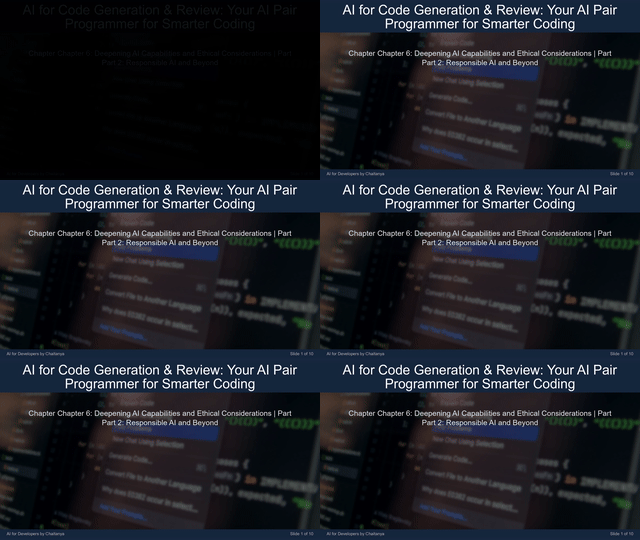
Demo

What It Does
Every day at 7:00 AM UTC, this bot runs entirely on GitHub Actions and:
- Reads the content plan to pick the next pending lesson
- Writes a full multi-slide script using Gemini 2.5 Flash
- Generates narration audio (gTTS) and fetches Pexels background imagery
- Renders a professional slide-based video (1920×1080) with background music
- Renders a vertical YouTube Short (1080×1920) from the same lesson
- Creates a custom thumbnail for each format
- Uploads both videos to YouTube with titles, descriptions, and hashtags
- Updates
content_plan.jsonand commits it back to the repo
No local machine. No manual steps. Every video in the channel was made by this pipeline.
How It Works
GitHub Actions Scheduler (7 AM UTC)
          │
          ▼
  ┌───────────────────┐
  │  content_plan.json │  ◄── picks next "pending" lesson
  └────────┬──────────┘
           │
           ▼
  ┌─────────────────────────────────┐
  │  Gemini 2.5 Flash               │
  │  • 7–8 slide lesson script      │
  │  • 1-sentence YouTube Short     │
  │  • hashtags + metadata          │
  └────────┬────────────────────────┘
           │
           ▼
  ┌──────────────────────────────────────┐
  │  Video Renderer (MoviePy + PIL)      │
  │  • gTTS narration per slide          │
  │  • Pexels background images          │
  │  • Background music mix              │
  │  • Long-form (16:9) + Short (9:16)   │
  └────────┬─────────────────────────────┘
           │
           ▼
  ┌────────────────────────┐
  │  YouTube Data API v3   │  ◄── uploads with thumbnails
  └────────┬───────────────┘
           │
           ▼
  ┌────────────────────────┐
  │  git commit + push     │  ◄── marks lesson "complete"
  └────────────────────────┘
Features
- Zero-touch operation — fully autonomous, runs on a cron schedule
- Dual-format output — long-form lesson video AND a YouTube Short per day
- AI-generated curriculum — Gemini creates and extends the course plan automatically
- Dynamic visuals — Pexels stock imagery matched to each slide topic
- Professional audio — per-slide narration with soft background music
- Custom thumbnails — auto-generated for every video
- Self-updating repo — content plan committed back after each successful run
- GitHub Actions native — no server, no hosting cost, just free CI runners
Tech Stack
| Component | Technology |
|---|---|
| AI Script Generation | Google Gemini 2.5 Flash |
| Text-to-Speech | gTTS |
| Video Rendering | MoviePy + FFmpeg |
| Image Generation | Pillow (PIL) + ImageMagick |
| Stock Footage | Pexels API |
| YouTube Upload | YouTube Data API v3 |
| Automation | GitHub Actions |
Setup
1. Clone the repo
git clone https://github.com/ChaitanyaEswarRajeshJakki/gemini-youtube-automation.git
cd gemini-youtube-automation
2. Install dependencies
pip install -r requirements.txt3. Configure GitHub Secrets
Go to Settings → Secrets and variables → Actions and add:
| Secret | Description |
|---|---|
GOOGLE_API_KEY | Gemini API key from Google AI Studio |
PEXELS_API_KEY | Pexels API key |
CLIENT_SECRET_B64 | YouTube OAuth client_secrets.json encoded in base64 |
CREDENTIALS_B64 | YouTube OAuth credentials.json encoded in base64 |
4. Run locally
python main.pyContent Progress
The bot is currently producing the "AI for Developers" series — a beginner-friendly course that takes developers from zero to advanced AI.
Topics covered include: Generative AI, LLMs, Prompt Engineering, RAG, Vector Databases, LangGraph, Fine-tuning, Computer Vision, and more.
Track progress live in content_plan.json.
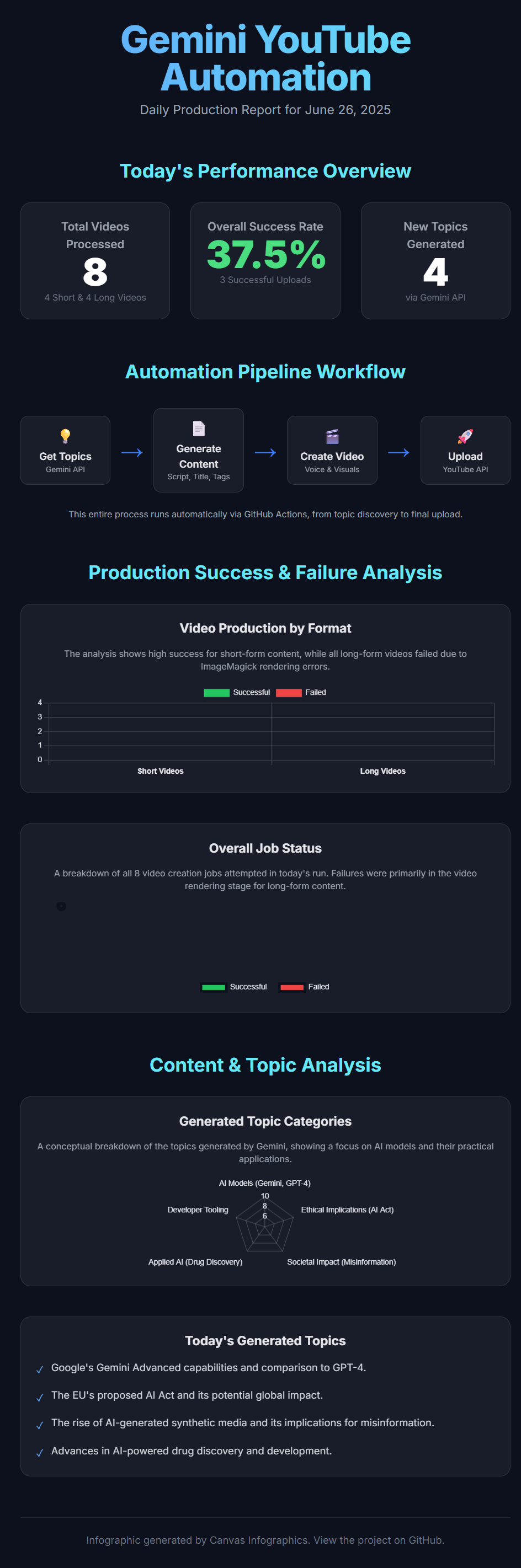
Daily Production Infographic
Star History
Contributing
Contributions are welcome. Open an issue or submit a pull request.
License
MIT License. See LICENSE for details.