English · Русский
No Type


Website · Latest release · All versions · Feedback
No Type turns speech into text for your apps. Press a shortcut, say what you have in mind, and get text in the focused field. Choose local or cloud models, shape the output with writing modes, and make the little recorder your own.
Free for personal and professional use. Supporting the author is optional; every feature is available without a donation. Cloud providers charge separately under their own pricing.
How it works

Hold your shortcut while speaking, or press it to start and stop. Change the shortcut and recording behavior in settings. On macOS, text insertion needs Accessibility permission; without it, the result is copied to the clipboard.
Windows defaults to Right Ctrl: hold it while speaking and release to finish. Updates keep your saved shortcut.
Features
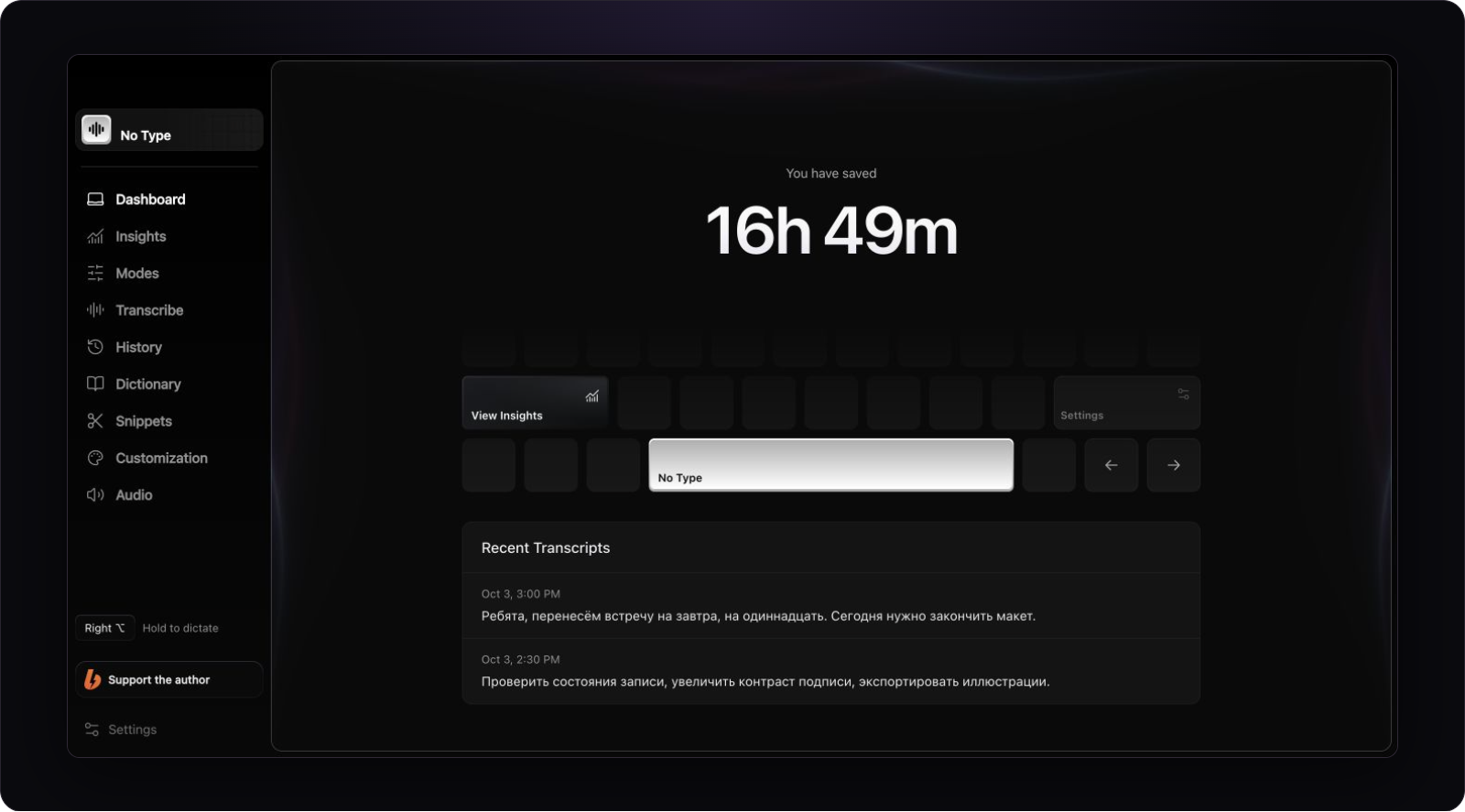
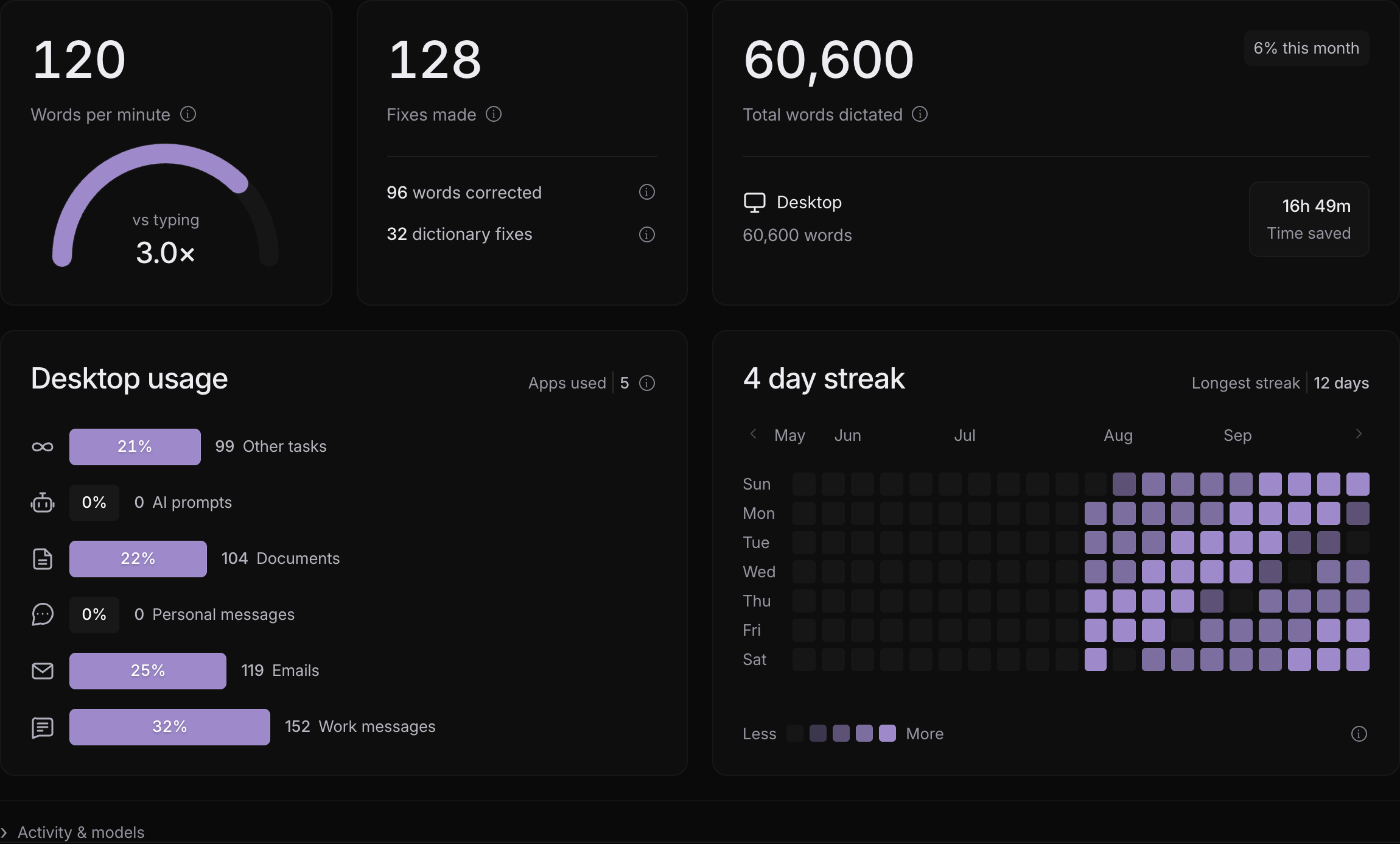
Actual application interface. History and statistics in these images are demo data; time saved is an estimate.
| Feature | What you can do |
|---|---|
| Local and cloud models | Download a speech model to your computer or connect a cloud provider using your own API key. |
| Writing modes | Set instructions for messages, emails, notes, and tasks; enable enhancement, shortening, or translation. |
| Empowerments | Append your own instruction to one dictation, choose a color and preview its recorder effect. |
| Personal dictionary | Add names, terms, and your own corrections. |
| Snippets | Keep frequently used text fragments at hand. |
| History and audio | Revisit dictations. Audio is retained for the ten latest recognition failures without text so you can retry them. |
| Insights | Explore word counts, speaking speed, activity, and dictation usage across apps. |
| English and Russian UI | Select a language or follow your system language. |
Writing modes

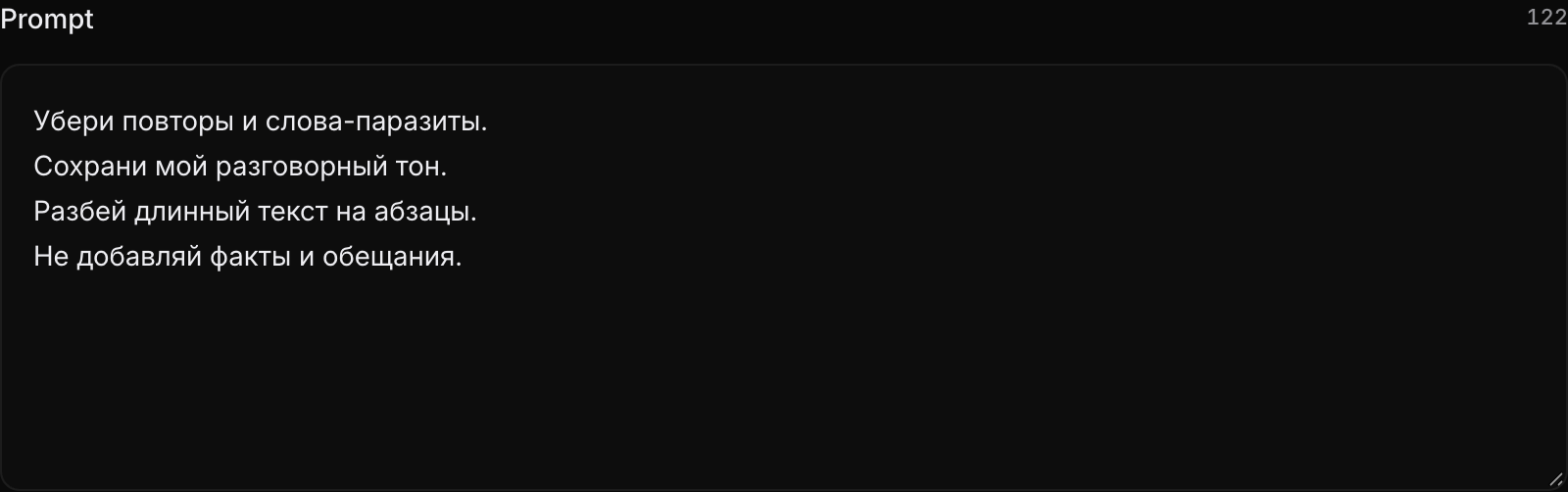
A mode defines what happens to your transcript. Edit its instructions to remove repetition, preserve your tone, add paragraphs, or translate the text. Choose a local or cloud text model to process it.
The diagram uses illustrative text examples, not model benchmark results.
See the instruction editor and insights
Your instructions for the text
How you use dictation
Recorder

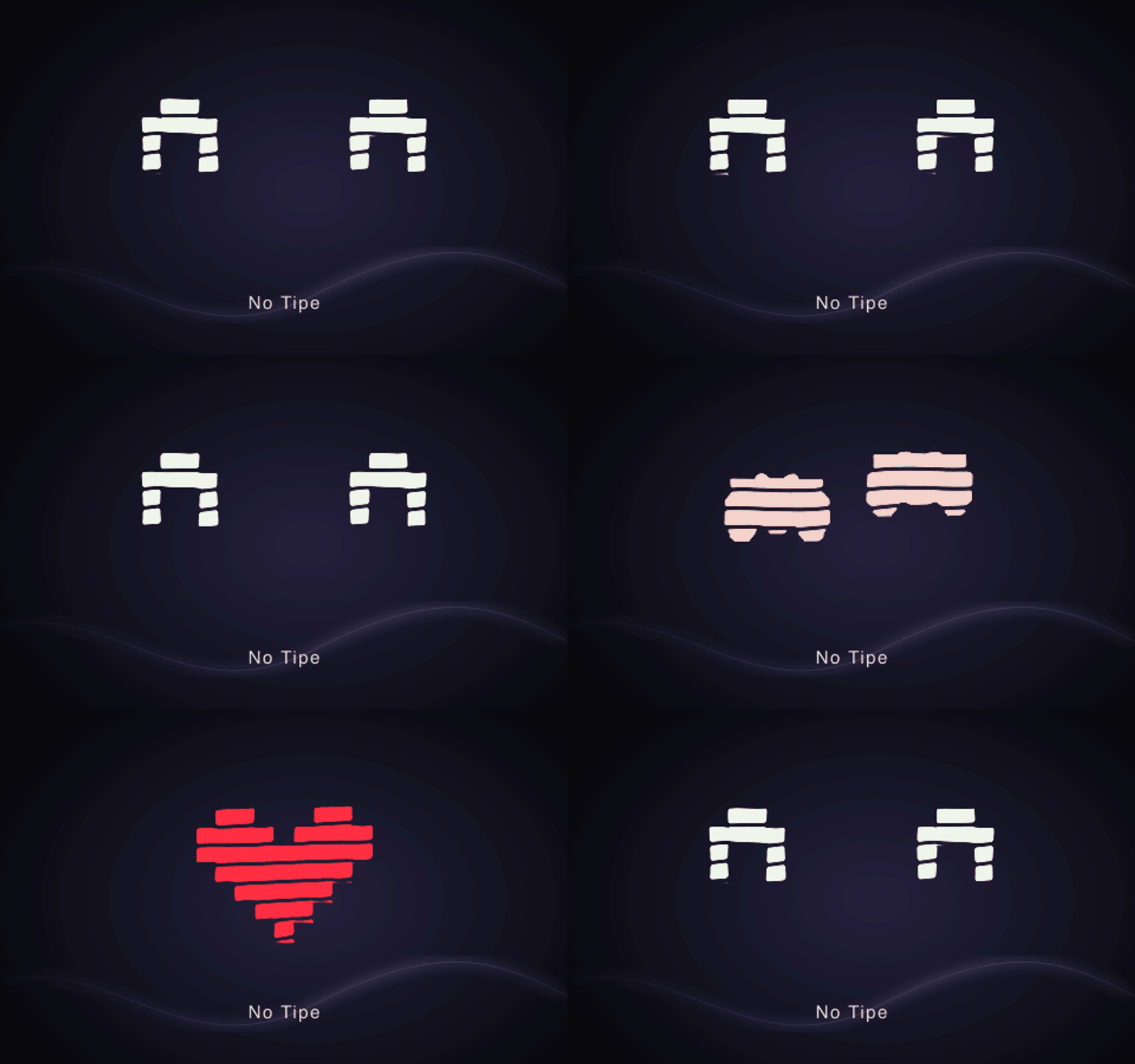
Pick waves or a pixel companion, adjust the size, and choose a palette. The robot reacts when you pet it with your pointer. Place the recorder in a floating bubble or along the top edge of your screen.
Watch the top-edge recorder in motion
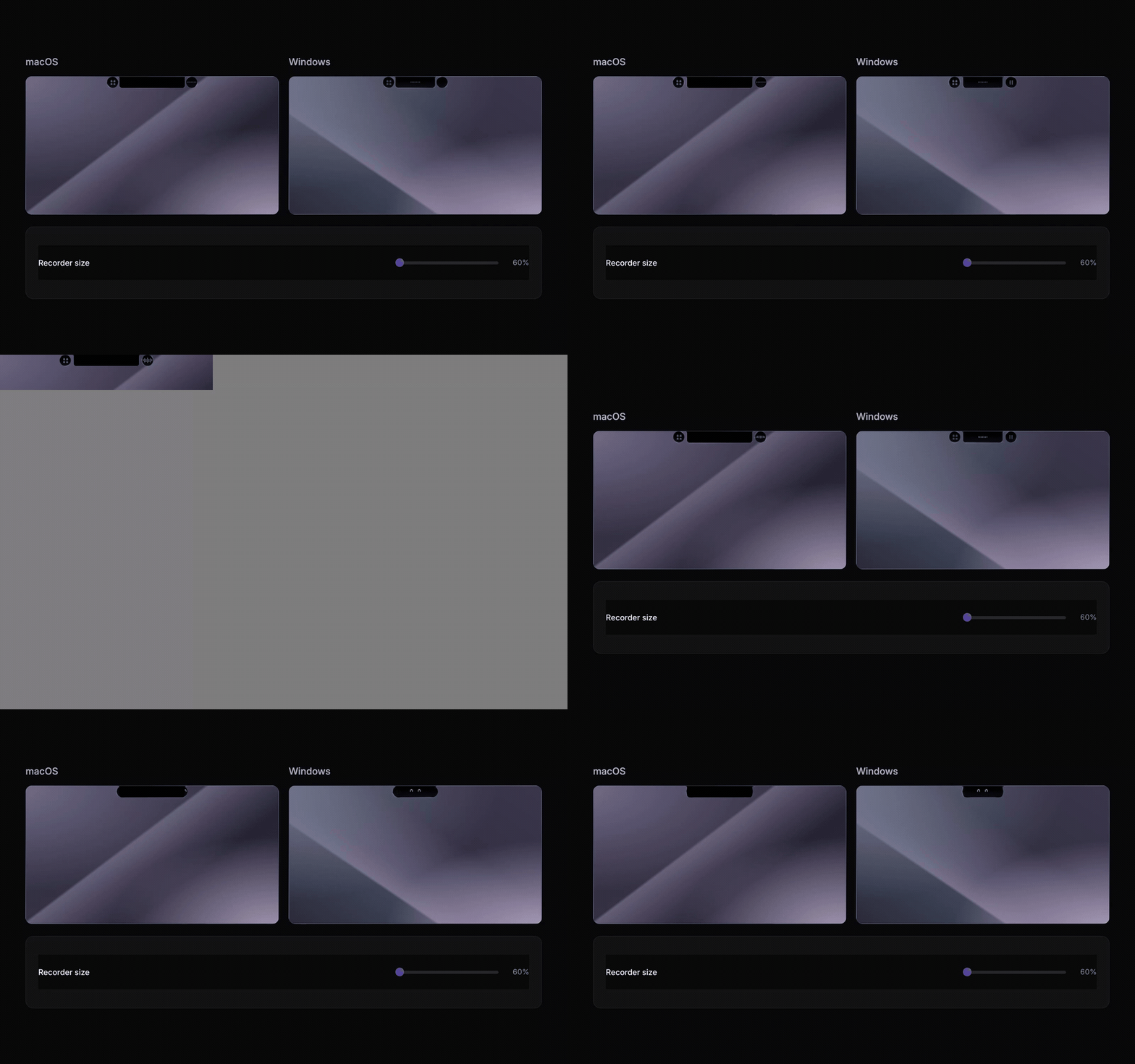
The current recorder component shown against abstract macOS and Windows backgrounds.
Download and get started
Build 0.1.12
This update adds a recorder preview state wheel, refined materials and transitions, a Graphite palette and simpler hidden-page navigation. The original source and documentation are now available under Apache License 2.0. Updates preserve your library, preferences and saved credentials.
| Platform | Requirements | Installer |
|---|---|---|
| macOS | macOS 13 or later · Apple Silicon | Download DMG |
| Windows | Windows 10/11 · x64 | Download EXE |
The Windows local text-model runtime requires AVX2. This release has no installers for Intel Mac, Windows ARM, or Linux. Find the newest version on the releases page.
- Install the app. On Mac, open the DMG and drag No Type to Applications. On Windows, run the EXE and follow the installer.
- Allow microphone access. On macOS, also allow Accessibility for text insertion.
- Choose speech recognition. Download a local speech model inside the app, or connect a cloud provider with your own API key.
- Set a shortcut and try dictation. Focus a text field, press the shortcut, and say a couple of sentences.
Installation and update notes
The macOS build is signed with Apple Development and has not yet been notarized. The Windows installer does not yet have an Authenticode publisher certificate. Your operating system may display a warning during the first installation. See the 0.1.12 release notes for details and limitations.
Windows Whisper uses a compatible GPU through Vulkan and retains CPU fallback when a GPU is unavailable. The runtime is included in the installer; no SDK installation is needed. Builds, recognition and the installer are tested in CI. Recognition on an RTX 3050 is checked separately; interactive installation and text delivery on physical Windows hardware remain unverified.
Check for updates in Settings → General → App updates. Updater packages are signed separately; updater signatures do not replace Apple notarization or a Windows publisher certificate. The 0.1.12 update preserves your library, settings, and saved credentials.
The .app.tar.gz, .sig, and latest.json files serve the updater. Use the DMG or EXE in the table above for your first installation.
Support No Type
No Type is made by Darlingfxx02. If the app helps you work, support its development on Boosty with a one-time donation or a subscription. You can follow project updates there too.
A donation does not unlock paid features: the app is free to use. Boosty handles payments.
You can also help by giving this repository a ⭐, sharing the website, or reporting a bug.
Questions
Do I need internet? Where does my dictation go?
Local models need to be downloaded first. Local speech recognition processes audio on your computer. For fully local text processing, select a local text model too, or turn enhancement and translation off.
When you choose a cloud model, audio or text is sent to the selected provider. Cloud services require internet and your API key; the provider sets its pricing and data handling terms.
Usage statistics are optional and require your consent during setup or in Settings. They include activity, chosen themes and languages, known-model usage, dictionary/snippet/mode counts and fixed error categories. Audio, dictation text, collection contents, API keys and raw error messages are excluded. Disabling sharing clears the queue and requests deletion of the installation’s server data when connected.
Is No Type free and open source?
No Type's original source code is available under Apache License 2.0, © 2026 Darlingfxx02. Commercial use, modification and redistribution, including closed derivatives, are allowed subject to the license terms. See NOTICE. This repository contains reviewed source snapshots and stable downloads. Build from source · Source publication.
Third-party dependencies retain their own licenses and notices, available in Settings → General → License and notices. See also the third-party notices.
How do I report a bug or suggest an idea?
Open an Issue with the No Type version, OS version, selected model, and steps to reproduce. Include a screenshot or the exact error message when useful. Remove personal data and API keys before posting.
For diagnostics, enable Settings → General → Diagnostics → Developer mode, reproduce the error, then save the logs through Console → Export logs. Attach the TXT file to your bug report.
Thanks to @redheadesign for helping improve the interface.
© 2026 Darlingfxx02 · License · Third-party notices · Boosty