README • Download • Using Ika • Configuration • Graphics • Building
イカ · Ika Virtual Desktop
Ika /ee-kah/, Japanese for squid or cuttlefish, is an Android emulator origianlly made for Asahi Linux on Apple Silicon. Later, support was added for x86-64 and Windows (via WSL). It's LineageOS 23.2 (Android 16), built as a desktop operating system, in a Cuttlefish virtual machine.
Features
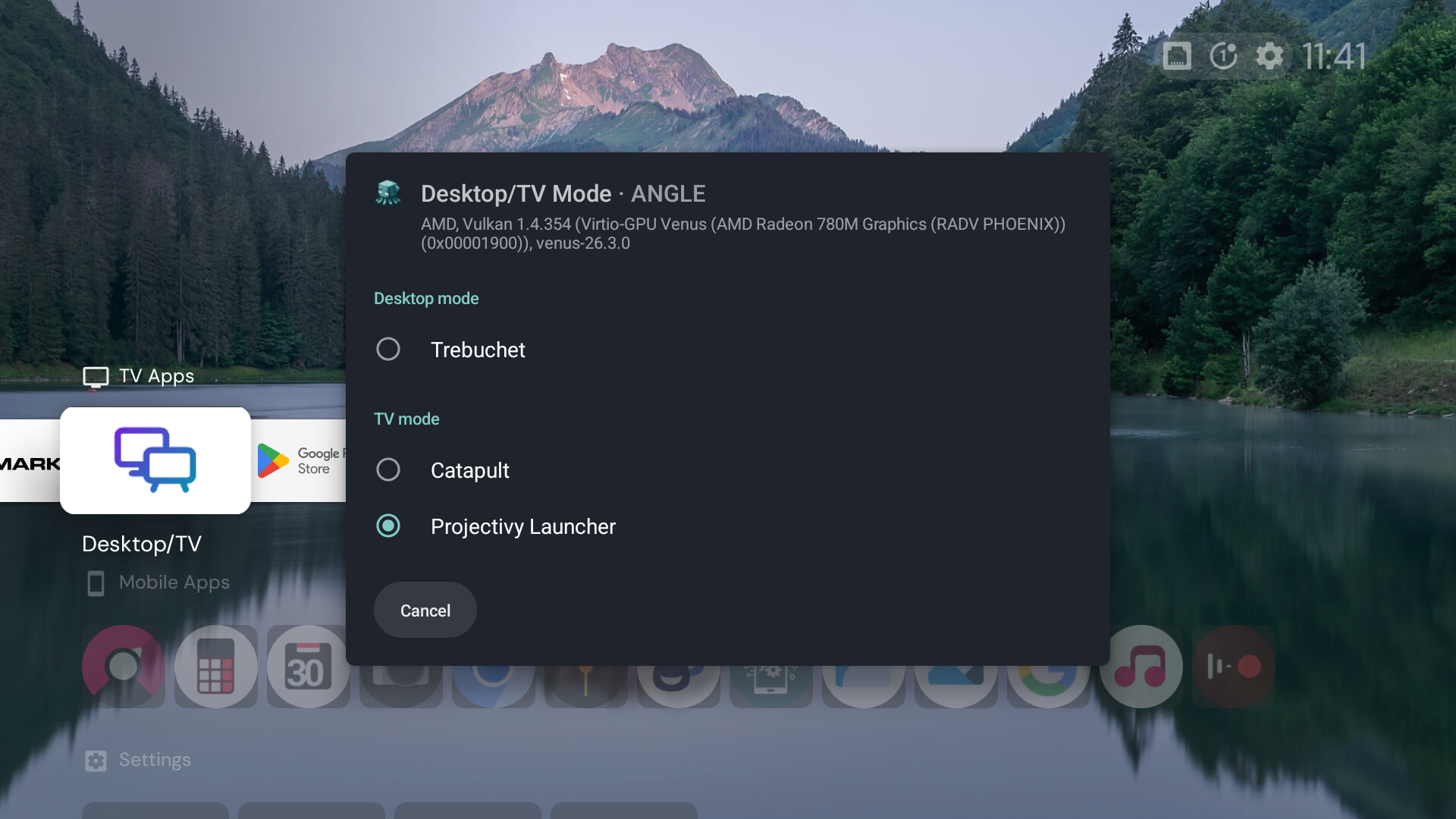
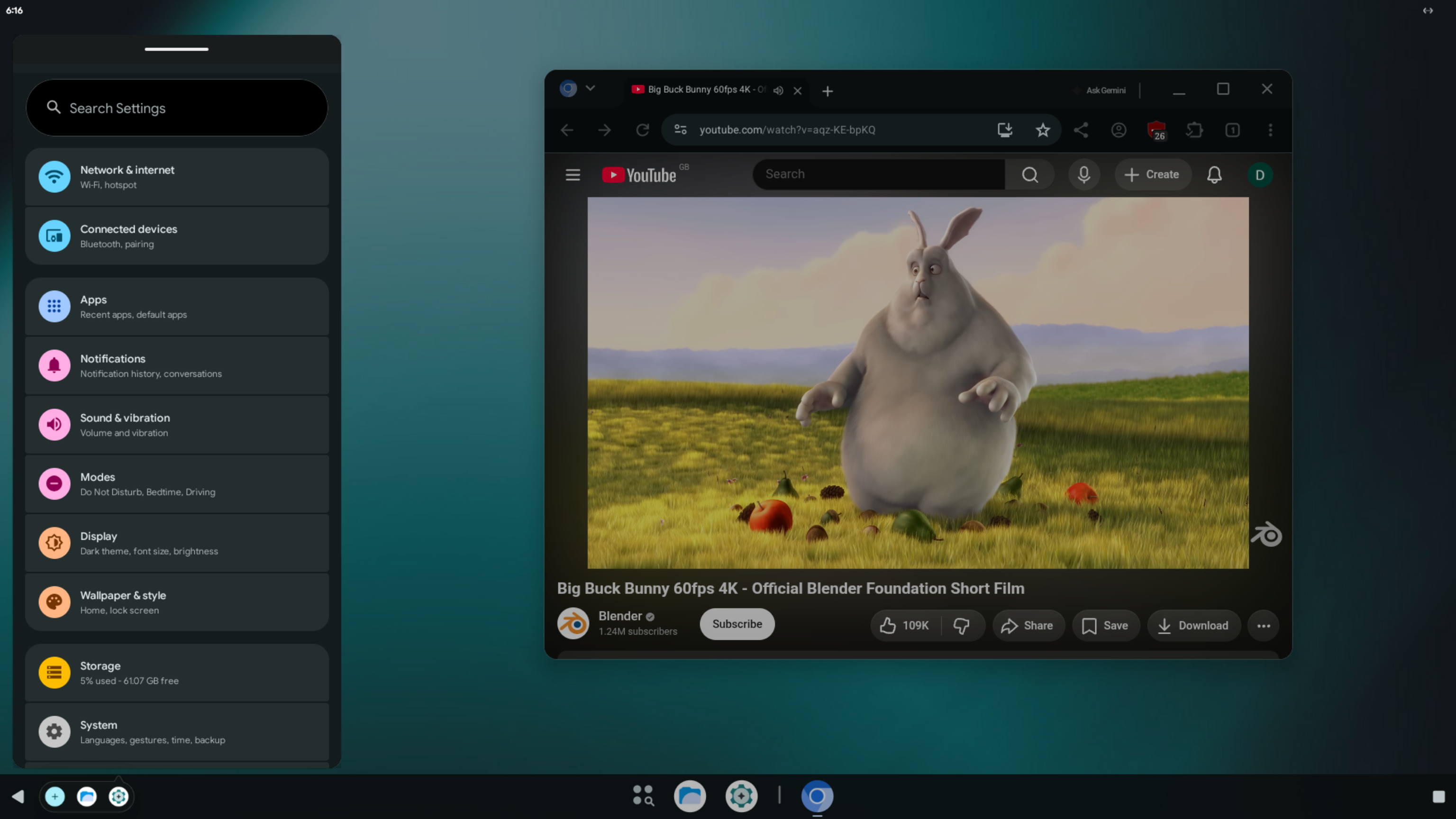
- Hybrid Desktop/TV ROM: Start Android with resizable app windows and a taskbar like GoogleBook OS, or in big-screen TV mode like Google TV. A guest restart is required to switch between Desktop and TV mode. Third-party TV launchers are supported.
- GPU acceleration: OpenGL ES 3.2 and Vulkan on the host's GPU, through gfxstream.
- The console: Android's desktop appears in windowed or fullscreen mode on your desktop. The display follows the window's size at the host's density, pixel for pixel.
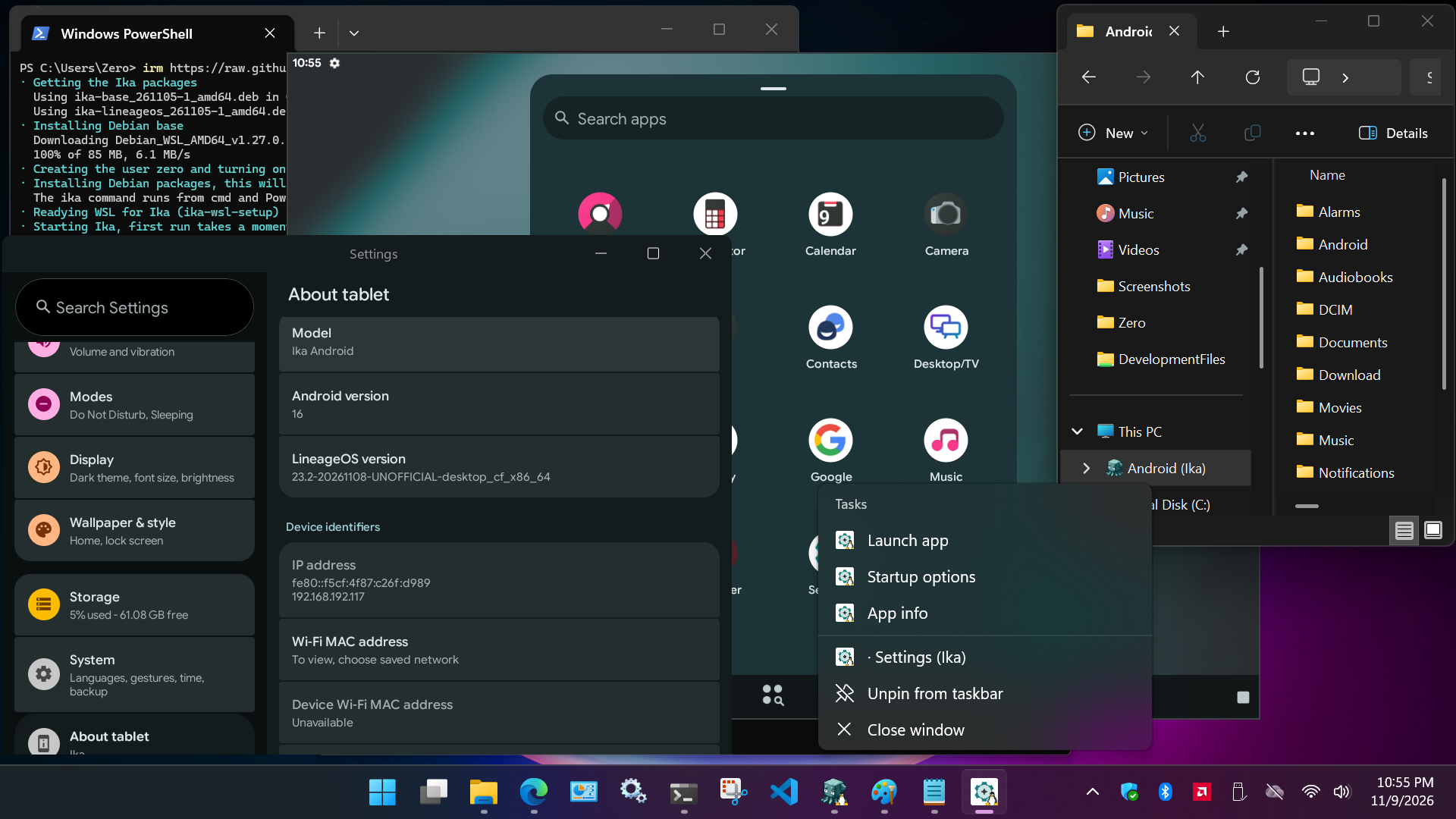
- App windows: Android apps can open in a window on your desktop, and are automatically added to your desktop's app menu. They run side-by-side with your native apps.
- Startup options per app: Configure app display density, fullscreen mode, the keyboard, mouse, gamepad pass-through, gamepad emulation and touch input simulation. Hardware gamepads not supported in WSL
- Filesystem auto-mount: Android's storage is mounted on the host, in the file manager's sidebar on GNOME, KDE, or WSL
- Camera: a webcam, or a Mac's FaceTime camera, as Android's camera. Not supported in WSL
- Backups: your apps, files and settings, saved and restored with one command.
- Root:
ika rootroots Android with Magisk. - Your choice of Google: builds with microG, with MindTheGapps (Google Play), or with no Google services at all.
- Broad support: x86-64 and ARM64, Apple Silicon included, on Fedora, Debian, Ubuntu and Arch Linux, in X11 or Wayland sessions.
Runtime Requirements
- A x86-64 (Sandy Bridge, 2011+) or Apple Silicon (M1/M2, 2020+) computer with hardware virtualization (KVM), and 4 GB of memory or more.
- Fedora 44, Debian 13, Ubuntu 26.04 or Arch Linux. Apple Silicon uses Asahi's 16 KB-page kernel.
- Mesa 26.1 or newer. Debian 13 gets it from trixie-backports, Ubuntu from the Kisak Mesa PPA; Fedora and Arch Linux already have this or newer in their base distro packages.
- A GPU with a Vulkan driver for best performance. Without one, Ika renders with the CPU's software driver and runs in a lighter low-CPU mode.
- On x86-64 Windows PCs, WSL2 and a CPU with nested virtualization support (see Windows (WSL2)). WSL on ARM64 is not supported due to a lack of hardware available for testing.
Install
-
Download
ika-baseandika-lineageosfor your distribution and architecture from the Download page, or build them from source. -
Install
ika-baseandika-lineageospackages:# Fedora sudo dnf install ./ika-base-*.rpm ./ika-lineageos-*.rpm # Debian, Ubuntu sudo apt install ./ika-base_*.deb ./ika-lineageos_*.deb # Arch Linux sudo pacman -U ./ika-base-*.pkg.tar.* ./ika-lineageos-*.pkg.tar.* -
You MUST Reboot after the initial install The packages add you to the
kvm,cvdnetwork,renderandvideogroups and set up the host's devices and limits, which take effect at the next boot; logging out is not enough. Updates need no reboot. -
Start Ika with Ika Console located in your desktop's app menu, or with
ika start.
First steps
ika startboots Android and opens the console, Android's desktop in a window. The first start takes longer, as Android sets itself up.- Your Android apps appear in your desktop's app menu under Android Apps (Ika). Each opens in a window of its own; right-click an app to see its Startup options.
ika stopstops Android, andika helplists commands.
Using Ika explains the console, app windows, input and gamepads, TV mode and the everyday commands.
Documentation
| Page | Contents |
|---|---|
| Using Ika | The console, app windows, start options, keyboard, mouse and gamepads, TV mode, files, camera, apps, backups, root |
| Configuration | Every command and option, ika.ini, environment variables, defaults, files |
| Graphics | GPU modes, Vulkan, Apple Silicon, graphics troubleshooting |
| Building | Building the ROM and the packages from source, on x86-64 and ARM64 |
| Download | Prebuilt packages |
| src/lineageos/README.md | The LineageOS Desktop ROM: its products, source layout and build |
| src/scrcpy/IKA.md | Ika's changes to scrcpy, the console's client |
| CONTRIBUTING.md | How to contribute |