Installation
1. Install the requests python package
pip install requestsNote: If you're using python 3, ignore the previous command and install the
python2-requestspackage for your specific OS.
2. Create plugins directory if it does not exist
mkdir -p $HOME/.config/terminator/plugins3. Getting the correct plugin
For terminator >= 1.9
wget https://git.io/v5Zww -O $HOME"/.config/terminator/plugins/terminator-themes.py"For terminator < 1.9
wget https://git.io/v5Zwz -O $HOME"/.config/terminator/plugins/terminator-themes.py"4. Activation
Check the TerminatorThemes option under terminator > preferences > plugins.
Usage
- Open the terminator context menu and select
Themes. - Select you favorite theme and click
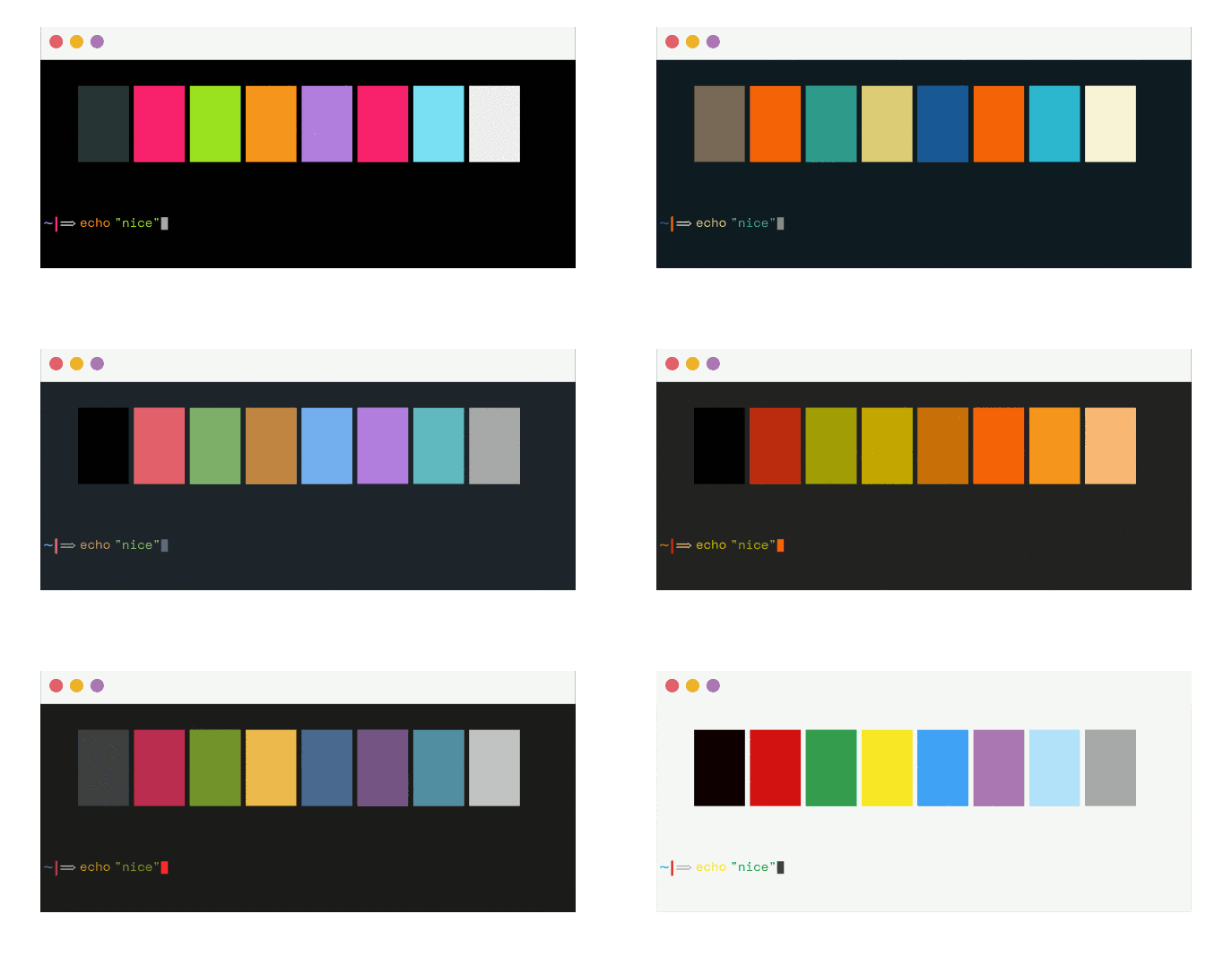
install(you can preview available themes before installing). - Enjoy! :smiley:
Setting a Default
There are two ways to set a chosen theme as a default:
Option One: Edit Terminator Config Manually
Once you install a theme it's stored in Preferences > Profiles. To change an installed theme to the default one open ~/.config/terminator/config and replace the [[default]] theme with your preferred theme under the [profiles] setting. (thanks @jacsmith21)
Option Two: Use the GUI
If you do not want to deal with the modification of the configuration file, you can do the following:
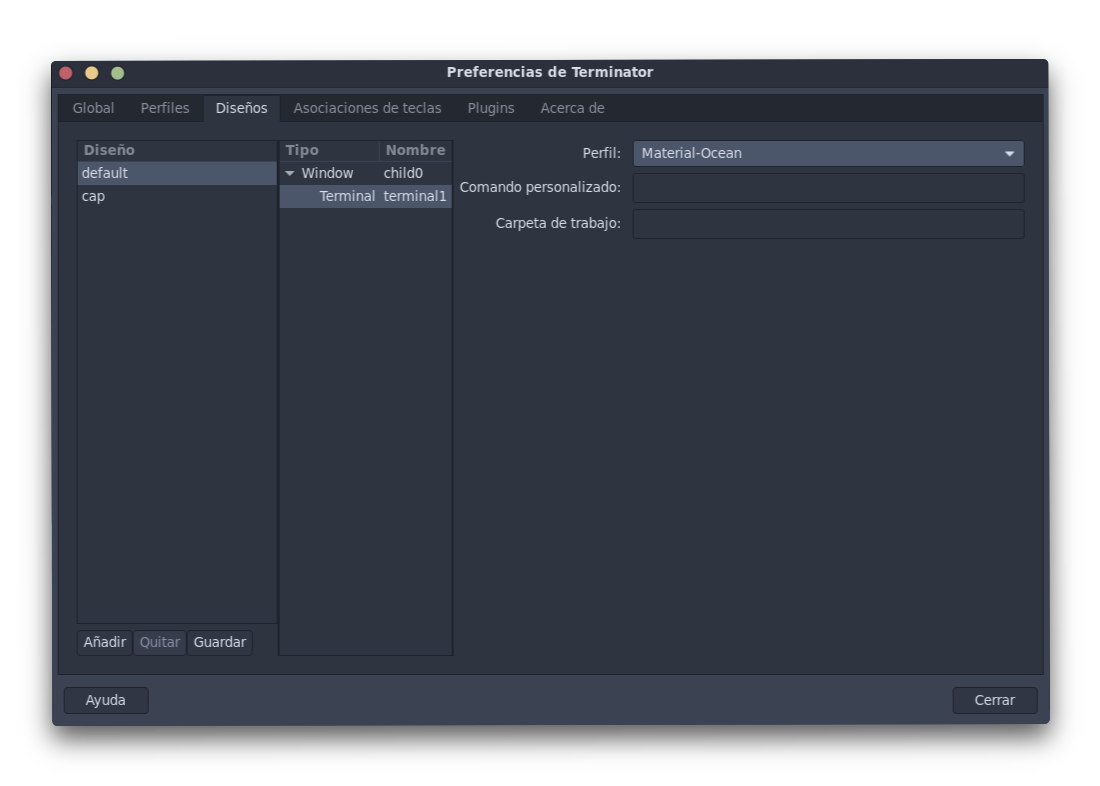
- Go to
Preferences - Choose the
Layoutstab. - Choose your preferred layout.
- Choose the layout terminal (in the next column).
- Choose you preferred profile.
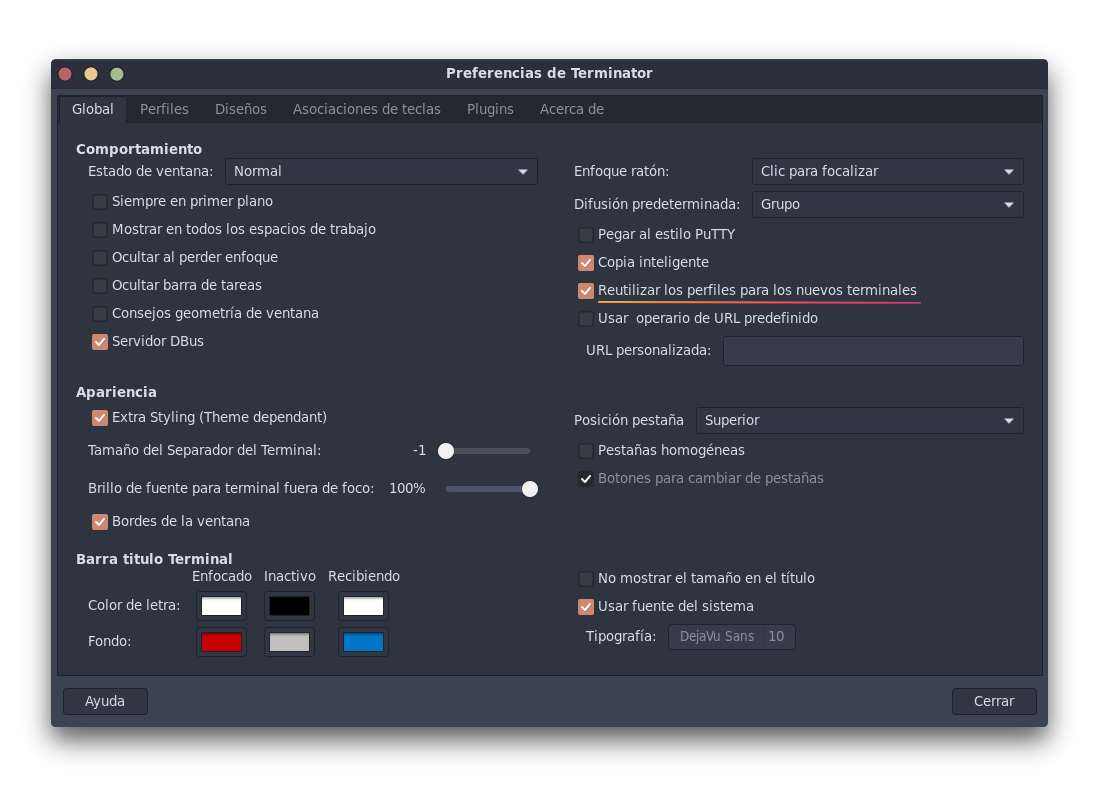
Additionally in order to reuse your new selected profile in the new terminals (avoid selecting the profile in each split) open preferences > global and check the 'Re-use profiles for new terminals' option.