Development has moved to: https://github.com/GhostlyDark/MM-Reloaded
MM Reloaded (2S2H)
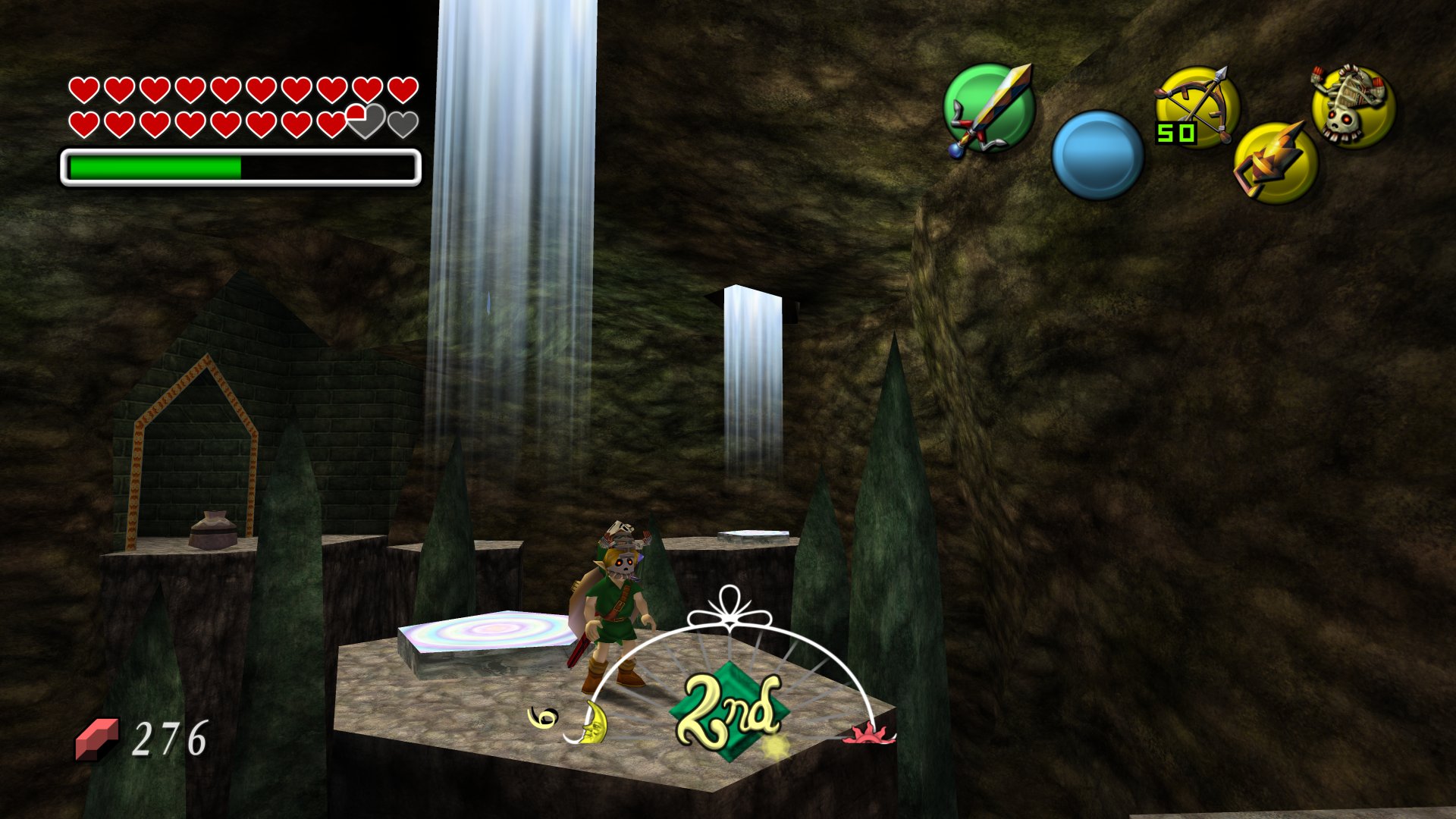
Majora's Mask Reloaded is an Ultra HD texture pack for GLideN64, Dolphin, Recomp (rt64) and 2 Ship 2 Harkinian.
How to use O2R files
Requires 2Ship v5.0.0 or newer. O2R files go into the mods directory. The order in which mods are loaded can be modified by changing file names. Release files have the alt/ path prepended, which requires unhiding the menu pressing Escape and enabling Use Alternate Assets while in-game. Alternatively, press Tab to toggle the textures.
Convert textures from PNG source
Only for advanced users. If you simply want to install the pack, grab it from here instead. If you wish to generate ready to use textures from source, you are required to download and run retro.
Update manifest.json
This repo contains a manifest.json, which may be required to be updated when a new 2Ship build is released.
- Install 2Ship by generating as many
.o2rfiles as possible using supported ROMs. Check the 2Ship readme for supported versions. - Using retro, click
Create OTR / O2R -> Replace Textures -> No, then select all available.o2rfiles at the same time. This will extract the textures from all archives and generates amanifest.json. - The compiled
manifest.jsonneeds to be copied into the directory that contains HD textures, mirroring the file structure of the extracted files.
Convert textures
- Inside retro, choose
Create OTR / O2R -> Replace Textures -> Yesand select the folder containing HD textures. - Keep files uncompressed to reduce stuttering. It is recommended to prepend
alt/before staging textures, which allows assets to be toggled on-the-fly. ClickStage Texturesto continue. - Click
Finalize OTR / O2RandGenerate OTR / O2Ras the final step.