
Your coding agent, in your pocket. No computer needed!
-1f6feb?style=for-the-badge)
Direct download: github.com/HangYu8123/Pocket-CLI/raw/main/Pocket-CLI.apk



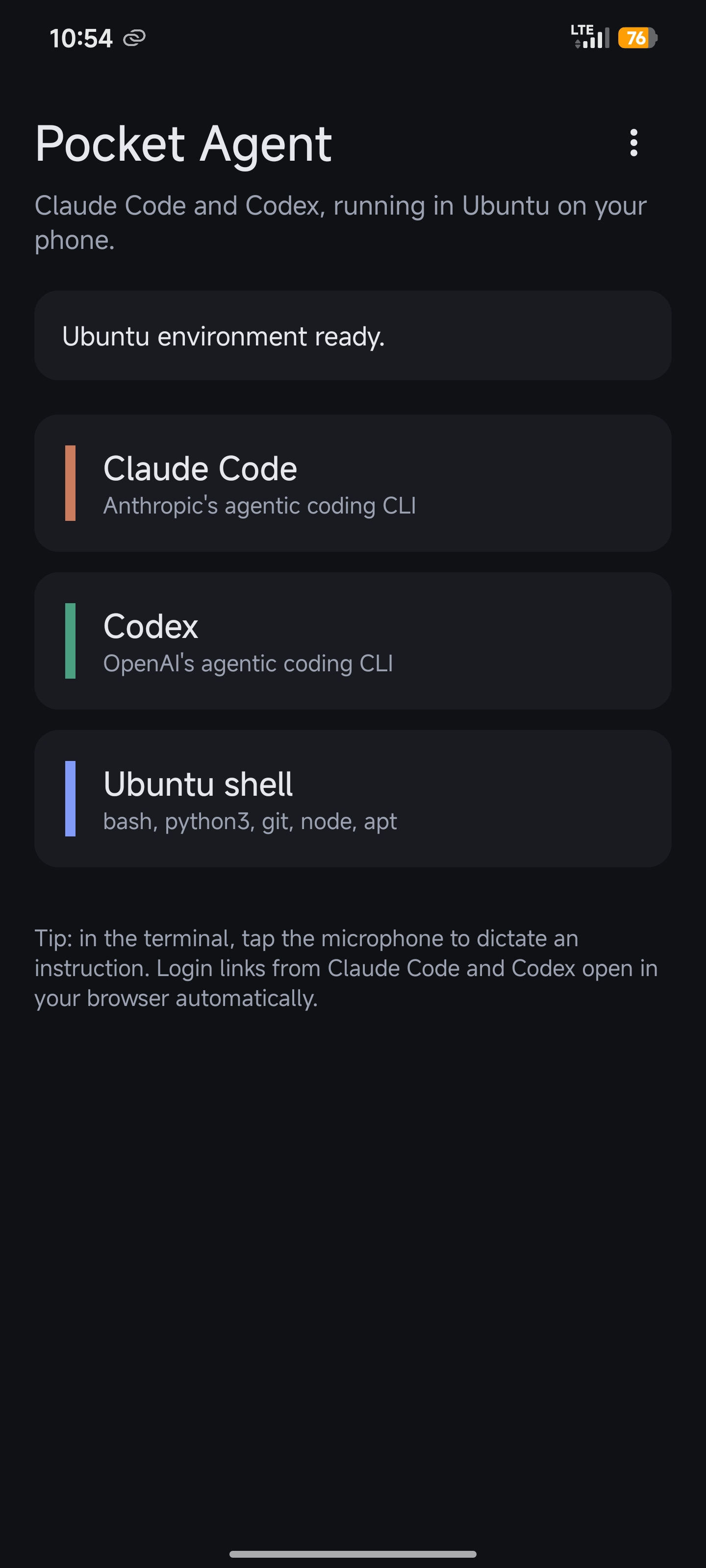
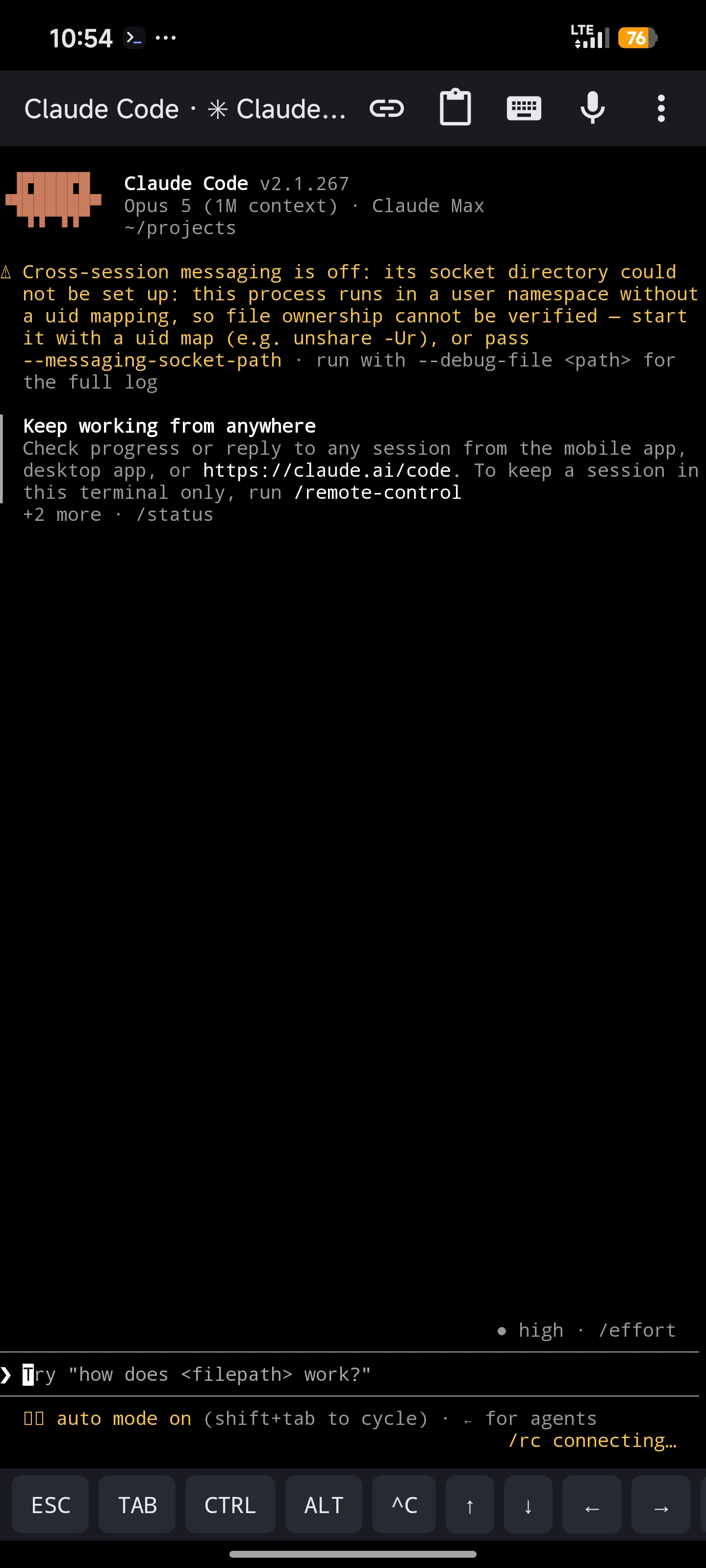
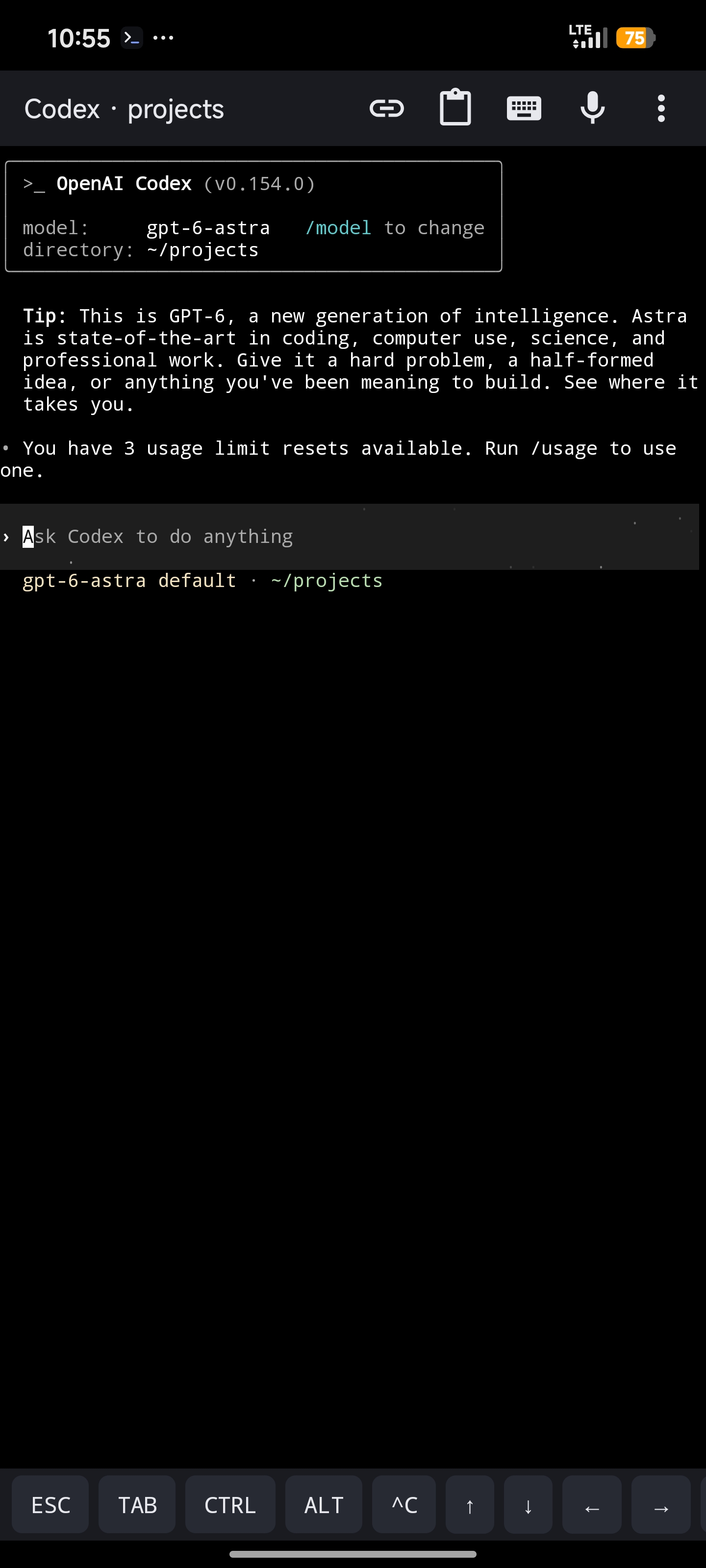
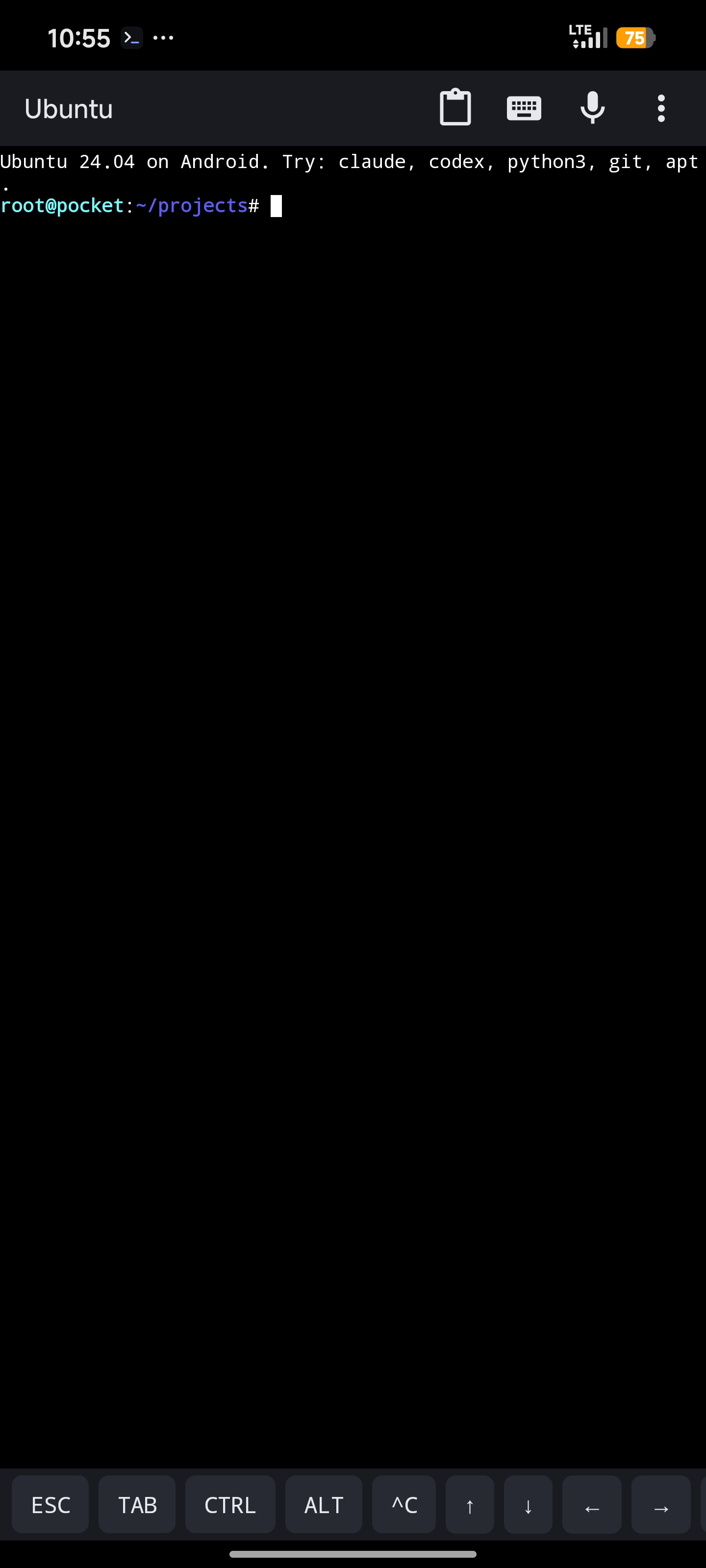
Real screenshots from a Xiaomi 13 Ultra.
Install
- Download
Pocket-CLI.apkon your phone, open it → Install (choose Install anyway if Android warns). - Open Pocket-CLI → Install Ubuntu environment. One tap; 5–15 minutes; runs in the background.
- Tap Claude Code or Codex → sign in when the browser opens → start talking.
Or 🔗 build it yourself.
What it does
Runs the real Claude Code and Codex CLIs on your Android phone, inside a real Ubuntu. Speak or type. The agent writes the code, runs it, fixes it. Your laptop stays off.
How to use
8 things to know. Everything else works like the desktop CLI.
- Home screen — Claude Code, Codex, Ubuntu shell. A running badge means the session is still alive; tap to jump back in.
- Mic button — tap, speak, Enter. Long-press to pick the engine: phone speech service, offline Whisper (built in, no Google), or your keyboard's mic key.
- Working folder — where agents start. New folder… creates one inside Ubuntu or on phone storage; Open… browses it, opens files in other apps, or jumps to the Files app.
- Extra keys — ESC, TAB, CTRL, ALT, ^C, arrows under the terminal. CTRL is sticky: tap it, then a letter.
- Links — login pages open in your browser by themselves. The 🔗 icon re-opens the last one.
- Background — sessions keep running while you switch apps. Keep the notification on.
- Python —
python,pip install x,apt install yall work in the Ubuntu shell. Everything stays installed. - ADHD-friendly answers — the i-have-adhd skill is installed for both agents and on by default: action first, numbered steps, no rambling. Say "stop adhd mode" in a session to switch it off.
Talk to it
No hands needed. Everything below runs on the built-in offline Whisper, so nothing leaves the phone.
| Say | What happens |
|---|---|
| "Hey Pat" (anywhere, app closed) | Pocket-CLI opens and listens for a command. Turn it on in Settings → Voice control → Wake word; change the phrase there too. |
| "Open Claude" · "Open Codex" · "Open terminal" | Starts that session in the working folder. Also works from the Voice command button on the home screen. |
| "Create a new folder" | Asks for a name, creates it under ~/projects, selects it, then asks which agent to open there. |
| "… send to Claude Code" / "… send to Codex" | In hands-free mode: everything you said before it is typed into the agent and sent. |
| "Stop reading" · "Read again" · "Escape" · "Hands-free off" | Controls while hands-free. |
Hands-free mode (terminal menu → Hands-free mode, automatic for sessions you open by voice): the mic stays open, your words go into the input box, and when the agent finishes writing, its reply is read aloud. Tap the banner to stop reading. Settings → Voice control can make every session start hands-free.
Wake word notes: Android only lets an app open itself from the background when it may display over other apps; grant that when asked, otherwise a notification appears for you to tap. Xiaomi/HyperOS also needs Display pop-up windows while running in the background. After a reboot, open the app once (or tap the notification) to resume listening.
Tune it
Settings live under ⋮ on the home screen.
| Want | Do |
|---|---|
| Bigger text | Pinch the terminal, or terminal menu → Font size |
| Send dictation without pressing Enter | Dictation → Send after dictation |
| Chinese (or other) dictation | Dictation → Dictation language, and Whisper model → Small for offline use |
| Better offline transcription | Dictation → Whisper model → Small (190 MB) |
| Files visible to other apps | Allow access to phone storage, then use a Phone · folder |
| Newer Claude Code / Codex | Update Claude Code and Codex |
| Phone kills the agent overnight | Battery → No restrictions; on Xiaomi also Autostart + lock in Recents |
| Sessions always hands-free | Voice control → Start sessions hands-free |
| Different wake phrase | Voice control → Wake phrase |
| ADHD skill missing or outdated | Reinstall the i-have-adhd skill |
| Fresh start | Reinstall Ubuntu environment |
Mic silent? Settings → Voice input not working? tells you which engines your phone has and switches you to offline Whisper.
Credits
Standing on: proot and the Termux terminal engine, Ubuntu 24.04, whisper.cpp, the i-have-adhd skill by Ayoub G. (MIT), and of course Claude Code by Anthropic and Codex by OpenAI, each of which needs your own account.
How it all fits together: docs/DEVELOPMENT.md.
License
MIT for Pocket-CLI's own code. Bundled components keep their own licenses.
⭐ Star it if it ever let you leave the laptop at home.