🌐 Select Language / 日本語 🇯🇵 | 中文 🇨🇳
 Build LLM on Google Colab from scratch
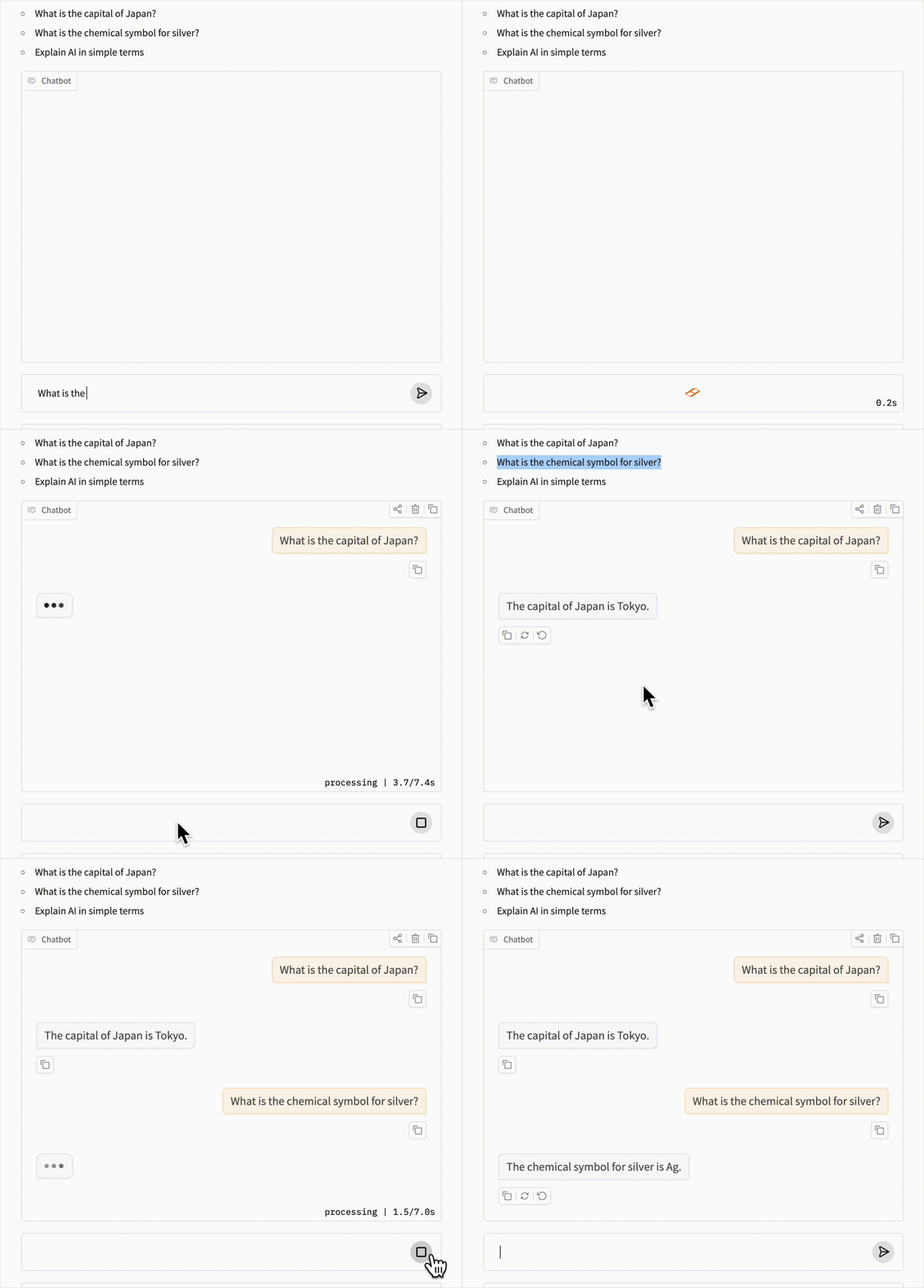
Click-> AI YOU build in Chapter29😘
Table of Contents
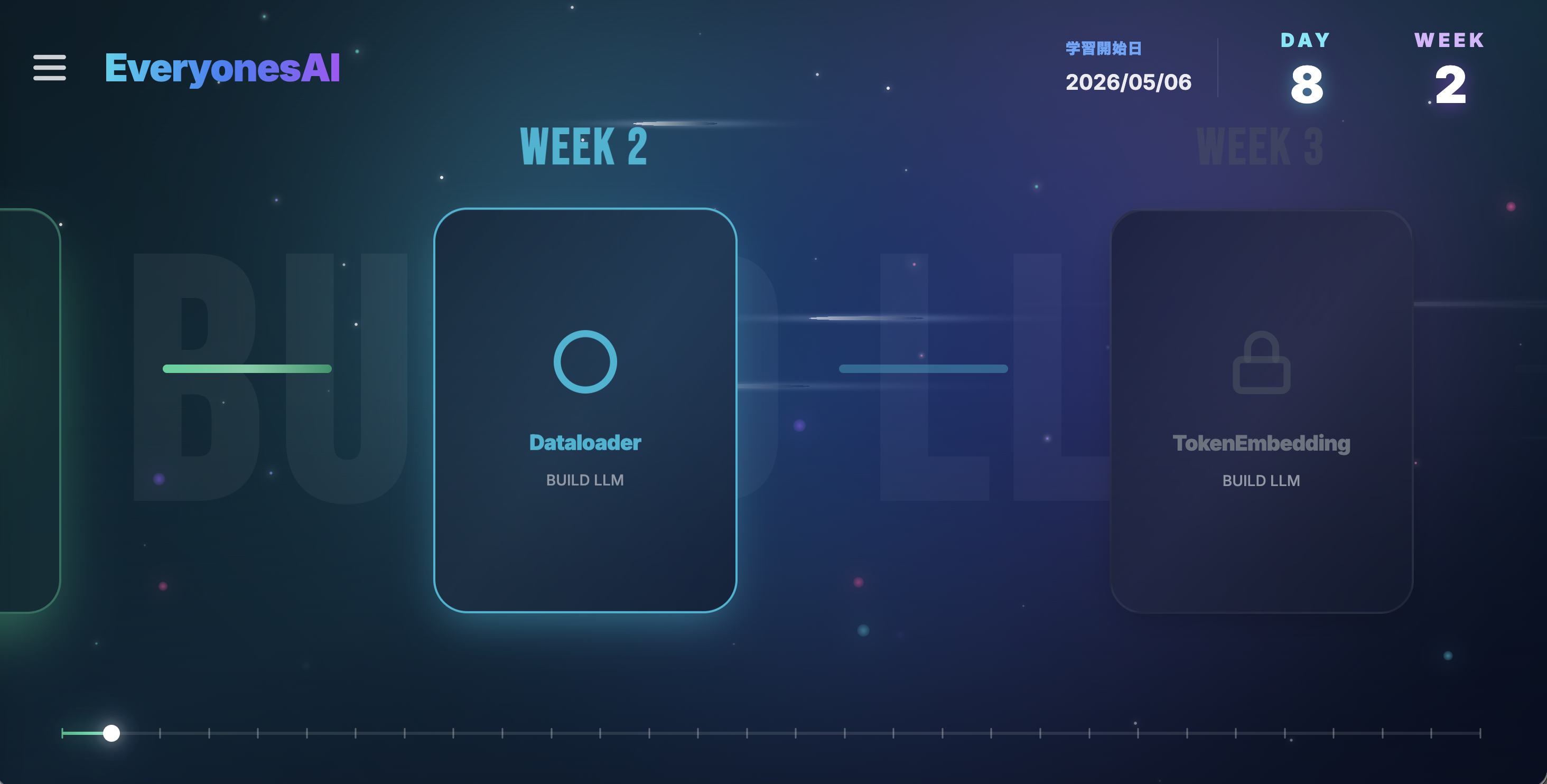
WebApp Released (Now only in Japanese)
EveryonesLLM
| Chapter | Estimated Time | Notebook |
|---|---|---|
| Chapter 00: Start Tutorial | 1-2 hours |  |
| Chapter 01: Dataloader | 1-2 hours | |
| Chapter 02: TokenEmbedding | 0.5-1 hour | |
| Chapter 03: PositionEmbedding | 0.5-1 hour | |
| Chapter 04: EmbeddingModule | 0.5-1 hour | |
| Chapter 05: LayerNorm | 1-2 hours | |
| Chapter 06: AttentionHead | 3-4 hours | |
| Chapter 07: MultiHeadAttention | 1-2 hours | |
| Chapter 08: FeedForward | 1-2 hours | |
| Chapter 09: TransformerBlock | 0.5-1 hour | |
| Chapter 10: VocabularyLogits | 0.5-1 hour | |
| Chapter 11: nanoGPT | 1-2 hours | |
| Chapter 12: Trainer | 1-2 hours | |
| Chapter 13: Tokens per second(CPU) | 1-2 hours | |
| Chapter 14: Tokens per second(T4 GPU) | 0.5-1 hour | |
| Chapter 15: Train nanoGPT with GPU | 0.5-1 hour | |
| Chapter 16: Make only the model size bigger | 0.5-1 hour (+ 1 hour model training) | |
| Chapter 17: Make the dataset bigger | 1-2 hours (+ 1 hour model training) | |
| Chapter 18: tiktoken | 1-2 hours (+ 1 hour model training) | |
| Chapter 19: Long Train | 1-2 hours (+ 6 hours model training) | |
| Chapter 20: Learning rate | 0.5-1 hour | |
| Chapter 21: Scaling Law | 1-2 hours | |
| Chapter 22: TinyStories(Main) | 1-2 hours | |
| Chapter 22: TinyStories(Model Training) | 1 hour | |
| Chapter 23: RPE(OverSimplified) | 2-3 hours | |
| Chapter 24: RPE(Simplified) | 1-2 hours (+ 1 hour model training) | |
| Chapter 25: LR schedule | 1 hour | |
| Chapter 26: Checkpoint | 1 hour | |
| Chapter 27: Pretraining | 0.5 hour (+ 20 hours model training) | |
| Chapter 28: Instruction Tuning | 0.5 hour (+ 0.5 hour model training) | |
| Chapter 29: Magpie (Prompt mask) | 1.5 hours (+ 2 hours model training) | |
2026/6/5 Vision LLM beta is now available!
Explanations and exercises are not available yet. Evaluation on major benchmarks is also not available yet.
Please use it for early preview learning. We plan to update it from time to time, so we recommend working on it after future updates.
| Chapter | Estimated time | Notebook |
|---|---|---|
| Chapter 30: Vision Pretraining (Beta) | 3 hours model training | |
| Chapter 31: Vision Instruction Tuning (Beta) | 2 hours model training | |
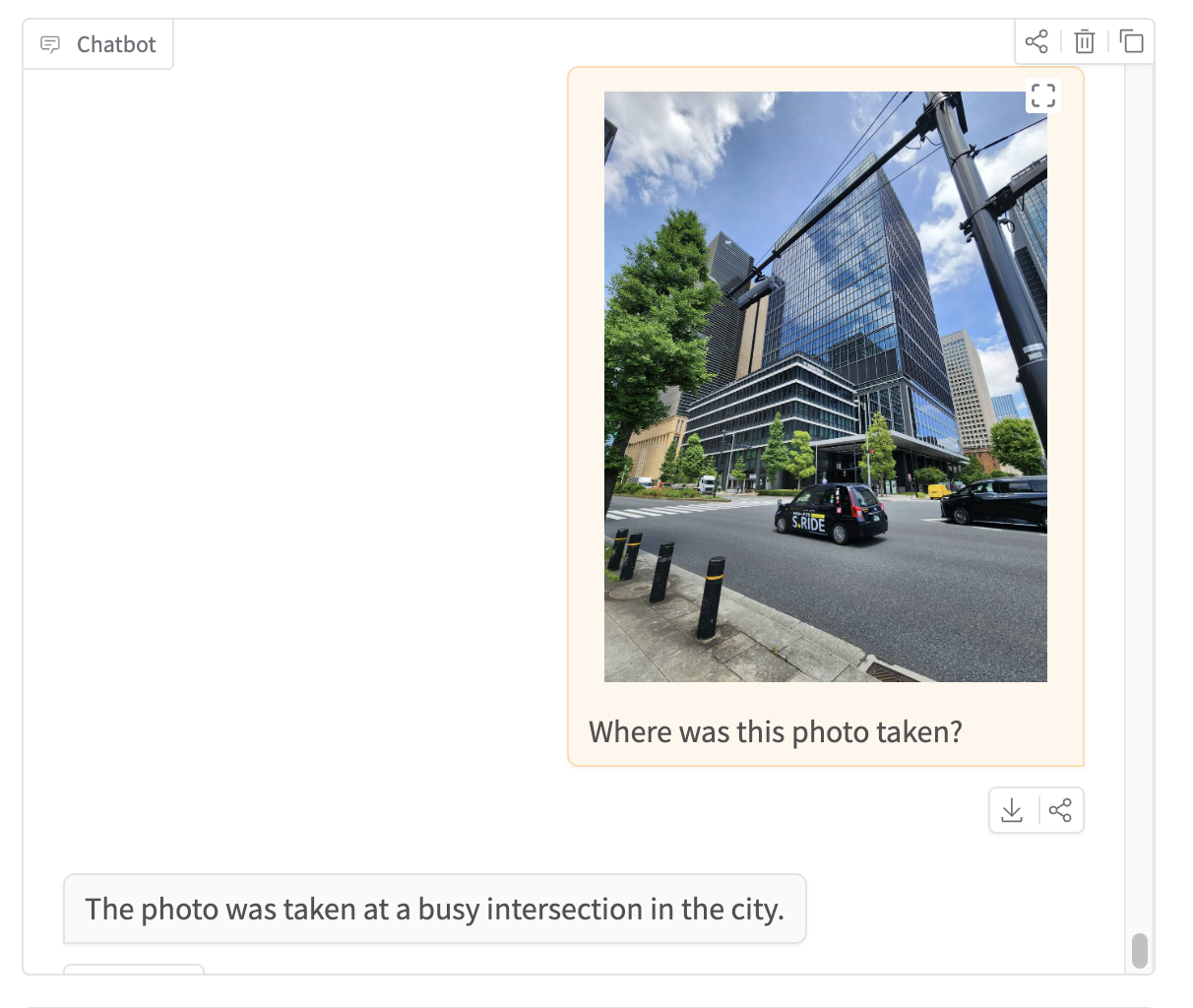
Link to Web App (Vision LLM)
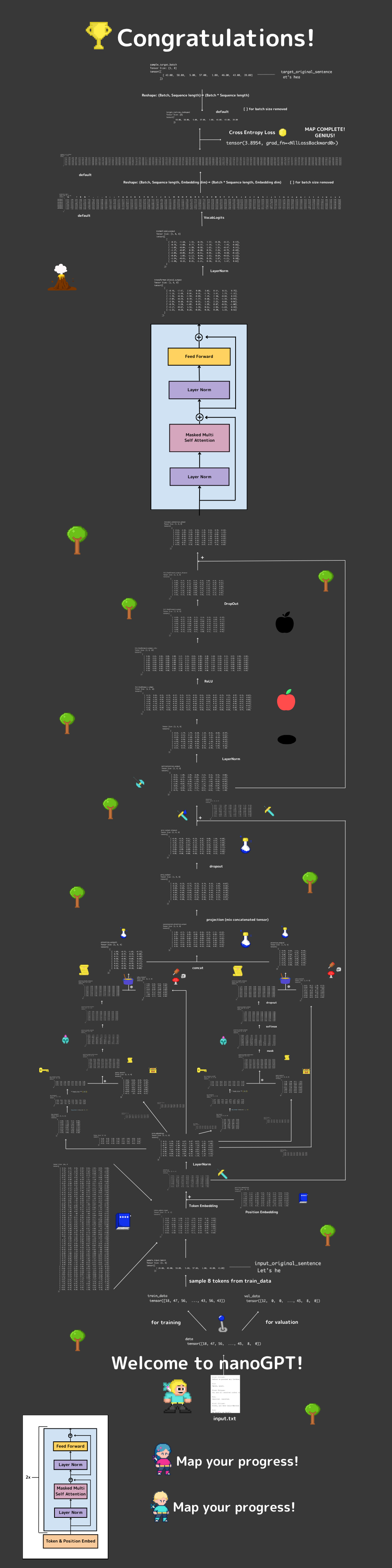
Tensor Map (Full Tensor Overview)
Try making the tensor map below by yourself!
Do not worry, I prepared lots of hints for you.
View the full-resolution Tensor Map of the nanoGPT model on Canva
About the Development Environment
To keep setup easy, please try running all the samples on Google Colab.
However, Google Colab does not save checkmarks in checkboxes.
If you want to track your progress, or if you want to work little by little, say every 30 minutes, I recommend VS Code.
In that case, fork this repository and clone it to your own PC.
Just use Google Colab extension for your VS code, then you can use Colab CPU and GPU.
Answers
| Chapter | Estimated Time | Notebook |
|---|---|---|
| Chapter 00: Start Tutorial | 1-2 hours | |
| Chapter 01: Dataloader | 1-2 hours | |
| Chapter 02: TokenEmbedding | 0.5-1 hour | |
| Chapter 03: PositionEmbedding | 0.5-1 hour | |
| Chapter 04: EmbeddingModule | 0.5-1 hour | |
| Chapter 05: LayerNorm | 1-2 hours | |
| Chapter 06: AttentionHead | 3-4 hours | |
| Chapter 07: MultiHeadAttention | 1-2 hours | |
| Chapter 08: FeedForward | 1-2 hours | |
| Chapter 09: TransformerBlock | 0.5-1 hour | |
| Chapter 10: VocabularyLogits | 0.5-1 hour | |
| Chapter 11: nanoGPT | 1-2 hours | |
| Chapter 12: Trainer | 1-2 hours | |
| Chapter 13: Tokens per second(CPU) | 1-2 hours | |
| Chapter 14: Tokens per second(T4 GPU) | 0.5-1 hour | |
| Chapter 15: Train nanoGPT with GPU | 0.5-1 hour | |
| Chapter 16: Make only the model size bigger | 0.5-1 hour (+ 1 hour model training) | |
| Chapter 17: Make the dataset bigger | 1-2 hours (+ 1 hour model training) | |
| Chapter 18: tiktoken | 1-2 hours (+ 1 hour model training) | |
| Chapter 19: Long Train | 1-2 hours (+ 6 hours model training) | |
| Chapter 20: Learning rate | 0.5-1 hour | |
| Chapter 21: Scaling Law | 1-2 hours | |
| Chapter 22: TinyStories(Main) | 1-2 hours | |
| Chapter 22: TinyStories(Model Training) | 1 hour | |
| Chapter 23: RPE(OverSimplified) | 2-3 hours | |
| Chapter 24: RPE(Simplified) | 1-2 hours (+ 1 hour model training) | |
| Chapter 25: LR schedule | 1 hour | |
| Chapter 26: Checkpoint | 1 hour | |
| Chapter 27: Pretraining | 0.5 hour (+ 20 hours model training) | |
| Chapter 28: Instruction Tuning | 0.5 hour (+ 1 hour model training) | |
| Chapter 29: Magpie (Prompt mask) | 1.5 hours (+ 2 hours model training) | |
Sources
This tutorial is based on Andrej Karpathy's nanoGPT and jingyaogong's Minimind. For Instruction Tuning, it refers to Sebastian Raschka's book Build a Large Language Model (From Scratch). For Vision LLM, it refers to LLaVA. I would like to take this opportunity to express my sincere gratitude.
Notice
This project is a community-based open-source educational project and is not affiliated with Google in any way.
About Project EveryonesLLM