line-art-animation
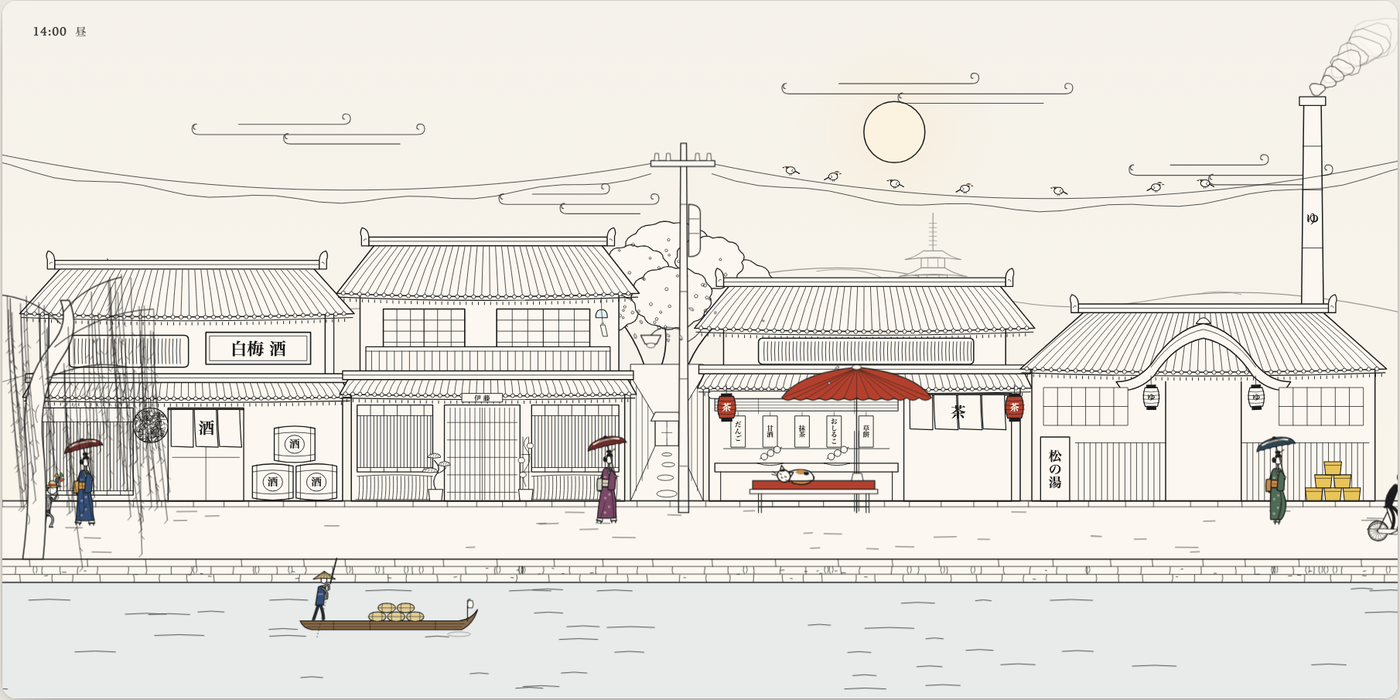
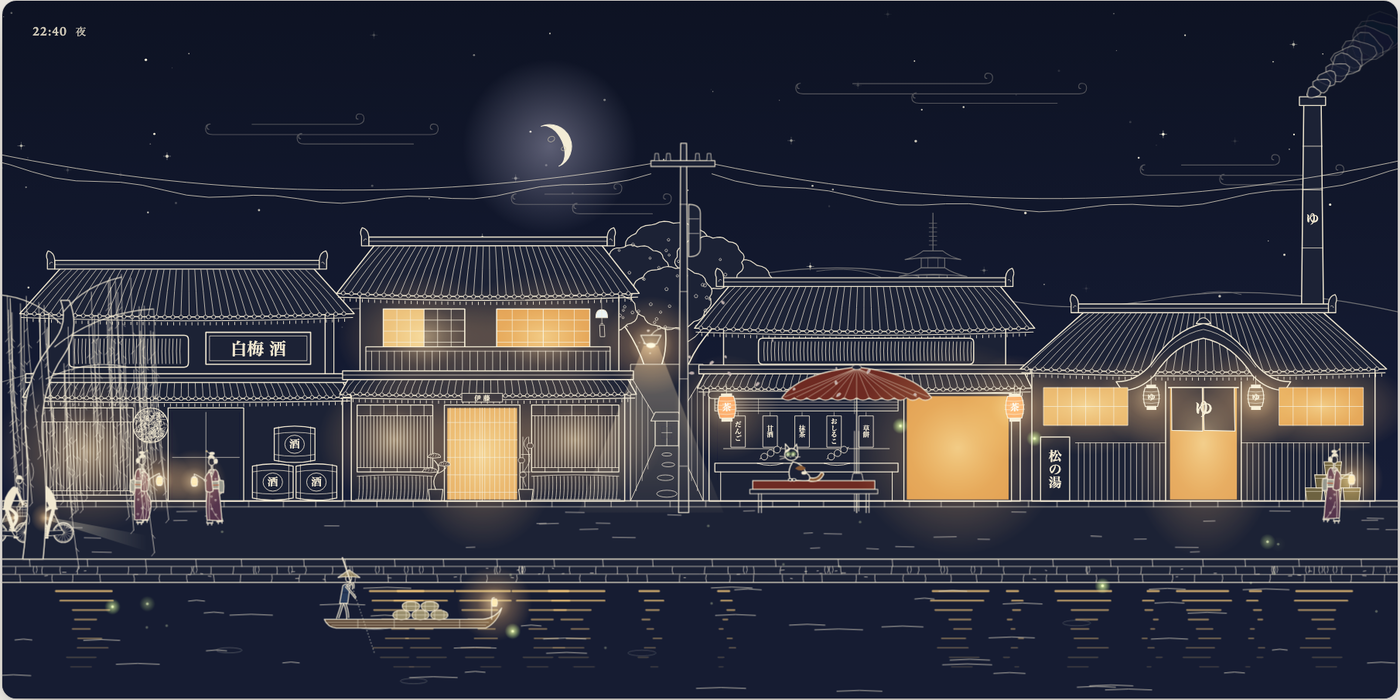
A Claude skill and a small TypeScript library for animated line-art components: ink-on-paper figures that walk, ride and react, in scenes that run from day to night. Everything is drawn live in SVG, so it stays sharp at any size and responds to the pointer.
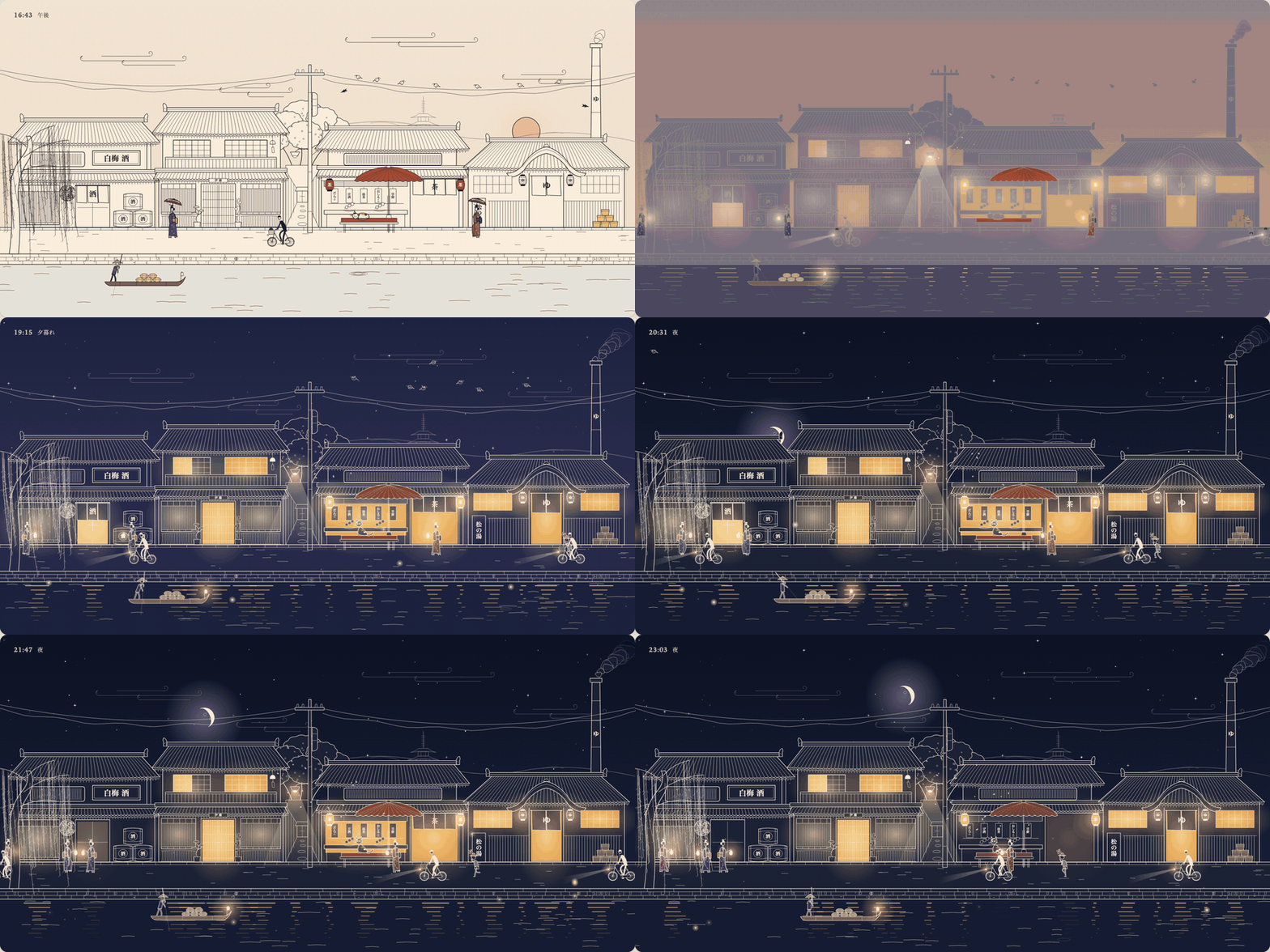
| Day | Night |
|---|---|
 |  |
What's in the repo
SKILL.md, references/ | The skill: workflow, the rules that make the style work, and guides for style, motion, scenes, verification, matching a reference clip and rendering video. |
lib/ | Four dependency-free TypeScript modules: drawing primitives (ink.ts), a walk/run solver (gait.ts), springs, pendulums and wind (motion.ts), and a time-of-day palette (daynight.ts). |
examples/walker/ | One figure in about 150 lines: a man with a briefcase walks across the card; click him and he tips his hat. |
examples/village/ | A full scene: a street of machiya, a tea house and a bath house by a canal, villagers on schedules, a cat, birds, a boatman, lit windows and reflections, about a dozen interactions. |
scripts/ | Deterministic frame capture for video, and tools for measuring a reference clip. |
Install the skill
For Claude Code, clone it into your skills folder:
git clone https://github.com/JDhruv14/line-art-animation ~/.claude/skills/line-art-animationor into .claude/skills/ inside a single project. Then ask for what you want, for example:
- "Make a line art animation of a bakery at dawn: a baker carrying trays, steam from the oven, a cat in the window."
- "Turn this clip into a looping line-art component, matching its walk exactly." (attach or link the clip)
- "Add a day-night cycle to the scene and render a 30-second 1080p video."
Claude reads SKILL.md, copies lib/ into your project, shows one figure for approval
before building the rest, and checks motion frame by frame before handing it over.
Run the examples
Requires Node 22.18 or newer.
npm install
npm run dev        # http://localhost:5173
In the village, drag the sun or moon across the sky to change the time, move the pointer
to make wind, and click people, windows, lanterns, the wind chime, the cat, the birds or
the water. URL flags: ?start=0.9 sets the starting time (0 is midnight, 0.5 noon),
?tau=0.5 pins it, ?day=30 makes a full day last 30 seconds, ?debug steps time by hand.
npm run typecheck  # strict for lib/ and the walker
npm run build
The library in brief
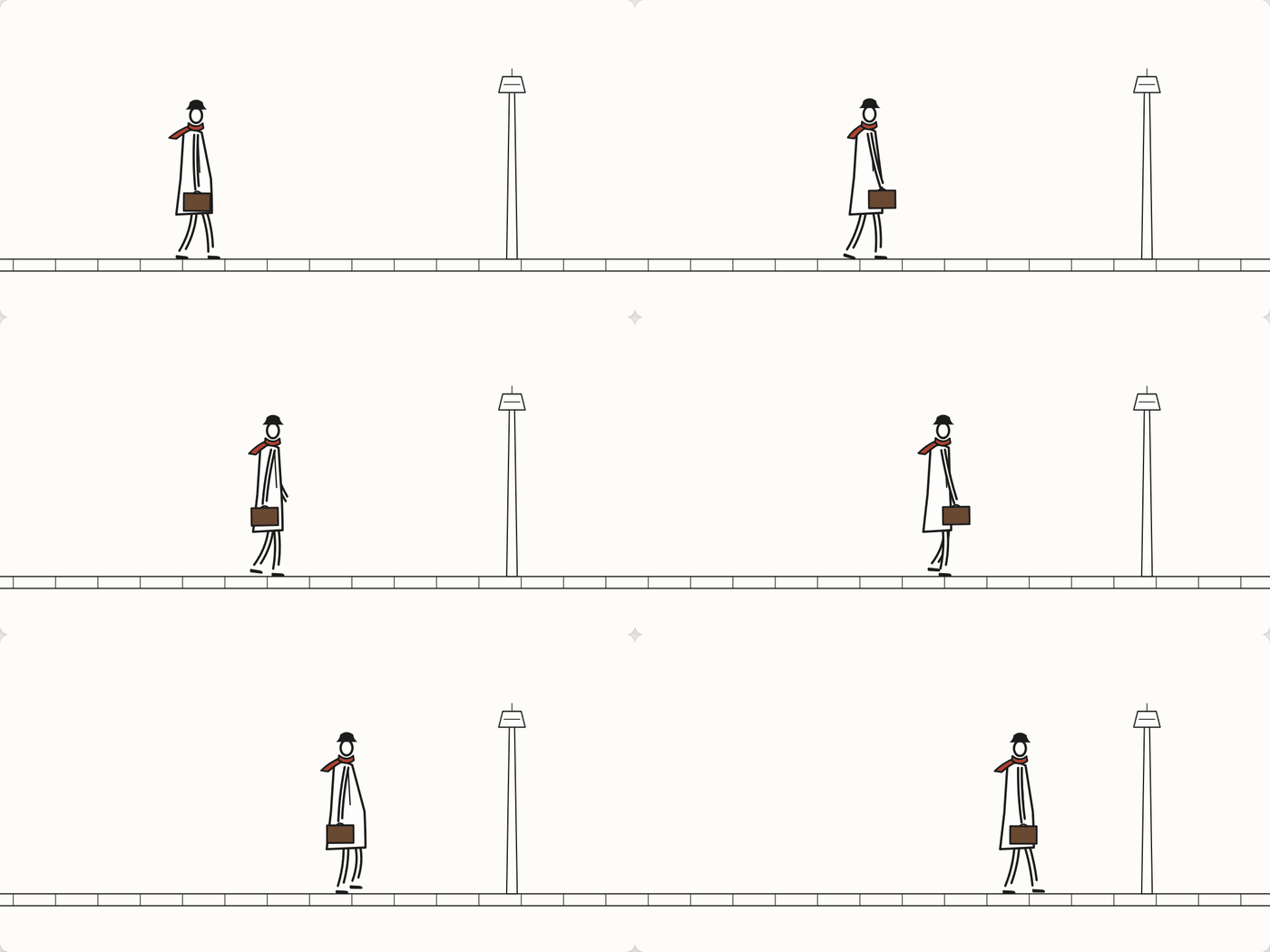
Figures are drawn in their own space, about 95 units tall with feet on y = 120, and placed into a scene with a transform. Limbs are two open pen strokes around a curve through the joints, which is most of what makes the drawing read as hand-inked.
A complete program that draws a pair of legs walking across the page (the walker example adds the body, arms, clothes and the click reaction):
import { el, limb, shoe, place, inkDefs, run } from './lib/ink.ts';
import { gait } from './lib/gait.ts';

const svg = el('svg', { viewBox: '0 0 480 240' });
document.body.append(svg);
const fig = el('g', { filter: inkDefs(svg).filter }, svg);
const legs = [limb(fig, 4.2), limb(fig, 4.2)];
const shoes = [el('path', {}, fig), el('path', {}, fig)];

const walk = gait({ kind: 'walk' });
let phase = 0, x = 60;
run((t, dt) => {
  phase += dt / walk.period;
  x += walk.speed * 1.25 * dt;           // move at the gait's speed and the feet stay planted
  place(fig, x % 520 - 20, 196, 1, 1.25);
  const p = walk.pose(phase);
  p.feet.forEach((foot, i) => {
    legs[i].draw([p.hip, foot.knee, foot.ankle]);
    shoe(shoes[i], foot.ankle, foot.pitch);
  });
});
gait() solves the legs rather than animating them: the planted foot slides back at
exactly the travel speed, the swing follows a minimum-jerk path, the heel peels off the
toe before each step, and hip height comes from what the planted legs can reach, so the
body rises over each step and dips when both feet are down. Clothes are then drawn
around the knees and ankles, so a coat or kimono opens and closes with the stride.
palette(τ) gives sky, paper and ink colours for any time of day. Ink is currentColor
and paper fills carry a pp class, so applyPalette() can turn the whole drawing into
pale ink on indigo at night while windows and lanterns glow.
Render a video
npm run dev
node scripts/capture.ts "http://localhost:5173/examples/village/?debug&capture&day=30&start=0.3" \
  captures/village 900 30 1920 1080
ffmpeg -framerate 30 -i captures/village/f%04d.png -c:v libx264 -preset slow -crf 15 \
  -pix_fmt yuv420p -movflags +faststart -tune animation village.mp4
The capture script drives headless Chrome over the DevTools protocol, with no npm
dependencies, and advances the scene by exactly one frame between screenshots, so the
result doesn't depend on machine speed. It finds a local Chrome or Chromium, or uses
$CHROME. Needs ffmpeg.
Match a reference clip
node scripts/clip.ts period clip.mp4 X Y W H          # loop length of a region
node scripts/clip.ts blobs clip.mp4 X Y W H Y0 Y1     # dark blobs per frame, e.g. feet
scripts/frames.sh clip.mp4 X Y W H out/               # frames with a measuring grid
references/matching.md covers the rest: why to resample by time (most social clips
are variable-frame-rate), reading poses off the grid, and an overlay mode for checking
your drawing against the clip.
License
MIT