⚡ CommitPulse
Your GitHub contributions — as a cinematic SVG monolith.





Drop this into your GitHub profile README and stop being boring.
📖 Table of Contents
- Design Philosophy
- Live Demo
- Deep Customization
- Theme Presets
- Theme Preview Gallery
- Real-Time Accuracy
- Architecture & Tech Stack
- Self-Hosting
- Automated Contributor Workflow
- FAQ
- Contributing
- License
- Themes
- Contributors


🏛️ The Isometric Monolith — Design Philosophy
Most GitHub stat badges are flat. Flat bars, flat text, flat colors. They blend into every README on the planet.
CommitPulse is different.
We render your contribution data as a 3D Isometric City — a grid of glowing towers where each column's height is directly proportional to your commit count that day. The more you grind, the taller your skyline grows.
Ghost City Architecture: In this mode, zero-contribution days aren't just empty space. They are rendered as thin, wireframe-style blueprint foundations (4px high). This gives your commit landscape a structured, architectural "work-in-progress" look even during rest days, maintaining the premium 3D aesthetic across the entire calendar.
This is not decoration. This is a live, animated data visualization that makes your dedication impossible to ignore.
Why Isometric > Flat
| Property | Flat Badges | CommitPulse Monolith |
|---|---|---|
| Visual Depth | None | Full isometric 3D perspective |
| Data Density | 3 numbers | 98-day contribution landscape |
| Animation | Static | Radar scan line, glow effects & live pulsing indicator for today's commits |
| Personality | Generic | Uniquely yours, every day |
| Impression | "They have stats" | "They ship code like a machine" |
The design philosophy is simple: your commit history deserves a monument, not a meter.
🔴 Live Demo
Transform your GitHub contribution history into a cinematic 3D monolith.
✨ Theme Showcase
Default |
Neon |
Custom |
📋 Copy Examples
🌑 Default

🌟 Neon

🔥 Custom

🎨 Deep Customization — URL Parameters
CommitPulse is designed to be fully composable. Every visual attribute is controllable via a URL parameter, following a clear priority chain:
URL Parameter > Theme Default > System Fallback
Parameter Reference
| Parameter | Type | Required | Default | Description |
|---|---|---|---|---|
user | string | ✅ Yes | — | GitHub username to render |
theme | string | No | dark | Preset theme name (see below) |
bg | hex | No | Theme default | Background color — without # |
accent | hex | No | Theme default | Tower & glow color — without # |
text | hex | No | Theme default | Label & stat text color — without # |
radius | number | No | 8 | Border corner radius in pixels |
border | string | No | — | Custom stroke color around the main SVG container — without # |
speed | string | No | 8s | Radar scan duration (2s–20s, default 8s) |
scale | string | No | linear | Tower height scaling: linear or log (logarithmic) |
size | string | No | medium | Badge dimensions: small (400×280), medium (600×420), large (800×560) |
font | string | No | CommitPulse default typography | Any Google Font name (e.g. Orbitron, Inter) |
refresh | boolean | No | false | Bypass cache for real-time data |
year | string | No | — | Calendar year to render (e.g. 2023, 2024) |
hide_title | boolean | No | false | Hide GitHub username/title from the SVG badge |
hide_background | boolean | No | false | Remove the background rect, letting the monolith float on the page |
hide_stats | boolean | No | false | Hides the bottom row displaying Current Streak, Annual Sync Total, and Peak Streak stats when set to true or 1. |
tz | string | No | Omitted = UTC | IANA timezone (e.g. Asia/Kolkata, America/New_York) — aligns "today" with the user local midnight. Note: ?tz=UTC is valid but cached separately from omitting tz. |
lang | string | No | en | Language code for labels (en, es, hi, fr, pt, ko, ja, de, zh) |
view | string | No | default | Rendering mode: default (3D Monolith), monthly (Compact monthly stats), or heatmap (flat 2D contribution heatmap) |
entrance | string | No | rise | Entrance animation for towers: rise (default), fade, slide, or none. |
delta_format | string | No | percent | Format for month-over-month delta in monthly view: percent (e.g. +12%), absolute (e.g. +15 commits), or both |
width | number | No | 300 | Custom width for the SVG canvas (currently only applies to view=monthly) |
height | number | No | 120 | Custom height for the SVG canvas (currently only applies to view=monthly) |
grace | number | No | 1 | Grace period in days before a streak resets (0–7). grace=0 = strict mode (no missed days), grace=2 = lenient (forgives up to 2 missed days). Default is 1. |
mode | string | No | commits | Rendering mode: commits (default) or loc (Lines of Code landscape) |
repo | string | No | — | Render the monolith for a specific repository (e.g. owner/repo) instead of the whole profile |
org | string | No | — | Organization name to generate a Mega-City for |
labels | boolean | No | false | Render optional 3D isometric month headers and weekday labels |
labelColor | hex | No | — | Custom text color for the isometric labels — without # |
versus | string | No | — | GitHub username of an opponent to compare against in side-by-side versus mode |
shading | boolean | No | false | Apply intensity-based opacity shading to tower faces so lower intensity levels appear slightly dimmer |
opacity | number | No | 1.0 | Global opacity scalar for all tower fill-opacity values (0.1–1.0). opacity=0.5 = semi-transparent ghost look. opacity=0.8 = faded, great on light backgrounds. |
gradient | boolean | No | false | Opt-in to show volumetric gradients on the monolith floor |
Grace Period Examples
<!-- Strict mode — streak resets on any single missed day -->  <!-- Default — one day grace period (current behavior) -->  <!-- Lenient — forgives up to 2 consecutive missed days --> 
Theme Presets
| Theme | Preview | bg | accent | text |
|---|---|---|---|---|
auto | System light / dark | adapts | adapts | adapts |
dark (default) | GitHub dark | 0d1117 | 58a6ff | c9d1d9 |
neon | Cyberpunk | 000000 | ff00ff | 00ffcc |
dracula | Dracula Pro | 282a36 | bd93f9 | f8f8f2 |
github | GitHub green | 0d1117 | 39d353 | ffffff |
light | Clean & minimal | ffffff | 0969da | 24292f |
gruvbox | Retro warm dark | 282828 | fe8019 | ebdbb2 |
random | Surprise theme on reload | varies | varies | varies |
highcontrast | Accessibility high contrast | 0a0a0a | ff4500 | ffffff |
cyber-pulse | AMOLED true-black & cyan | 000000 | 00ffee | ffffff |
obsidian | Deep charcoal & amber gold | 1a1a2e | f59e0b | e2e8f0 |
autouses CSS@media (prefers-color-scheme)inside the SVG so the badge switches between thelightanddarkpalettes based on the viewer's OS setting — no JavaScript required. This is ideal for GitHub profile READMEs where visitors may use either mode.
🎨 Theme Preview Gallery
Explore some of the built-in CommitPulse themes and quickly copy the style you like.
| Theme | Usage Example |
|---|---|
| Dark | ?theme=dark |
| Neon | ?theme=neon |
| Dracula | ?theme=dracula |
| Gruvbox | ?theme=gruvbox |
| GitHub | ?theme=github |
Examples
<!-- Auto theme — adapts to the viewer's light/dark system preference --> 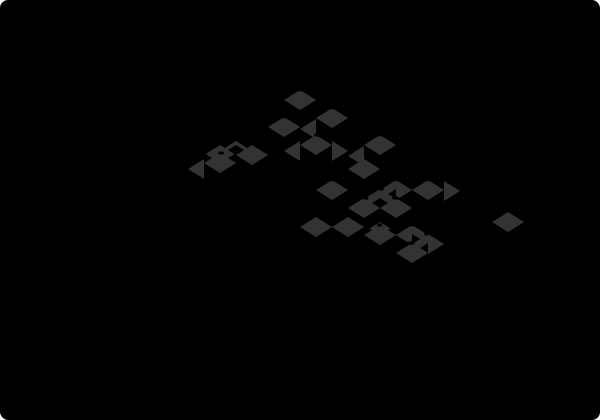 <!-- The Dracula aesthetic --> 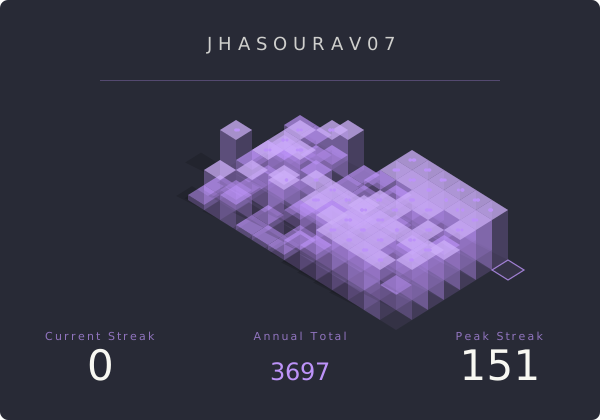 <!-- Dynamic Google Fonts — Space-age look with Orbitron --> 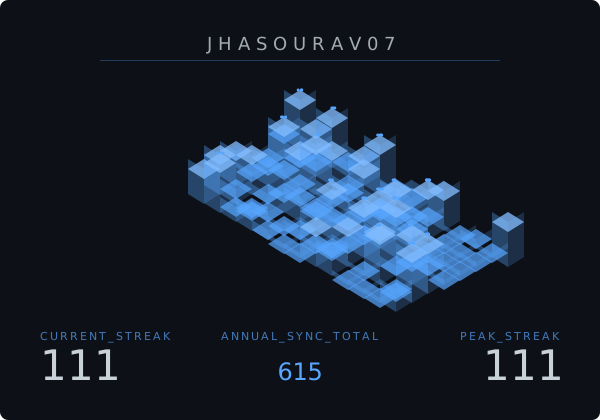 <!-- Fully custom — hot orange on void black -->  <!-- Force bypass cache for latest data --> 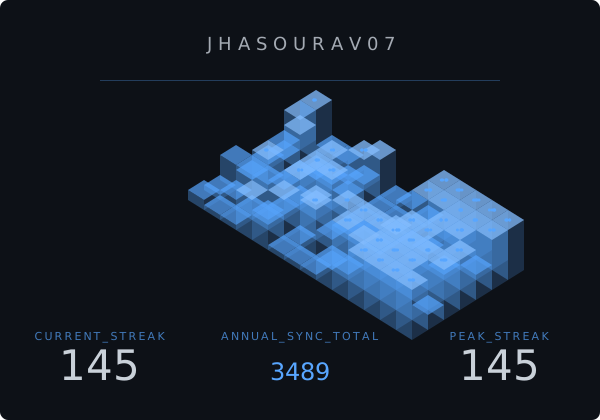 <!-- Fast scan + logarithmic scaling for power users --> 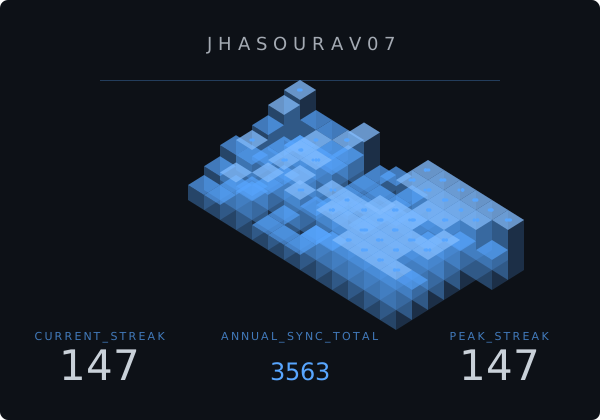 <!-- View contributions for a specific past year --> 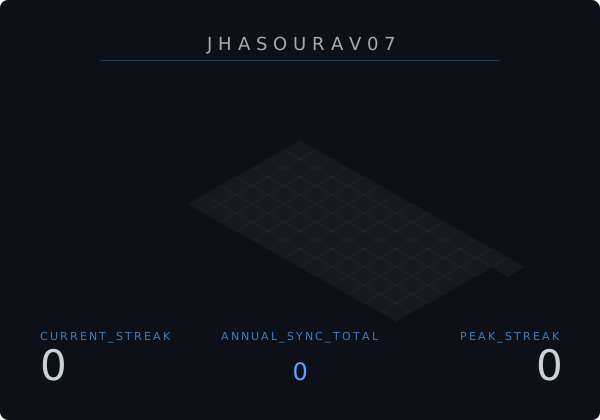 <!-- Compact Monthly Stats View --> 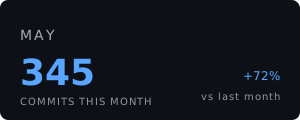 <!-- Monthly View with Absolute Delta and Custom Dimensions --> 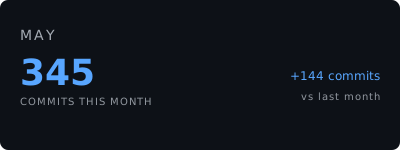 <!-- Hide GitHub username/title --> 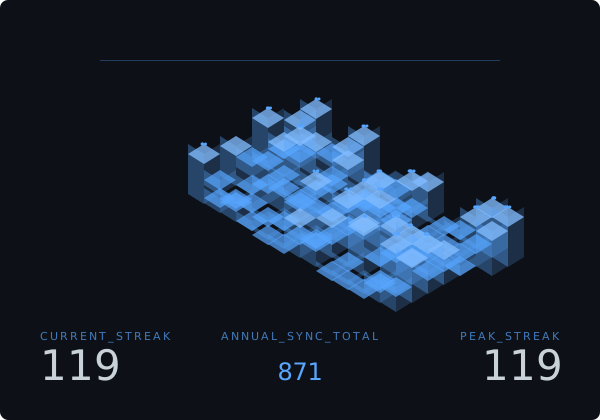 <!-- Hide bottom statistics row --> 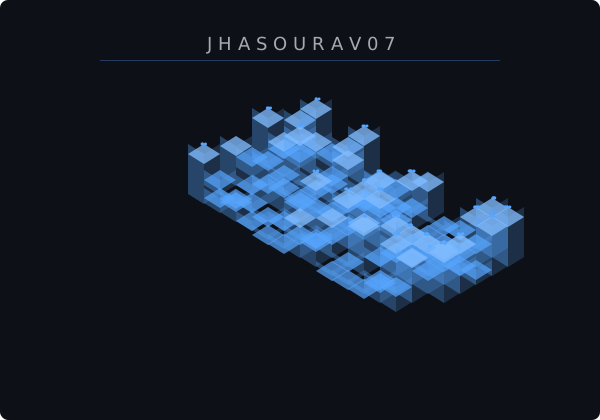 <!-- Use local timezone instead of UTC --> 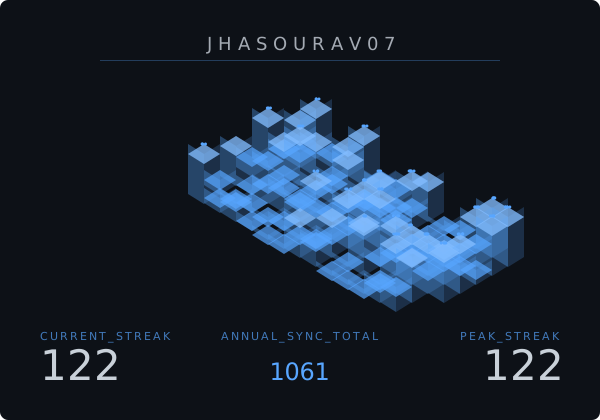 <!-- Strict streak — resets on any single missed day --> 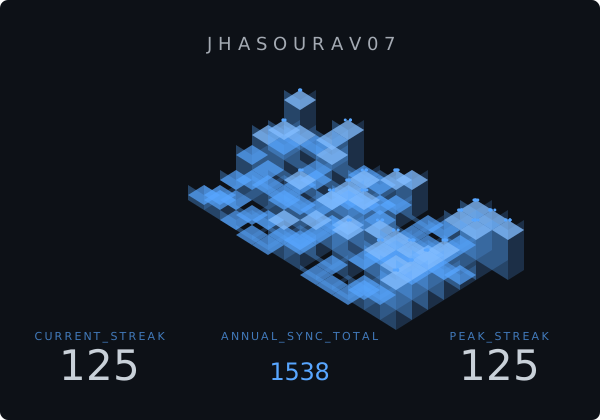 <!-- Lenient streak — forgives up to 2 missed days --> 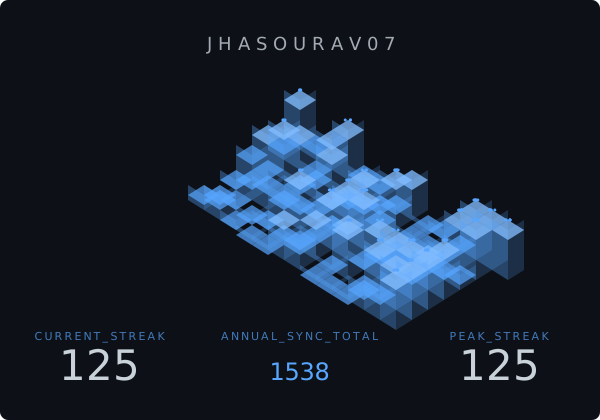 <!-- Render labels in Hindi --> 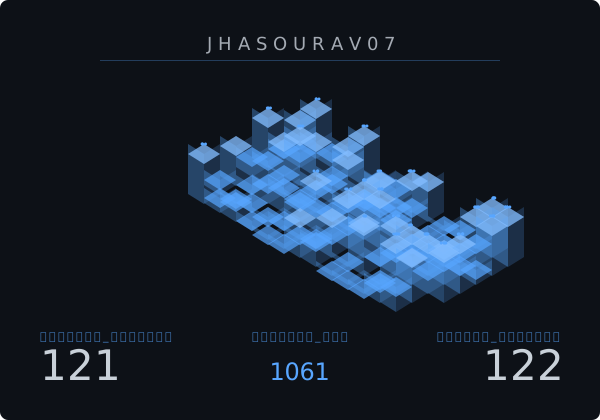 <!-- Render labels in Simplified Chinese --> 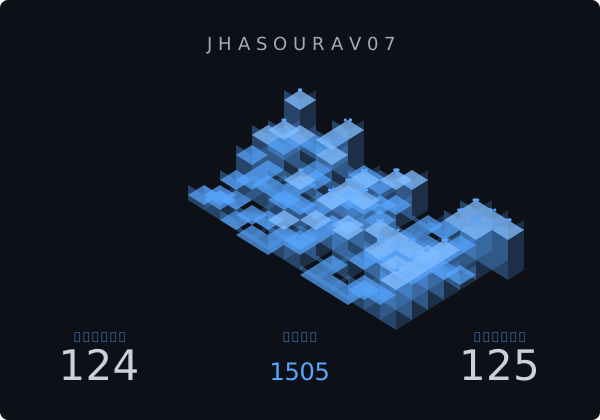 <!-- Large badge size --> 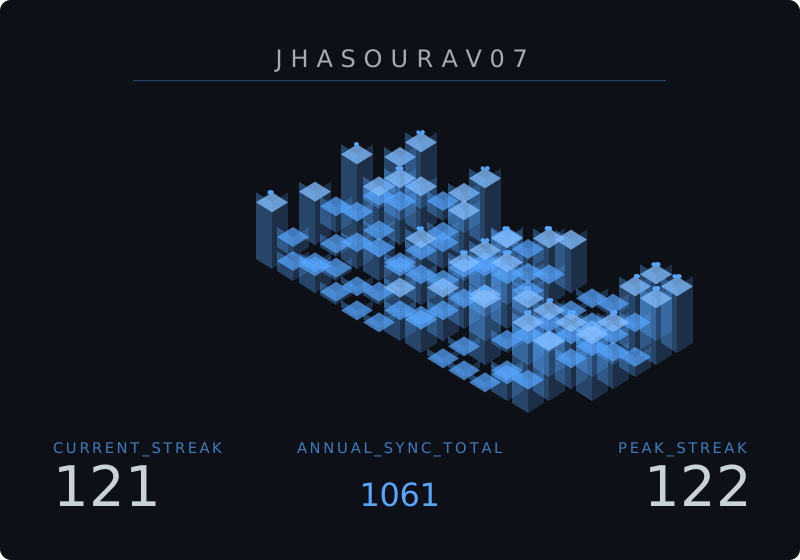 <!-- Side-by-side versus comparison -->  <!-- Lines of Code landscape mode --> 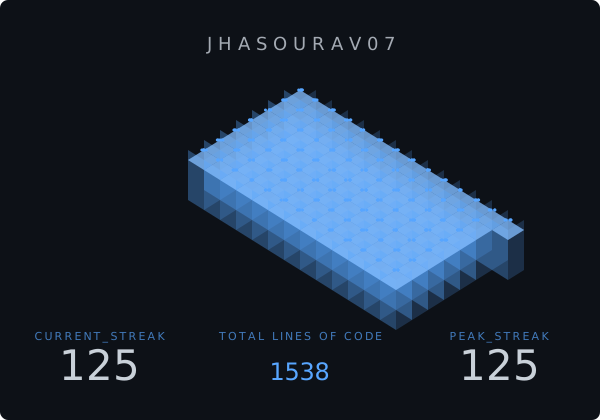 <!-- Gradient + shading for extra depth --> 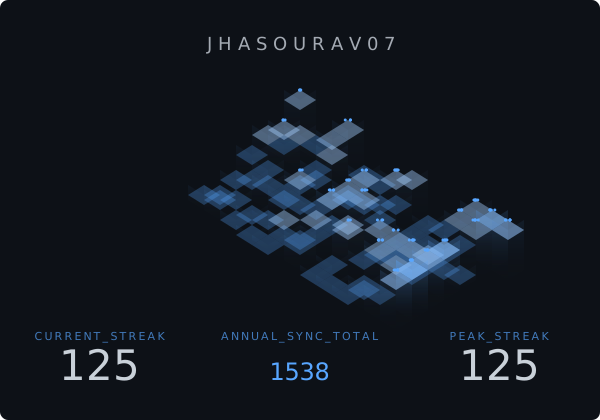 <!-- Semi-transparent ghost city look --> 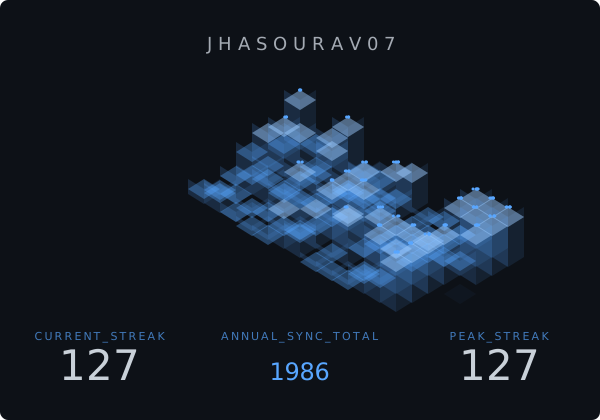 <!-- Slightly faded — perfect for light background embeds --> 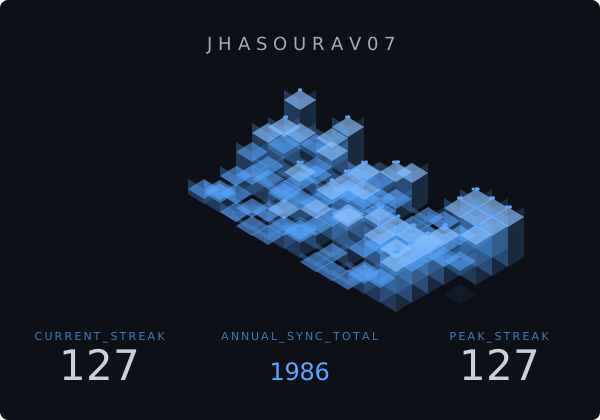 <!-- GitHub-style Heatmap View --> 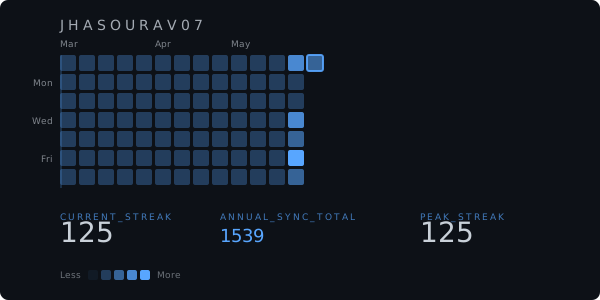 <!-- Heatmap with Neon theme --> 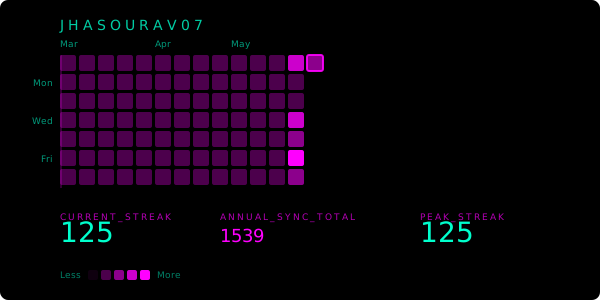
🎯 Real-Time Accuracy — The Contribution Count Problem
GitHub's contribution graph can return different totals depending on when and how you query it. We solved this at the infrastructure level.
The Problem: Off-by-N Contributions
The GitHub GraphQL API calculates totalContributions and daily contribution windows using UTC-based ISO 8601 timestamps. A naive implementation that queries at any arbitrary time — without anchoring to UTC midnight boundaries — will produce counts that are inconsistent between requests. This is the root cause of the classic "my card shows 378 but GitHub shows 385" discrepancy.
The Solution: UTC Midnight Synchronization
CommitPulse uses a two-part fix:
1. Cache invalidation anchored to UTC midnight (utils/time.ts)
export function getSecondsUntilUTCMidnight(): number {
  const now = new Date();
  const midnight = new Date(
    Date.UTC(now.getUTCFullYear(), now.getUTCMonth(), now.getUTCDate() + 1, 0, 0, 0)
  );
  return Math.floor((midnight.getTime() - now.getTime()) / 1000);
}
The CDN cache TTL is set to expire at exactly the next UTC midnight, not at some fixed-interval offset. This guarantees that when GitHub's contribution window rolls over, our cache does too — simultaneously.
2. No internal fetch caching (lib/github.ts)
const res = await fetch(GITHUB_API_URL, {
  cache: 'no-store', // Bypass Next.js's internal fetch cache
});
Caching is handled entirely at the HTTP response layer (Cache-Control: s-maxage), giving us surgical control over what gets cached and for how long — without stale data poisoning the GraphQL response.
Result: CommitPulse's contribution counts are always in sync with GitHub's actual UTC day boundaries.
🏗️ Architecture & Tech Stack
app/api/streak/route.ts       →  Next.js 16 Edge-compatible API Route
app/api/track-user/route.ts   →  User tracking API — records GitHub usernames to MongoDB
lib/github.ts                 →  GitHub GraphQL API client
lib/calculate.ts              →  Streak algorithm (current + longest + grace period)
lib/mongodb.ts                →  Cached MongoDB connection utility (serverless-safe)
lib/svg/generator.ts          →  3D Isometric SVG renderer + CSS animations
lib/svg/themes.ts             →  Prebuilt theme palette system
models/User.ts                →  Mongoose User schema
utils/time.ts                 →  UTC midnight synchronization utilities
types/index.ts                →  TypeScript interfaces (StreakStats, BadgeParams, BadgeTheme)
| Layer | Technology | Purpose |
|---|---|---|
| Framework | Next.js 16 (App Router) | API routes, edge deployment |
| Language | TypeScript 5 | Type-safe parameters and interfaces |
| Data Source | GitHub GraphQL API v4 | contributionsCollection query |
| Database | MongoDB + Mongoose | Tracks GitHub usernames of users who generate a monolith |
| Rendering | Pure SVG + SVG Filters | <feGaussianBlur> for the glow effect |
| Animation | SVG <animate> | Radar scan line + current-day block pulsing, no external libraries |
| Typography | Google Fonts (Syncopate + Space Grotesk) | Loaded inline via @import |
| Deployment | Vercel Edge Network | Auto-scaling, global CDN |
| Caching | Cache-Control: s-maxage | UTC-midnight-synced cache invalidation |
🏗️ Architecture Diagram
GitHub GraphQL API
↓
Contribution Processing
↓
Streak Calculation Engine
↓
SVG Geometry Renderer
↓
Animation Layer
↓
Edge Cache/CDN
↓
Generated SVG Badge
🚀 Self-Hosting in 4 Steps
# 1. Clone the repository
git clone https://github.com/JhaSourav07/commitpulse.git && cd commitpulse

# 2. Install dependencies
npm install

# 3. Create your environment file
cat > .env.local << 'EOF'
GITHUB_TOKEN=your_github_pat_here

# Optional — enables user tracking (see below)
# MONGODB_URI=mongodb+srv://...
EOF

# 4. Start the development server
npm run dev
📌 Token Scope: Your GitHub Personal Access Token needs the
read:userscope only. No write permissions required.
Then visit: http://localhost:3000/api/streak?user=YOUR_USERNAME
Optional: MongoDB User Tracking
CommitPulse records the GitHub username of everyone who generates a monolith from the landing page into a MongoDB collection. This is entirely optional for local development — the app works perfectly without it.
If MONGODB_URI is not set, the /api/track-user endpoint will log a warning and skip the database write gracefully:
WARN: MONGODB_URI is not set. Bypassing user tracking for local development.
To enable tracking locally, add your connection string to .env.local:
MONGODB_URI=mongodb+srv://<user>:<password>@cluster.mongodb.net/commitpulse
For production (Vercel), add MONGODB_URI to your project's Environment Variables settings.
🌐 Deploy Your Own
Set the GITHUB_PAT environment variable in your Vercel project settings, and you're live.
🤖 Automated Contributor Workflow
CommitPulse features a fully custom, GitHub Actions-powered Issue Management System designed for large open-source events like GSSoC.
We built an anti-hoarding, self-service automation layer right into the repository:
- Structured Issue Templates: We use specific templates for Bug Reports and Feature Requests to maintain high quality and clarity.
- Self-Claiming: Issue authors can grab their issues instantly by commenting
/claim(only the author of the issue can claim it, unless it was authored byjhasourav07, in which case anyone can claim it). - Fair Play: A strict one-active-issue-per-contributor rule prevents issue hoarding.
- Stale Expiry: A scheduled chron job automatically unassigns inactive contributors after 2 days.
- Self-Service Labels: Anyone can tag issues using
/addlabel <tag>. - Semantic Duplicate Detection: An AI-powered duplicate detector automatically scans open issues using the Google Gemini API (
gemini-embedding-001) to generate vector embeddings. It calculates cosine similarity and flags potential duplicate issues with a comment and apossible-duplicatelabel.
This ensures maintainers aren't bottlenecks and the community moves incredibly fast.
❓ FAQ
Why does my contribution count differ from GitHub?
GitHub calculates contribution data using UTC timestamps. CommitPulse syncs cache invalidation with UTC midnight to ensure consistent results.
Why are my latest commits not visible immediately?
Data is cached for performance. Use &refresh=true to force fresh data.
Can I use my local timezone?
Yes. Use the tz parameter with any valid IANA timezone.
Example:
?tz=Asia/Kolkata
Can I configure the grace period?
Yes. Use the grace parameter to control how many days of inactivity are forgiven before your streak resets:
?grace=0— strict mode, resets on any missed day?grace=1— default behavior (1 day grace)?grace=2— lenient, forgives up to 2 consecutive missed days
Valid range is 0–7. Values outside this range are clamped automatically.
Do private contributions count?
Yes — if private contributions visibility is enabled in your GitHub settings.
Are there GitHub API rate limits?
Yes. CommitPulse minimizes API usage via caching and optimized GraphQL queries, but if you hit the GitHub API rate limit (typically 5,000 requests per hour for authenticated users), you might see errors or missing data.
Troubleshooting Rate Limit Errors
- Wait it out: Rate limits automatically reset every hour.
- Provide your own PAT: If self-hosting, ensure you've provided a valid
GITHUB_TOKENin.env.localto get the authenticated rate limit. - Avoid aggressive bypassing: Avoid repeatedly using the
&refresh=trueparameter, which bypasses the cache and consumes API quota on every load. - Check GitHub API Status: Occasionally, GitHub's GraphQL API itself experiences degradation. Check githubstatus.com.
🤝 Contributing
CommitPulse is an open project built for the Web3 and open-source community. Whether you want to design a new theme, refine the isometric geometry, or improve timezone edge cases — you are welcome here.
Read the full guide: CONTRIBUTING.md
📄 License
MIT © Sourav Jha
🎨 Themes
Browse theme previews here: Theme Gallery
Built with obsession, shipped with precision.
⭐ If CommitPulse made your profile look elite, drop a star. ⭐
This project is an official participant in GSSoC 2026.
💖 Contributors
Thanks to all contributors who have helped make CommitPulse better!
View the full contributor list →
test commit for PR creation