Copy this prompt and send it to your coding agent
Install Poki on my iPhone from https://github.com/JosssphZhou/pokiConnect your iPhone over USB and unlock it first. A free Apple Account works.




English | 简体中文 | 繁體中文 | 日本語 | 한국어 | Español
poki.bot
If Poki is useful to you, click ★ Star to support the project.
What Poki is
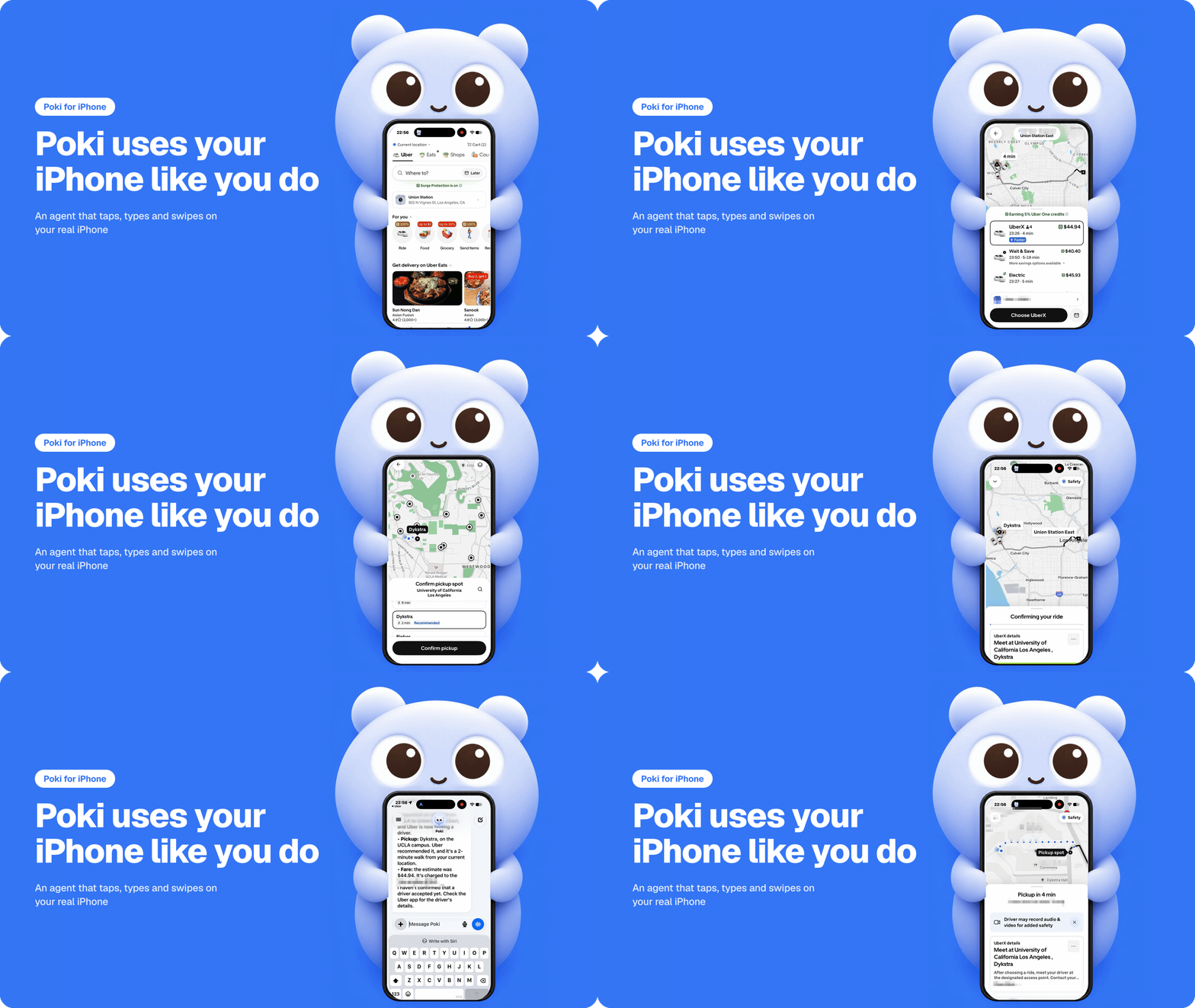
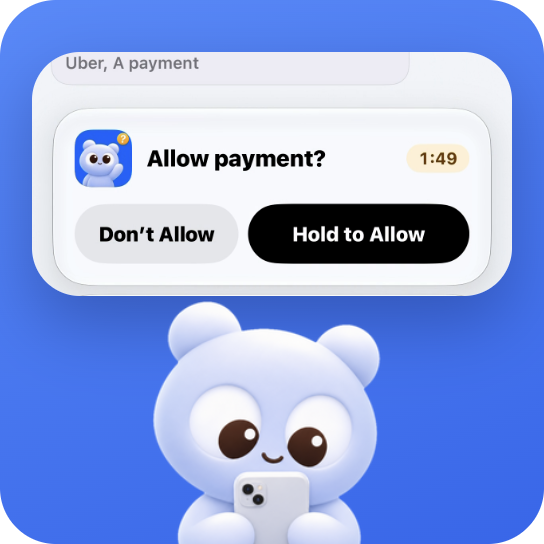
Poki is an open-source iPhone agent that operates your entire iPhone for you. The Poki app runs directly on your iPhone, reads the screen, and taps, types, and scrolls inside real apps using your own model account. You choose how it asks for permission; payments, deletions, and Wallet actions always stop for your confirmation.

Why Poki
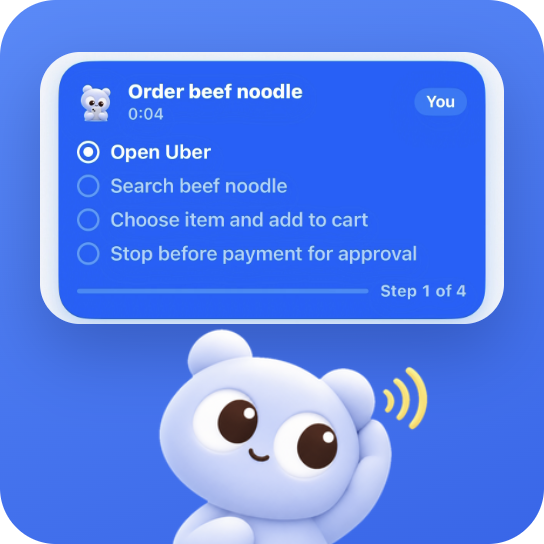
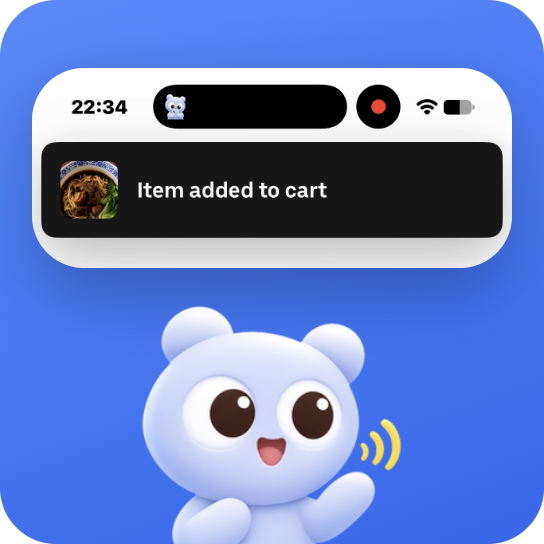
- Skip multi-app tapping for everyday errands. Ask Poki in chat, hold the Action Button, or trigger Siri to look things up in the built-in browser, check tomorrow's weather, or create a note. On iPhone Duo, Poki works across two apps side by side in Split View.
- Run saved skills by tap or by voice. Launch a saved skill from the home screen instead of repeating the same steps every day, or start a hands-free spoken chat with Talk to Poki while Dynamic Island tracks each step.
- Automate your real phone without keeping a computer on. Once installed from a Mac or Windows PC, Poki runs standalone on your iPhone with no computer attached and pauses on the Lock Screen or in Dynamic Island whenever a step needs approval.
How to use
Install Poki on your iPhone
-
Install once from a Mac or Windows PC. Connect and unlock your iPhone over USB (a free Apple Account works), then tell your coding agent, such as Claude Code or Codex:
Install Poki on my iPhone from https://github.com/JosssphZhou/pokiOr download Poki Setup for macOS (
.dmg) or Windows (.exe) and follow the window. -
Connect and add your model account. Accept Trust, turn on Developer Mode and Automation Mode when iOS asks, set up an external connection routing
10.7.0.1back to your iPhone (such as free LocalDevVPN), and sign in with ChatGPT Plus or Pro or paste an API key (Anthropic, OpenAI, Gemini, DeepSeek, OpenRouter, OpenCode Go, or an OpenAI-compatible server). -
Run your first task. Open Poki and send:
Create a new note in Notes titled "Poki Demo" with these three lines: Milk, Eggs, Coffee. Open the note when finished. Leave existing notes unchanged.Open Notes afterward to confirm "Poki Demo" exists with those three lines.
Requirements, updating, common questions, and guides
| Requirement | |
|---|---|
| iPhone | iOS 18 or later (iPhone XS, XR, SE 2nd gen or newer; iPadOS 18+ on iPad). Tested on physical iPhones with iOS 27. |
| Computer | Mac with macOS 14+ (Node.js 24+ for agent install) or Windows PC (x64) with Apple Devices or iTunes. |
| Cable and account | USB data cable and an Apple Account. Poki Setup renews free 7-day signatures while open, or sign in inside Poki. |
| Connection | External connection routing 10.7.0.1 back to the iPhone (LocalDevVPN, Karing, or Shadowrocket). |
| Model account | ChatGPT Plus/Pro sign-in, an API key (Anthropic, OpenAI, Gemini, DeepSeek, OpenRouter, OpenCode Go), or an OpenAI-compatible server. |
- Agent installer skill and Poki Setup: install-poki skill and Poki Setup
- Verification, limits, and release channels: Verification and Release channels
- Earlier computer-driven tools (no longer updated): Poki MCP and Poki Agent
- Full installation, updating, FAQ, known issues, and roadmap: Poki iPhone App Guide
- Changelog and version history: CHANGELOG.md
Community
- Questions and ideas: Join GitHub Discussions.
- Bugs and requests: Open an issue in GitHub Issues.
- Contribute code: Read CONTRIBUTING.md.
See all contributors in CONTRIBUTING.md.

Copyright (c) 2026 Joseph Zhou (周瑟夫) and contributors. Open source under AGPL-3.0-only. Brand assets are governed by BRAND.md. See Poki iPhone App Guide, THIRD_PARTY_NOTICES.md, and Disclaimer.