anyflip-downloader


Download anyflip books as PDF
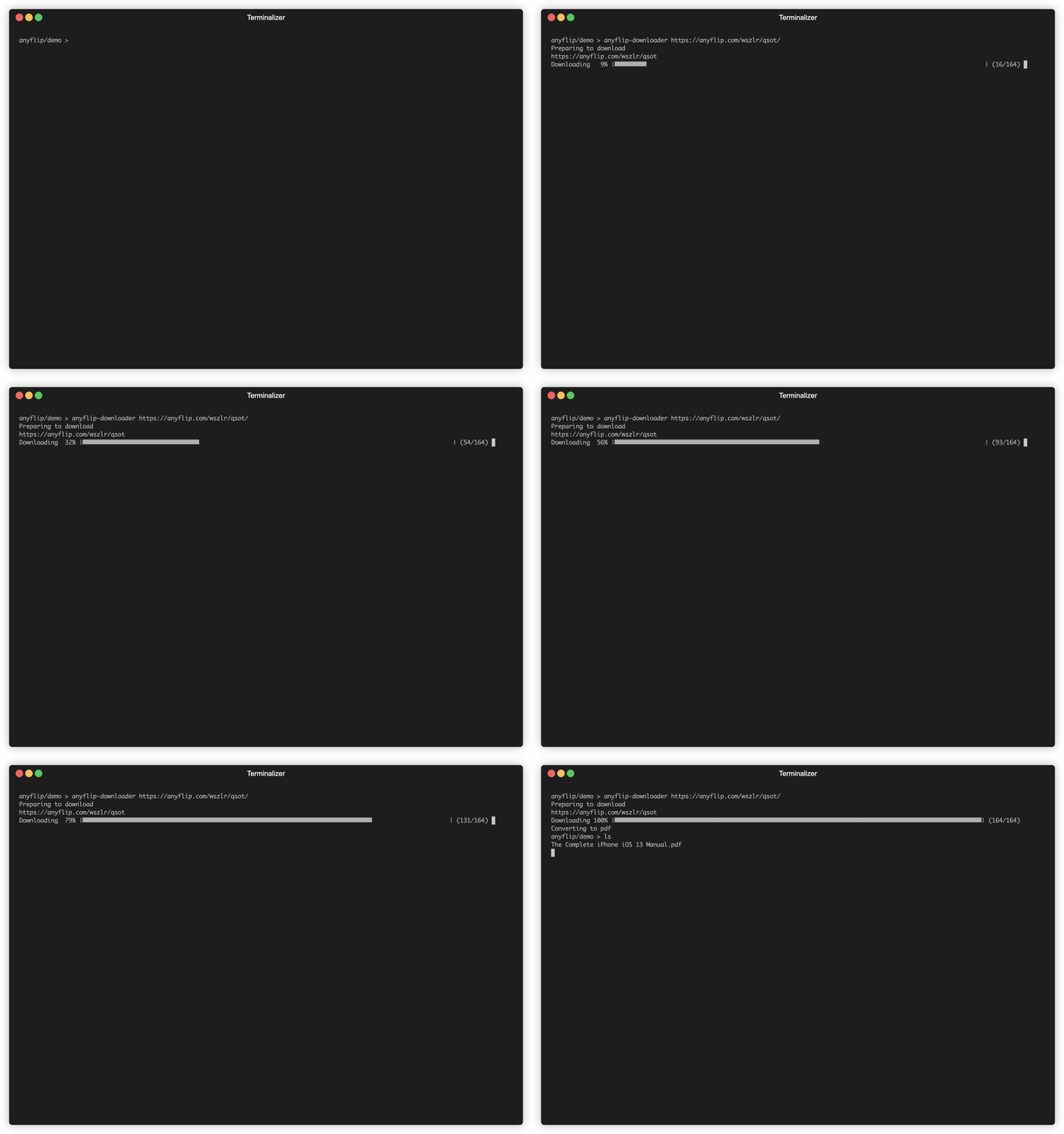
Disclaimer
Only use this tool to download books that officially allow PDFs to be downloaded.
Installation
You can install this tool in multiple ways. Using the installation script or the go install command.
The install scripts are the suggested installation method for most users.
Install scripts
Linux/MacOS
Open the terminal and execute
curl -L https://raw.githubusercontent.com/Lofter1/anyflip-downloader/main/scripts/install.sh | /usr/bin/env bash
Setup path
When encountering the error "Command not found": make sure your path variable contains $HOME/.local/bin (edit this in your .zshrc or .bashrc depending on your editor)
Windows
Open PowerShell and execute
. { iwr -useb https://raw.githubusercontent.com/Lofter1/anyflip-downloader/main/scripts/install.ps1 } | iex;
Go install
For go install, the go tools are required.
go install github.com/Lofter1/anyflip-downloader@latest
Usage
anyflip-downloader <url to book>
Set title manually
If you do not want to use the book title from anyflip, you can change it using the -title flag.
anyflip-downloader -title <your book title> <url to book>
Specify temporary download folder path
The default temporary download folder path will be the title of the book. However, in certain situations, you might want to change the temporary download folder. For this, the -temp-download-folder flag exists. This folder will be deleted after a successful download.
anyflip-downloader -temp-download-folder <temp folder name> <url to book>
Define converting chunk size
By default, anyflip downloader will convert 10 images at a time. You can tell anyflip to convert more or less images at a time.
A lower number will result in less memory usage, but more writes to the drive, and therefore might increase time to convert. A higher number will result in more memory usage, but less writes and might increase converting speed. If the number is higher than the total amount of pages, the amount of pages currently being converted is automatically taken instead.
anyflip-downloader -chunksize <chunkzise> <url to book>
Advanced file download options
Parallel retrieval
By default, downloads are performed in a single thread. To improve performance, multiple pages can be downloaded simultaneously. Use the -threads flag to control the number of parallel jobs.
anyflip-downloader -threads <number of parallel jobs> <url to book>
Download retries
Occasionally, a request may fail due to temporary issues such as timeouts. Use the -retries flag to specify how many times a failed page should be retried before giving up:
anyflip-downloader -retires <number of attempts> <url to book>
Retry delay
To avoid overwhelming the server or triggering rate limits, you can introduce a delay between retry attempts. The -waitretry flag accepts any valid Go duration format (e.g., 500ms, 2s, 1m).
anyflip-downloader -waitretry <duration> <url to book>
Docker usage:
If you are familiar with docker you can always execute
docker build -t anyflip-downloader .
And run it by doing
docker run --rm -v "$(pwd)":/data anyflip-downloader <url to book>
You can also combine this comand with any of the above for example:
docker run --rm -v "$(pwd)":/data anyflip-downloader -title <your book title> <url to book>