Runtime Viewer
A modern alternative to RuntimeBrowser for inspecting Objective-C and Swift runtime interfaces
Powered By
| Language | Library | Upstream |
|---|---|---|
| Objective-C | MachOObjCSection | fork of p-x9/MachOObjCSection |
| Swift | MachOSwiftSection | — |
| Mach-O | MachOKit | fork of p-x9/MachOKit |
| Injection | MachInjector | — |
Highlights
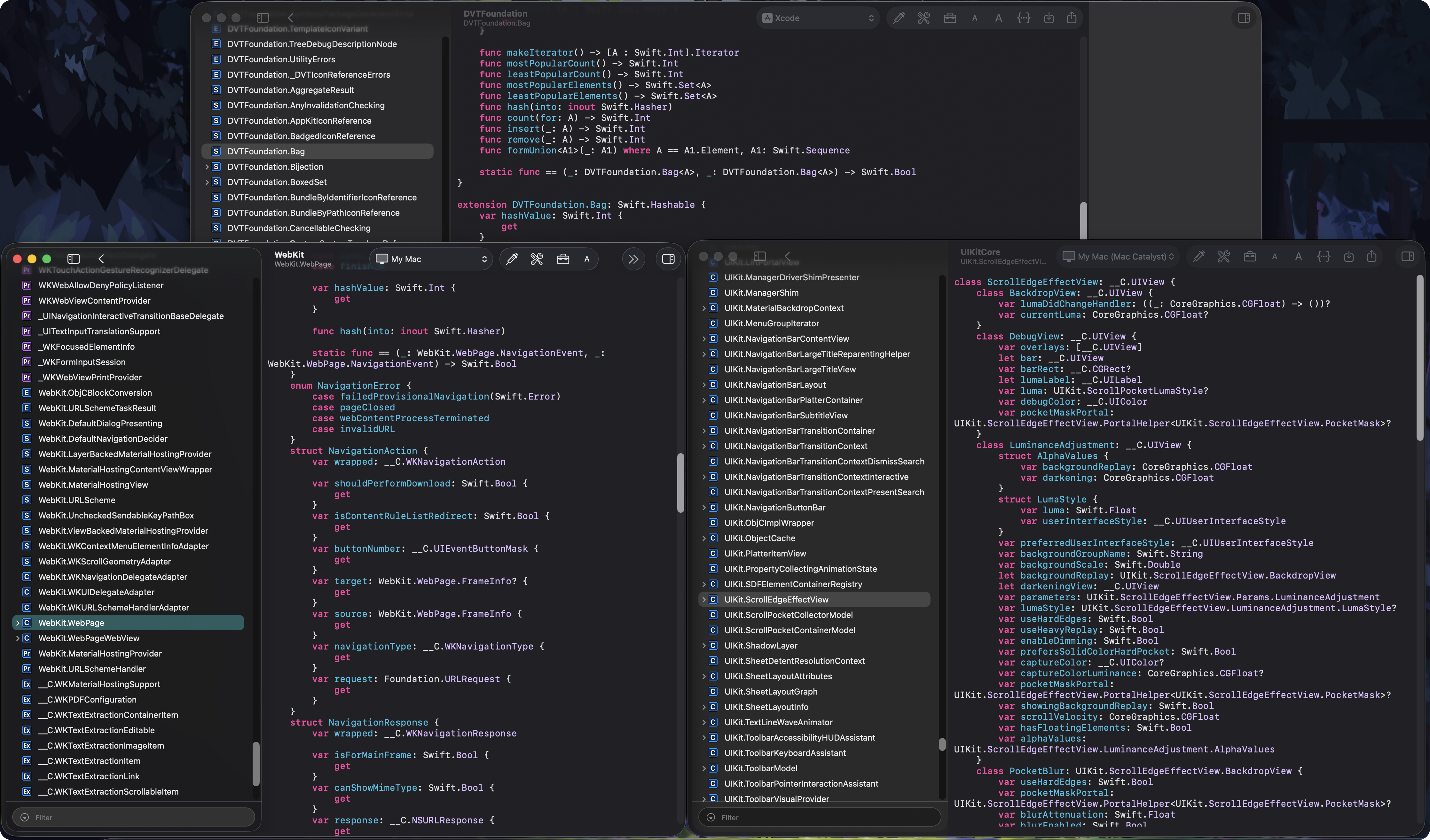
- Swift & Objective-C Interfaces – Generate Swift type interfaces (with type/enum layouts and VTable offsets) alongside Objective-C headers directly from Mach-O binaries
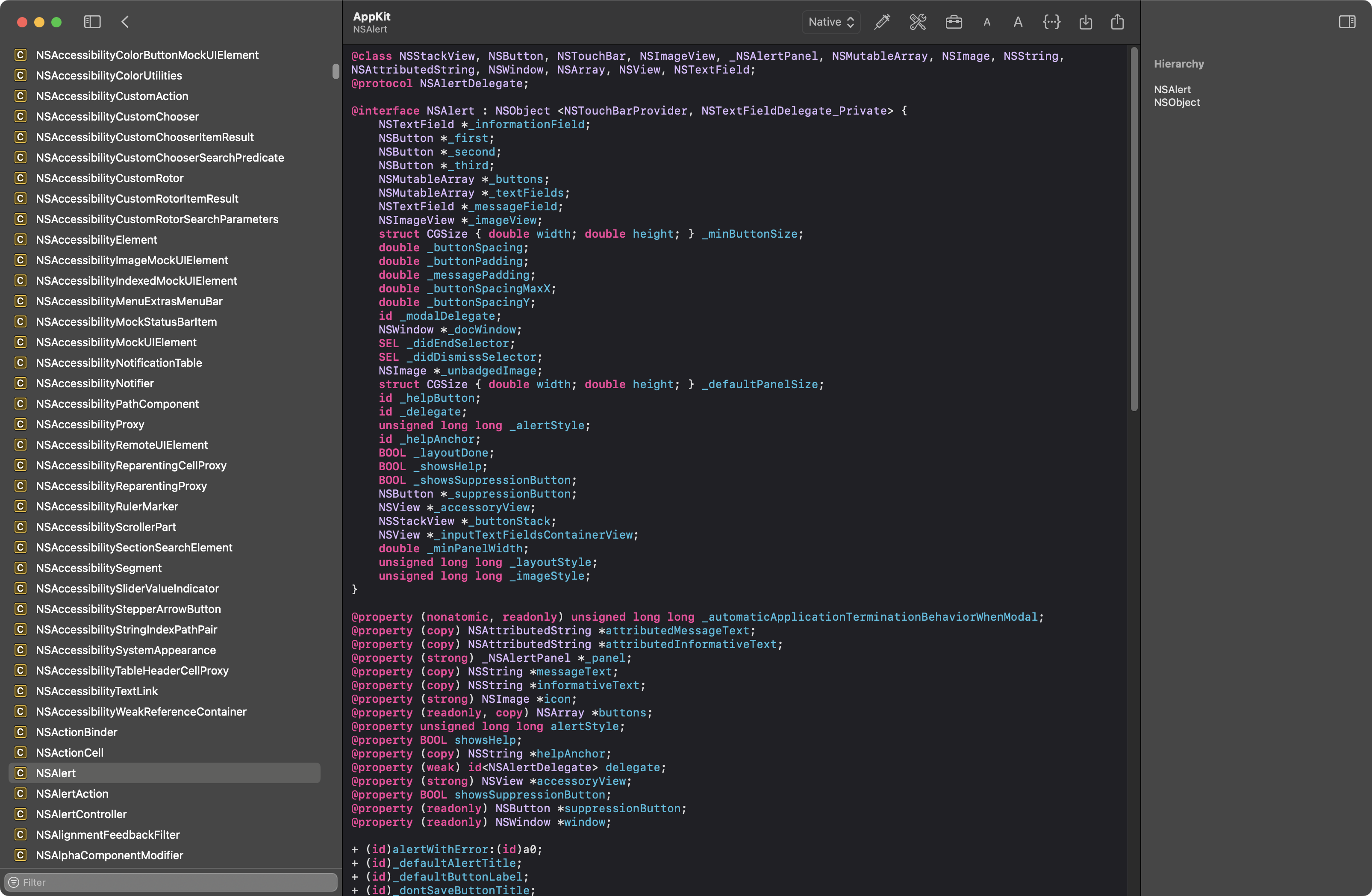
- Xcode-Style Syntax Highlighting – Full AppKit text view with type-defined jumps and rendering identical to Xcode
- MCP Integration (macOS 15+) – Let LLM clients (e.g., Claude) inspect runtime information via the Model Context Protocol, with an in-process bridge and a toolbar status indicator
- Bonjour Multi-Device Mirroring – Discover and connect to iOS/macOS devices on the local network; remote engines appear in the toolbar's source switcher grouped by host
- Export Interface Wizard – Xcode-style multi-step wizard for exporting ObjC/Swift interfaces to single or multiple files
- Runtime Interface Transformers – Customizable transformer modules for C type replacement, Swift type/enum layouts, VTable offsets, and member addresses, with reorderable token template presets
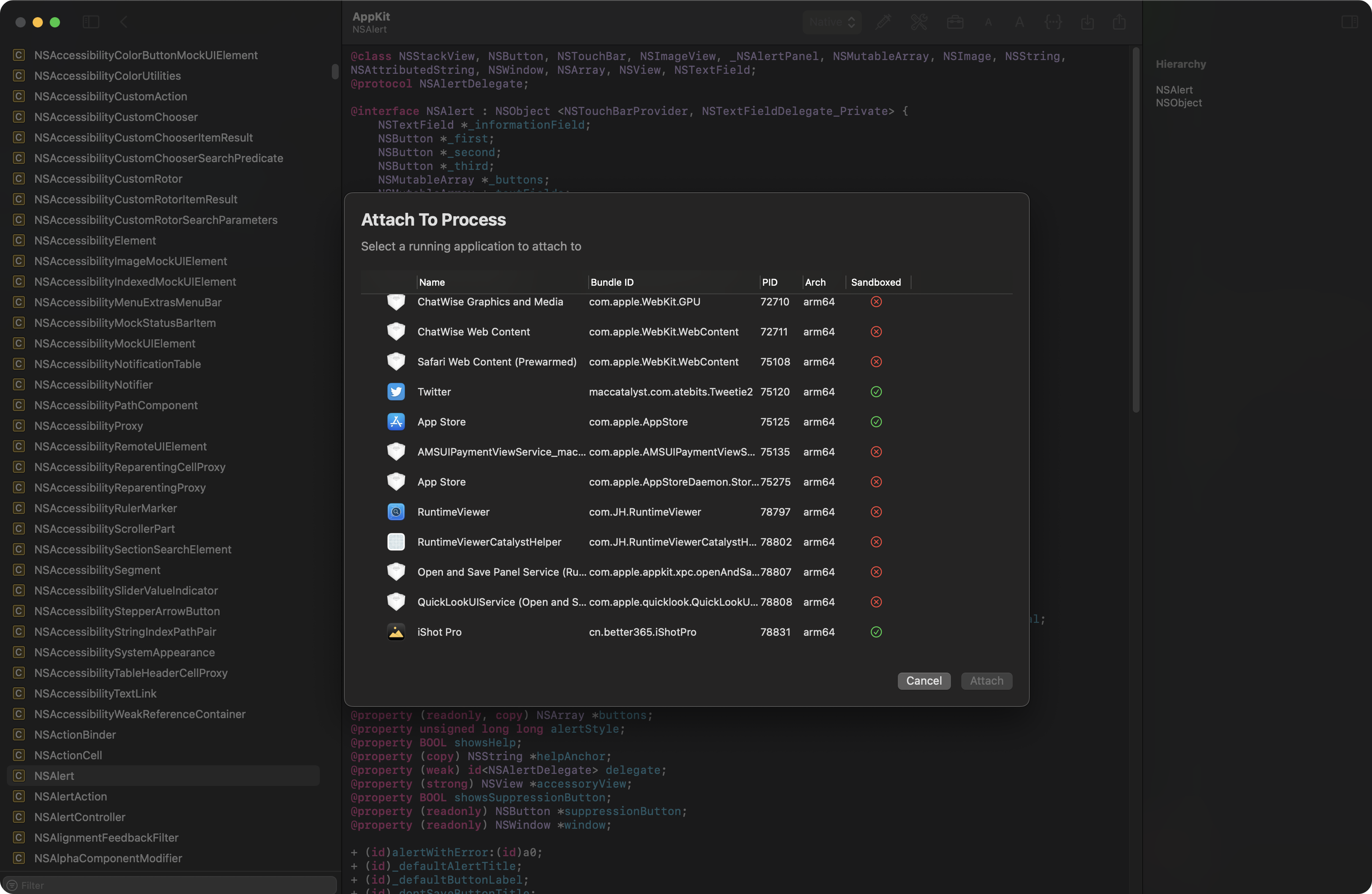
- Code Injection – Inject into x86_64 and arm64e processes (system apps supported via helper service; requires SIP disabled). Injected processes automatically reconnect across app restarts; sandboxed apps are supported over local TCP sockets
- Auto-Update – Sparkle-powered updates with daily checks, manual Check for Updates…, EdDSA-signed archives, and an opt-in beta channel for RC / beta builds
- Framework Support – Browse
macOSframeworks,iOSSupportframeworks, and load custom Mach-O binaries or frameworks - Determinate Loading Progress – Phase-based progress feedback while indexing Swift and Objective-C sections
- Filter Engine – Fuzzy search across runtime classes, protocols, and members
- Bookmarks – Reorderable, persisted bookmarks for runtime objects
Getting Started
Helper Service Installation
On first launch, register the SMAppService helper for inter-process communication and code injection. Open Settings → Helper Service and click Install. After major updates, Runtime Viewer detects version mismatches and prompts for reinstallation automatically.
MCP Client Configuration
To expose runtime information to an LLM client:
- Open Settings → MCP
- Copy the server configuration via the Copy Config button
- Paste it into your LLM client's MCP configuration
The MCP bridge starts automatically on app launch; check the toolbar status indicator to confirm.
Connecting to Other Devices
Runtime Viewer discovers other instances on the local network via Bonjour. On iOS, allow the local-network permission when prompted. Remote engines appear in the toolbar source switcher grouped by host.
Updates
Runtime Viewer uses Sparkle for automatic updates.
- The app checks for updates once a day by default. You can adjust the interval or disable automatic checks in Settings → Updates.
- To try pre-release builds, enable Settings → Updates → Include pre-release versions (Beta). RC and beta builds are delivered through the same feed on an opt-in channel.
- You can always run a manual check from Runtime Viewer → Check for Updates….
- Release feed:
https://mxiris-reverse-engineering.github.io/RuntimeViewer/appcast.xml.
Troubleshooting
If Catalyst or code-injected applications don't appear in the directory list, try restarting the application.
Requirements
- Main application: macOS 15+
- RuntimeViewerCore (inspection engine): macOS 10.15+, iOS 13+, Mac Catalyst 13+, watchOS 6+, tvOS 13+, visionOS 1+
- MCP integration: macOS 15+
- Build toolchain: Xcode 26.2+ (Swift 5 language mode)
Screenshots