Sphaira
A homebrew menu for the Nintendo Switch.
See the GBATemp thread for more details / discussion.
We have now have a Discord server! Please use the issues tab to report bugs, as it is much easier for me to track.
Showcase
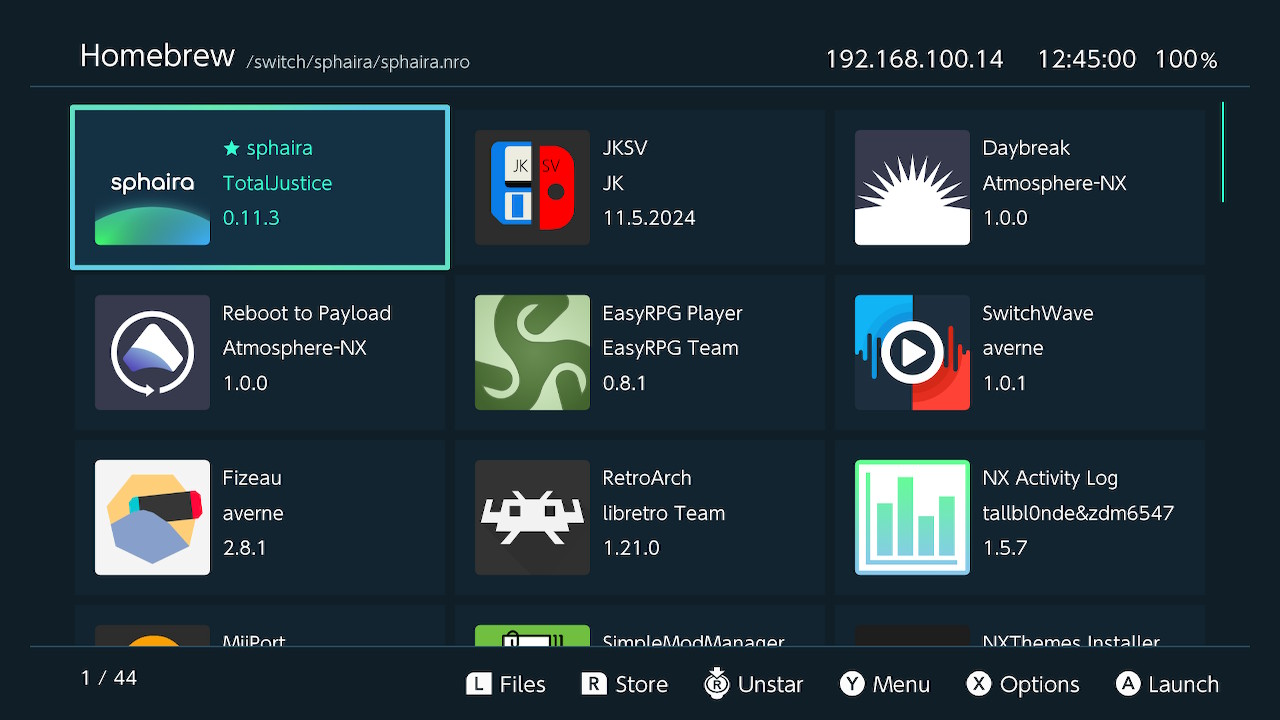 | 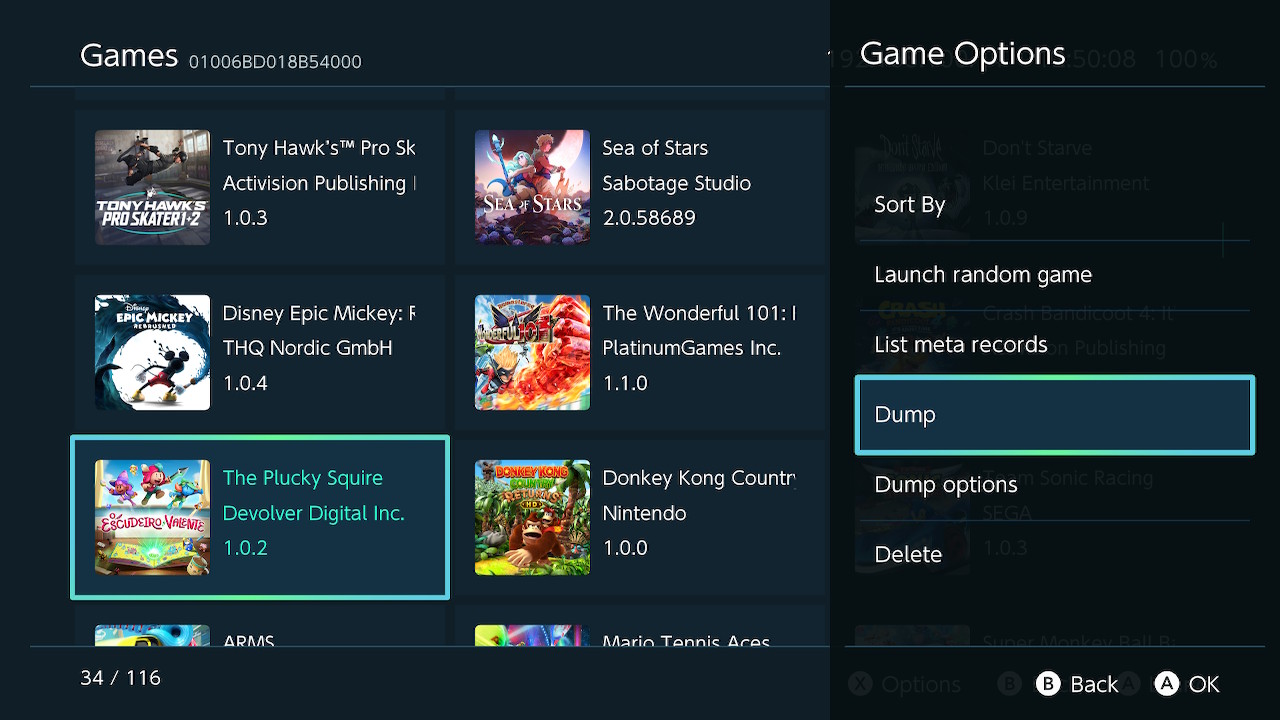 |
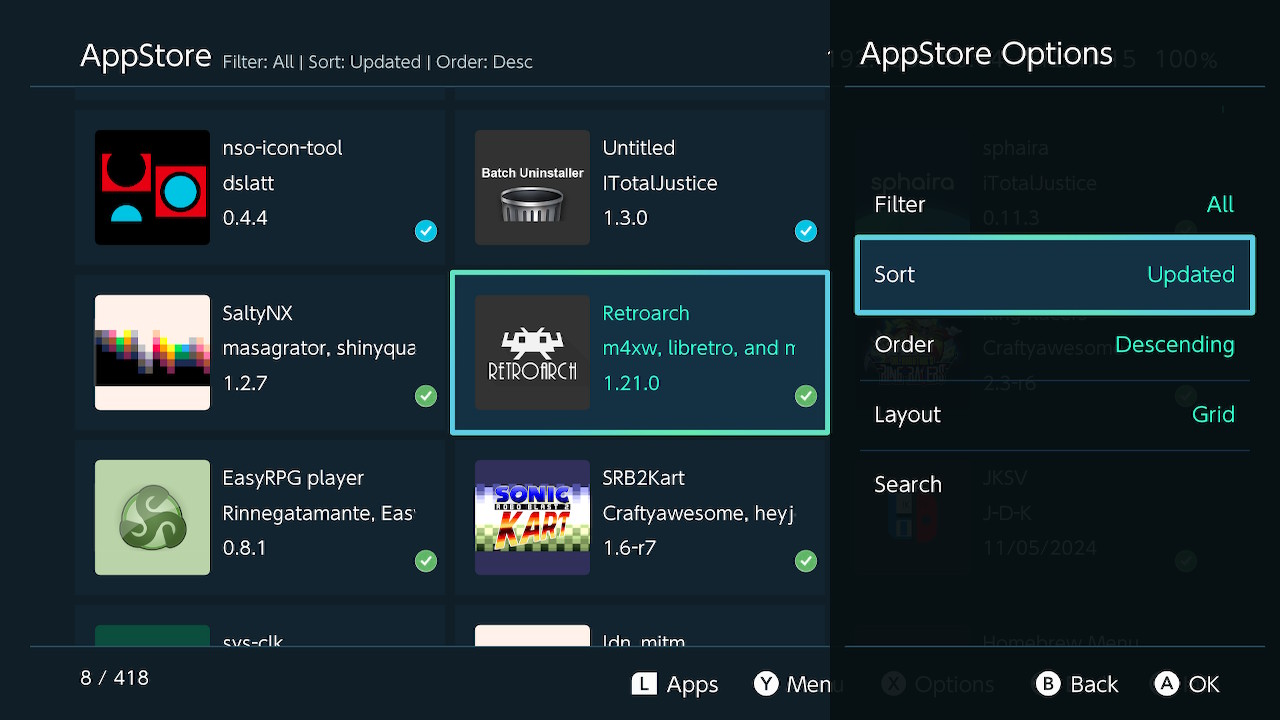 | 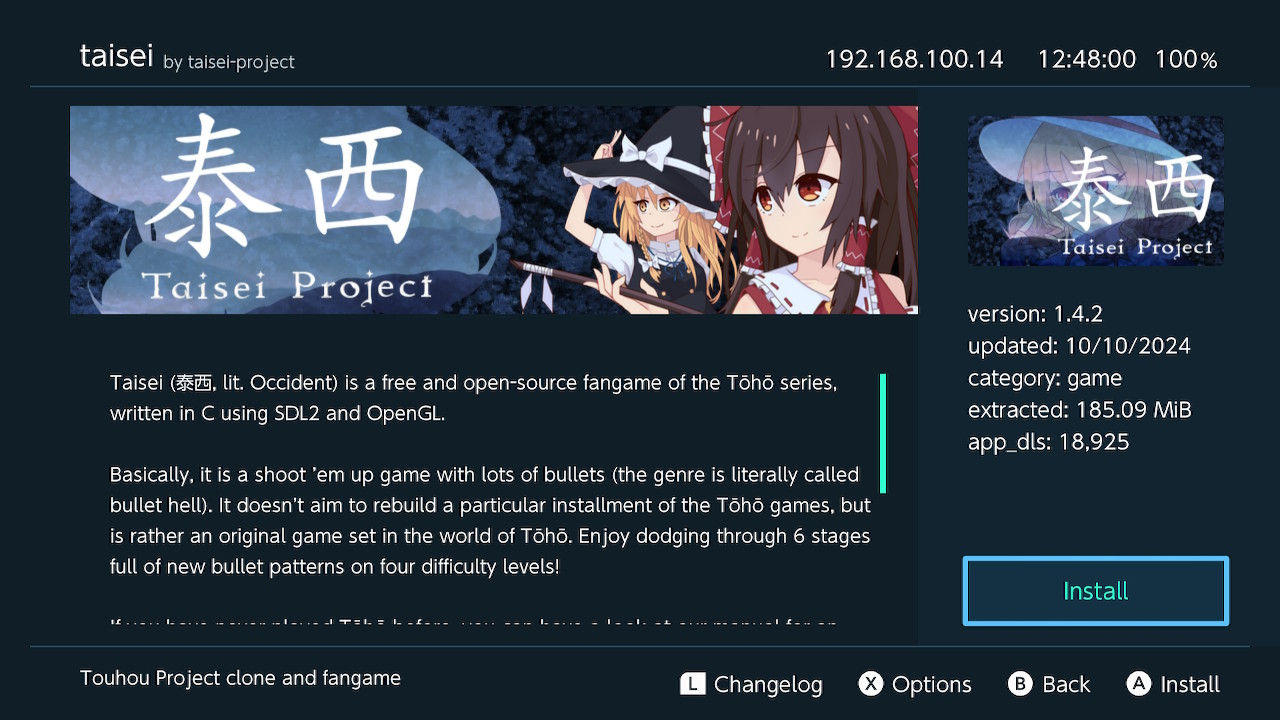 |
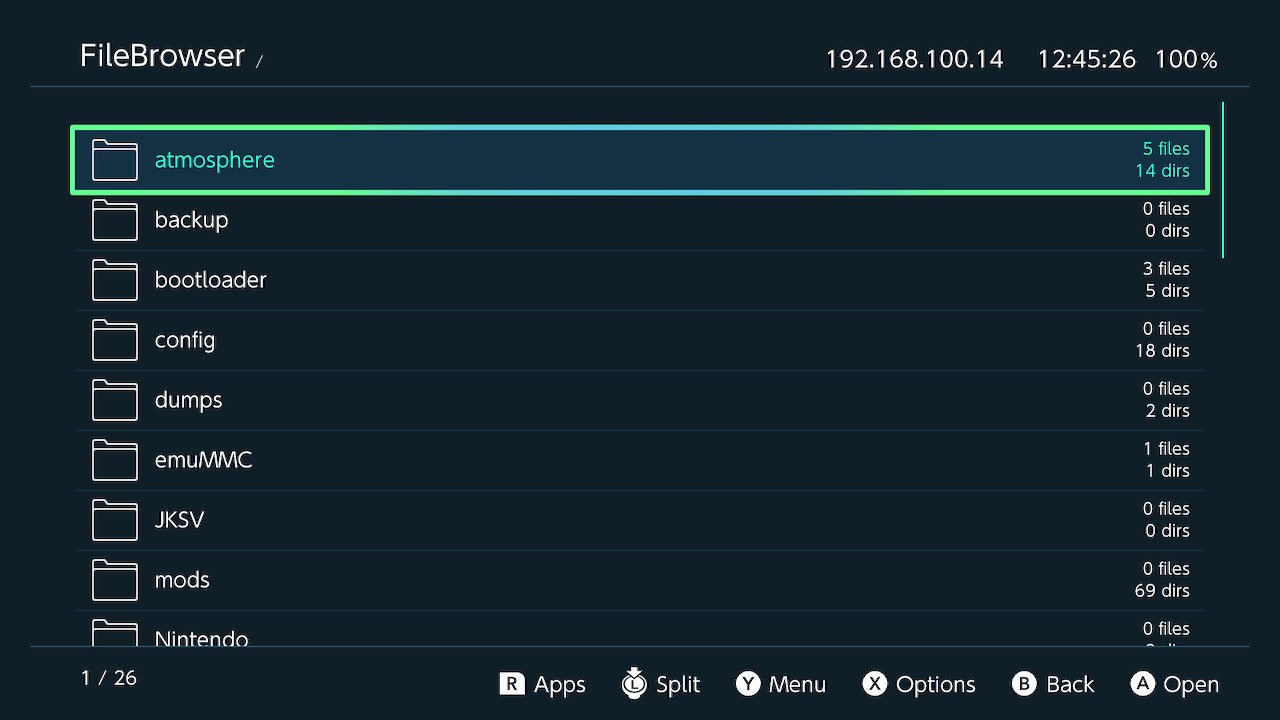 | 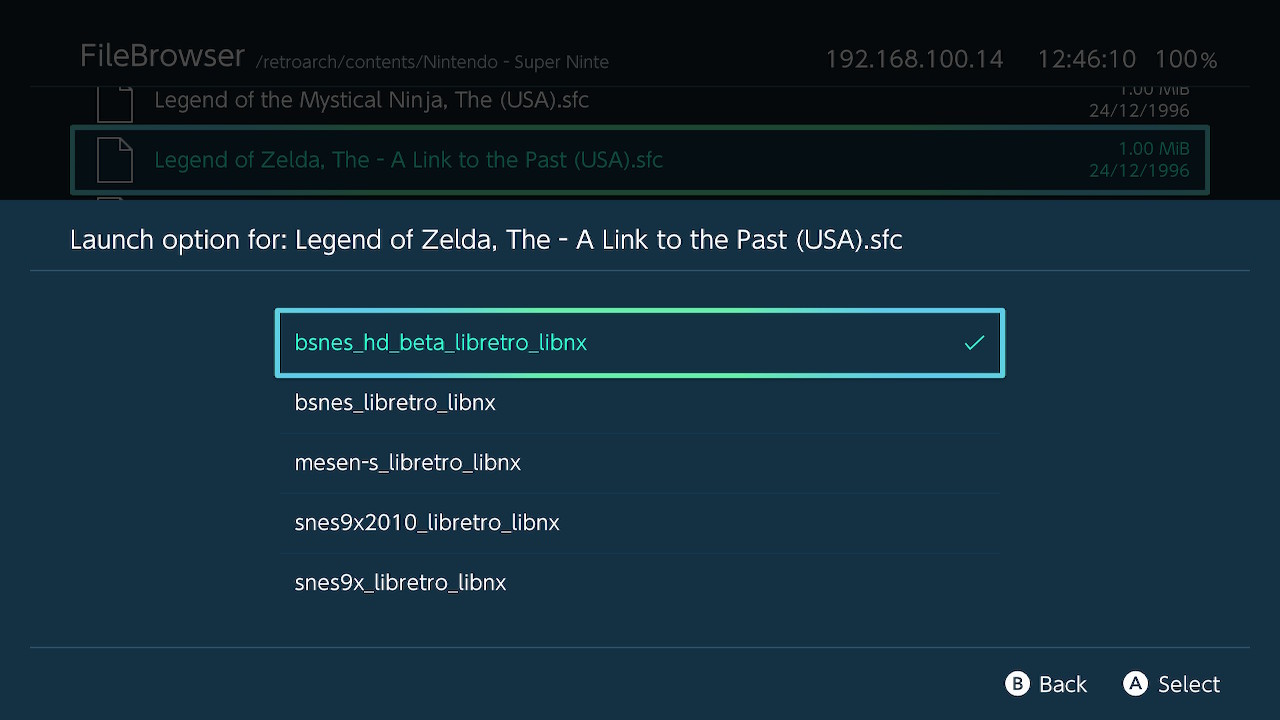 |
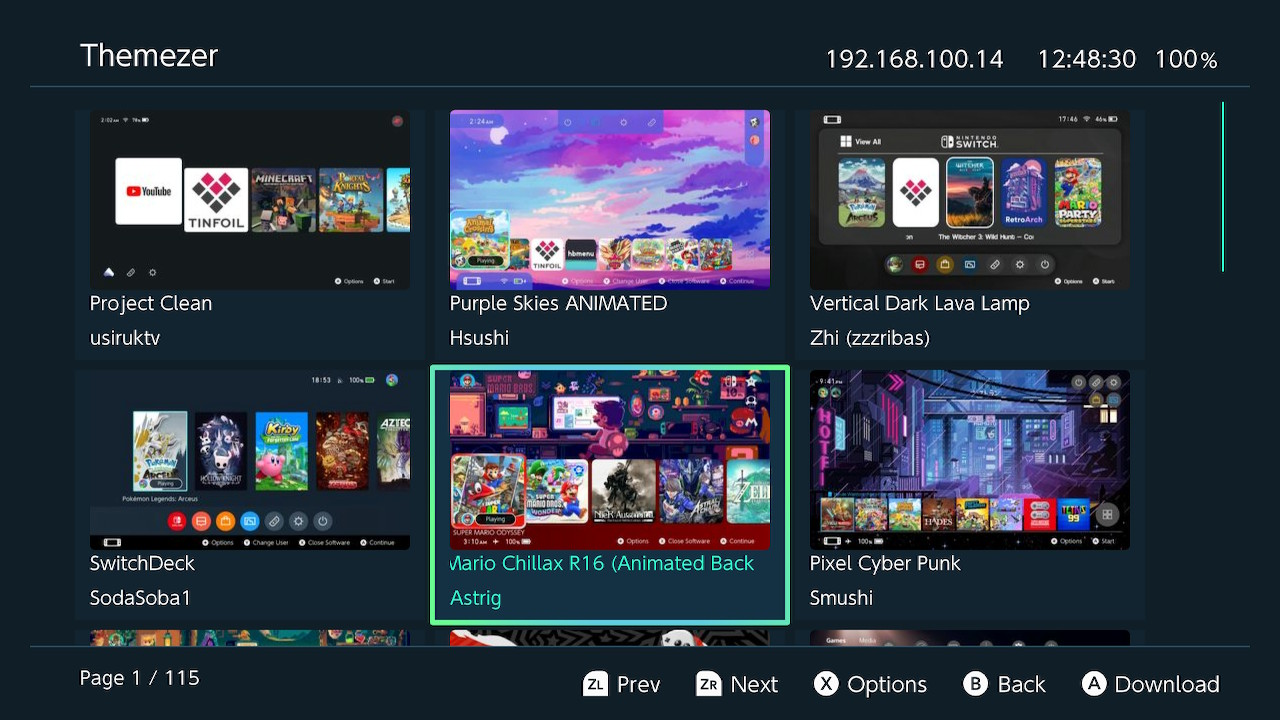 | 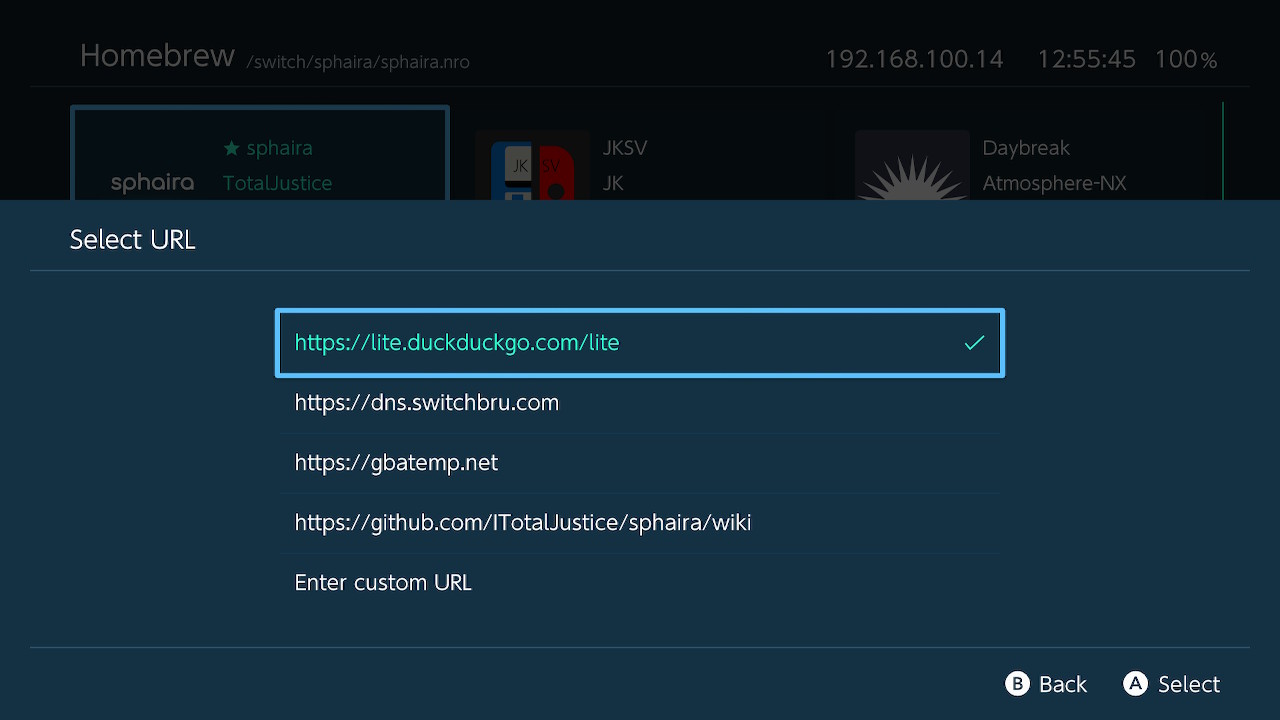 |
 |  |
Bug reports
For any bug reports, please use the issues tab and explain in as much detail as possible!
Please include:
- CFW type (i assume Atmosphere, but someone out there is still using Rajnx);
- CFW version;
- FW version;
- The bug itself and how to reproduce it.
FTP
FTP can be enabled via the network menu. It uses the same config as ftpsrv /config/ftpsrv/config.ini. See here for the full list
of all configs available.
MTP
MTP can be enabled via the Network menu.
File association
Sphaira has file association support. Let's say your app supports loading .png files, then you could write an association file, then when using the file browser, clicking on a .png file will launch your app along with the .png file as argv[1]. This was primarly added for rom loading support for emulators / frontends such as RetroArch, MelonDS, mGBA etc.
path=/switch/your_app.nro
supported_extensions=jpg|png|mp4|mp3
The path field is optional. If left out, it will use the name of the ini to find the nro. For example, if the ini is called mgba.ini, it will try to find the nro in /switch/mgba.nro and /switch/folder/mgba.nro.
See assets/romfs/assoc/ for more examples of file assoc entries.
Installing (applications)
Sphaira can install applications and mod packages (nsp, xci, nsz, xcz, msp) from various sources (sd card, gamecard, ftp, usb).
For informantion about the install options, see the wiki.
Usb (install)
The USB protocol is the same as tinfoil, so tools such as ns-usbloader and fluffy should work with sphaira. You may also use the provided python script found here.
Ftp (install)
Once you have connected your ftp client to your switch, you can upload files to install into the install folder.
Usb HDD (install)
Connected USB mass storage devices show up in the file browser (and as a dump location) under mounts:/,
installing from them works the same as installing from the sd card.
Supported filesystems are FAT12/16/32, exFAT and NTFS. NTFS is provided by
NTFS-3G and can be turned off at build time with -DENABLE_NTFS=OFF.
EXT2/3/4 is supported as well but off by default, enable it with -DENABLE_EXT4=ON.
A few NTFS notes:
- Always eject the drive properly on Windows. If the journal is left dirty, sphaira replays it on mount, but only
when
HDD write protectis off. - A drive left behind by Windows fast startup / hibernation is not mounted by default.
Mount hibernated NTFSin the HDD options forces it, at the cost of the saved Windows session. - NTFS is noticeably slower than exFAT. For installing large files, exFAT is the better choice.
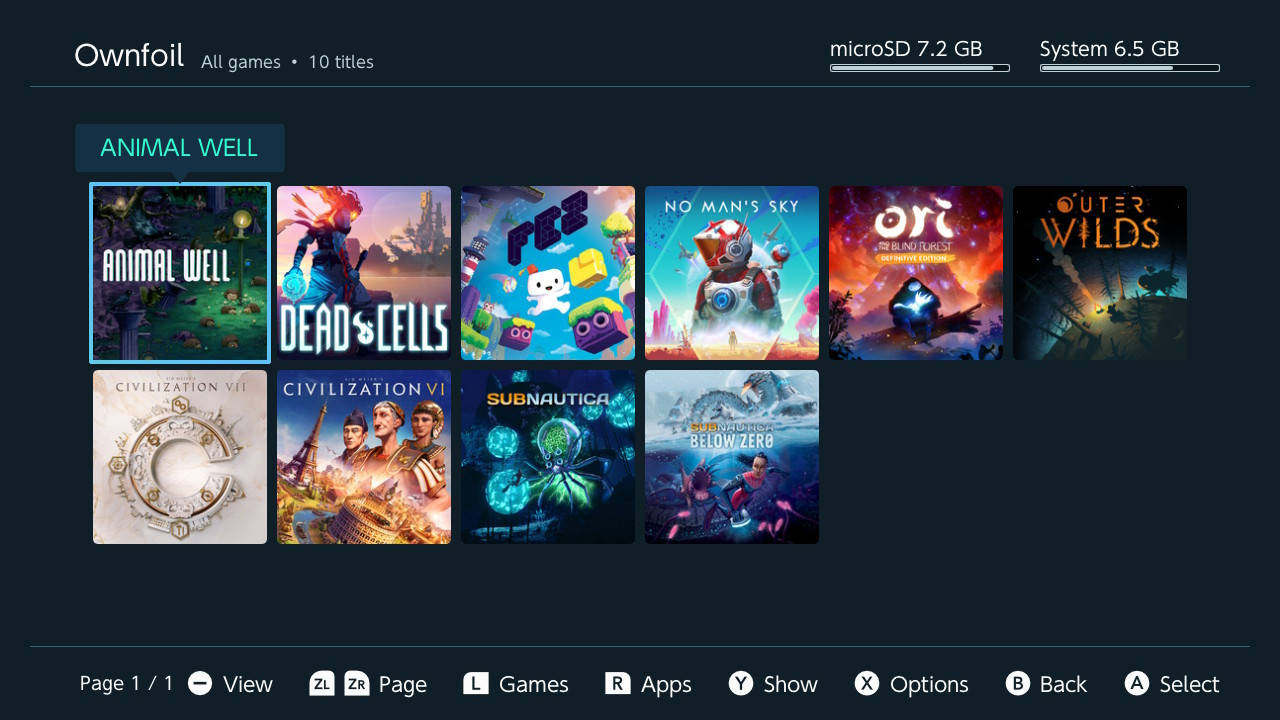
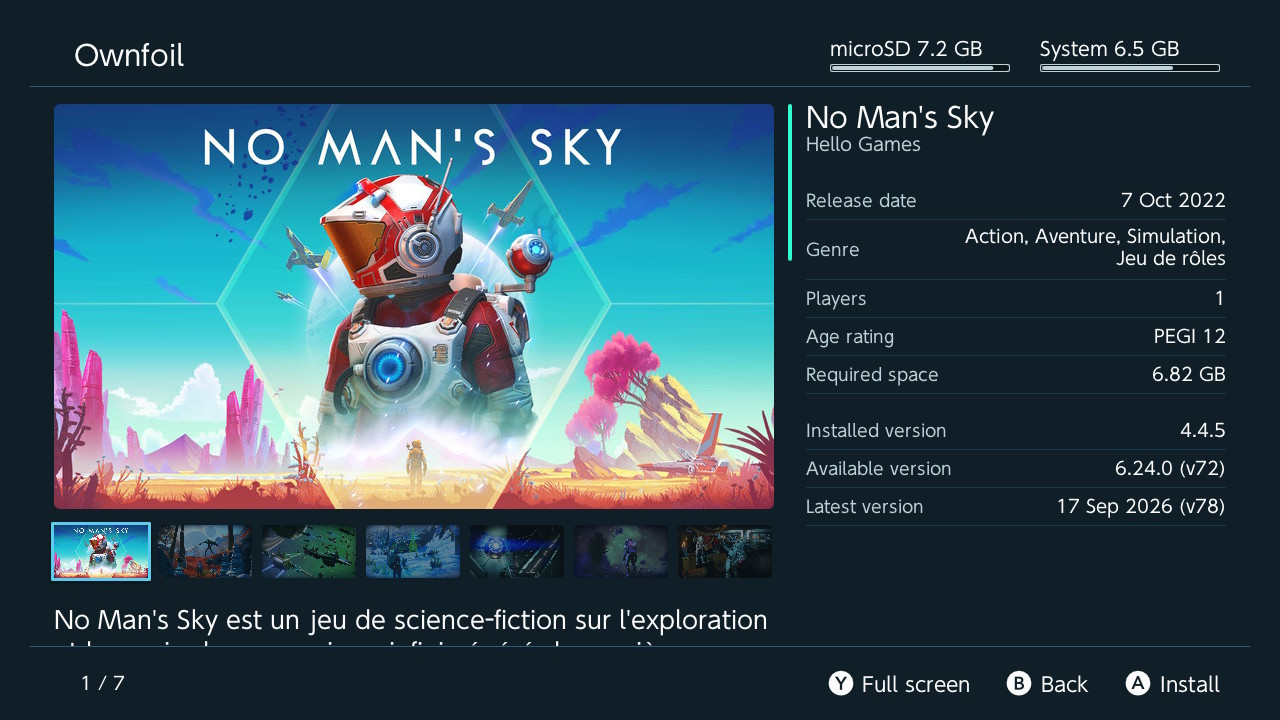
Ownfoil (install)
Ownfoil is a self-hosted Nintendo Switch library manager, automating library curation tasks and making backups available to install directly on your console.
Local servers are found automatically on the network, so there is no ip or port to type in. Each server can have both a local and a remote address, over http or https, and signs in with a user account.
The library is browsed by content, not by files: pick a game, a version and the dlc you want, and Sphaira works out which files it needs, however they are bundled (several nsp, or a multi content nsp / xci).
Only what you picked is downloaded and installed. nsp, nsz, xci and xcz are supported, and a download survives a broken connection, resuming for up to 60s.
Entries are listed under New games, Updates, DLC, All games and Search, paginated and sortable. All artwork is served by the Ownfoil server, so the switch never connects to Nintendo's servers.
Building from source
You will first need to install devkitPro.
Next you will need to install the dependencies:
sudo pacman -S switch-dev deko3d switch-cmake switch-curl switch-glm switch-zlib switch-mbedtls switch-ntfs-3gswitch-ntfs-3g is only needed for NTFS support on USB HDDs, configure with -DENABLE_NTFS=OFF to build without it.
For EXT2/3/4 support (-DENABLE_EXT4=ON) you also need switch-lwext4.
Also you need to have on your environment the packages git, make, zip and cmake
Once devkitPro and all dependencies are installed, you can now build sphaira.
git clone https://github.com/ITotalJustice/sphaira.git
cd sphaira
cmake --preset MinSizeRel
cmake --build --preset MinSizeRel
The output will be found in build/MinSizeRel/sphaira.nro
Using Docker
If you would rather not install and manage devkitPro on your machine, the nro can be built in a docker container instead, with the following tool:
tools/nro-builder/build.sh [Release|Dev|Lite] [--send]The first run builds the image, which holds the same devkitA64 toolchain the release workflow uses, plus ninja and ccache. The first build takes longer but after that only what you changed is compiled.
Release is the default and is what the release workflow publishes. Dev skips LTO, so a one file change is immediate.
The output will be found in build/<preset>/sphaira.nro. Add --send to send it straight to the console over nxlink (enable it in the Network options) and follow its log.
Credits
- borealis
- stb
- yyjson
- nx-hbmenu
- nx-hbloader
- deko3d-nanovg
- libpulsar
- minIni
- GBATemp
- hb-appstore
- haze
- nxdumptool (for gamecard bin dumping and rsa verify code)
- Liam0 (for ticket / cert structs)
- libusbhsfs
- libnxtc
- oss-nvjpg
- nsz
- themezer
- nx-versions
- NX-Update-Checker
- Everyone who has contributed to this project!