Public
Star 历史趋势
数据来源: GitHub API · 生成自 Stargazers.cn
README.md
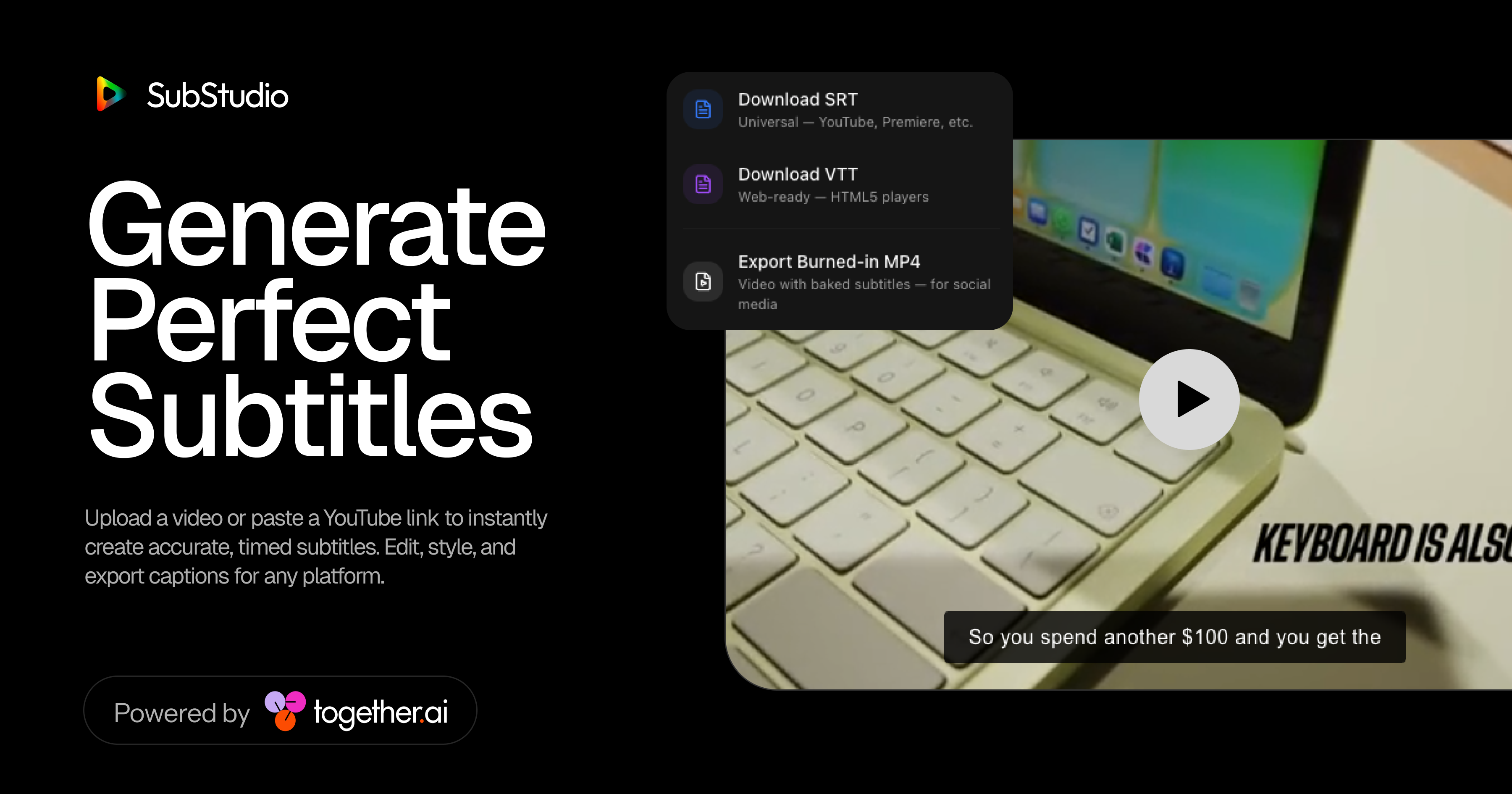
SubStudio — generate perfect subtitles with AI
Upload a video or paste a direct media link to instantly create accurate, timed subtitles. Edit, style, and export captions for any platform. Powered by Together AI
How it works
SubStudio uses Together AI's Whisper Large v3 model to transcribe your video with word-level timestamps. It automatically merges short intervals into readable subtitle blocks, then lets you preview and style them in real-time with 6 preset styles.
- Upload a video file or paste a direct media link
- Transcribe — audio is extracted and sent to Together AI's Whisper endpoint for fast, accurate transcription
- Edit & Style — preview subtitles in real time with 6 styles (Classic, TikTok, Modern Box, Cinematic, Outline, Bold Center)
- Export — download as
.srt,.vtt, or burned-in.mp4
Running Locally
Cloning the repository
git clone https://github.com/Luffixos/ai-subtitles.git
cd ai-subtitles
Getting API keys
Together AI (required — powers transcription):
- Go to Together AI to create an account
- Copy your API key
Storing API keys in .env
Create a .env file in the root directory and add your key:
TOGETHER_API_KEY=your_api_key_here
Or enter your Together AI key directly in the app by clicking the key icon in the top-right corner.
Installing dependencies
npm installRunning the application
npm run devThe app will be available at http://localhost:3000.
One-Click Deploy
Deploy your own instance using Vercel:
Tech stack
- Framework: Next.js (App Router)
- AI: Together AI — Whisper Large v3 for transcription
- Animations: Framer Motion
- Styling: Tailwind CSS
- Video Processing: FFmpeg (via
fluent-ffmpeg)
License
This repo is MIT licensed.