


[!IMPORTANT] if you would like to try it see installation.
for config and some issues, check this
you can also check: Gallery - Keybinds - Misc
Built over the goat'ed Amadeus: https://github.com/xfcasio/amadeus
Note: I use Fedora. The rice could work on other distros fine, but parts of it will not be up-to-date with their package versions. You can try to contact me for help in that case.
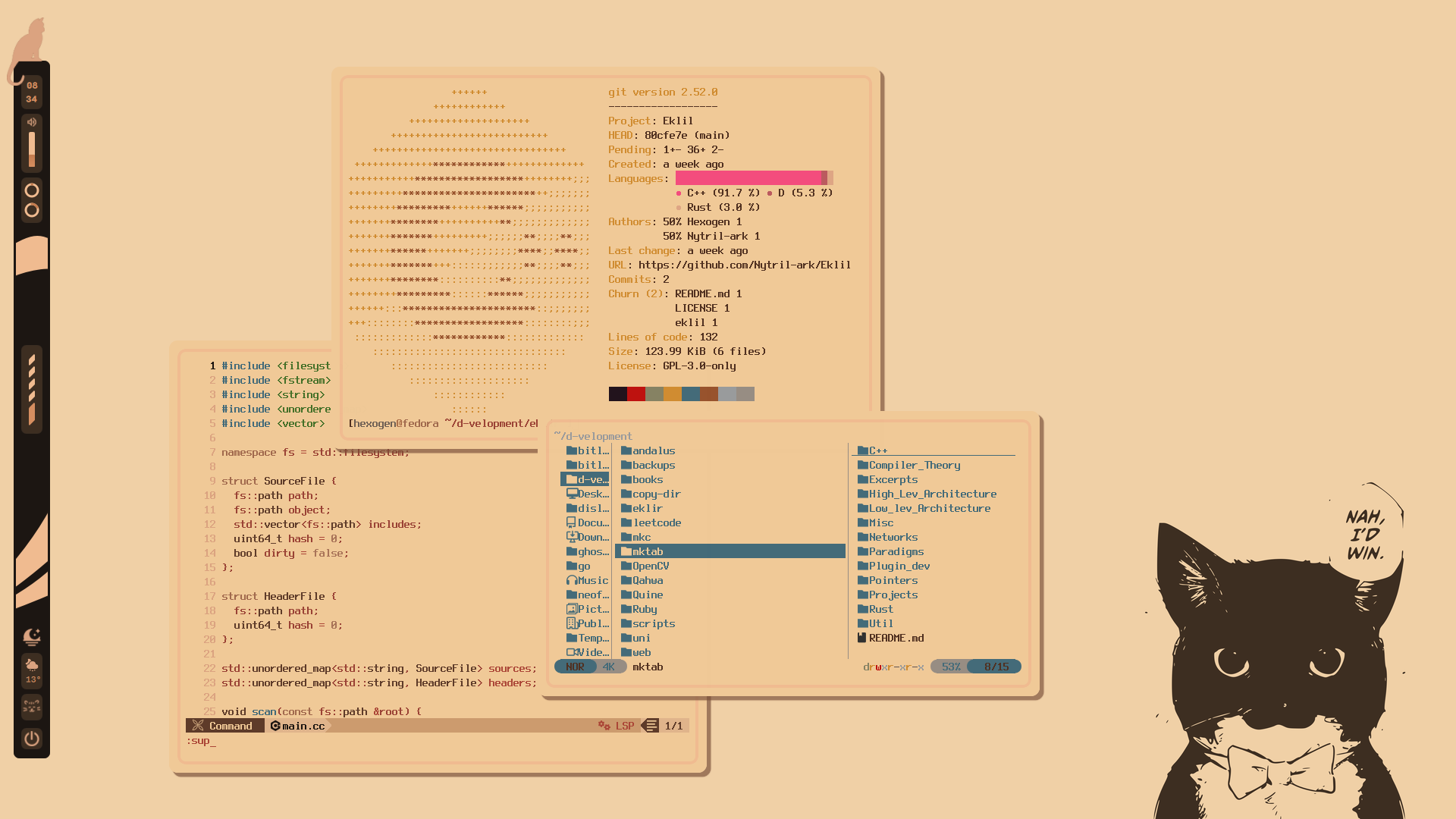
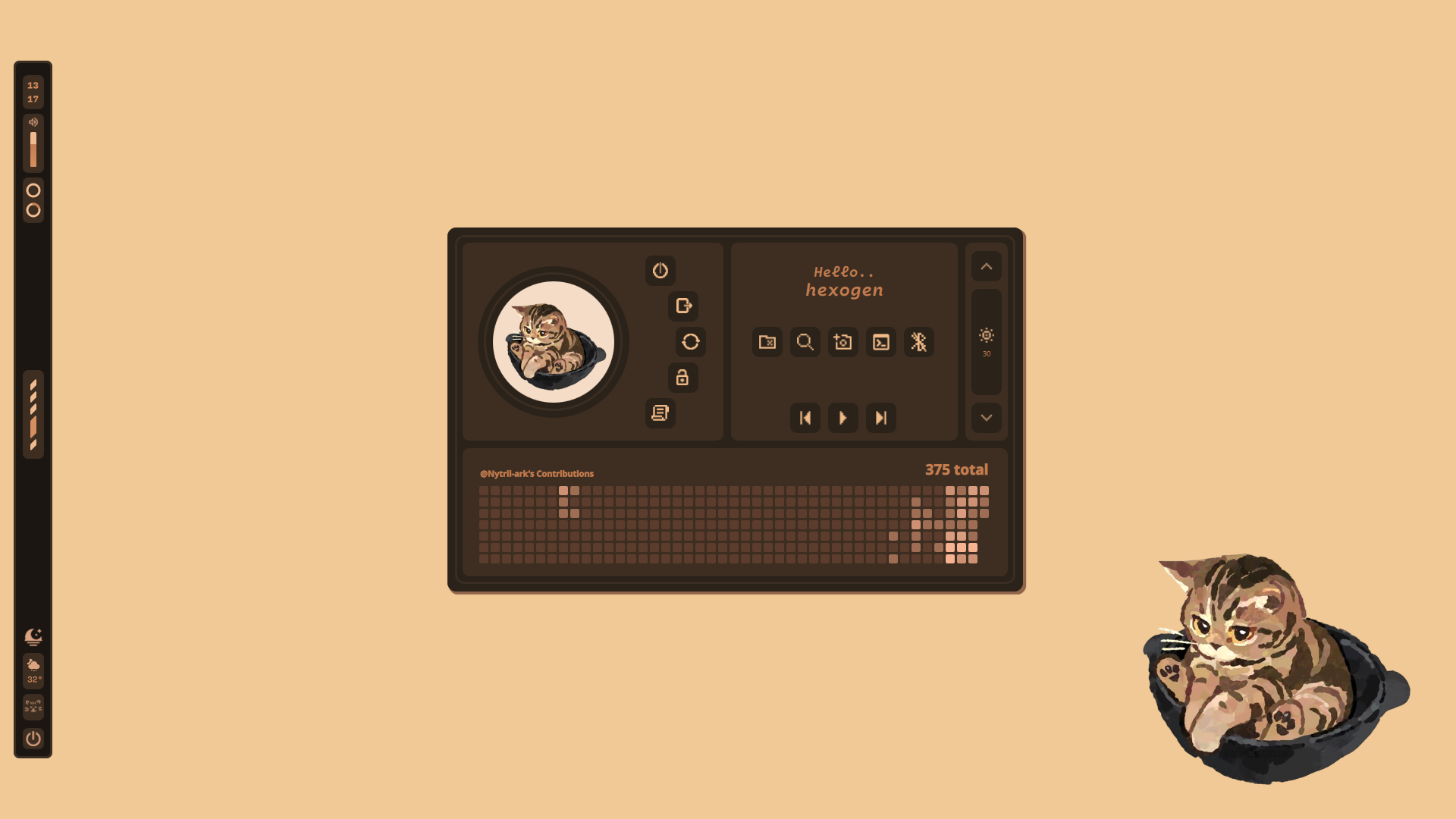
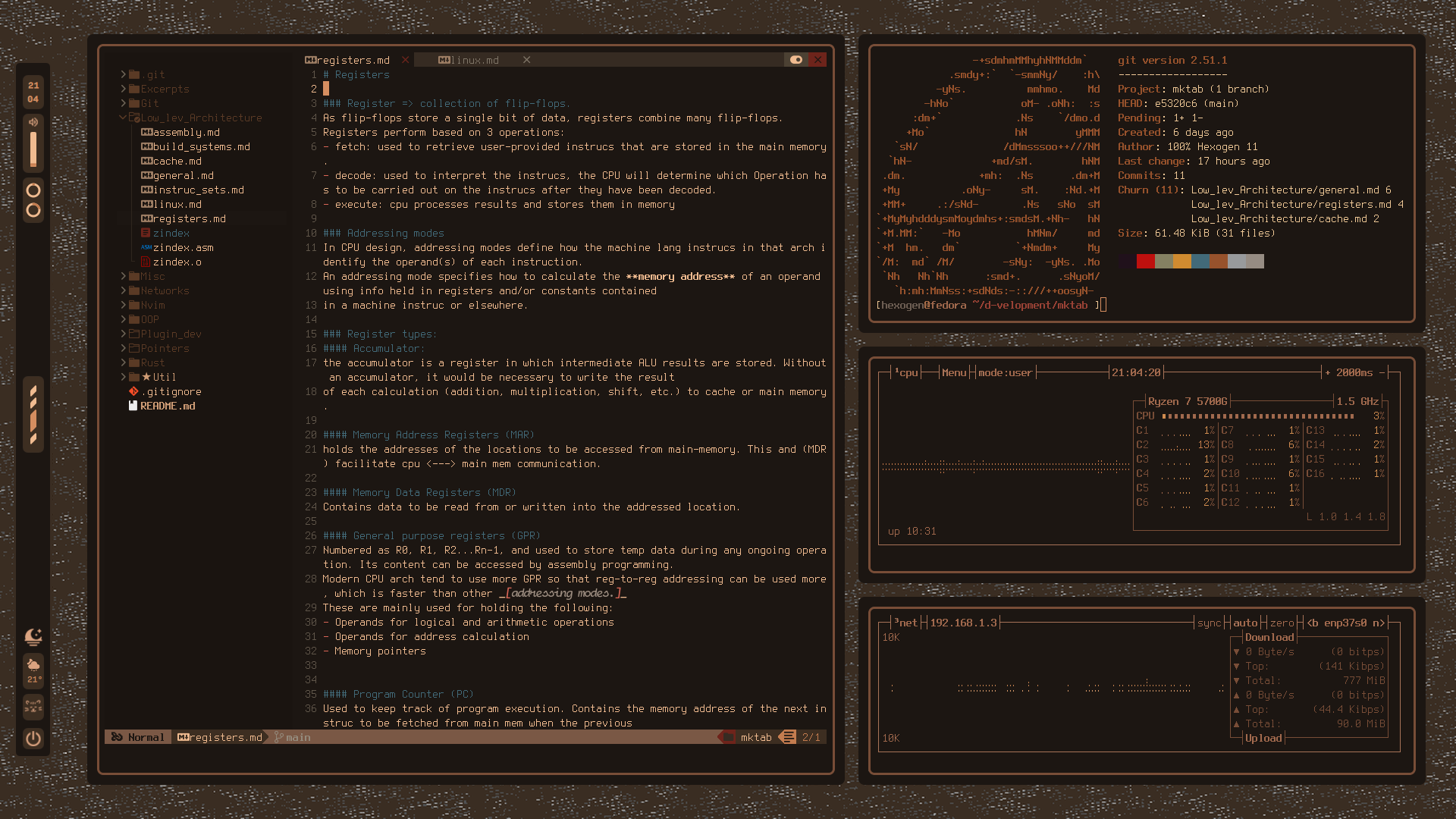
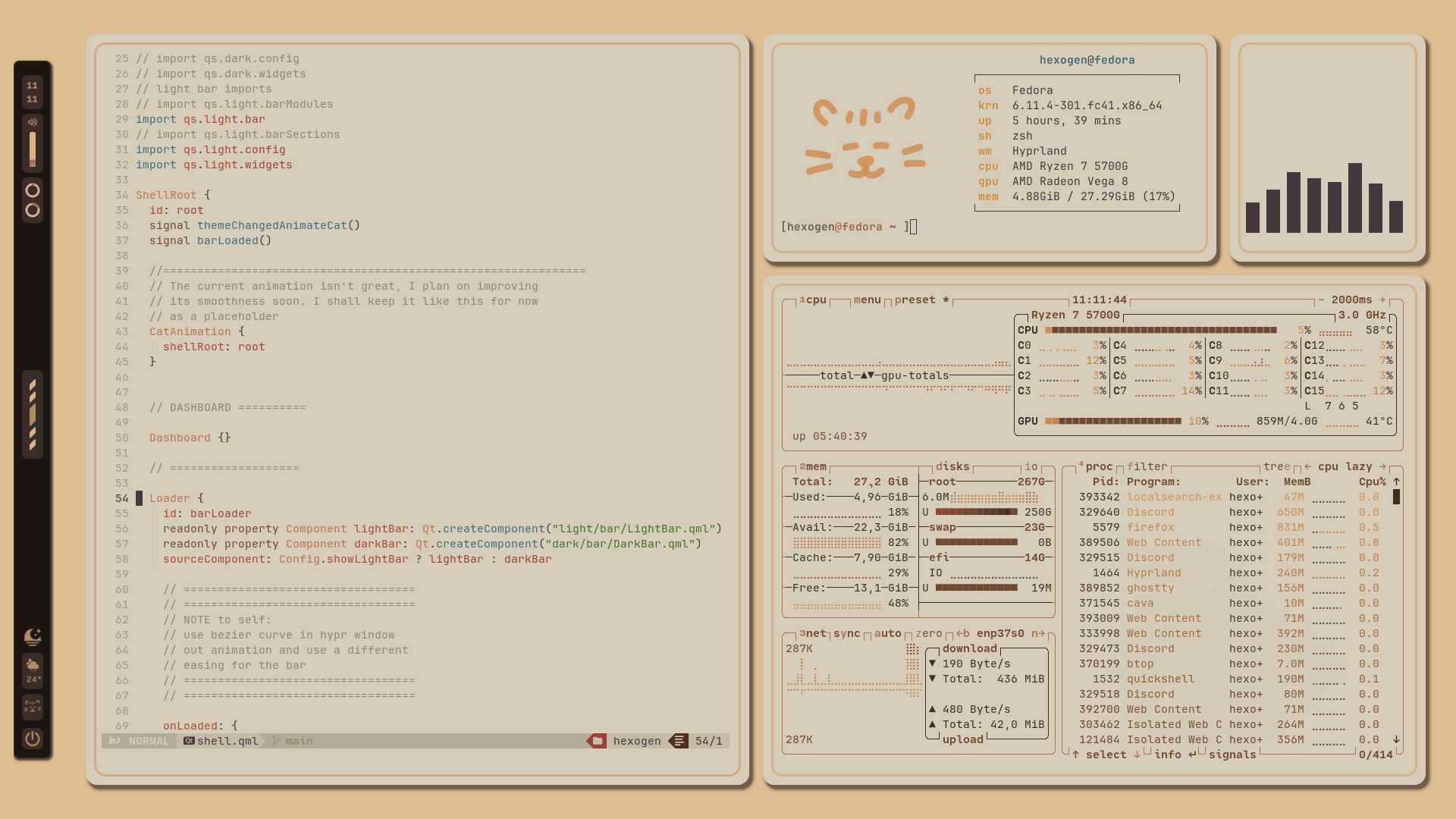
Gallery
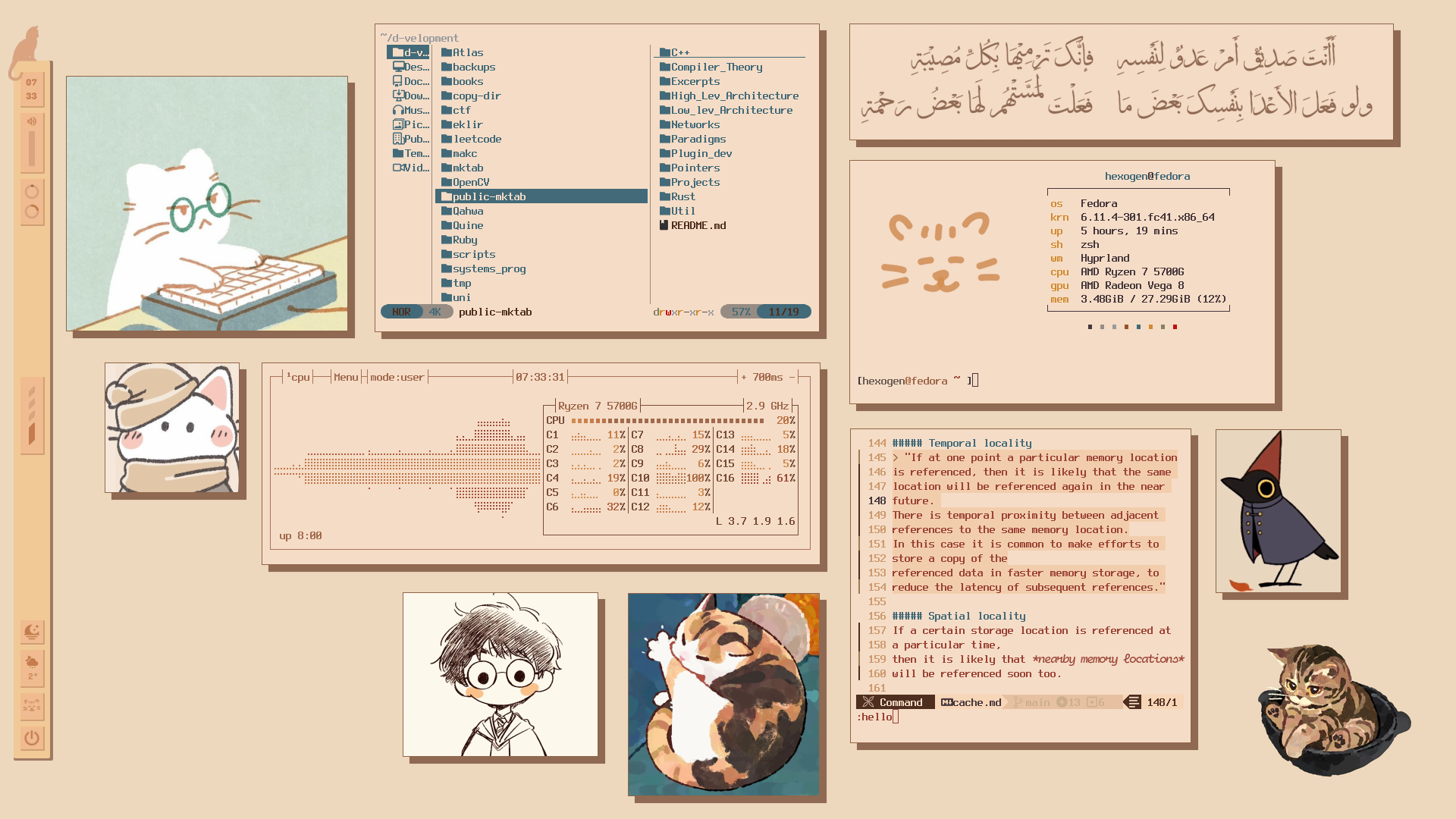
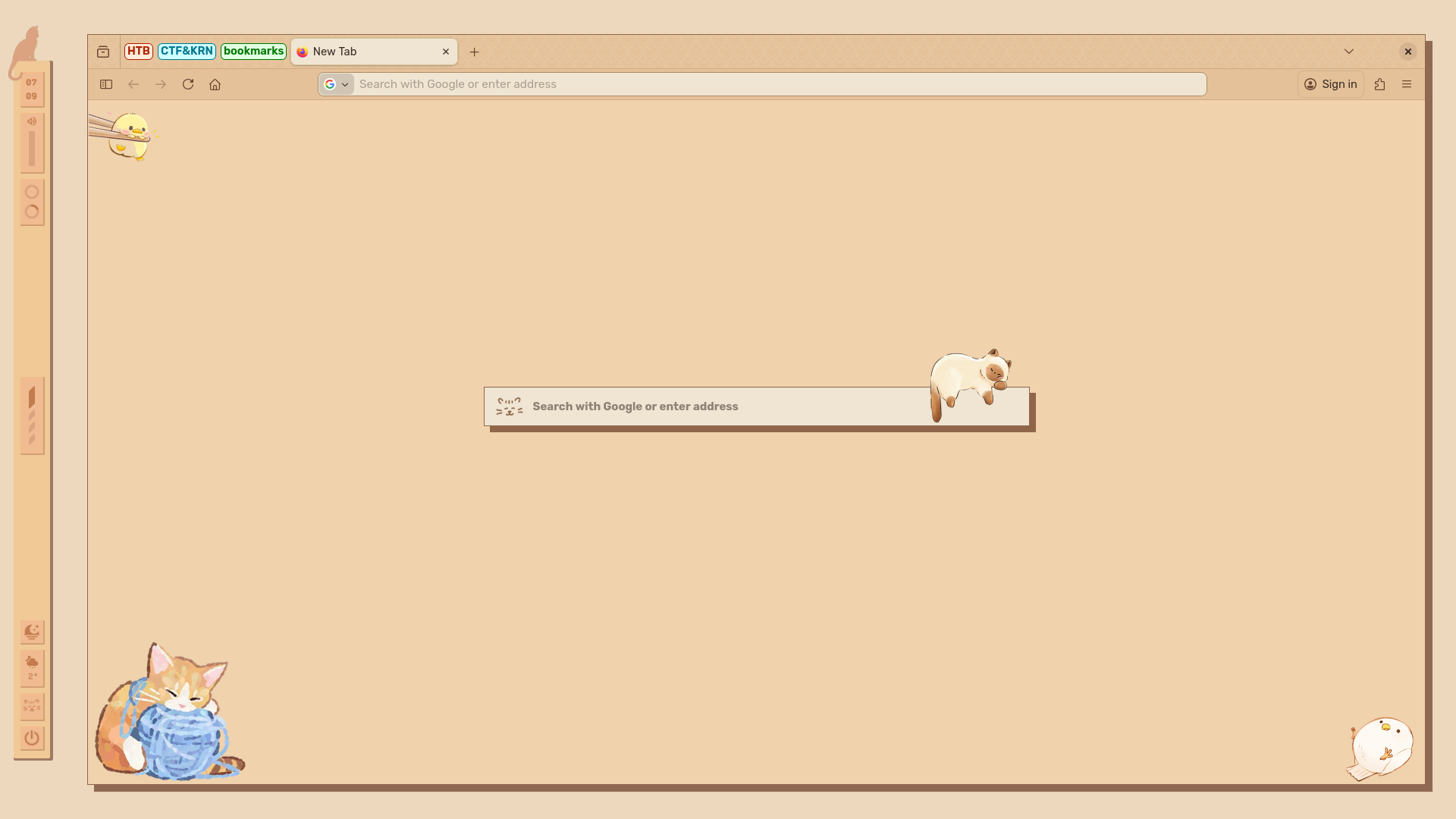
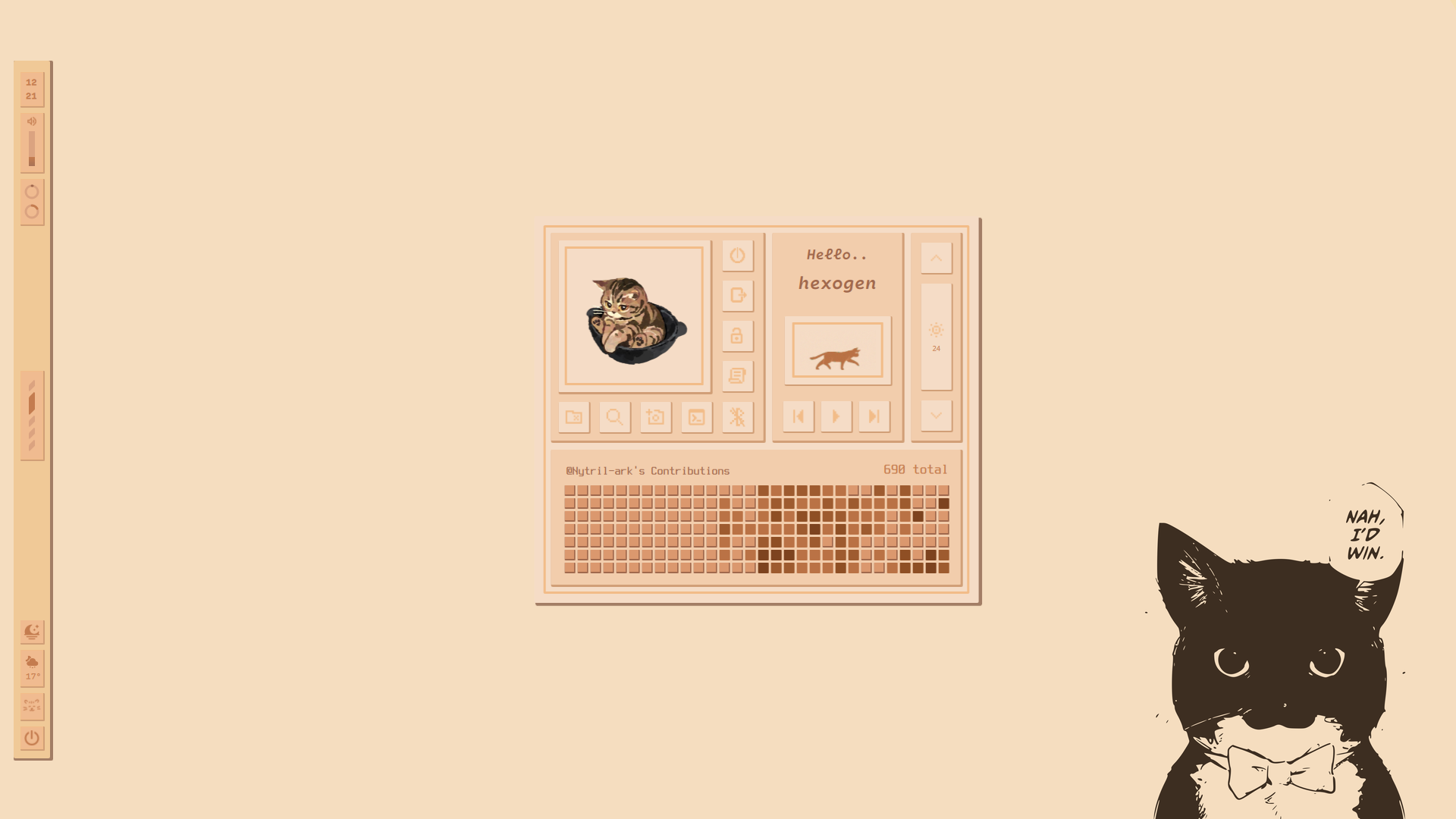 | 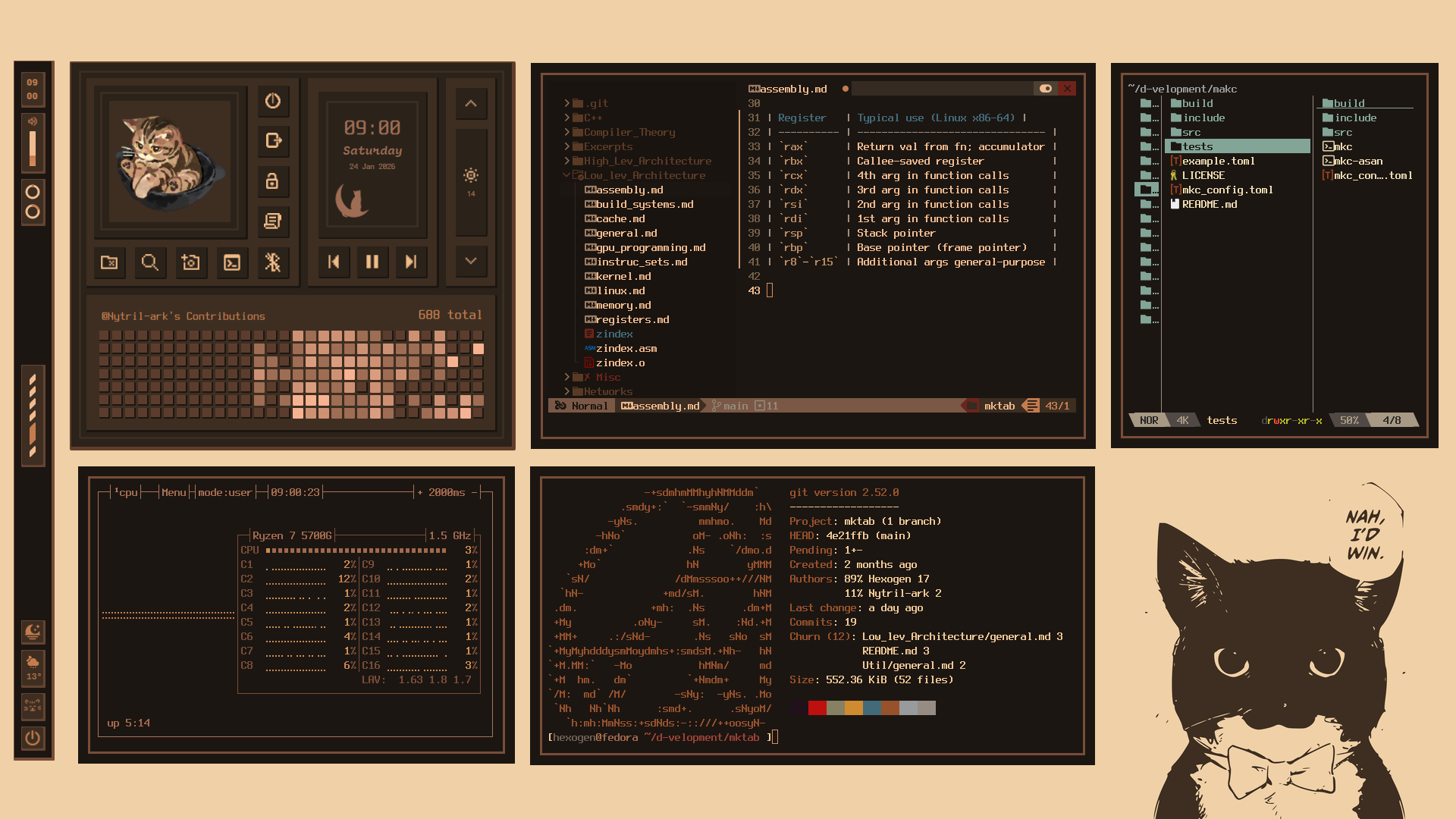 |
|---|
 |  |
|---|
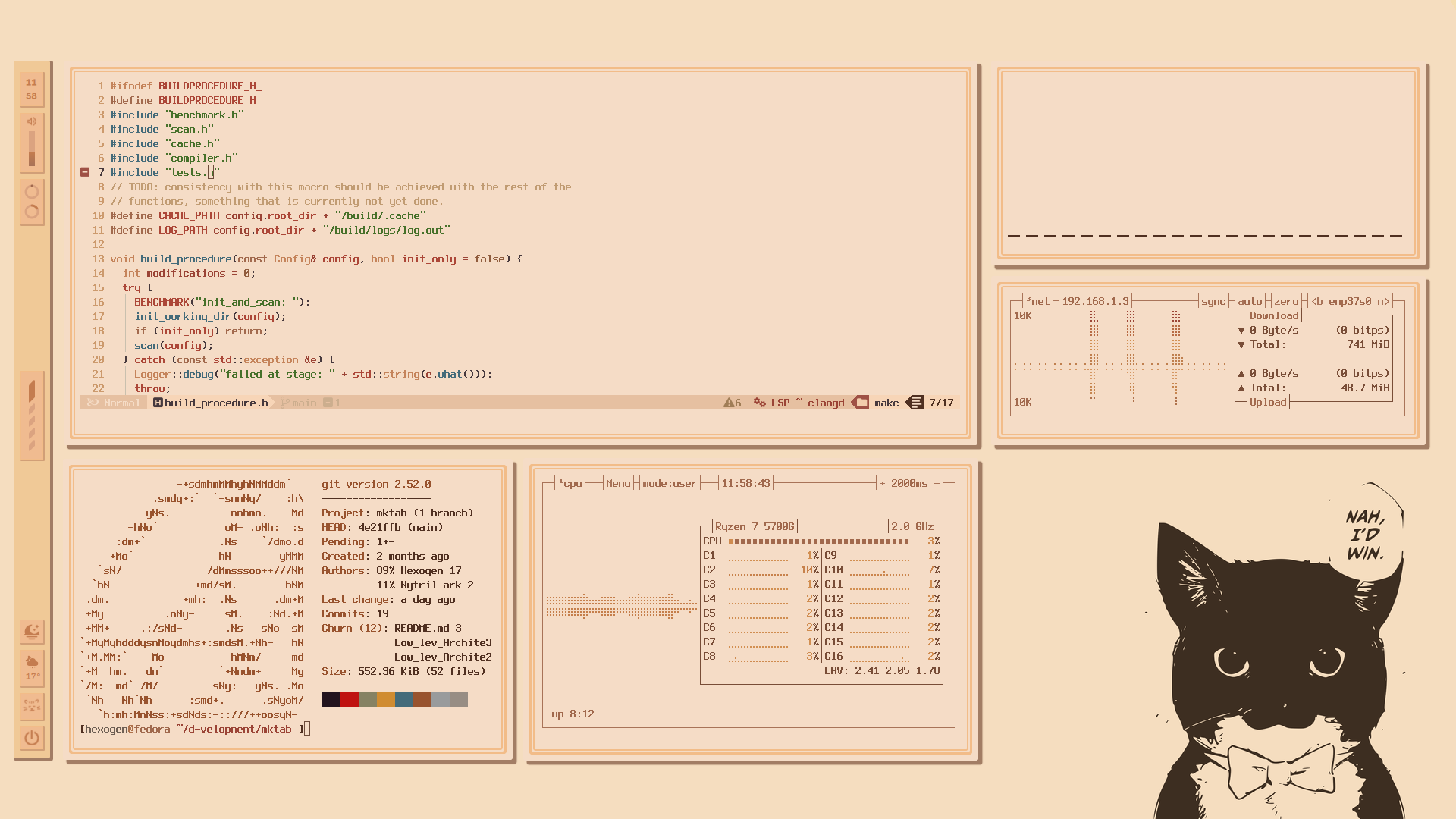
old pistachio theme available in installer
Rumda-pistachio
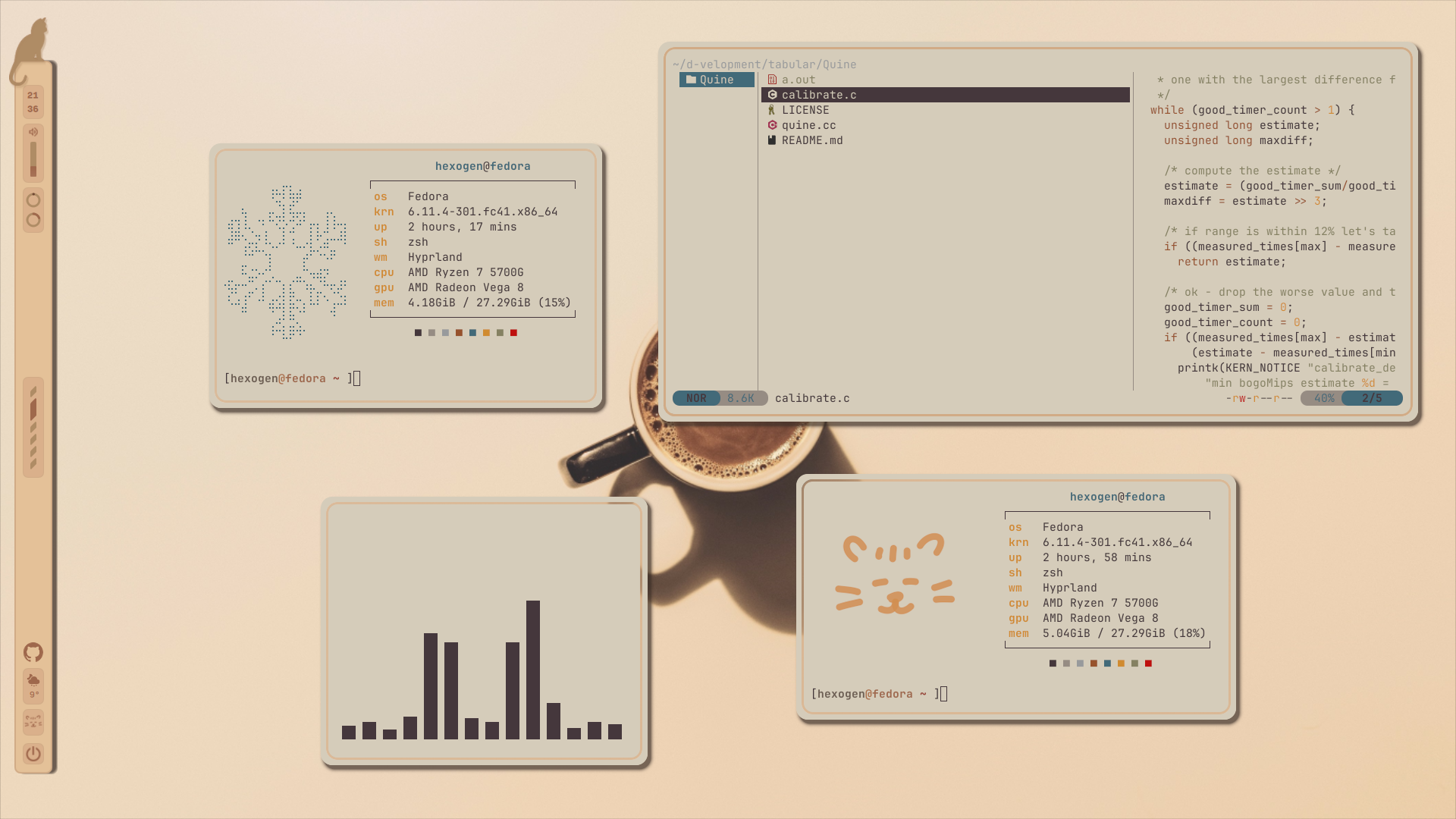
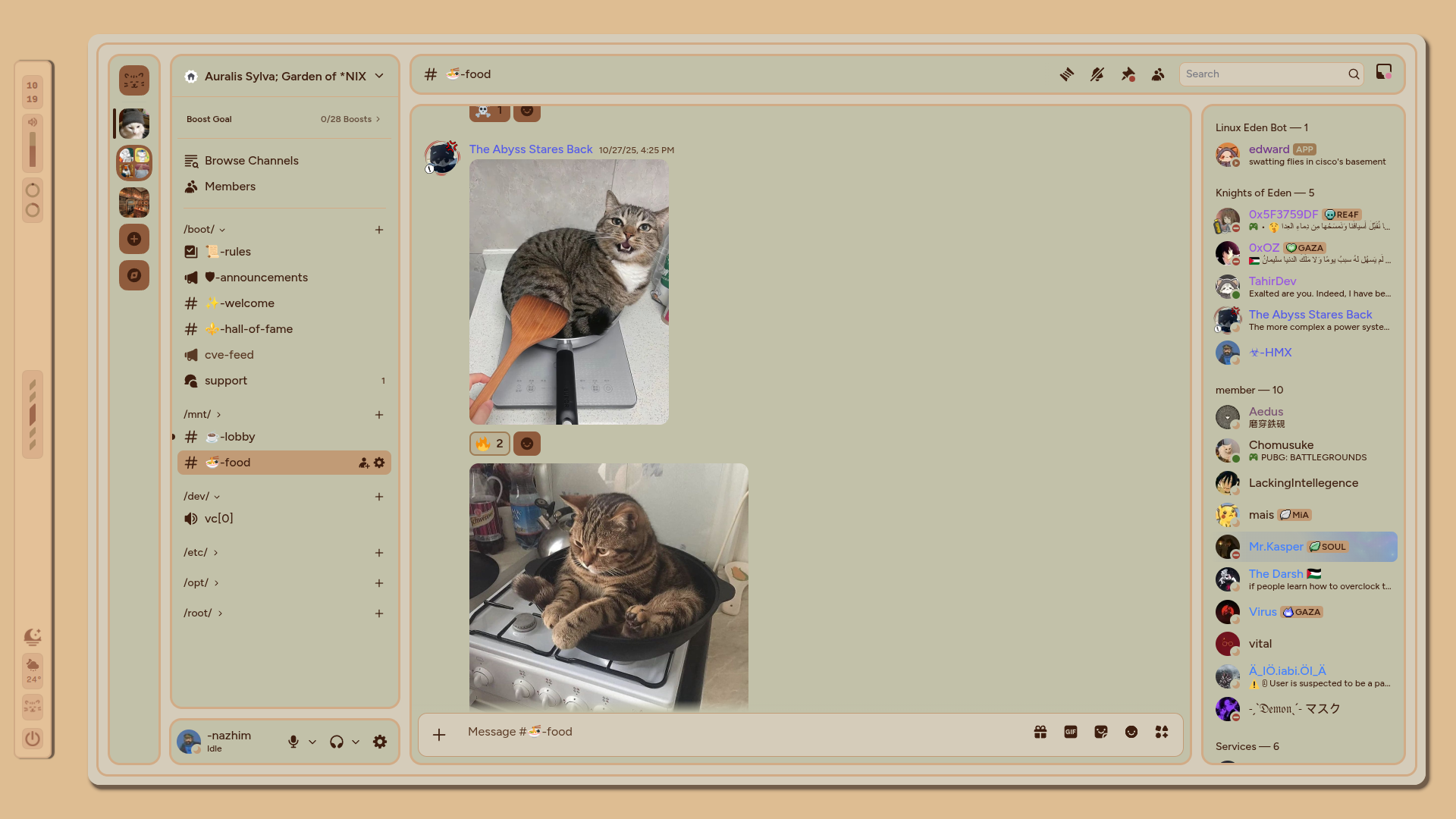
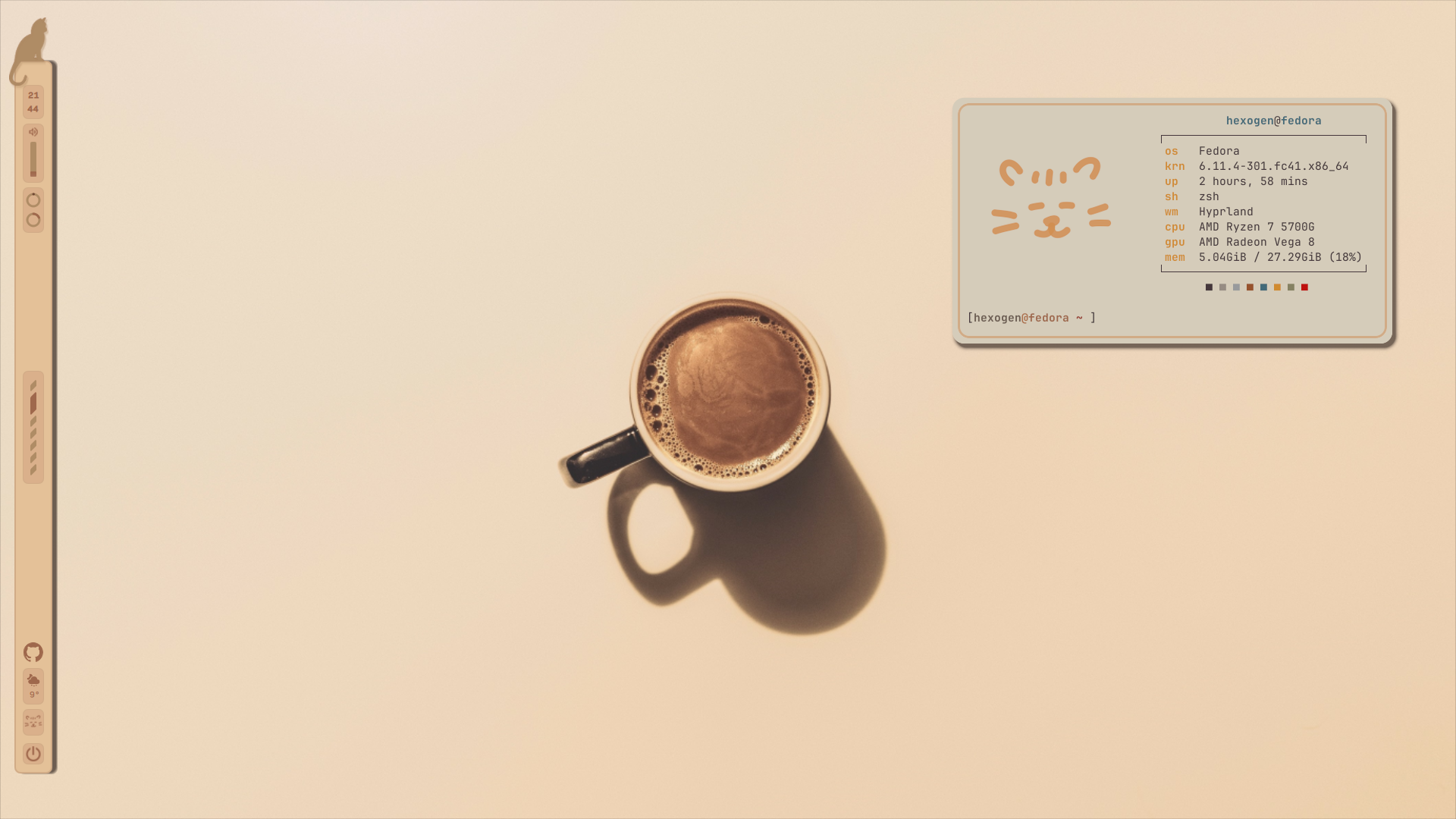
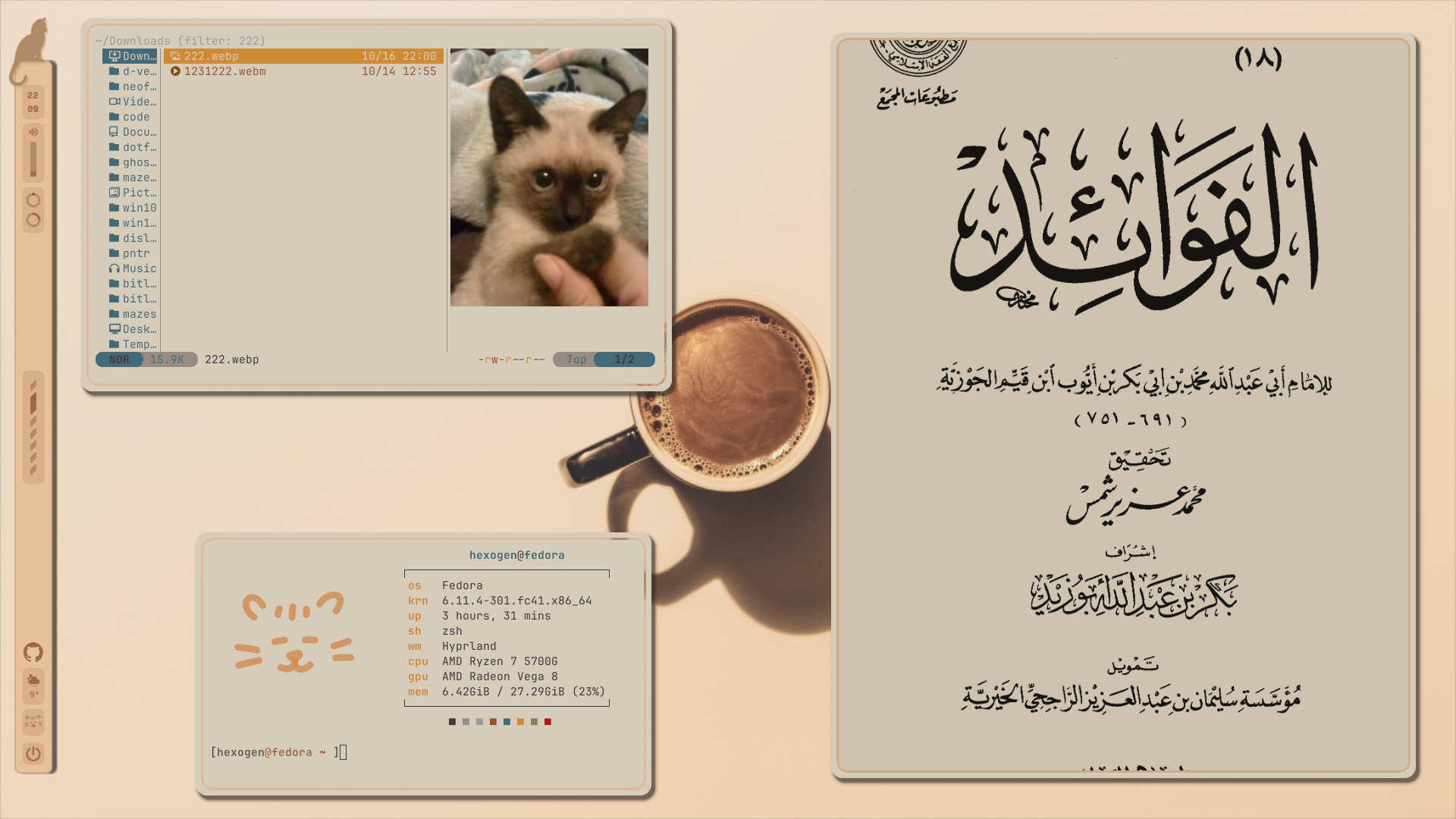
Installation
[!NOTE] the installation assumes you have all the dependencies
you could eyeball what dependencies to install if you want.
If you don't want to eyeball them, check the following:
Basic dependencies
hyprland
quickshell
rofi
alacritty
awww
neofetch
swappy slurp grim
zathura
yazi
neovim
Full dependencies:
hyprland quickshell rofi alacritty awww thunar neofetch swappy grim zathura yazi jetbrains-mono-fonts mako hyprpicker neovim \
ghostty  nautilus  btop bpytop obs-studio slurp xdg-desktop-portal-hyprland wl-clipboard git\
 jq lz4-devel lua python3 brightnessctl playerctl wpctl pipewire wireplumber
Recommended:
Firefox toolbar theme by Looma: https://addons.mozilla.org/en-US/firefox/addon/rumda/
borders-plus-plus hyprland plugin (for the double borders)
Nvchad (cleanly manage your themes)
And lastly, something to setup the custom discord theme.
install.sh
[!CAUTION] please follow these steps:
- make sure you have installed quickshell, hyprland, swww etc
- don't delete or change the position of the repo after using the following command:
Use this one-liner to clone it and install:
cd ~/.config && git clone --depth=1 https://github.com/Nytril-ark/rumda && cd rumda && chmod +x install.sh && ./install.shnote that the installer will let you install either the old pistachio theme or the new beige theme (beige is default)
you can also edit the install.sh file to only install what you want by making some vars at the top = false.
Keybinds
Note: to switch between different 'flavours' hit the internet module on the bar (cat face above the power button)
| Keys | Description |
|---|---|
$mainMod + W | Open Firefox |
$mainMod + Enter | Open terminal |
$mainMod + R | Launch app menu |
$mainMod + F | Open file manager |
$mainMod + S | Full screen screenshot |
$mainMod + G | Toggle compact look |
$mainMod + shift + S | screenshot a region |
$mainMod + alt + shift S | screenshot region + edit |
$mainMod + C | Close focused window |
$mainMod + M | Exit Hyprland |
$mainMod + V | Toggle floating mode |
$mainMod + P | Toggle pseudo layout |
$mainMod + L | Lock screen |
$mainMod + Shift + Return | Open Ghostty terminal |
$mainMod + shift + T | OCR into clipboard |
$mainMod + Shift + Alt + Q | Force kill window |
$mainMod + Alt + Arrows | Move focus between windows |
$mainMod + Shift + [0–9] | Move window to workspace |
$mainMod + Scroll / Arrows | Switch workspace scroll |
$mainMod + up/down arrows | Move or resize window |
XF86Audio / F-keys | Volume and media control |
$mainMod + TAB | Toggle Rumda dashboard |
$mainMod + ; | Shrink split ratio |
$mainMod + ' | Grow split ratio |
$mainMod + Alt + Space | Float/tile |
$mainMod + D | Maximize window |
$mainMod + Shift + C | Color picker |
Ctrl + Alt + R | Start OBS recording |
$mainMod + Q | rofi + random arabic poetry |
| note: | mainmod = Super |
misc
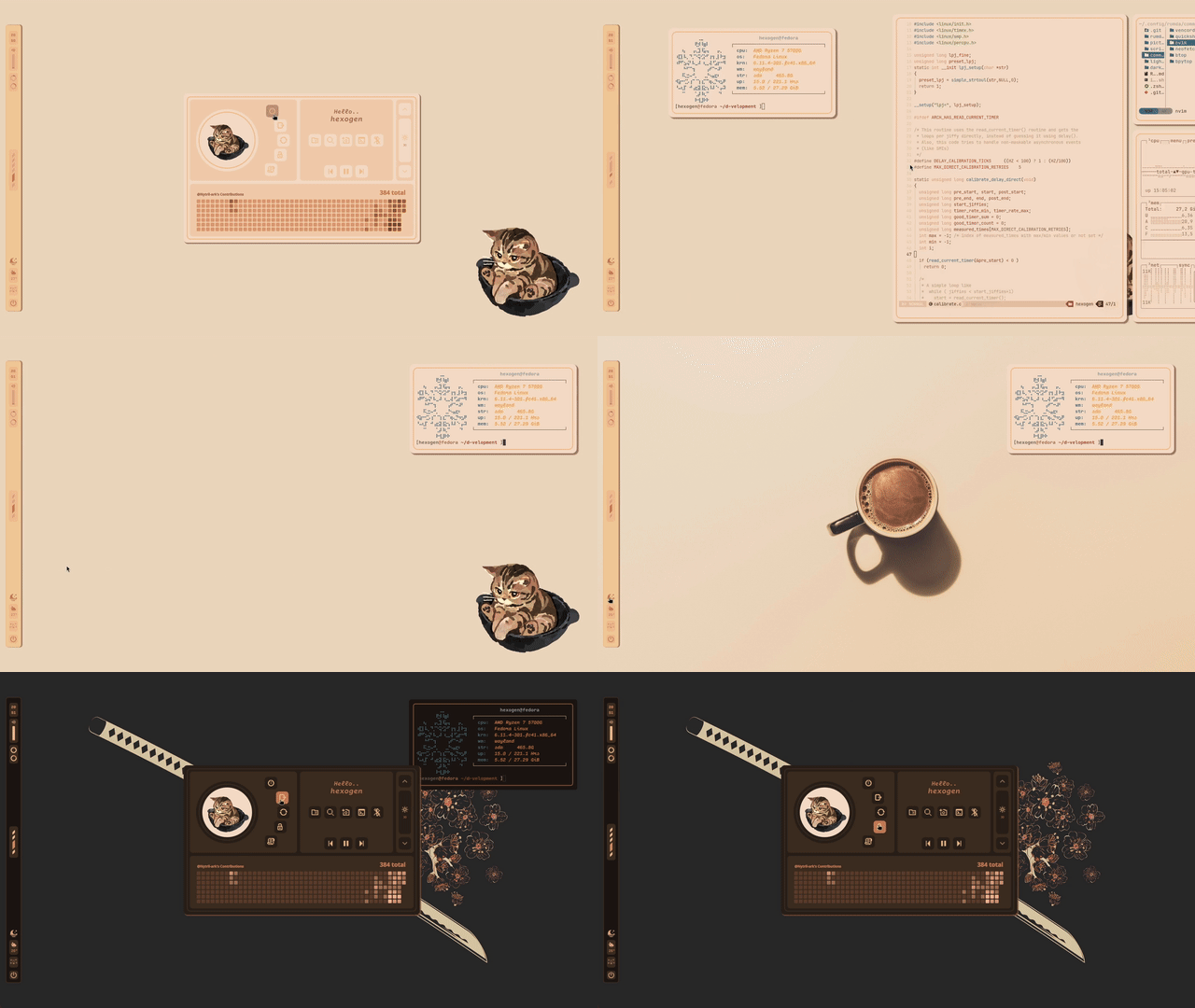
themeswitch, dashboard and lockscreen
config
[!NOTE] Configuring your own changes in the rice & possible issues
Things that may cause issues
you can go to rumda/common/quickshell/shared/Common.qml to change things like dashboard pfp, github account name (for the dashboard), as well as default bar theme.
MORE IMPORTANTLY if your dashboard has weird sizes because of the difference between my screen size and yours, you can tweak the dashboardWidth / height values in that same Common.qml file.
Basic configuration
you can go to rumda/common/quickshell/light/config/Colors.qml to edit colors, same goes for .../dark/config/Color.qml
I don't recommend messing with them too much though
configuring further
it would be better to make changes in the rumda dir itself, as the files at .config are just symlinked to there. you can then use any of the theme scripts in rumda/scripts/ to push your updates into place, in case they didn't get pushed there on their own. Please open an issue here if you need further guidance.
Rumda the cat
Rumda the cat should be the main feature in these dotfiles. Sadly however, I am stuck with many side-projects, so I can't fully finish this widget yet. Here, Rumda is stuck too:
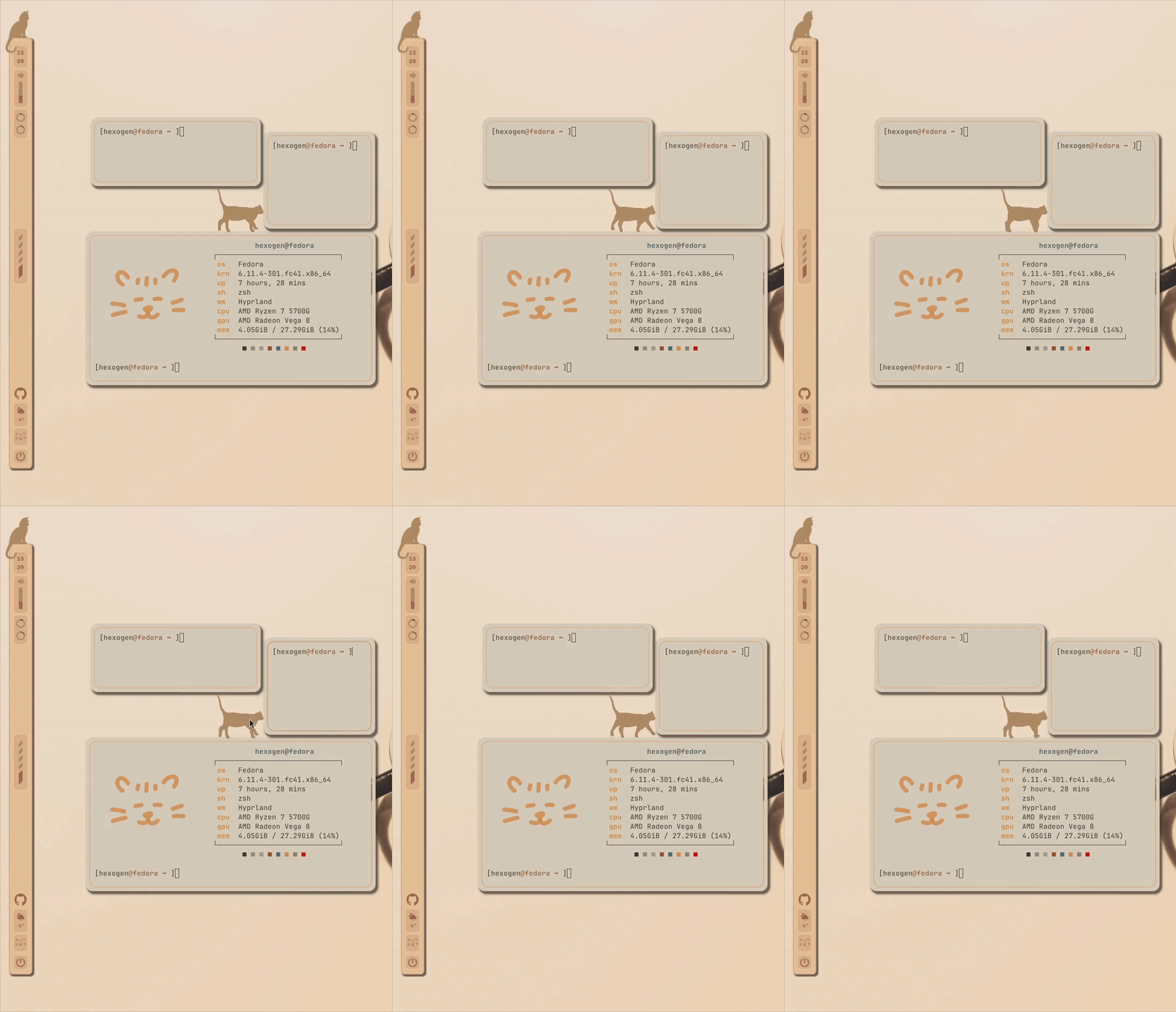
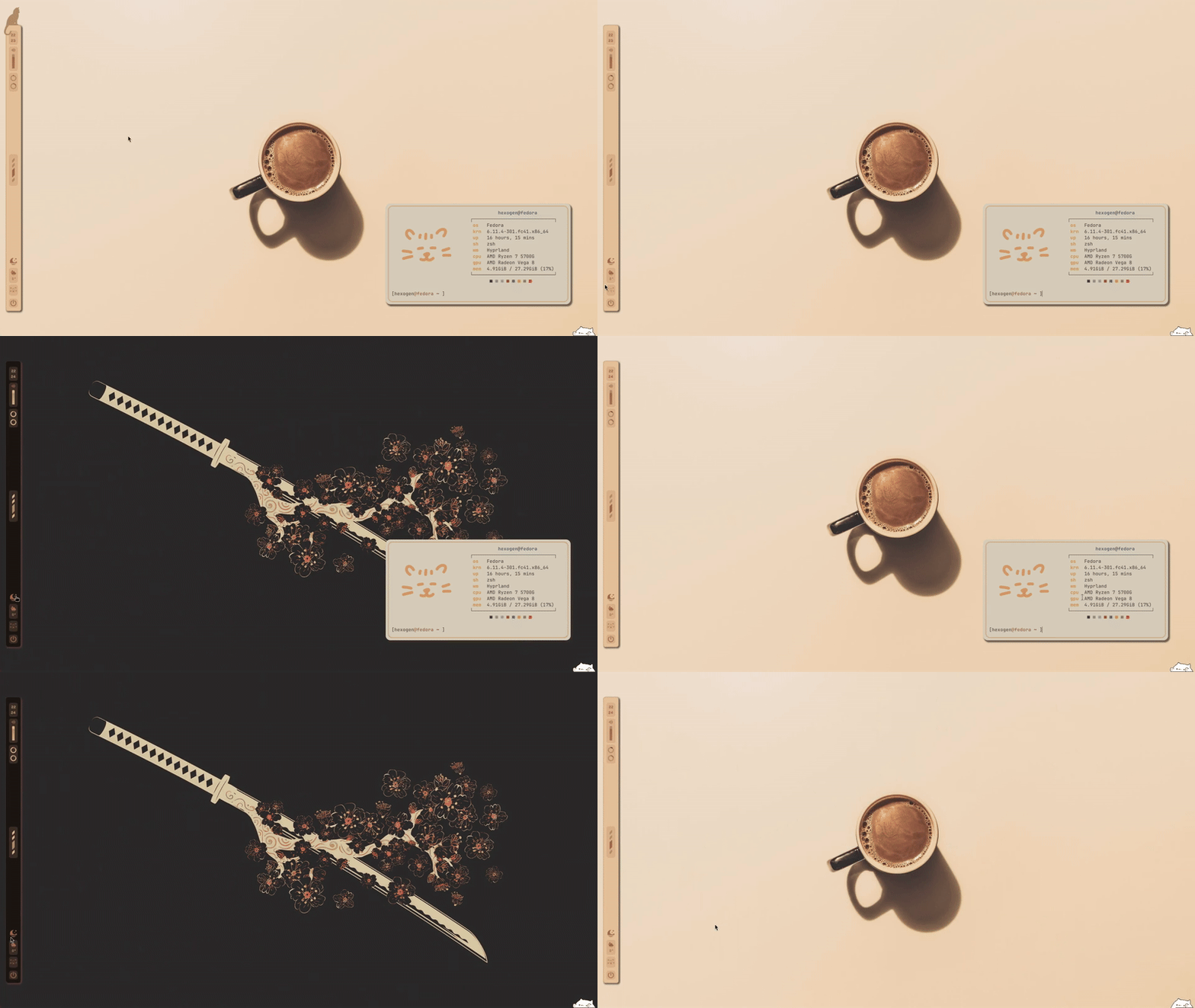
The cat widget might will (insha'allah) be able to get out soon. We'll see!
PS: the cat face at the bottom of the bar is an internet widget. If it's smiling, you're connected :)