



Windows Titlebar Blur Customizer is a free, open-source Windows desktop customization tool that transforms standard application title bars with beautiful Aero, Acrylic, Mica, and glass blur effects. Personalize the Windows 10 and Windows 11 desktop appearance without needing command-line knowledge.
⬇️ Installation
Download the Windows application
- Open the repository's Releases page.
- Download the latest release archive
Windows Titlebar Blur Customizer 4.4.2.zip. - Extract the archive into a folder of your choice.
- Keep
Windows Titlebar Blur Customizer 4.4.2.exeandlibvlc.dlltogether in that folder. - Double-click
Windows Titlebar Blur Customizer 4.4.2.exeto launch the application.
✨ Features
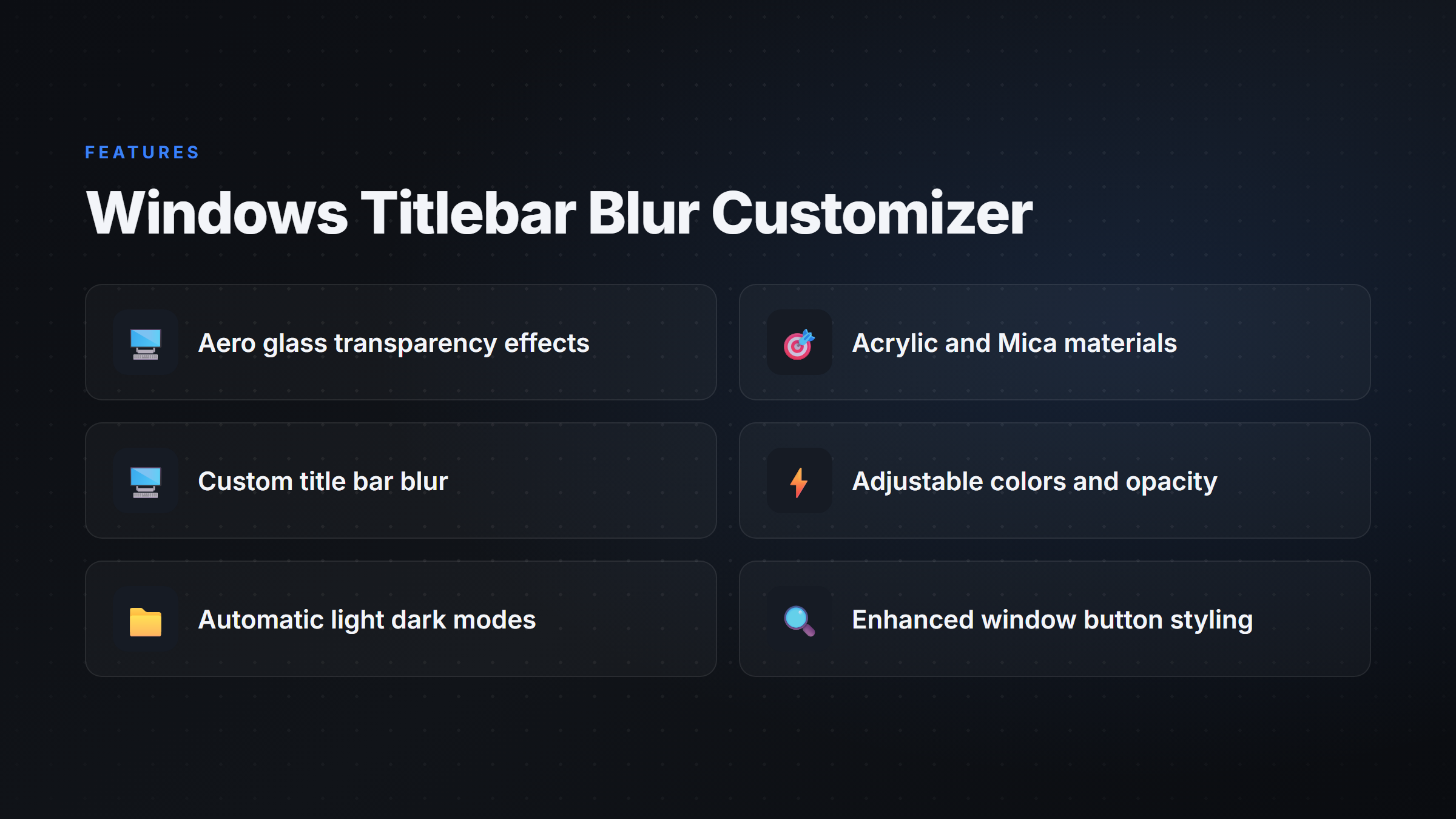
- 🌫️ Advanced DWM Blur Effects — Customize Windows Desktop Window Manager title bar rendering with configurable blur and transparency effects.
- 🪟 Aero Glass Transparency — Bring back the classic Windows Aero appearance with glass-like surfaces, reflections, and visual depth.
- 🎨 Acrylic Material Effects — Apply modern translucent Acrylic styling to supported application title bars.
- 💎 Windows 11 Mica Support — Enhance compatible Windows 11 applications with elegant Mica and Mica Alt material effects.
- 🖌️ Custom Colors and Opacity — Adjust title bar blending colors, text colors, transparency, and blur intensity to match your desktop theme.
- 🌗 Automatic Light and Dark Modes — Configure appearance behavior for light and dark Windows themes independently.
- ⚙️ Multiple Blur Methods — Choose between CustomBlur, AccentBlur, and SystemBackdrop rendering approaches.
- 🖥️ Global Title Bar Customization — Apply consistent visual styling across supported desktop applications.
- ✨ Enhanced Window Controls — Customize title bar button appearance, including classic-style button dimensions and glow effects.
- 🎭 Third-Party Theme Compatibility — Extend desktop personalization while retaining support for compatible Windows themes and customization tools.
🖼️ Overview
Explore the visual capabilities of Windows Titlebar Blur Customizer.
Available Windows Material Effects
| Effect | Description | Platform |
|---|---|---|
| Aero | Classic transparent glass appearance | Windows 10 / 11 |
| Blur | Customizable background blur | Windows 10 / 11 |
| Acrylic | Modern translucent material | Windows 10 / 11 |
| Mica | Native Windows material styling | Windows 11 |
| Mica Alt | Alternative Mica appearance | Windows 11 |
| Accent Blur | Accent-based blur rendering | Compatible systems |
| SystemBackdrop | Windows system backdrop effects | Compatible systems |
Desktop Personalization
Create a consistent Windows appearance by combining title bar transparency, custom colors, blur intensity, and automatic theme switching.
Whether you prefer the classic Aero Glass aesthetic or the modern Windows 11 Mica design, the available customization options make it possible to create a desktop environment that matches your preferences.
🚀 Usage
- Install the application using the official release package and follow the installation instructions.
- Open the configuration interface to access the available Windows title bar customization settings.
- Choose a visual effect such as Blur, Aero, Acrylic, or Mica where supported.
- Adjust appearance settings including blur intensity, blend colors, text colors, and transparency.
- Configure theme behavior to match your preferred Windows light or dark appearance.
- Apply your settings and inspect the appearance of supported application title bars.
- Fine-tune your desktop until the visual style matches your preferred Windows theme.
Compatibility
| Requirement | Support |
|---|---|
| Windows 10 | Version 2004 and newer |
| Windows 11 | Supported releases |
| Desktop Window Manager | Required |
| Aero effects | Supported configurations |
| Acrylic effects | Supported configurations |
| Mica effects | Windows 11 |
| Third-party themes | Compatible configurations |
Note: Certain blur methods and material effects depend on the Windows build and application rendering implementation. Windows Insider builds and heavily customized environments may have additional compatibility limitations.
🎨 Customization Ideas
Classic Aero Glass Desktop
Recreate the familiar transparent Windows appearance using glass blur, reflections, and custom blending colors.
Modern Windows 11 Desktop
Use Mica-inspired materials and subtle transparency to complement the Windows 11 interface.
Minimal Dark Theme
Combine dark title bar colors, restrained blur, and automatic dark-mode switching for a consistent desktop.
Personalized Application Appearance
Adjust title bar colors and transparency to coordinate supported applications with your preferred wallpaper and desktop theme.
🔧 Technical Overview
The application works with Windows Desktop Window Manager (DWM) to customize the appearance of supported window title bars.
Its customization approach provides options for different rendering methods rather than relying exclusively on the application's own visual settings.
Key technical capabilities include:
- Custom blur rendering methods.
- Windows accent-based blur integration.
- System backdrop effect support.
- Configurable title bar material appearance.
- Light and dark theme behavior.
- Compatibility considerations for legacy desktop applications.
The application does not aim to replace the rendering engine of individual programs. Its purpose is to provide system-level visual customization while preserving normal application functionality wherever supported.
🔒 Security
Your Windows desktop customization should remain transparent and trustworthy.
- Open Source: The source code can be inspected and independently reviewed.
- No Telemetry: No built-in analytics or behavioral tracking is required for the application's customization features.
- No Account Required: Desktop personalization does not require creating an online account.
- Official Downloads: Obtain release packages through the project's official GitHub Releases page.
- Issue Reporting: Report suspected security vulnerabilities, unexpected behavior, or compatibility problems through GitHub Issues or the project's designated security reporting channel.
Always verify downloaded release packages and avoid unofficial redistribution websites or modified installers.
❓ Frequently Asked Questions
Does it support Windows 10?
Yes. Windows 10 version 2004 and newer is the intended compatibility range, subject to the selected rendering method.
Does it support Windows 11?
Yes. Windows 11 is supported, including Mica material effects on compatible configurations.
Can I use Acrylic and Aero effects together?
The available material and blur settings provide different customization approaches. The combination of effects depends on the selected rendering method and Windows compatibility.
Does it work with third-party Windows themes?
It is designed with third-party theme compatibility in mind. However, results can vary depending on the theme and other desktop modification utilities.
Does it change individual application interfaces?
The focus is on customizing system-level title bar appearance rather than redesigning each application's interface.
Do all blur methods work on every Windows build?
No. Different Windows versions expose different rendering capabilities. Some methods may be unavailable or behave differently on specific builds.
Is it free?
Yes. It is an open-source Windows desktop customization project distributed under the GNU Lesser General Public License v3.0.
🤝 Contributing
Contributions from Windows developers, desktop customization enthusiasts, and open-source contributors are welcome.
Ways to contribute:
- Report Windows compatibility issues.
- Suggest new blur and material effects.
- Improve rendering performance.
- Help test different Windows versions.
- Submit bug fixes and code improvements.
- Improve technical documentation.
Please include your Windows version, relevant configuration details, and steps to reproduce any reported problem.
📄 License
Distributed under the GNU Lesser General Public License v3.0 (LGPL-3.0). See the COPYING.LESSER file for license details.
Give your Windows desktop a beautiful new appearance.
Aero Glass. Acrylic. Mica. Your desktop, your style.