Android DEX
Transform your Android device into a desktop experience. Mirror apps, control your phone, stream audio, manage media, launch multiple Android apps, and connect over USB or Wi-Fi — all from Windows, macOS, or Linux.
🚀 Quick Download
| Platform | Download Link |
|---|---|
| ADB Device Manager | Main System Project |
| Windows | Android_Dex_Windows.zip |
| macOS | Android_Dex_macOS.zip |
| Linux | Android_Dex_Linux.zip |
📱 App Preview
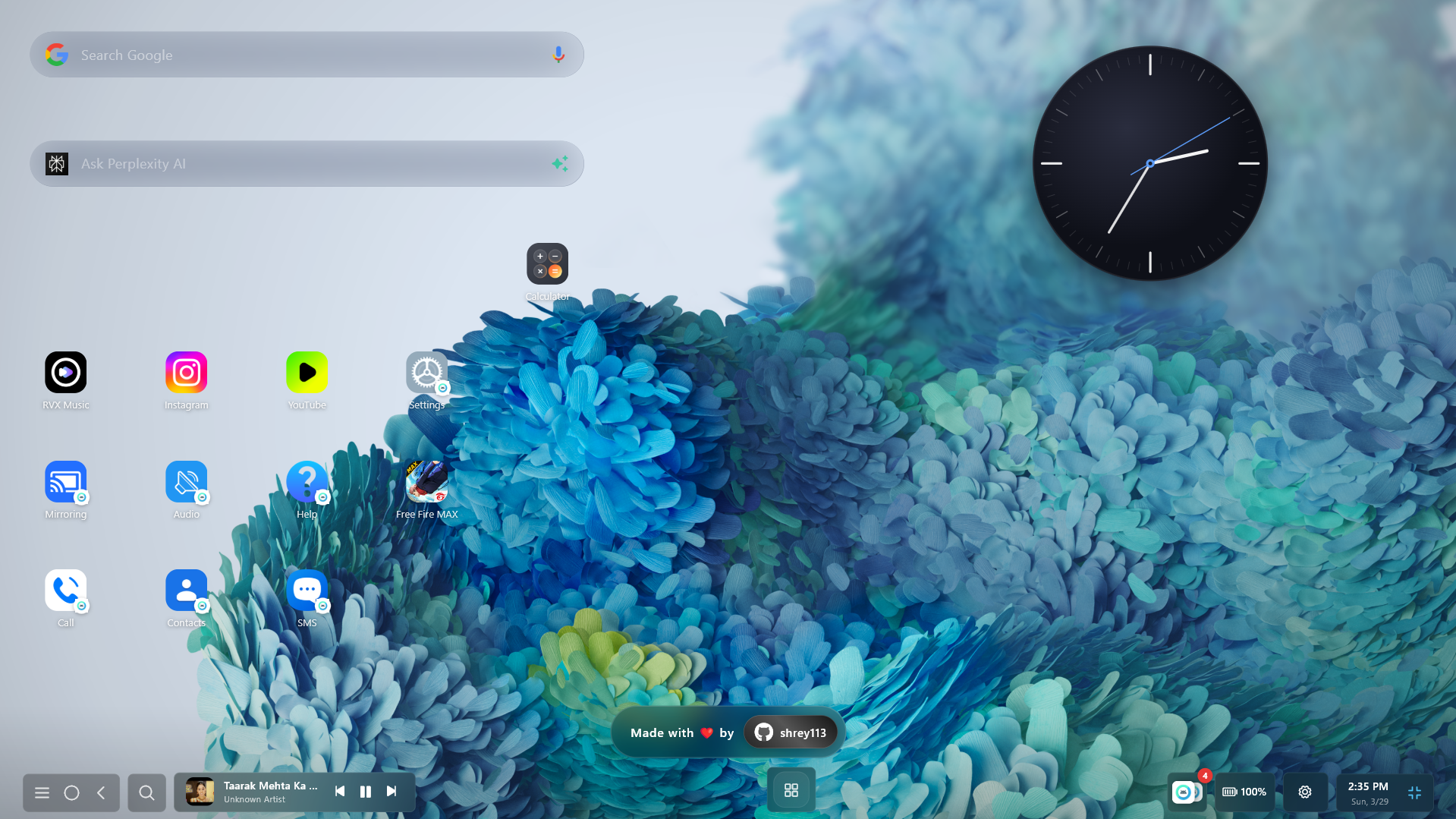
Desktop Home Interface
 |  |
|---|---|
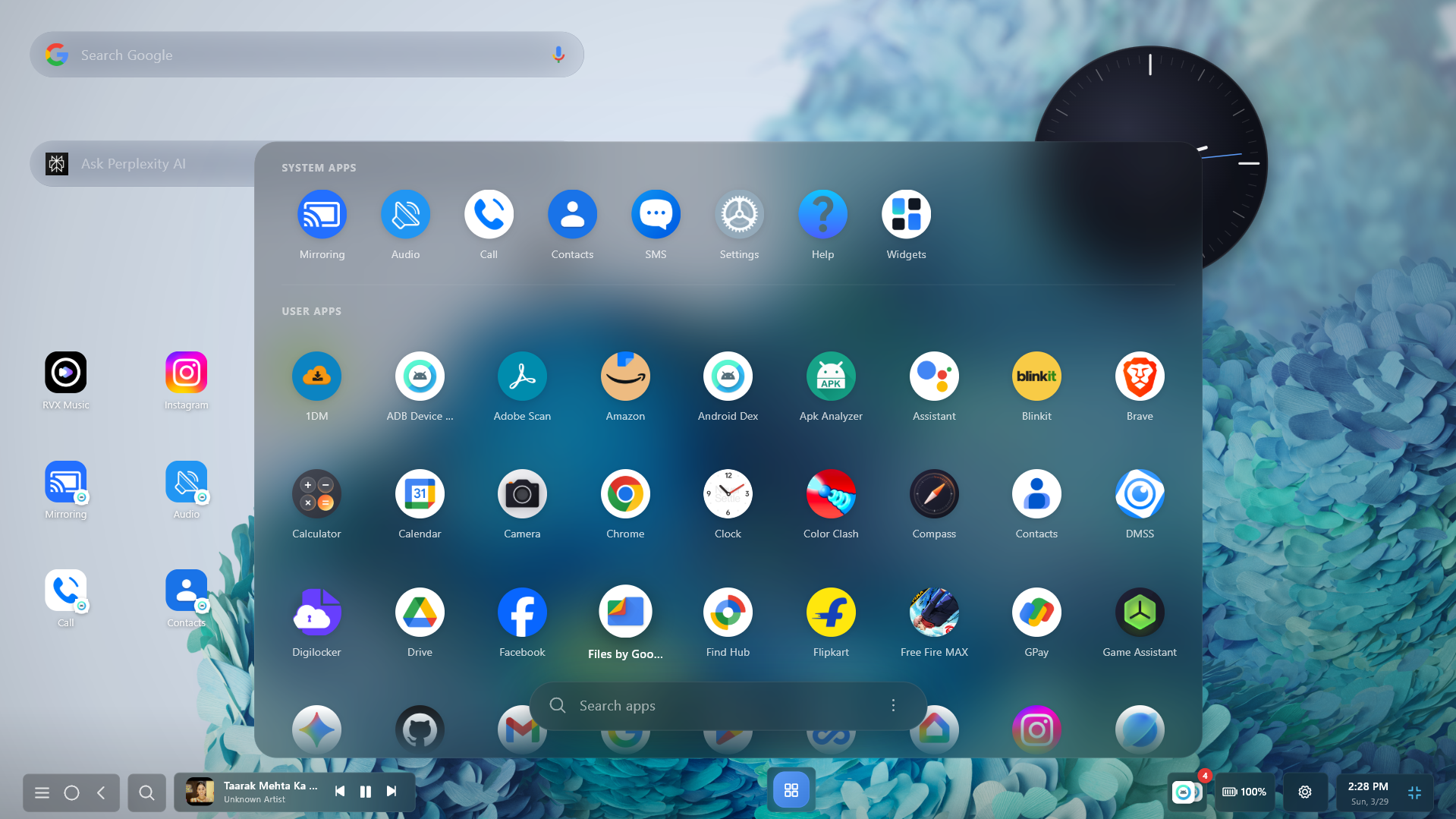
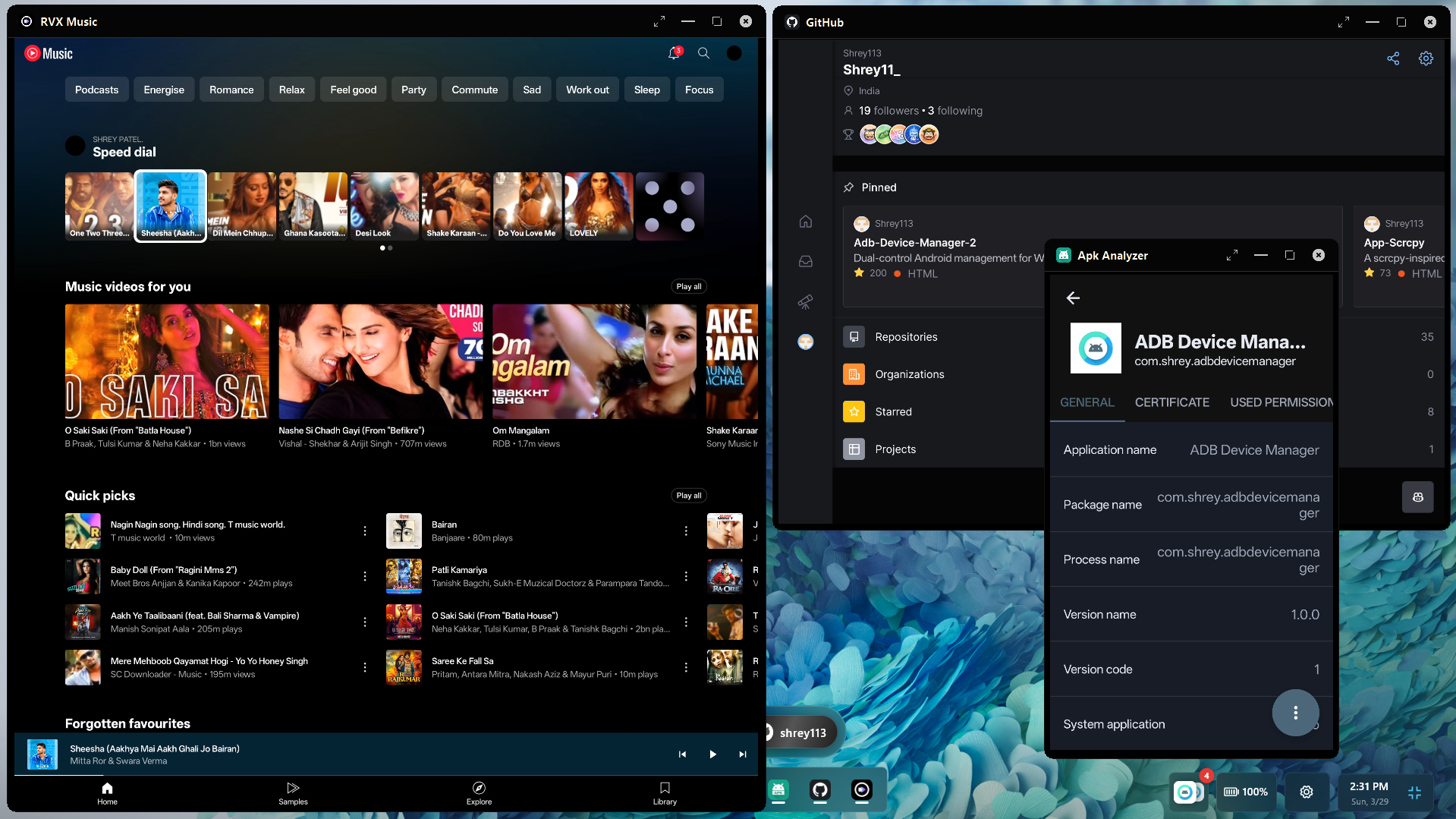
| App Dashboard | Multi-App View |
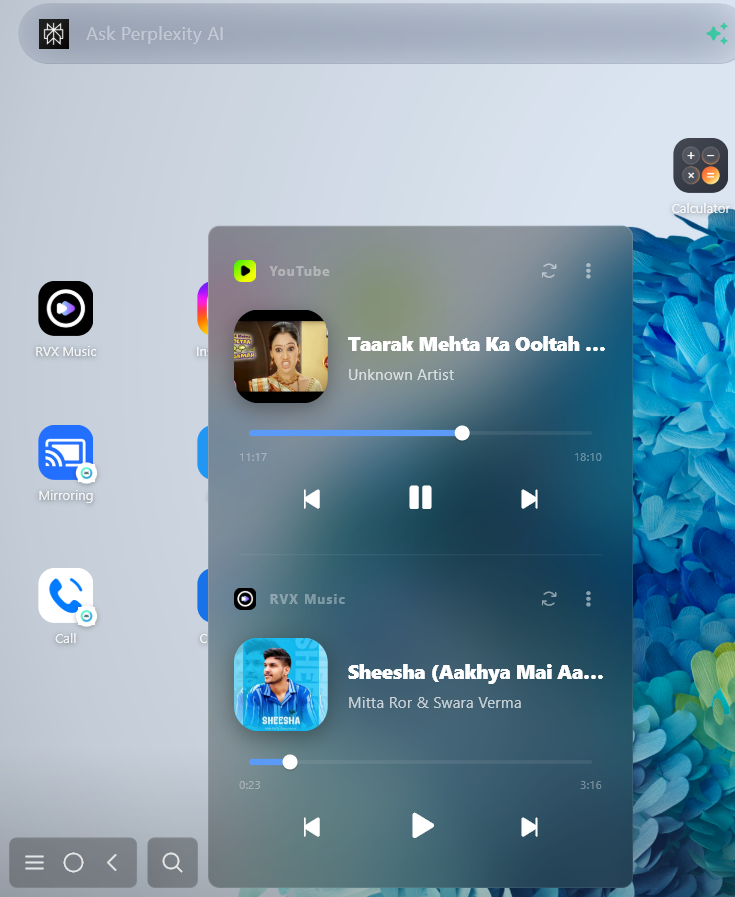 |  |
|---|---|
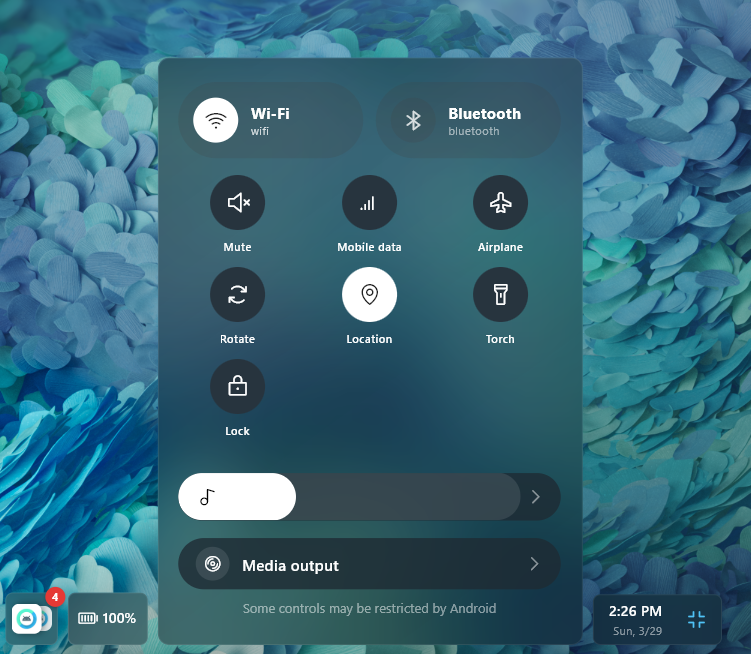
| Media Center | Android Control |
 |  |
|---|---|
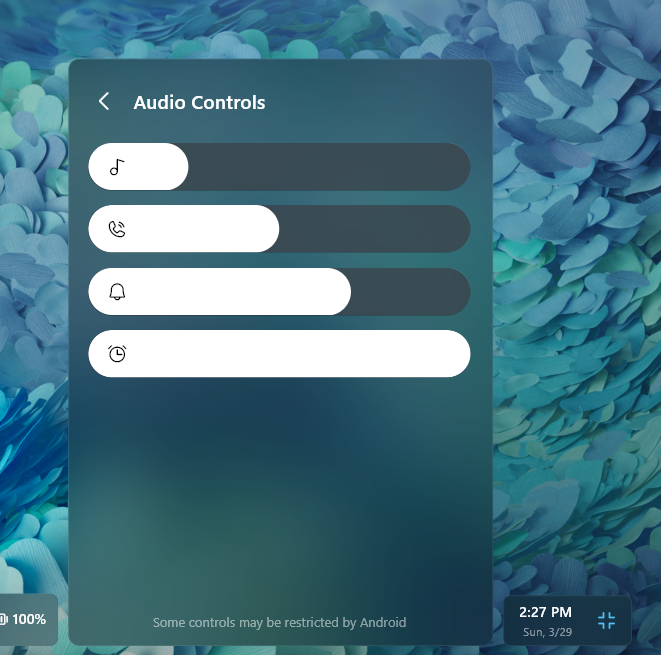
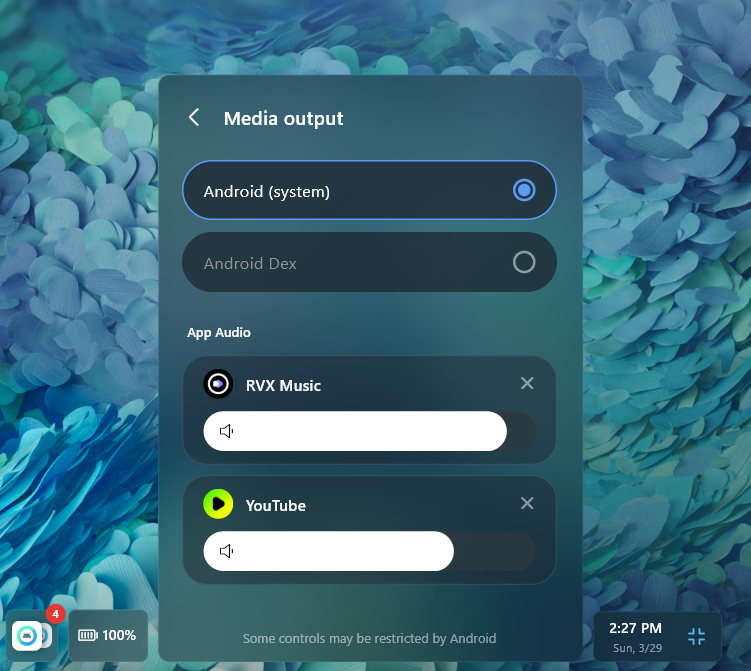
| Audio Overlay | Media Preferences |
📖 Deep-Dive Documentation
Check out these detailed guides to understand exactly how Android DEX works under the hood:
- Architectural Design : Three-layer system design, responsibilities, and data flow.
- Boot & Initialization : Step-by-step connection flow with progress stages.
- Reconnection System : Smart auto-healing, recovery phases, and UI overlay.
- Real-Time Data Model : State store, JSON telemetry protocols, and message handling.
- Error Handling : User-facing messaging pipelines and full fallback reference.
- System Modules : Internal component roles, public APIs, and singletons.
- Device Manager : ADB device selection, UI dialogs, and IP connections.
🛠️ How It Works — The Handshake Protocol
The system uses a three-layer architecture with a cryptographic-style handshake before the desktop UI unlocks. Every component must confirm readiness before the session begins.
%%{init: {'theme': 'base', 'themeVariables': { 'primaryColor': '#0078D4', 'primaryTextColor': '#fff', 'primaryBorderColor': '#0078D4', 'lineColor': '#888', 'secondaryColor': '#0061af', 'tertiaryColor': '#222', 'noteBkgColor': '#333', 'noteTextColor': '#fff', 'noteBorderColor': '#555' }}}%%
sequenceDiagram
    participant PC as Windows Side (Flutter/ADB)
    participant JAR as Android Logic Engine (Java JAR)
    participant APK as Android App Hub (Kotlin APK)

    Note over PC: 1. ADB Initialization (startAdbBlocking)
    PC->>PC: 2. Local Server Setup (JarServer & ApkServer .start)

    Note over PC,JAR: Phase 1: Engine Deployment (Bridge)
    PC->>JAR: Push JAR to Device (via ADB Pipe)
    PC->>JAR: Launch JAR Runtime (adb.startJarRuntime)
    JAR-->>PC: Handshake Response: "jar.hello" (Logic Engine Ready)

    Note over PC,APK: Phase 2: Feature Manager Startup (Hub)
    PC->>APK: Check Install & Install if Missing
    PC->>APK: Trigger Service startup (ServerStartService)
    APK-->>PC: WebSocket Handshake: "apk.hello" (App Hub Ready)

    PC->>APK: 3. Start Extended Notification & Media Services
    Note over PC,APK: System Synchronized: Desktop UI Unlocked
📋 Getting Started
Prerequisites
- OS: Windows 10+, macOS 11+, or Modern Linux (Ubuntu, Fedora, etc.)
- Device: Android device running Android 8.0+
- Drivers: ADB is bundled — no separate installation needed
Step-by-Step
-
Enable Developer Options on your phone
Settings → About Phone→ tap Build Number 7 times
-
Enable USB Debugging
Settings → Developer Options → USB Debugging → ON
-
Plug in your phone (for USB) or enable Wireless Debugging (for Wi-Fi)
-
Launch Android DEX — watch the boot progress bars fill to 100%
-
The desktop unlocks — your Android is now a full Windows desktop experience
If connection fails, a "Select Device" button appears in the boot screen — click it to open the ADB Manager and pick your device without restarting.
Engineered for performance. Optimized for productivity.
Built by @shrey113