Omalauncher
An Android home screen with the look of Omarchy, and an optional Arch Linux ARM system next to your phone apps. Omalauncher runs the system under proot, without root, and is its Wayland compositor: every Linux window opens as its own Android task, with its own card in Recents.

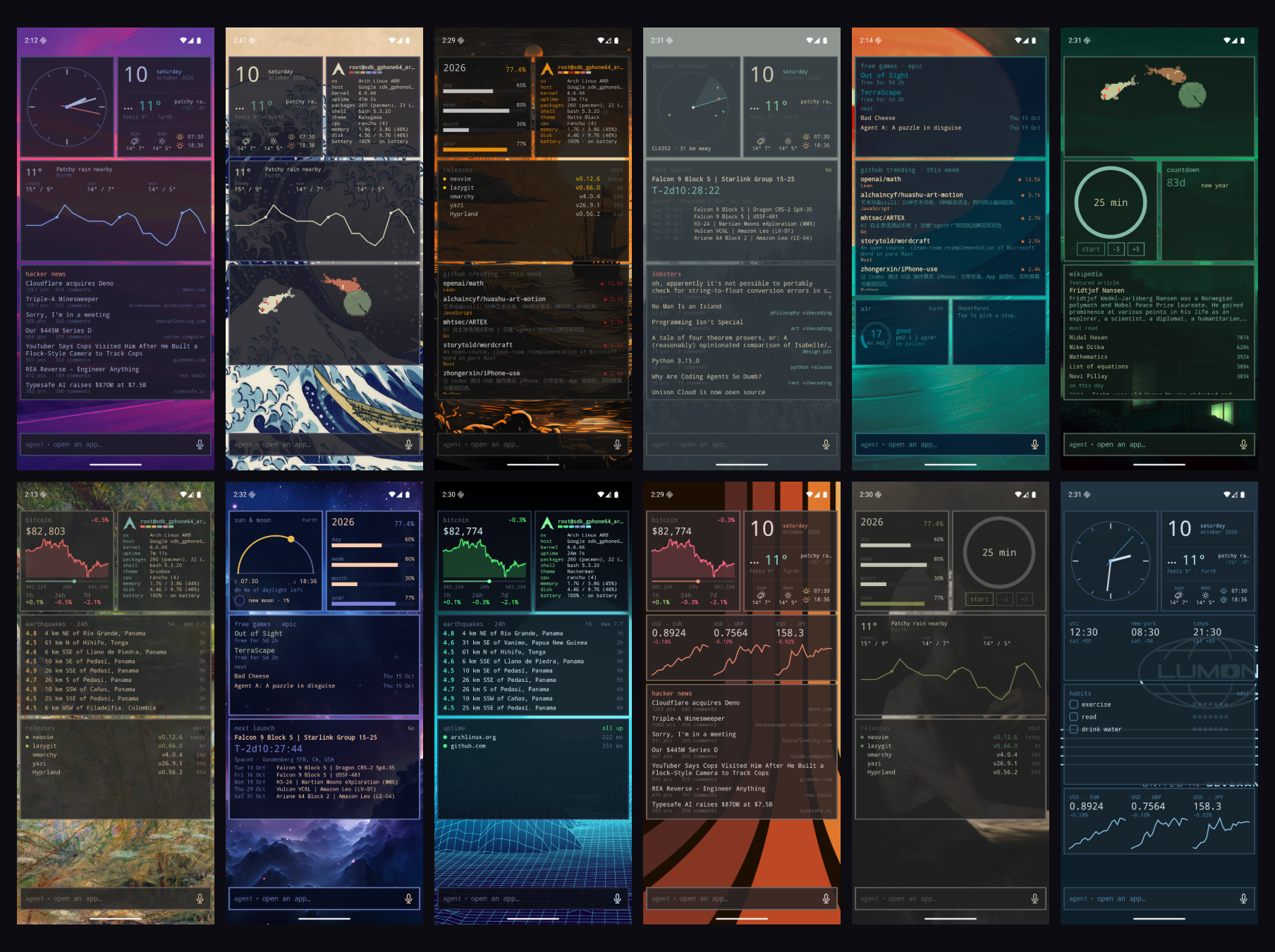
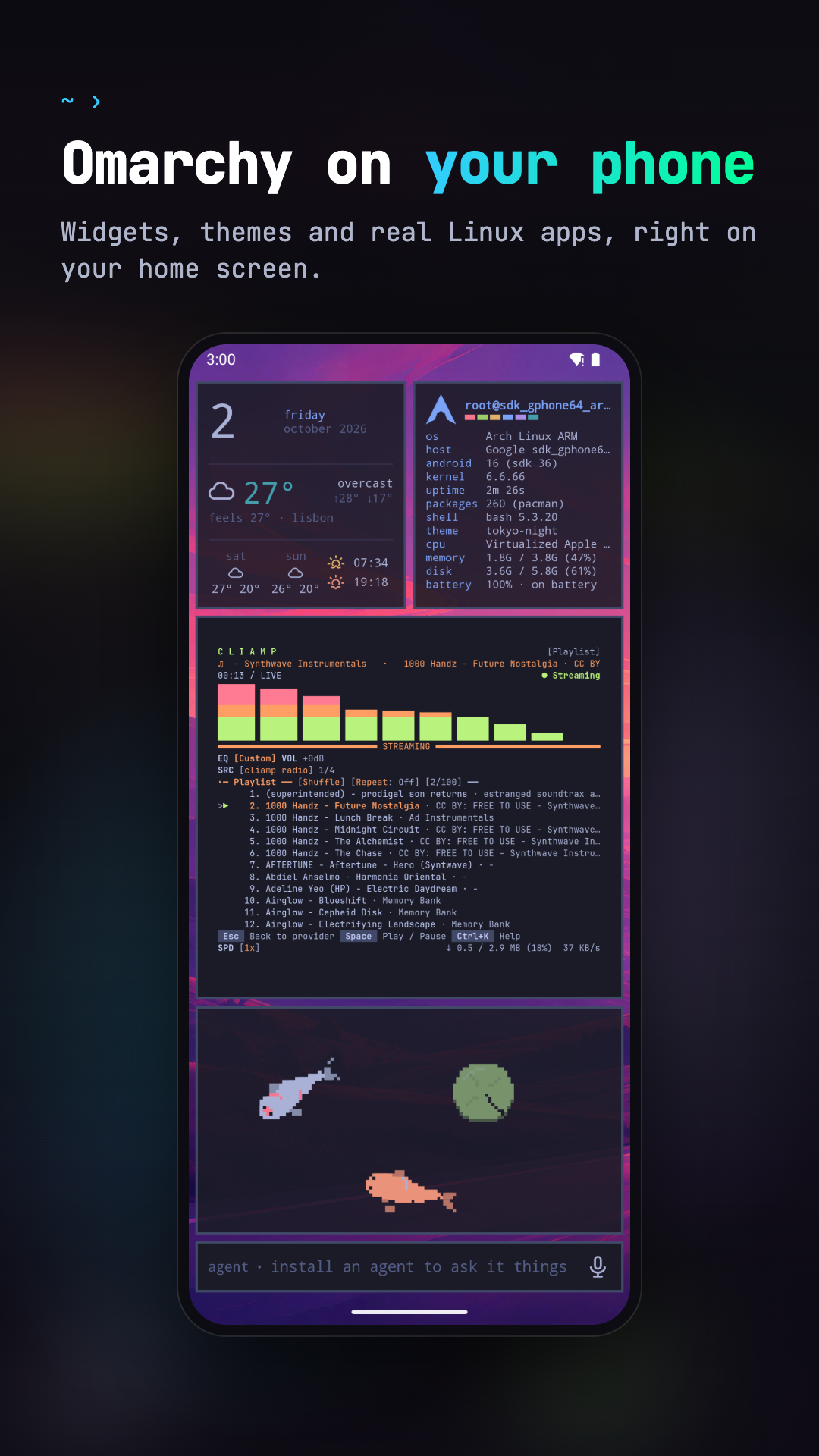
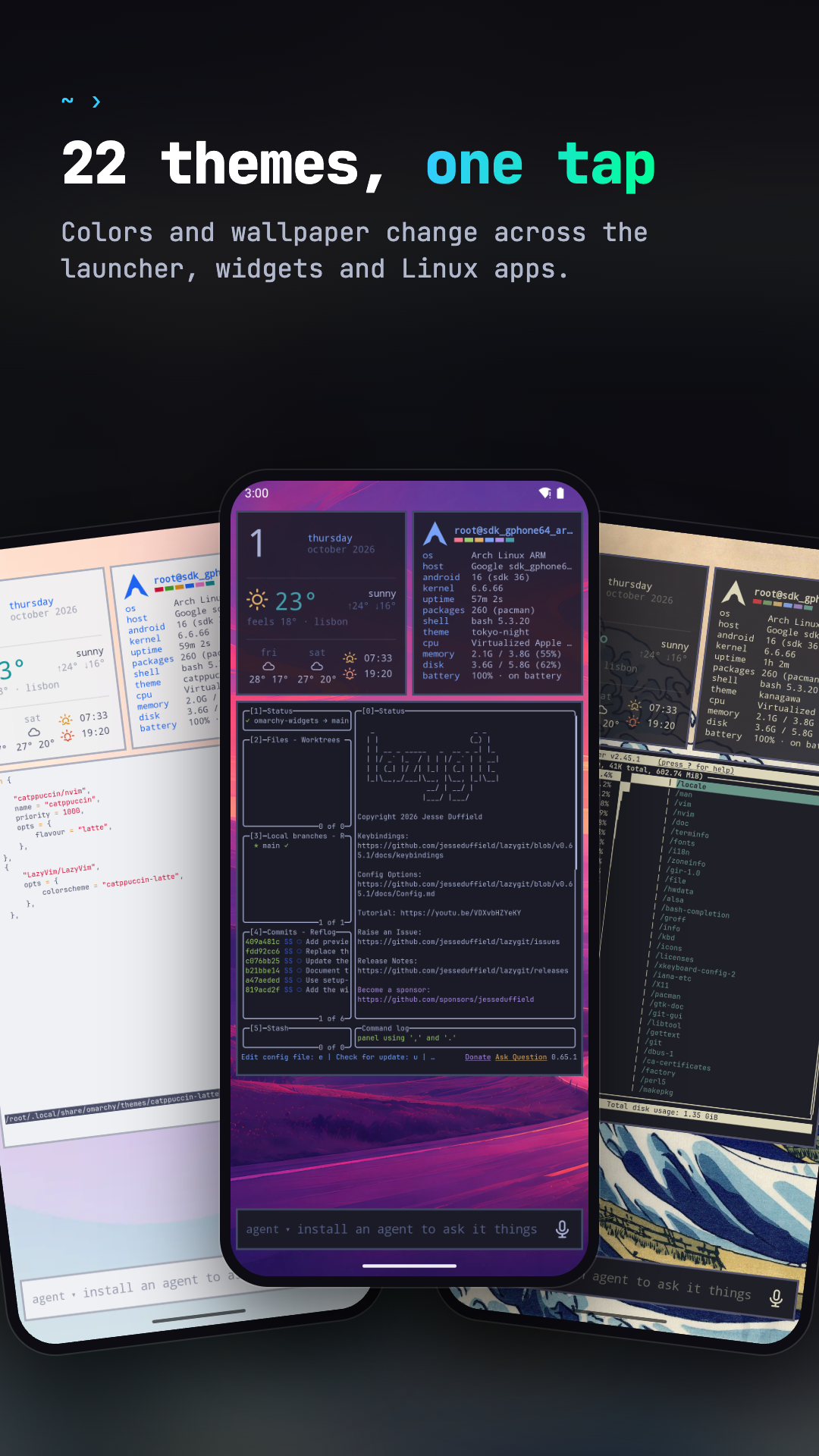
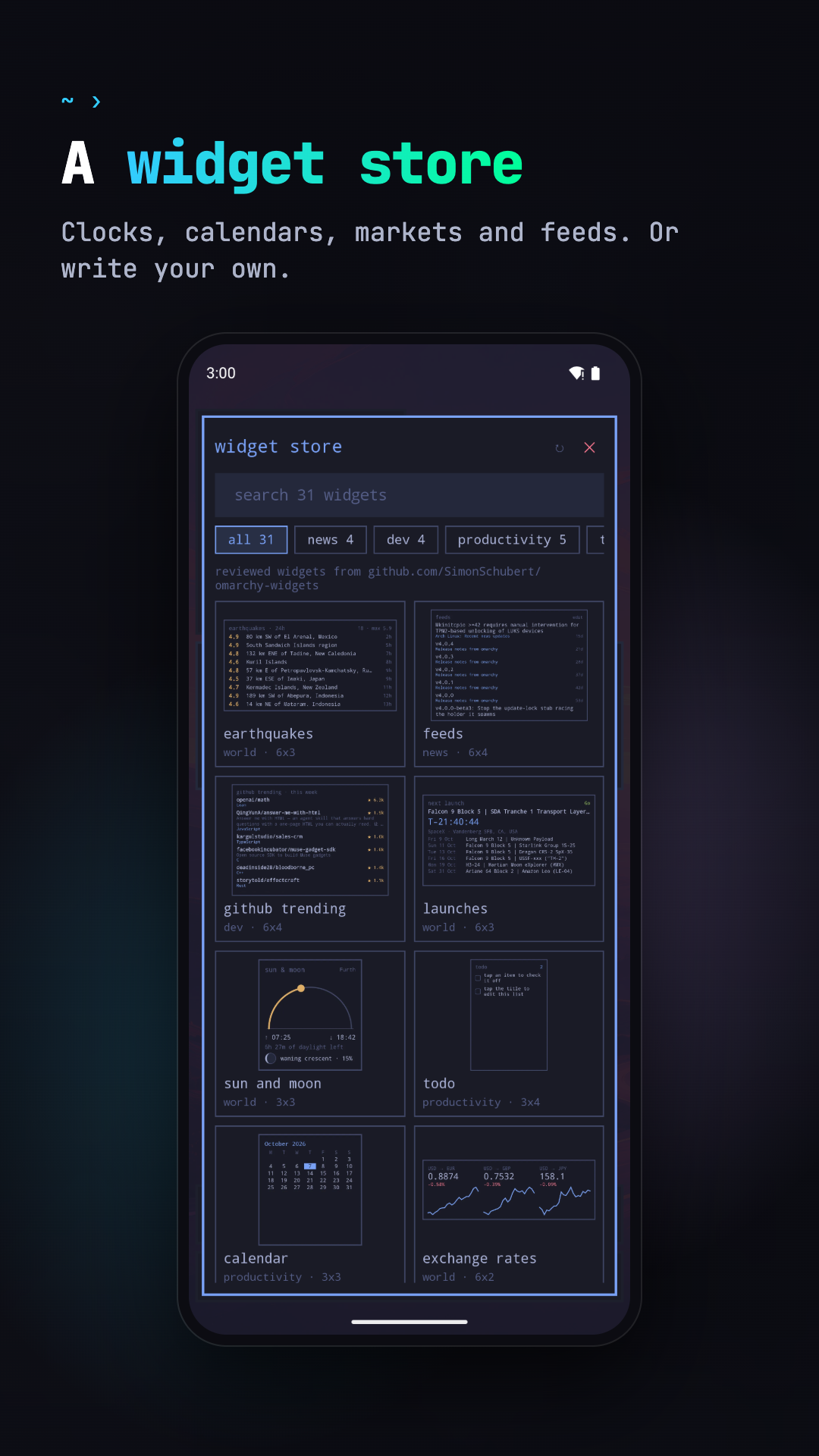
- Themes: all 22 Omarchy themes, with their wallpapers, applied to the
launcher and to the Linux apps, plus the community themes from
omarchy.org/themes, or your own in
~/.config/omarchy/themes - Widgets written in OWL, a small declarative language you can edit on the phone, plus a widget store
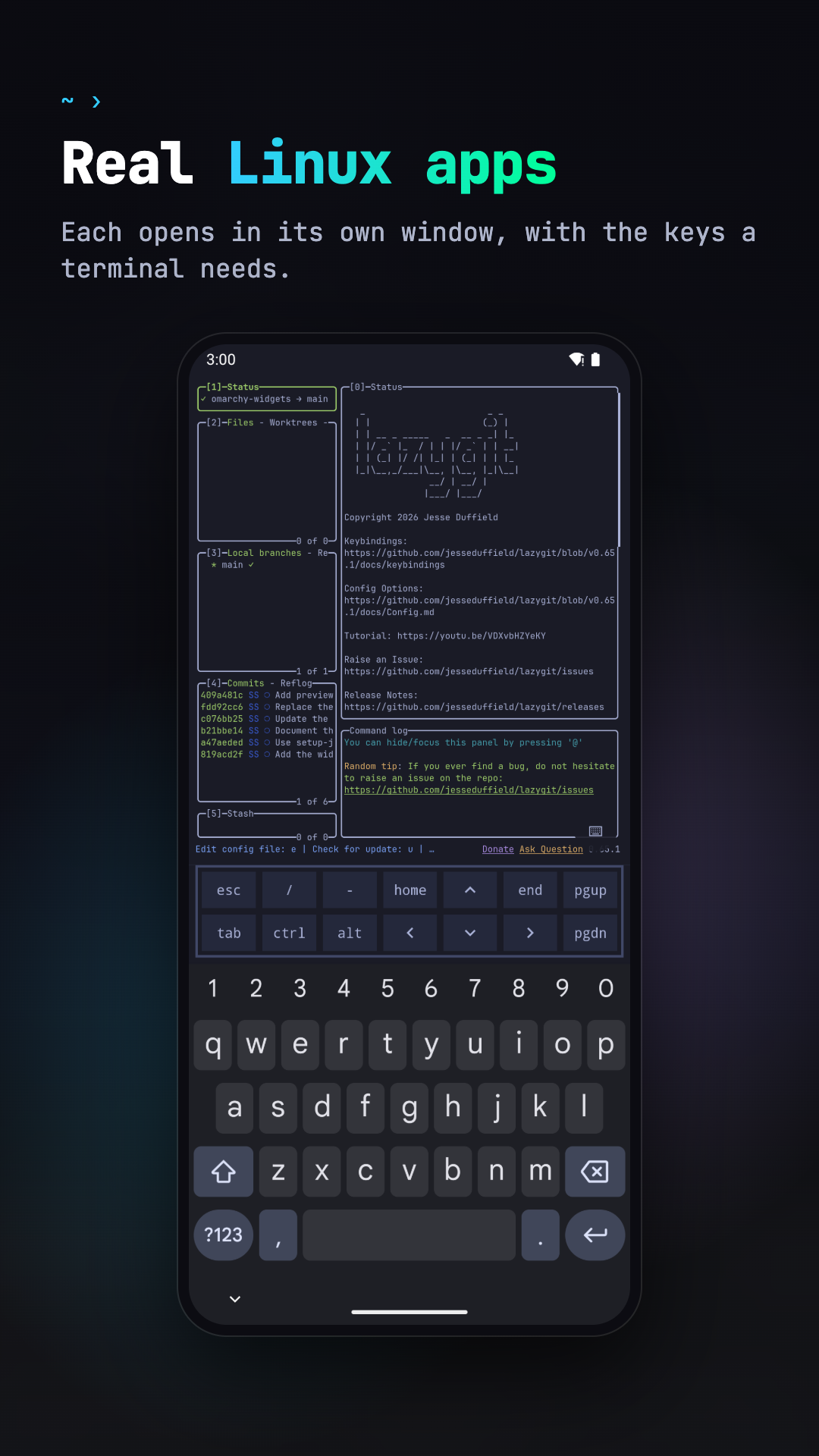
- Linux, optional: pacman and the AUR, Linux apps in their own windows, terminal widgets, a file manager, and opt-in GPU acceleration on Mali GPUs
- Coding agents: the bar at the bottom sends a prompt to Claude Code, Codex, Copilot, opencode and others, which open in a terminal
- No account, no ads, no tracking
Needs an arm64 phone with Android 10 or newer. Without Linux, the launcher still has the themes, wallpapers, Android apps and the widgets that don't run commands.
Using it
The bar: the one input at the bottom of the home screen opens apps and asks
coding agents. Focusing it opens the list of Linux and Android apps; typing
narrows the list, and Enter opens the highlighted app or sends the text to the
agent. Short queries that name an app open it, sentences go to the agent; Tab
and the arrow keys move the highlight. Tap the agent's name to pick another
installed one; the choice is saved in ~/.config/omalauncher/agent. Hold the mic to talk and release to send, or tap it to dictate
into the field. Speech is recognized by Android (on the device when the phone
supports it), so only text reaches Linux.
Touch input in Linux windows: tap is a left click, long press is a right click, drag scrolls; apps with touch support (foot, GTK) get real touch. Hardware keyboard shortcuts: Super+Enter (terminal), Super+Space or Super+A (the bar), Super+1..9 (home pages) on the home screen; Super+Enter and Super+W (close) in Linux windows.
Building
./scripts/fetch-proot.sh          # Termux's proot -> app/src/main/jniLibs (needs bsdtar)
./gradlew :app:installDebug
# optional: skip the 830 MB download on the device
adb push ArchLinuxARM-aarch64-latest.tar.gz /sdcard/Android/data/dev.omalauncher/files/
Tests: ./gradlew :owl:test :app:testDebugUnitTest. ./gradlew :owl:owlJar
builds owl/build/cli/owl.jar, the checker the widget store's CI runs.
In debug builds you can launch guest commands with
adb shell am start -n dev.omalauncher/.MainActivity --es exec foot.
- docs/ARCHITECTURE.md: the compositor, rendering, GPU acceleration, and how updates reach existing installs
- docs/RELEASING.md: Play releases and store assets
- app/src/main/assets/widgets/README.md: the widget language
Layout
app/: the Android app (Kotlin, Jetpack Compose, and the JNI bridge insrc/main/cpp)owl/: the widget language and theowlcommand line, plain Kotlinart/: SVG masters for the app, agent and store iconsstore/: Play listing sources (screenshot frames, privacy policy)fastlane/: the Play listing and the upload lanesscripts/: fetching proot and theme colors, rendering icons, screenshots and widget previews
License
MIT, see LICENSE, for Omalauncher's own code and artwork. The coding agents' logos, the symbol font and Omarchy's theme colors are not covered; THIRD_PARTY.md lists them with their sources and licenses. The app also ships proot, talloc and libandroid-shmem (GPL-2.0, LGPL-3.0 and BSD-3-Clause, prebuilt by Termux), listed in the app under settings › licenses.
Omalauncher is an independent project and is not affiliated with or endorsed by Omarchy, Arch Linux, or the makers of the coding agents it installs.