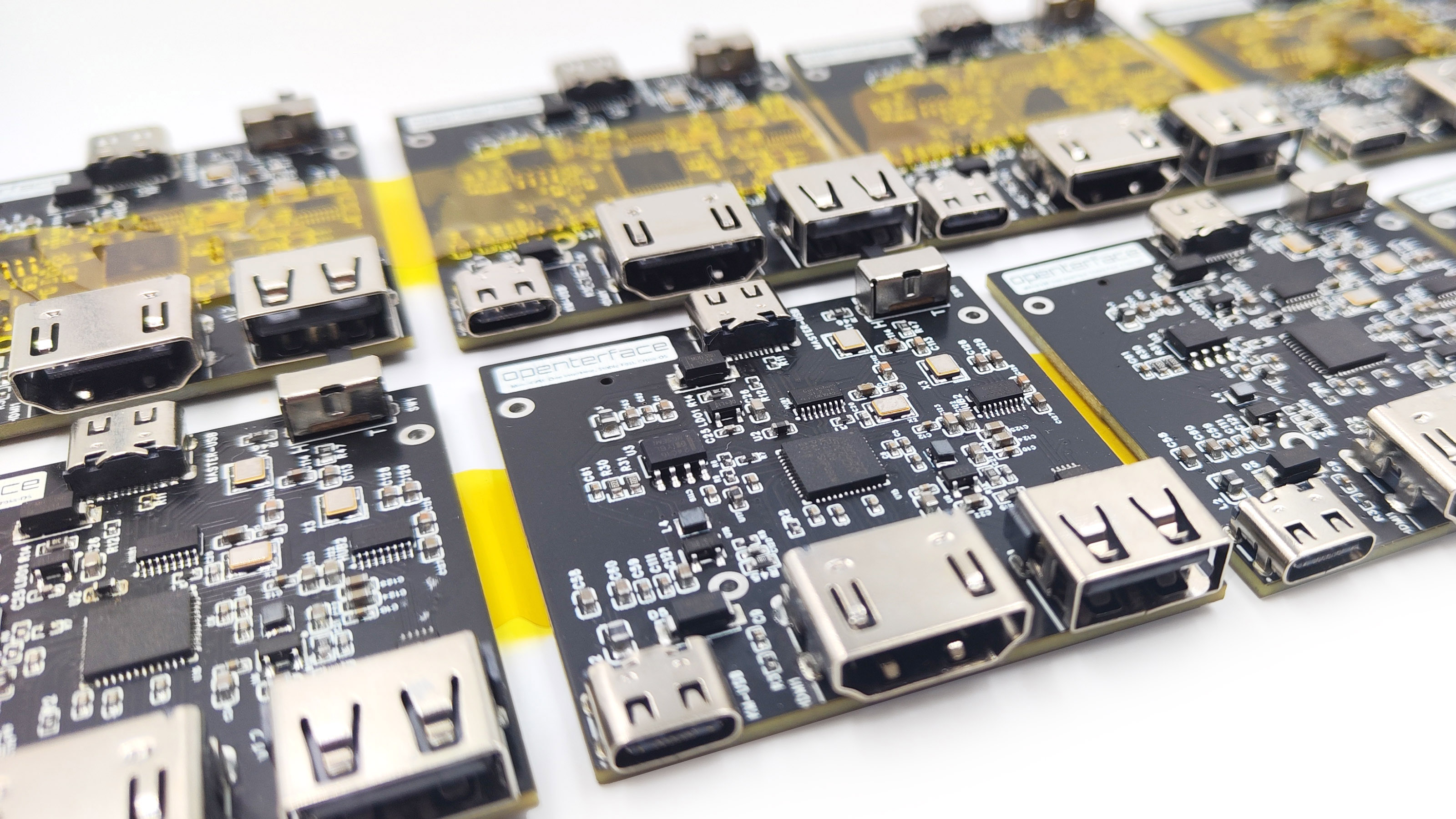
Welcome to Openterface Mini-KVM Hardware
Overview
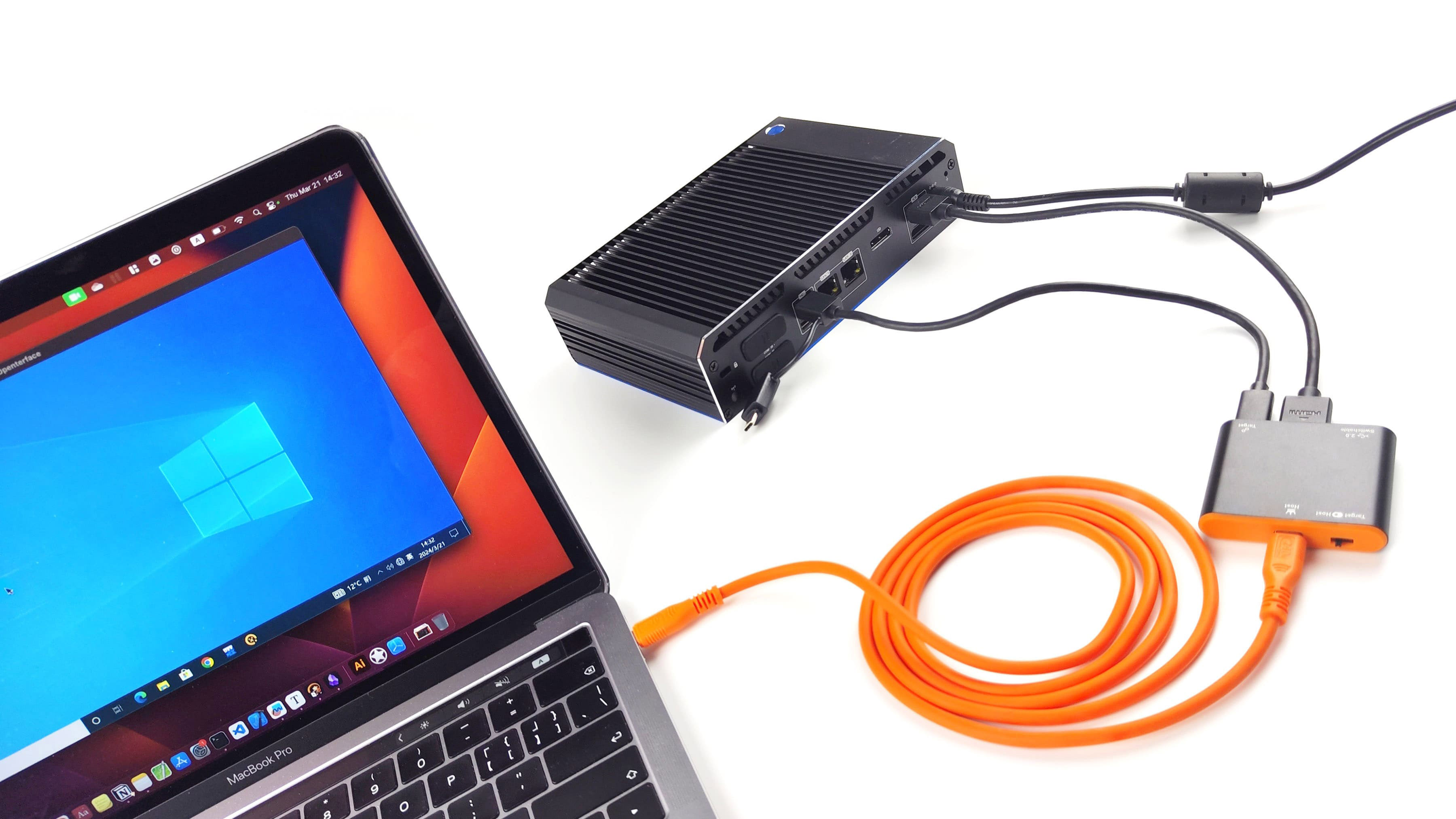
The Openterface Mini-KVM is a compact, feature-rich, and open-source KVM gadget driven by a vibrant community. It allows you to use your own laptop to display and control headless devices directly through a USB and HDMI connection. This KVM-over-USB solution captures video via HDMI and simulates keyboard and mouse inputs. It is particularly useful for a wide range of applications, catering to tech enthusiasts exploring single-board computers, as well as IT professionals troubleshooting headless devices. It eliminates the need for additional monitors, keyboards, and mice, providing a convenient solution in environments where network connections are unreliable or unavailable.
Hardware Features
The Openterface Mini-KVM PCB board comes with a variety of features designed to provide a seamless and efficient user experience:
- Compact Design: Small form factor that fits easily into any setup.
- HDMI Input: Captures video from headless devices via HDMI.
- USB Connectivity: Simulates keyboard and mouse inputs through a single USB connection.
- Open Source: Fully open-source hardware and software, allowing for community-driven development and customization.
- High Compatibility: Supports a wide range of devices and operating systems.
- Durable Build: The frame uses high-quality anodized aluminum, features a clearly marked housing design, and includes a 3D printed side cover that you can easily reprint yourself if broken.
- Easy Setup: Simple plug-and-play functionality with minimal configuration required.
- Community Support: Backed by a vibrant and active community for troubleshooting and enhancements.
- Switchable USB Port: Features a switchable USB-A 2.0 port that can be toggled between the host and target computers, but not both simultaneously. Switching can be done via a physical toggle on the device or a button in the host application.
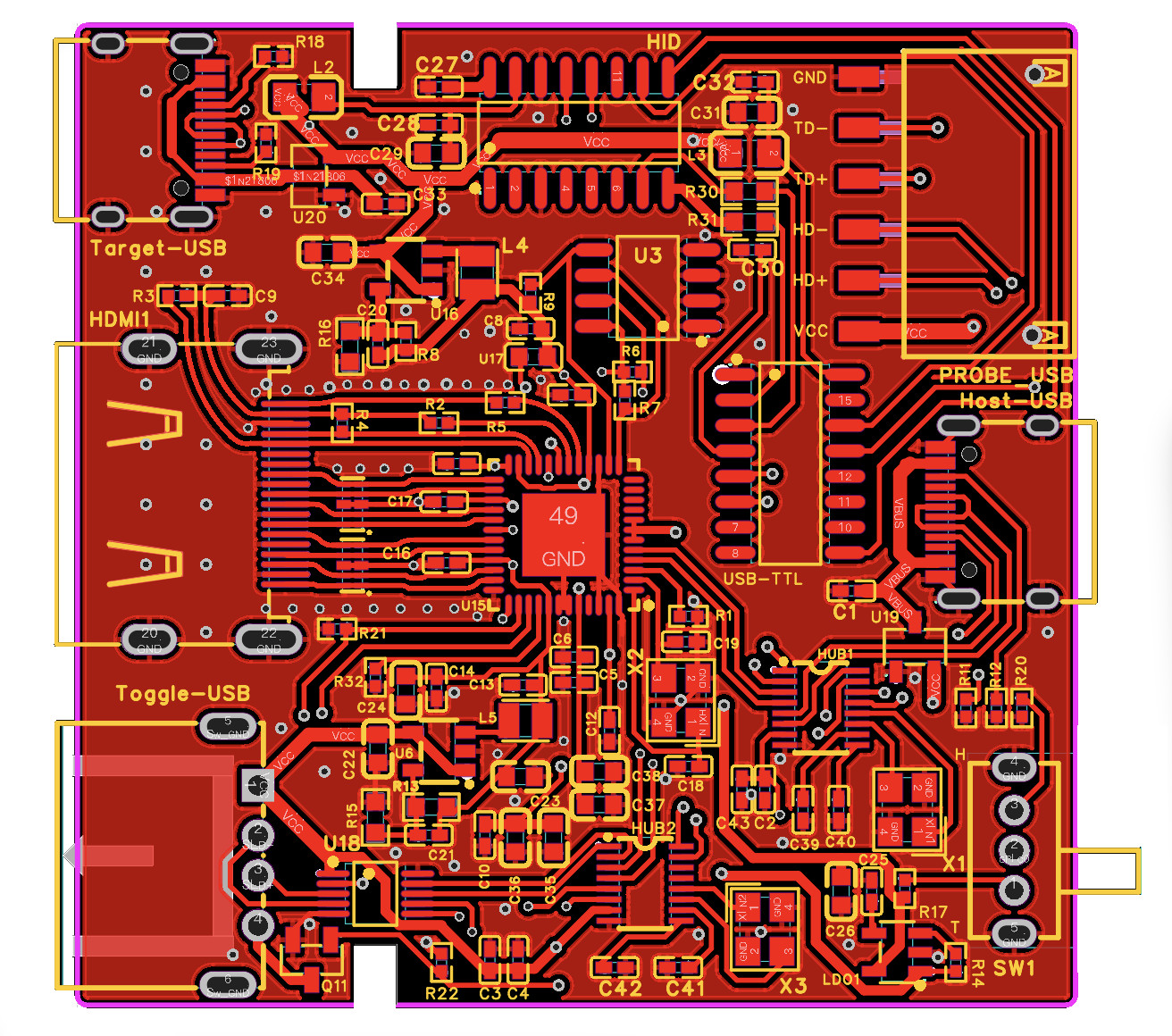
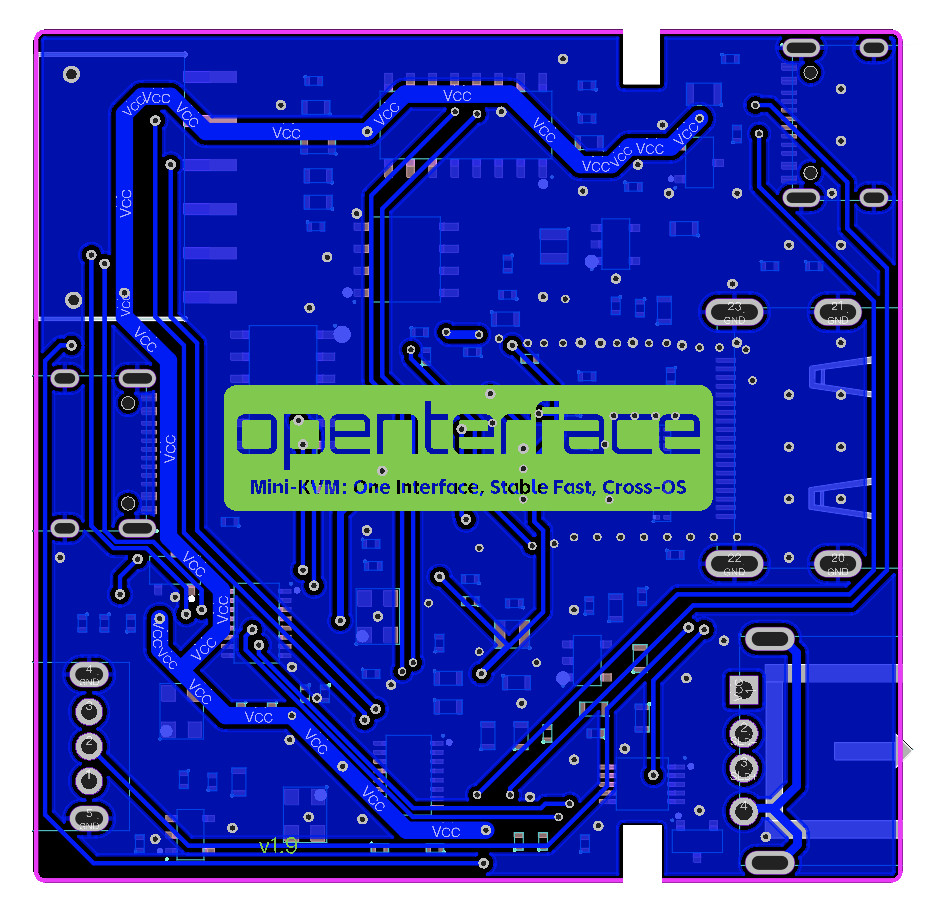
- Extension Pins: Provides USB 5V power supply, data lines, and ground connections for external components, allowing users to easily add functions to both the target and host computers.
PCB Design
Software
To use this mini-KVM, the host computer must have one of the following host applications installed:
- Openterface_MacOS: For macOS support. The macOS app is also available on Apple's App Store by searching for "Openterface".
- Openterface_QT: For Windows and Linux Support.
You can find the installation instructions on the respective GitHub repositories. These open-source host applications are currently under active development. Support for Android and web extensions will be available soon. For more information about the software, please visit the repositories.
license
- Hardware is released under CERN Open Hardware Licence Version 2 - Strongly Reciprocal
- Its softwares are released under GNU AFFERO GENERAL PUBLIC LICENSE Version 3
- Documentation is released under CC BY-SA 4.0
Get Involved
Keen to contribute? Fancy joining our team? Drop us an email!