Agechecker Bypass 🔞
Bypass AgeChecker.net without ID

🔞・Setting up the Bypass 📜・ChangeLog 🔍・How it works ⛑️・GitHub Issues
Features
✔ Works on all websites using Agechecker.net for verification
✔ Uses unique uuid each time
✔ No programming required
✔ Easy to set up
✔ No sketchy chrome extentions
Warning: This Bypass only works for PRE-order verification, meaning if it says it will email you after to verify IT WILL NOT WORK (try to check out without the bypass it will look like this), dont worry though im wokring on a bypass for post-order verification too ;)
Setup The Bypass
You'll need mkCert to start off! On Windows, you need a package manager like Chocolatey or Scoop
Chocolatey:
$ choco install mkcert -yScoop:
# Add the extras bucket (if you haven't already):
$ scoop bucket add extras

$ scoop install mkcert
1. From your command line, configure mkcert:
# install local CA
$ mkcert -install
Warning: The
rootCA-key.pemfile that mkcert automatically generates gives complete power to intercept secure requests from your machine. Do not share it.
2. generate the certificate and key
# Generate a certificate for api.agechecker.net that also points to the localhost
$ mkcert api.agechecker.net localhost 127.0.0.1

#it should return something like this
Created a new certificate valid for the following names
 - "api.agechecker.net"
 - "localhost"
 - "127.0.0.1"
If this isnt working try to reinstall the local CA
3. Hijacking the host file
Linux machines・\etc\hosts
Windows machines・C:\Windows\System32\drivers\etc\hosts
#you need to add theese 2 lines in your host file
127.0.0.1 api.agechecker.net
127.0.0.1 sa.agechecker.net
127.0.0.1 localhost
Need setup help? Open a reproducible technical support request in GitHub Issues. See Support for what to include.
4 . Getting Bypass.py Started
- let install some more required stuff first this will let us fake the api, run this in cmd first
$ pip install Flask Flask-CorsAt the bottom of bypass.py file Edit the file paths to it match your key and certficate paths
if __name__ == '__main__':
    context = ('\\mkcert+3.pem','\\mkcert+3-key.pem')
app.run(port = 443, debug = False, ssl_context = context)Warning: port 443 is a privileged port on linux so you might have to run with
sudoand-Eto ignore enviroment varibles a. like this :sudo -E python bypass.py
5 . Using the Bypass
Go to api.agechecker.net to make sure the api has been locally hijacked
# You should see something like this
API Hijacked by bypass.py
Demo
Go to any website using Agechecker.net I will be using the demo to showcase the bypass
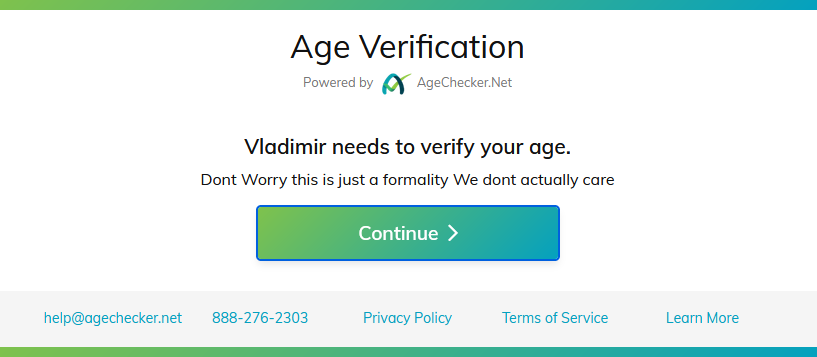
You Can Put in any DOB
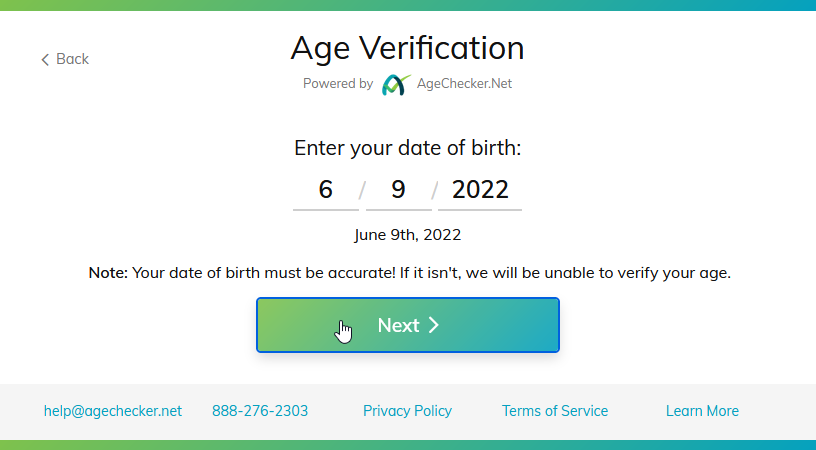
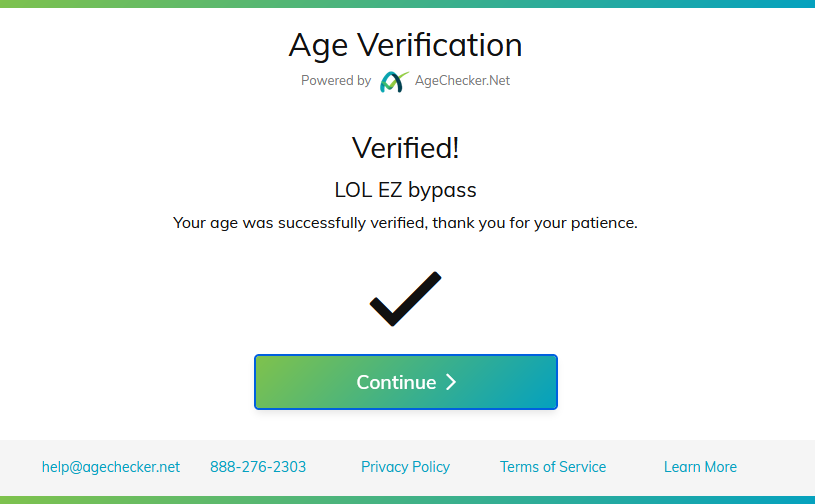
Post Order Verification
- For post-order verification reports and proposed testing, use GitHub Issues. Include the workflow and observed behavior.
Upcoming/enhancements
- maybe custom popup.js code?
- Post-order verification: track reproducible reports and proposed improvements in GitHub Issues.
Support
Use GitHub Issues for reproducible technical support requests. Search existing issues before opening a new one.
Include:
- Your operating system, browser, and relevant software versions.
- The steps needed to reproduce the problem.
- What you expected and what actually happened.
- Relevant error messages or screenshots, with personal information and credentials removed.
Historical record
See evidence.md for the source-linked implementation history, attribution discussion, and limits of the available evidence.
Inspiration/Credits
- jeff maked me do it, I miss you man
ChangeLog
v0.0.1⋮ 2022-9-6
+ corrected CORS headers errors
+ Added Random UUID

v0.0.1: 2024-1-30
+ added required pip cmd to install flask and flask-cors