Terrascope




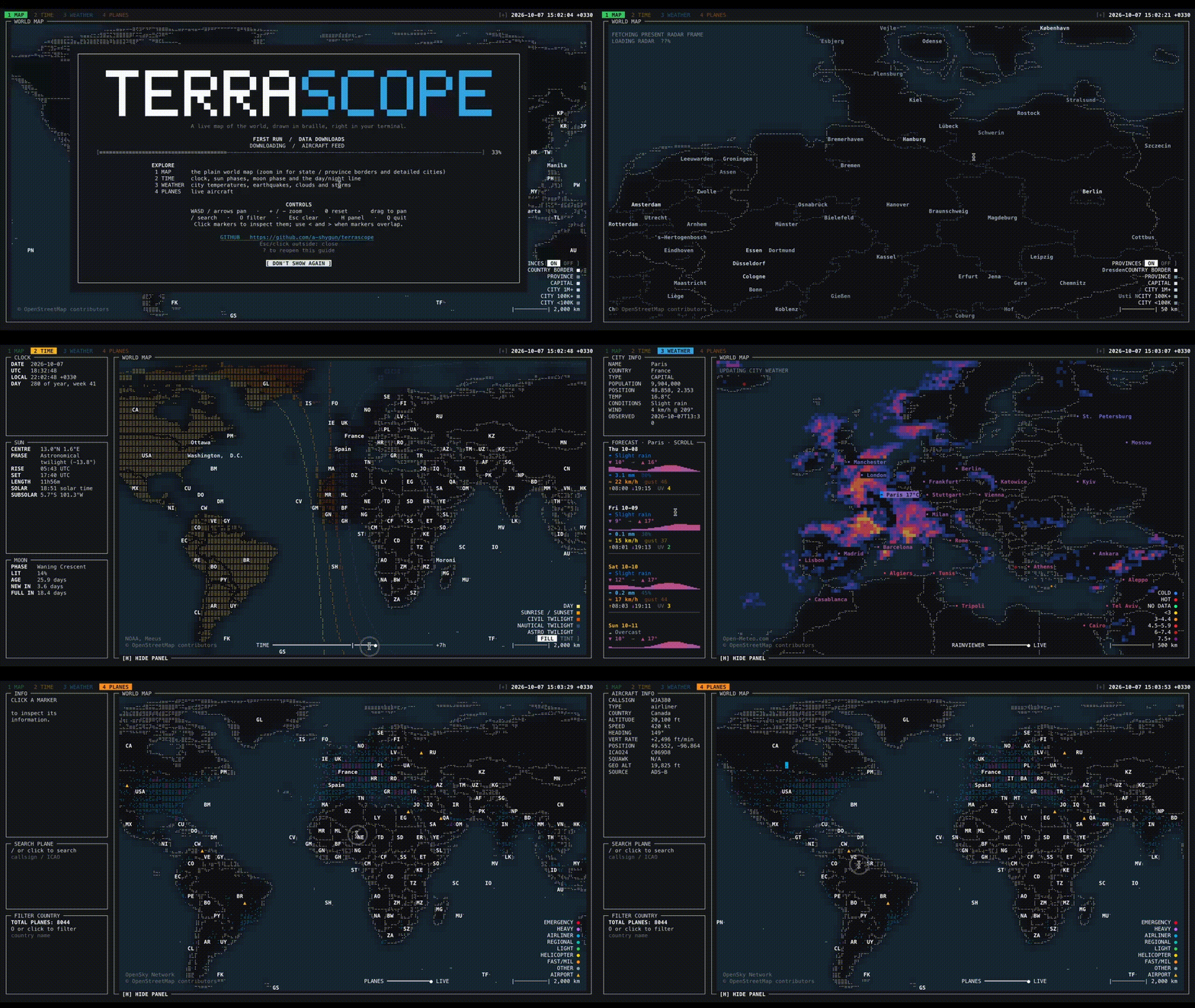
terrascope is an interactive world map for the terminal. It renders countries,
place names, live aircraft, city weather, a radar overlay, earthquakes, and
day/night bands with curses, Unicode Braille cells, and terminal colors.
The app is intentionally lightweight at install time. Large map data is downloaded into a user cache the first time it is needed, then reused on later runs.
Country names and abbreviations, plus airport names and locations, are bundled from Natural Earth so they are available offline without a first-run download.
Status
This project is early-stage software. The core map, tabs, keyboard/mouse navigation, live layers, and cache handling are implemented, but APIs and visual details may still change.
Requirements
- Python 3.10 or newer on macOS or Linux/Unix
- A UTF-8 terminal
- A terminal with 256-color or true-color support for the best appearance
- Network access for first-run map downloads and live data layers (optional)
Python dependencies are declared in pyproject.toml:
numpyPillowPyYAMLpyshp
Installation
For the latest published release:
pipx install terrascope
terrascope
Package managers
Homebrew can install the latest tagged release or the latest code on main:
# Homebrew, latest published release
brew tap a-shygun/terrascope https://github.com/a-shygun/Terrascope.git
brew install a-shygun/terrascope/terrascope

# Homebrew, latest code on main before the next tagged release
brew install --HEAD a-shygun/terrascope/terrascope

# pipx, latest code on main before the next tagged release
pipx install --force "git+https://github.com/a-shygun/Terrascope.git@main"

# Nix, from a Terrascope checkout (uses that checkout's source and version)
nix run ./packaging/nix
PyPI and Homebrew's default install use tagged releases. Their version comes
from pyproject.toml; the Homebrew formula reads it directly. Homebrew's
--HEAD option, the pipx VCS install, and the Nix checkout recipe use the
current main source. The Arch VCS recipe also tracks main, but remains a
draft and has not been submitted to the AUR.
For local development:
git clone https://github.com/a-shygun/terrascope.git
cd terrascope
python3 -m venv .venv
source .venv/bin/activate
pip install -e .
terrascope
You can also run it from a checkout without installing the console script:
PYTHONPATH=src python3 -m terrascopeFirst Run and Cache
On first launch, terrascope downloads Natural Earth GeoJSON files into:
$XDG_CACHE_HOME/terrascopeIf XDG_CACHE_HOME is not set, the default is:
~/.cache/terrascopeUseful cache commands:
terrascope --show-paths
terrascope --clear-cache
terrascope --offline
Common Options
terrascope --help                         # all options and defaults
terrascope --tab weather --offline        # open a tab using cached data only
terrascope --panel-orientation vertical   # put the panel in a left sidebar
terrascope --no-radar --no-airports       # disable optional overlays
terrascope --disable-layer night          # start with a layer disabled
terrascope --config ~/terrascope.yaml     # load additional settings
terrascope --set 'map.zoom.max=128'       # override one setting for this run
terrascope --show-paths                   # show cache and config locations
terrascope --clear-cache                  # remove cached downloads and API data
terrascope --dump-config                  # print effective settings
terrascope --list-keys                    # show active keyboard shortcuts
CLI flags override configuration for the current run. --set overrides flags;
see terrascope --help for the full precedence order and every available
option.
During first-run downloads the terminal UI shows a loading message before the
map appears. Errors and background warnings are written to the log file shown by
terrascope --show-paths, so stray output does not corrupt the curses screen.
Controls
| Input | Action |
|---|---|
1-9 | Switch tabs |
WASD or arrow keys | Pan |
+ / - | Zoom in / out |
0 | Reset view |
| Mouse drag | Pan |
| Mouse wheel | Zoom |
| Mouse click | Select a marker or map label |
< / > | Step through overlapping selections |
/ | Search |
O | Open filter prompt |
H | Show or hide the panel |
? | Open the welcome/help modal |
Esc | Close prompts or clear selection/filter state |
Q | Quit |
Click [+] beside the clock to expand the top controls, then click the panel
placement label (BOTTOM or LEFT) to switch the panel between
the horizontal bottom row and vertical left sidebar. The default is vertical;
--panel-orientation vertical or --panel-orientation horizontal selects the
starting layout for one run. --set ui.panel_orientation=vertical also works.
In the vertical weather panel, scroll over the forecast to move through each
day's full detail, including its temperature graph, conditions, precipitation,
wind, and sunrise/sunset.
Layer-specific keys:
| Key | Layer |
|---|---|
P | Flights |
K | Airports on the planes tab |
C | City weather labels |
E | Earthquakes |
N | Day/night layer |
L | Day/night tint/fill mode |
[ / ] | Time slider where available |
Z | Open the timezone selector on the Time tab; type to search, use arrows to navigate, and press Enter to select |
Run this for the effective key list:
terrascope --list-keysTabs And Layers
MAP: base world map with country, province/state, and city detail as zoom allows.TIME: day/night bands, sun information, moon information, and timezone selection. PressZ(shown beside the clock) to open the timezone picker without a mouse; type a timezone name to search, navigate with the arrow keys, select with Enter, or dismiss with Esc.WEATHER: city weather, forecast panel, radar overlay, and USGS earthquakes.PLANES: OpenSky aircraft positions, trails, categories, and Natural Earth airport markers.
Screenshots
Map
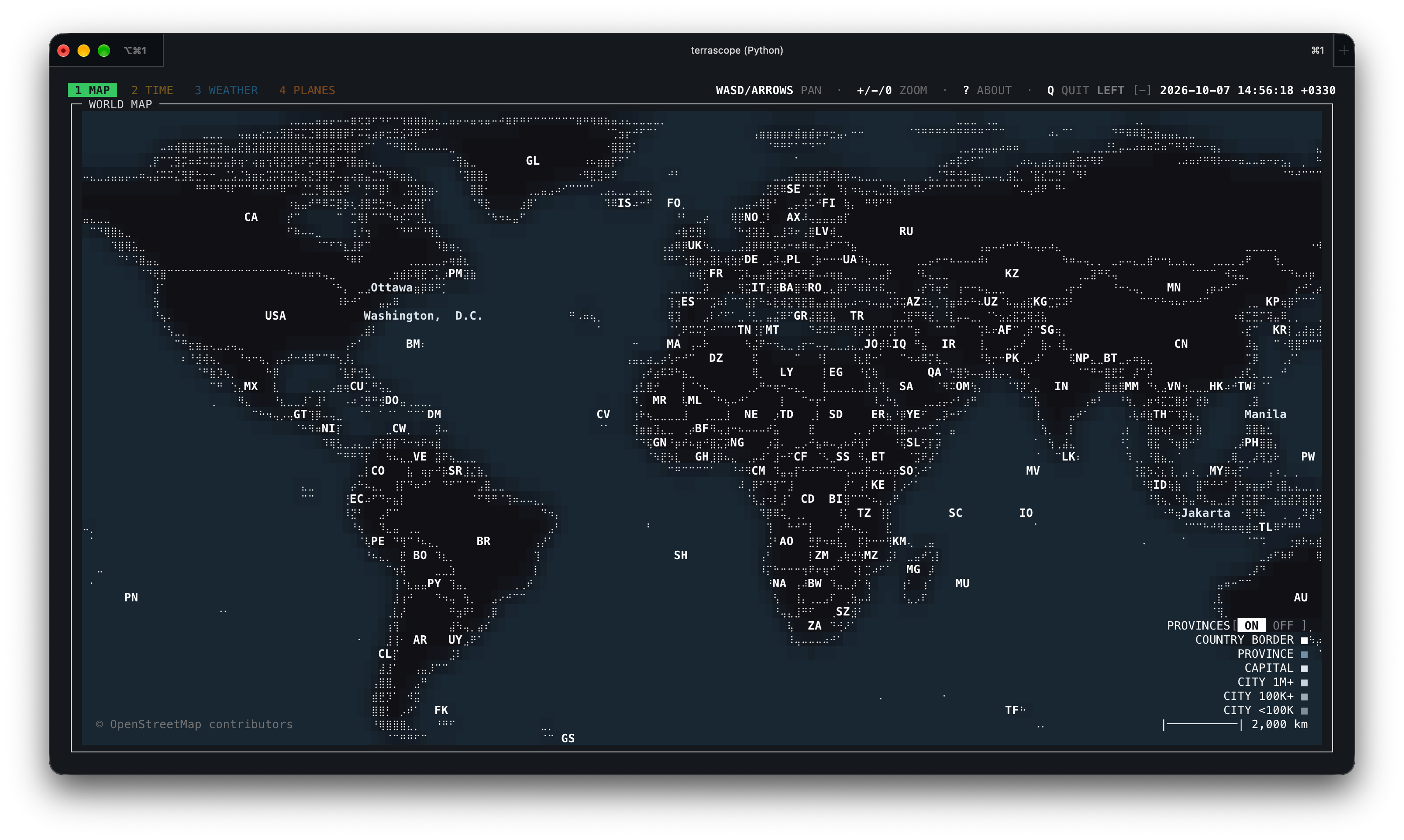
Global map view.
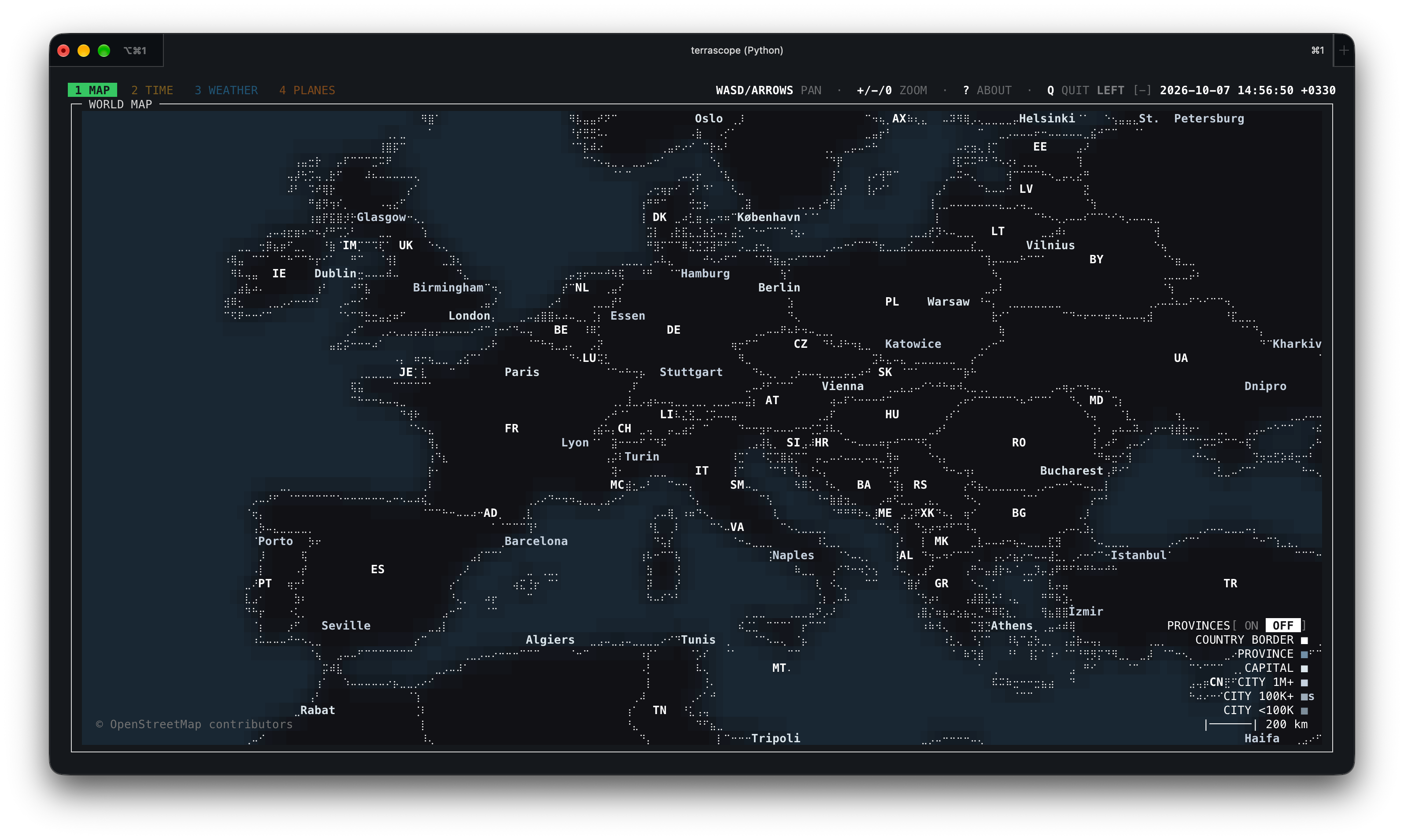
Europe close-up without province boundaries.
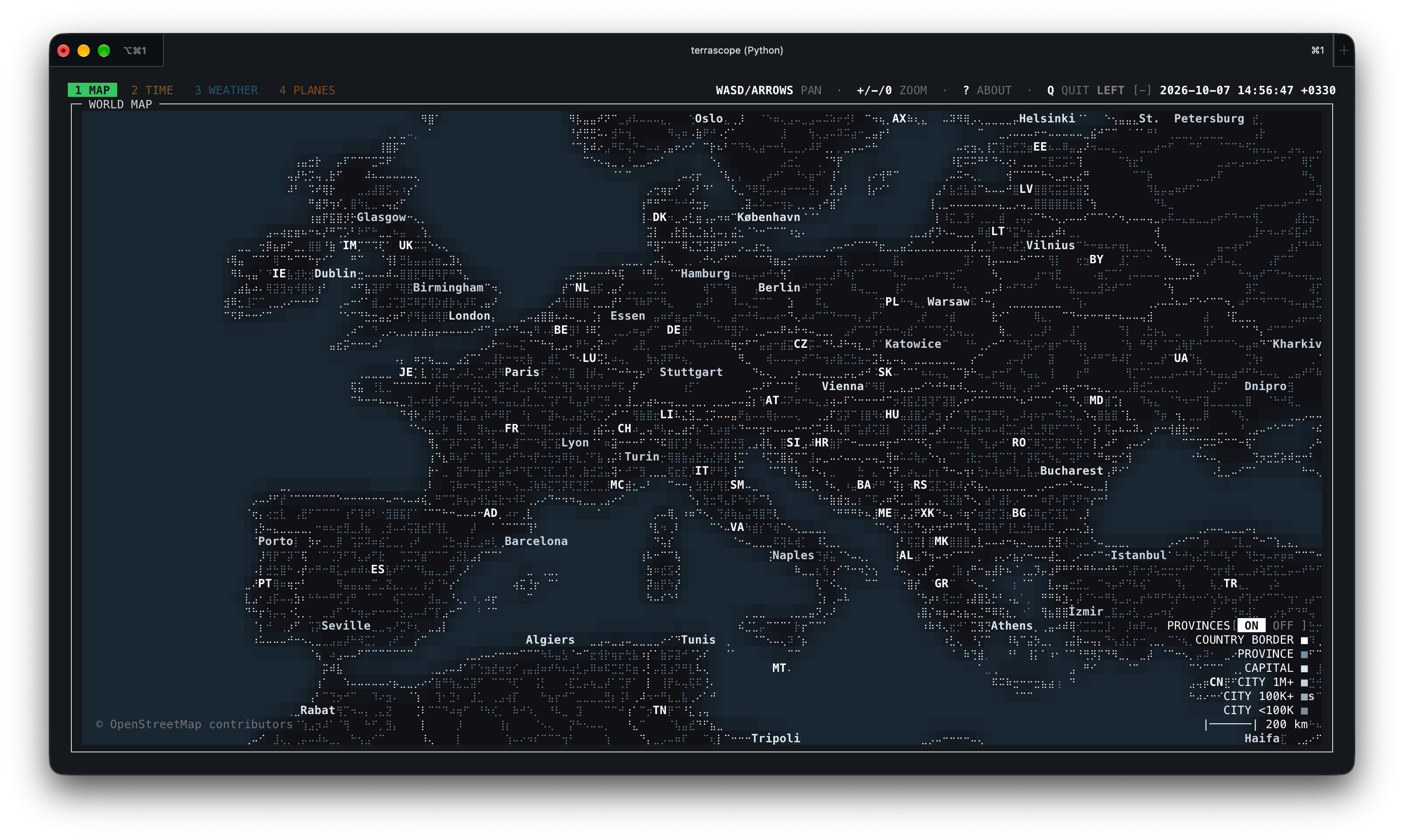
Europe close-up with province boundaries.
Time
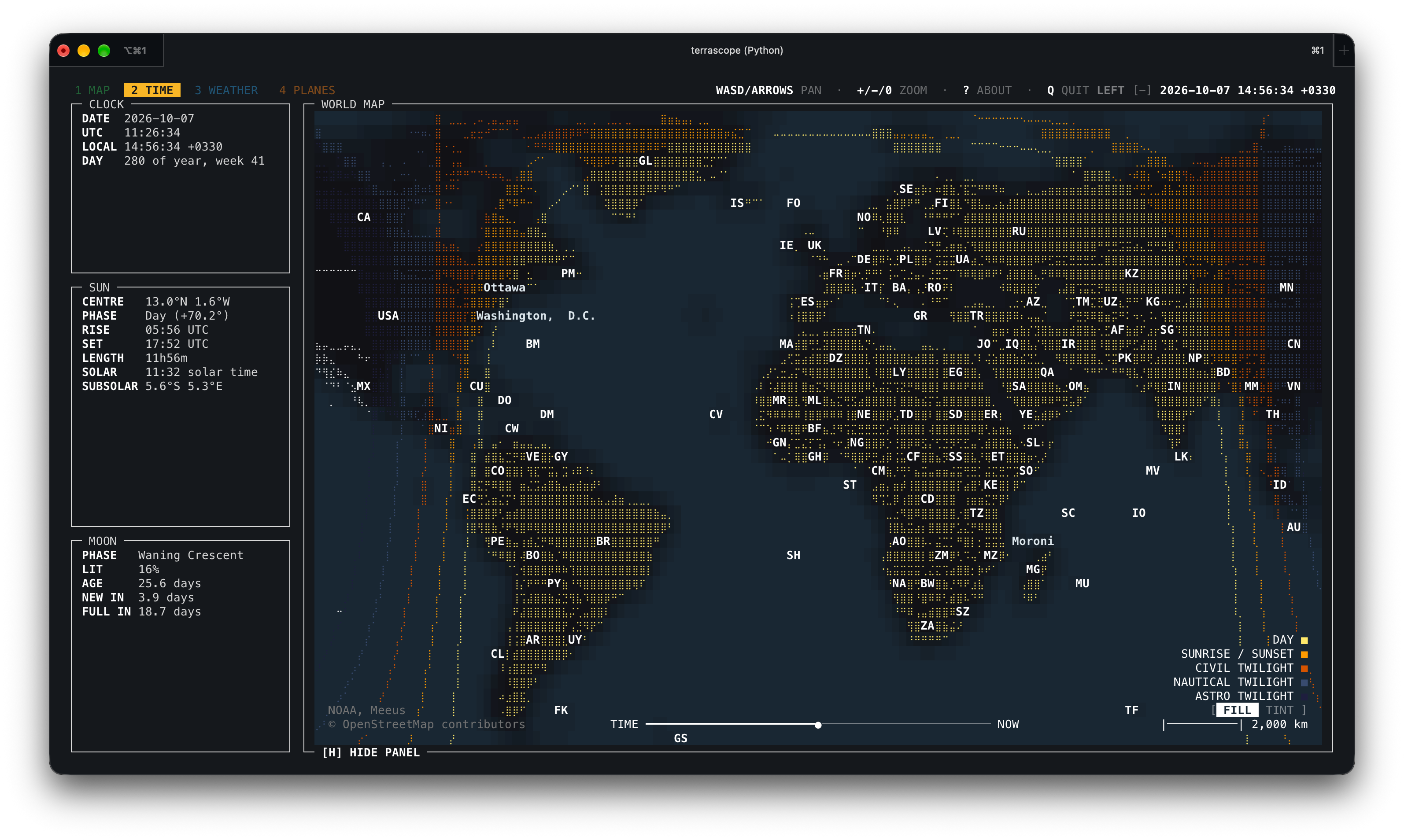
Global view with day and night fill.
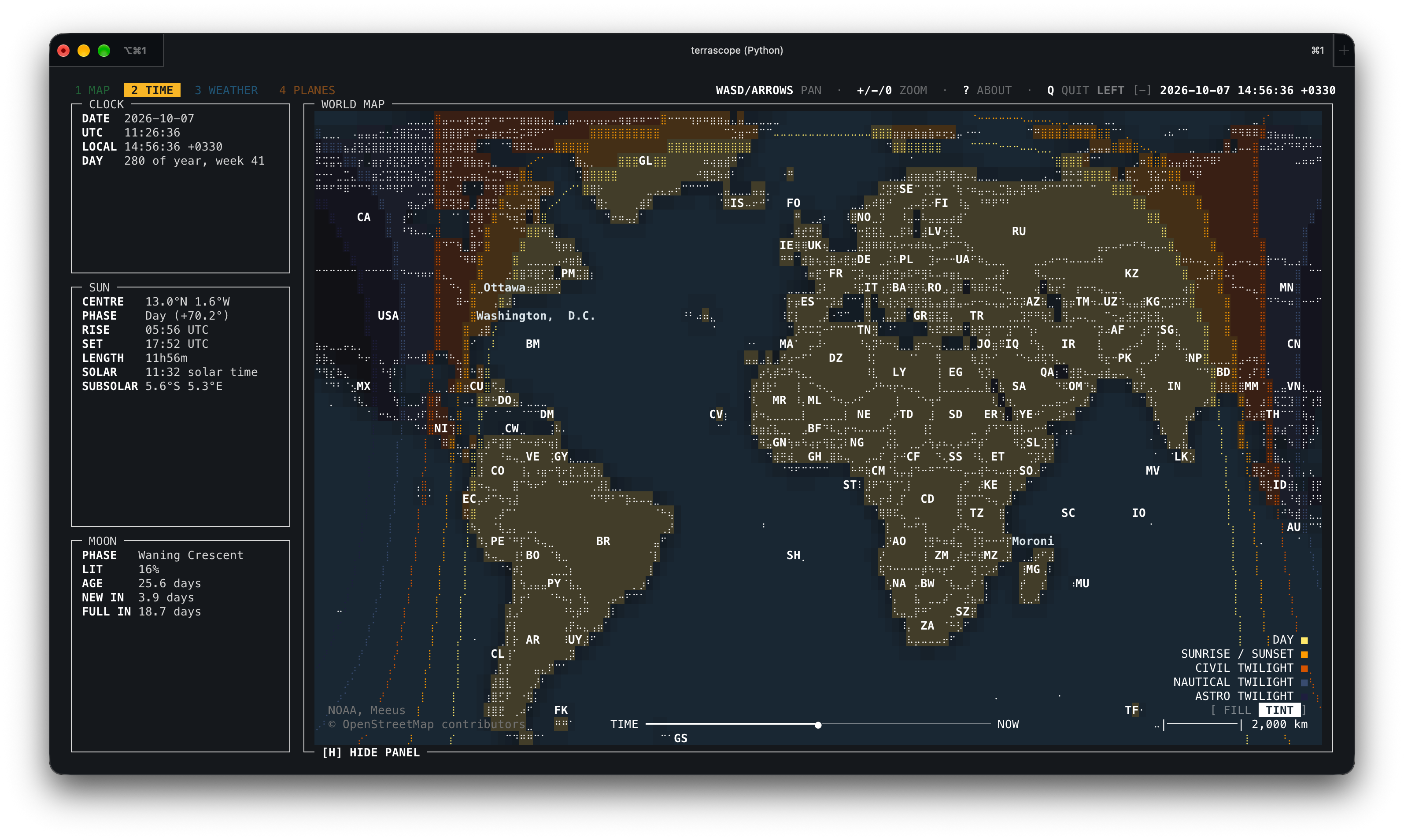
Global view with day and night tint.
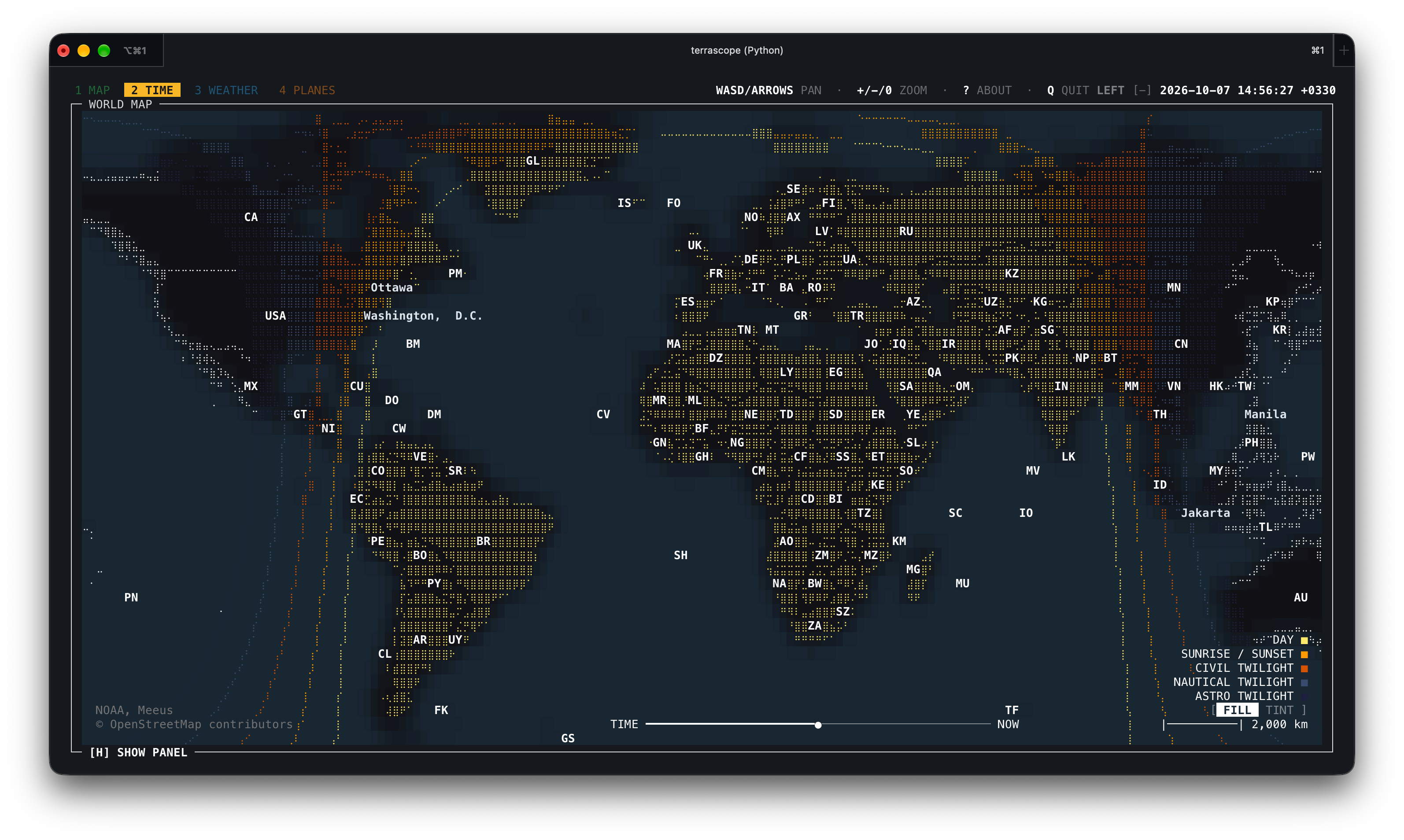
Global view with fill and the panel hidden.
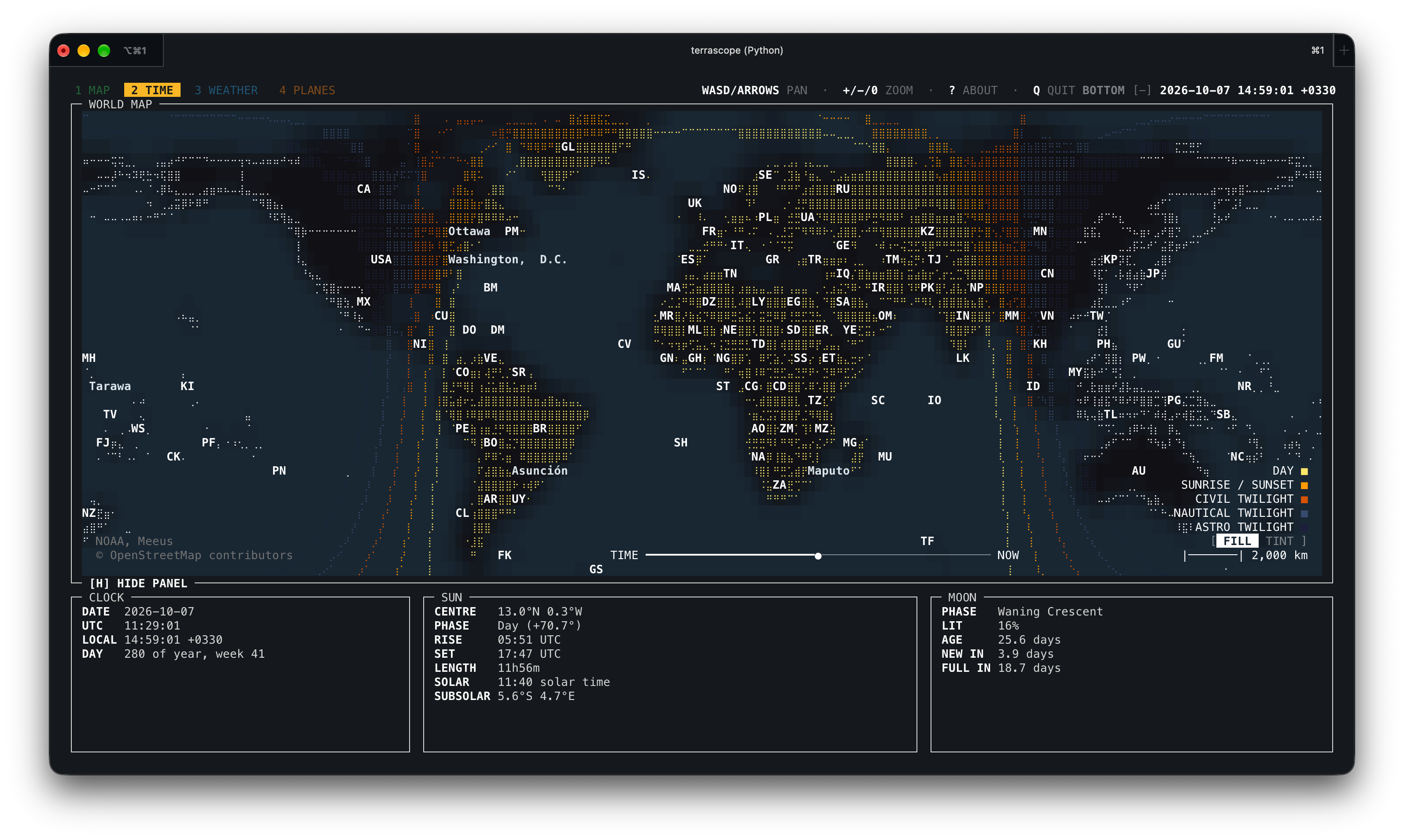
Time tab with the horizontal panel layout.
Weather
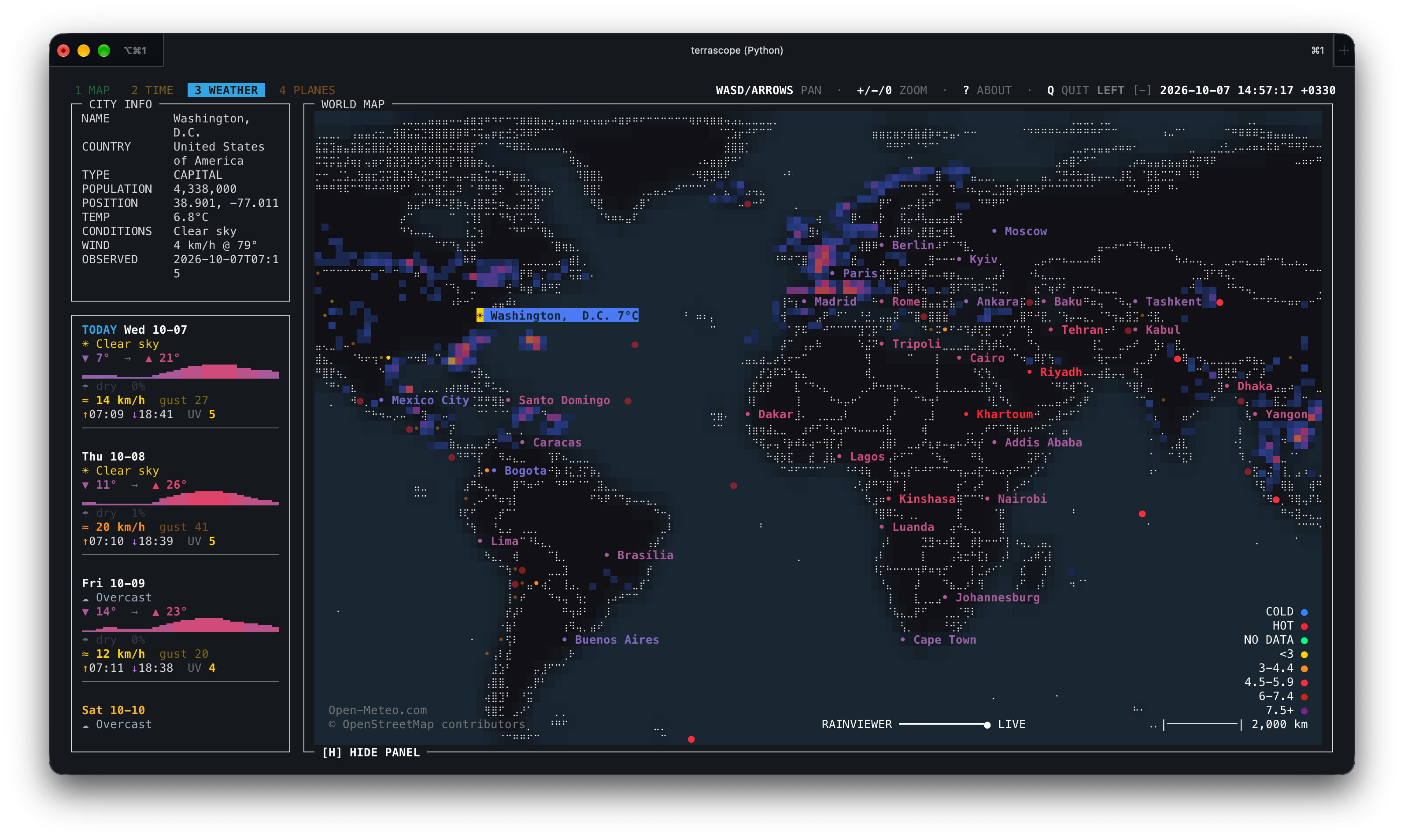
Global weather view with the vertical panel.
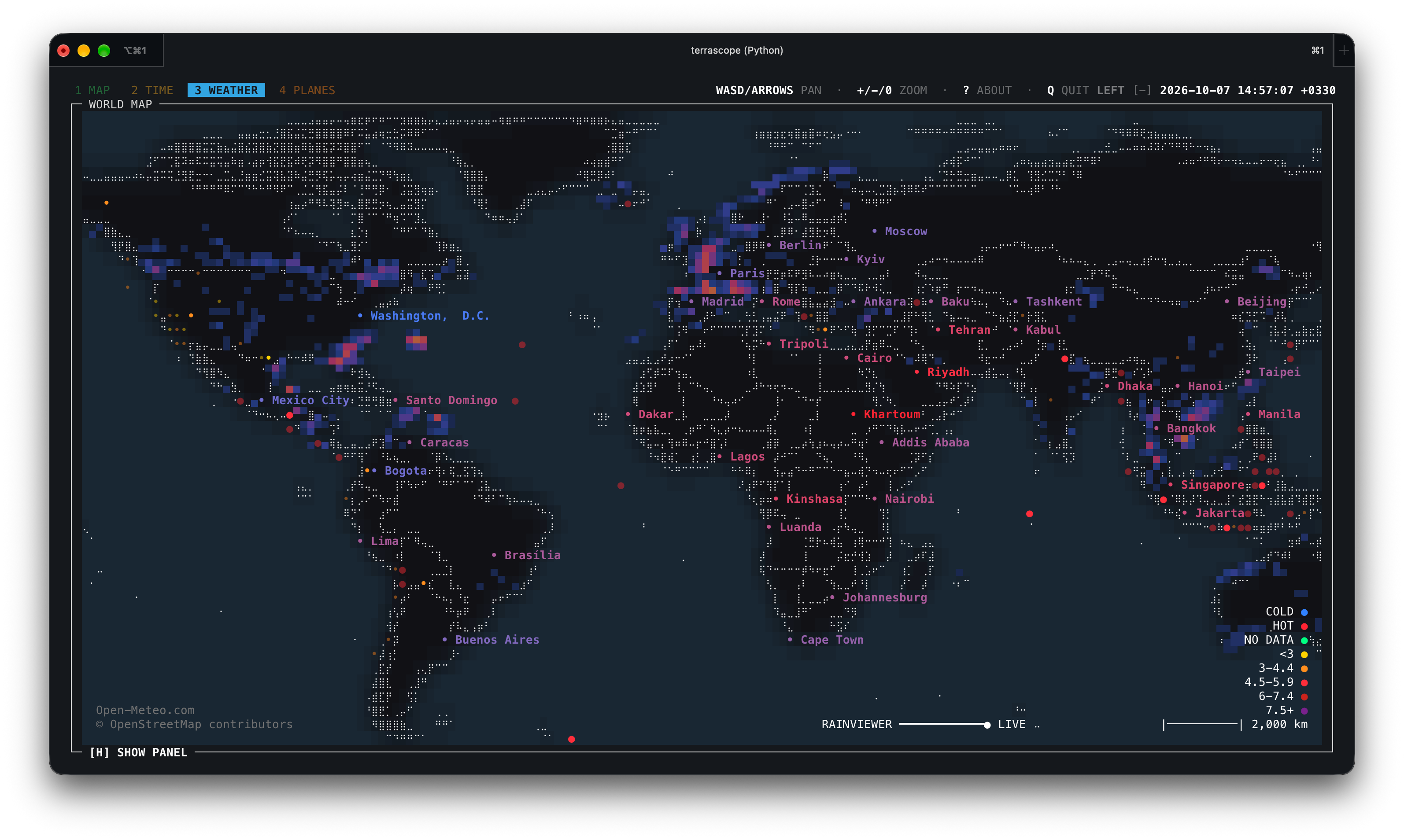
Global weather view with the panel hidden.
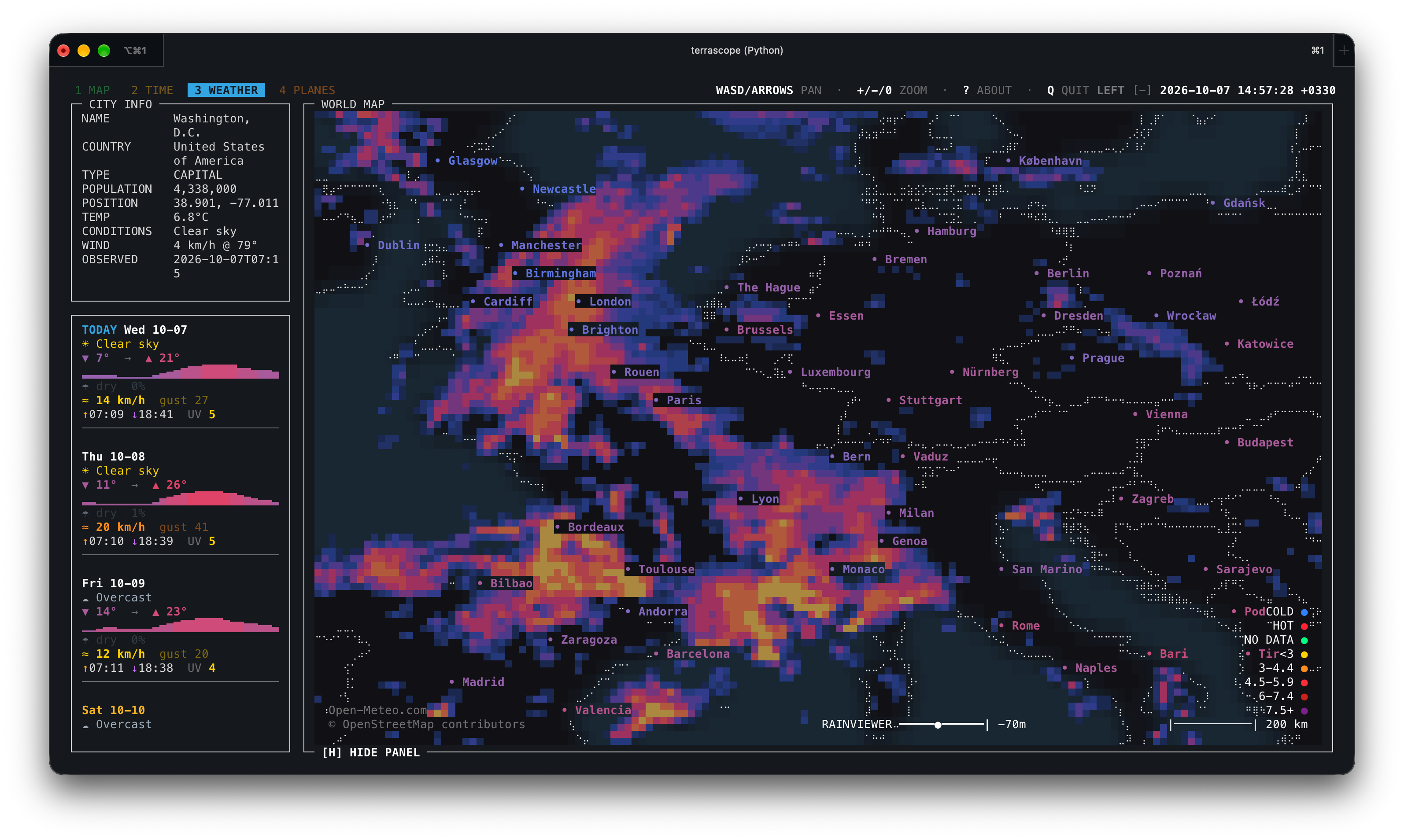
Europe close-up with the radar overlay.
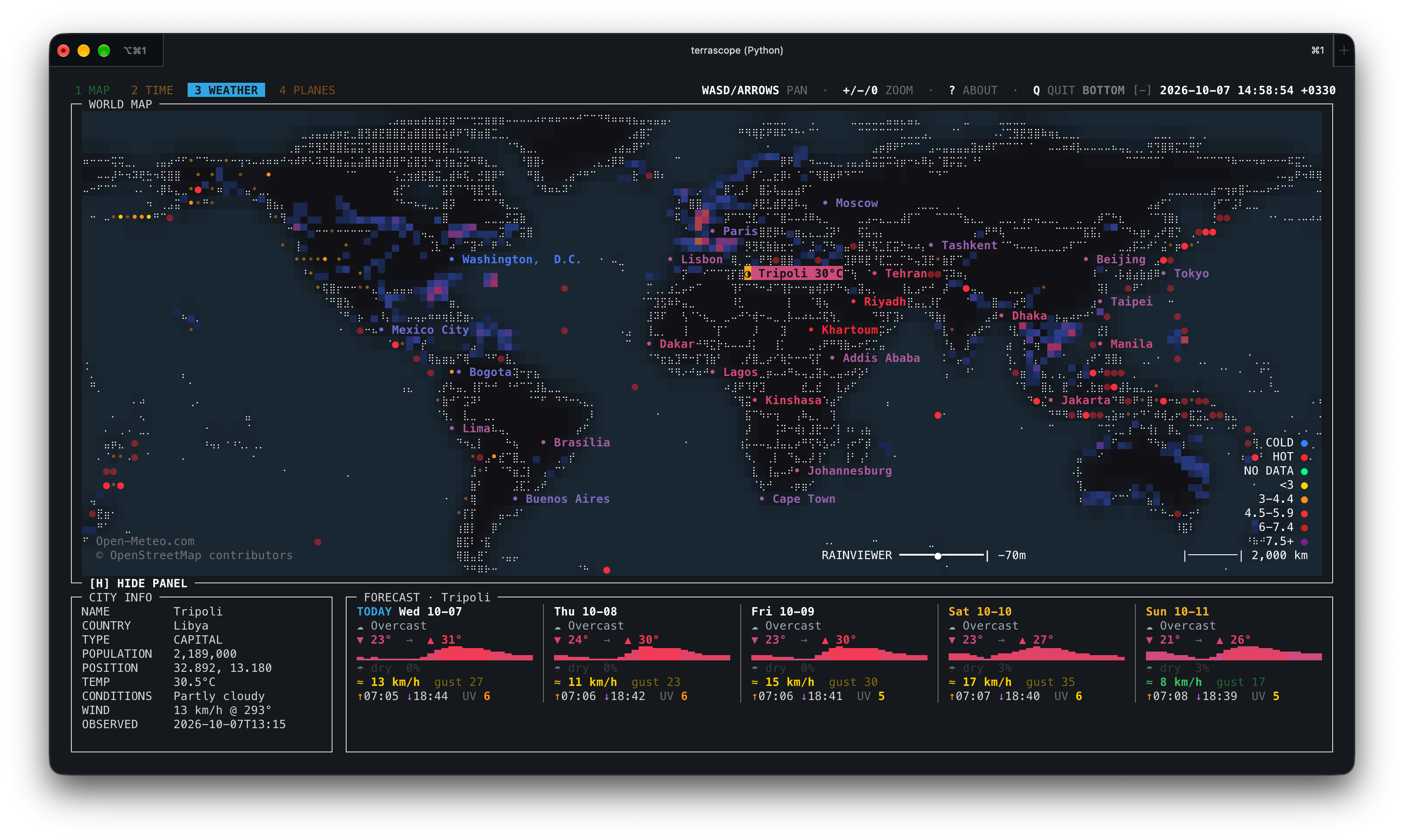
Weather tab with the horizontal panel layout.
Planes
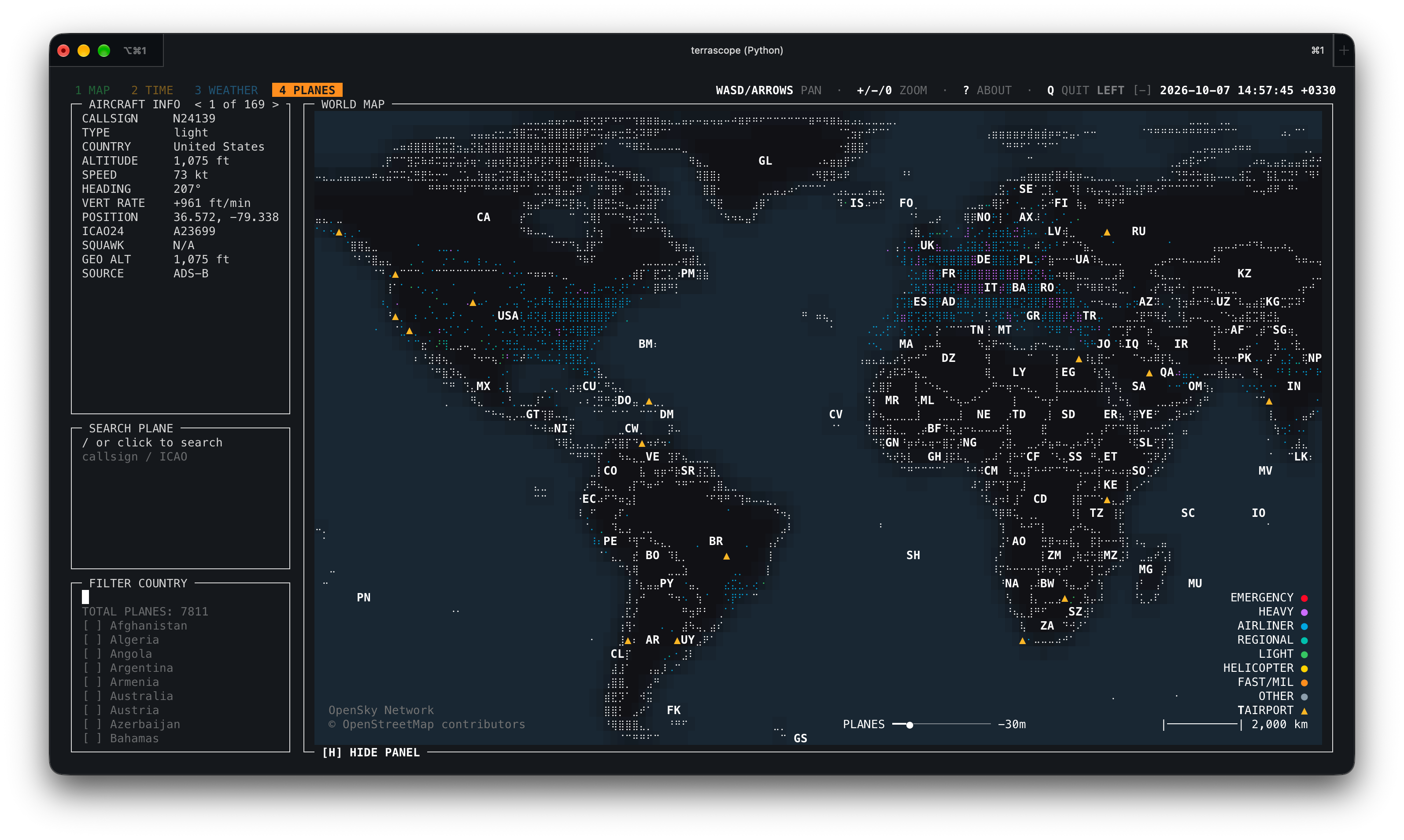
Global aircraft view.
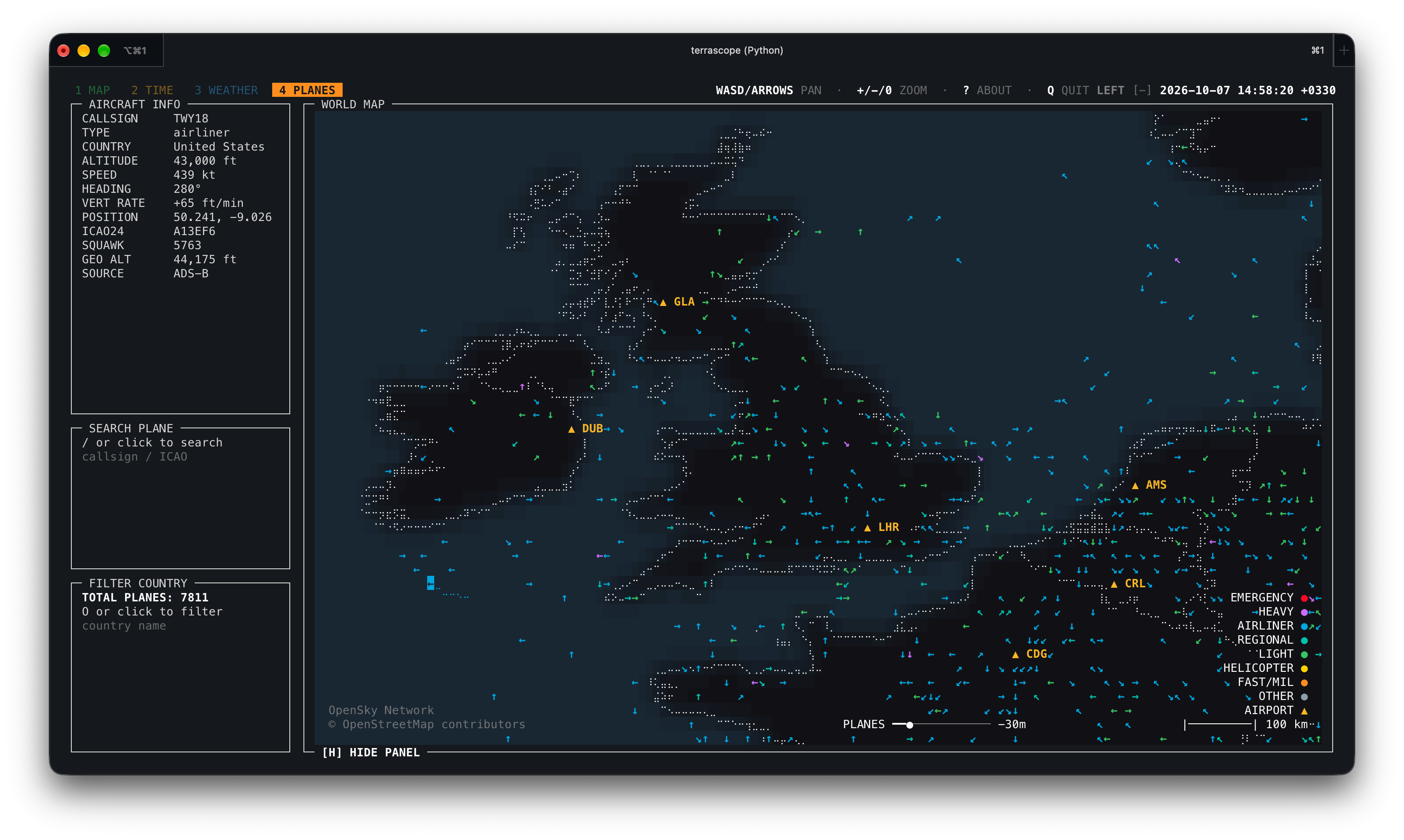
Aircraft close-up over the United Kingdom.
Configuration
Defaults live in:
~/.config/terrascope/default.yamlOn first launch, Terrascope copies the bundled defaults to this location and
loads that user-owned copy. Existing files are kept across upgrades. If
XDG_CONFIG_HOME is set, Terrascope uses $XDG_CONFIG_HOME/terrascope/default.yaml.
You can override settings without editing the package:
terrascope --config ~/terrascope.yaml
terrascope --set 'map.zoom.max=128'
terrascope --set 'map.land_color="#101018"'
terrascope --set 'app.keys.timezone="t"'
The timezone picker shortcut defaults to Z and works on the Time tab. Set
app.keys.timezone in your config to a different character or list of
characters if you prefer another binding. terrascope --list-keys shows the
effective shortcut.
Inspect the final merged config:
terrascope --dump-configImportant environment variables:
| Variable | Meaning |
|---|---|
terrascope_OFFLINE=1 | Disable live network requests |
terrascope_CONFIG=/path/file.yaml | Load a config file before CLI flags |
terrascope_RAINVIEWER_URL=https://... | Override the RainViewer catalog API |
XDG_CACHE_HOME=/path | Change the default cache root |
Project Layout
src/terrascope/
  __main__.py              python -m terrascope entry point
  assets/                  default configuration and bundled reference data
  core/
    app/                   app lifecycle, input, mouse, and rendering mixins
    ui/                    colors, layout, dialogs, and map drawing
    cli.py config.py       command-line and settings validation
    mapdata.py world.py    geographic data and map state
  layers/
    basemap/               country outlines, labels, and map detail
    daynight/              day/night rendering and astronomy calculations
    flights/               OpenSky API, cache, formatting, and aircraft layer
    weather/               weather, radar, forecast, and earthquake modules
The public console entry point is:
terrascope = "terrascope.__main__:run"Data Sources
- Natural Earth: country and province/state outlines, populated places
- OpenSky Network: aircraft positions
- Open-Meteo: city weather and forecasts
- RainViewer Weather Maps API: past radar tiles (personal/educational use; attribution required)
- USGS GeoJSON feeds: earthquakes
- NOAA/Meeus-style calculations in code: day/night and moon information
Bundled reference data is from Natural Earth 50m Cultural Vectors, which is public domain.
Each source has its own availability and rate-limit behavior. Use --offline
when you want to run only from cached data.
Terrascope has no telemetry or analytics. When live layers are enabled, network
requests go to the configured data providers. Weather requests include the
coordinates of displayed cities; providers also receive your IP address and
the Terrascope User-Agent. --offline disables live requests.
Development Checks
Basic syntax check:
python3 -m compileall -q src/terrascopeIf dependencies are installed, a quick import smoke test is:
PYTHONPATH=src python3 -c "from terrascope.core.registry import build_layers; print([l.name for l in build_layers()])"Releasing
Versioned tags build and publish the wheel and source distribution to PyPI. Update the separate Homebrew tap after PyPI confirms the release. See docs/RELEASING.md for the release and Git steps.
License
MIT. See LICENSE.