









AI-Powered Collaborative System Architect
📋 Table of Contents
- ✨ Introduction
- ⚙️ Tech Stack
- 🔋 Features
- 🤸 Quick Start
- 🔗 Assets
- 🚀 More
🚨 Tutorial
This repository contains the code corresponding to an in-depth tutorial available on our YouTube channel, JavaScript Mastery.
If you prefer visual learning, this is the perfect resource for you. Follow our tutorial to learn how to build projects like these step-by-step in a beginner-friendly manner!
✨ Introduction
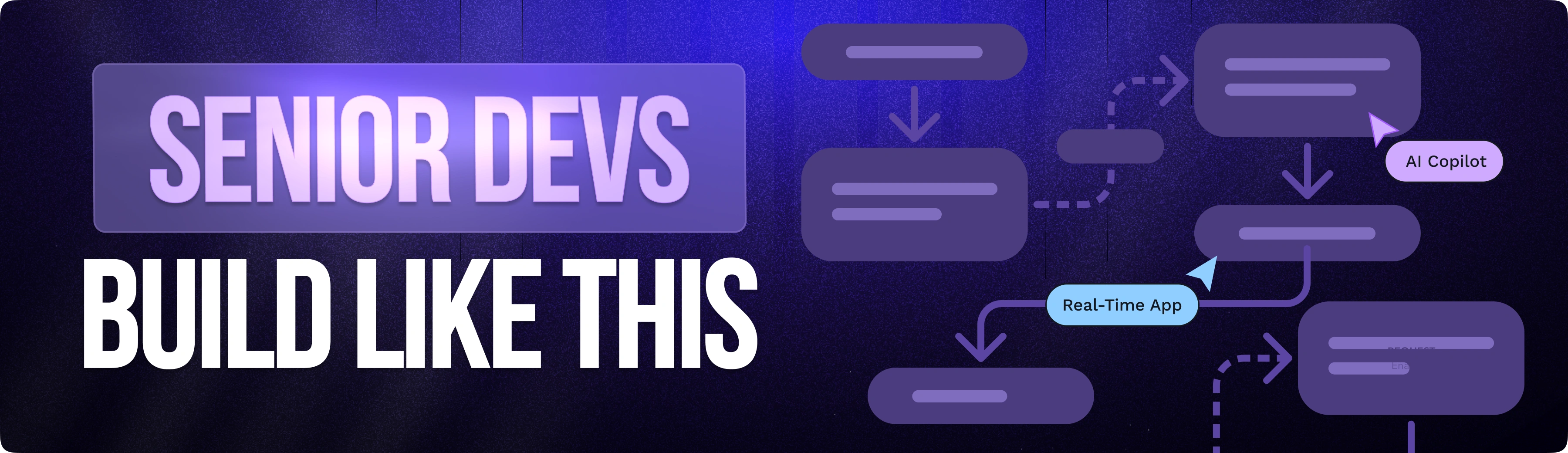
Ghost Arc is an agentic planning application built for software teams. A user submits a natural-language prompt (e.g., "Design a scalable e-commerce backend") and a Google Gemini-powered AI agent autonomously places nodes and edges onto a shared React Flow canvas in real-time. Human teammates can watch the AI build the diagram live, then jump in to collaboratively refine it. Once the team is satisfied, a second AI background task converts the visual graph into a comprehensive, multi-page Markdown technical specification that can be downloaded directly from the app.
If you're getting started and need assistance or face any bugs, join our active Discord community with over 50k+ members. It's a place where people help each other out.
⚙️ Tech Stack
-
Next.js is a production-ready React framework that offers server-side rendering, static site generation, and powerful routing features. It streamlines the development of full-stack web applications by providing a comprehensive ecosystem for performance optimization, data fetching, and API development.
-
React is a popular JavaScript library for building declarative and component-based user interfaces. It excels at creating reusable UI components and efficient state management, making it the standard choice for building dynamic and interactive single-page applications.
-
TypeScript is a strongly typed superset of JavaScript that adds static type definitions to your code. It significantly improves developer productivity and code reliability by catching errors during development, enhancing IDE support, and facilitating maintainability in large-scale projects.
-
Liveblocks is a real-time collaboration infrastructure that enables developers to build multiplayer experiences. It provides robust APIs for presence, shared state, and text synchronization, allowing you to easily add collaborative features like cursors, whiteboard tools, and shared document editing to your apps.
-
Clerk is a specialized authentication and user management platform for React and Next.js. It offers drop-in pre-built components for sign-in, sign-up, and profile management, while handling complex requirements like session management, multi-factor authentication, and organization hierarchies out of the box.
-
Trigger.dev is an open-source platform for orchestrating long-running background jobs and workflows. It allows developers to define jobs directly in their code that respond to webhooks, schedules, or events, handling retries, delays, and state management without the need for complex infrastructure.
-
Prisma ORM is a next-generation ORM for Node.js and TypeScript that simplifies database interactions. By providing a type-safe client generated from your schema, it makes querying your database intuitive, readable, and highly efficient, effectively eliminating common SQL-related runtime errors.
-
PostgreSQL is an advanced, open-source object-relational database system widely recognized for its reliability, extensibility, and standard compliance. It provides the persistent storage layer for your application, supporting complex queries, transactional integrity, and large-scale data handling.
-
Tailwind CSS is a utility-first CSS framework that enables rapid custom UI development. By utilizing low-level utility classes directly in your markup, it removes the need to switch between CSS and HTML files, allowing for highly consistent and responsive design systems.
-
shadcn/ui is a collection of beautifully designed, accessible, and re-usable UI components that you can copy and paste directly into your projects. Built on top of Radix UI and Tailwind CSS, it grants you full control over your component code, avoiding the bloat of traditional component libraries.
-
CodeRabbit is an AI-powered code review assistant that automates pull request analysis. It provides line-by-line feedback, suggests code improvements, summarizes changes, and helps maintain high code quality by integrating seamlessly into your git-based development workflow.
🔋 Features
👉 AI Architecture Agent: Submit a plain-English prompt; Gemini draws nodes and edges onto the live canvas in real-time via Trigger.dev background tasks and the Liveblocks Node.js SDK.
👉 Multiplayer Canvas: Full real-time collaboration powered by Liveblocks: synchronized node/edge state, live cursor positions, and presence avatars for every connected user.
👉 Custom Canvas Nodes: Double-click to edit node labels inline; select to resize with NodeResizer; choose from 12 colour swatches via a floating NodeToolbar — all synced across clients instantly.
👉 AI Spec Generation: One click converts the current graph into a detailed Markdown technical specification using a second Gemini-powered Trigger.dev task.
👉 Multi-Spec Storage: Each project stores multiple specs. Metadata lives in PostgreSQL (Prisma); content is stored as Markdown files on disk (data/specs/{projectId}/{specId}.md).
👉 Downloadable Specs: Every generated spec is available via a dedicated download API route.
👉 Clerk Authentication: Global route protection via clerkMiddleware; Liveblocks tokens are only issued to authenticated users.
👉 Auto-Save Canvas: The canvas state is debounced-saved to data/canvas/{projectId}.json every 3 seconds of inactivity.
👉 Project Management: Create projects from a slide-in sidebar; project slugs auto-generate room IDs; the active room is highlighted.
👉 Share: One-click URL copy with a 1.5 s "Copied" confirmation.
And many more, including code architecture and reusability.
🤸 Quick Start
Follow these steps to set up the project locally on your machine.
Prerequisites
Make sure you have the following installed on your machine:
Cloning the Repository
git clone https://github.com/adrianhajdin/ghost-ai.git
cd ghost-ai
Installation
Install the project dependencies using npm:
npm install
Set Up Environment Variables
Create a new file named .env in the root of your project and add the following content:
# Clerk
NEXT_PUBLIC_CLERK_PUBLISHABLE_KEY=
CLERK_SECRET_KEY=
NEXT_PUBLIC_CLERK_SIGN_IN_URL=/sign-in
NEXT_PUBLIC_CLERK_SIGN_UP_URL=/sign-up

LIVEBLOCKS_SECRET_KEY=

TRIGGER_SECRET_KEY=
NEXT_PUBLIC_TRIGGER_PUBLIC_API_KEY=

DATABASE_URL=

━━━━━━━━━━━━━━━━━━━━
# Google
GOOGLE_GENERATIVE_AI_API_KEY=
# Optional: override the default Gemini model (default: gemini-2.0-flash)
GEMINI_MODEL=
# Optional: override model used specifically for spec generation
GEMINI_SPEC_MODEL=

━━━━━━━━━━━━━━━━━━━━
APP_URL=http://localhost:3000
Replace the placeholder values with your real credentials. You can get these by signing up at: Clerk, Liveblocks, Trigger.dev, Google AI Studio.
Running the Project
npm run dev
Open http://localhost:3000 in your browser to view the project.
Run Trigger.dev (Background Tasks)
In a second terminal, start the Trigger.dev dev worker so background AI tasks execute locally:
npx trigger.dev@latest dev
Available Scripts
| Command | Description |
|---|---|
npm run dev | Start Next.js development server |
npm run build | Build for production |
npm run start | Start production server |
npm run lint | Run ESLint |
npm run prisma:generate | Regenerate Prisma client |
npm run prisma:migrate | Create and apply a new migration |
npm run prisma:deploy | Apply pending migrations (production) |
npm run prisma:studio | Open Prisma Studio GUI |
Project Structure
.
├── app/
│   ├── api/              # Next.js API routes (auth, AI, projects, specs)
│   ├── editor/           # Canvas editor pages
│   ├── generated/prisma/ # Auto-generated Prisma client
│   ├── sign-in/          # Clerk sign-in page
│   └── sign-up/          # Clerk sign-up page
├── components/
│   ├── editor/           # Canvas UI components (editor, sidebar, AI chat)
│   └── ui/               # Reusable shadcn/ui primitives
├── data/
│   ├── canvas/           # Auto-saved React Flow graph JSON per project
│   └── specs/            # Generated Markdown specs per project
├── docs/                 # Project documentation
├── hooks/                # Custom React hooks (auto-save, keyboard shortcuts)
├── lib/                  # Shared utilities (Prisma client, Liveblocks, AI agents)
├── prisma/               # Prisma schema and migrations
├── trigger/              # Trigger.dev background task definitions
│   ├── design-agent.ts   # AI canvas generation task
│   └── generate-spec-gemini.ts  # AI spec generation task
└── types/                # Shared TypeScript types
🔗 Assets
Assets and snippets used in the project can be found in the video kit.

🚀 More
Advance your skills with our Pro Courses
Enjoyed creating this project? Dive deeper into our PRO courses for a richer learning adventure. They're packed with detailed explanations, cool features, and exercises to boost your skills. Give it a go!