deadbolt
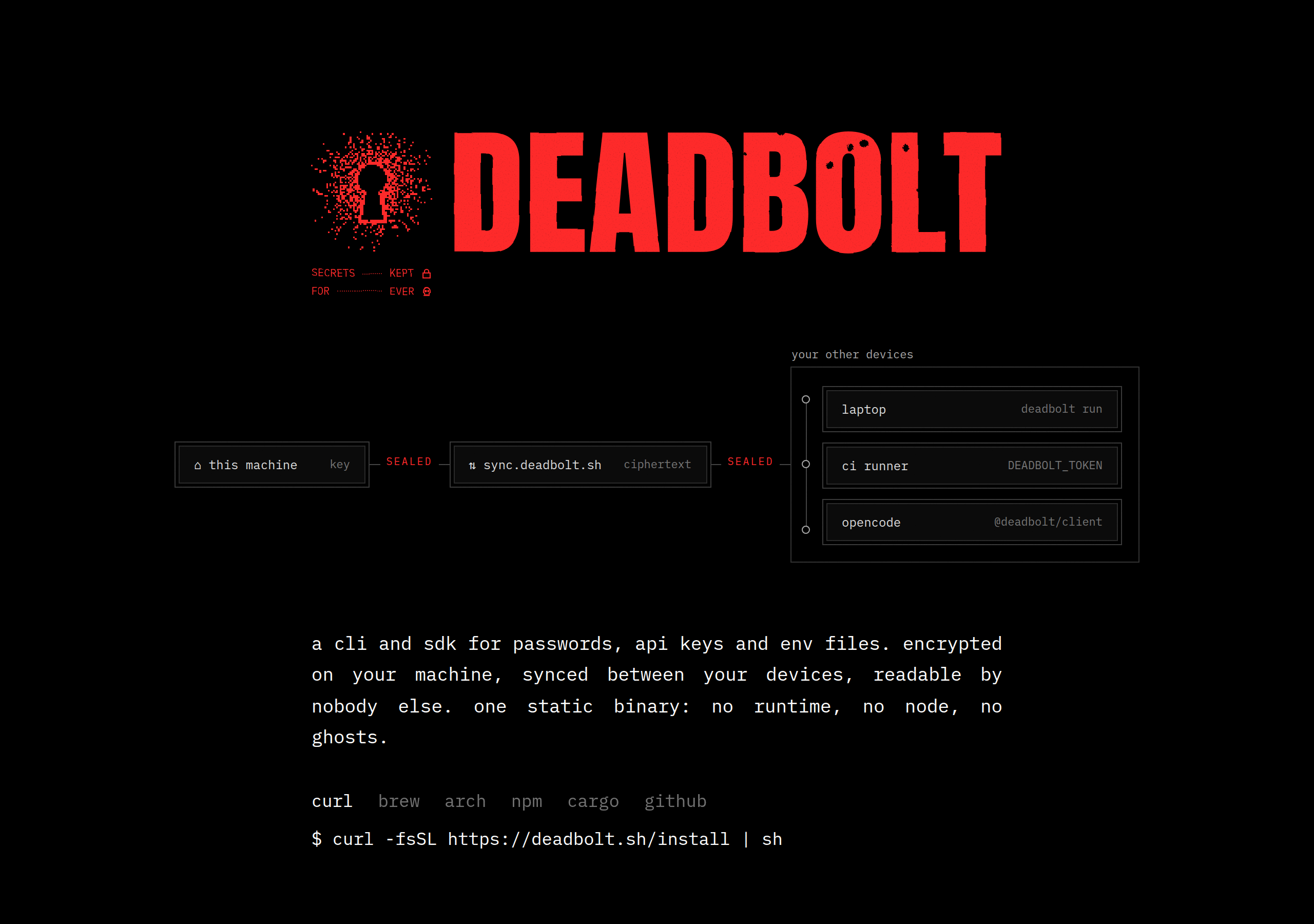
A decentralized password manager, in Rust. Your devices sync directly with each other over iroh; a new device joins only by pairing from one you already have. No accounts, no servers of our own.
Status: design. No code yet.
Install
curl -fsSL https://deadbolt.pw/install | shbrew install anomalyco/tap/deadbolt # the CLI
brew install --cask anomalyco/tap/deadbolt # Deadbolt.app for macOS, with its CLIThen run deadbolt from a terminal for the CLI, or deadbolt app (or Deadbolt from Applications, Spotlight or your launcher) for the desktop app. Bare deadbolt started outside a terminal opens the app too; set DEADBOLT_NO_UI=1 in scripts that must never get a window. On Linux, deadbolt desktop install adds Deadbolt to the app launcher; the app's program, deadbolt-ui, goes beside deadbolt or in <prefix>/lib/deadbolt/.
Or download from GitHub releases (CLI tarballs for macOS and Linux, x64 and arm64; the macOS app; the browser extension). The install script installs the current release from the Anomaly release service and verifies its SHA-256; set DEADBOLT_CHANNEL=dev for the latest build of dev, DEADBOLT_VERSION to pin a stable version, and DEADBOLT_INSTALL to change the directory (default ~/.local/bin). deadbolt update updates the install it runs from (Deadbolt.app or a standalone deadbolt) from its channel; Homebrew installs update with brew upgrade. Releases: docs/releasing.md.
Secrets for commands
Put secrets in a command's environment or a file instead of printing them. A reference is deadbolt://[vault/]item/field, the item by its title or short id:
deadbolt run --env GH_TOKEN=deadbolt://personal/GitHub/token -- gh release create v1
deadbolt run --env-file .env.tpl -- bun run dev       # KEY=deadbolt://… lines
deadbolt inject -i config.tpl -o config.json          # {{ deadbolt://… }}, written 0600
deadbolt read deadbolt://personal/GitHub/password     # prints one value
run conceals the values in the command's output (so the command's output is a pipe, not your terminal: --no-mask keeps the terminal), passes stdin and signals through and exits with the command's code. AI agents (OpenCode, Claude Code and the like) are refused until you allow them, item by item. Allowing an AI to use a value lets it learn the value (it chooses the command, and masking only stops accidents), so allow only what you would hand it. Printing a value, with read or inject to stdout, needs Touch ID every time:
deadbolt agents allow-secrets GitHub --fields token --purpose run --expires 8h
deadbolt agents grants                     # deadbolt agents revoke <id>
deadbolt activity                          # every resolve, never a value
Docs
docs/design.md— the current v1 design (two keys, signed membership, per-device encrypted logs, QR pairing).docs/app.md— the desktop app (Rune, incrates/app): plan, keyboard, motion, and the first slice.docs/proposals/send.md— Deadbolt Send: one-time links to files, secrets and vault items, served live peer to peer and opened in any browser.docs/autofill.md— browser autofill: the native messaging host, its message set, domain rules and threat model.docs/agent-control.md— design: how AI agents may use Deadbolt (tiers, Touch ID approvals, caller identity), what is built of it:deadbolt run,injectandreadwith grants for AI agents, and standing grants for sign-ins:deadbolt agentspairs a browser relay such as Browse and allows it to sign AI agents in to chosen sites unattended, without the AI ever seeing a value.docs/research/— prior art01-inkandswitch.md— Keyhive, BeeKEM, Beelay/Subduction, Automerge02-rust-sync-stacks.md— iroh, p2panda, Willow, Loro/Automerge/yrs03-mailbox-pairing-keys.md— mailboxes (Nostr, S3, folders), pairing, how other password managers handle keys and recovery
docs/history/— how we got here: the v0 proposal, the no-infrastructure (Nostr mailbox) revision, and two adversarial critiques of them. Superseded bydocs/design.md; kept for the reasoning. These docs reference the research files by bare filename.
Site
site/ is the website: a landing page (/) and an animated architecture walkthrough (/architecture/), in the style of opentunnel.xyz (Vite, React, Motion, WebGL2 prints; fonts are Anton and IBM Plex Mono, OFL, licences in site/public/fonts/). cd site && bun install && bun run dev serves it on http://127.0.0.1:5197. bun run deploy builds it and deploys site/dist to deadbolt.pw with Wrangler; site/public/install is the install script served at /install. /r is Deadbolt Send's receive page; building the site first compiles its WebAssembly (site/scripts/wasm.sh, which needs the wasm32-unknown-unknown target and wasm-bindgen-cli, see docs/proposals/send.md). The original static mock is kept at site/mock.html.