fugleramme
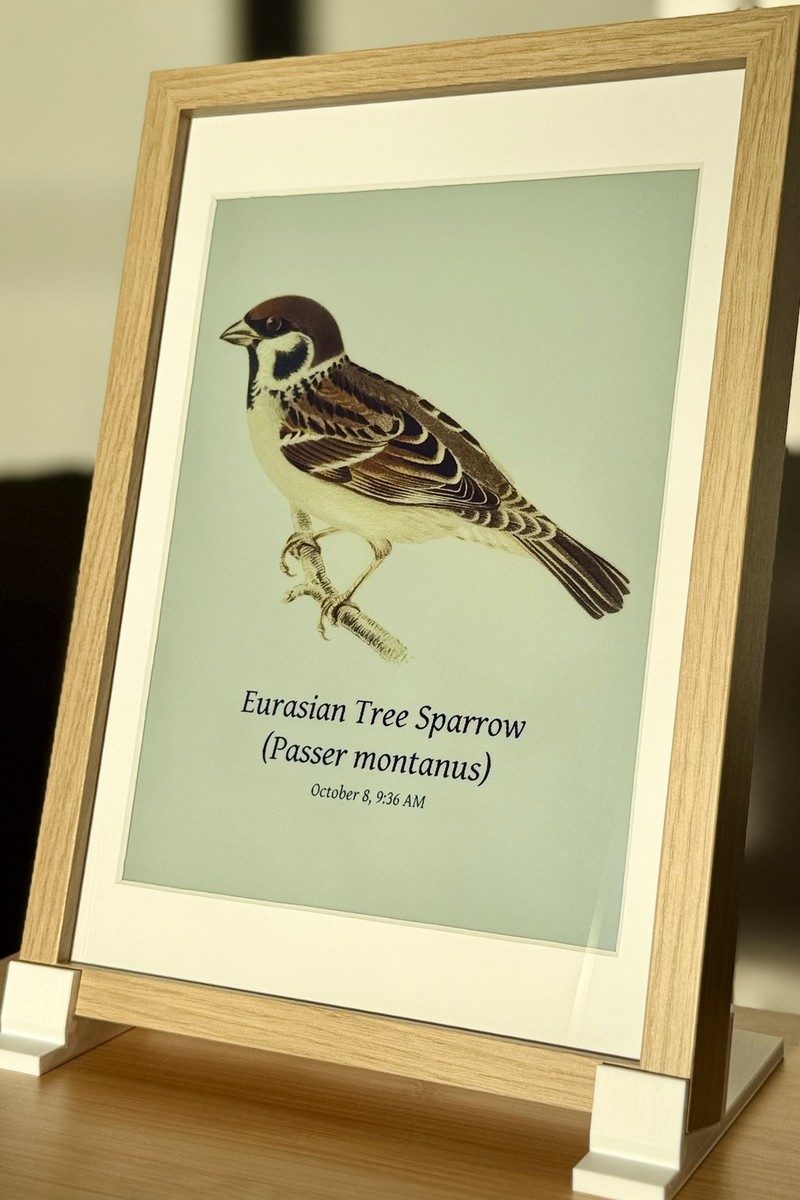
Bird frame for Raspberry Pi or your homelab - real-time bird detection by audio, fully local AI, rendered as real, hand-cut 1800s bird illustrations. On an e-ink panel, a TV, or any screen.
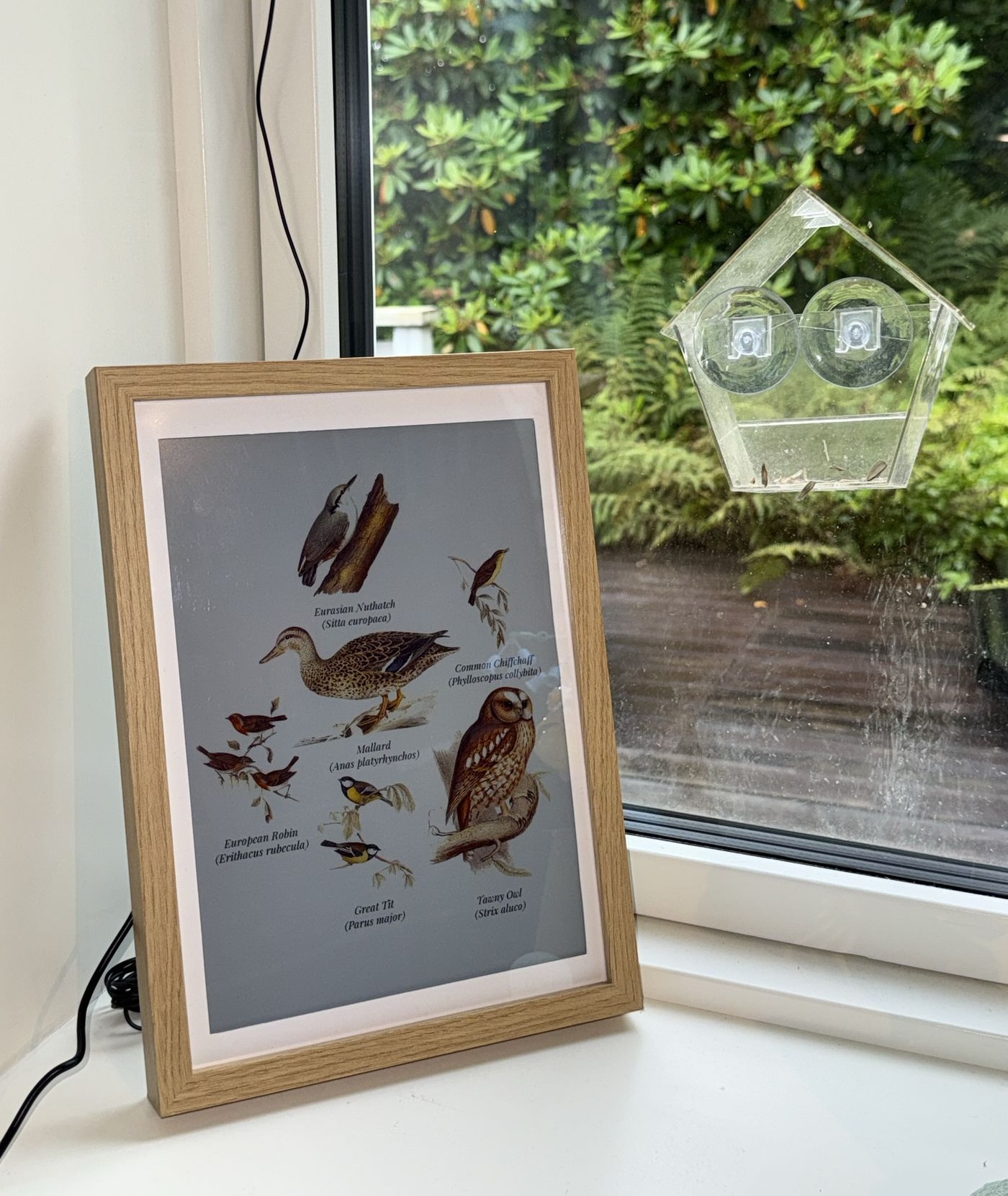






Live demo: fugleramme.arnegiacomo.dev shows the birds heard in my garden in Bergen, Norway, right now. More frames around the world in the Showcase. Full docs: arnegiacomo.dev/fugleramme
Inspiration
A WWF Verdens naturfond poster by Axel Thorenfeldt hangs on my wall, and I wanted a version of it showing the actual birds in my garden. Teddy Warner's AvianVisitors gave me the idea of the live e-ink frame.
How it works
BirdNET-Go listens on a mic and identifies the birds. Fugleramme polls its API, matches each species to an illustration, packs them onto a page, and redraws only when the birds change - on an Inky Impression e-ink panel or any screen. An admin page lets you configure what to show, and the frame updates itself.
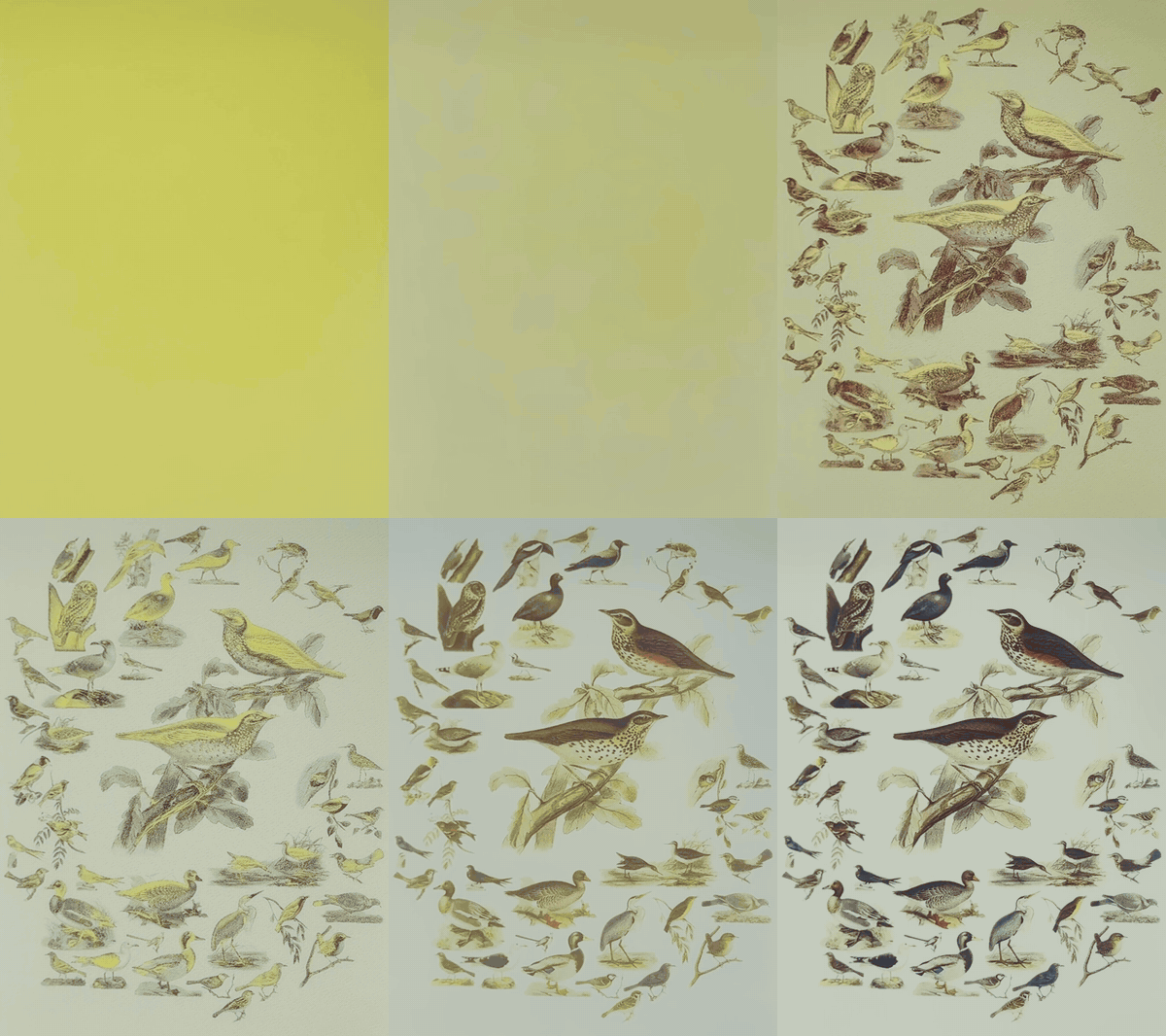
Full e-ink redraw (2x speed).
Already run BirdNET-Go? Point the frame at it, on the same machine or anywhere on your network.
No mic or few birds in your area? Point it at a public BirdWeather station instead - your own or anyone's.
[!TIP] The e-ink panel on a Pi is what makes it a picture frame, but neither is required. Fugleramme also runs in a container on basically anything - a homelab, a NAS, an old laptop - and the page takes the shape of whatever shows it: a TV, an HDMI display, an external e-ink panel, any browser, or your desktop wallpaper. With BirdNET-Go, everything runs on your own hardware and works fully offline. See Container and Screens.
Hardware
A Raspberry Pi 5, an Inky Impression 13.3" or 7.3" (Spectra 6), a mic and an IKEA frame. Parts list and supported alternatives in Hardware, putting it together in Mounting.
I'm affiliated with Pimoroni - buying through the Pimoroni links or using the code ARNE at checkout supports this project.
Art
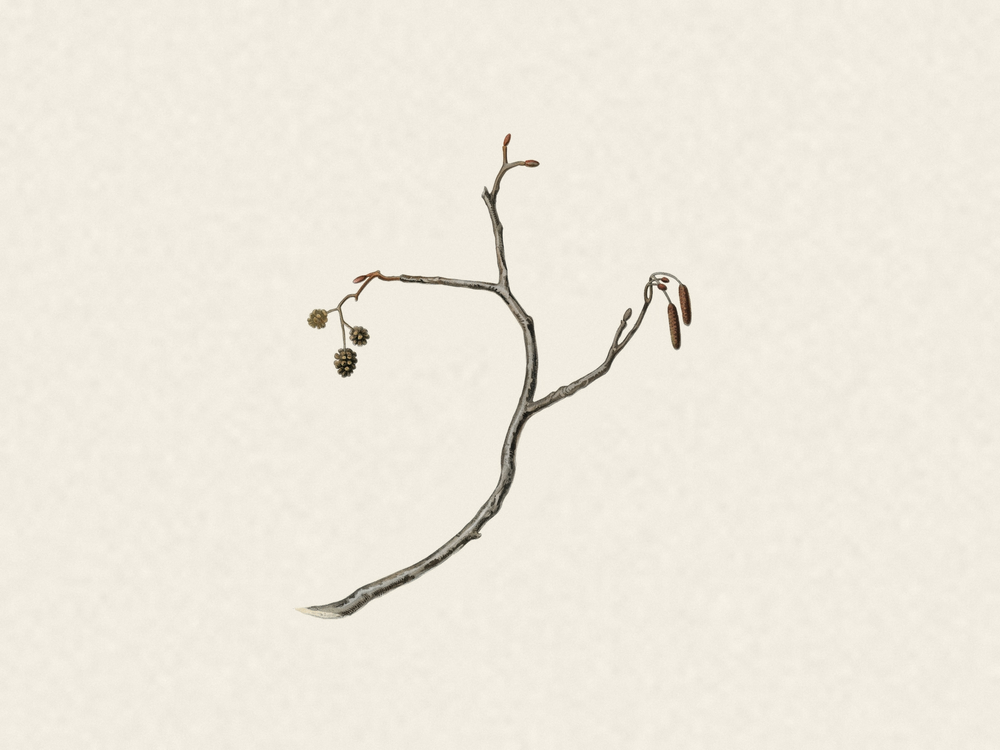
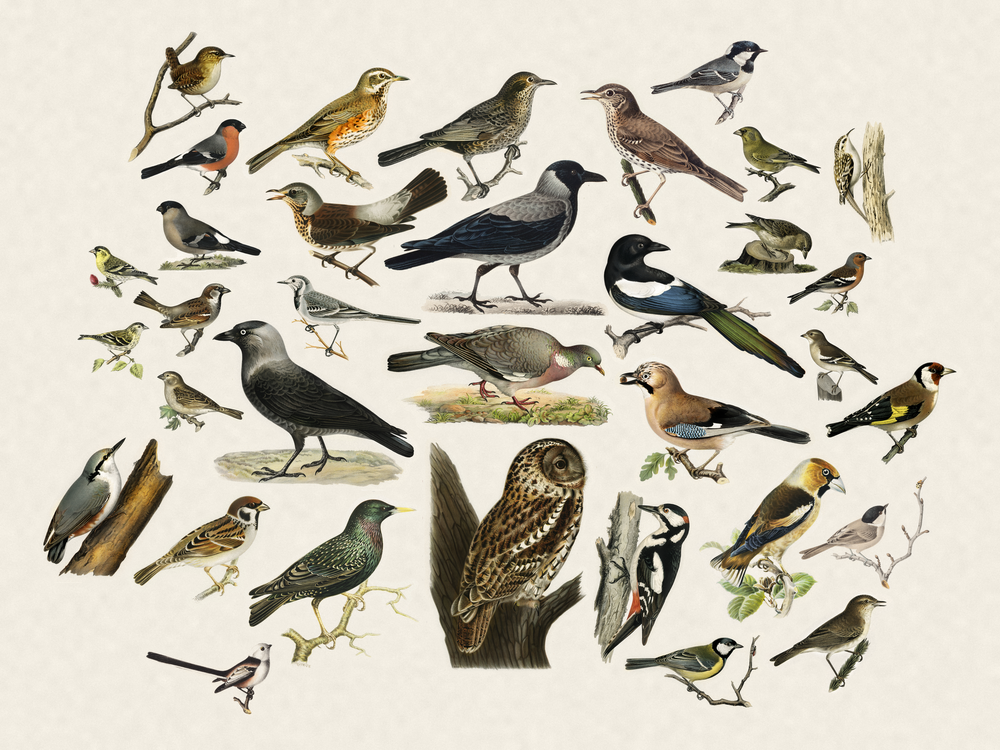
Half the point of this project is showing off some amazing public-domain natural-history illustrations. Nearly 1200 cut-outs covering over 650 species, every one taken from a real plate and hand-curated for this project (no art is AI-generated).
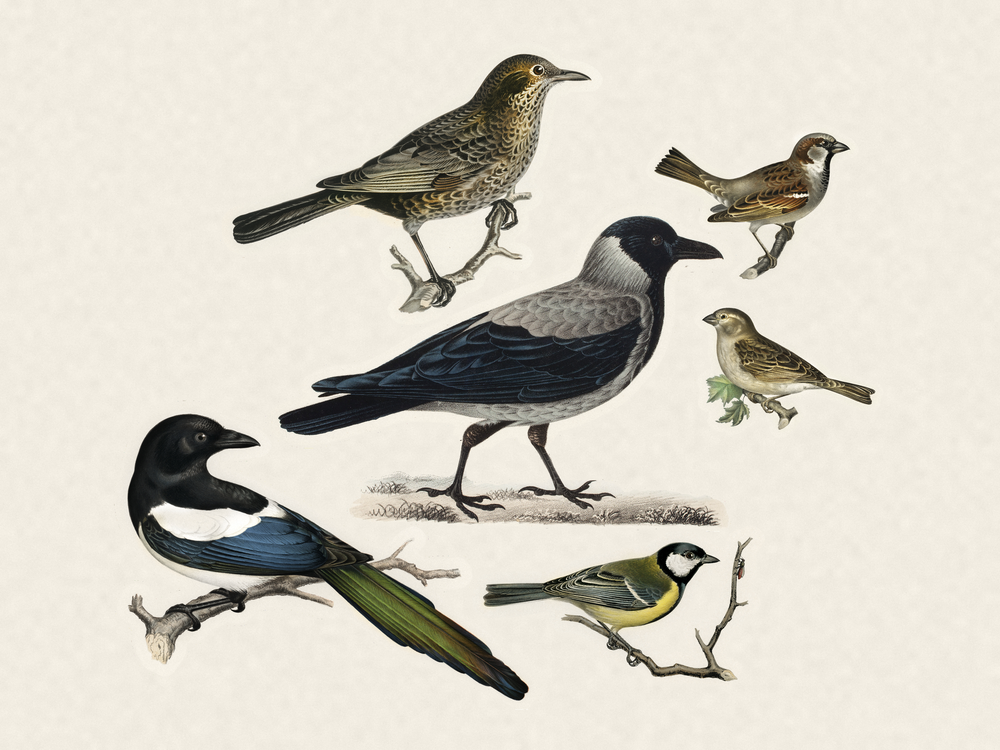
Each bird is sized by real body mass, the larger ones toward the centre, on a textured paper page.
Coverage is best across Europe and northern Asia, good in North America, and growing elsewhere. Pick your location in Species coverage to see which of your local birds are covered, or cut one yourself.
Species names in 40+ languages, see Languages.
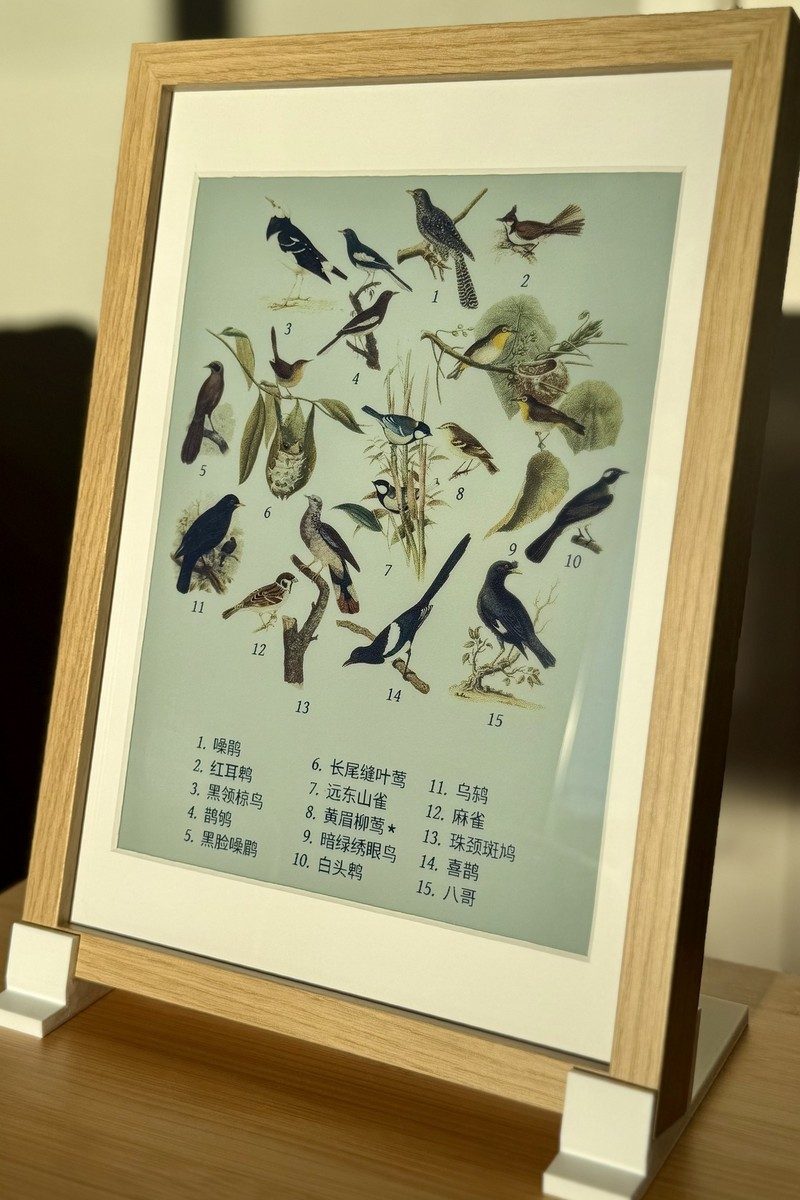
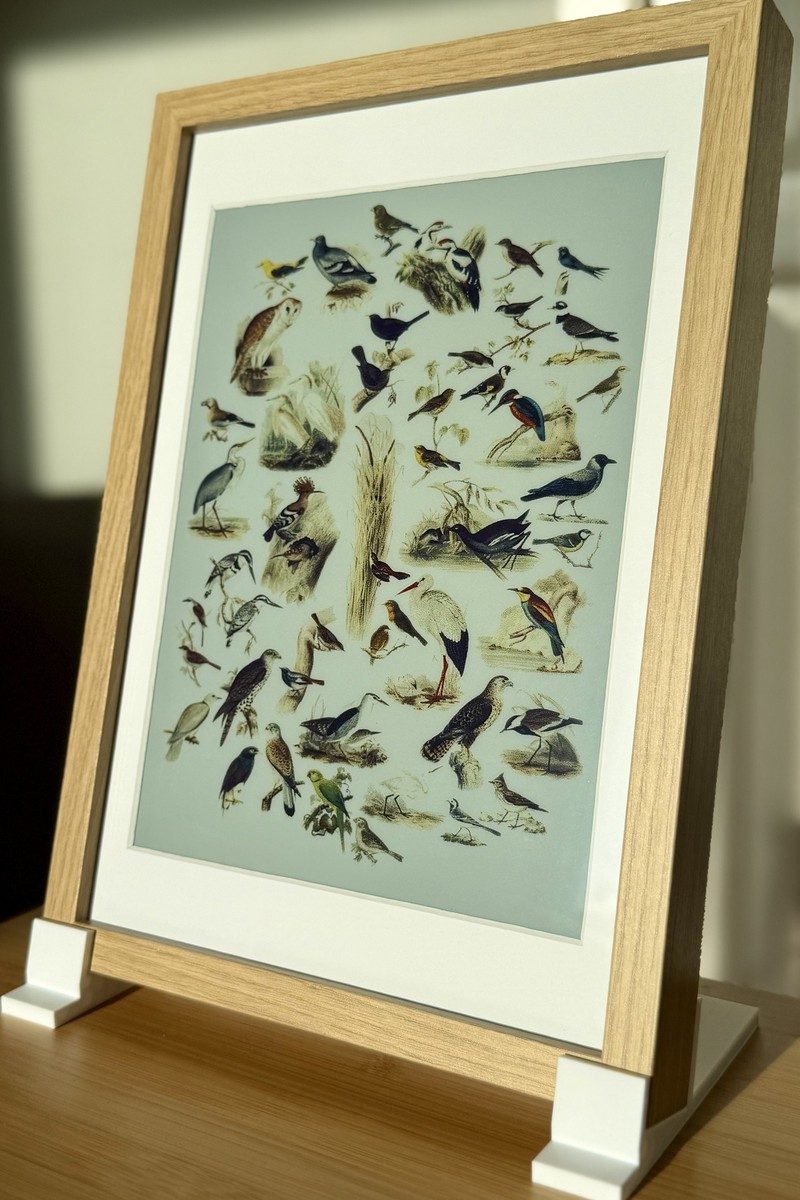
| No detections | A few visitors | A full garden |
|---|---|---|
 |  |  |
Install on a Raspberry Pi
On the Pi:
curl -fsSL https://raw.githubusercontent.com/arnegiacomo/fugleramme/main/install.sh | bashIt asks where BirdNET-Go should run and which ports to use, then installs everything and starts the frame as a service. A fresh system usually needs a reboot. Starting from a blank SD card? See the install guide.
Run in a container
docker run -d -p 8080:8080 -v fugleramme:/data \
  -e FUGLERAMME_DETECTOR_URL=http://birdnet.local:8080 \
  ghcr.io/arnegiacomo/fugleramme
Kiosk on :8080, admin on :8080/admin, everything it persists in /data.
On a Linux box with a USB mic, this brings up BirdNET-Go alongside it:
curl -fsSL https://raw.githubusercontent.com/arnegiacomo/fugleramme/main/examples/docker-compose.yml -o docker-compose.yml
docker compose up -d
See Container for more info.
Run locally (for development)
uv sync                                       # set up venv
uv run fugleramme-fake-detector               # stand-in BirdNET-Go on :8090
uv run fugleramme-dev                         # start service on :8080 with hot-reload
The fake detector's flags, and working against a real station instead: Running it without a Pi.
Contributing
Contributions are very welcome - fixes, docs and artwork most of all. Thanks to everyone who has contributed and sponsored so far ❤️
Want to help?
- Something is broken - a bug report
- A question, an idea, or a frame you have built - the FAQ first, then Discussions
- A fix, a doc change, or a bird you have cut - open a PR, no issue needed
- Don't know where to start - the good first issues
See Contributing for more info. For anything else, you can reach me through arnegiacomo.dev.
Similar projects
- AvianVisitors - BirdNET-Pi, AI-generated illustrations and photo cutouts, also sold as kits
- inky-bird-frame - BirdNET, field-journal illustrations on an Inky panel
- HABirdDashboard - BirdNET-Go, a collage card for Home Assistant
- belkins-birdnet - BirdNET-Pi, AI-generated kachō-e style illustrations
- featherframe - BirdNET-Pi, Audubon plates on an ESP32 e-ink panel
- birdframe - BirdNET-Go, several art styles on a Samsung Frame TV
- Plate197 - BirdNET, Audubon plates on a Raspberry Pi touchscreen
- Backyard Birds - BirdNET-Go, natural-history plates as a Tesserae widget for several e-ink panels
Fugleramme shares no code or art with them.
Built on fugleramme
- fugleramme-samsung-frame - sends the collage to a Samsung Frame TV in Art Mode
- birdnet-frame - a Docker container that sends the collage to a Samsung Frame TV in Art Mode
- birdnet_eink - the artwork on a LilyGO T5 4.7" ESP32 e-ink display
- birdframe - the collage in greyscale on a QuirkLogic Papyr 13.3" e-ink tablet
- Cobalt Birds - the collage on a Kobo e-reader running Cobalt
License
- Code: MIT - see
LICENSE. - Detection (BirdNET-Go, installed separately as a container): CC BY-NC-SA 4.0, non-commercial only. BirdNET model by the Cornell Lab of Ornithology and Chemnitz University of Technology, taxonomy data powered by eBird.org.
- Bird images: each style folder carries its own terms and sources, and its
manifest links the plate every file was cut from.
classicis CC BY-SA 4.0 - seeassets/artwork/classic/ATTRIBUTION.md. - Label fonts (
assets/fonts/): SIL OFL 1.1 - seeassets/fonts/ATTRIBUTION.md. - Bird sizes (
assets/bird_sizes.csv): body mass from AVONET (Tobias et al. 2022, Ecology Letters, doi:10.1111/ele.13898), CC BY 4.0. - BirdNET scientific-name aliases (
assets/birdnet_aliases.json): OpenFauna's compiled taxonomic alias map, CC BY-SA 4.0 - seeassets/ATTRIBUTION.md. - Kiosk icons (
src/fugleramme/web/static/): cut from a von Wright plate, CC BY-SA 4.0 - seeassets/ATTRIBUTION.md. - Docs search (
docs/assets/fuse.min.js): Fuse.js by Kiro Risk, Apache 2.0.