PdfCraft for Android
An Android native open-source PDF reader and editor written in Rust, built on the same engine as the desktop app, PdfCraft, with a Kotlin/Jetpack Compose UI.
Many credits to the original maintainers, storytold.



Each release has two APKs: the plain one for most phones, the -armeabi-v7a one for 32-bit ARM phones.






Reading · Navigate · Comments · Forms & Fill & Sign · Edit PDF · Read aloud · Tools · Home · Light theme · Architecture · Planned features · Building
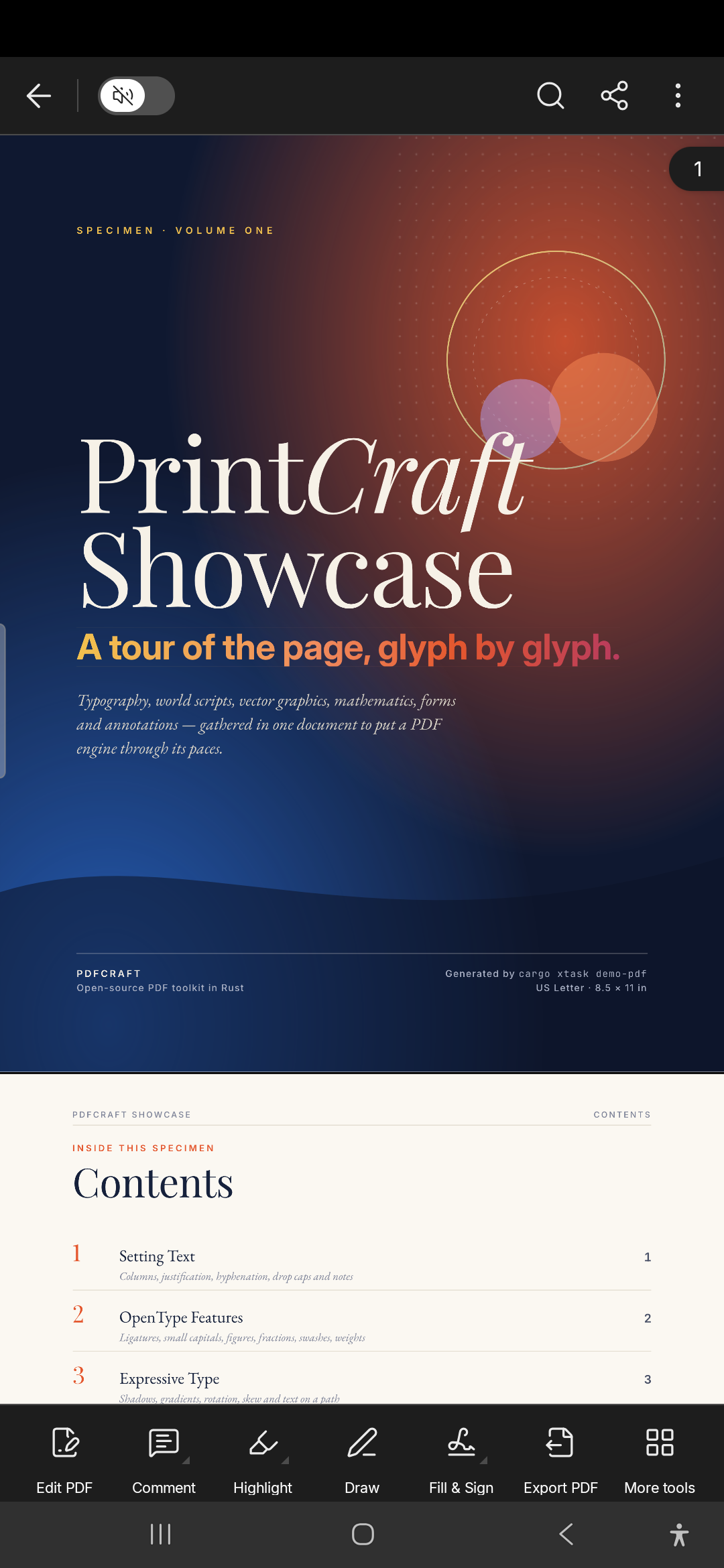
The PdfCraft Showcase, a 13-page specimen PDF, open on its cover.
Reading
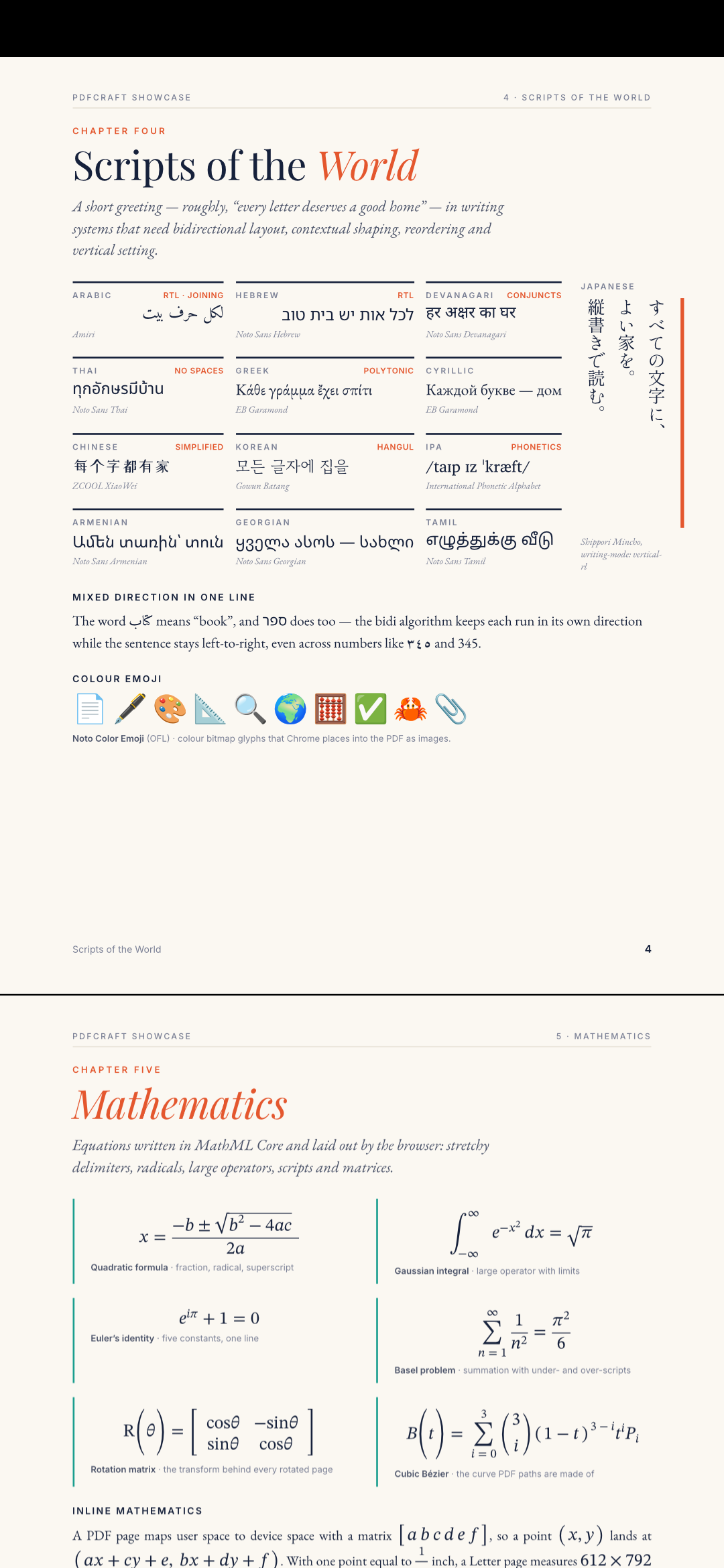
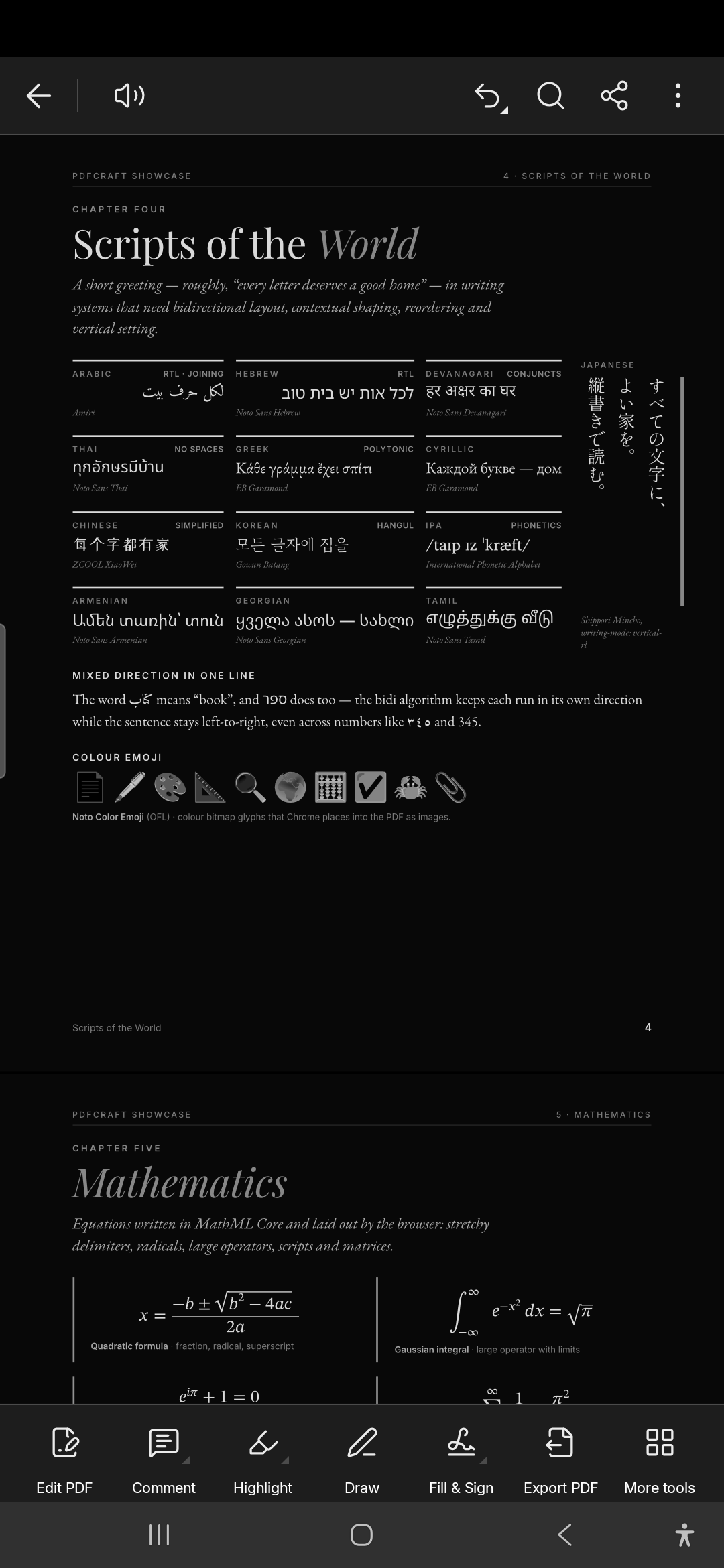
Twelve writing systems, vertical Japanese and colour emoji, with the bars hidden by a tap.
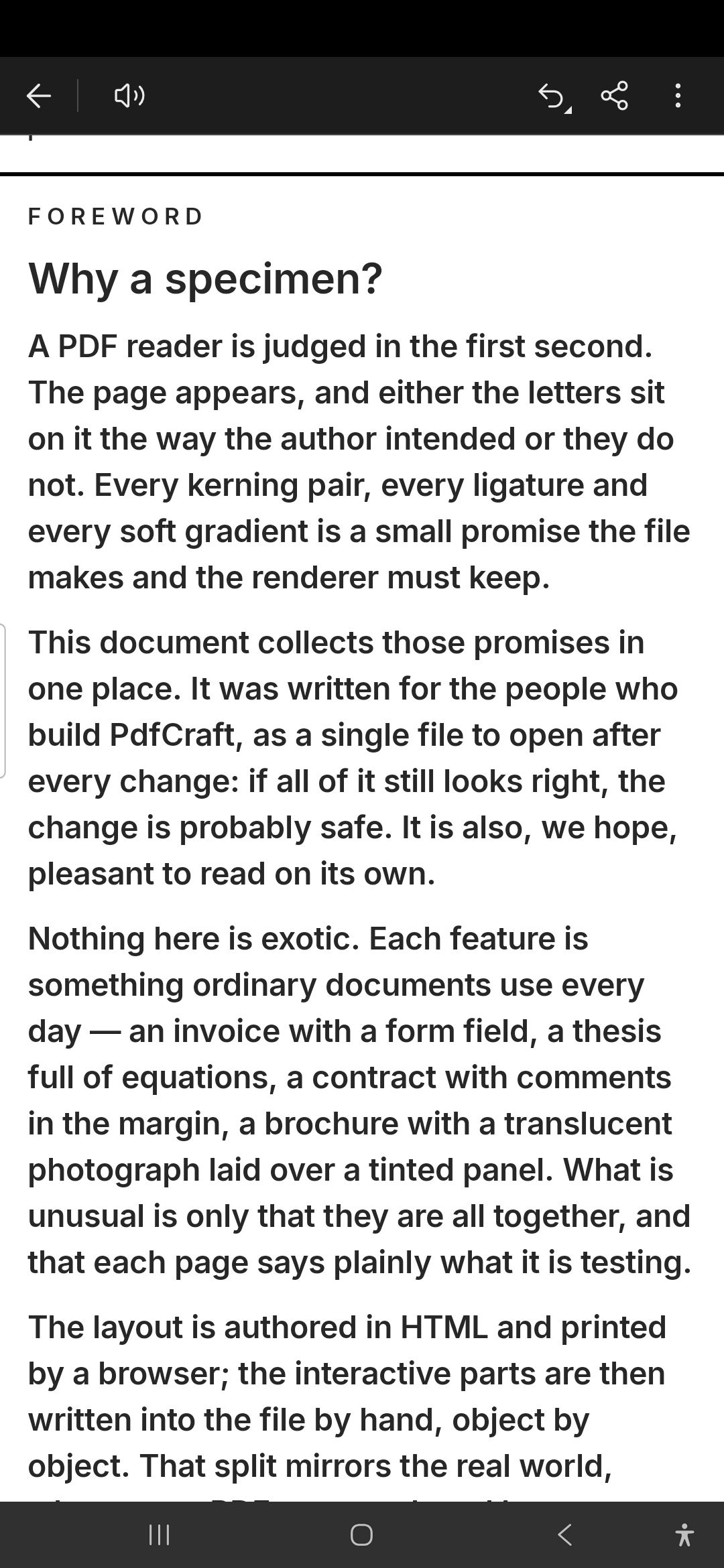 |  |
| Reading Mode: text reflowed to the screen | Night Mode, from View settings |
Navigate long documents
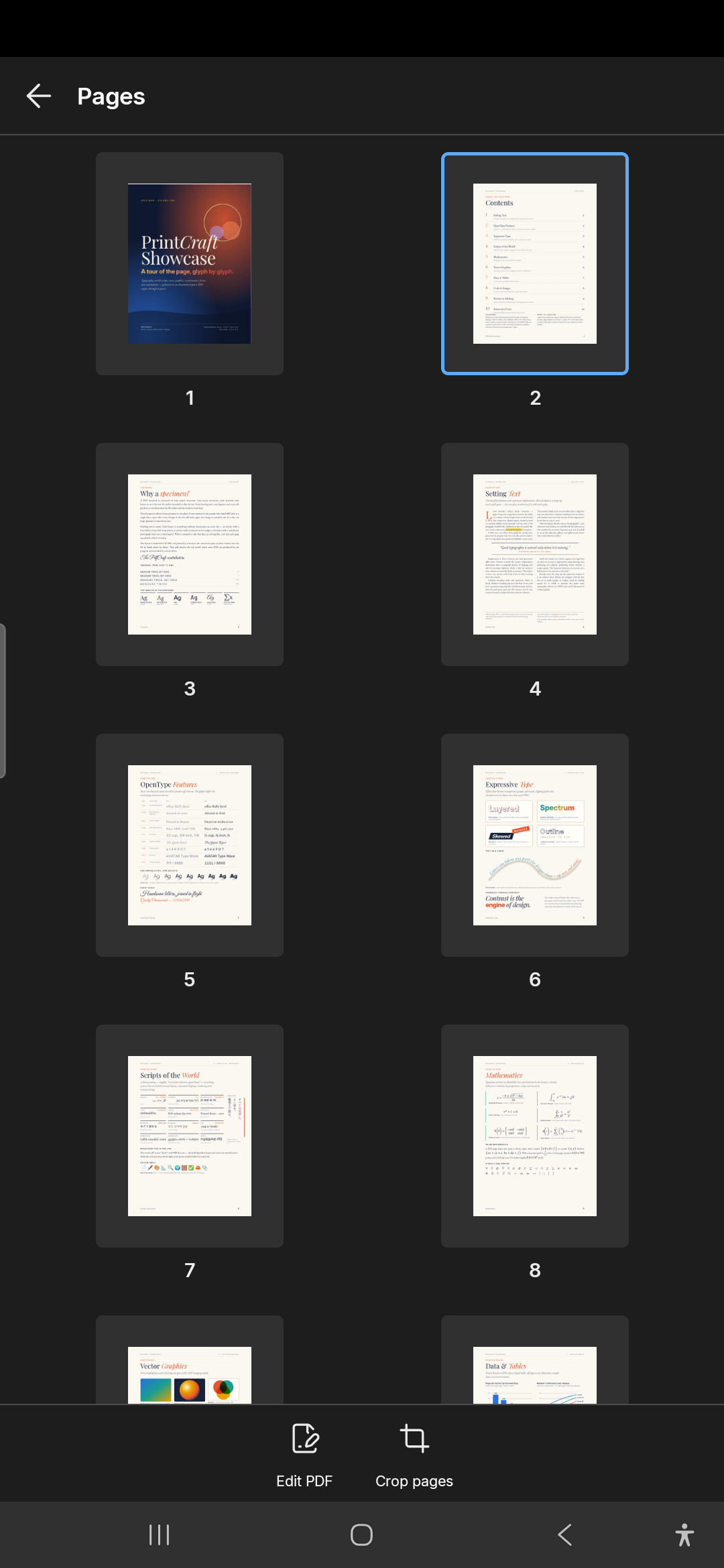 | 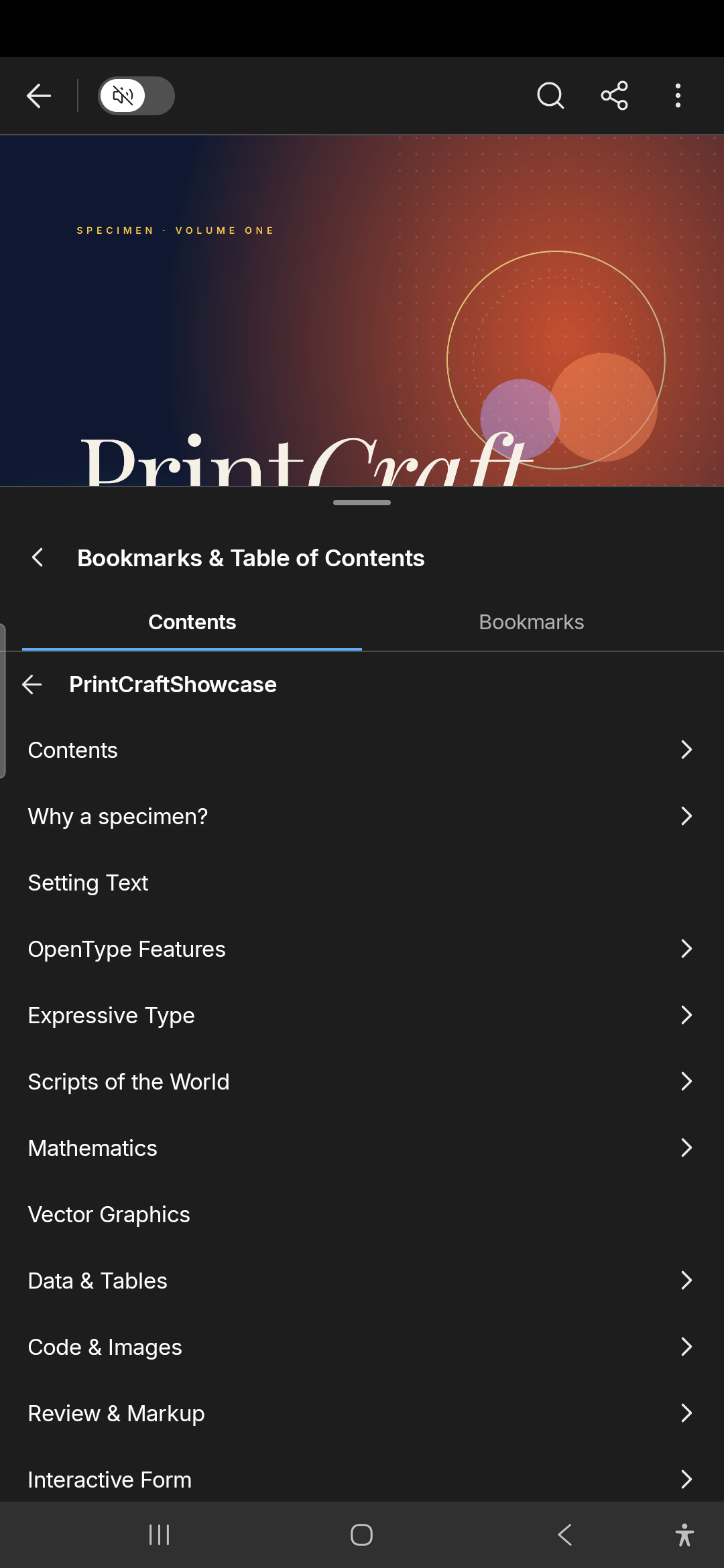 |
| Pages: every page at a glance | The outline, and bookmarks of your own |
Comments
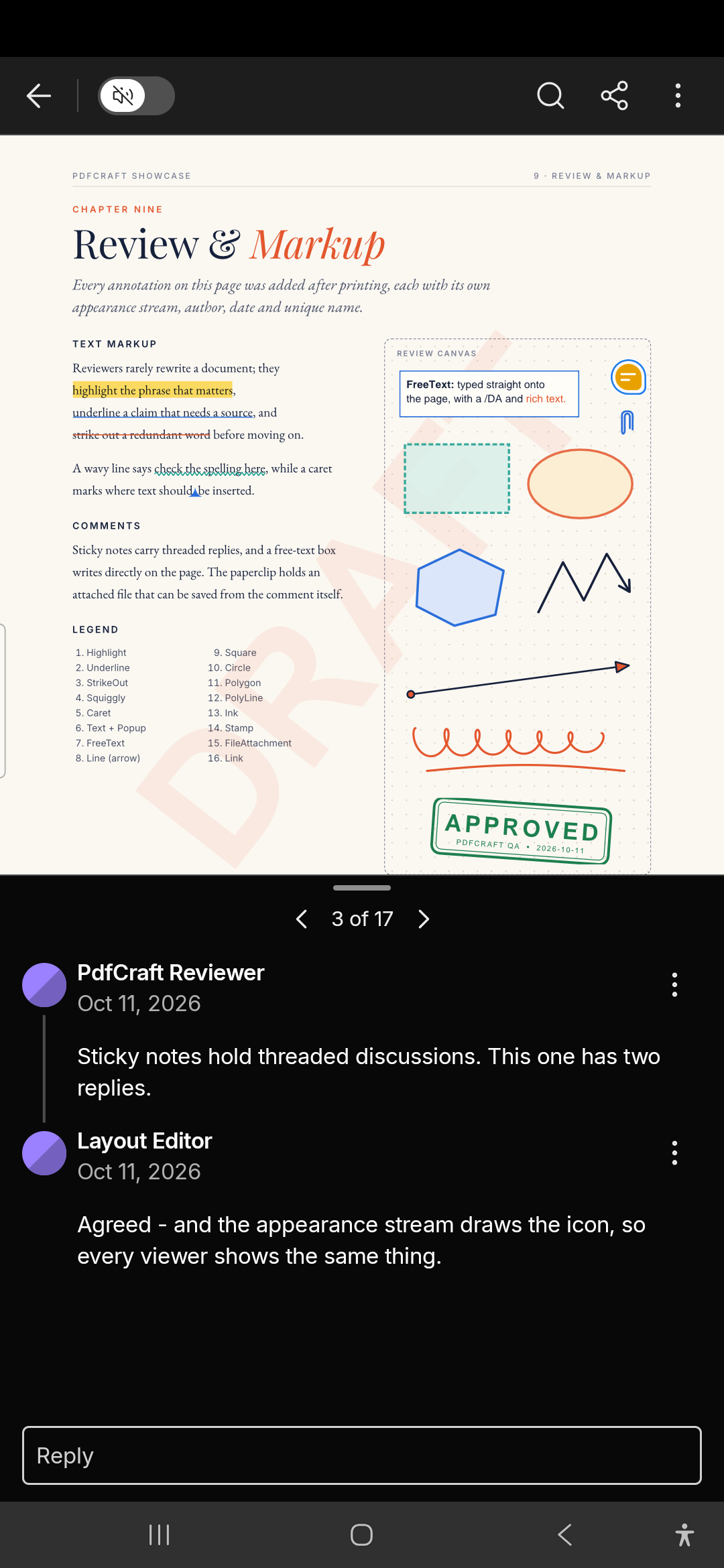 | 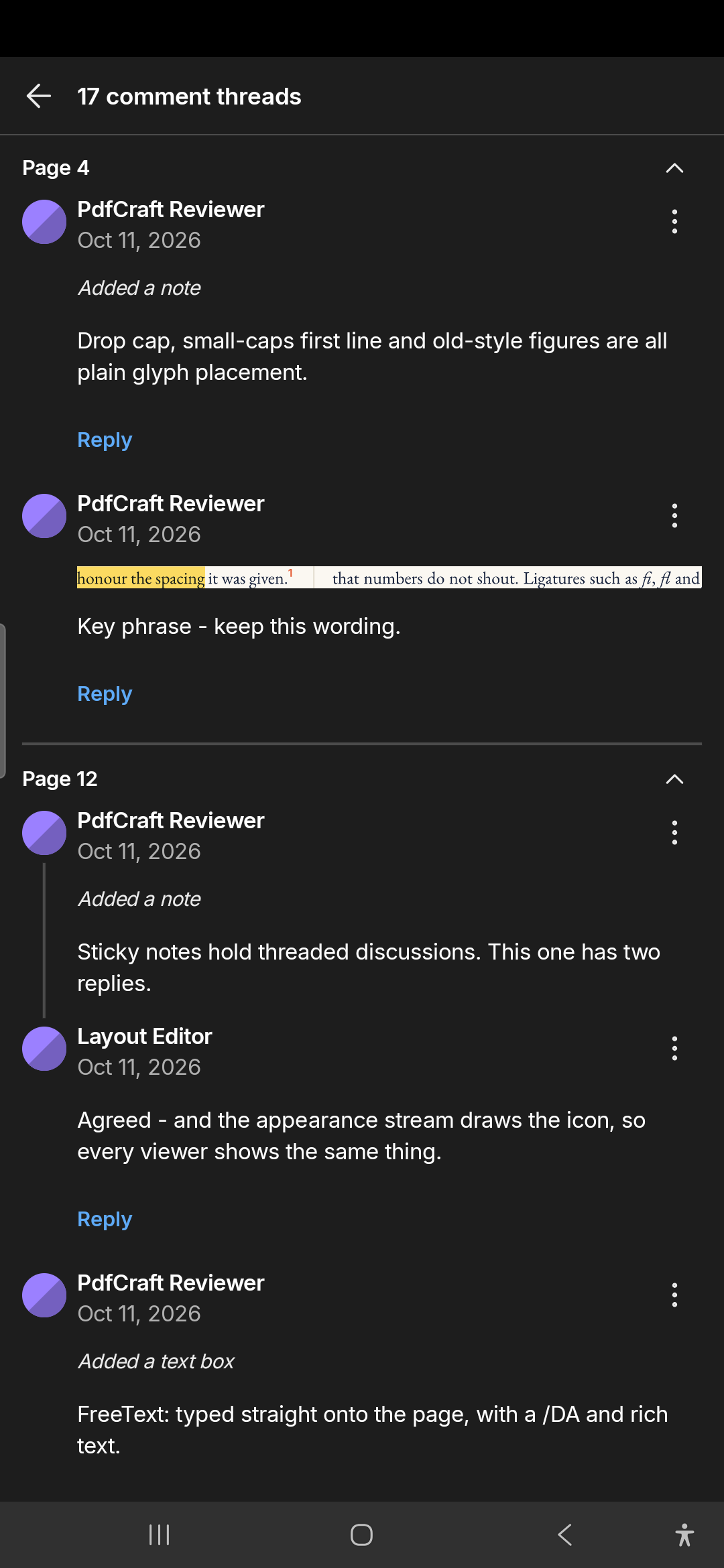 |
| A comment's thread, ‹ 3 of 17 › and Reply | The Comment List, by page |
Forms & Fill & Sign
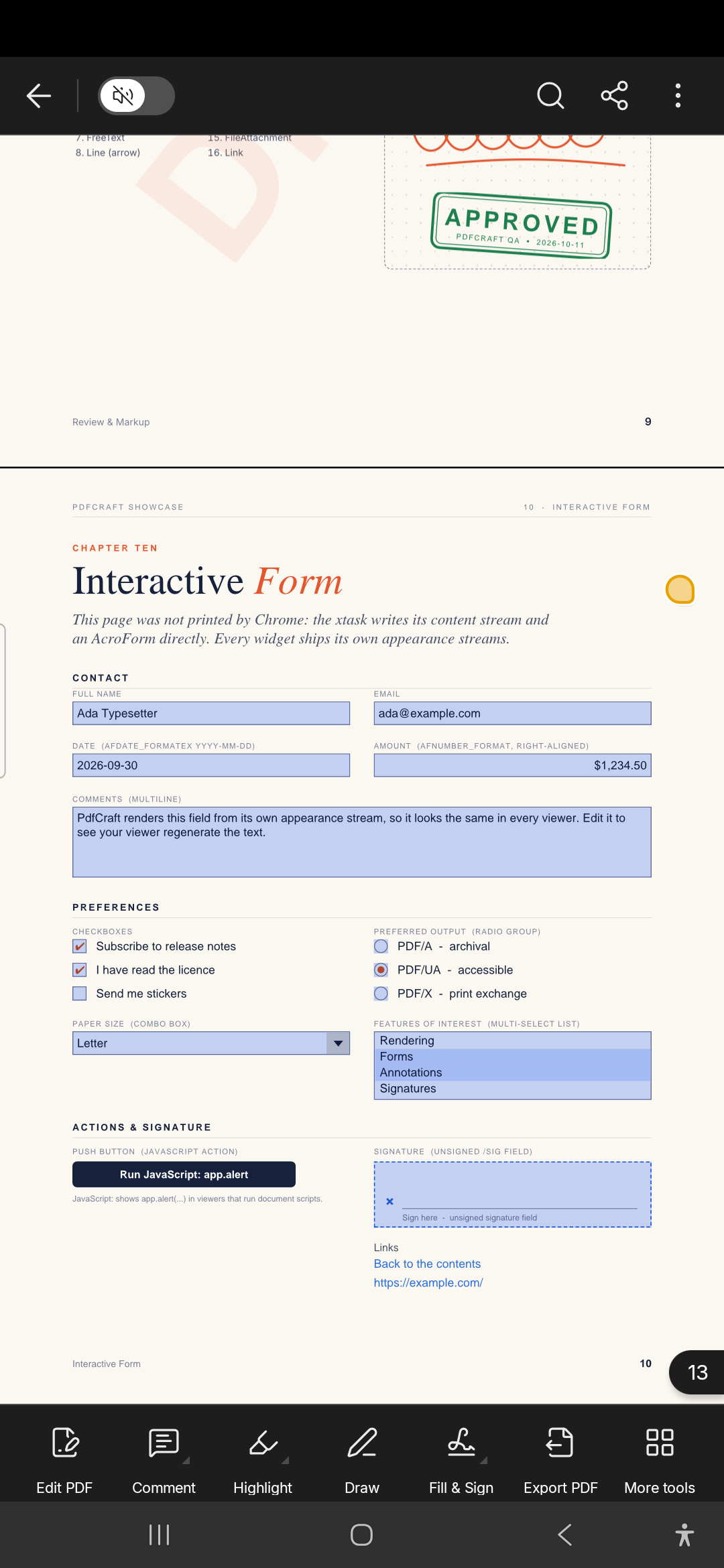 | 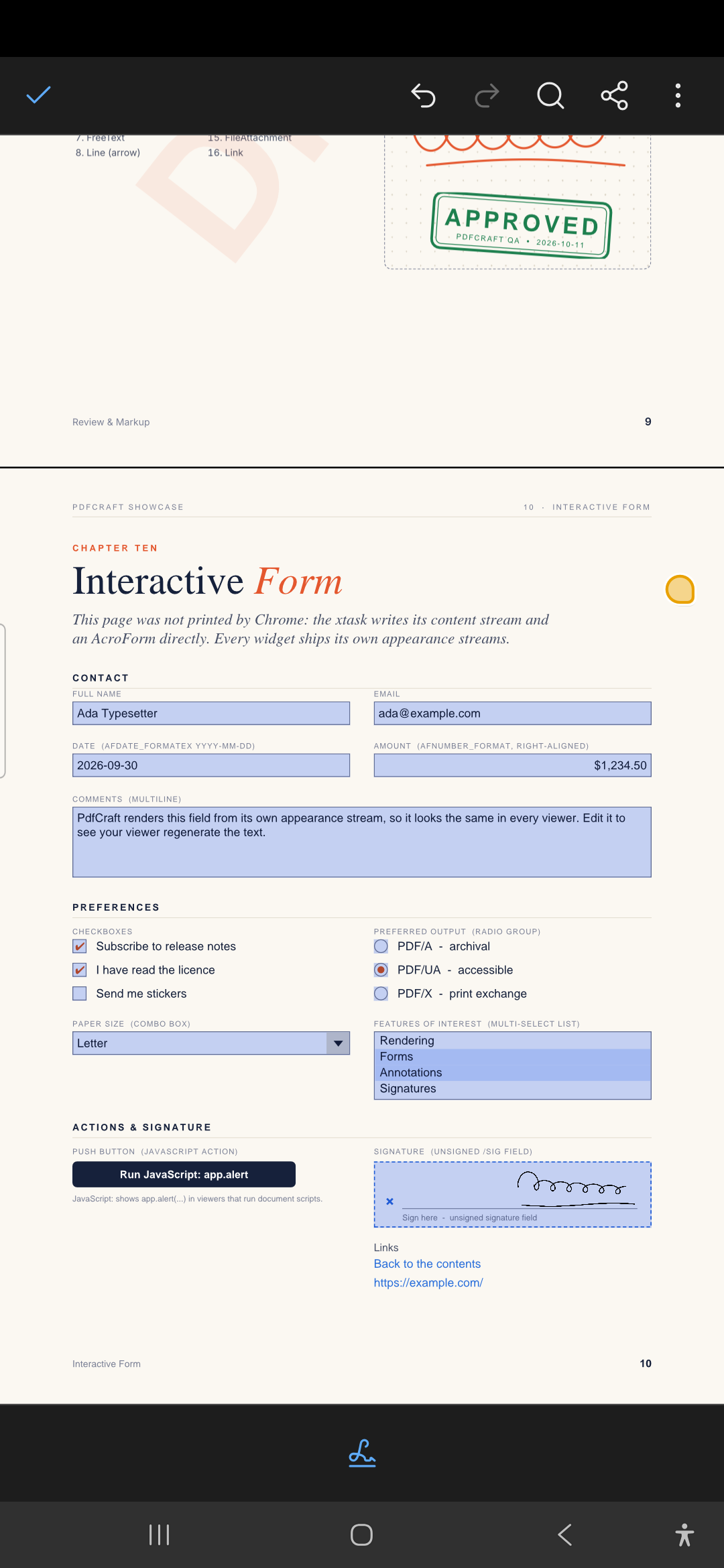 |
| Every fillable field tinted blue | Fill & Sign: a signature placed with a tap |
Edit PDF
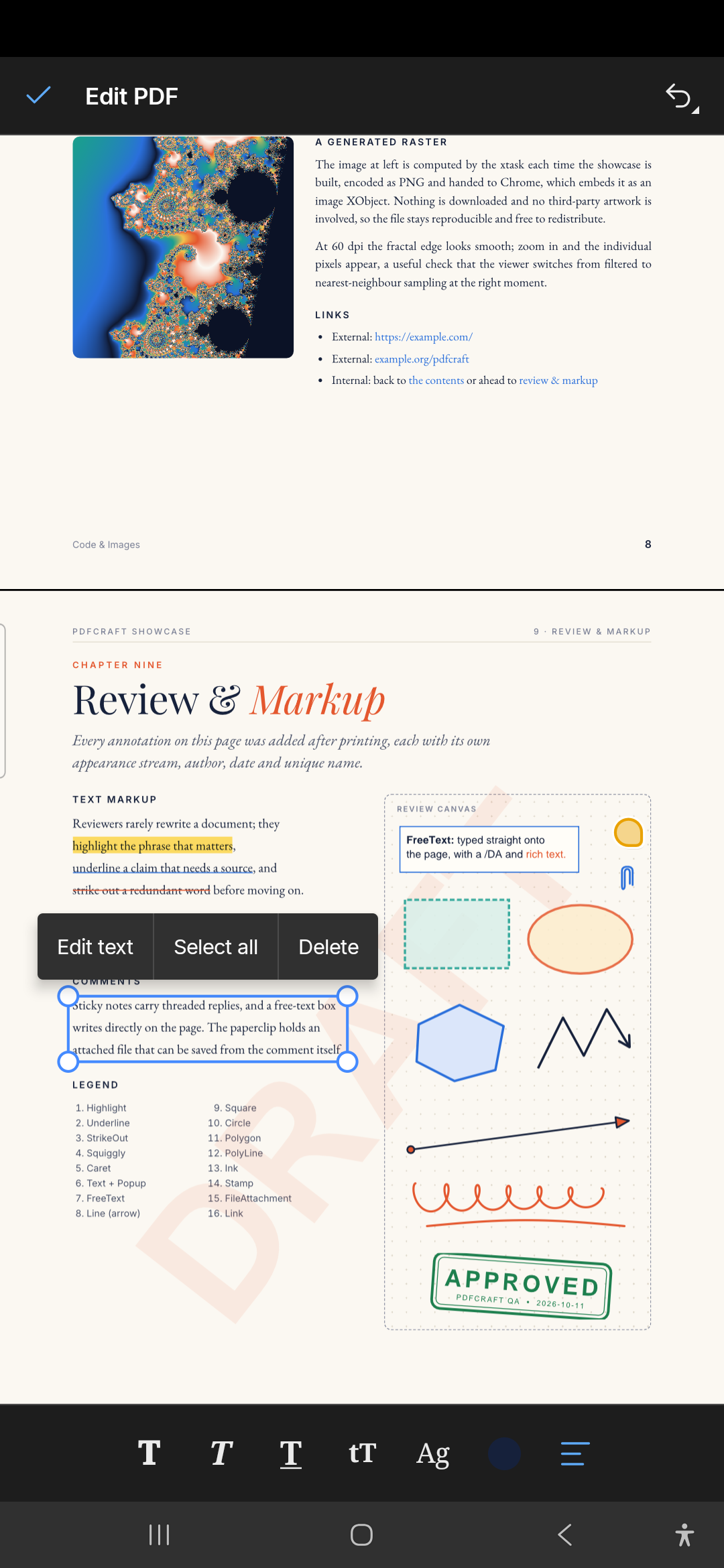
Edit PDF: tap a paragraph to edit its text, change its style, move it or rewrap it.
Read aloud
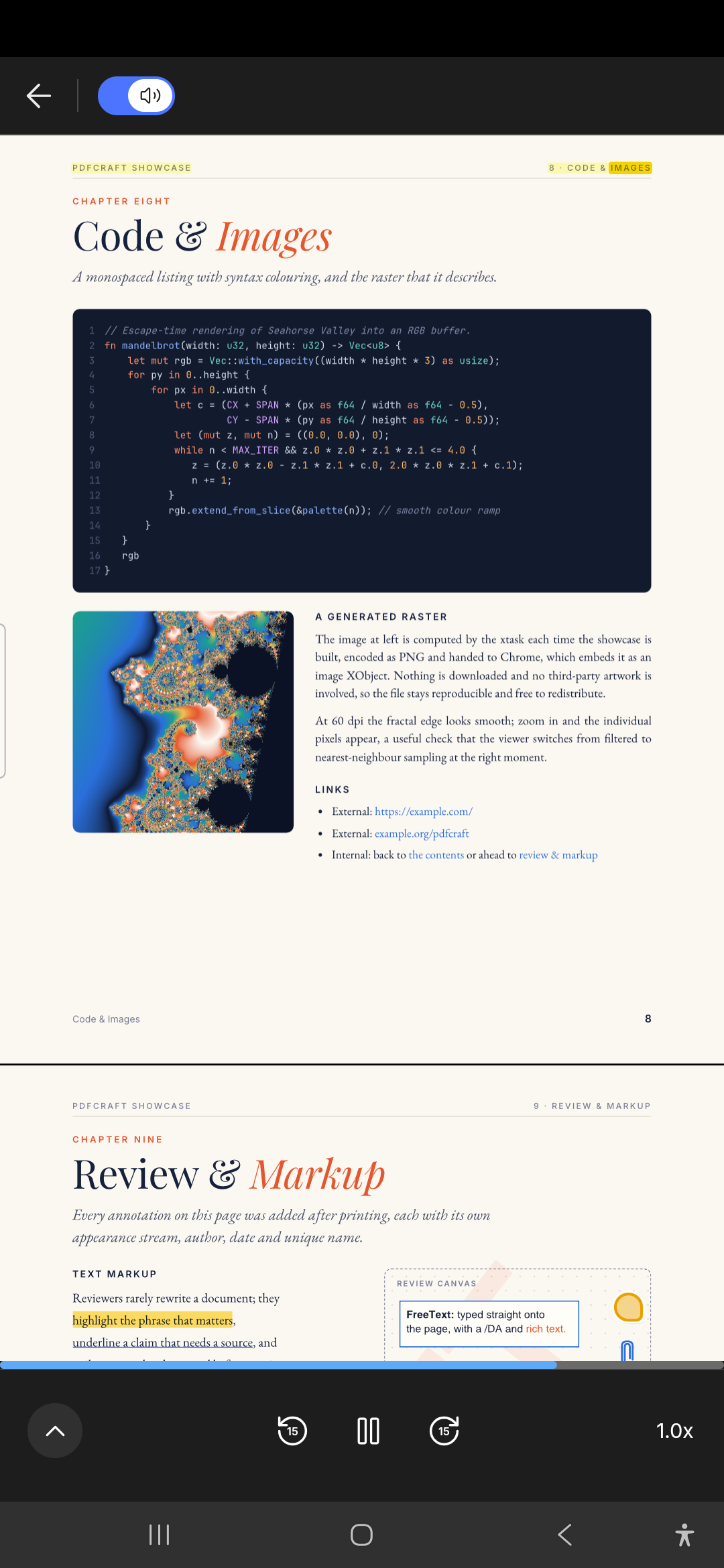 | 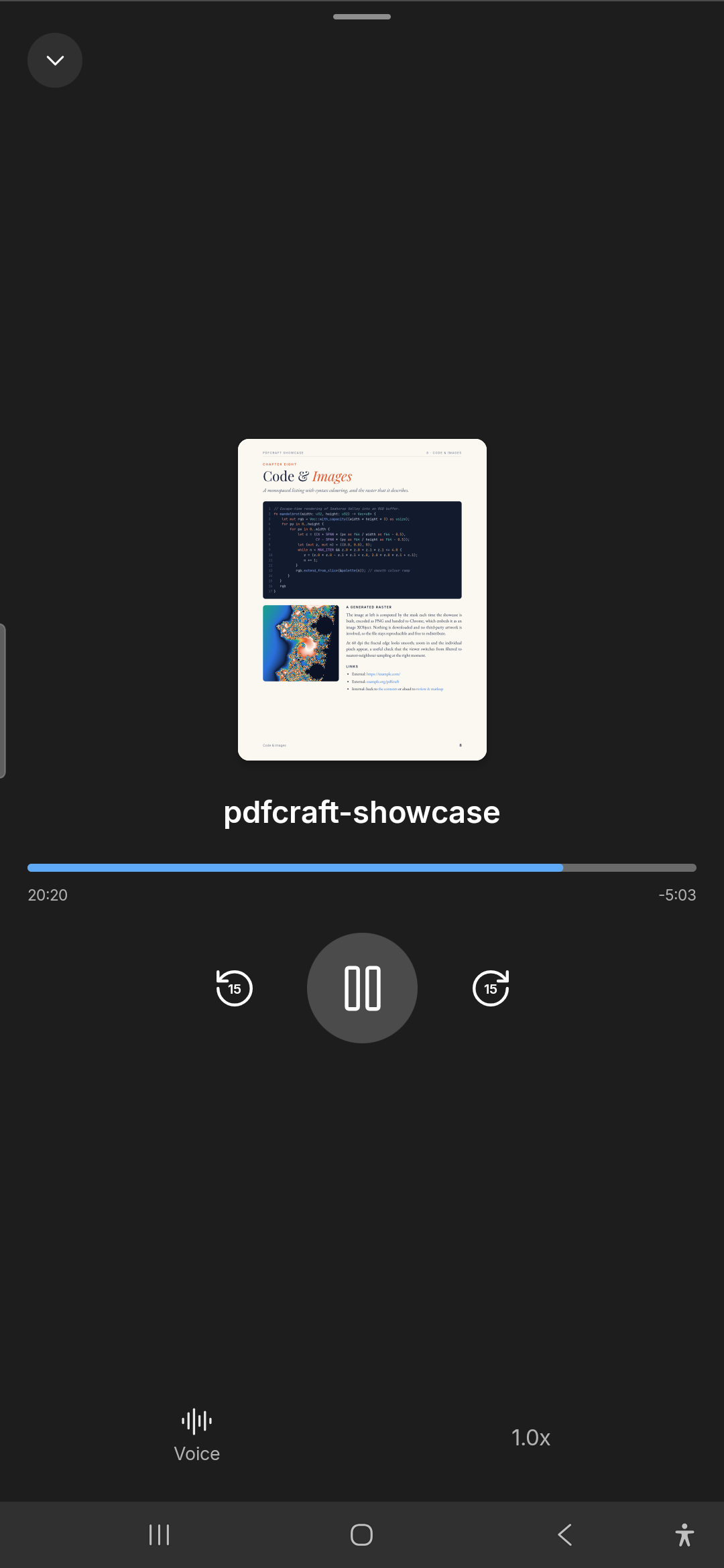 |
| Read aloud, the words marked as they're read | The full player: time left, Voice and speed |
Tools
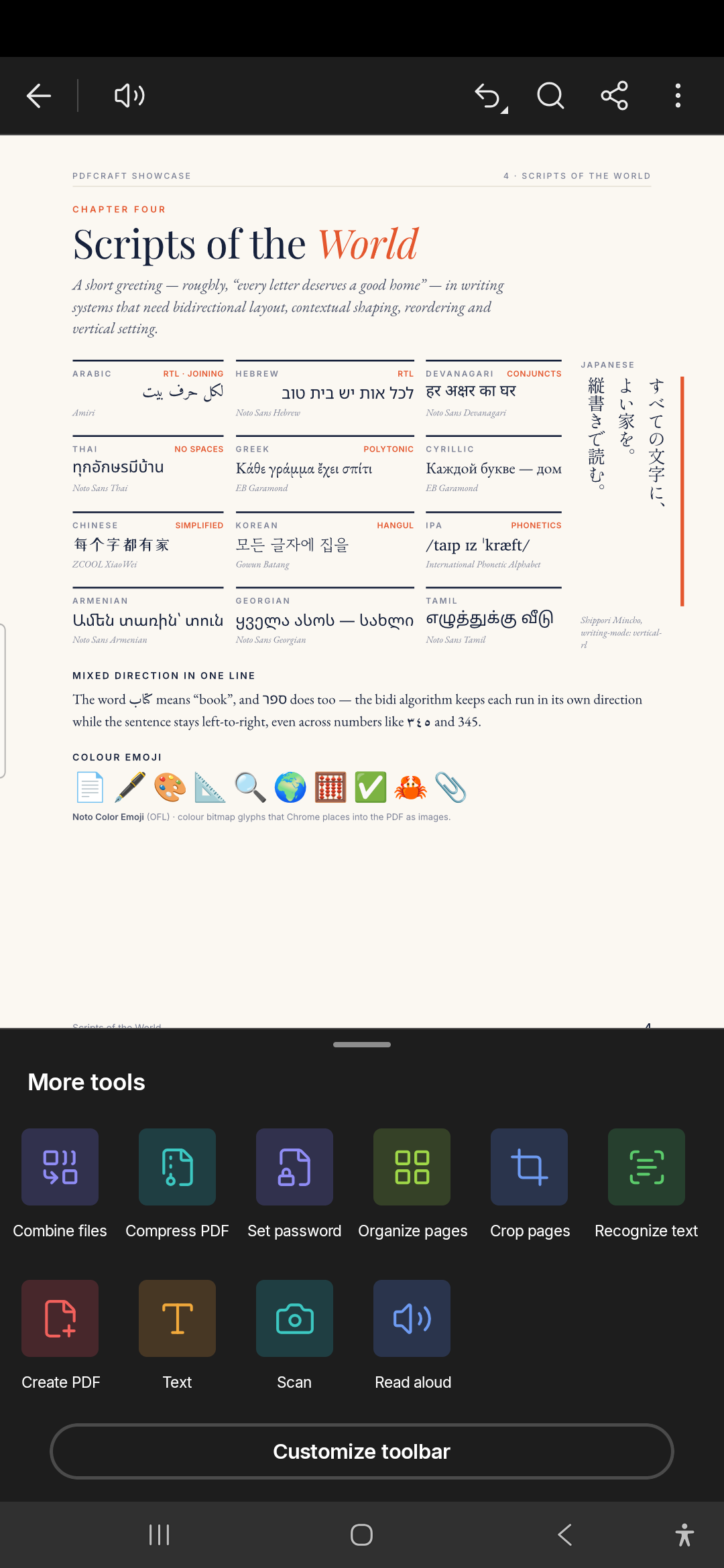 | 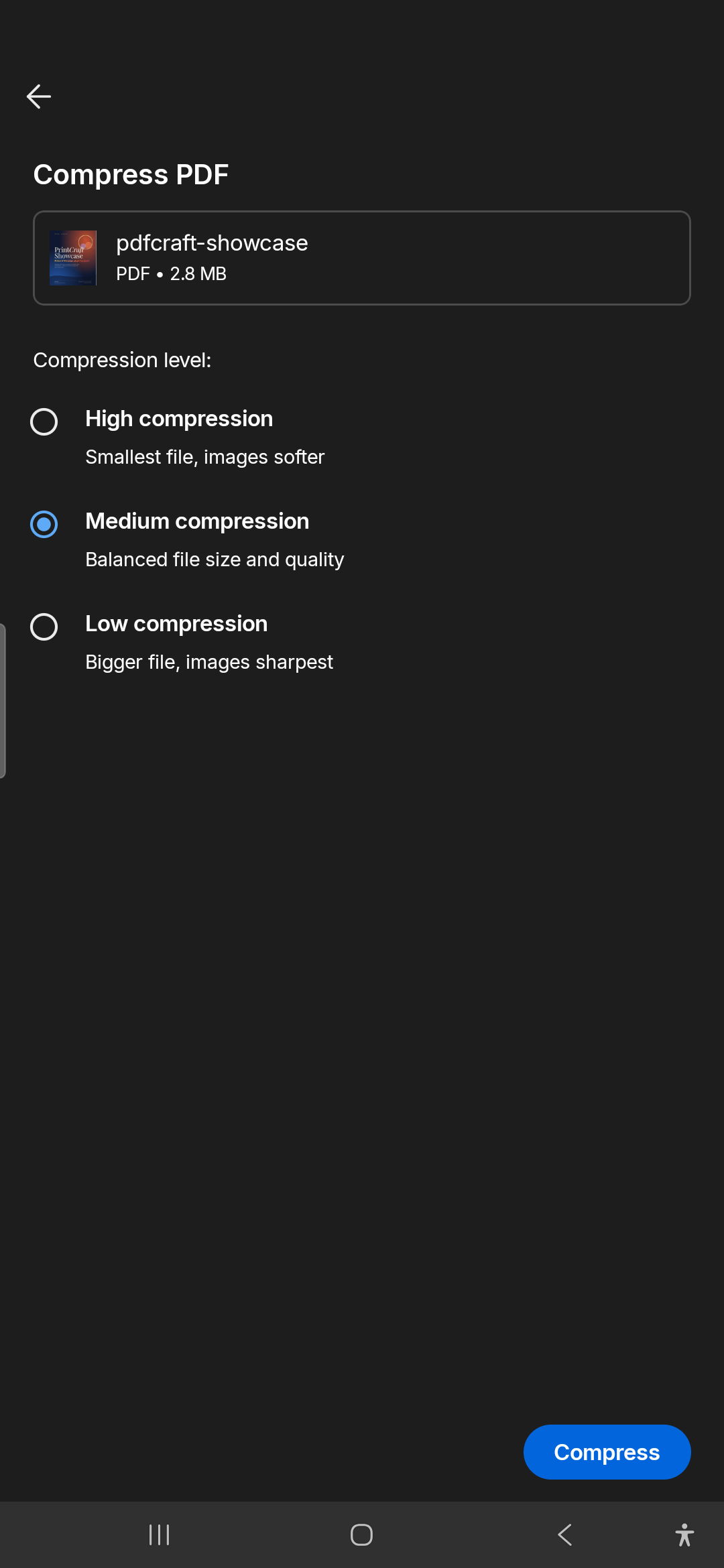 |
| More tools, and Customize toolbar | Compress PDF, one of the tools that make a new file |
Home
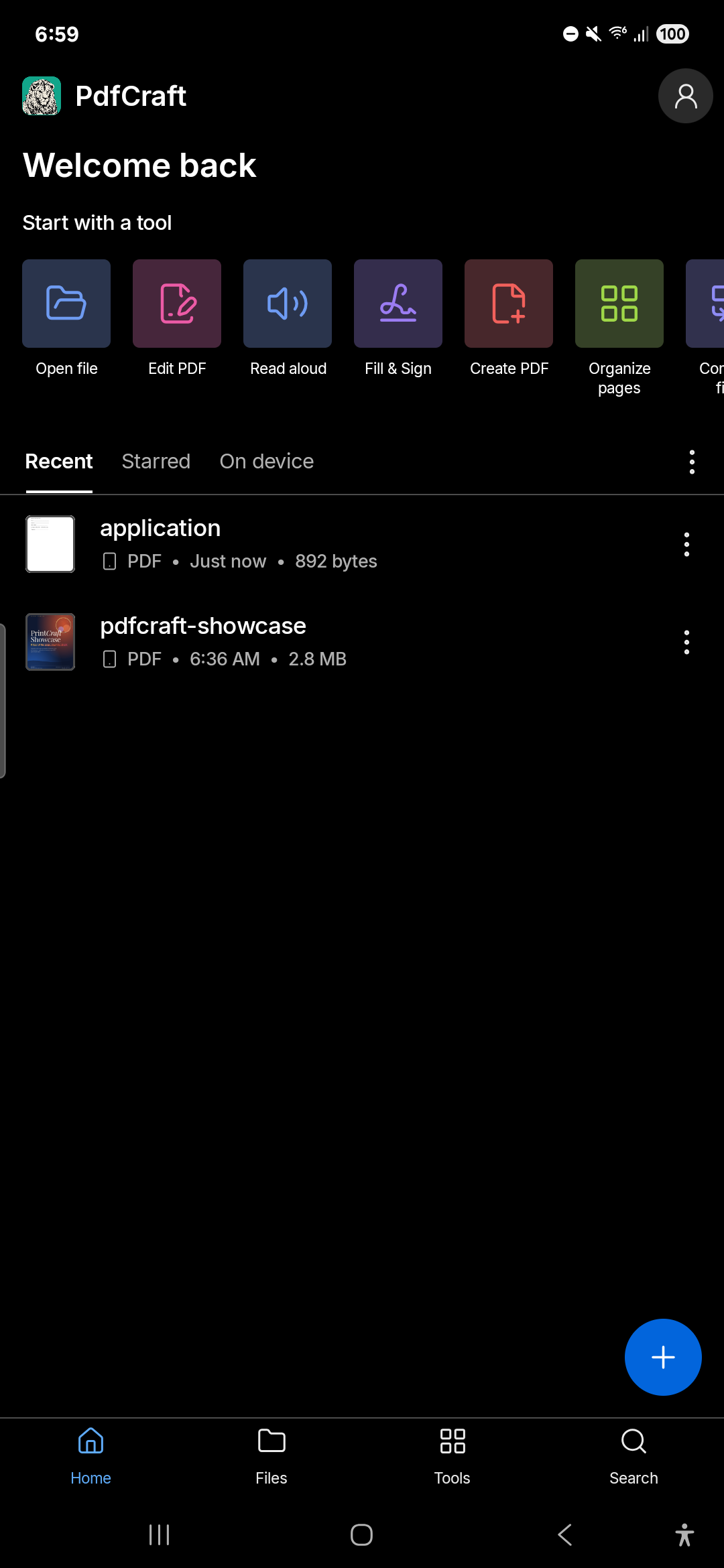 | 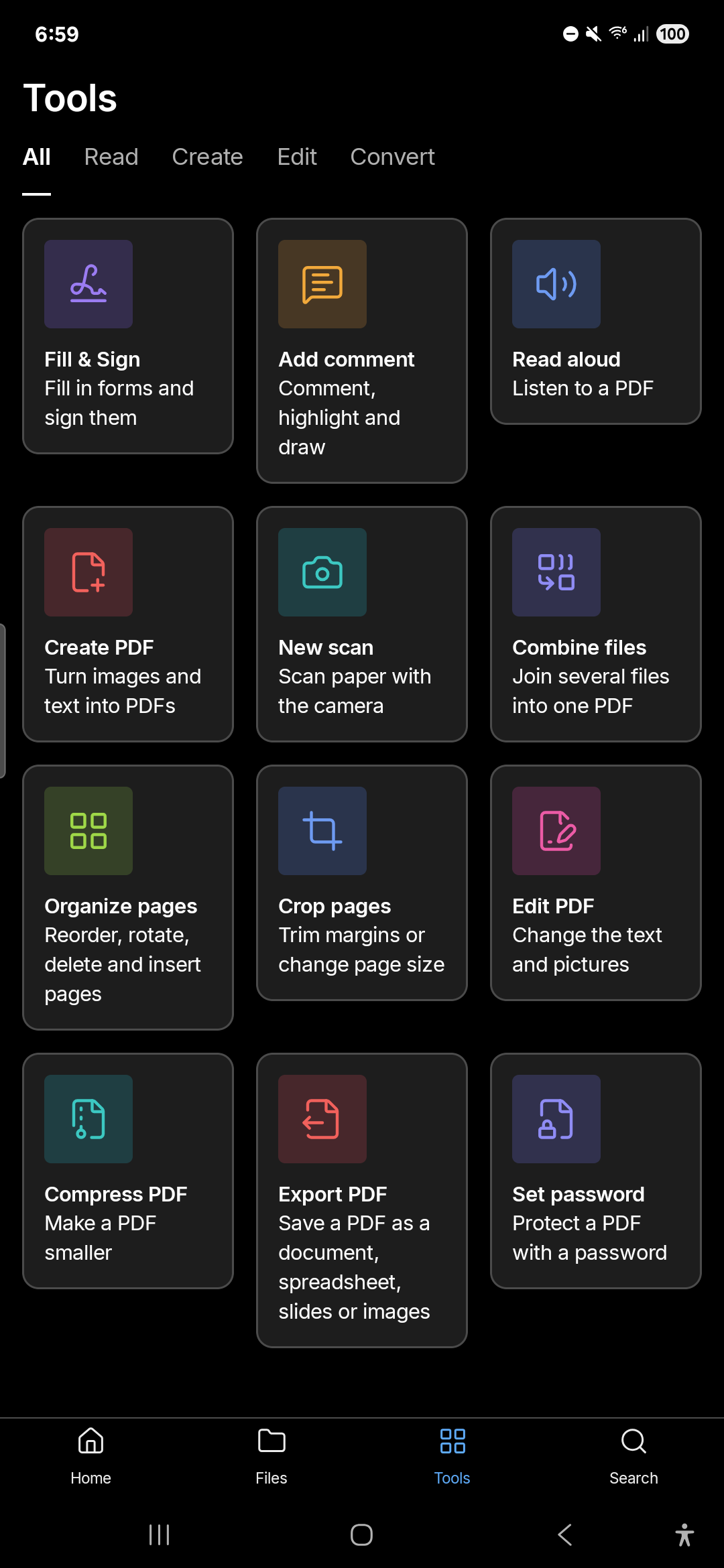 |
| Home: the tools, Recent, Starred and On device | The Tools tab: every tool, by what it does |
Light theme
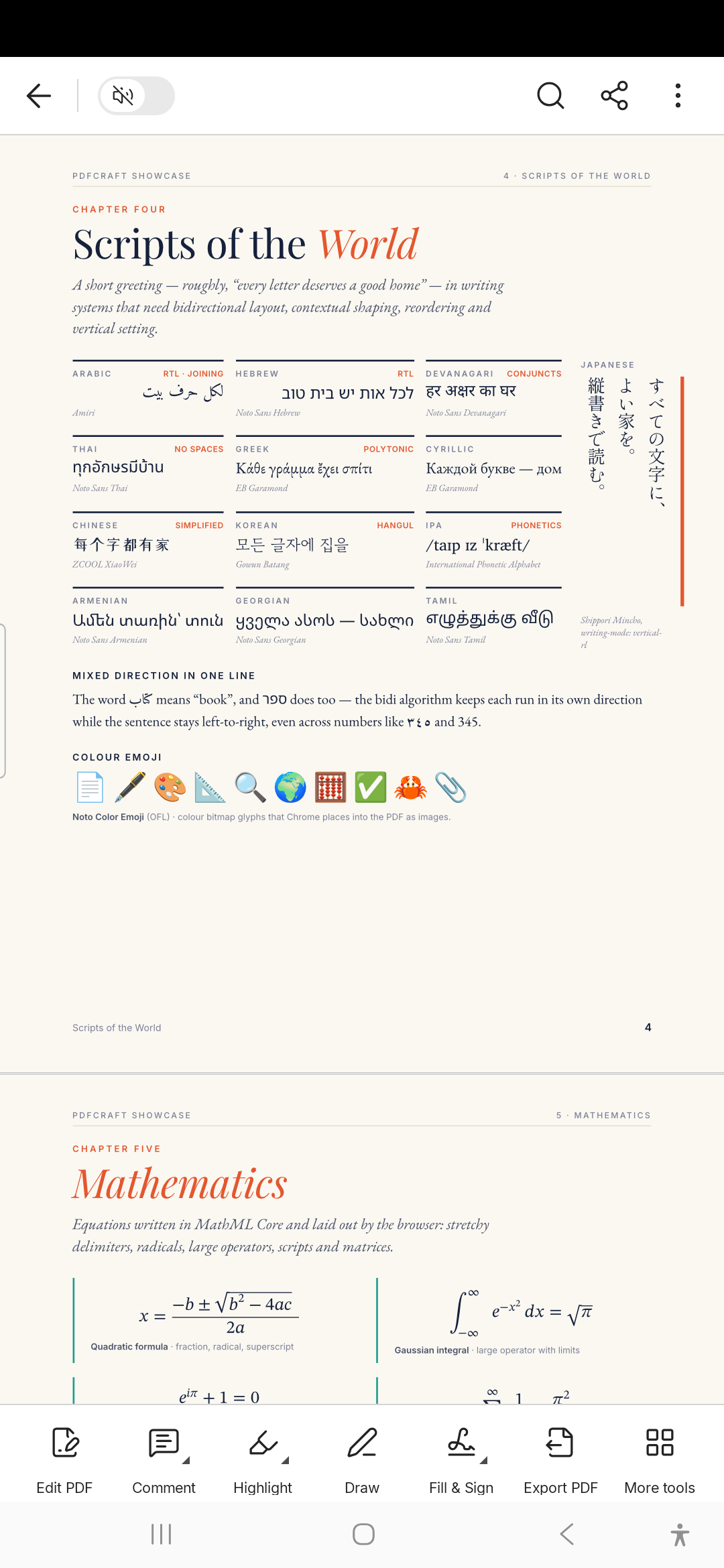 | 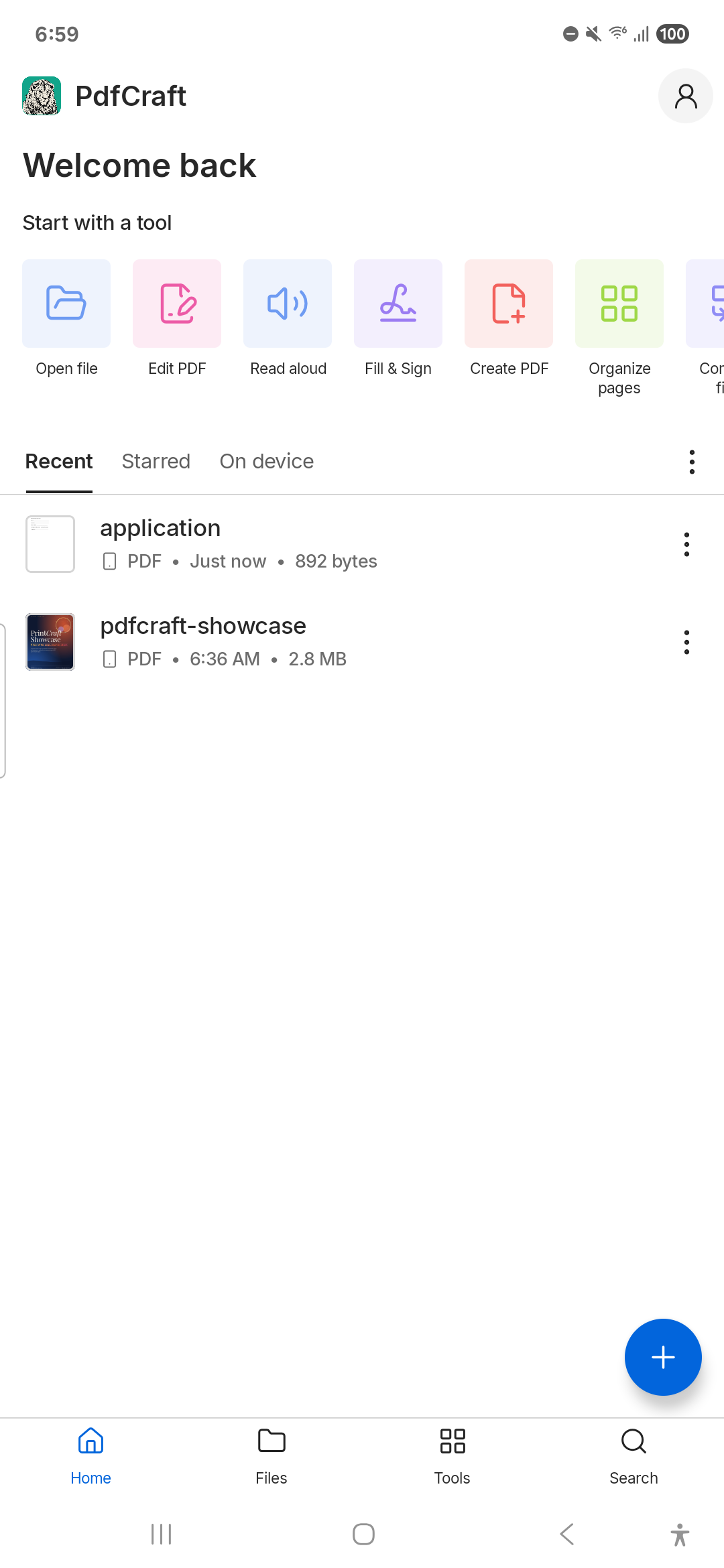 |
| The viewer in the light theme | Home in the light theme |
Architecture
How the app and the engine fit together. Generated with GitDiagram.
Planned features
PdfCraft for Android is in beta.
| Area | Status |
|---|---|
| Open PDFs from files, other apps and Recent; Starred, On device, Files and Search | ✅ |
| Reading: continuous and single page, Reading Mode, Night Mode, find, text selection, links, bookmarks and contents, attachments | ✅ |
| Read aloud with the phone's voice, the words marked as they're read, and a full player | ✅ |
| Comments: notes, voice comments, highlight, underline, strikethrough, drawing (snap to shape), text; the Comment List and threads | ✅ |
| Forms, and Fill & Sign: text, marks and a drawn or imported signature; form JavaScript (calculations, field checks, buttons) | ✅ |
| Digital signatures: sign with a digital ID (a .p12 / .pfx file, or one made in the app), check a document's signatures, trust signers | ✅ |
| Edit PDF: edit text, add text and images, move, resize and turn pictures | ✅ · cropping a picture ⬜ |
| Organize and crop pages | ✅ |
| Compress, combine, set password, create PDF (images, text, office documents), scan | ✅ |
| Export to Word, RTF, Excel, PowerPoint, JPEG and PNG | ✅ · Word 97 ⬜ |
| Recognize text | ✅ (the Latin alphabet without accents) |
| A customizable quick toolbar, upright and sideways layouts, light and dark themes | ✅ |
| Extra Features in Preferences, off until you turn them on: the status bar in documents | ✅ |
| Translations: all of the app's text is ready to translate (how) | ✅ · Spanish ✅ · other languages ⬜ |
| AI assistant, cloud storage, sharing for review | 🚫 PdfCraft is a local app |
✅ works today · 🚧 in progress · ⬜ not started · 🚫 not planned
Building Instructions
One Gradle command builds the whole app: it compiles the Rust engine with cargo-ndk and generates the Kotlin bindings.
- Clone this repository
- Make sure you have at least 3 GB of free disk space
- Recognize text's models (12 MB, CC-BY-SA-4.0) are in
assets/models/;apps/pdfcraft-android/fetch-models.shdownloads them again if you need to - enter
apps/pdfcraft-android/androidand run./gradlew assembleRelease, or open that folder in Android Studio and press Run.
Build time dependencies:
required tools
    rustup (it installs the Rust release and Android targets rust-toolchain.toml names)
    cargo install cargo-ndk --version 4.1.2 --locked
    Android SDK (API 37) and NDK 29.0.14206865
    JDK 17 or newer
Builds are only tested on Windows 11.
Translating
All of PdfCraft's text is in one file:
apps/pdfcraft-android/android/app/src/main/res/values/strings.xml.
To add a language:
- copy it to a
values-<language>folder beside it:values-es/strings.xmlfor Spanish,values-pt-rBR/strings.xmlfor Brazilian Portuguese - translate the text between the tags; keep each
name, the placeholders (%1$s,%2$d, which you may move) and escapes such as\' - leave out anything you haven't translated yet: it shows in English
- open a pull request
The store listing is in fastlane/metadata/android/en-US/; a copy in a folder for your language (es-ES, pt-BR)
translates it too. On Android 13 and newer, PdfCraft's language can be set on its own under Settings ▸ Apps ▸
PdfCraft ▸ Language. A few messages from the PDF engine, such as some errors and the names in Undo, are English
for now.
License
MIT OR Apache-2.0, at your option. PdfCraft for Android is not affiliated with Adobe; Acrobat is a trademark of Adobe Inc.
Misc info for myself
Try to use semantic commit
messages. Use feat: / fix: / chore: / docs: / etc.