
Bang Motion
An agent skill that turns your AI coding agent into a motion designer.
Openers, promos, product demos, kinetic typography, and explainers — built as a single index.html that plays like video, not like slides.




What you can make · Style gallery · Workflow · Example prompts · Install · FAQ
Why
Ask an AI agent for "a video" and you usually get slides: one section per idea, a title, a photo, a fade between them. Bang Motion encodes what a working motion designer insists on — one continuous world, a camera that actually moves, a subject that persists, text that lives inside the scene — as rules an agent can check in its own code, plus starters that make the right architecture the easy path.
It also stops every project from looking the same. The look is derived from your brand through a required style brief, the structure is chosen from a menu of concepts, and nothing is inherited from the starter or copied from a reference.
What you can make
| Output | Typical length | |
|---|---|---|
| 🎬 Openers & promos | product launches, app promos, campaign spots, teasers | 15–40 s |
| 🖥️ Product & SaaS demos | UI assembled and used on screen, camera following the clicks | 20–60 s |
| 🔤 Kinetic typography | lyric-style statements, event announcements, manifestos | 10–30 s |
| 📺 Bumpers, idents, channel intros | short brand moments that loop | 3–10 s |
| 🧭 Explainers | six explainer styles, optional voice-over sync, 16:9 or 9:16 | 30–120 s |
| 🎥 Video layers | your own or generated clips placed like footage — inside devices, frames, and masks, locked to the timeline | — |
| 🎞️ After Effects builds | cartoon explainers built directly inside AE through the Higgsfield MCP bridge | — |
Every deliverable is one index.html: double-click to play, autoplay + loop, ?debug=1 for a scrub bar, and an optional frame-by-frame export to MP4.
Style gallery
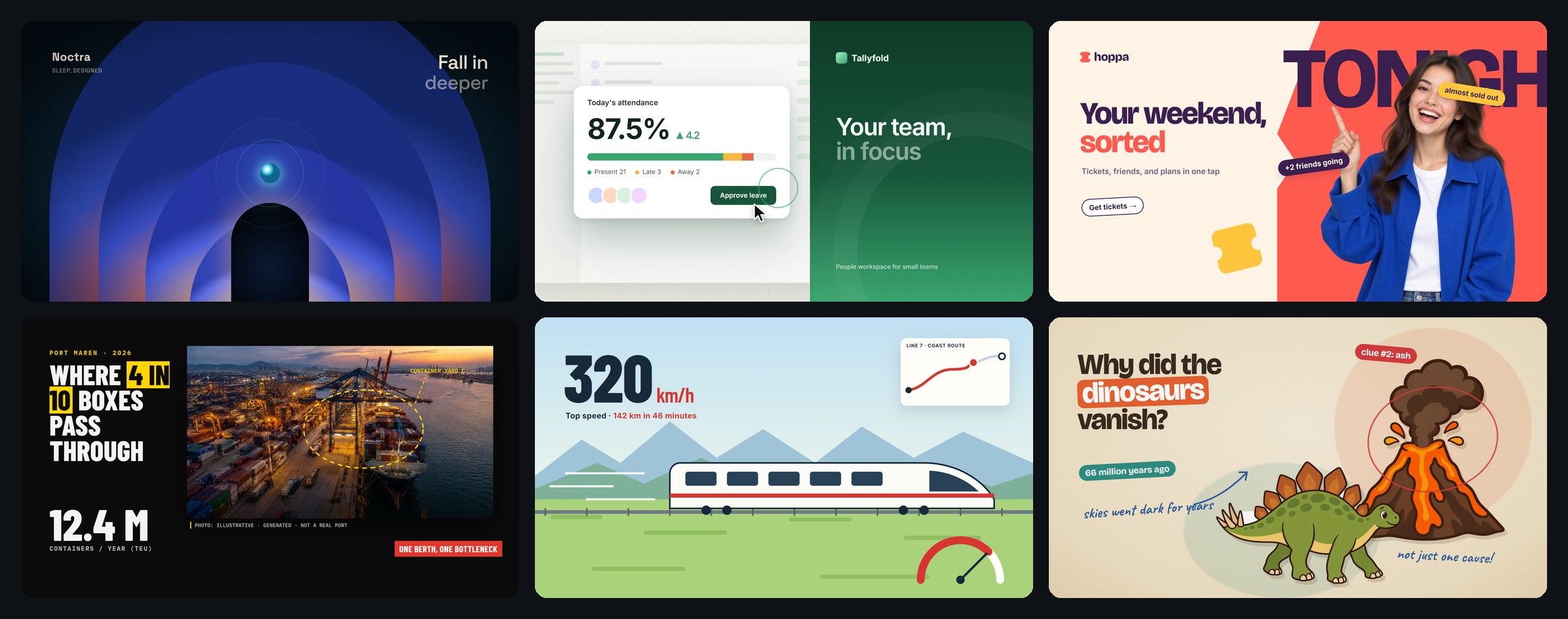
Each frame below is a single static scene built for this README with fictional brands and data. The portrait, product photos, port photo, engraving, and cartoon cutouts were generated with GPT Image 2.5; everything else is HTML, CSS, and SVG. Real projects take their palette, type, and imagery from your brand.
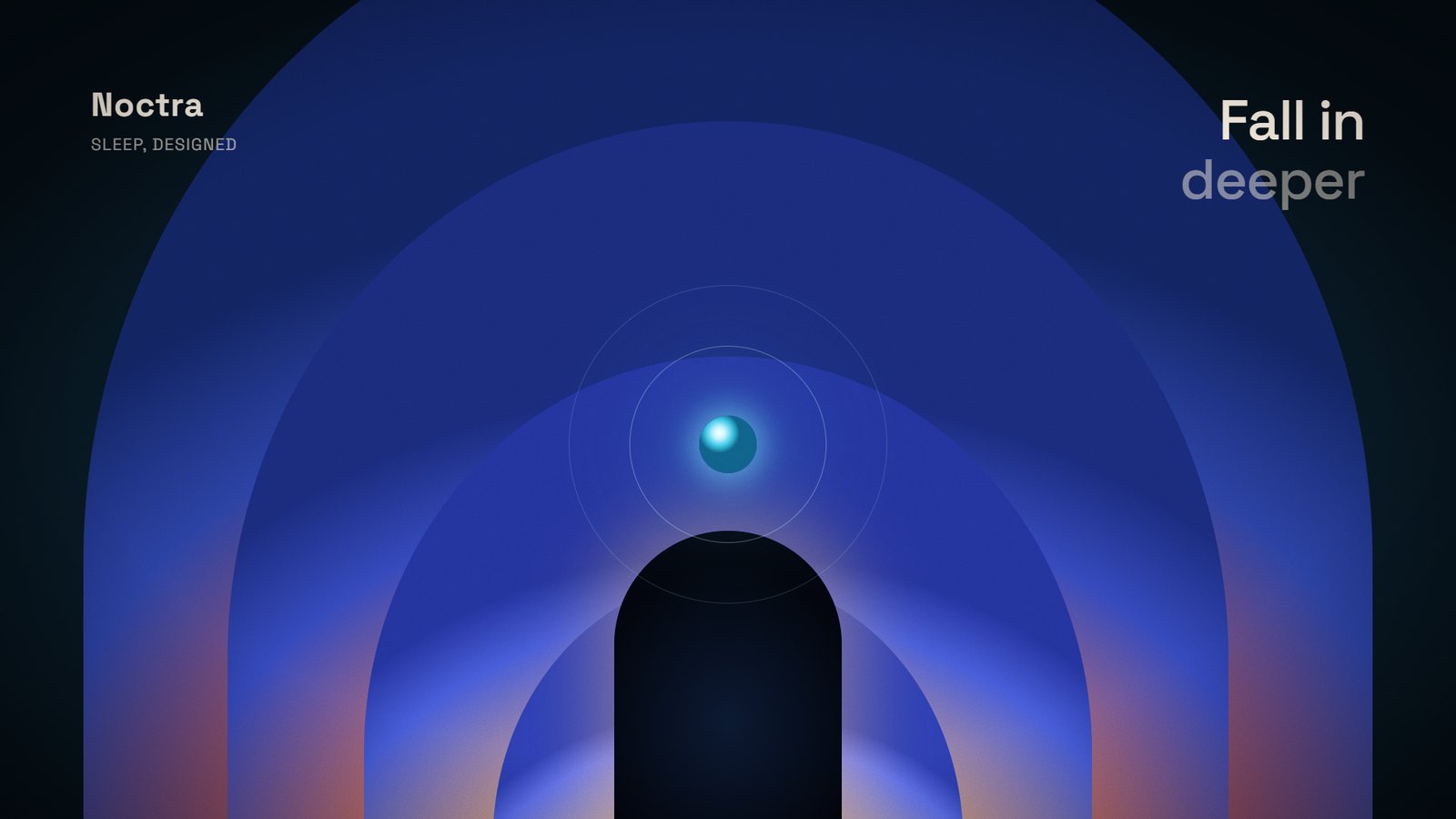 Grainy gradient · opener Glowing layered shapes, soft grain, a camera that travels through them. Tech, AI, music, premium launches. | 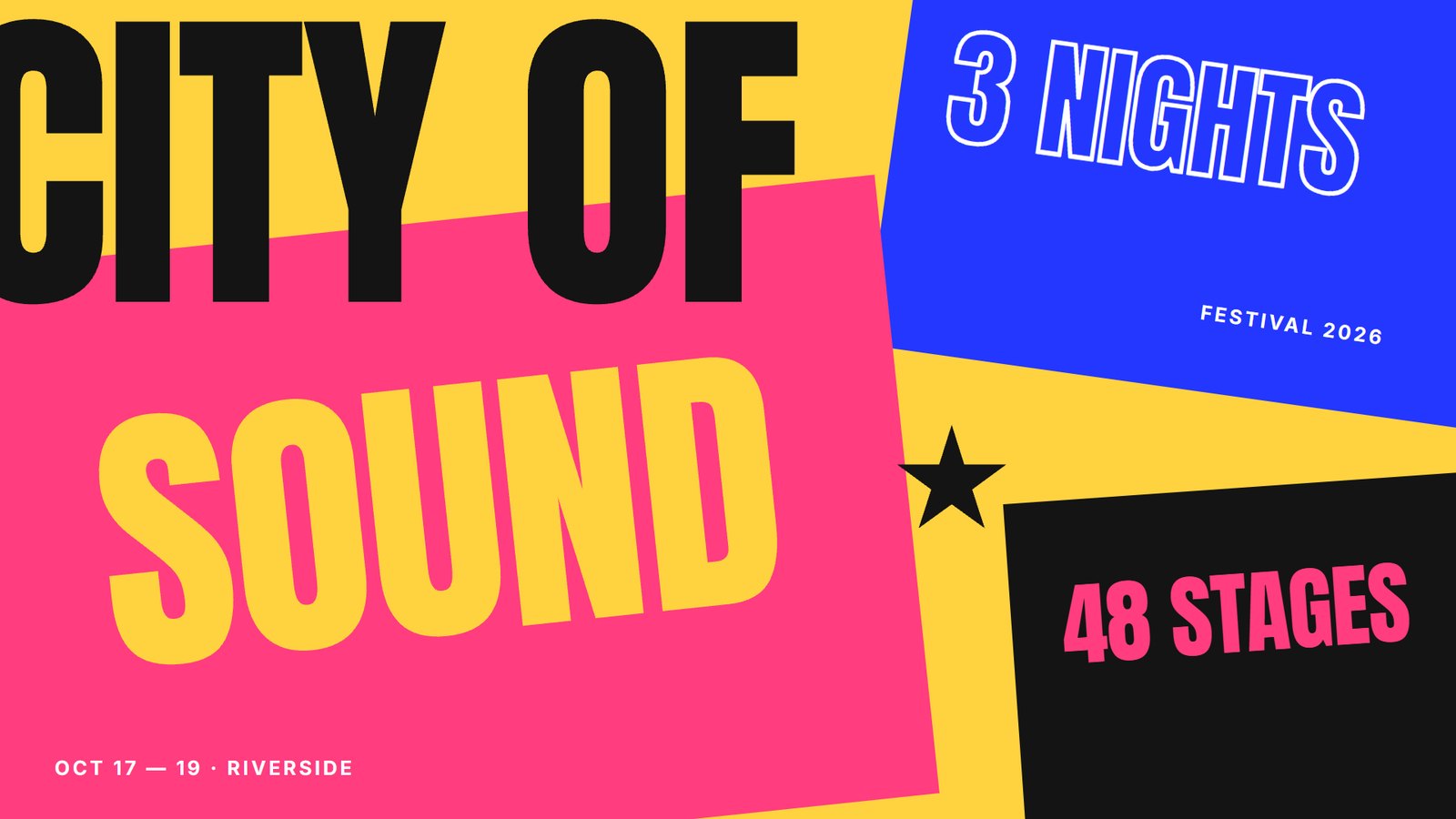 Poster color-block · kinetic typography Huge cropped words, solid color fields that slam in on the beat. Events, music, launches. |
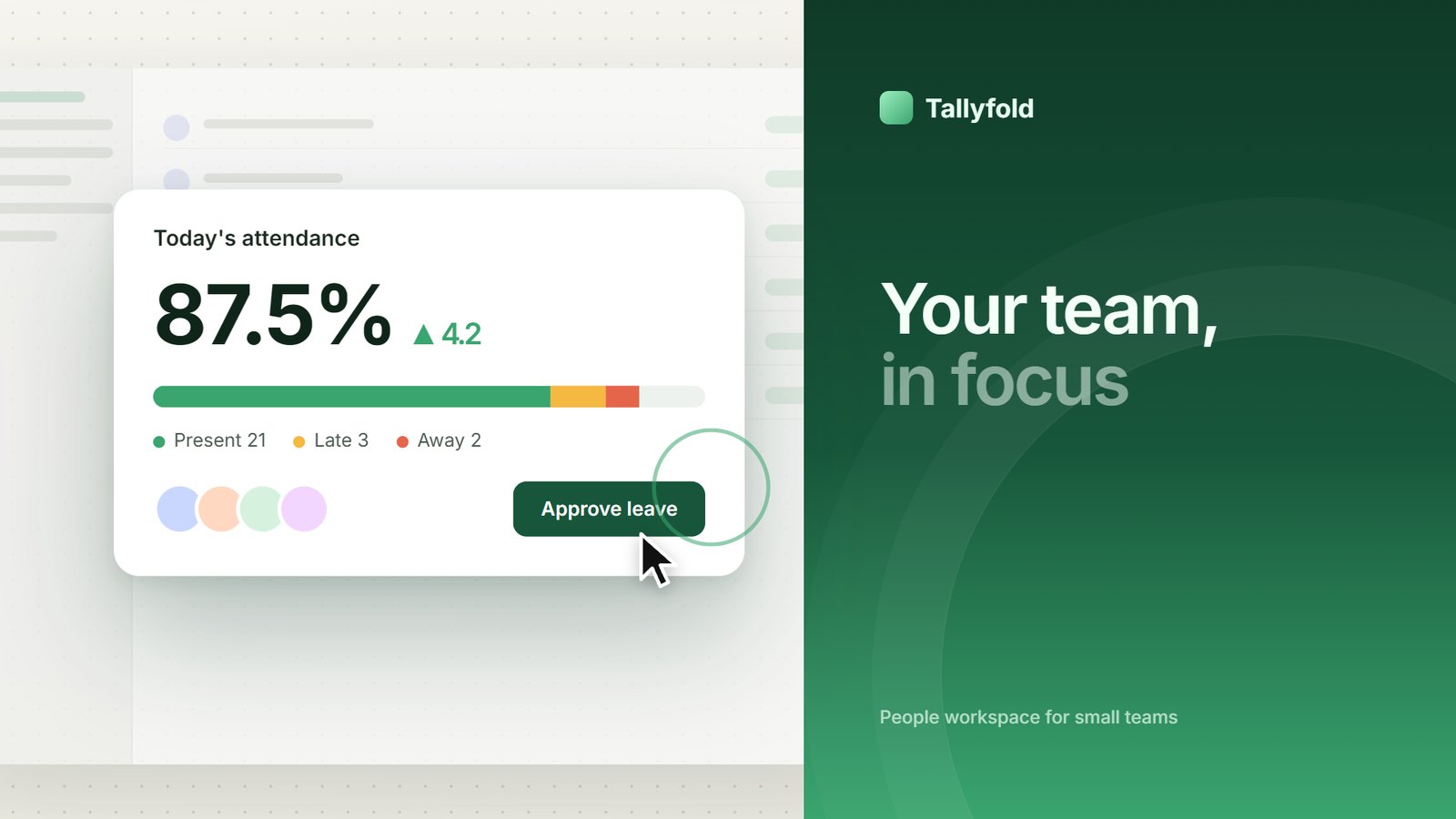 Product tour with claims · SaaS demo Real UI lifted out of the dashboard, the camera zooms into what gets clicked. SaaS, dashboards, B2B. | 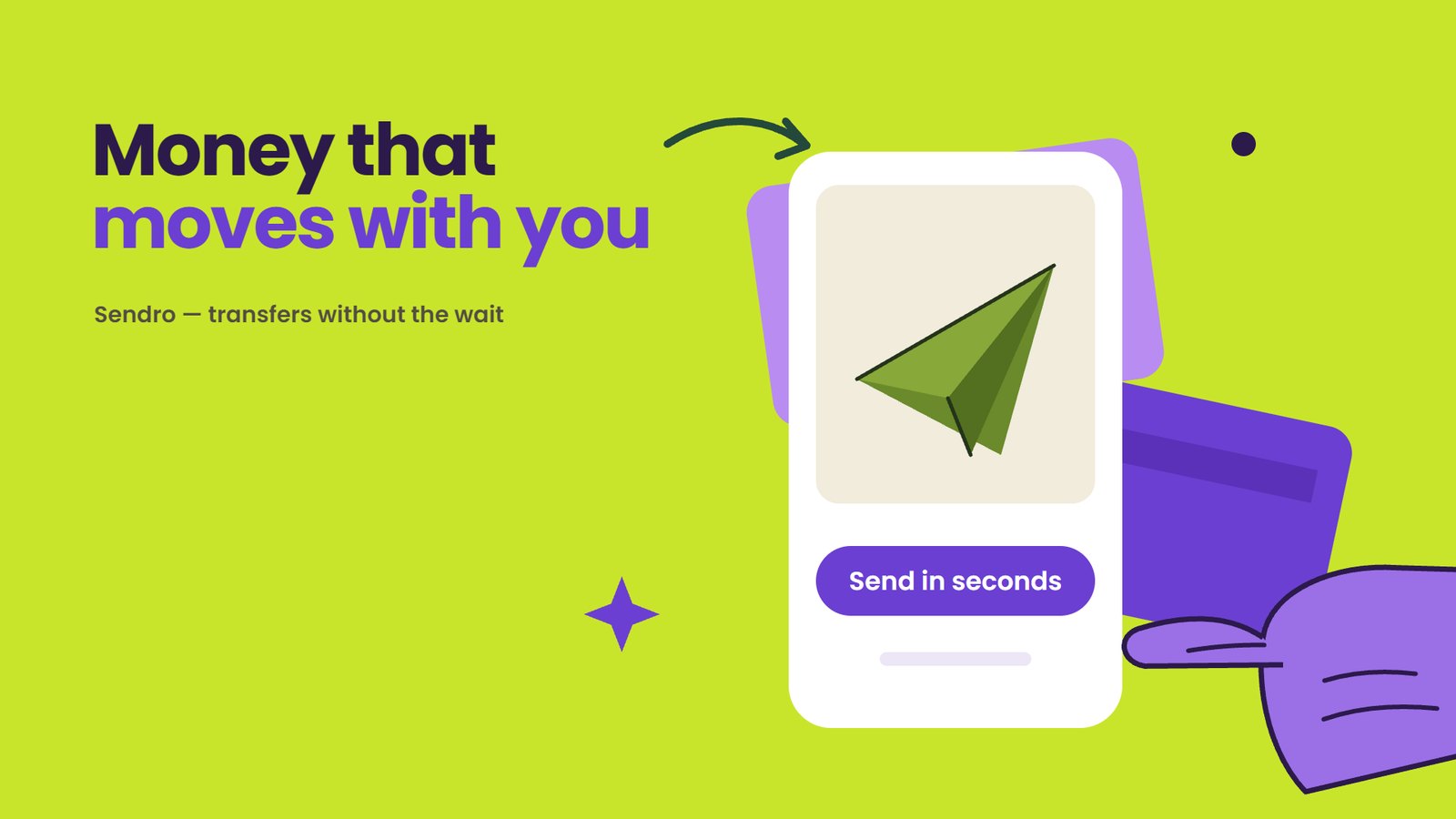 Flat vector illustration · promo Solid fills, stylized hands, UI drawn flat, shapes with gentle overshoot. Fintech, consumer apps. |
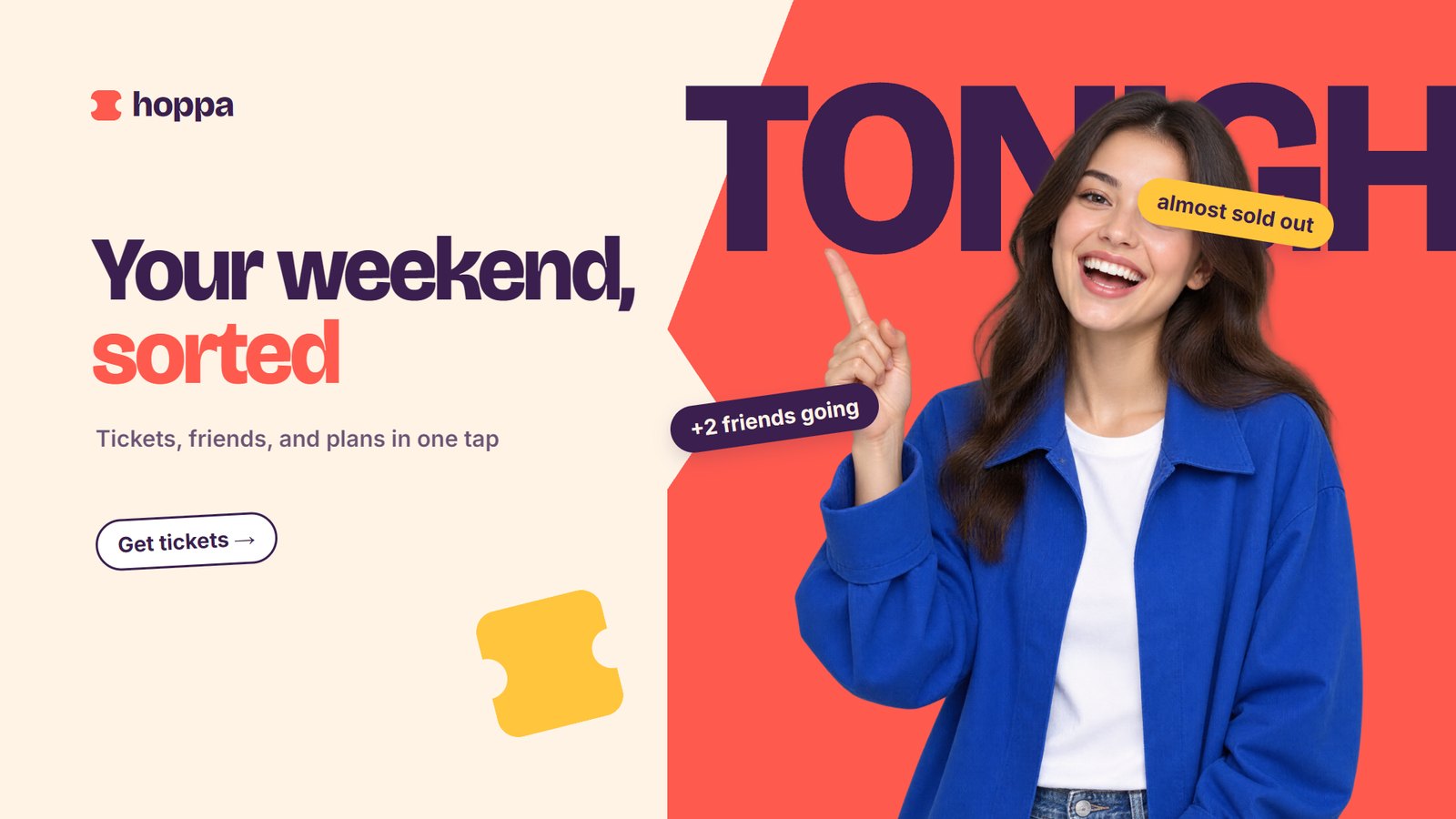 Flat pop with photos · promo Photo cutouts popping in, stickers, brand color fields that change with a visible trigger. Consumer apps, campaigns. | 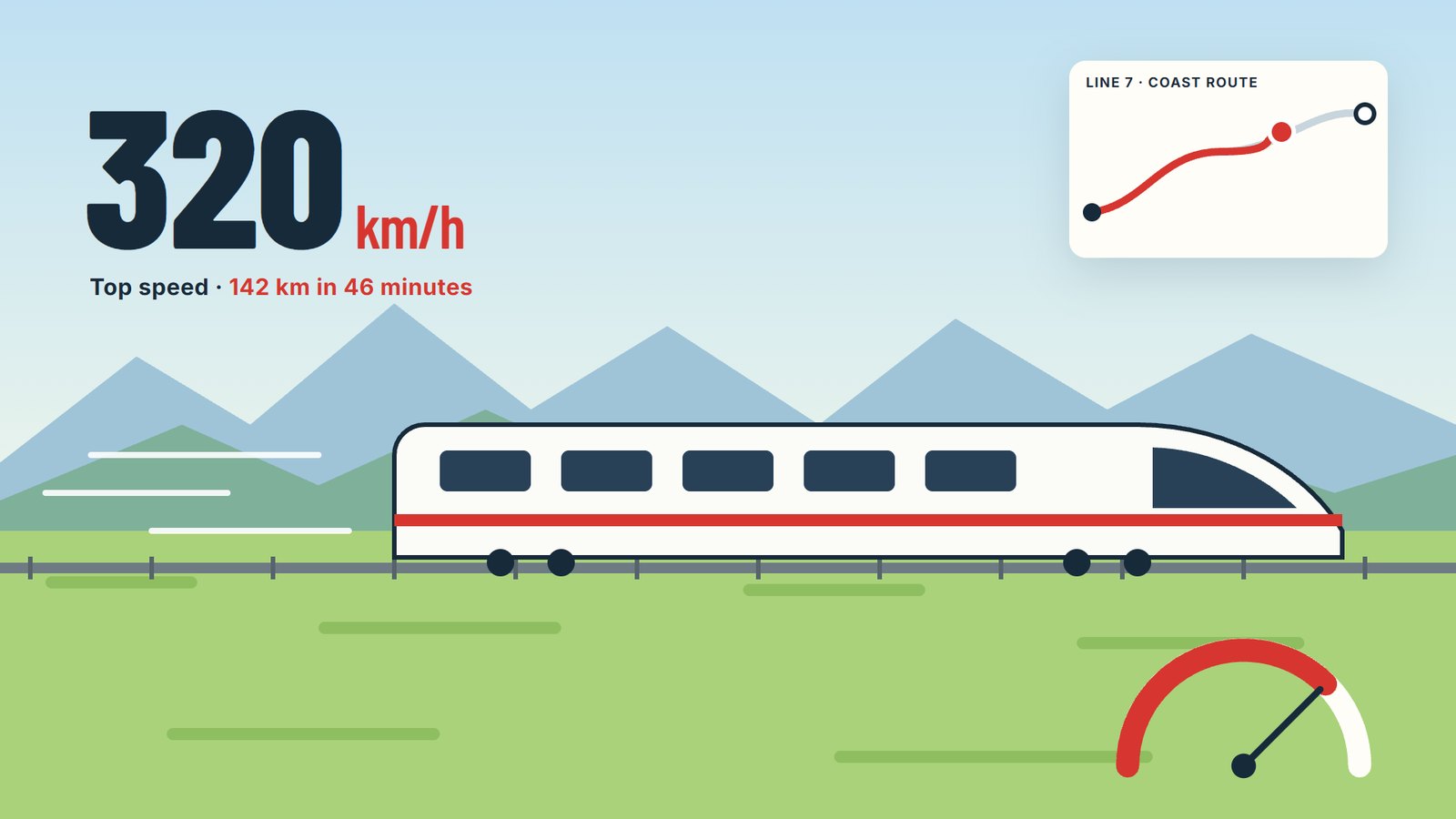 Continuous action · explainer One subject that never stops, numbers and maps living inside the world. Speed, routes, processes. |
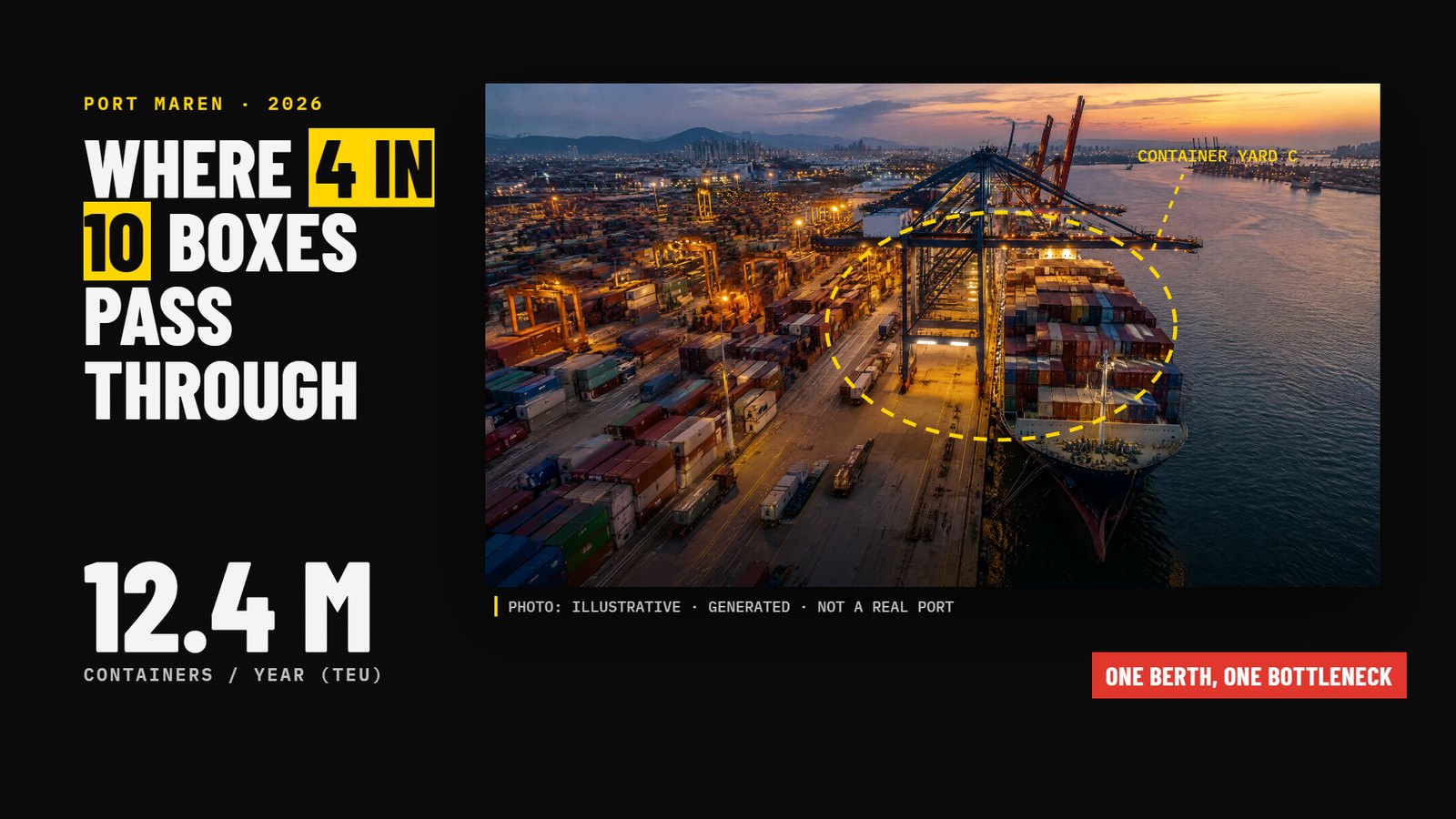 Visual journalism · explainer Black ground, real photos with source tags, highlighter, dashed annotations. News, current issues. | 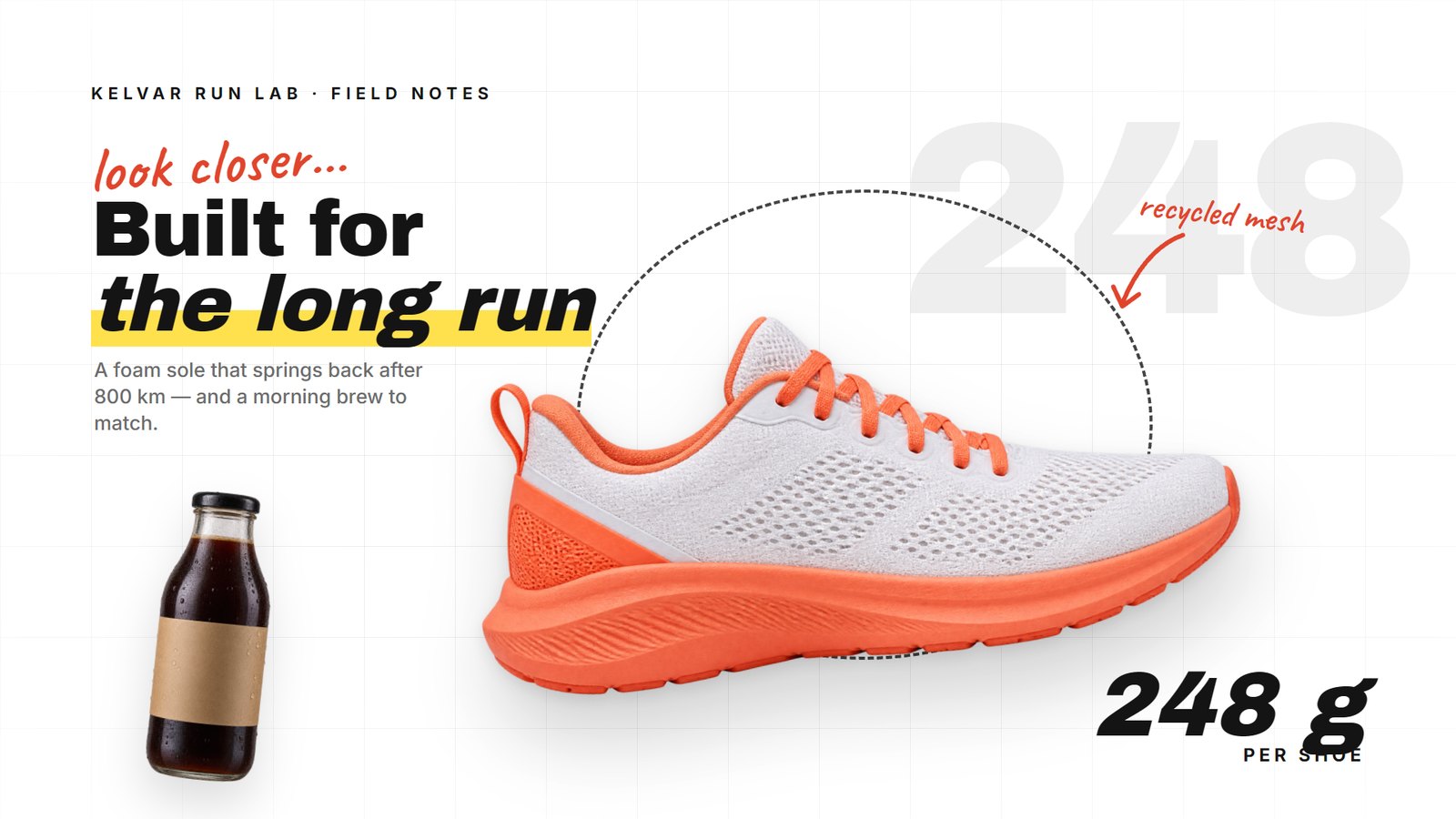 White catalog · explainer White grid, product cutouts, mixed script and heavy sans. Products, brands. |
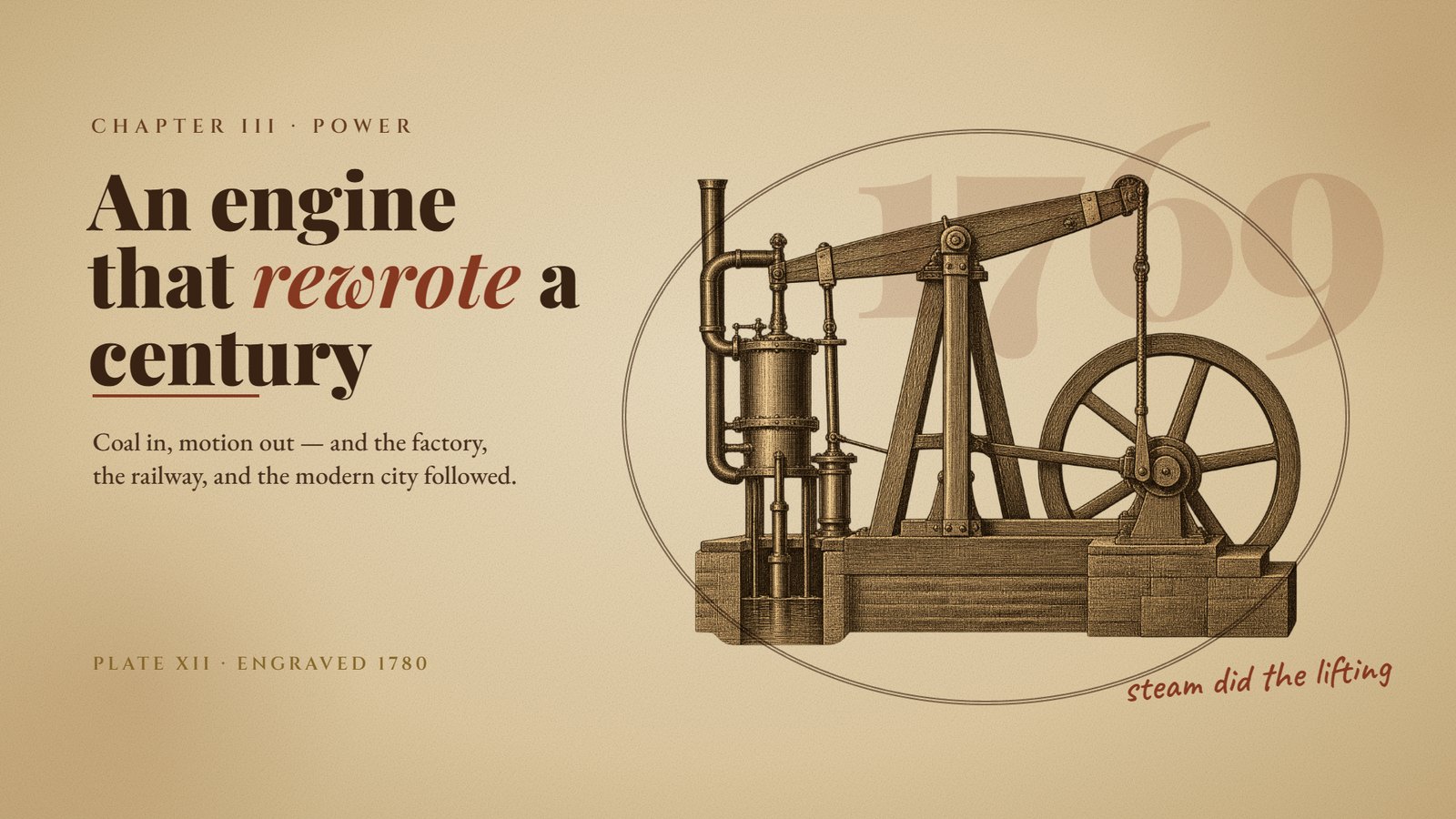 Vintage sketch · explainer Sepia paper, engraving art, classic serifs, rust notes. History, biography. | 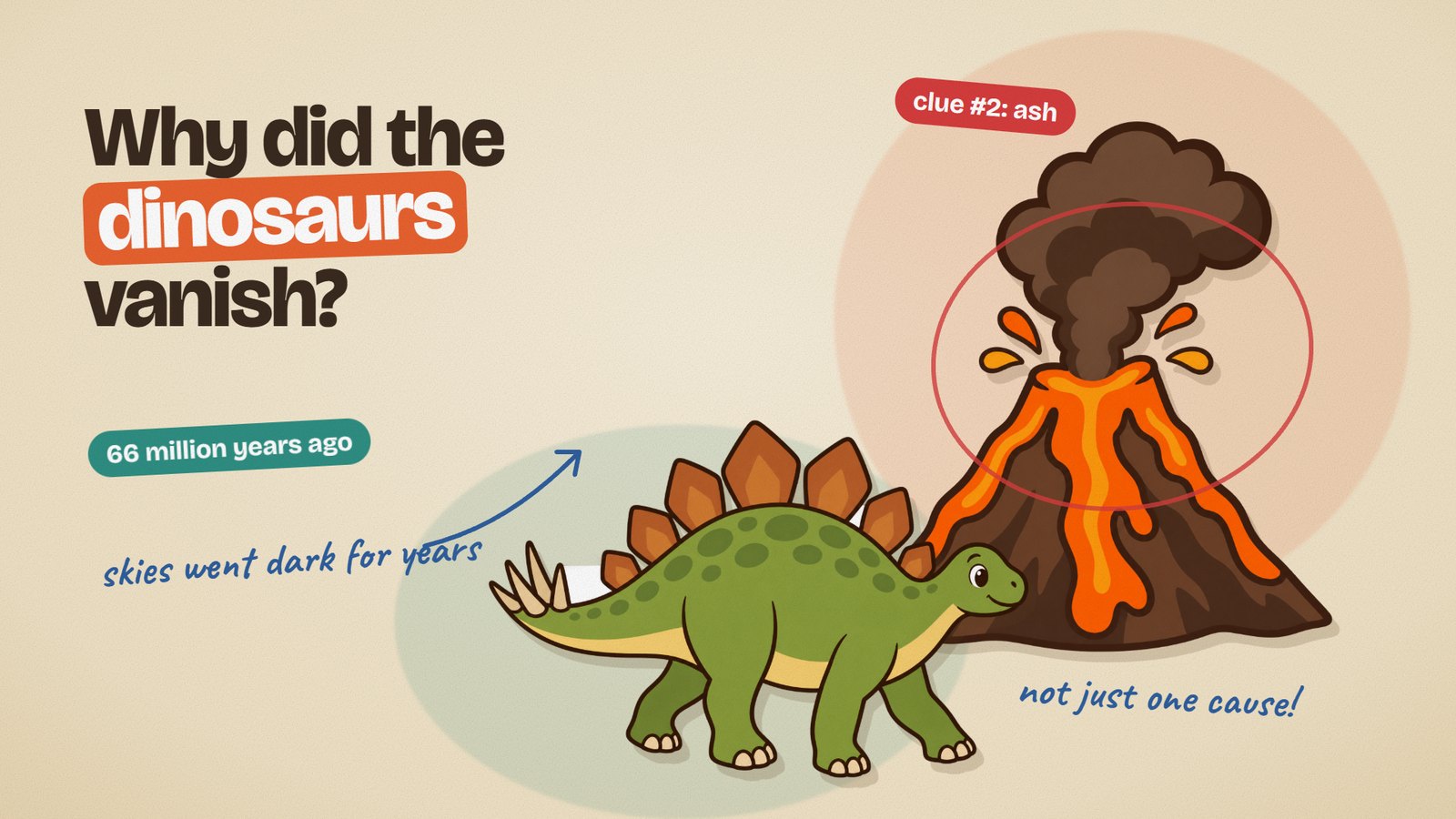 Cartoon collage · explainer Cream paper, flat illustration cutouts, color pills, handwriting. Science, education. |
 Cartoon stage · explainer One living stage per scene, jointed characters, no captions. Education with characters. | 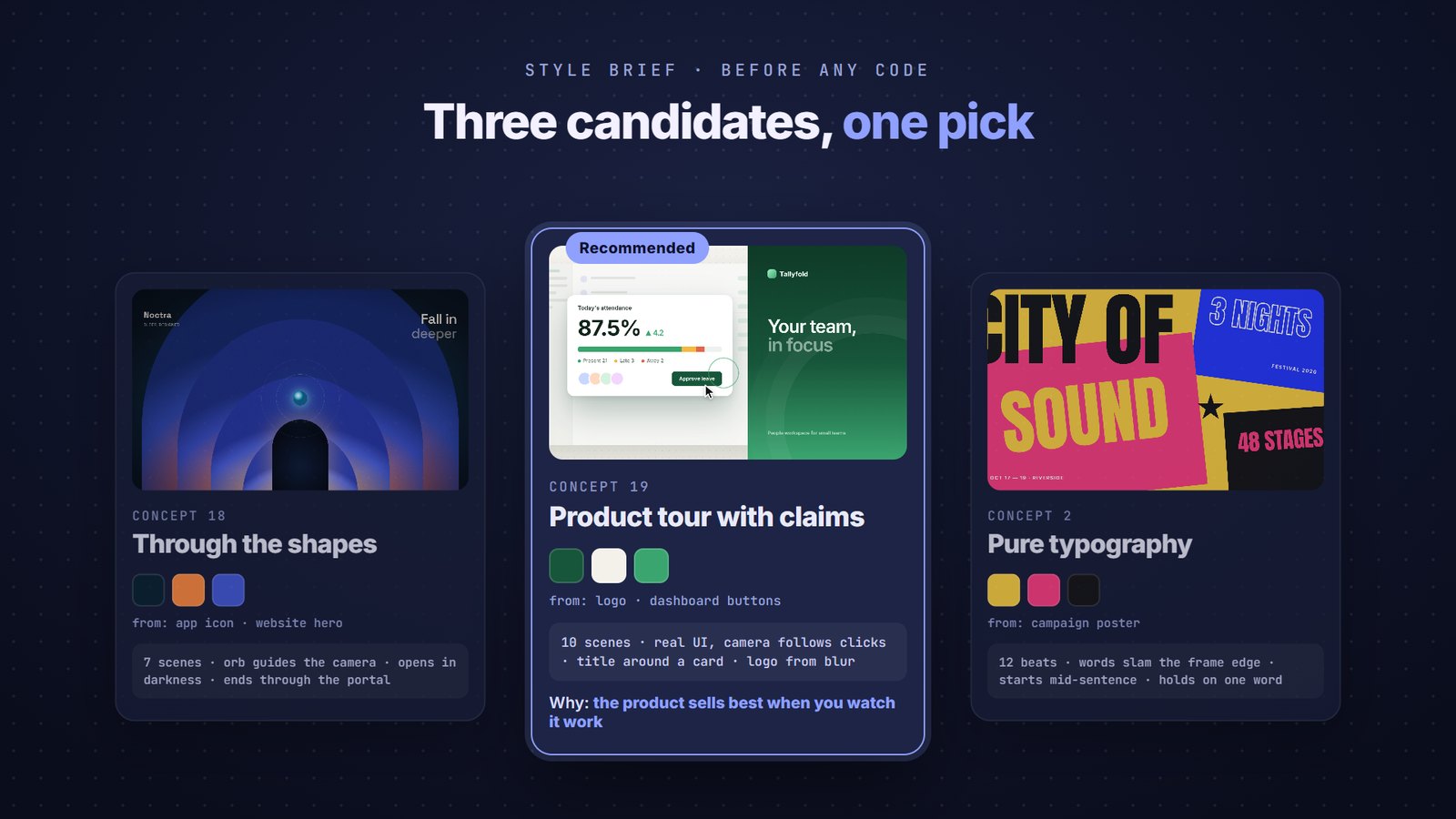 …and many more 10 styles × 19 concepts × 9 render families — three candidates, one pick. |
The menus behind the looks
10 style directions — the skin, derived from your brand
| Direction | Background | Typography | Signature motion | Good for |
|---|---|---|---|---|
| Cinematic dark | near-black gradient, particles, bloom only on objects | bold clean grotesk | push-through, light in front of the lens | creative tools, gaming, tech |
| Poster color-block | large solid color fields changing per scene | ultra-heavy display, giant cropped letters | block wipes, text slamming the frame edge | consumer apps, music, events |
| Editorial light | white/cream, generous space, hairlines | display serif + small grotesk | calm slides, lines that draw | productivity, finance, SaaS |
| Paper & print | paper texture, collage, stamps, tape | handwriting + serif | objects flying in and landing | education, community, food |
| Retro / analog | faded color, grain, scanlines | 70s–90s geometric | controlled glitch, rough zoom, freeze | nostalgia, music, entertainment |
| Brutalist mono | black and white, hard grid | monospace + condensed | hard cuts, shifting blocks, blinking cursor | developer tools |
| Pastel playful | stacked pastels, big round shapes | heavy rounded sans | elastic bounce, blooming shapes | kids, health, lifestyle |
| Luxury dark | black + gold/bronze, soft shadows | tall wide-tracked serif | slow motion, sweeping light, depth | fashion, automotive, property |
| Flat pop with photos | neutral light alternating with solid brand fields | rounded heavy sans + giant cropped words | cutouts popping in, stickers, fields snapping on the beat | consumer apps, fintech, e-commerce |
| Grainy gradient | deep base, saturated glowing shapes, fine grain | small clean grotesk or minimal heavy display | layers opening, camera through the shape, a guiding orb | tech, AI, music, creative launches |
19 opener concepts — the structure, chosen per product
| # | Concept | Good for |
|---|---|---|
| 1 | One continuous shot | creative tools, hardware, spaces |
| 2 | Pure typography | strong taglines, events, releases |
| 3 | Problem → gone | productivity, utilities |
| 4 | Before / after | editors, filters, optimization |
| 5 | Journey inside the UI | apps with a distinctive UI |
| 6 | Product macro | hardware, packaging, F&B, fashion |
| 7 | Object metaphor | security, cloud, finance |
| 8 | Living number | milestones, performance |
| 9 | One feature, fully demoed | apps with one clear edge |
| 10 | Diegetic question → answer | AI, search, support |
| 11 | Rhythmic collage | music, lifestyle, community |
| 12 | Logo as stage | brands with a strong logo shape |
| 13 | Object relay | e-commerce, delivery, marketplaces |
| 14 | Brand system showcase | launches, rebrands, communities |
| 15 | Claim → how → result | new features, generative AI, creative tools |
| 16 | Living UI ecosystem | B2B SaaS, AI assistants, workflows |
| 17 | Flat pop with photos | consumer apps, fintech, campaigns |
| 18 | Through the gradient shapes | tech, AI, security, premium launches |
| 19 | Product tour with claims | SaaS, team tools, dashboards |
Each concept ships as principles and a menu of openings, transitions, and endings — never as a script to copy.
6 explainer styles — each with its own starter
| Style | Look | Best for |
|---|---|---|
| Continuous action | flowing vector world, one subject that never leaves, changing viewpoints | speed, routes, processes |
| Cartoon collage | cream paper, flat illustration cutouts, handwriting, color pills | science, education |
| Visual journalism | black, real photos with source tags, highlighter, dashed annotations | news, current issues |
| White catalog | white grid, photo cutouts, mixed typography, scribbles | products, brands |
| Vintage sketch | sepia paper, engraving art, classic serifs, rust annotations | history, biography |
| Cartoon stage | one stage per scene, jointed characters, no captions | education with characters |
Recommended workflow
flowchart LR
  A[Brief<br>product, logo, audience,<br>length, ratio] --> B[Style brief<br>3 concept candidates,<br>palette with sources]
  B --> C{You approve}
  C --> D[Assets<br>your photos & logo<br>or generated via MCP]
  D --> E[Build<br>index.html]
  E --> F[Verify frames<br>snap.mjs / ?debug=1]
  F --> G[Your feedback]
  G --> E
G --> H[Deliver<br>HTML · MP4 · voice-over sync]- Brief the agent. Name the product, attach the logo or site, say who it is for, the length, and the ratio. Mention a style if you have one in mind — the name is enough.
- Approve the style brief. The agent answers with three concept candidates, one recommendation, a structure fingerprint, and a palette where every color states its source. Change anything before a line of code is written.
- Settle the assets. Your own photos and logo come first. If you have none, the agent can generate them through an image MCP (fictional faces, logos added in code) — or pick a concept that needs no photos.
- Let it build. You get one
index.html. The agent captures key seconds and checks them against the rules before handing over. - Review and iterate. Open it, scrub with
?debug=1, and describe what feels off. Feedback lands on the same file. - Deliver. Keep the HTML, export MP4 with
scripts/export-frames.mjs, or send a voice-over and the timeline re-times itself to it.
Tip: start each new video in a new chat. The skill is read when it is first invoked, and a long chat keeps earlier decisions in context.
Example prompts
Make a 30-second opener for my note-taking app. Logo and screenshots attached.Build a 45-second product tour of our HR dashboard in the "product tour with claims" style, 16:9.Promo for a ticketing app in the flat pop with photos style — generate fictional people, 9:16, 20 seconds.Kinetic typography for our festival announcement: "City of Sound, 3 nights, 48 stages". Loud, color-block.Explain how a container port works in 60 seconds, visual journalism style, no voice-over.Promo for our editing app with a screen recording playing inside a laptop mockup, 30 seconds. Clip attached.A cartoon explainer on why volcanoes erupt, for kids, 9:16, I will send a voice-over later.Getting better results
- Say which style, not which scenes. "Grainy gradient" gives you the look; listing a reference's scenes gives you a copy.
- Hand over real brand material — logo, site, app screenshots, photos. The palette and shapes are derived from it.
- Want one specific moment? Ask for it explicitly; otherwise the agent composes new ones.
- Keep text short. Openers carry one feeling, explainers one argument.
Install
Bang Motion follows the open Agent Skills layout: a folder with SKILL.md (frontmatter + instructions), references/, assets/, scripts/. It also ships as a Claude Code plugin.
As a plugin (Claude Code)
/plugin marketplace add bangtutorial/bang-motion
/plugin install bang-motion@bang-motion
Update later with /plugin marketplace update bang-motion.
Manual (any agent)
git clone https://github.com/bangtutorial/bang-motion| Agent | Where it goes |
|---|---|
| Claude Code | ~/.claude/skills/bang-motion (Windows: C:\Users\<you>\.claude\skills\bang-motion) |
| Codex CLI | your Codex skills folder, or add to AGENTS.md: "For motion graphics / explainers, read and follow bang-motion/SKILL.md." |
| Gemini CLI · Cursor · others | copy into the project and reference SKILL.md from GEMINI.md, .cursor/rules, or the system prompt |
| Plain chat (no agent) | paste SKILL.md + the relevant file in references/ as instructions; attach a starter from assets/ |
Install one copy only. Two copies with the same skill name (for example a plugin and a manual folder) conflict, and the plugin wins.
The skill triggers on requests like "make an opener…", "promo video…", "explainer…", or a complaint that a web animation "looks like PowerPoint".
Requirements
| To… | You need |
|---|---|
| Watch the result | a browser + internet (GSAP and fonts load from a CDN). Nothing else. |
| Verify frames automatically | Node + puppeteer (scripts/snap.mjs) — optional; ?debug=1 works by hand |
| Export MP4 | Node + puppeteer + ffmpeg (scripts/export-frames.mjs) — optional |
| Sync to voice-over | ffmpeg, or nothing: scripts/vo-pauses.html detects pauses in the browser |
| Use video clips | MP4 (H.264) or WebM files in assets/ — optional |
| Generate images | any image MCP the agent can call — optional |
| Build in After Effects | After Effects + the Higgsfield MCP bridge — optional |
A deliverable never needs npm install to be watched.
How the rules work
- Style brief before code — concept, structure fingerprint, palette with sources, display font, background surface and motion, render family, transitions, one special moment.
- Structure from a menu — three concept candidates per project, at most two "canonical" components, and a different fingerprint from the previous video.
- Examples are principles, not scripts — openings and endings differ from the concept's example, signature moments are transformed, and the example's colors and shapes never carry over.
- Living typography — sentence case, emphasis by order, size, or pause; word highlights and punctuation only when they add meaning.
- A background that never sits still — a chosen background motion, and color changes with a visible trigger.
- Video as footage layers — clips follow the timeline clock, so scrubbing and MP4 export stay frame-accurate.
- A camera that works — breathing drift, motivated push-throughs, and in UI demos a camera that follows the important clicks.
- Structural anti-slide checks — no fading sections, a persistent subject or world, at most two text levels, varied transitions with real depth.
- Readable on phones — no text under 30 px on a 1080-wide stage.
Full detail lives in SKILL.md and references/.
Repository layout
SKILL.md                         rules & workflow (read by the agent)
.claude-plugin/                  plugin + marketplace manifests
references/
  opener-konsep.md               19 opener concepts, UI animation, photos in openers
  anti-ppt.md                    slide patterns → fixes
  techniques.md                  typography, camera, transitions, backgrounds, render families
  explainer.md                   explainer styles, camera recipes, VO re-timing
  kartun-panggung.md             cartoon stage explainers
  architecture.md                stage, camera rig, determinism, export
  ae-bridge-higgsfield.md        building inside After Effects via the MCP bridge
  roadmap.md                     where the skill is heading
assets/
  starter-opener.html            opener / promo architecture (GSAP + Three.js)
  starter-explainer*.html        one starter per explainer style
scripts/
  snap.mjs                       verify: capture key seconds
  export-frames.mjs              export: frame-by-frame PNG → MP4
  vo-pauses.html                 voice-over pause detection, no ffmpeg needed
  serve.py                       no-cache dev server (optional)
  ae/bridge/                     After Effects bridge helpers
docs/gallery/                    README preview images
FAQ
Is the output a video file?
The deliverable is an index.html that plays like a video: autoplay, loop, no player chrome. When you need a file, scripts/export-frames.mjs renders it frame by frame to MP4.
Will every video end up looking the same?
That is the main thing the skill prevents. The palette and shapes come from your brand, the structure comes from a concept chosen for your product, and each project must differ from the previous one in both skin and structure.
Can I give it a reference video?
Yes. The agent takes rhythm, energy, and motion language from it — not the palette, fonts, layout, scene order, or signature moments.
Do I need photos?
Only for photo-based styles. Use your own, a licensed stock set, or let the agent generate fictional people and props through an image MCP. Otherwise pick an illustrated or typographic style.
Can I use video clips?
Yes. Clips become footage layers: trimmed, masked, graded, and animated with the rest of the scene, always in sync with the timeline — including frame-by-frame MP4 export. Use your own footage, licensed stock, or clips generated through a video MCP.
Can it build in After Effects?
Yes, for cartoon explainers: with After Effects open and the Higgsfield MCP bridge connected, the agent builds compositions, characters, and keyframes directly in AE.
Contributing
Issues and pull requests are welcome. When you add a rule, describe which failure it prevents and offer it as a menu option rather than a single "right answer". Bump version in SKILL.md and the plugin manifests, and add a line to CHANGELOG.md.
License
MIT © 2026 Bang Tutorial