Public
Star 历史趋势
数据来源: GitHub API · 生成自 Stargazers.cn
README.md

 Catppuccin for Fuzzel



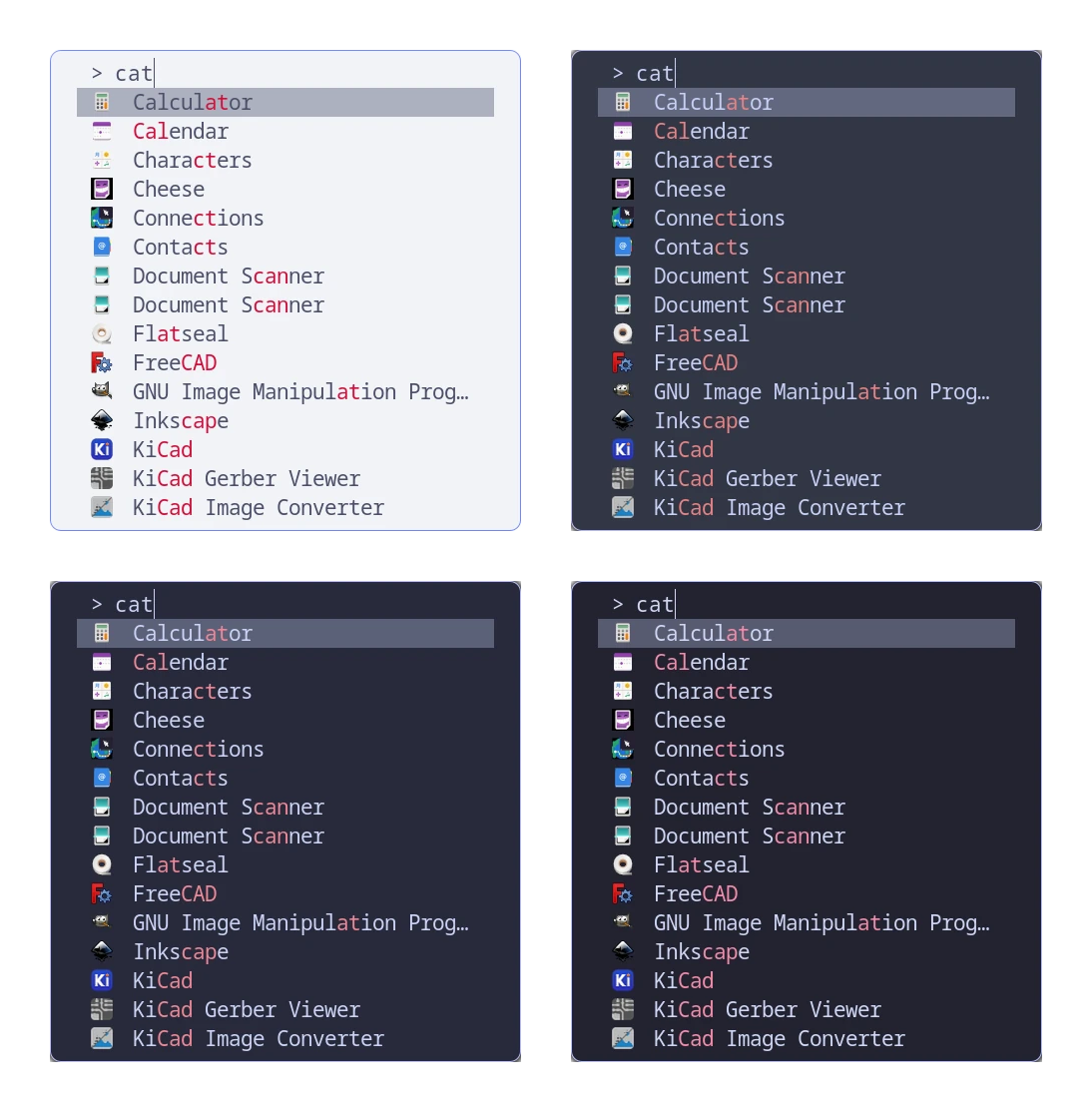
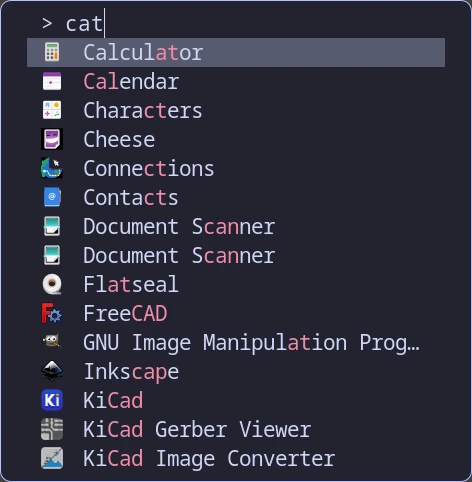
Previews
🌻 Latte
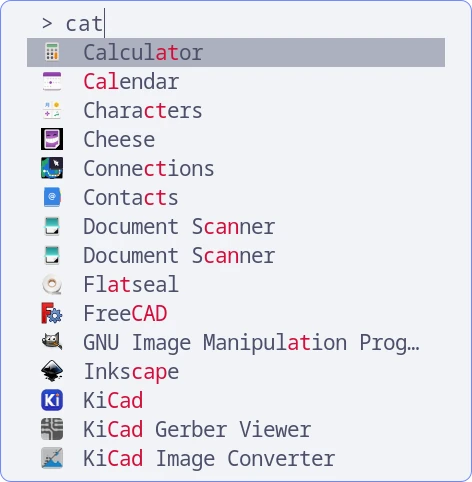
🪴 Frappé
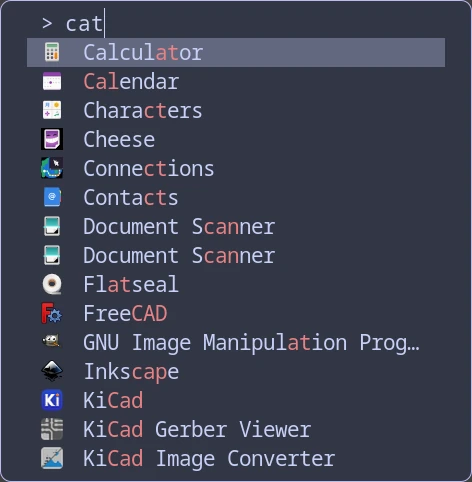
🌺 Macchiato
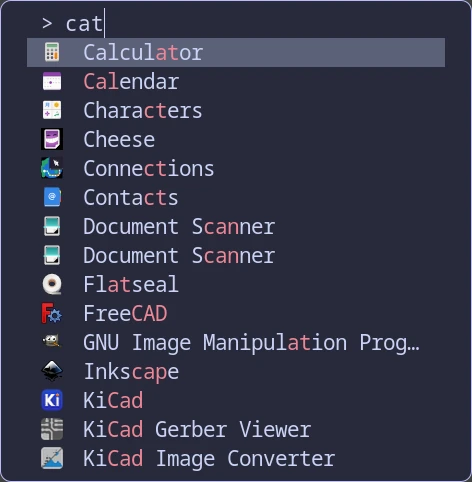
🌿 Mocha
Usage
-
Open your
fuzzel.inifile, found in$XDG_CONFIG_HOME/fuzzel/(defaulting to$HOME/.config/fuzzel/fuzzel.iniif$XDG_CONFIG_HOMEis unset). -
Remove existing
[color]section if there is one. -
Include the flavor and accent combination of your choice from
themes/into your configuration file usinginclude=<path-to-your-theme-file>in the main section scope offuzzel.ini. (if you are using Fuzzel >= 1.10) or copy the contents of one of the files (if you are using Fuzzel < 1.10). -
Invoke
fuzzelusing a keybinding or from the terminal.
🙋 FAQ
- Q: "How can I get window transparency?"
A: Change the last two characters in the color value forbackground, where00is transparent andffis opaque.
💝 Thanks to

Copyright © 2021-present Catppuccin Org
