Public
Star 历史趋势
数据来源: GitHub API · 生成自 Stargazers.cn
README.md

 Catppuccin for Home Assistant



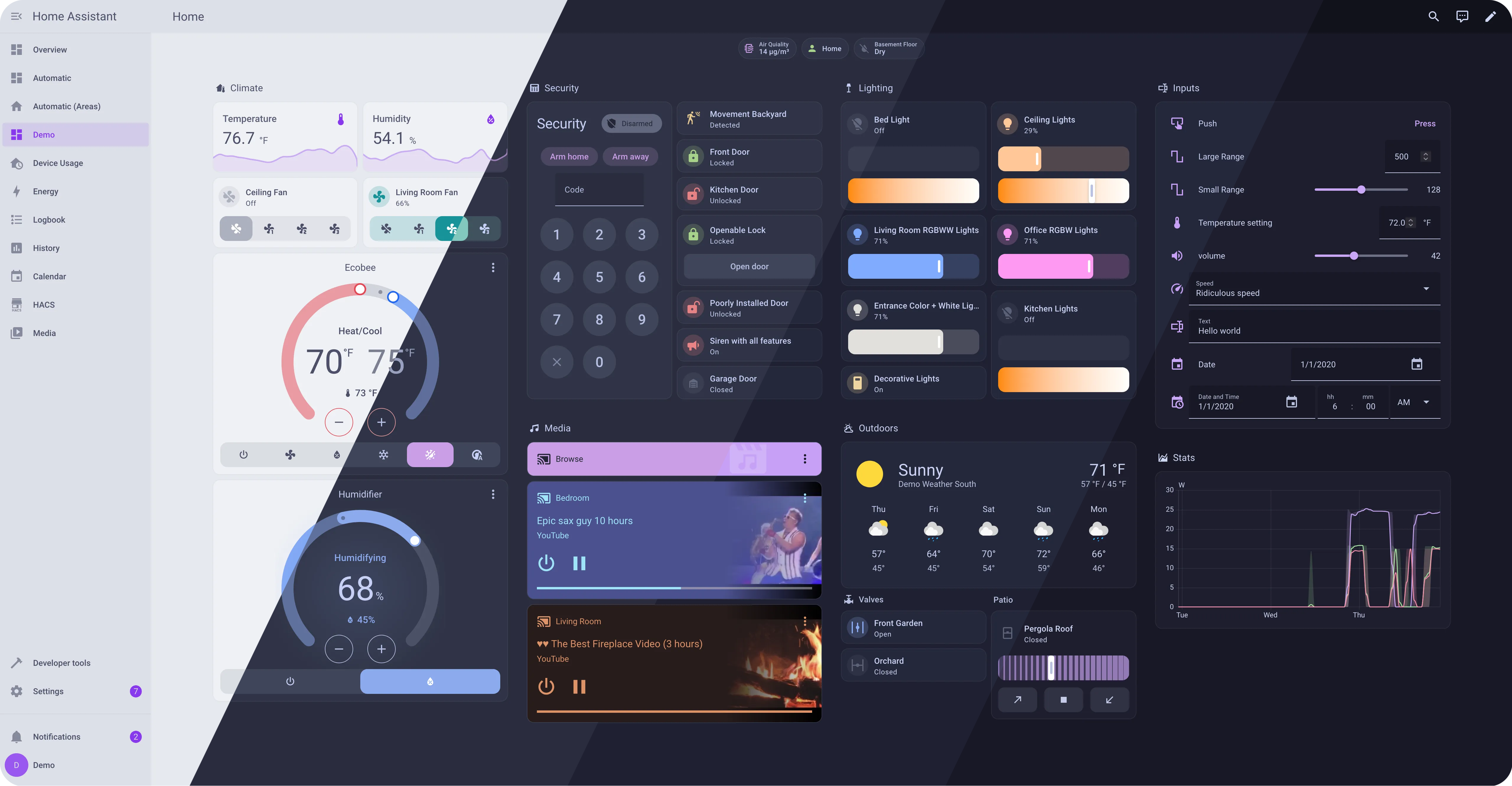
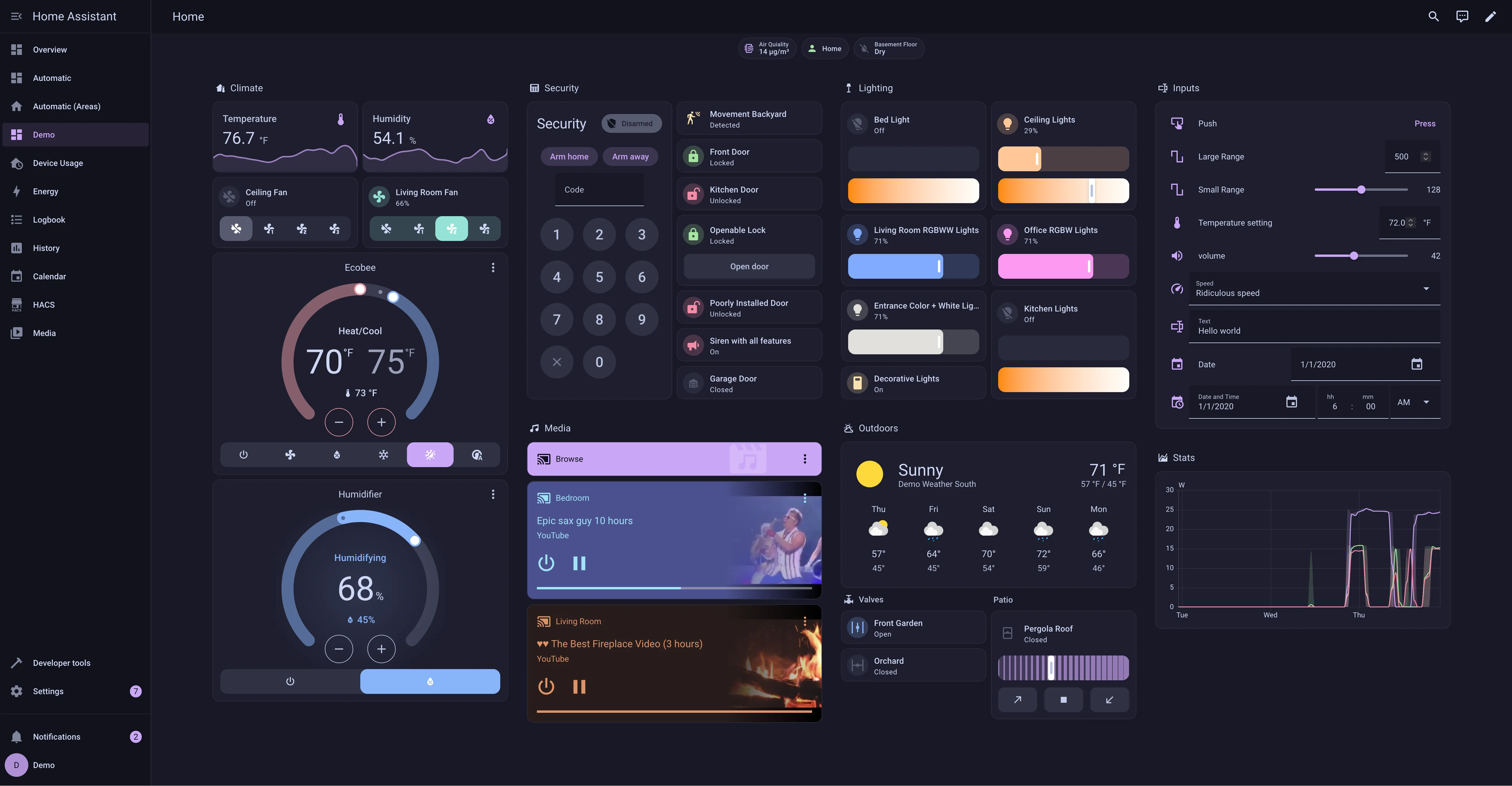
Previews
🌻 Latte
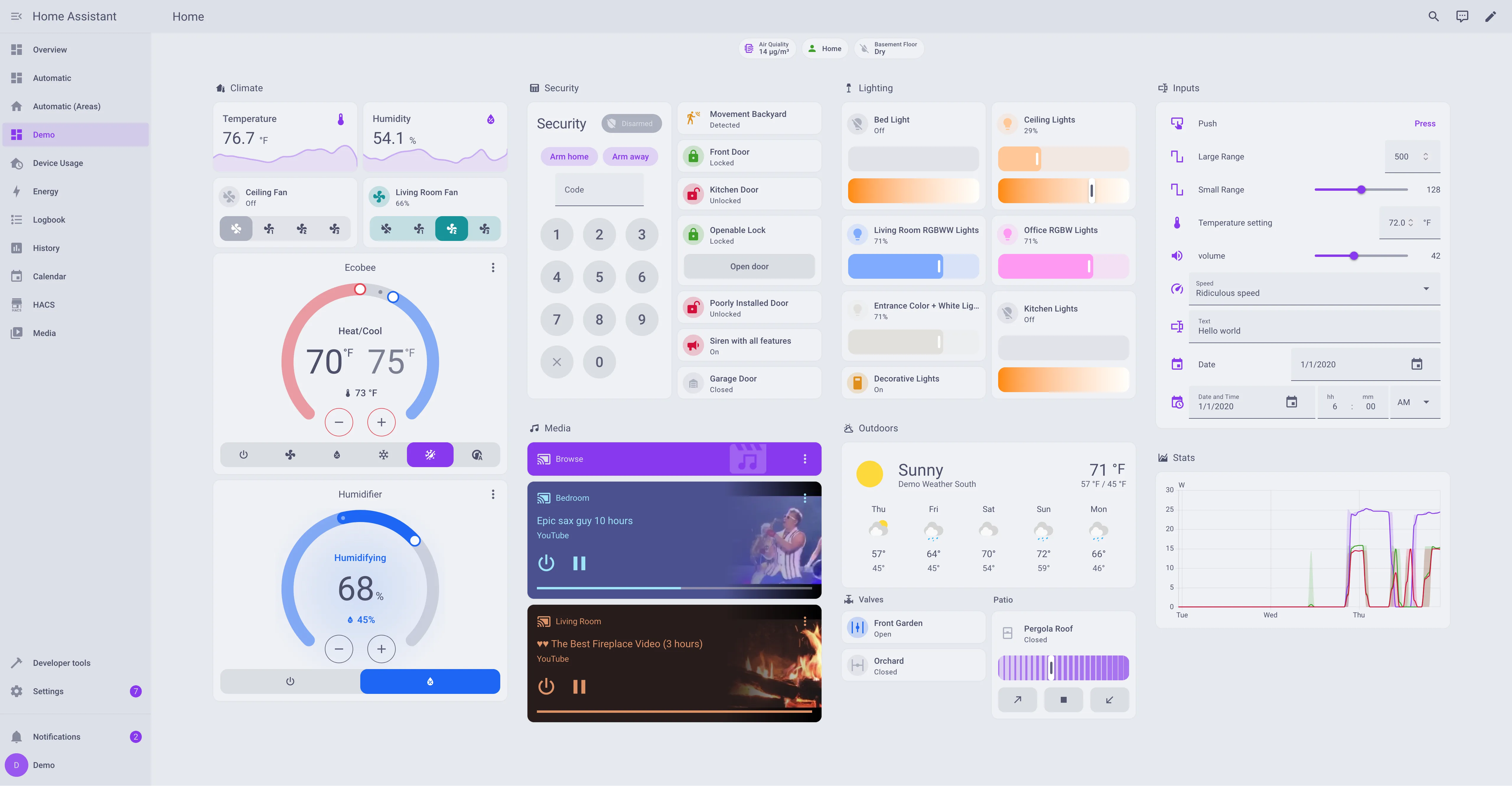
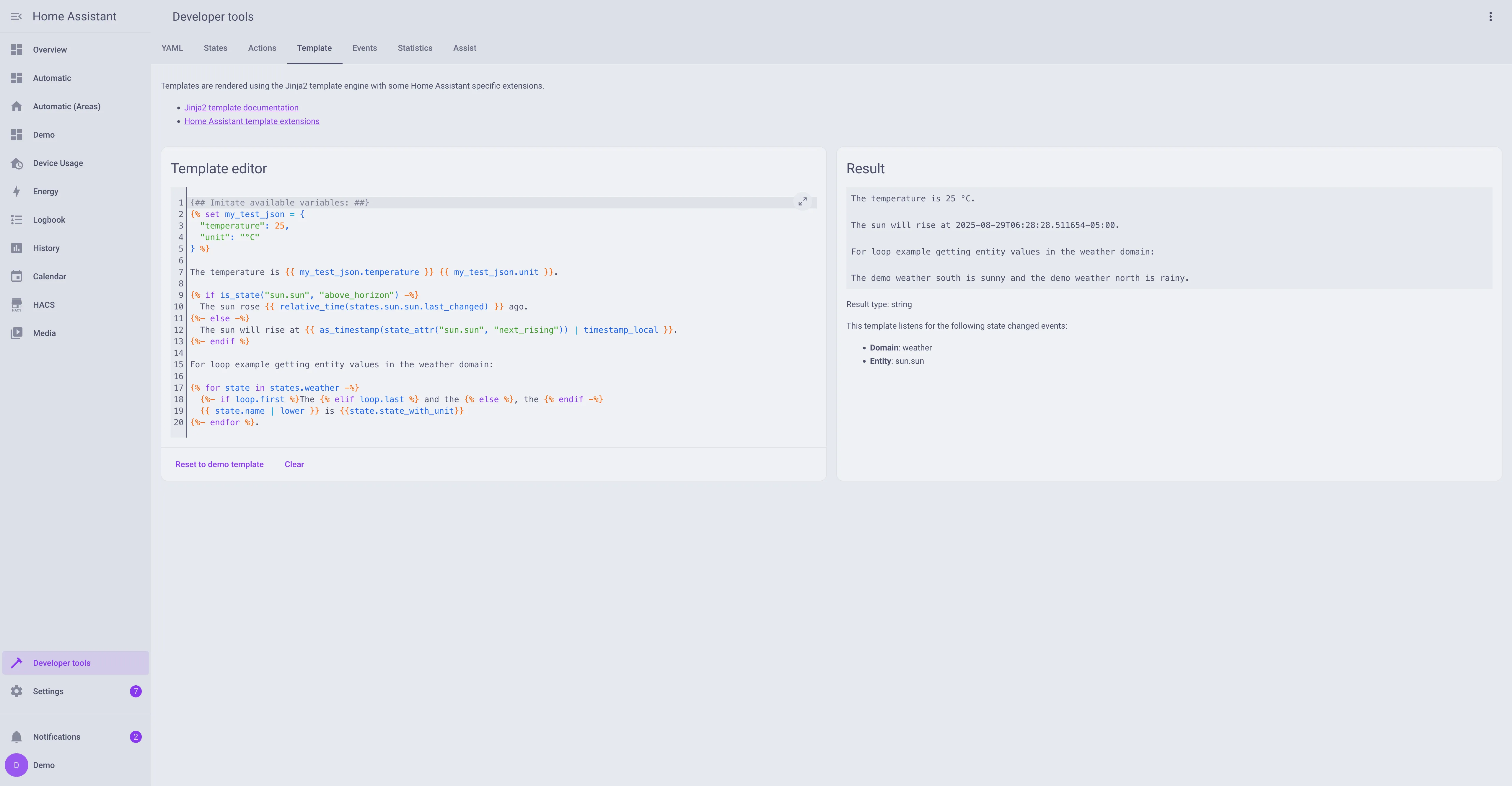
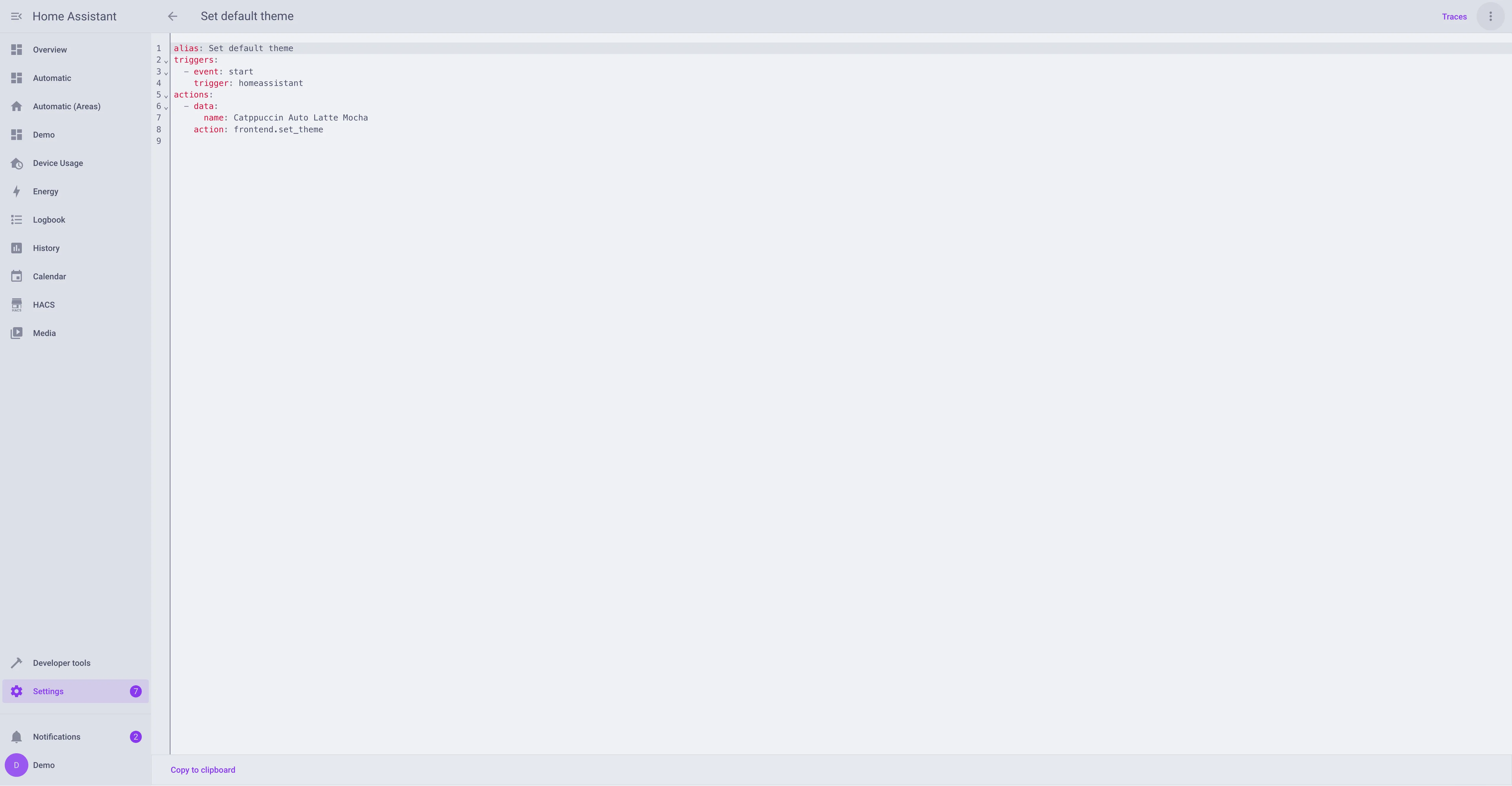
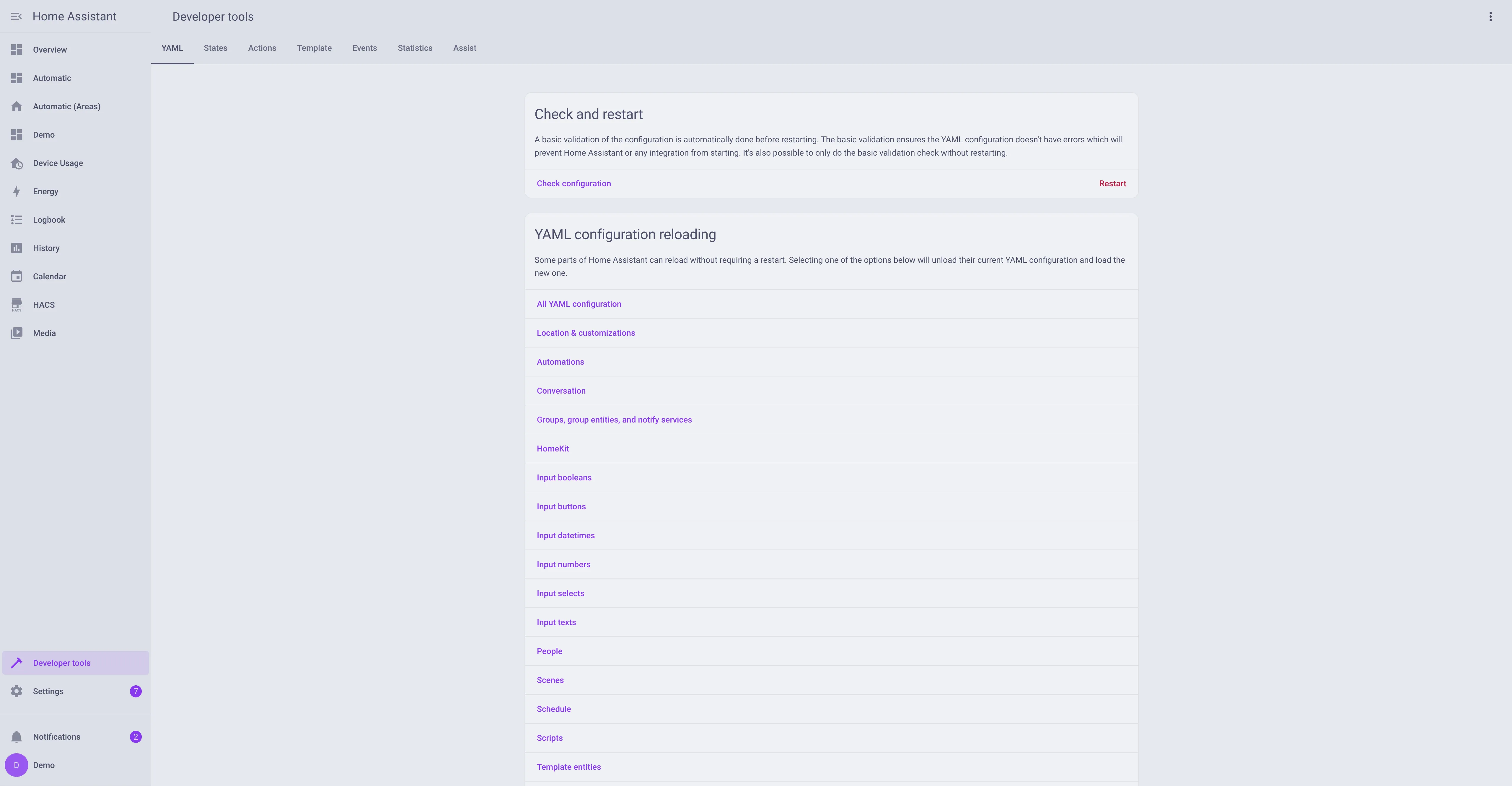
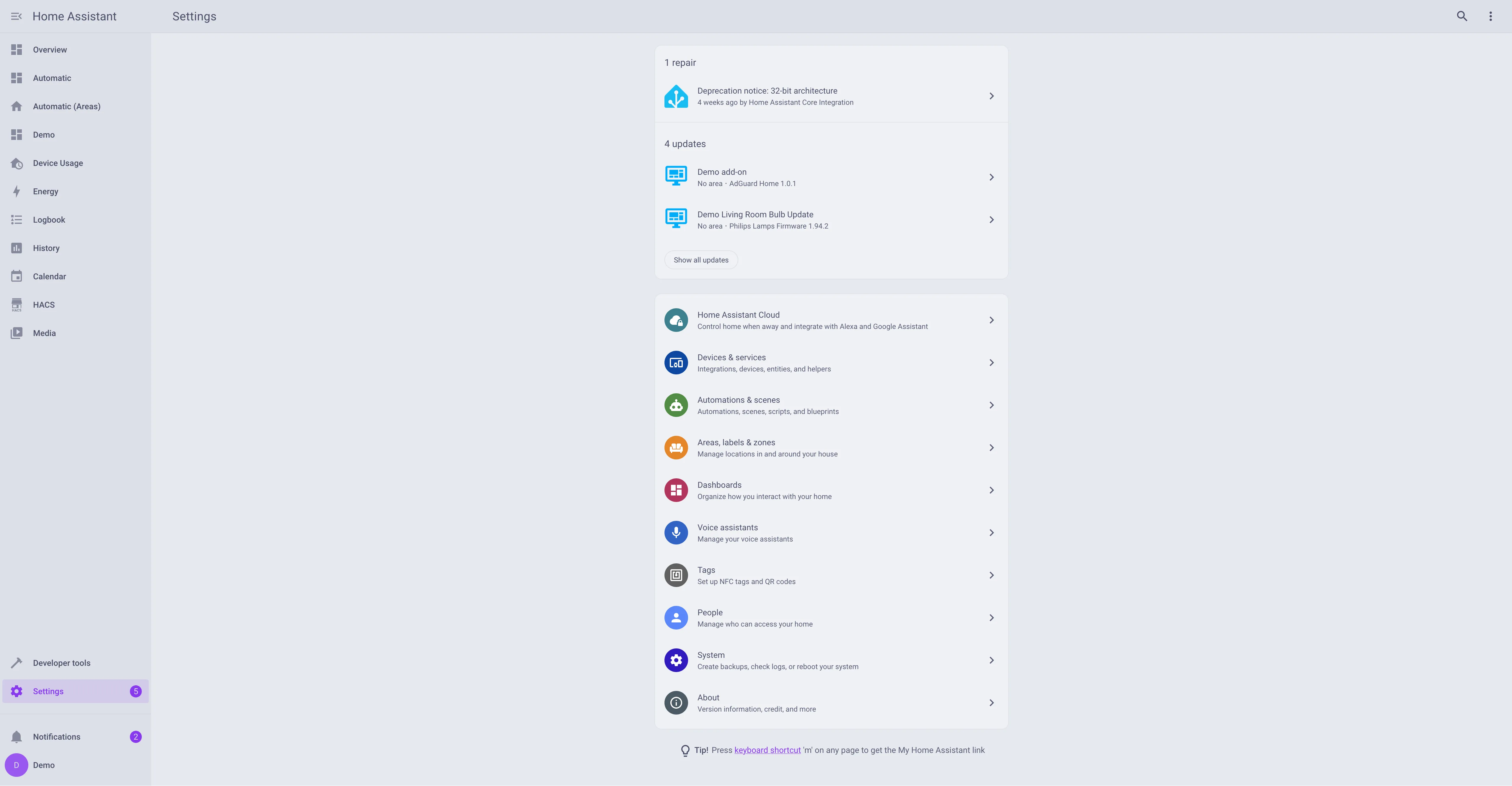
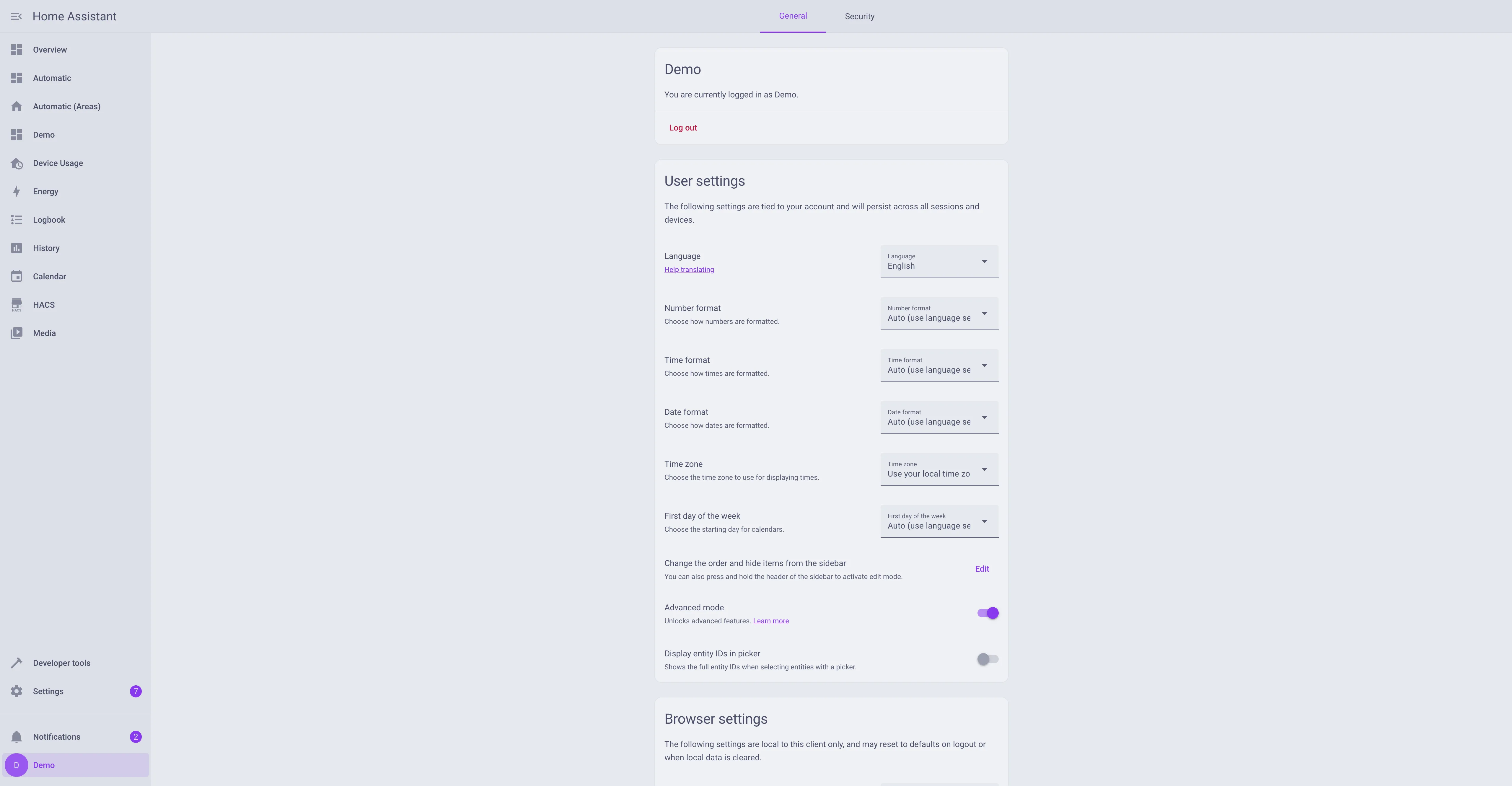
🪴 Frappé
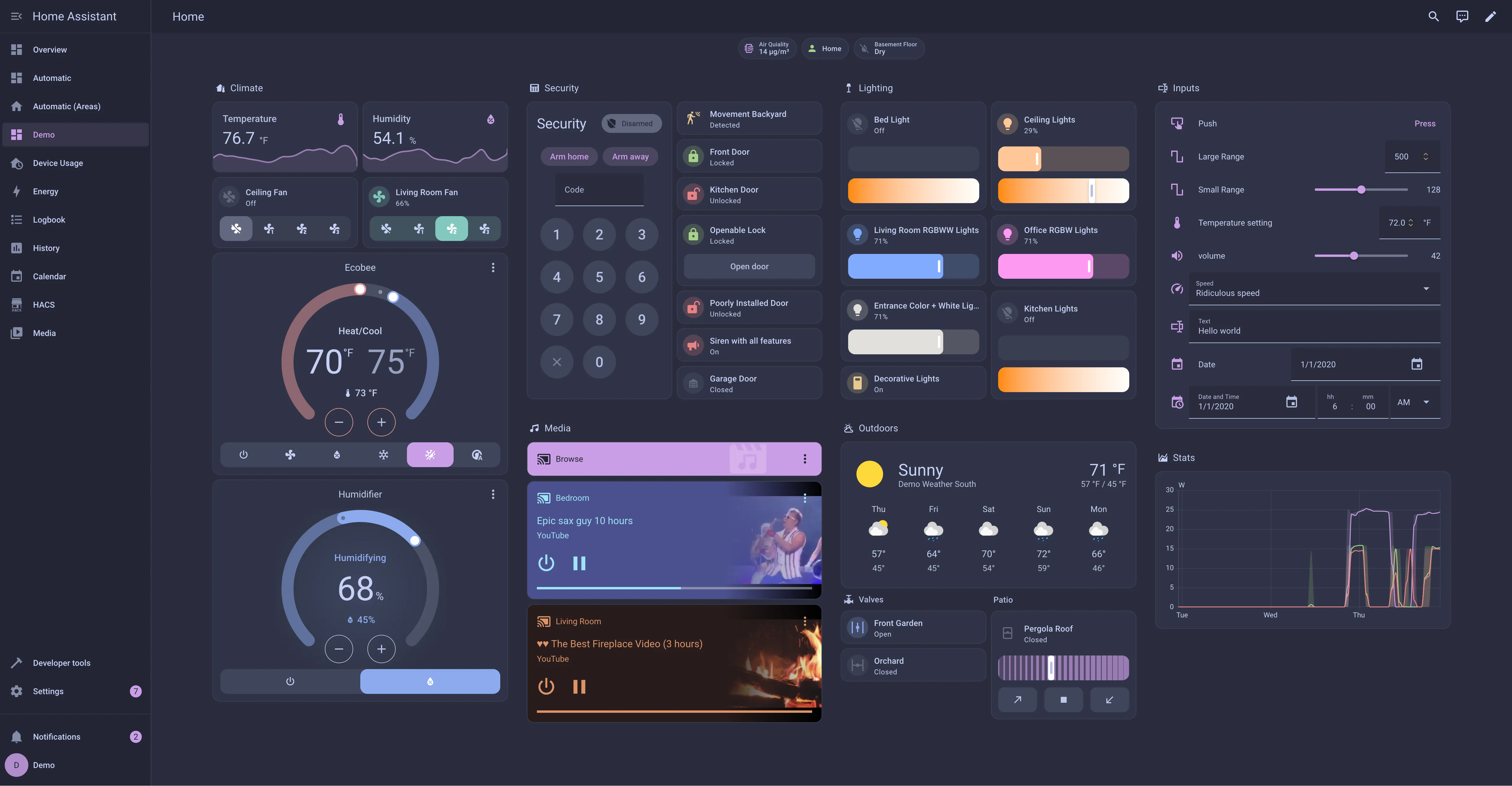
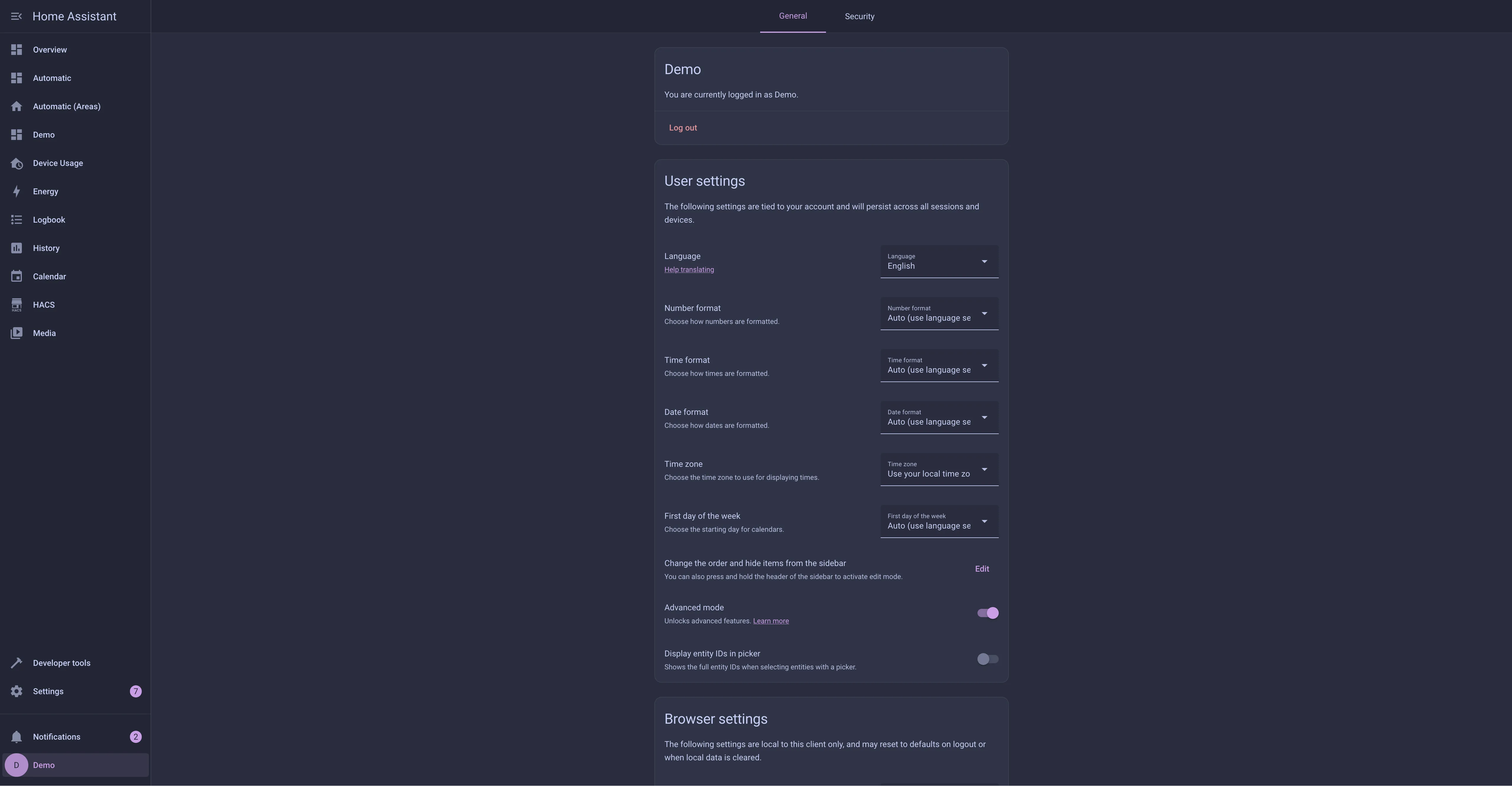
🌺 Macchiato
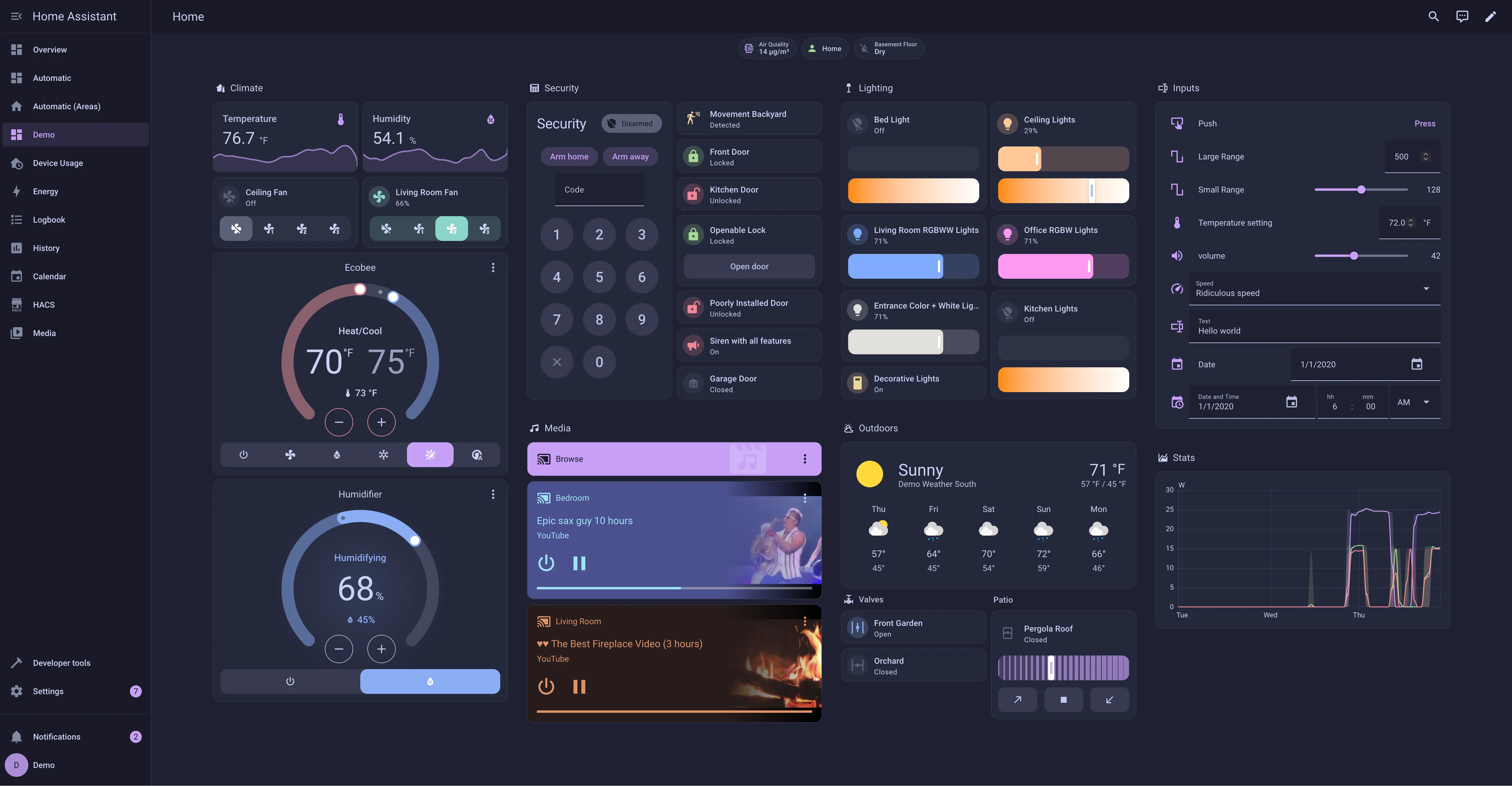
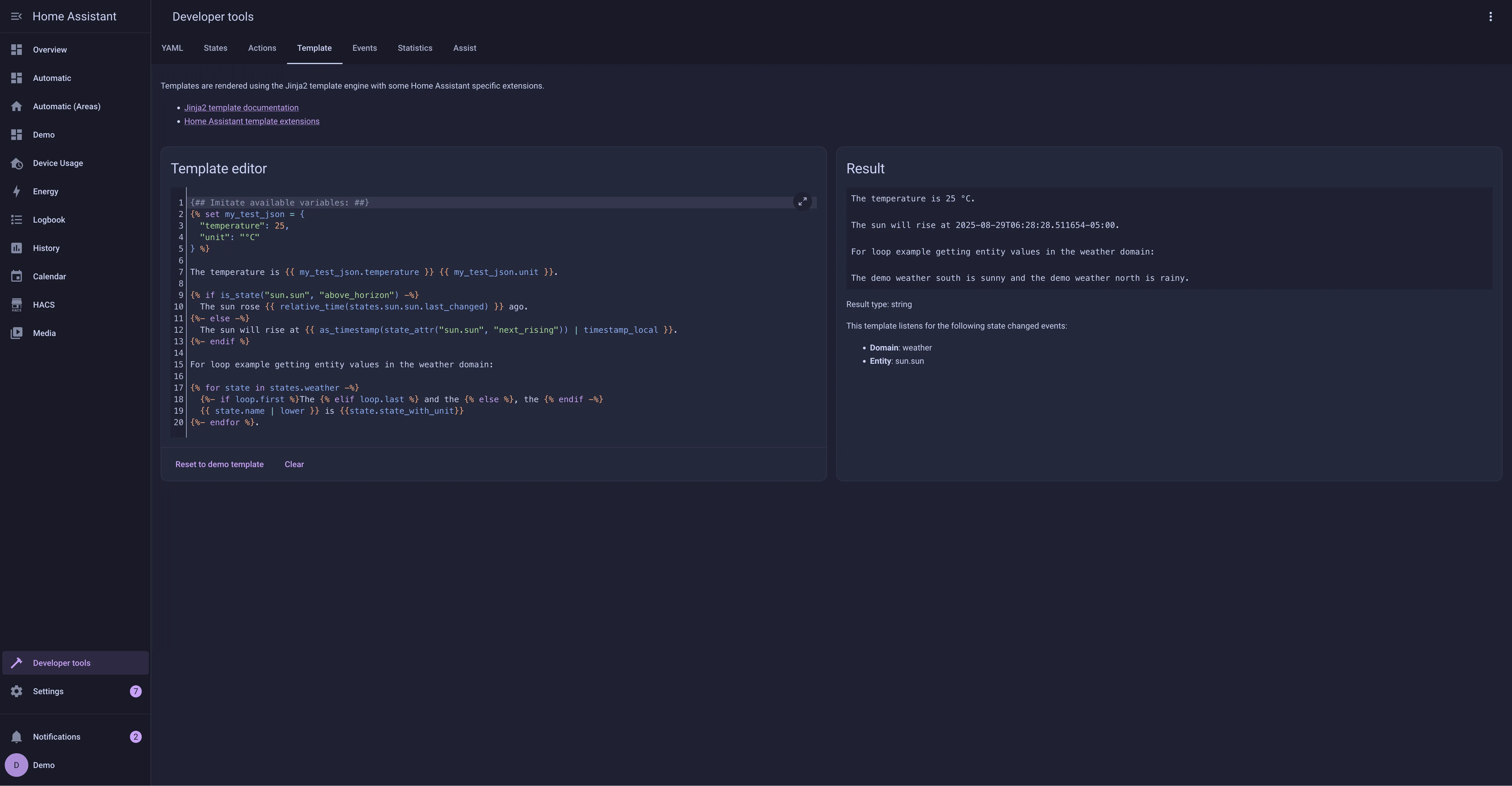
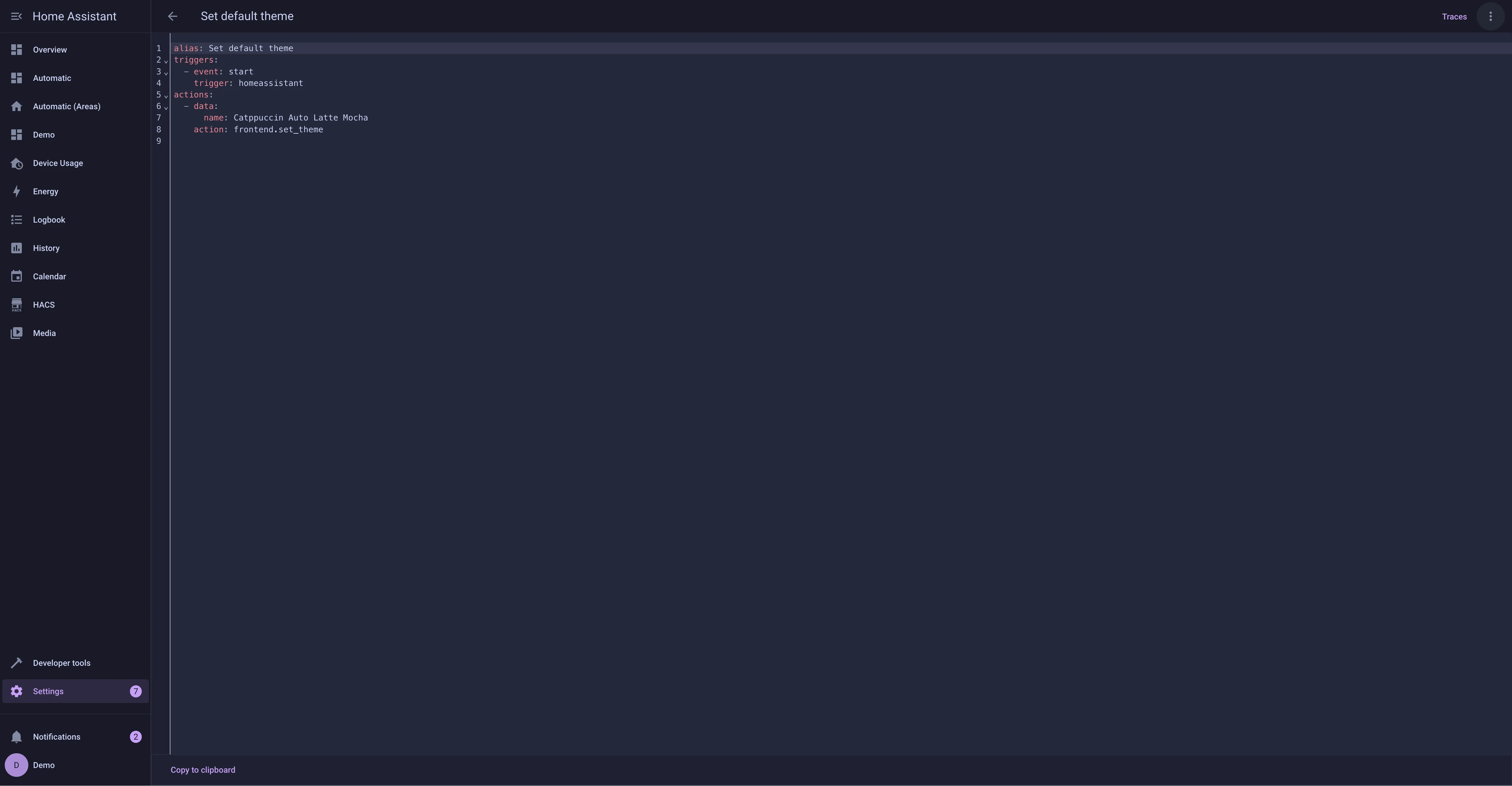
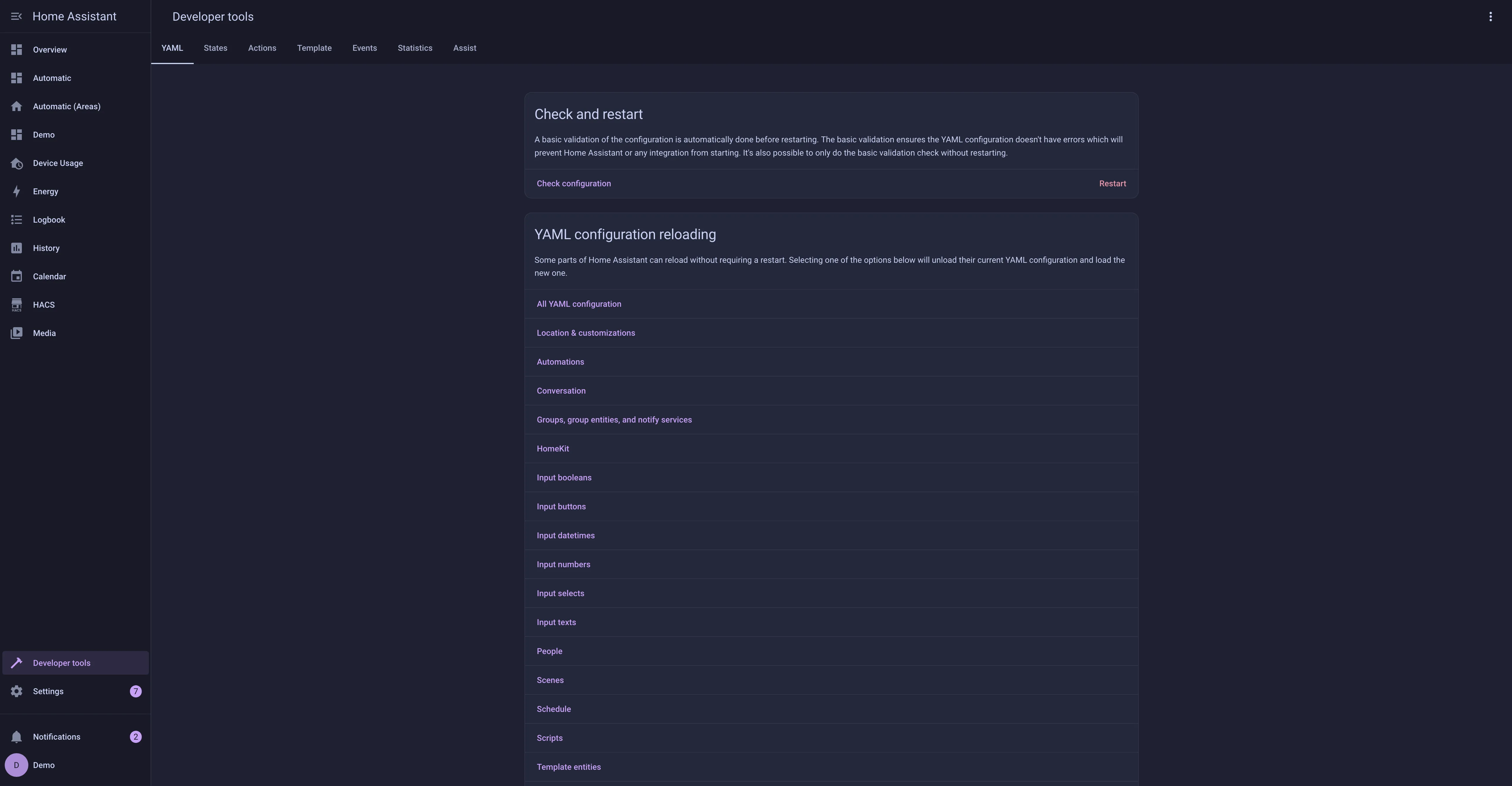
🌿 Mocha
Usage
With HACS
[!NOTE] This will install the default mauve theme shown in the example screenshots. If you wish to have a different highlight color you will need to follow the manual installation steps below.
- Add the following code to your
configuration.yamlfile (reboot required).
frontend:
  ... # your configuration.
  themes: !include_dir_merge_named themes
... # your configuration.- Go to the Community Store.
- Search for
Catppuccin. - Navigate to
Catppuccintheme. - Press
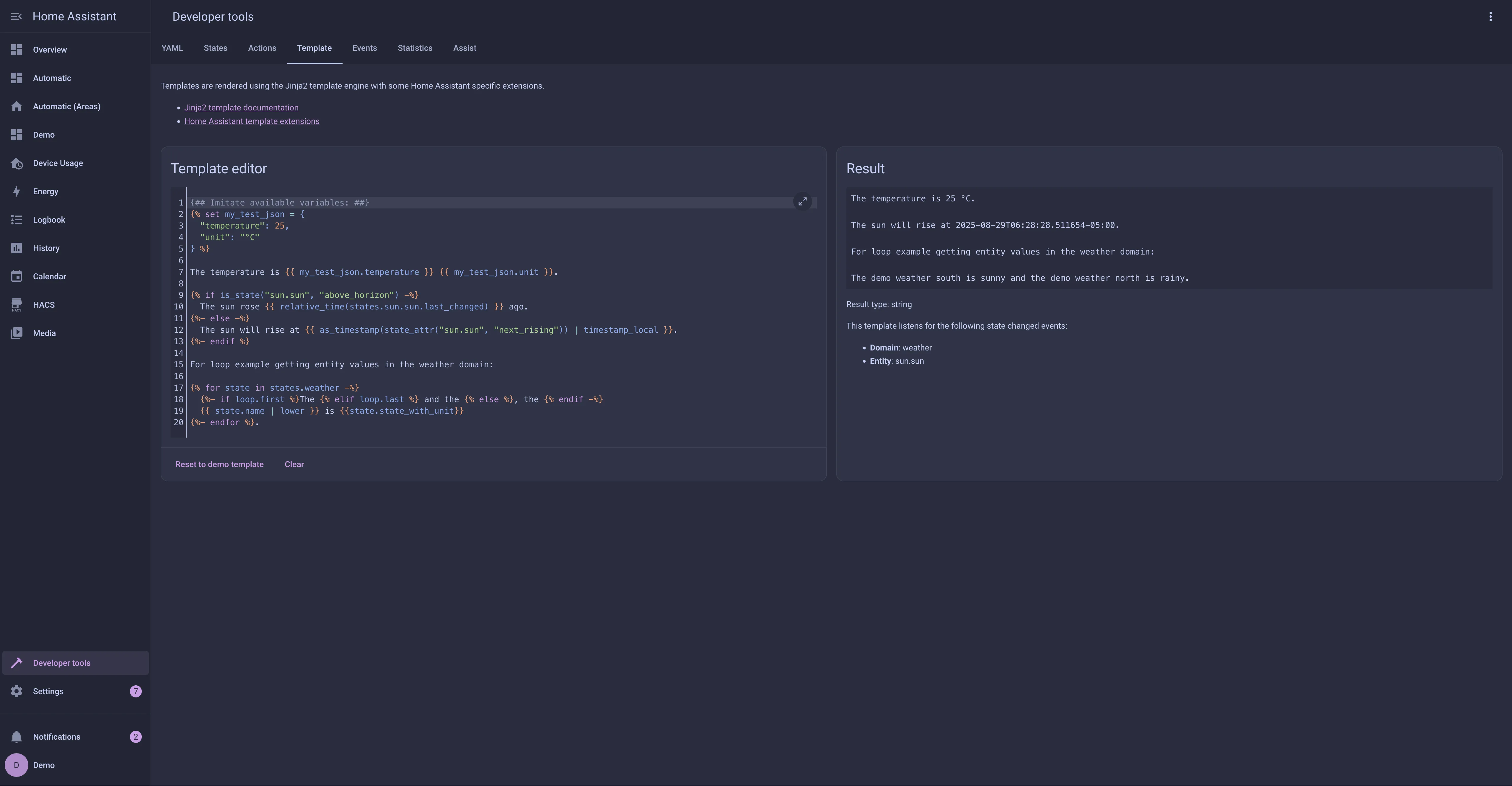
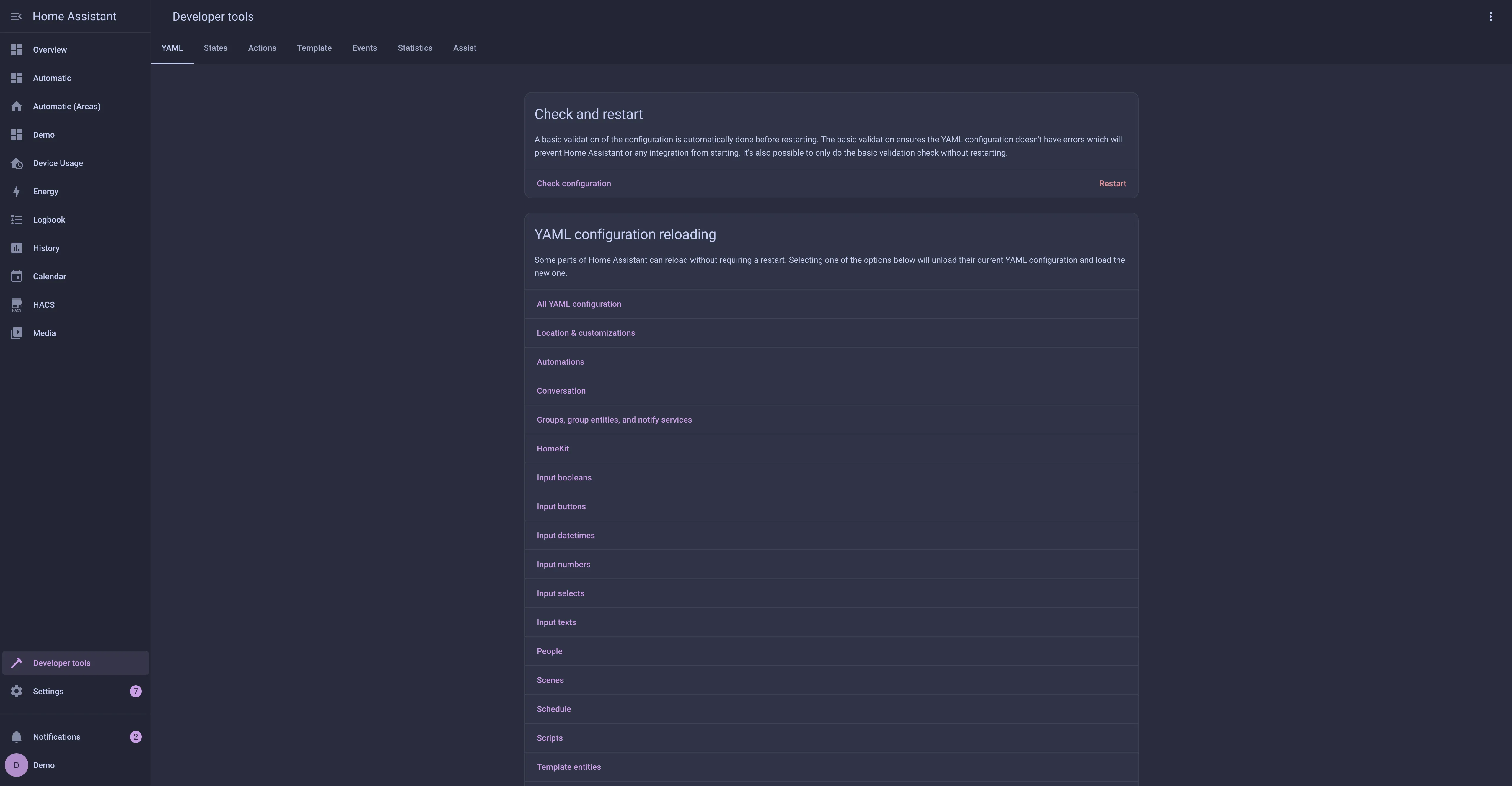
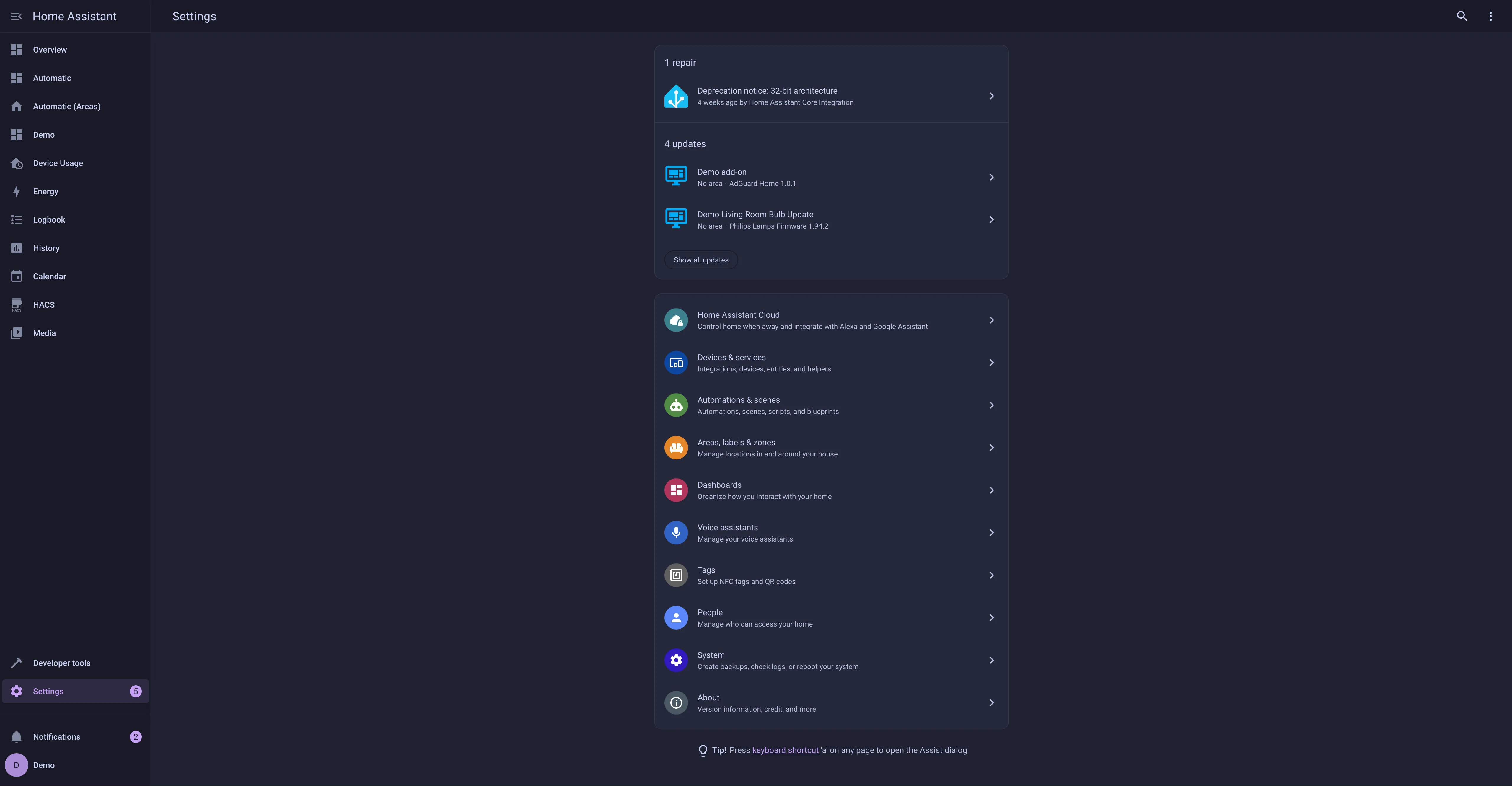
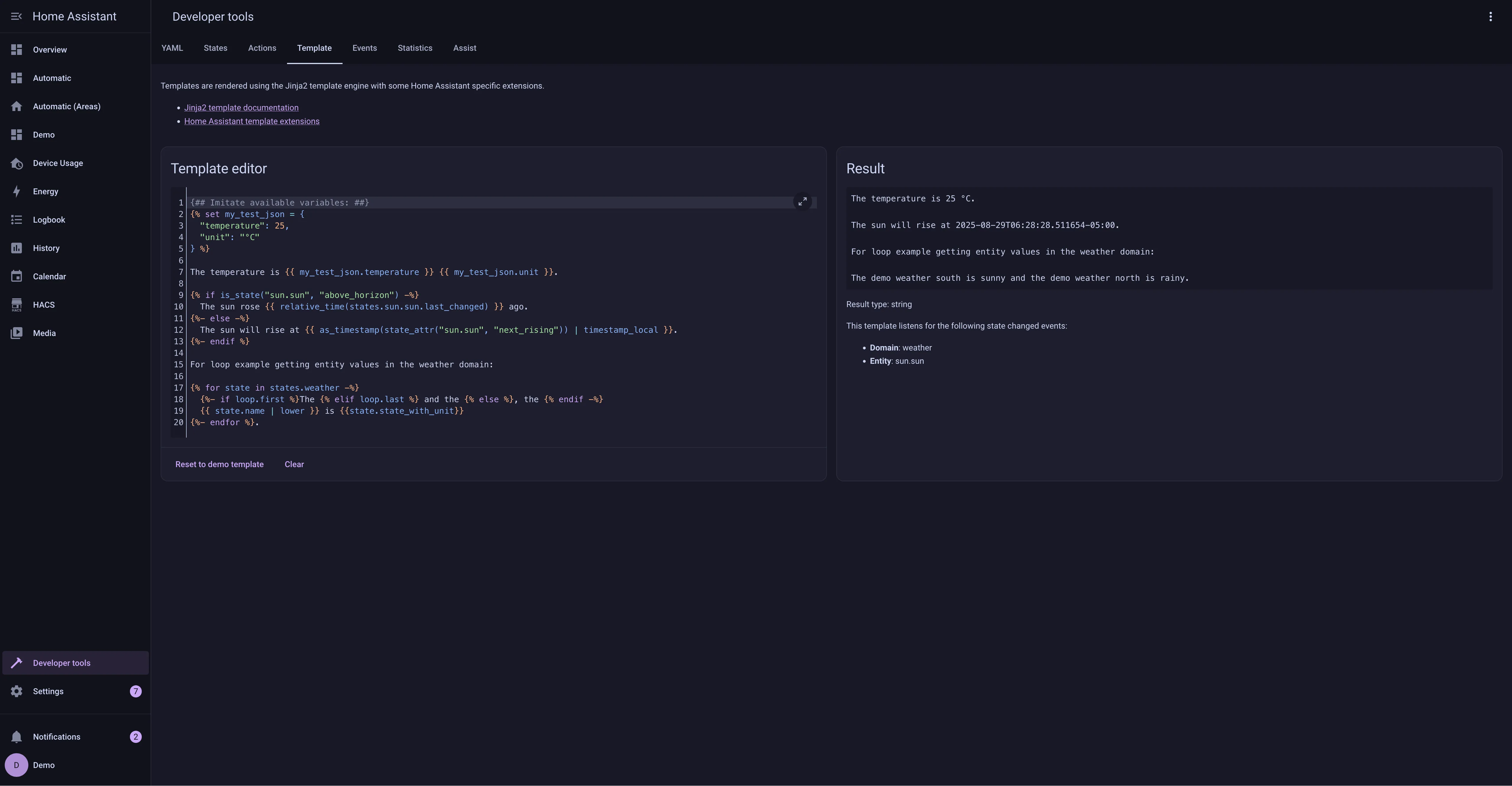
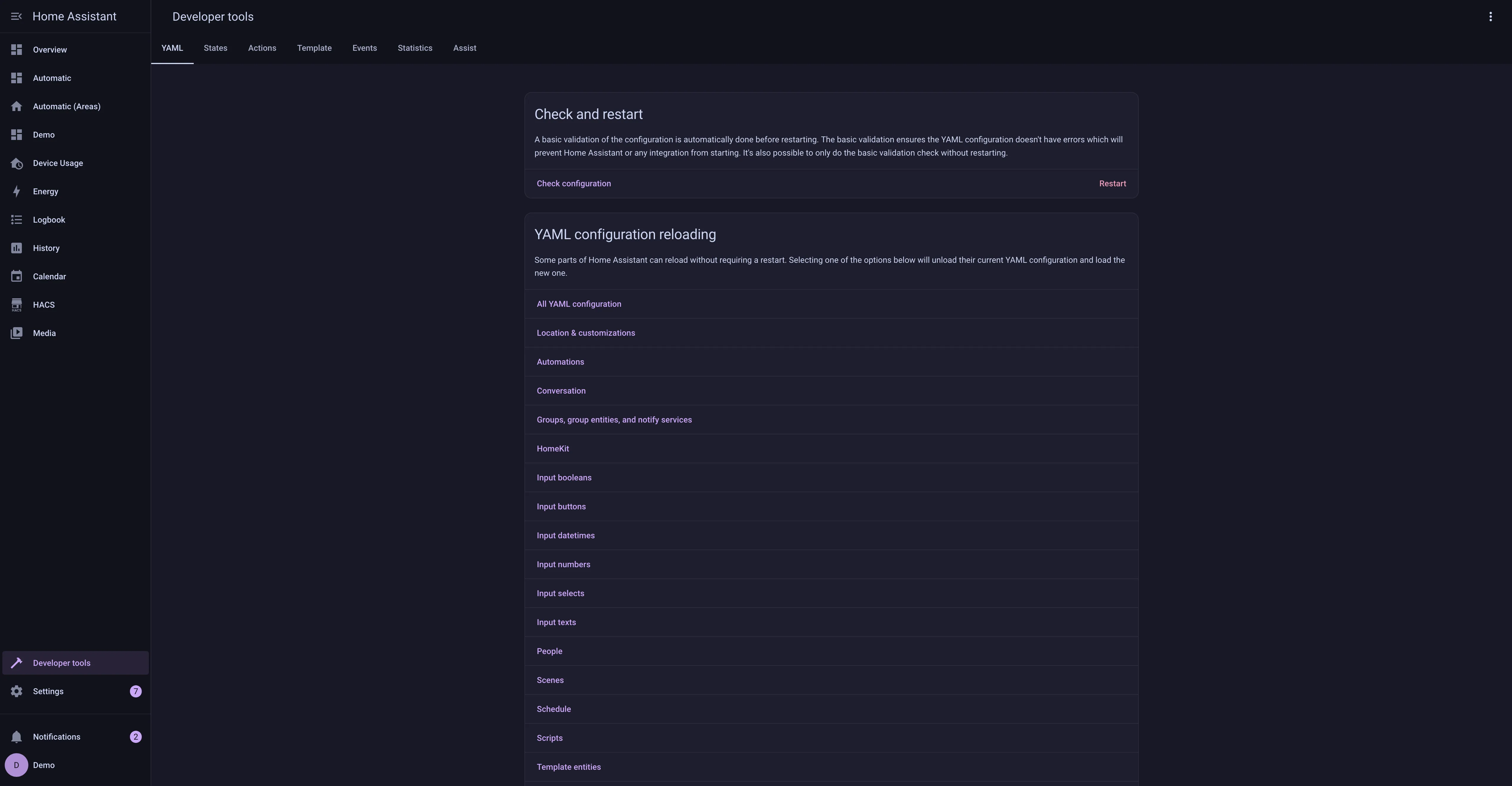
Install. - Go to Developer Tools, and next Actions. Then select and manually trigger the
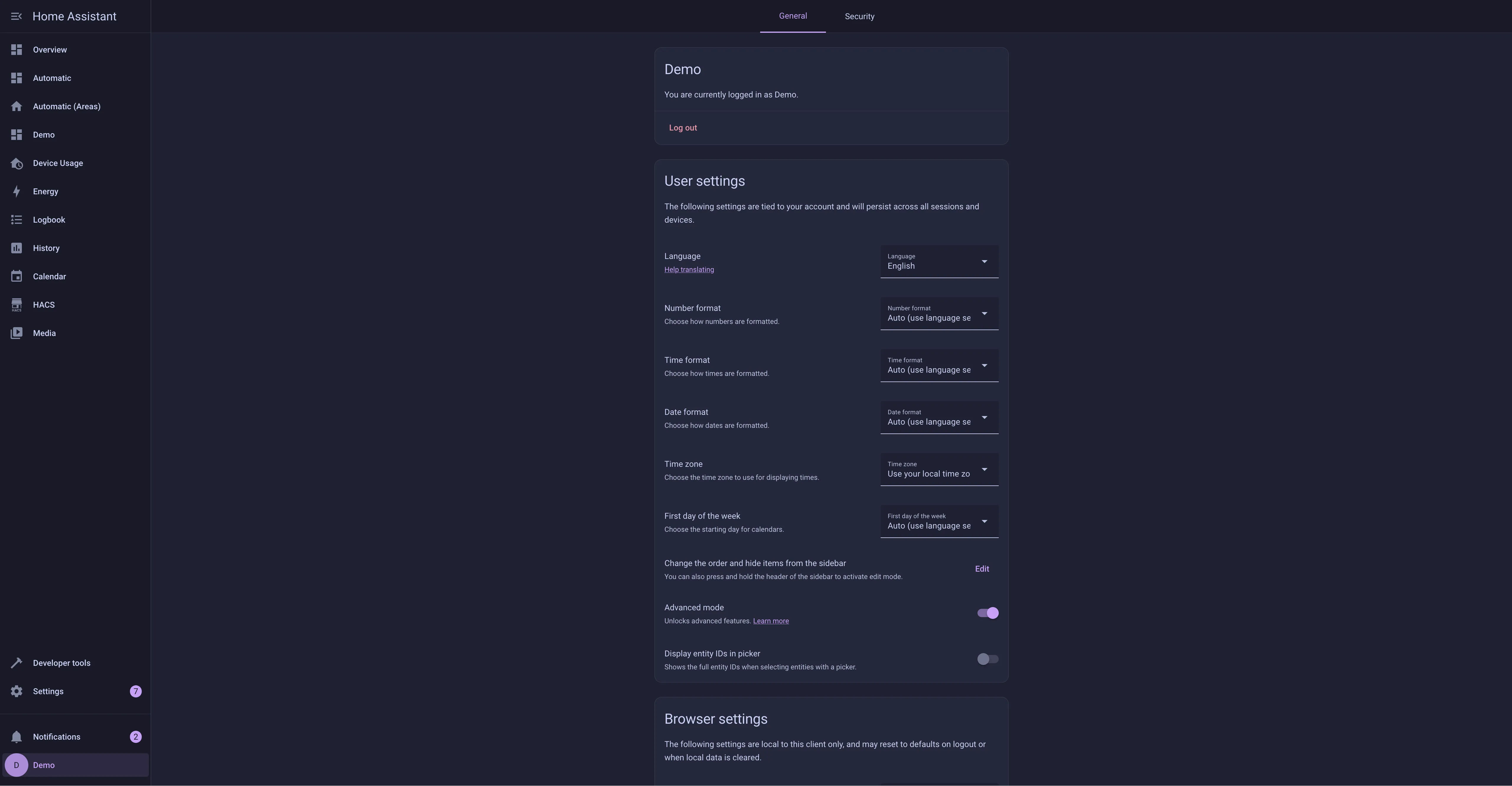
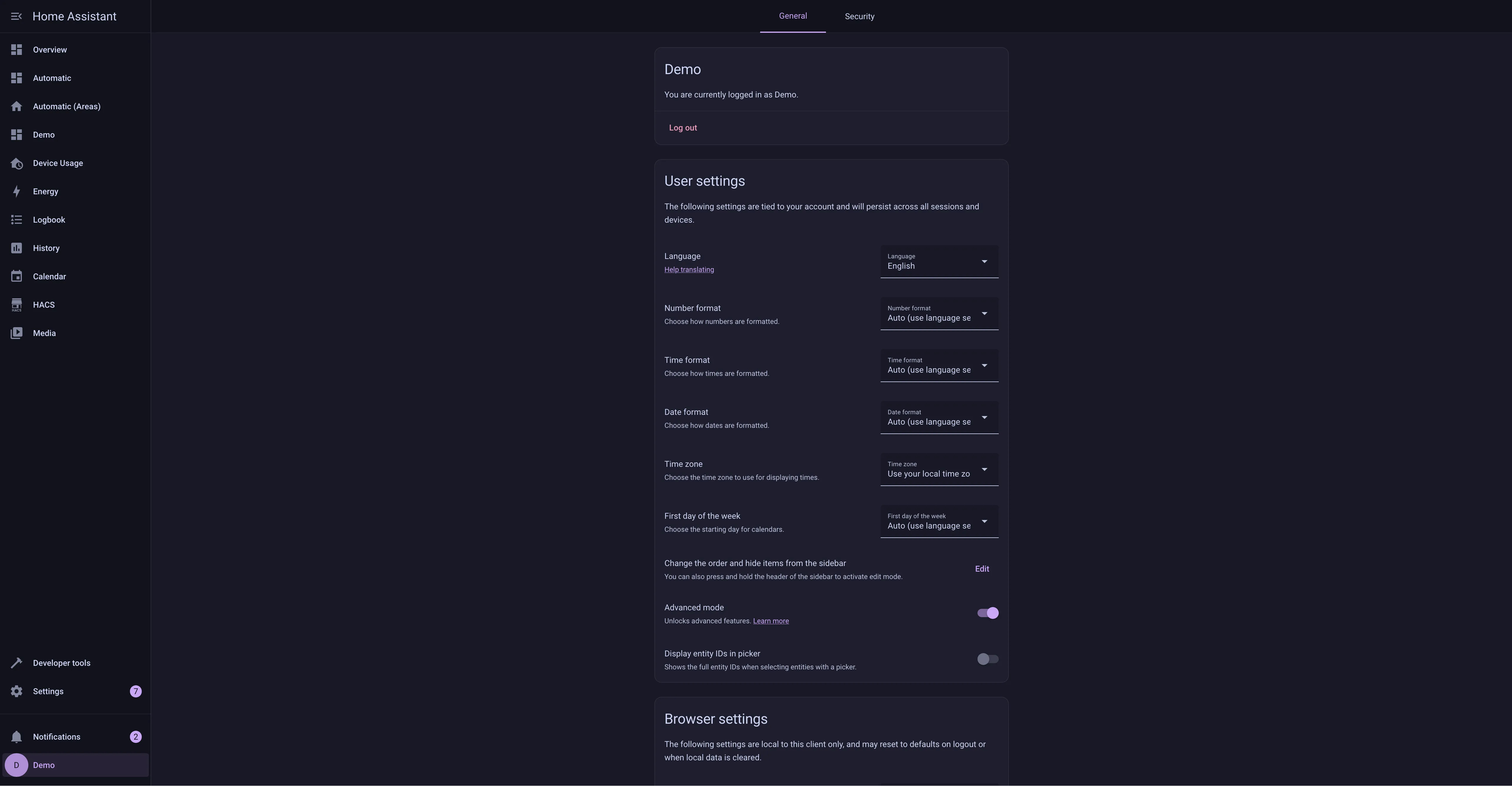
frontend.reload_actionsaction. - Go to the Profile General tab and change Theme under Browser Settings to your desired theme.
Manual
- Add the following code to your
configuration.yamlfile (reboot required).
frontend:
  ... # your configuration.
  themes: !include_dir_merge_named themes
... # your configuration.- Go to the latest GitHub release
- If you want to install the default (mauve) theme, download the
catppuccin.yamlfile - If you want a different highlight color, download and extract the
catppuccin-accents.zipfile and select the accent(s) you want available
- If you want to install the default (mauve) theme, download the
- Move the selected file(s) to the
themesfolder in your HA configuration directory. (E.g.~/config/themes) - Run the
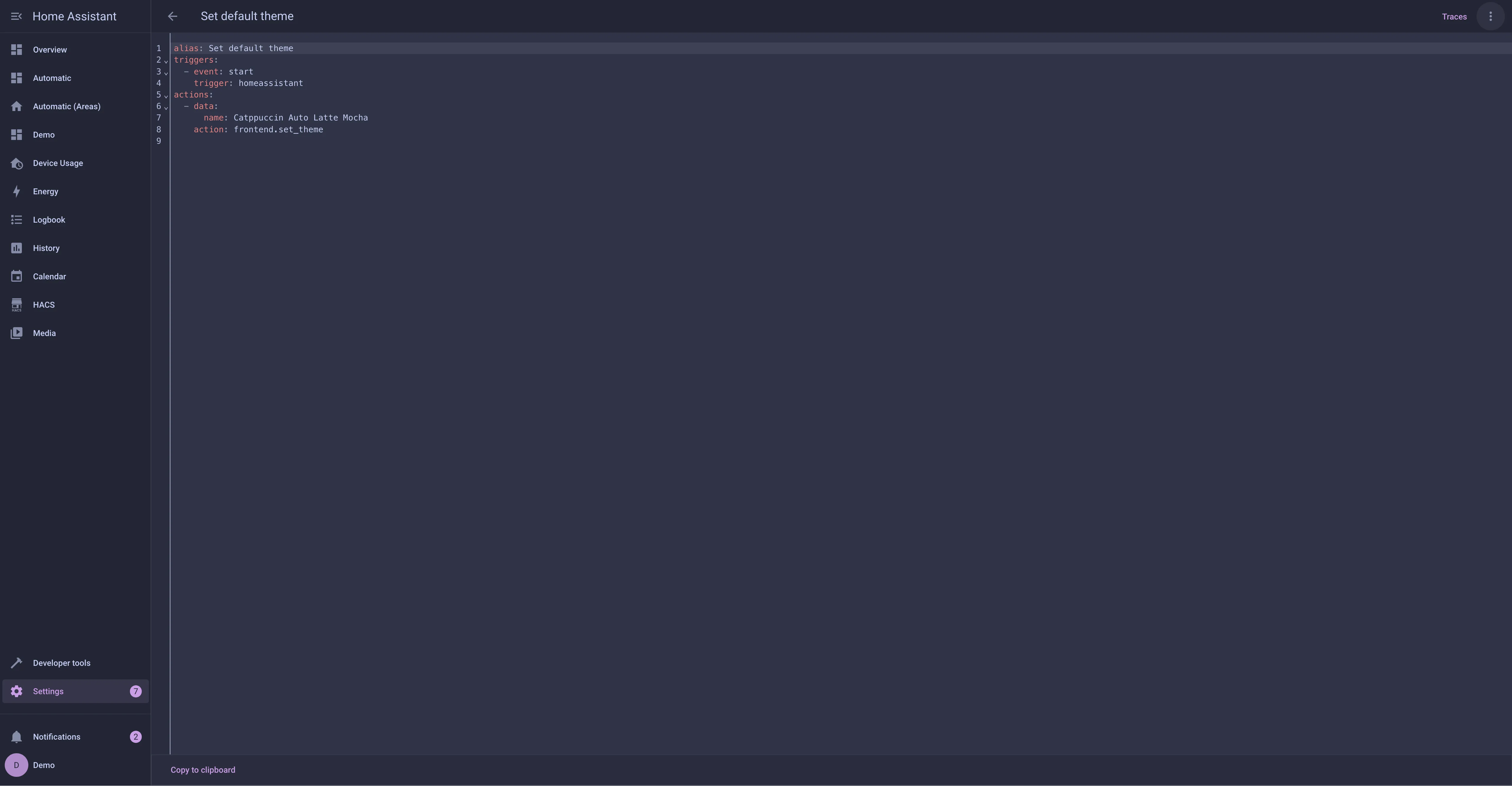
frontend.reload_themesaction or restart Home Assistant. - Go to the Profile General tab and change Theme under Browser Settings to your desired theme.
💝 Thanks to

Copyright © 2021-present Catppuccin Org
