Box3D


Box3D is a 3D physics engine for games.
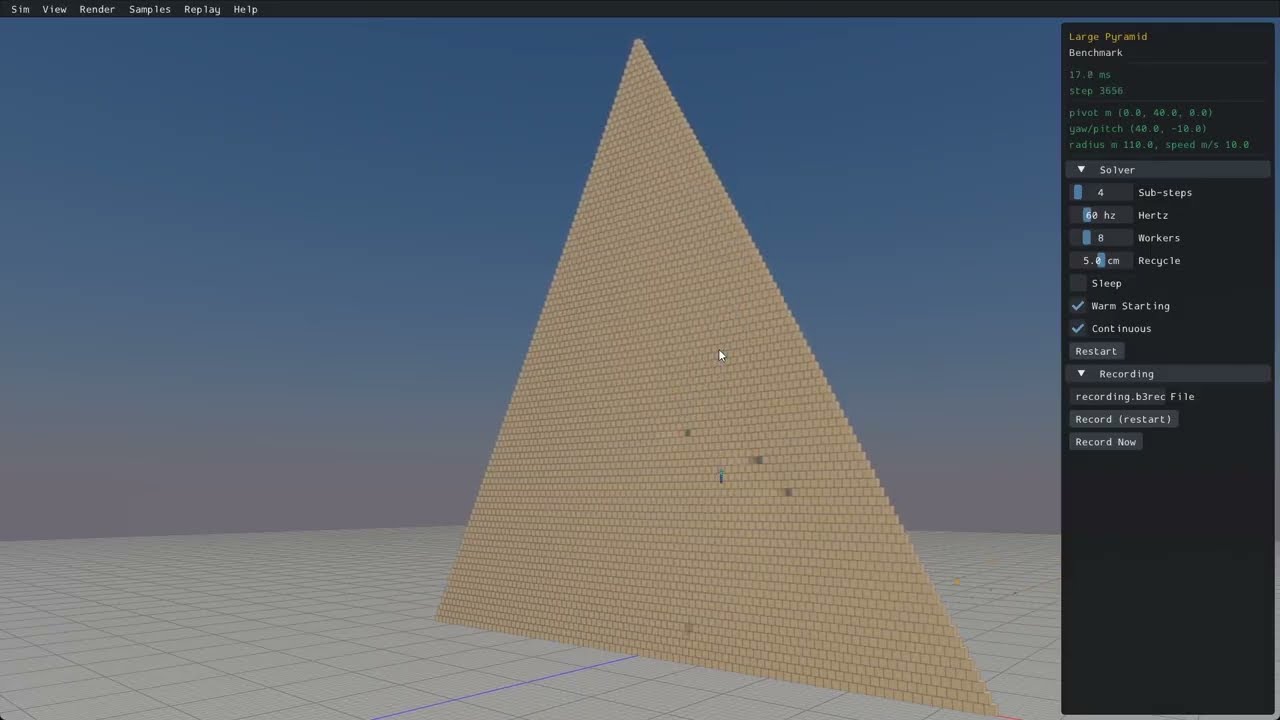
Features
Collision
- Continuous collision detection
- Contact events
- Convex hulls, capsules, spheres, triangle meshes, and height fields
- Multiple shapes per body
- Collision filtering
- Ray casts, shape casts, and overlap queries
- Sensor system
- Character mover
Physics
- Robust Soft Step rigid body solver
- Continuous physics for fast translations and rotations
- Island based sleep
- Revolute, prismatic, distance, motor, weld, and wheel joints
- Joint limits, motors, springs, and friction
- Joint and contact forces
- Body movement events and sleep notification
System
- Data-oriented design
- Written in portable C17
- Extensive multithreading and SIMD
- Optimized for large piles of bodies
- Cross platform determinism
- Recording and replay
Samples
- Uses sokol to run with D3D11 on Windows, Metal on macOS, and OpenGL 4.5 on Linux.
- Graphical user interface with imgui.
- Many samples to demonstrate features and performance.
Building all platforms
Building with CMake presets (recommended)
This uses the presets in CMakePresets.json.
- Windows:
cmake --preset windowsthencmake --build --preset windows-release - Linux:
cmake --preset linux-releasethencmake --build --preset linux-release - macOS:
cmake --preset macosthencmake --build --preset macos-release
Run the samples app (must be in the Box3D directory).
- Windows:
.\build\bin\Release\samples.exe - Linux:
./build/bin/samples - macOS:
./build/bin/Release/samples
Building for Visual Studio
- Install Visual Studio
- Run
build_vs2026.bat - Open and build
build/box3d.slnx
Building for Linux
- Run
build.shfrom a bash shell - Results are in the build sub-folder
Building for Xcode
- mkdir build
- cd build
- cmake -G Xcode ..
- Open
box3d.xcodeproj - Select the samples scheme
- Build and run the samples
Building and installing
- mkdir build
- cd build
- cmake ..
- cmake --build . --config Release
- cmake --install . (might need sudo)
Using Box3D in your project
The core library has no dependencies beyond the C runtime (and libm on Unix). Linking it
gives you the box3d::box3d target.
I recommend to use FetchContent:
include(FetchContent)
FetchContent_Declare(box3d
  GIT_REPOSITORY https://github.com/erincatto/box3d.git
  GIT_TAG v0.1.0)
FetchContent_MakeAvailable(box3d)

target_link_libraries(my_app PRIVATE box3d::box3d)
For a vendored copy or git submodule, point add_subdirectory at it:
add_subdirectory(extern/box3d)

target_link_libraries(my_app PRIVATE box3d::box3d)
To use a copy installed with cmake --install, find the package:
find_package(box3d 0.1 REQUIRED)

target_link_libraries(my_app PRIVATE box3d::box3d)
See docs/hello.md for a minimal first program.
Compatibility
The Box3D library and samples build and run on Windows, Linux, and Mac.
You will need a compiler that supports C17 to build the Box3D library.
You will need a compiler that supports C++20 to build the samples.
Box3D uses SSE2 and Neon SIMD math to improve performance. This can be disabled by defining BOX3D_DISABLE_SIMD.
Documentation
The user manual lives in docs/ and is built with Doxygen. Enable the BOX3D_DOCS CMake option and build the doc target.
Community
Contributing
Pull requests are currently disabled. Instead, please file an issue for bugs or feature requests. For support, please visit the Discord server.
Giving feedback
Please file an issue or start a chat on discord. You can also use GitHub Discussions.
License
Box3D is developed by Erin Catto and uses the MIT license.
Sponsorship
Support development of Box3D through Github Sponsors.
Please consider starring this repository and subscribing to my YouTube channel.
LLM Usage
LLMs are used in the following areas:
- unit tests
- samples app
- migrating code between Box2D and Box3D
- build configuration
- code reviews
- benchmarking
Elsewhere all code is developed and written by me. I take responsibility for every line of code in Box2D/3D.