Public
Star 历史趋势
数据来源: GitHub API · 生成自 Stargazers.cn
README.md
ASCII View
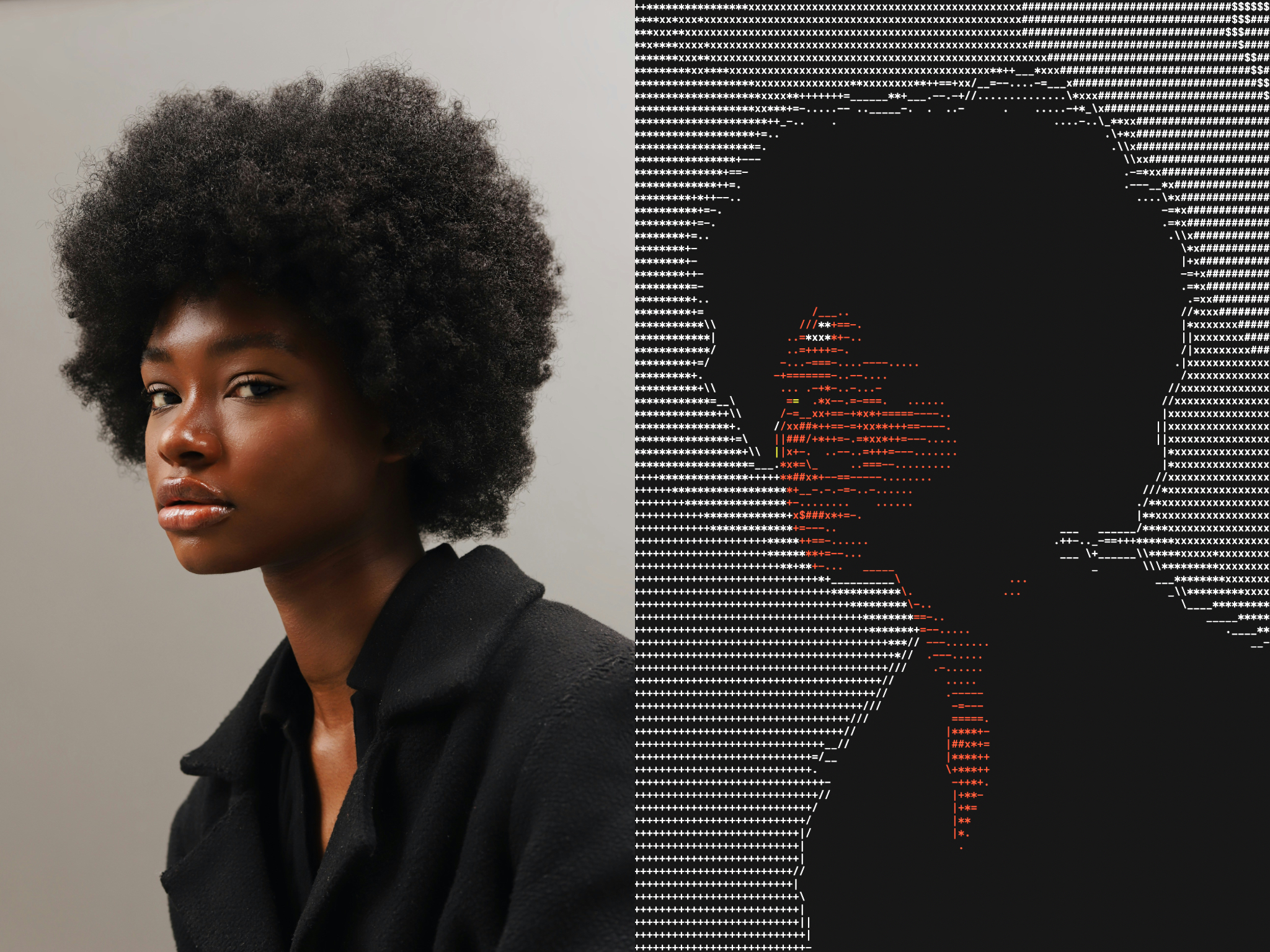
A command-line tool that displays images as colorized ASCII art in the terminal.
Features
- Multi-format support: Supports JPEG, PNG, BMP, and other common image formats via stb_image
- Color terminal output: Uses ANSI color codes for colors
- Intelligent resizing: Scales images to fit the terminal's constrained dimensions while maintaining aspect ratio
- Terminal-optimized: Adjusts for typical terminal font aspect ratios (characters are taller than they are wide)
- Edge enhancement: Uses Sobel filtering to enhance edges
Building
This project can be built with Make:
# Development version
make

# Release version compiled with optimizations
make release
To clean build artifacts:
make clean
Requirements:
- C99-compatible compiler (GCC, Clang)
- Make build system
Usage
./ascii-view <path/to/image> [OPTIONS]
Options
-mw <width>: Maximum width in characters (default: terminal width OR 64)-mh <height>: Maximum height in characters (default: terminal height OR 48)-et <threshold>: Edge detection threshold, range: 0.0 - 4.0 (default 4.0, disabled)-cr <ratio>: Height-to-width ratio for characters (default 2.0)--retro-colors: Uses 3-bit colors for pixels.
Examples
# Basic usage with default dimensions
./ascii-view examples/puffin.jpg

# Specify custom dimensions
./ascii-view examples/waterfall.jpg -mw 120 -mh 60

# Specify edge threshold
./ascii-view examples/black-and-white.jpg -et 2.5

# Specify character aspect ratio
./ascii-view examples/cacti.jpg -cr 1.7
The images in the examples directory are via Unsplash
Suggestions for getting good looking results
- If you make your font size smaller, you can make the pictures larger
- The results are limited by your terminal's colour scheme
- If you squint your eyes the images look great!
How It Works
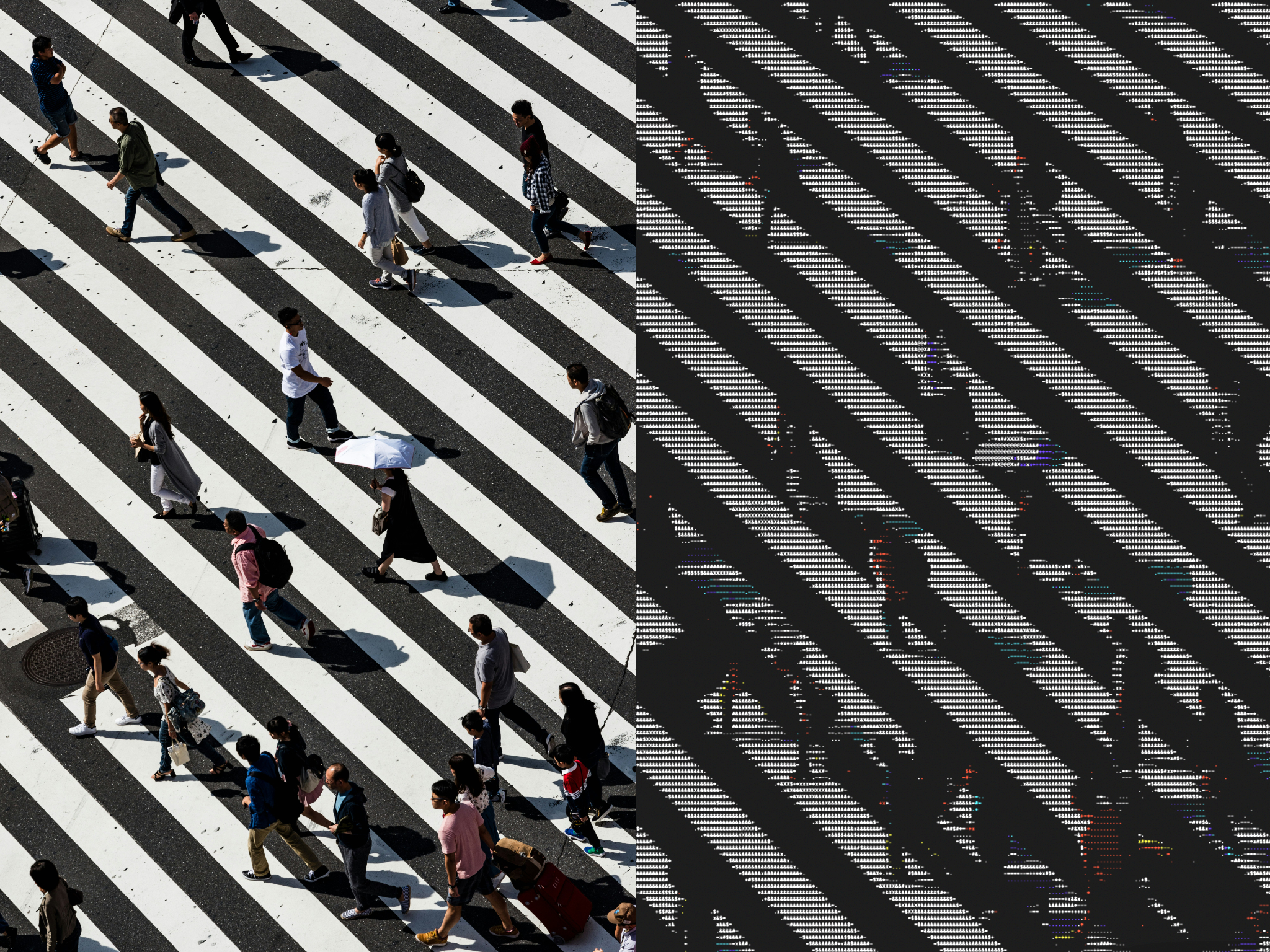
- Image loading: Uses stb_image to load various image formats
- Aspect ratio correction: Accounts for terminal character dimensions (typically ~2:1 height to width ratio1)
- Area averaging: When downsampling, averages pixel values in rectangular regions for smooth results
- Color analysis: Converts RGB pixels to HSV color space to determine:
- Hue: Maps to ANSI terminal colors (red, green, blue, cyan, magenta, yellow)
- Saturation: Low saturation pixels display as white
- Value: Used to calculate brightness for ASCII character selection
- ASCII mapping: Maps brightness levels to ASCII characters:
.-=+*x#$&X@ - Edge enhancement: Finds edges and angles with a Sobel filter, enhances edges with
_/|\
Footnotes
-
Some terminals support the ability to extract the exact font ratio, but others don't. For the time being we assume a 2:1 ratio, with ability to change it through the
-croption. ↩
关于 About
A command-line tool that displays images as colorized ASCII art in the terminal.
语言 Languages
C99.8%
Makefile0.2%
提交活跃度 Commit Activity
代码提交热力图
过去 52 周的开发活跃度80
Total Commits峰值: 43次/周
LessMore