




Take complete control of your keyboard with a powerful, free and open-source keyboard remapping tool for Windows. Create custom keyboard layouts, programmable layers, advanced key combinations and intelligent tap-hold actions without needing to write command-line scripts.
Whether you're a developer, power user, programmer, gamer or productivity enthusiast, customize your existing keyboard to work exactly the way you want.
⬇️ Installation
Download the Windows application
- Open the repository's Releases page.
- Download the latest release archive
Advanced Windows Keyboard Manager 4.0.0.zip. - Extract the archive into a folder of your choice.
- Keep
Advanced Windows Keyboard Manager 4.0.0.exeandlibvlc.dlltogether in that folder. - Double-click
Advanced Windows Keyboard Manager 4.0.0.exeto launch the application.
✨ Features
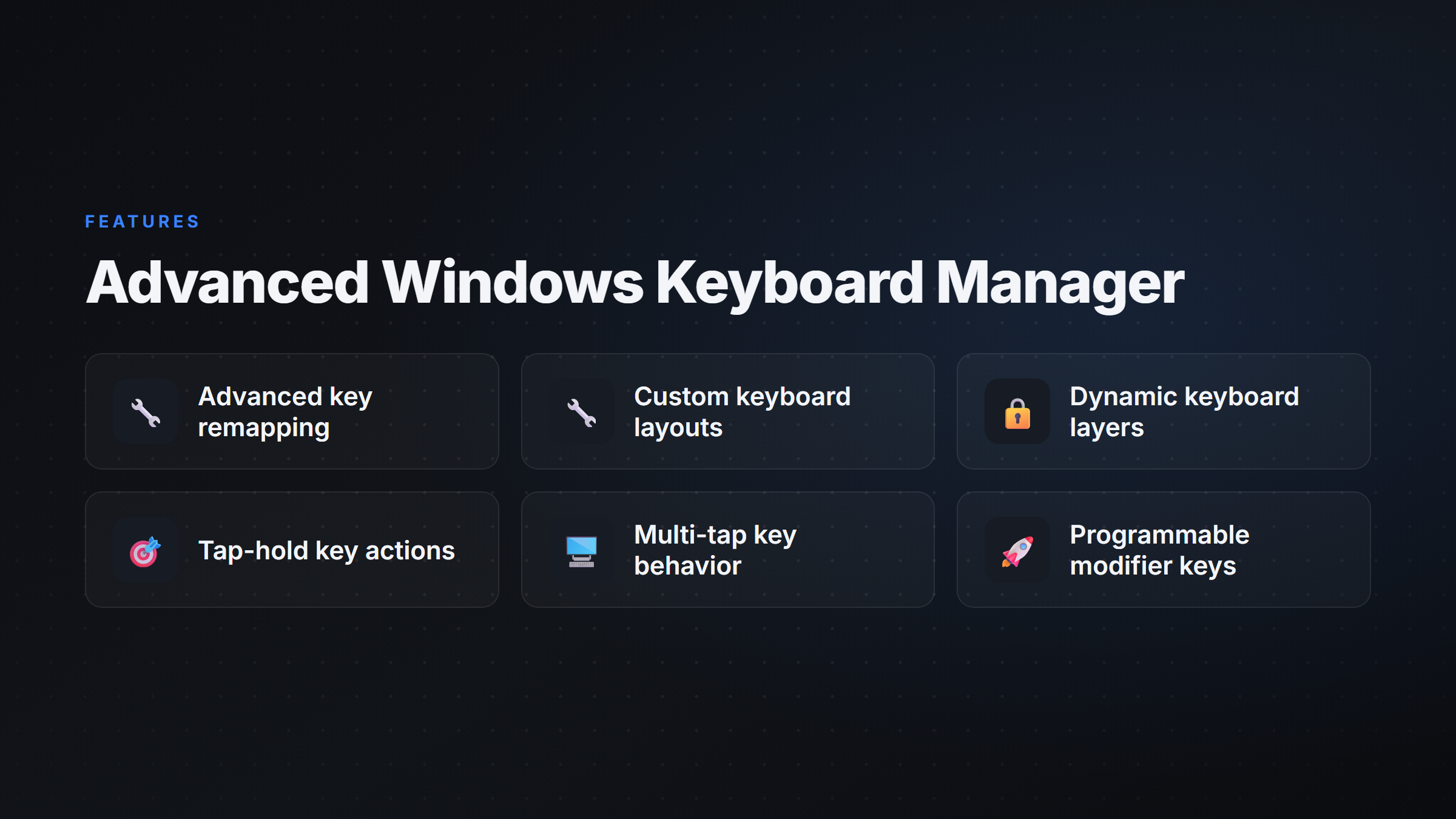
- ⌨️ Advanced Keyboard Remapping — Remap individual keys, swap modifiers and create personalized keyboard shortcuts for a more efficient typing experience.
- 🧩 Custom Keyboard Layers — Build multiple logical layouts for numbers, symbols, navigation, function keys and application-specific workflows.
- ⚡ Tap-Hold Key Actions — Assign different behaviors depending on whether a key is tapped briefly or held down, making modifier placement more ergonomic.
- 🔁 Multi-Tap Functionality — Configure keys to perform different actions based on repeated presses and timing intervals.
- 🎯 Programmable Modifier Keys — Combine Shift, Ctrl, Alt and other modifiers to create powerful custom shortcuts and advanced key combinations.
- 🖥️ Flexible Keyboard Layouts — Adapt standard keyboards to alternative layouts, compact keyboards and personalized typing arrangements.
- 🛠️ Power-User Customization — Fine-tune keyboard behavior through an expressive configuration system designed for advanced customization.
🖼️ Overview
Keyboard customization at a glance
| Capability | What it does |
|---|---|
| Key remapping | Assign new actions to physical keys |
| Keyboard layers | Switch between independent keymaps |
| Tap-hold | Give keys separate tap and hold actions |
| Multi-tap | Trigger actions using repeated presses |
| Modifier combinations | Create advanced shortcut combinations |
| Custom layouts | Build personalized typing experiences |
🚀 Usage
Getting started with custom keyboard remapping is straightforward:
- Launch the application and review the available keyboard configuration options.
- Choose your base layout and identify the keys you want to customize.
- Create your key mappings by assigning alternative keys, modifiers or actions.
- Configure keyboard layers for different workflows, shortcuts or navigation modes.
- Set up advanced behaviors such as tap-hold and multi-tap actions.
- Save and activate your configuration to start using your customized keyboard.
- Refine your layout as your workflow and preferences evolve.
💡 Configuration ideas
Not sure where to begin? Try these popular keyboard customization ideas:
- Caps Lock to Escape: Make Caps Lock behave like Escape when tapped.
- Home-row modifiers: Turn frequently used letter keys into modifiers when held.
- Navigation layer: Use a compact set of keys for arrows, Home, End and page navigation.
- Symbol layer: Access brackets, punctuation and frequently used programming symbols without reaching across the keyboard.
- Shortcut layer: Create convenient combinations for repetitive tasks and development workflows.
🎯 Who Is This Keyboard Manager For?
- Developers: Create ergonomic programming layouts and faster access to frequently used symbols.
- Writers: Improve typing comfort and reduce unnecessary finger movement.
- Power Users: Build sophisticated keyboard shortcuts and multi-layer configurations.
- Gamers: Customize key arrangements and create alternative control layouts.
- Productivity Enthusiasts: Streamline repetitive keyboard interactions and everyday workflows.
- Alternative Layout Users: Experiment with personalized arrangements and optimized typing patterns.
🖥️ Windows Keyboard Customization
A customized keyboard can significantly change how you interact with your computer.
Instead of relying entirely on the physical arrangement of your keys, define logical layouts that adapt to your work:
- Keep frequently used modifiers close to your home row.
- Access navigation commands without moving your hands.
- Create dedicated layers for programming and text editing.
- Reassign rarely used keys to more practical functions.
- Build consistent keyboard behavior across different workflows.
The result is a more flexible keyboard experience without requiring a specialized programmable keyboard.
🔧 Advanced Configuration
The configuration system supports more than simple one-to-one key replacement.
You can combine different behaviors to build complex keyboard arrangements:
| Configuration concept | Example |
|---|---|
| Key aliases | Give a key a different logical identity |
| Layers | Switch between typing and navigation |
| Tap-hold actions | Escape on tap, Control on hold |
| Multi-tap actions | Assign behavior to repeated presses |
| Modifier combinations | Combine multiple modifier keys |
| Custom actions | Associate configured keys with additional operations |
Tip: Start with a small number of remappings, test the behavior, and gradually introduce additional layers and advanced actions.
🔒 Security & Privacy
Keyboard management software interacts with keyboard input, so transparency and responsible configuration matter.
- Open Source: Inspect the source code and understand how keyboard customization works.
- No Telemetry: The project is designed without built-in behavioral analytics or user tracking.
- Local Configuration: Keep your keyboard customization settings under your control.
- User Control: Review your mappings and active configuration before using advanced behaviors.
- Responsible Usage: Only configure keyboard actions on devices and systems you are authorized to manage.
Reporting Security Issues
Found a potential security vulnerability?
Please avoid publishing sensitive exploit details in public issue discussions. Report security concerns through an appropriate private disclosure channel maintained by the project.
For ordinary bugs, unexpected keyboard behavior or feature suggestions, use the GitHub Issues section and include:
- Windows version.
- Relevant configuration example.
- Steps to reproduce the issue.
- Expected and actual behavior.
🤝 Contributing
Contributions are welcome!
You can help improve the project by:
- Reporting reproducible bugs.
- Suggesting new keyboard customization features.
- Improving documentation and configuration examples.
- Testing keyboard layouts across different Windows environments.
- Reviewing proposed changes and submitting improvements.
Before submitting changes, keep contributions focused, document behavior changes and include reproducible test cases whenever possible.
❓ Frequently Asked Questions
Can I remap individual keyboard keys?
Yes. The configuration system supports assigning alternative behaviors to individual keys.
Can one key perform multiple actions?
Yes. Tap-hold and multi-tap behaviors allow a single physical key to perform different functions depending on how it is used.
Can I create multiple keyboard layouts?
Yes. Keyboard layers let you define separate logical layouts and switch between them as needed.
Do I need a programmable mechanical keyboard?
No specialized programmable keyboard is required. The goal is to customize the behavior of ordinary keyboards through software.
Is this software free?
Yes. The project is open-source and distributed under the MIT License.
Is it suitable for developers?
Absolutely. Custom symbol layers, home-row modifiers and programmable shortcuts can make coding workflows more comfortable and efficient.
📚 Additional Resources
Useful topics to explore when designing a personalized keyboard:
- Keyboard remapping and keybinding fundamentals.
- Ergonomic keyboard layouts.
- Home-row modifier configurations.
- Tap-hold and multi-tap behavior.
- Layer-based keyboard navigation.
- Custom shortcut design.
📄 License
Released under the MIT License. You are free to use, modify and distribute the software according to the license terms.