fullstack-agent
Never used Claude Code? Start at jaredrhod.com: pick your situation and it routes you to the right path.
Runs on: Claude Code only; the installer itself is a Claude Code wizard. The $20 Pro plan is enough.
Not an agent that writes full-stack code. An agent that HAS a full stack: memory, voice, and face, plus an optional set of hands. This repo assembles my whole setup on your machine in one guided conversation, and when it finishes, your screen is a living circuit board with your agent's name on the chip, and it speaks first:
"Hello [you], what are we working on today?"
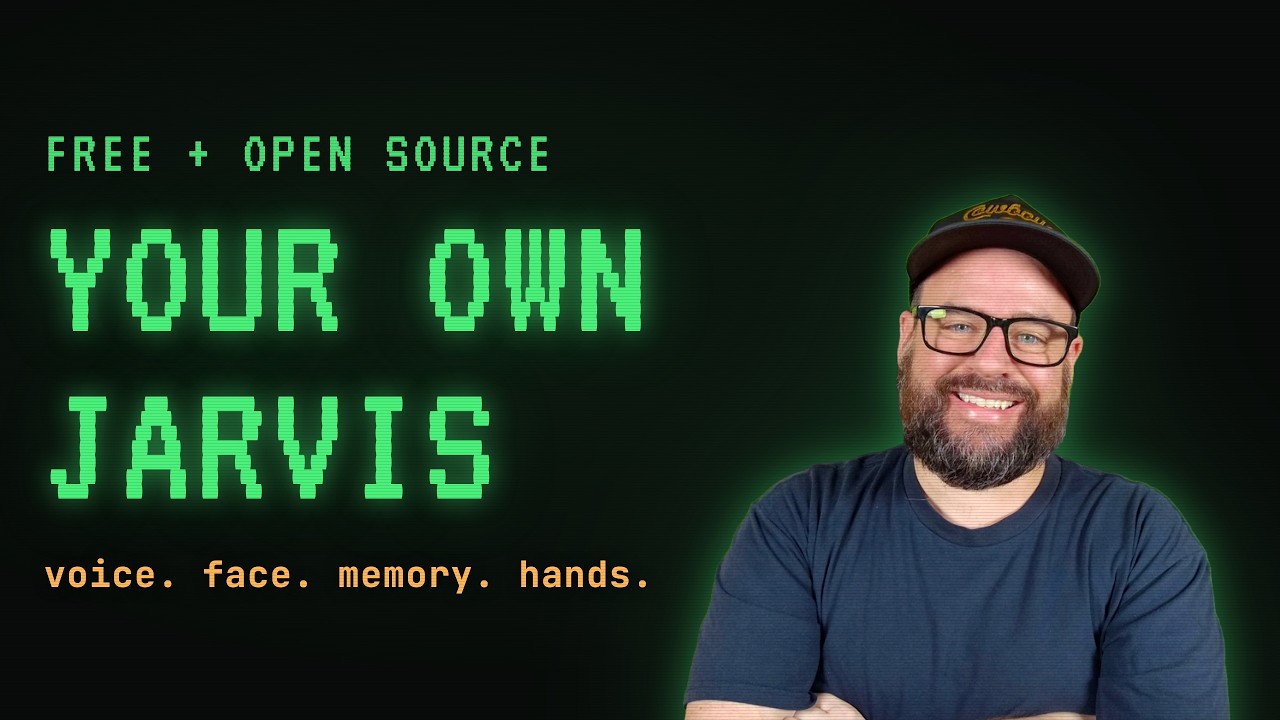
Nine minutes shows you everything you're about to get (the voice, the face, the memory, and the hands): the tour video above, straight from my own desk.
That's not a demo clip. That's minute one.
What you get
Four pieces, each its own open repo, each excellent alone, assembled here into one agent:
- The mind: ai-memory-vault. A real, persistent memory built on plain text files your AI reads and writes. It remembers you, your work, and every lesson, across every session, with no size ceiling.
- The mouth: backtalk. Hold a key, talk out loud, and your agent answers through your speakers about a second later, with all its tools and its whole personality.
- The face: ai-visualizer. Full-screen visualizers that idle, listen, think, and speak in sync with the real conversation. Four faces ship, including the living circuit board from my videos.
- The hands, the optional extra: barehands. Move notes and images around your screen with your bare hands through your webcam. No headset, no controllers. Opens in its own window instead of the face. Take it now or add it later by running the same install again.
Every piece is optional. The wizard asks which ones you want and explains each in plain English before you decide.
Install
You need Claude Code with a Claude subscription. Mac and Linux also use git (macOS offers to install it the first time you use it). Windows needs nothing else: the installer sets up git for you during setup. Then one paste into your terminal.
Mac and Linux:
mkdir -p ~/my-agent && cd ~/my-agent && git clone https://github.com/jaredrhod/fullstack-agent && cd fullstack-agent && claude "set me up"
Windows (PowerShell):
$d="$env:USERPROFILE\.local\bin"; if (Test-Path "$d\claude.exe") { $env:Path="$d;$env:Path" }; New-Item -ItemType Directory -Force -Path $HOME\my-agent | Out-Null; cd $HOME\my-agent; if (-not (Test-Path fullstack-agent)) { Invoke-WebRequest https://github.com/jaredrhod/fullstack-agent/archive/refs/heads/main.zip -OutFile fsa.zip; Expand-Archive fsa.zip . -Force; Rename-Item fullstack-agent-main fullstack-agent; Remove-Item fsa.zip }; cd fullstack-agent; if (Get-Command claude -ErrorAction SilentlyContinue) { claude "set me up" } else { Write-Output "Claude Code is not installed yet. Install it first at https://jaredrhod.com/start then paste this again." }
(The Windows command downloads the toolbox as a zip on purpose, so it works on a machine with no git installed. The installer sets up git for you during setup. Safe to paste twice: a second run skips the download and picks up where it left off. If it tells you Claude Code is not installed yet, do the start page first. Heads up for that step on Windows: the Claude Code installer downloads about 330 MB and prints nothing at all while it does, so leave that window alone until it says Installation complete.)
Claude Code opens with the installer already talking to you. (The agent lives in a folder right in your home directory on purpose: on Macs, things that run in the background out of Documents get silently blocked by the system.) Everything after that is a conversation: it asks for your agent's name and personality (or hands you mine, Jarvis, ready to use), which pieces you want, and where your notes live. It does the installing, the configuring, and the wiring itself.
Already built some of this?
Then you're exactly who this was designed around. If you set up a memory vault, a voice system, or a visualizer before, including the ones my old prompts had your AI hand-build, the wizard adopts before it installs:
- Your agent's identity and your vault are yours. Found, kept, never rebuilt, never moved. No questions you already answered.
- Hand-built voice lines and visualizers get honestly replaced, because these repos carry a year of fixes and keep improving with a
git pull, while a hand-built version is frozen the day it was written. Your old build stays on disk, untouched. Nothing you made is ever deleted. - Except your visualizer scene, which gets promoted. If your AI built you a custom scene back then, the wizard copies it into the visualizer's gallery as your own face, sitting right beside mine.
After setup
- Use your agent: the wizard leaves three shortcuts on your Desktop, named after your agent. Chat opens a typed session, terminal only. Talk starts the voice and the face. Barehands starts the voice and the hands board (the board is the screen in that mode). Double-click the mood you want; Ctrl-C in the window stops it. (They just run
fullstack-agent/start.sh, orstart.baton Windows, if you ever prefer the terminal.) - Something broken or confusing? Ask your agent to fix it. Seriously. Open the chat and describe the problem. Every repo here ships a troubleshooting guide written for your agent to read, and your agent is instructed during setup to do the fixing itself. This is the part everyone finds out late: you never have to debug this stack yourself.
- Update everything:
./fullstack-agent/update.sh(Windows:fullstack-agent\update.bat). Your files live outside the repos, so updates never touch who your agent is or what it remembers. - Daily habit: open Claude Code in your agent's folder. That's where it lives.
The fine print that matters
- The wizard never deletes, overwrites, or moves anything you built. Replacements retire the old thing in place and say so.
- Your vault stays wherever it already lives. Pieces connect by configuration paths, not by relocation.
- Requirements per piece: the voice needs a mic and about 1 GB of local models on first run; the hands need a webcam and Chrome; the mind and face need nothing but Python 3, which ships with macOS and most Linux. Windows notes live in each piece's own README.
- Cross-piece problems:
TROUBLESHOOTING.mdhere. Everything else: each piece's own guide.
The rest of it
Everything here is free and open source, and there is a whole community using it.
- The videos. Free series on all of it: https://youtube.com/@jaredrhod
- The Discord. Thousands of builders, and the fastest place to get unstuck: https://discord.gg/YSdsqMv3V8
- Everything else, free and open source: https://jaredrhod.com
Support
Free to use, and always will be. If this helped you out, you can buy me a coffee:

License
Copyright (c) 2026 Jared Rhodenizer.
Licensed under the GNU Affero General Public License, version 3 or later (AGPL-3.0-or-later). Use it in your business, commercially, for free. Run it, change it, build your workflow on top of it, and charge for the work you do with it. The one rule is that it stays open: if you hand it to someone else, or run a modified version as a service other people use, your version ships under this same license with its source available. Credit me when you build on it. Want it inside a closed-source commercial product? Email license@jaredrhod.com. Full terms are in the LICENSE file and at https://www.gnu.org/licenses/agpl-3.0.html