
MindPocket
A fully open-source, free, multi-platform, one-click deployable personal bookmark system with AI Agent integration.
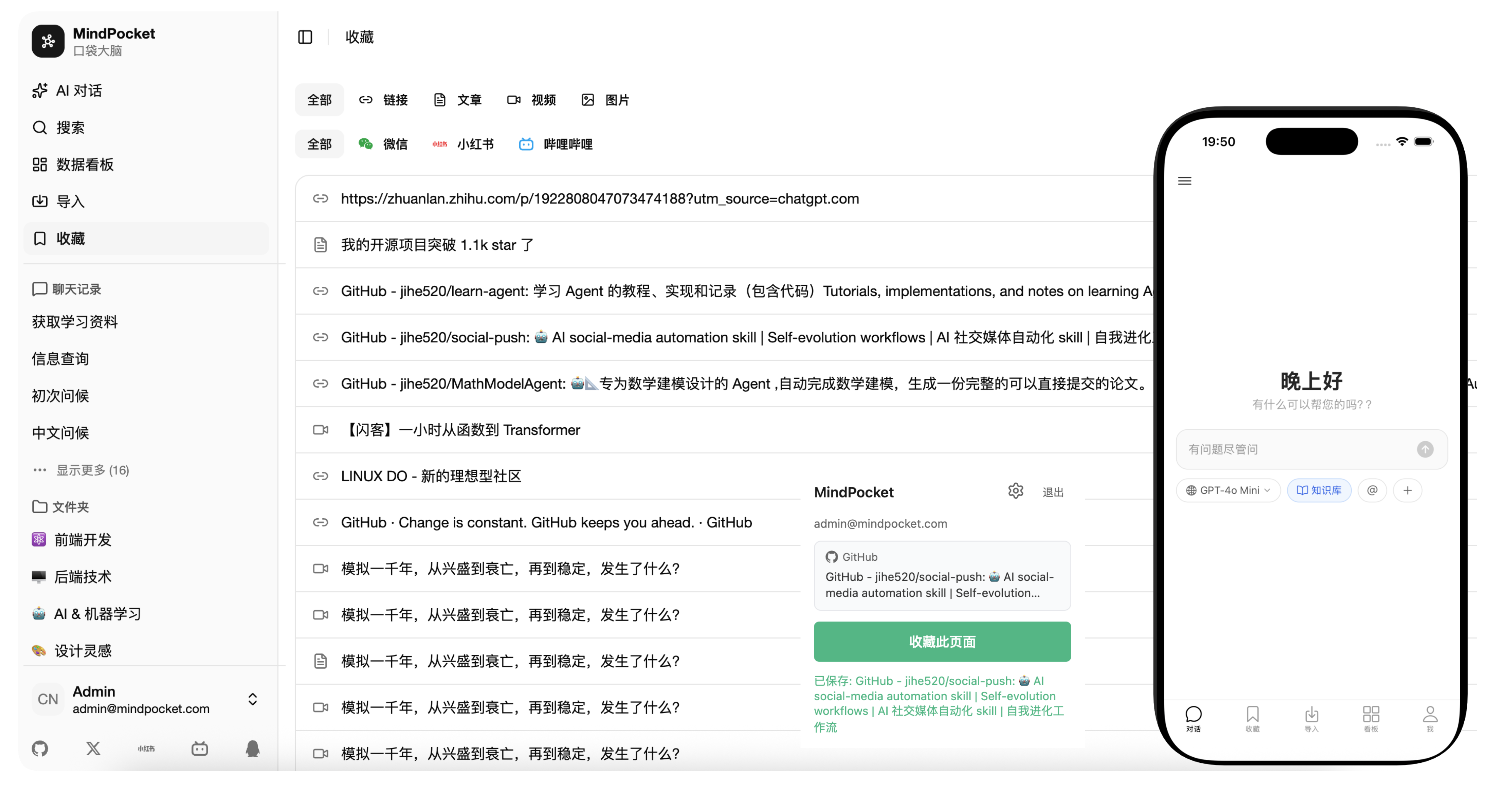
📸 More Screenshots
| Web | AI Chat | Mobile |
|---|---|---|
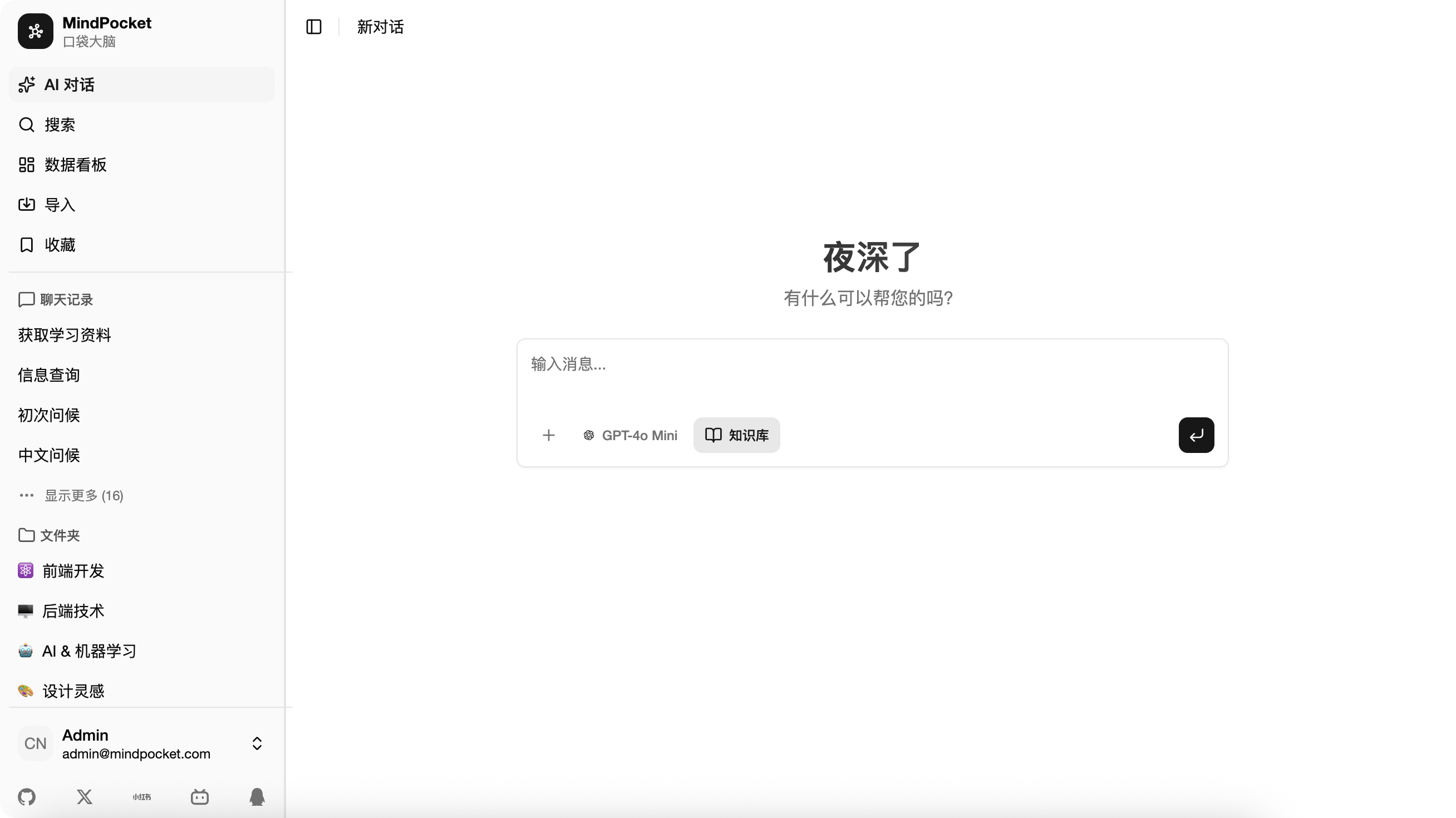 | 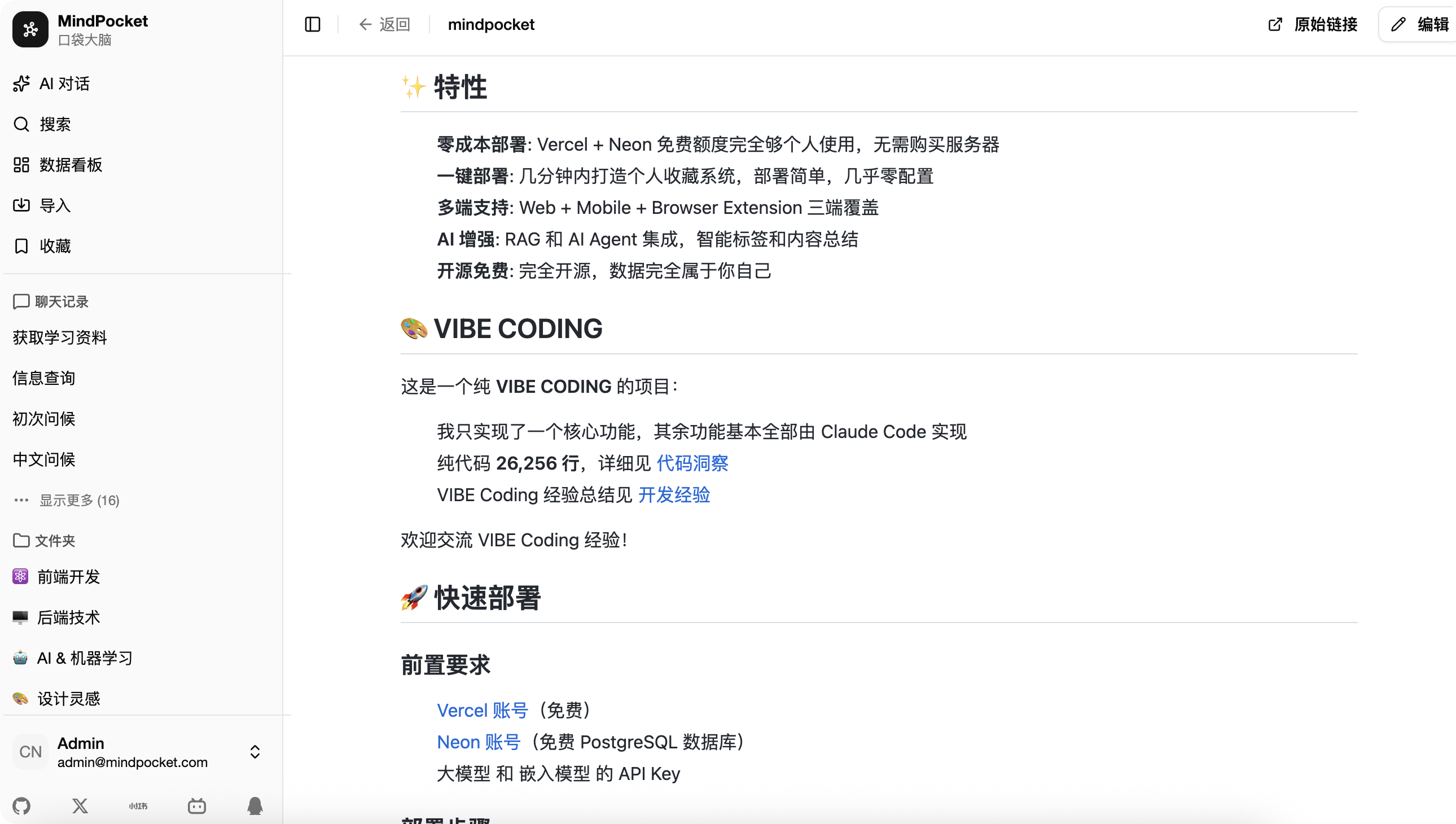 | 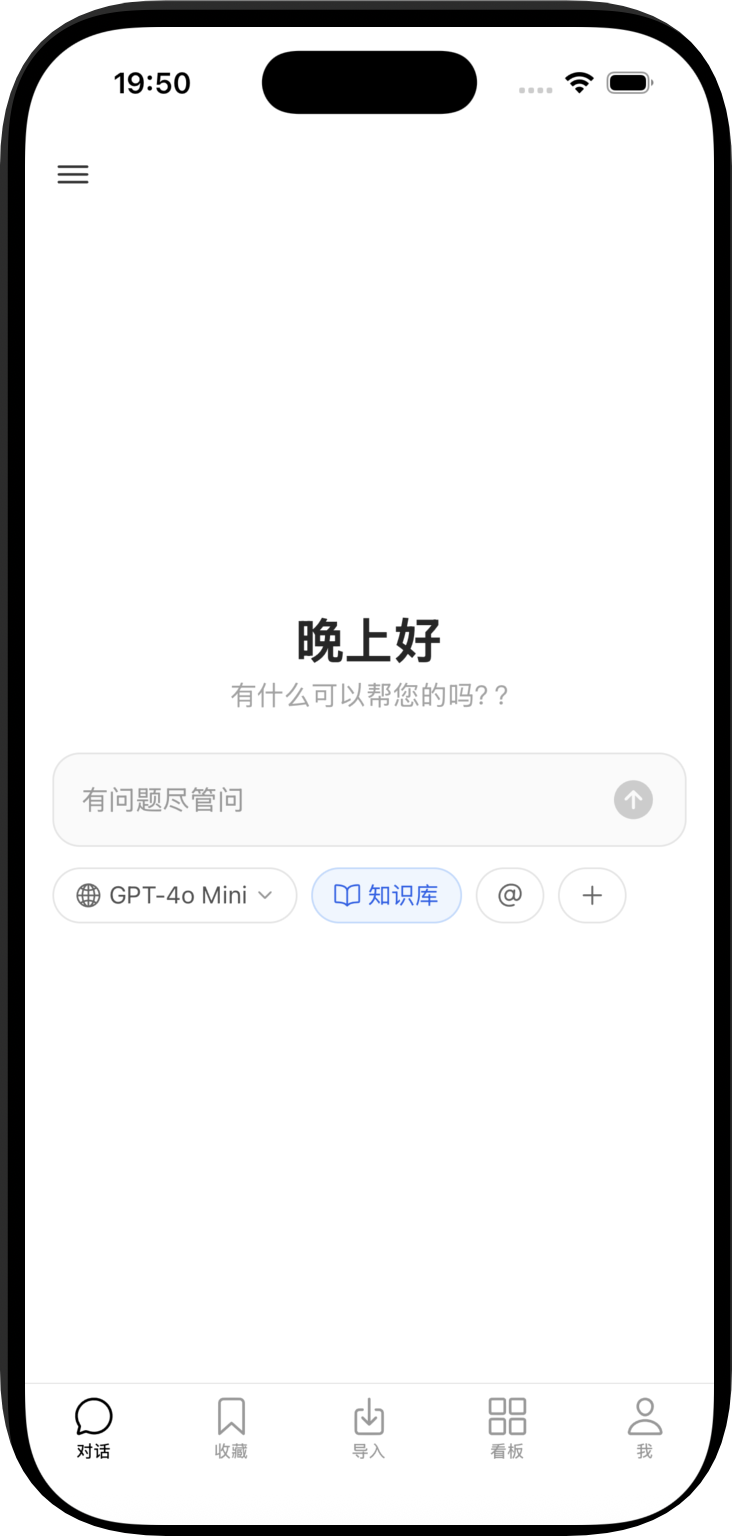 |
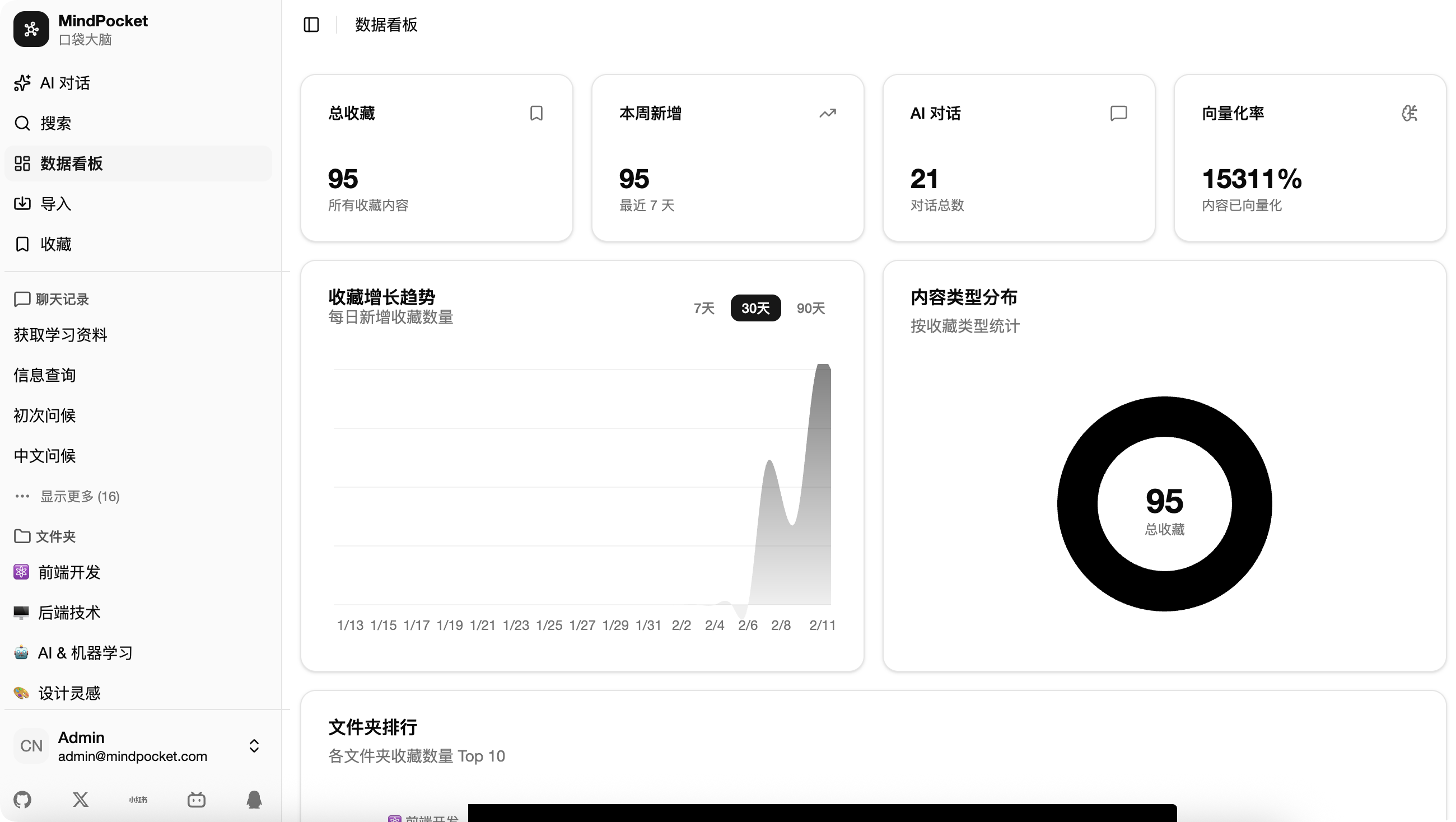 | 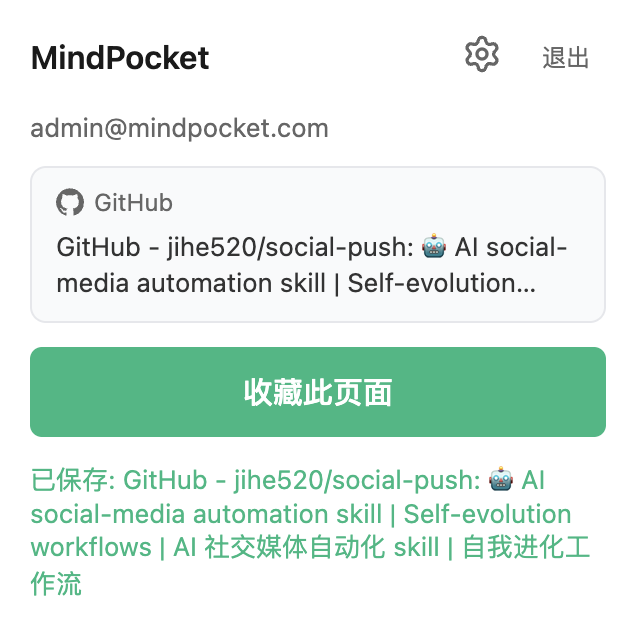 |
MindPocket organizes your bookmarks with AI-powered RAG content summarization and automatic tag generation, making it easy to find and manage your saved content.
✨ Features
- Serverless: One-command deploy to Cloudflare Workers, no server to maintain
- Zero Cost: Runs entirely on the Cloudflare free tier (Workers + D1 + Vectorize + R2)
- Multi-Platform: Web + Mobile + Browser Extension
- AI Enhanced: RAG and AI Agent for smart tagging and summarization
- CLI Ready: Official CLI makes it easy to integrate with external agents like OpenClaw
- Open Source: Fully open source, your data belongs to you
🎨 VIBE CODING
This is a pure VIBE CODING project:
- I only implemented one core feature, the rest was built by Claude Code
- 26,256 lines of pure code, see Code Insight
- VIBE Coding experience summary: Development Experience
- VIBE Coding write-up (CN): How I VIBE CODED this project
- VIBE Coding PRs are welcome!!!
🚀 Deploy
MindPocket runs entirely on the Cloudflare free tier — a single Worker serves both the static frontend and the API:
| Resource | Role | Free tier |
|---|---|---|
| Workers + Static Assets | Hono API + Next.js static export | 100k requests/day |
| D1 | Relational data (SQLite) | 5 GB |
| Vectorize | Vector search (replaces pgvector) | 30M queried dims/month |
| R2 | File storage (replaces MinIO) | 10 GB |
Quick start
# 1. One-time resource setup (D1 / Vectorize / R2), see docs/CLOUDFLARE.md
cd apps/api
pnpm exec wrangler d1 create mindpocket
pnpm exec wrangler vectorize create mindpocket-embeddings --dimensions=1024 --metric=cosine
pnpm exec wrangler vectorize create-metadata-index mindpocket-embeddings --property-name=userId --type=string
pnpm exec wrangler r2 bucket create mindpocket
pnpm exec wrangler secret put BETTER_AUTH_SECRET

# 2. Fill database_id / R2_PUBLIC_URL / NEXT_PUBLIC_APP_URL in apps/api/wrangler.jsonc

# 3. Apply migrations & deploy (from repo root)
pnpm --filter api db:migrate:remote
pnpm deploy:cf
Full guide (including migrating data from a previous self-hosted Postgres/MinIO setup): docs/CLOUDFLARE.md
💻 Local Development
Requirements
- Node.js 18+
- pnpm 10.9.0
Installation
# Clone repository
git clone https://github.com/yourusername/mindpocket.git
cd mindpocket

# Install dependencies
pnpm install

# Local secrets
echo "BETTER_AUTH_SECRET=dev-secret" > apps/api/.dev.vars

# Initialize local D1 database
pnpm --filter api db:migrate:local

# Start the API worker (serves static assets + /api/*)
pnpm --filter api dev
Visit http://127.0.0.1:8787 to start using. For frontend hot-reload development, additionally run pnpm --filter web dev (http://127.0.0.1:3000).
Commands
# Root
pnpm dev          # Start all apps
pnpm build        # Build all apps
pnpm deploy:cf    # Build & deploy to Cloudflare Workers
pnpm cli:build    # Build the CLI package
pnpm cli:pack     # Preview the npm package contents for the CLI
pnpm format       # Format code
pnpm check        # Code check

# API (apps/api)
pnpm dev                 # wrangler dev (local D1/R2 simulation)
pnpm db:generate         # Generate migrations
pnpm db:migrate:local    # Apply migrations to local D1
pnpm db:migrate:remote   # Apply migrations to remote D1
pnpm deploy              # wrangler deploy

# Web (apps/web)
pnpm dev          # Start Next.js (frontend only)
pnpm build        # Static export to apps/web/out

# Native (apps/native)
pnpm dev          # Start Expo
pnpm android      # Run on Android
pnpm ios          # Run on iOS
CLI
MindPocket CLI is the official command line client for agents, scripts, and developers who want to interact with a MindPocket server from the terminal.
Install
npm install -g mindpocketOr with pnpm:
pnpm add -g mindpocketQuick Start
mindpocket version
mindpocket schema
mindpocket doctor
mindpocket --help
mindpocket config set server https://your-domain.com
mindpocket auth login
mindpocket user me
mindpocket bookmarks list
Recommended agent flow:
mindpocket version
mindpocket schema
mindpocket doctor
mindpocket auth login --no-open
Agent Skill
MindPocket also ships a repository-scoped agent skill named mindpocket. The skill teaches compatible agents to discover commands with schema, verify readiness with doctor, configure the server, handle auth safely, and operate bookmark and folder workflows through the published CLI.
Install it with skills.sh from this repository:
npx skills add https://github.com/jihe520/mindpocket --skill mindpocketFor local testing from a checkout:
npx skills add ./skills/mindpocketThe skill is procedural guidance layered on top of the npm CLI, so users still need the mindpocket command available locally.
Example prompts:
Use the `mindpocket` skill to list my latest 10 bookmarks.
Use the `mindpocket` skill to help me configure my server and log in.
🛠 Tech Stack
| Category | Technologies |
|---|---|
| Web | Next.js 16 (static export), Radix UI, Tailwind CSS 4, Zustand |
| API | Cloudflare Workers, Hono, Better Auth, Drizzle ORM (D1), Vectorize, R2, Vercel AI SDK |
| Mobile | Expo, React Native, Expo Router |
| Extension | WXT, Vite |
| Tooling | Turborepo, pnpm, Biome, Ultracite |
📱 Supported Platforms
- ✅ Web Application
- ✅ iOS / Android Mobile App
- ✅ Browser Extension (Chrome / Firefox / Edge)
🚧 Roadmap
- More UI settings options
- Support more bookmark platforms
- Improve AI Agent experience
- Optimize RAG
See todolist for detailed roadmap.
🤝 Contributing
Contributions are welcome! Feel free to submit issues, share VIBE Coding experiences, or open pull requests.
QQ Group: 682827415 | Join
📄 License
MIT License - see LICENSE
🙏 Acknowledgments
Thanks to Claude Code for its significant contribution to this project!