Yingxia
All your sources. One big screen.
A native TVBox player for Apple TV, iPhone, iPad and Mac.
yingxia.getmegaportal.com · Download for Mac (Intel) · iPhone, iPad & Apple TV beta · Developer guide · Telegram group




Yingxia (映匣) plays your TVBox subscriptions the way an Apple app should: live channels, on-demand catalogs, and one search across every source, all in SwiftUI and AVKit. No ported Android screens, no account.
👉 See it in action at yingxia.getmegaportal.com, including the intro film.
✨ Highlights
| 📺 Live TV, laid out like a guide | Bring M3U or TXT playlists. Browse by group, search channels, and keep your favorites close. |
| 🔎 Search everything at once | One query runs across every source in your subscriptions, and results appear as they arrive. |
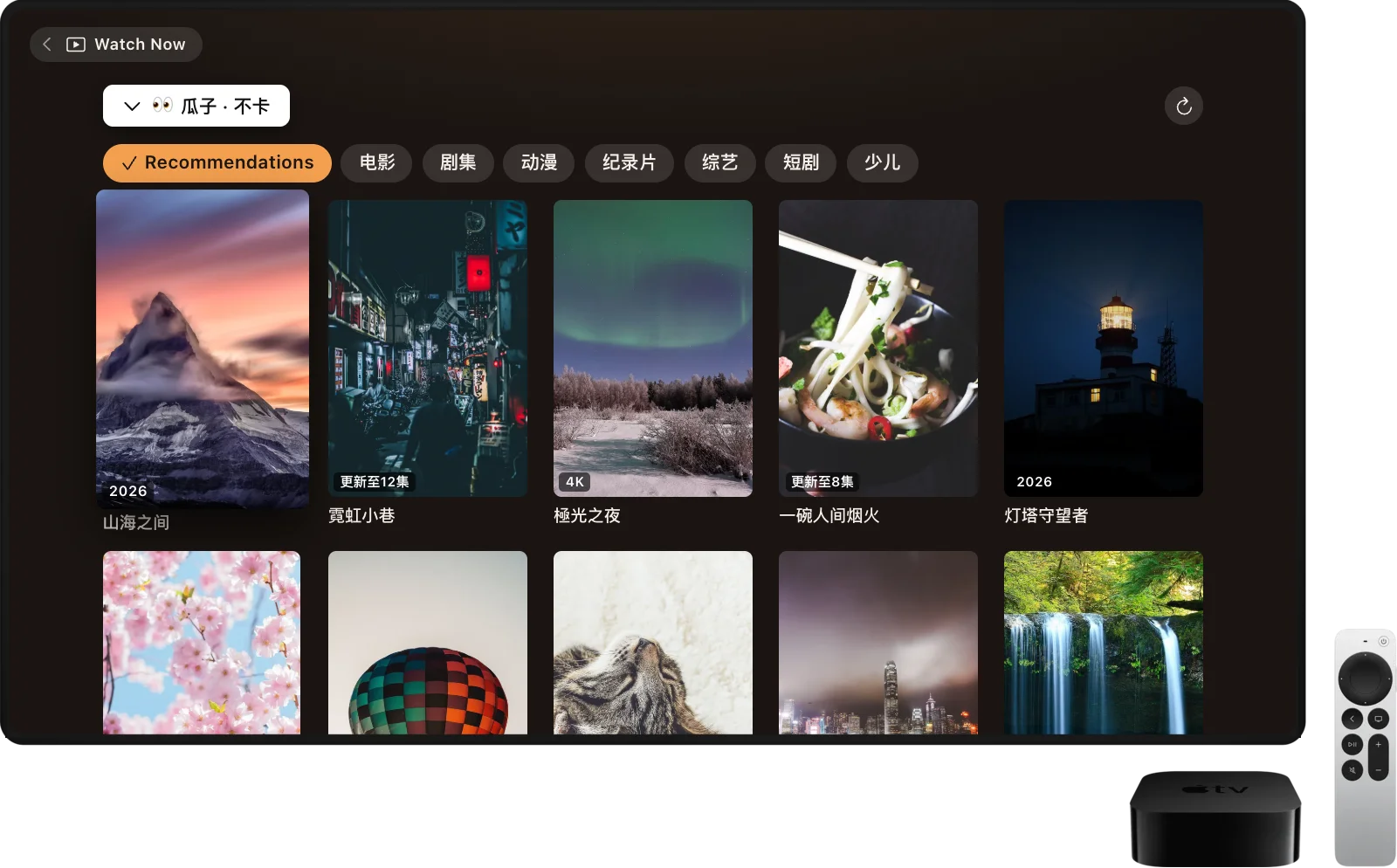
| 🗂️ Every source gets its own shelf | Browse each source's categories and pages, grouped by subscription. Hide the sources you don't use. |
| ❤️ Favorites for everything | Save a show, a single episode, a song, a cloud file or a live channel. The newest ones wait on Watch Now. |
| ☁️ Cloud Files | Browse your Quark and UC drives and your AList or OpenList servers, and play videos and music straight from them. |
| 📲 Play On | Like AirPlay: send what's playing on iPhone, iPad or Mac to Yingxia on an Apple TV or another Mac, and it picks up at the same spot. |
| ⬇️ Watch offline | Download episodes and movies to watch without a connection, on every device. |
| 🎬 Native playback | AVPlayer with HLS, clear error screens with Retry, and Picture in Picture. iPhone and iPad add gestures and speeds from 0.5x to 4x; the Mac has a separate player window. |
| 🧩 Plugins on device | Runs JSON, JavaScript and JAR sources, plus Python on Mac. Lightweight ports go first, with the original plugin as a fallback. |
| 🛟 Your subscriptions, kept safe | Import TVBox JSON subscriptions by URL, several at once, merged into one list of sources. A failed refresh never wipes the last working copy. |
| 🔄 Stays up to date | The Mac app updates itself. TestFlight keeps the iPhone, iPad and Apple TV apps current. |
| 🔒 Private by design | No account and no tracking. Subscriptions and history stay on your device; only anonymous error reports are sent, and you can turn them off. |
| 🌏 Speaks your language | English, Japanese, and Traditional and Simplified Chinese, following your system setting. |
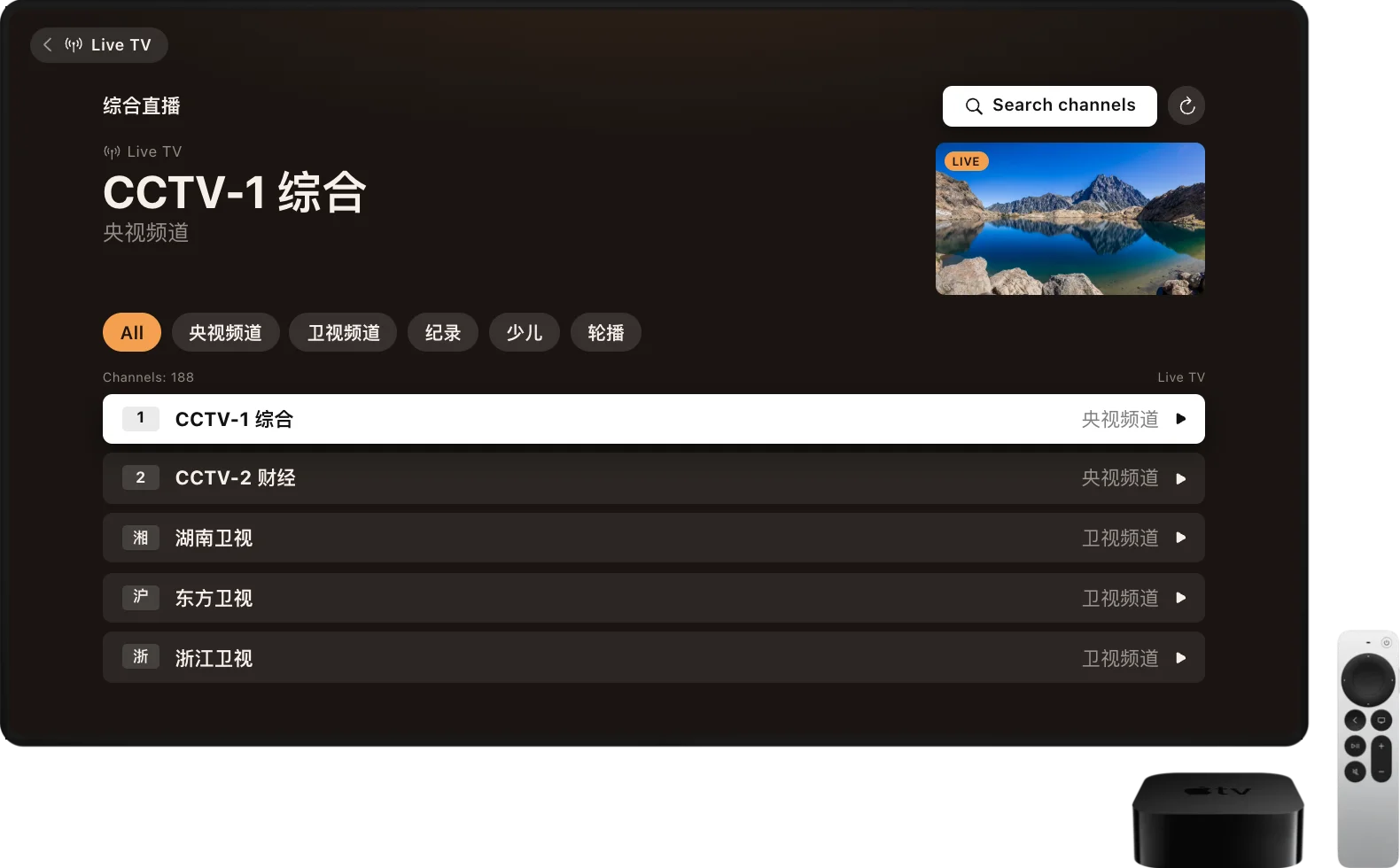
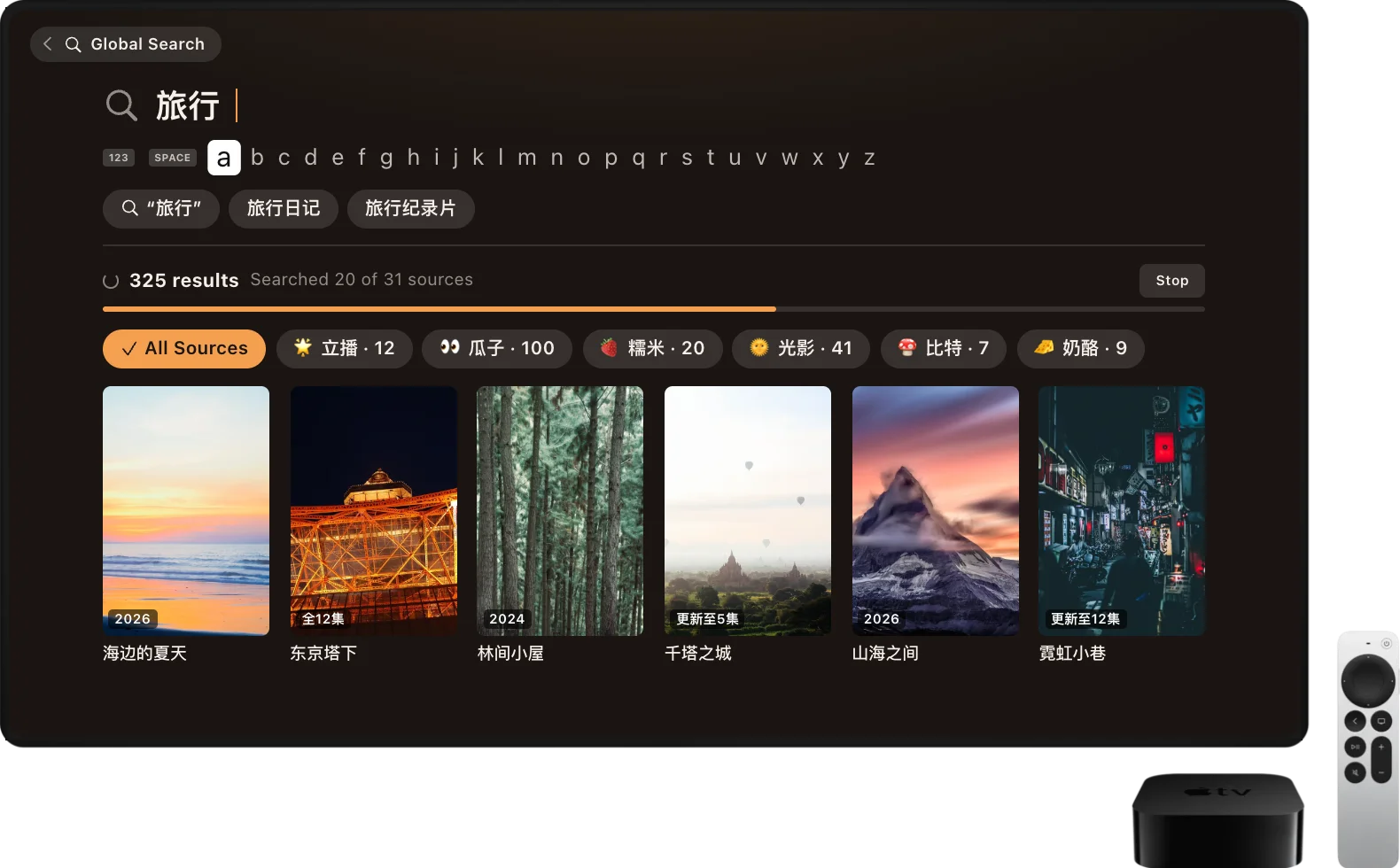
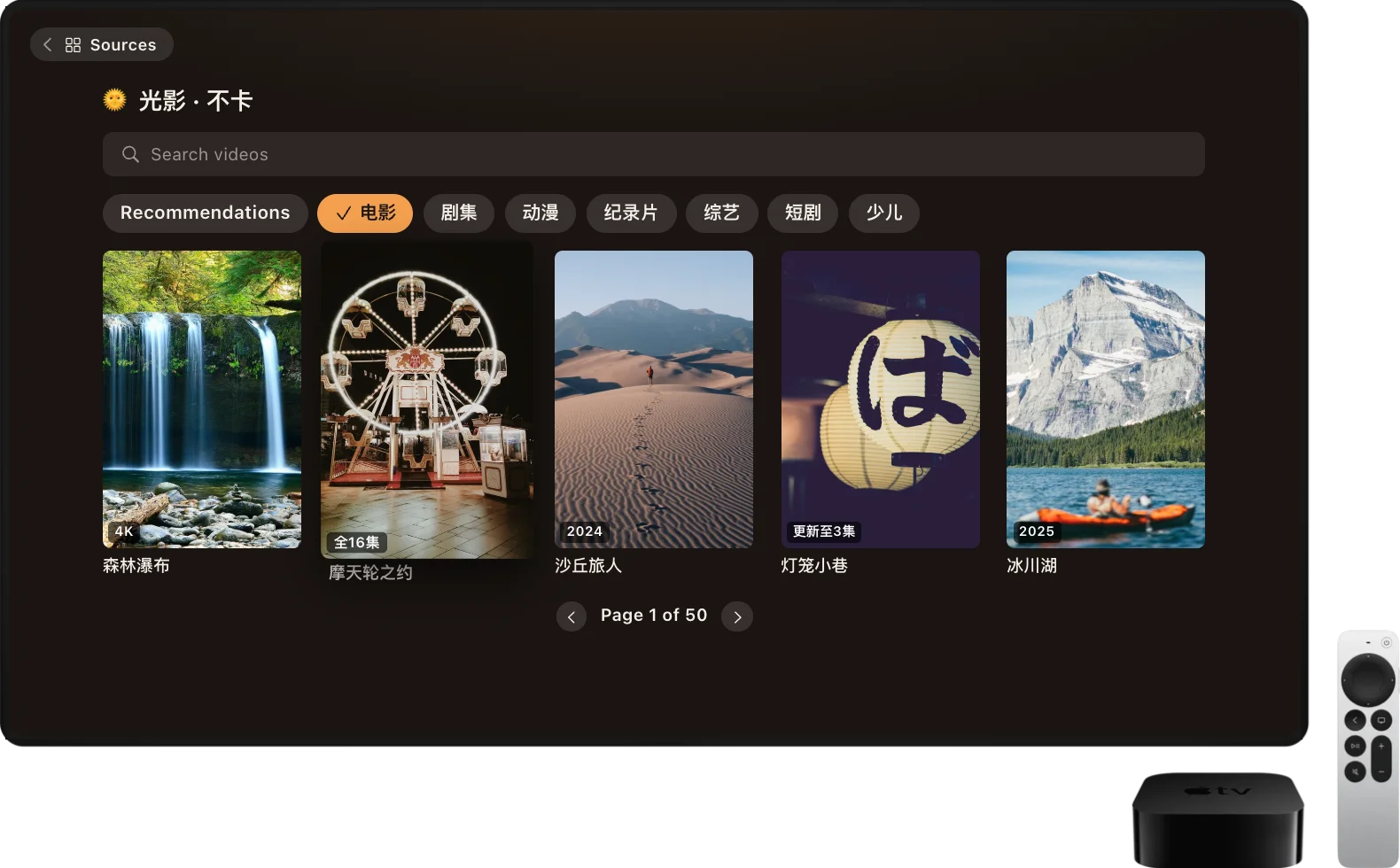
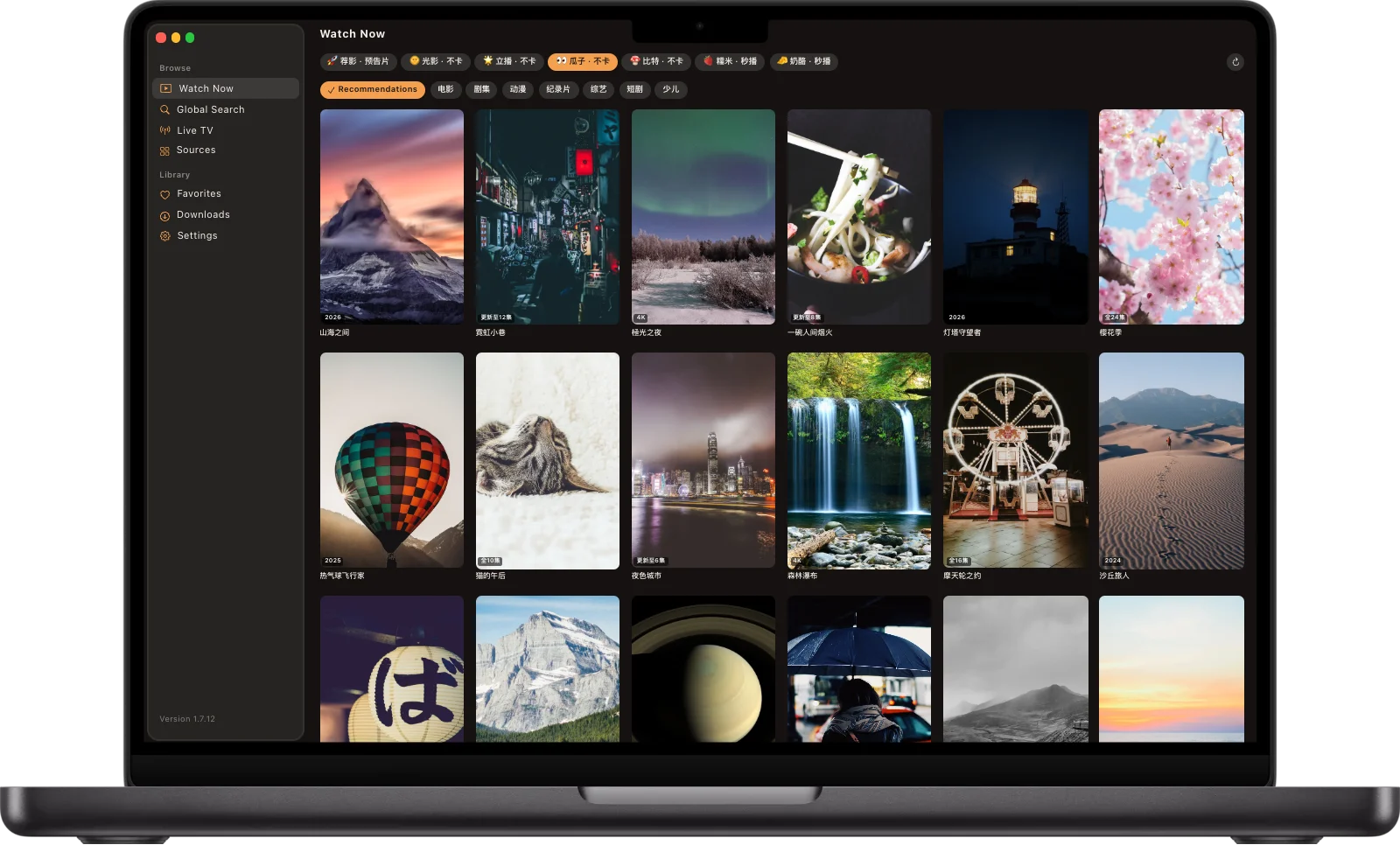
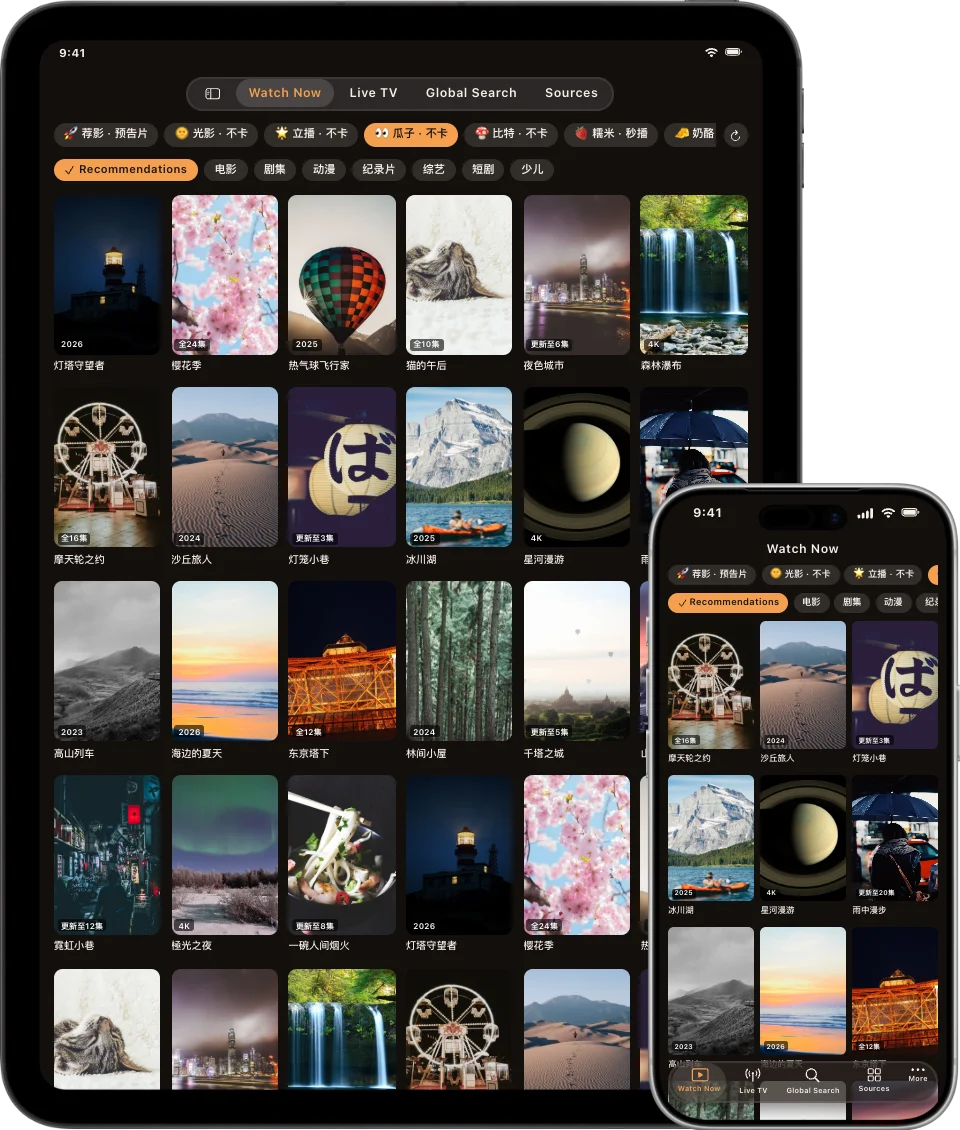
Pictures are mockups of the app from the website, with made-up titles.
📦 Get it
| Platform | How |
|---|---|
| Mac (macOS 15+, Apple silicon or Intel) | ✅ Free download for Apple silicon or Intel, signed and notarized. It updates itself. |
| iPhone & iPad (iOS 17+) | 🧪 Public beta: join on TestFlight. Or download the IPA and sideload it, or add the AltStore source. |
| Apple TV (tvOS 17+) | 🧪 Public beta: join on TestFlight (open the invite on an iPhone or iPad signed in to the same Apple Account, then install from TestFlight on the TV). Or download the IPA and sideload it. |
TestFlight is the easiest way: no computer needed, and new builds arrive on their own. TestFlight builds are always numbered 1.7.7 with the release's build number, for example 1.7.7 (31) for 1.7.12. The beta and a sideloaded copy use the same app ID, so keep one or the other. The install guide covers sideloading with your own Apple Account (a free one works), keeping the app signed, and fixing common problems.
🛠️ Build from source
You'll need Xcode, XcodeGen, JDK 19 with Maven, a standalone Node.js binary, and uv.
export JAVA_HOME="$(/usr/libexec/java_home -v 19)"
Scripts/build-java-host.sh      # bundled JVM plugin runtime
Scripts/build-script-host.sh    # JavaScript host
Scripts/build-python-host.sh    # Python host
xcodegen generate
open TVBox.xcodeproj            # pick TVBox-macOS, TVBox-iOS or TVBox-tvOS
Physical iPhone, iPad and Apple TV builds need your own signing team in Xcode. The developer guide covers command-line builds, tests, source audits, the plugin runtime architecture, releases, and more.
🧭 Project map
| Path | What's inside |
|---|---|
App/ | SwiftUI screens and platform playback |
Sources/TVCore/ | Subscriptions, networking, catalogs, localization, runtime boundaries |
Runtime/ | JVM, JavaScript and Python plugin hosts, and the embedded JVM for iOS and tvOS |
Vendor/ | Vendored DEX interpreter and QuickJS; the FFmpeg build record |
Services/ | Cloudflare Workers for error reports, feedback and the App Review demo server |
website/ | The yingxia.getmegaportal.com site, plus releases.json, the Mac appcasts and the AltStore source |
Docs/ | Install guide, developer guide, runtime status, third-party notices |
🙏 Acknowledgements
Yingxia stands on the shoulders of FongMi/TV (reference implementation), DexLoom, unidbg, Unicorn, dex2jar, QuickJS-ng and others. Licenses and details are in THIRD_PARTY_NOTICES.
License
Yingxia's original code is licensed under the GNU General Public License v3.0 (GPL-3.0-only).
Copyright (C) 2026 jo32 and Yingxia contributors.
You may use, modify, and redistribute Yingxia under the terms of this license. When distributing a covered modified version, you must also provide its corresponding source code under GPL-3.0. The software is provided without warranty.
Third-party code and bundled dependencies retain their own licenses and copyright notices; see Third-Party Notices.
⚖️ Disclaimer
Yingxia is a player. It does not host, provide or endorse any media content, and it shows only what the subscriptions you add provide. You are responsible for using sources you have the right to access. Apple TV, iPhone, iPad and Mac are trademarks of Apple Inc. This project is not affiliated with Apple.
Made with SwiftUI · yingxia.getmegaportal.com