reFrame – the ePaper camera
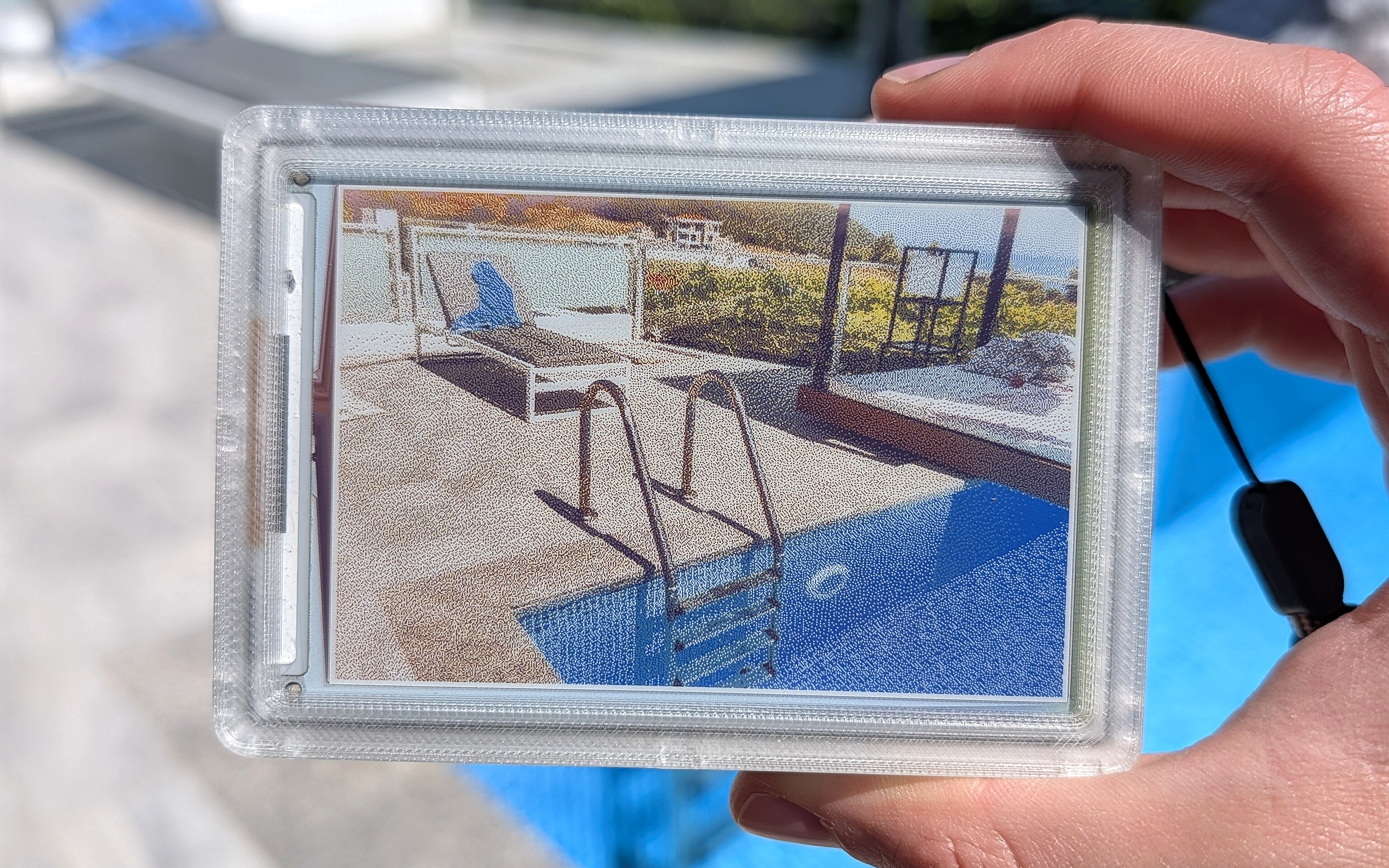
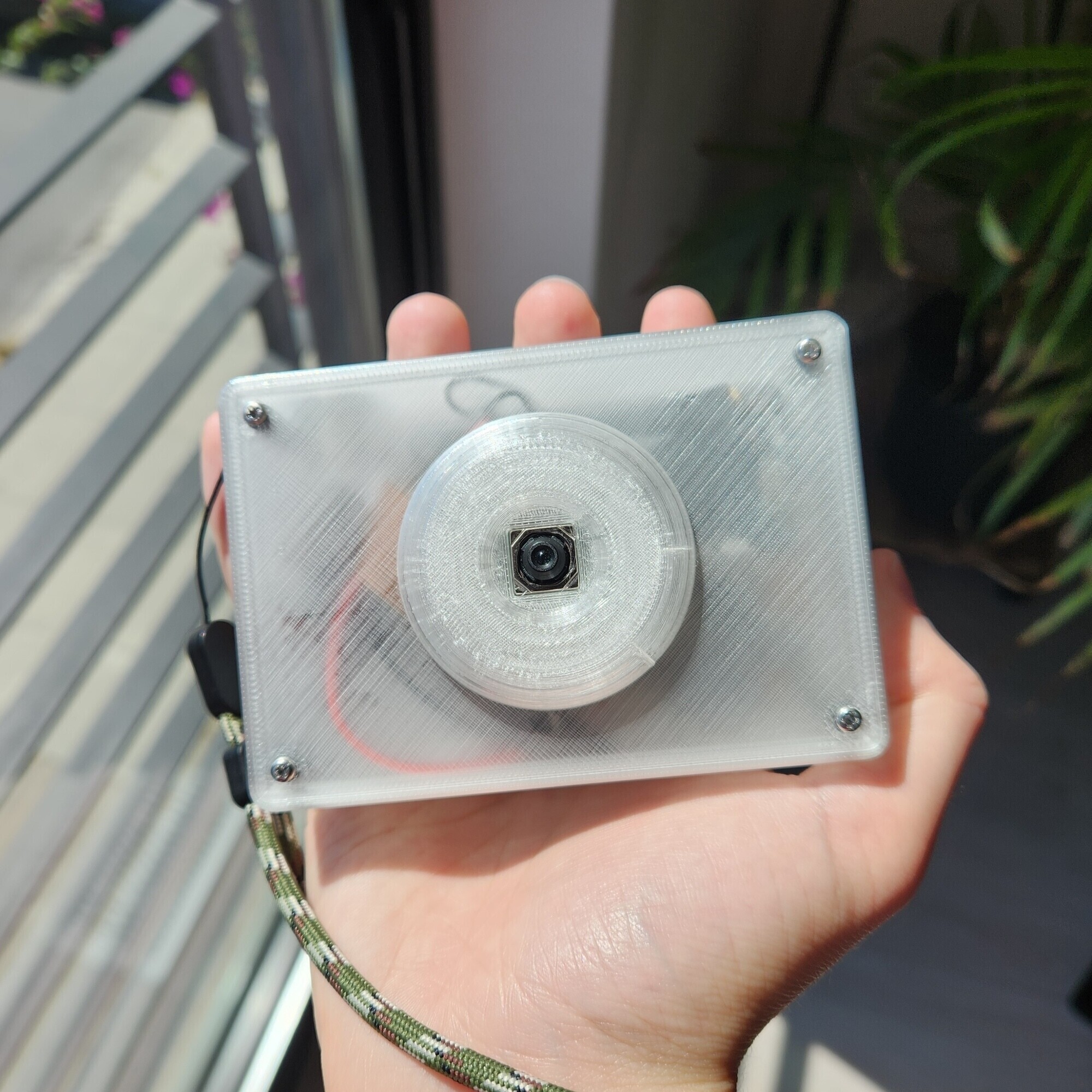
reFrame is an experimental digital camera designed to capture and display one photo at a time.
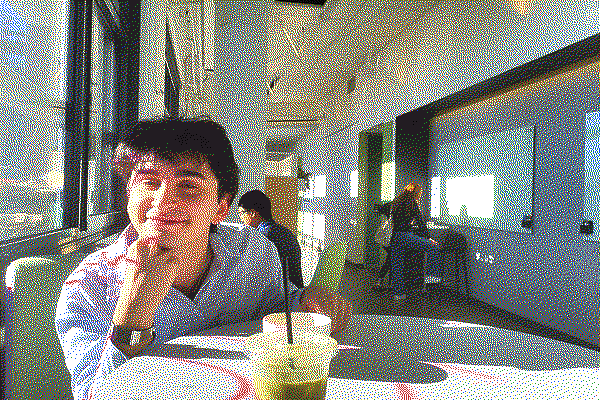
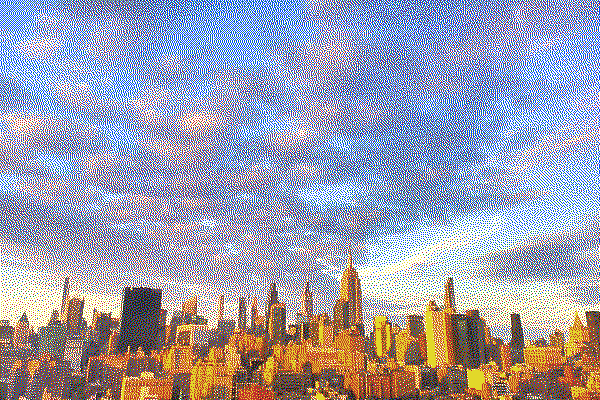
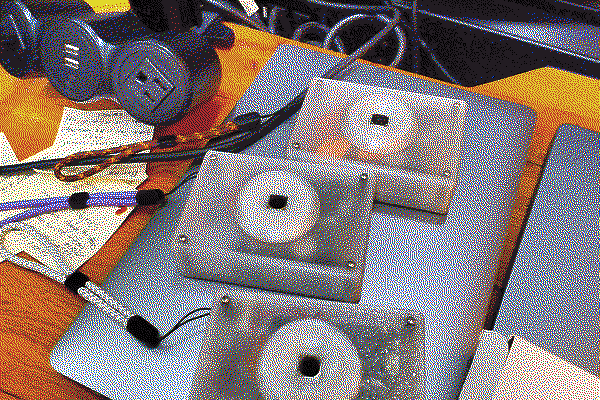
reFrame uses a 6-color ePaper display, giving each photo a distinctive dithered texture. After you press the shutter, the display takes about 20 seconds to refresh — colors cycle through as electrical charges physically move ink particles into place, like a digital polaroid.
The photo stays on screen even after powering off. The only way to clear it is to take a new one. When not in use, reFrame doubles as a desk photo frame.
What's Inside
The open source version of reFrame uses only off-the-shelf components so anyone can build their own.
| Component | Part |
|---|---|
| Computer | Raspberry Pi Zero 2 W |
| Camera | Raspberry Pi Camera Module 3 |
| Display | Waveshare 4" ePaper Spectra 6 |
| Battery | PiSugar 3 |
| Enclosure | 3D printed PLA |
See the full bill of materials.
Getting Started
→ Build Guide — How to assemble the camera hardware
→ Software Setup — How to install and configure the software on your Pi
→ Hardware Porting Notes — How to adapt the code for other e-ink displays, cameras, or buttons
→ Dashboard Extensions — Upload your photos directly from the camera to Are.na + more.
Once you have the hardware assembled and Raspberry Pi OS flashed, setup is one command:
git clone https://github.com/kaloyaan/reframe.git
cd reframe
chmod +x install.sh
./install.sh
Using the Camera
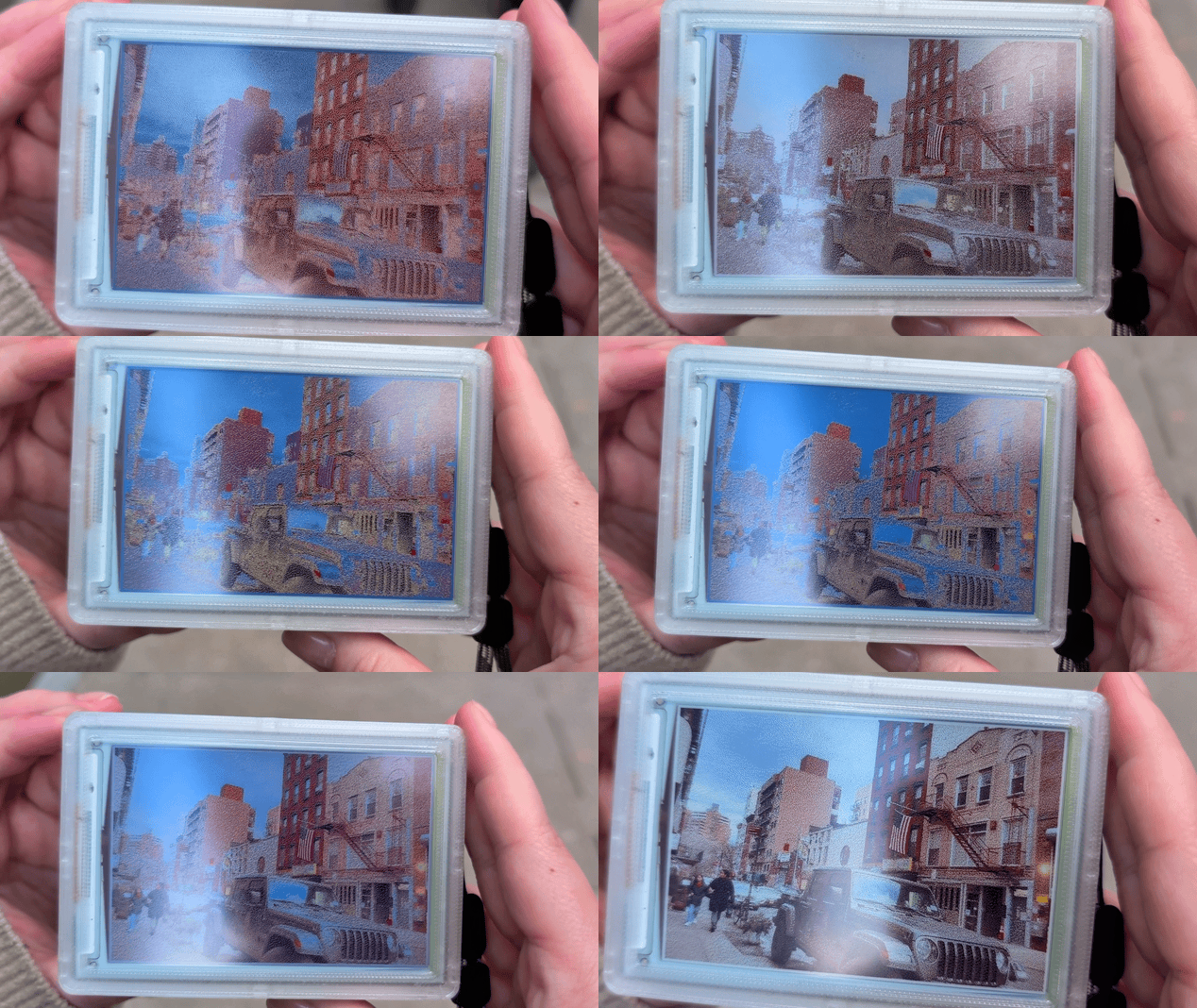
reFrame is extremely minimalist by design. It has only a single button; no viewfinder, flash or zoom.
- Press the combined power + shutter button to wake the camera and take a photo.
- The original image is saved, then dithered to a 6-color palette to match the screen. The processed image is sent to the ePaper display.
- The ePaper screen takes about 20 seconds to display the photo.
- Press the button again to take a new photo. It'll replace the previous one on the display.
- When you turn the camera off, the last photo will stay on the screen.
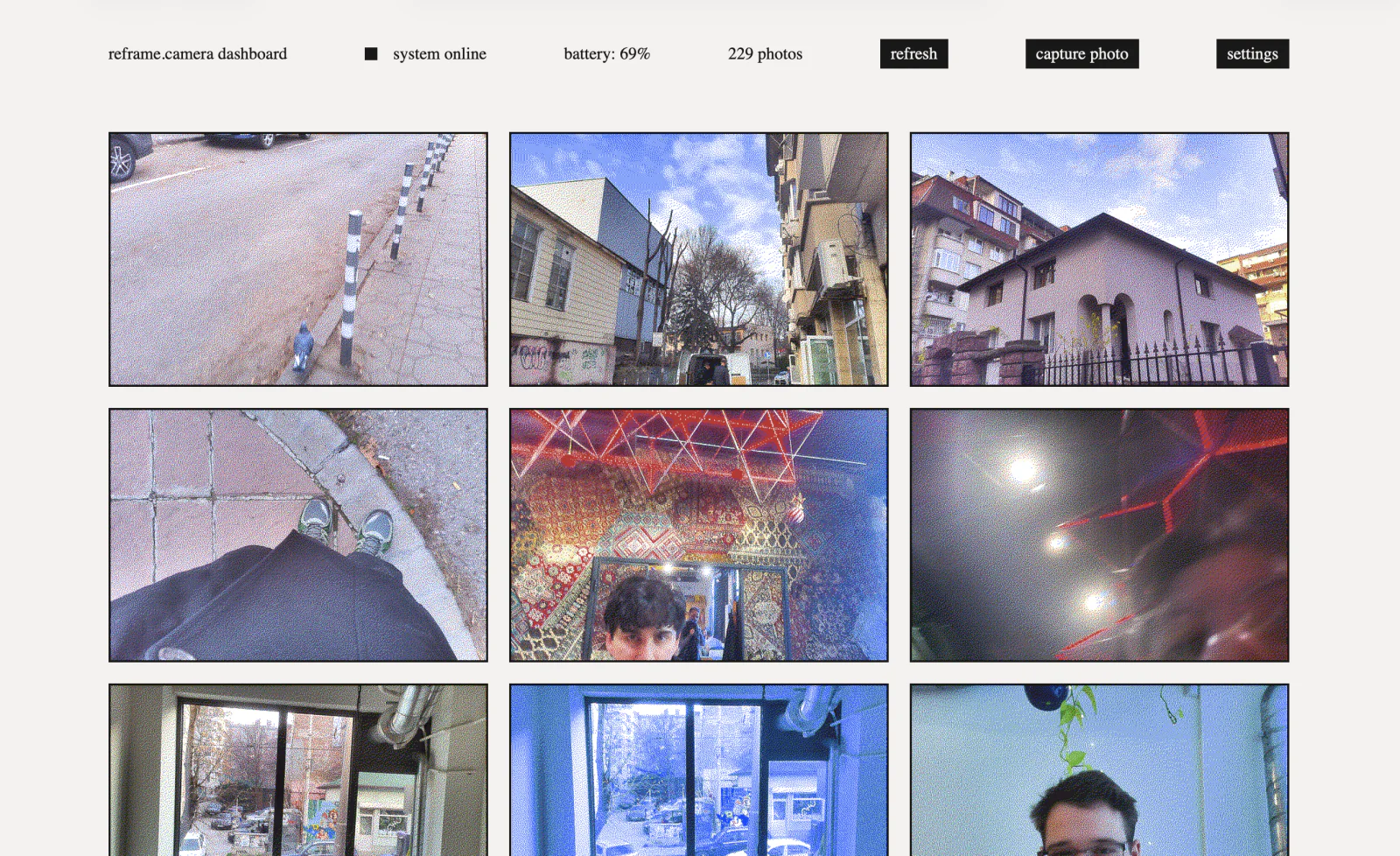
A web dashboard, accessible over the local network, lets you browse photos, download originals, change the displayed image, adjust camera settings, and optionally upload dithered photos to Are.na.
Repository Structure
reframe/
├── reframe.py                 # main camera application
├── dashboard.py               # web dashboard for photo management
├── dashboard_proxy.py         # local port 80 dashboard proxy
├── install.sh                 # one-command setup script
├── settings.example.json      # default configuration
├── scripts/                   # hardware and privileged system helpers
│   ├── enable_hdr.sh
│   ├── reframe-apply-update
│   └── reframe-rtc-sync
├── systemd/                   # camera, dashboard, and RTC service units
│   ├── reframe.service
│   ├── reframe-dashboard.service
│   ├── reframe-dashboard-proxy.service
│   ├── reframe-rtc-restore.service
│   └── reframe-rtc-update.service
├── waveshare_epd/             # e-ink display drivers
├── hardware/                  # 3D-printable enclosure files
└── docs/                      # build guide & software setup
    ├── build-guide.md
    ├── software-setup.md
    ├── hardware-porting.md
    ├── dashboard-extensions.md
    └── images/
License
Software in this repository is licensed under the Apache License 2.0, unless a file says otherwise.
Hardware design files in hardware/ are licensed under CC BY 4.0.
The build guide and documentation are provided for reuse with attribution where original to this project. Photos may include third-party products, packaging, logos, or trademarks, which are not licensed by this project.
The reFrame name, logo, domain, and branding are reserved.
Credits
reFrame is made by Kaloyan Kolev with help from lots of friends and family. It started as a thesis prototype at Yale under the name eink.cam.
Thank you to APOSSIBLE for their generous support of this project.
reFrame logo + branding by Kevin Chen.
More updates on Instagram.