Awesome Claude Code Mods 
A community list of Claude Code mods (function hooks) for Claude Code 2.1.287+. A mod is a plugin that uses JavaScript or TypeScript functions to change Claude Code's interface or behavior. Browse the catalogue.
Add a browser beside your conversation, keep usage in view, or check a command before it runs. Install a community mod or ask Claude to build one.
This community catalogue scans public GitHub repositories and records what Claude's validator reports each mod can read, write, run or send over the network. It is an independent scan, not an official Anthropic directory.
Find a mod in the full catalogue by name or task and filter by access. Or ask Claude with mod-finder. Run this in a Claude Code terminal session and complete the installation prompts.
/plugin install mod-finder --marketplace karanb192/awesome-claude-code-modsThen run /reload-plugins to activate it before asking “Find a mod that helps with code reviews”. Requires Node 18 or later. For Desktop Code local sessions, use the setup instructions.
3570 mods · Last scanned 2026-10-12.
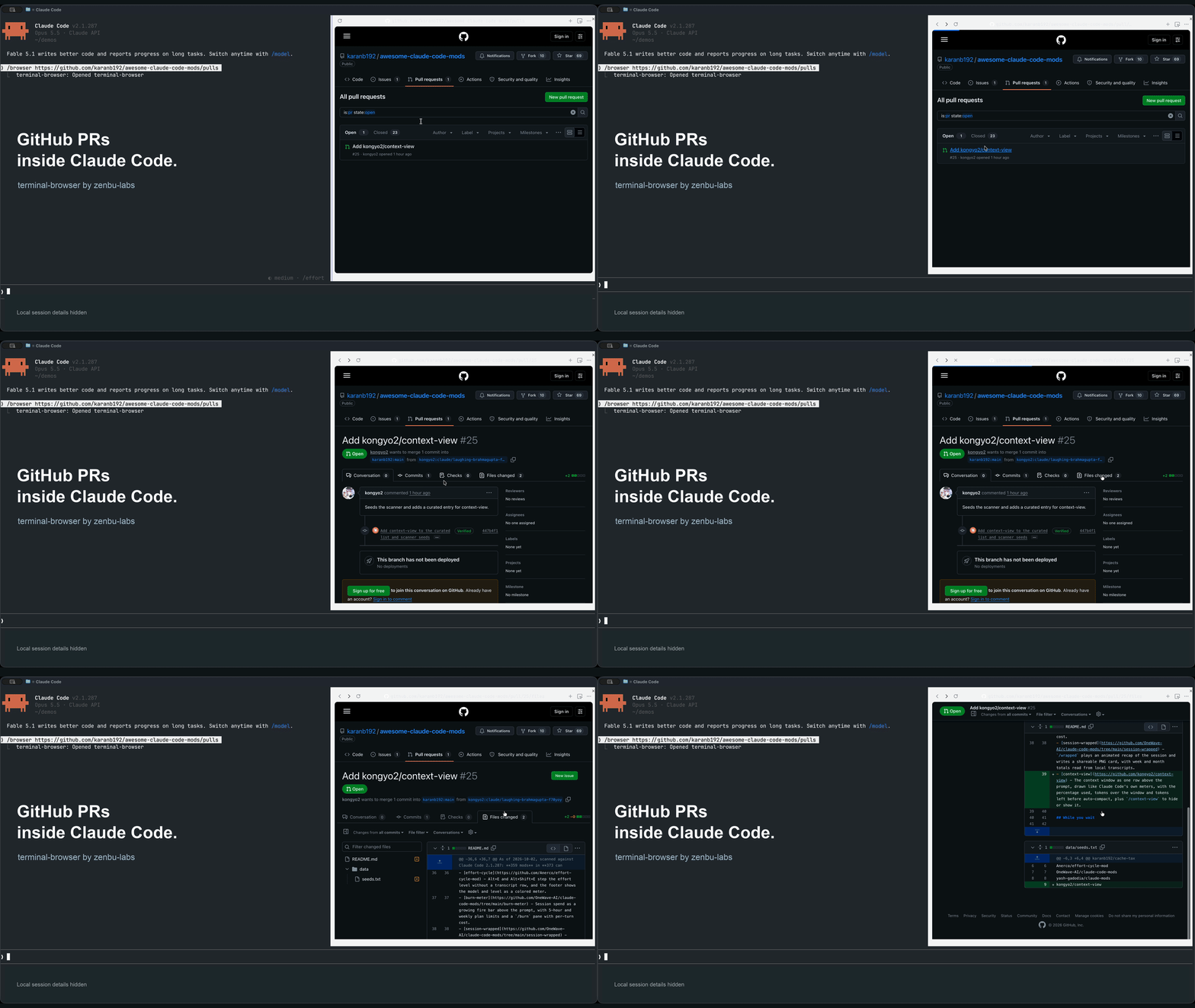
A six-second recording with terminal-browser by zenbu-labs. Download the full-resolution video.
Access reported by the latest scan (select the badge for details):

Contents
Featured
Six picks for everyday tasks. Check each mod's platform requirements and access before installing. Nominate a mod for a future selection.
- cache-tax - Keeps the prompt cache warm during breaks and stops a cold send once to show its estimated cost. Warming uses tokens and needs a one-hour cache. Built by the maintainer. Recording.
- image-view - Shows thumbnails of pasted images above the prompt so you can check each image before sending. Needs a kitty-graphics terminal such as Ghostty or kitty. Screenshot.
- prismantis - Renders tables, code, Mermaid diagrams and charts in the transcript, with copy buttons. Its default diagram hints add about 190 tokens per prompt and can be disabled. Demo.
- flightdeck - Shows context, cost, permission checks and subagents in a live dashboard, without changing tool calls. Demo.
- filetree - Shows a file tree with Git status and highlights files as Claude reads or edits them. Selecting a file passes its path to Claude; the terminal sidebar needs fullscreen and at least 110 columns. Demo.
- prompt-rail - Adds a strip of past prompts to hover over and reread, with click-to-jump navigation in the terminal. Demo.


Flightdeck's README also links to this catalogue.
Use mods
Use Claude Code 2.1.287 or later. Mods are enabled by default; no feature flag is needed. Follow the chosen mod's installation instructions, or try a local plugin with claude --plugin-dir ./path/to/plugin.
Read the mod's source and access details before installing. Validation checks the source without running the mod; it does not guarantee safe behavior or runtime compatibility.
Building mods
- Getting started with Claude Code mods - Anthropic's guide to building, testing and sharing a mod, with version requirements and working examples.
- Claude Code mods announcement - The launch overview for customizing behavior and UI in the terminal and desktop app.
- Function Hooks: the issue - The design thread: architecture PDF, nine demo videos, the cheat sheet and the community updates.
- Anthropic's built-in mods - Source of diff, sec-default and telemetry, with the test kit and the noun-contract convention.
- claude-mods-skill - A skill that teaches Claude to build a mod, with a working hello-mod to copy.
- mod-builder by noeltock - A skill that mocks up, builds and tests a mod so it looks native in the terminal and the desktop app.
- mod-builder by karanb192 - A skill that plans, builds and checks mods in an isolated session, with evidence of what passed and what remains unverified. Built by the maintainer.
- awesome-claude-code-function-hooks - The first list, from before the rename, with two plugins and a clean tsconfig recipe.
Every mod the scanner found
The full catalogue includes each discovered mod's description, access, observed events and validation result. Built-in mods are listed separately. You can also download the catalogue as raw Markdown.
How the scan works
A scheduled scan searches GitHub for mod repositories, checks their plugin source with claude plugin validate, and proposes updates for review. The website and catalogue use the same scan data. Published results change when the update PR is merged.
The scan also reads the catalogue of Anthropic's plugin directory (claude plugin list --available --json) and marks each mod the directory installs from the same repository and path. The website shows an "In Anthropic directory" mark and filter, and the catalogue has a matching column. If the directory cannot be read, a mod keeps its previous mark.
Merging a seed submission also starts a separate publication check. New repositories with passing checks appear automatically after their generated update is merged by the workflow and the website deploys. Existing listings stay unchanged. A seed with validation failures or new review warnings stays unpublished and is reported in the workflow run; other seeds still publish. Seed publication details.
Discovery depends on GitHub's index and our search patterns, so a new mod may not appear immediately. A scan usually picks up a repository with the claude-code-mod topic within a few hours of its next push, and the mod appears once that scan's pull request is merged. How discovery and validation work covers access levels, warnings, retry handling and removal reviews.
Contributing
To add a mod to the full catalogue, follow the discovery and seed submission guide. For a Featured slot, open a nomination with an install path, evidence of it working and its access details. Karan selects Featured entries; a nomination does not guarantee a slot. Corrections to existing listings are welcome.
Related
- claude-code-hooks - Shell-hook plugins for safety, cost, observability and productivity, the layer mods are replacing.
- awesome-claude-code - The general Claude Code list.