OCX



Your OpenCode config, anywhere.
Why OCX?
- 📁 Profiles — Work in any repo with YOUR config. Control exactly what OpenCode sees.
- 📦 Registries — Install profiles and components from curated registries.
- 🔒 Auditable — SHA-verified, code you own.
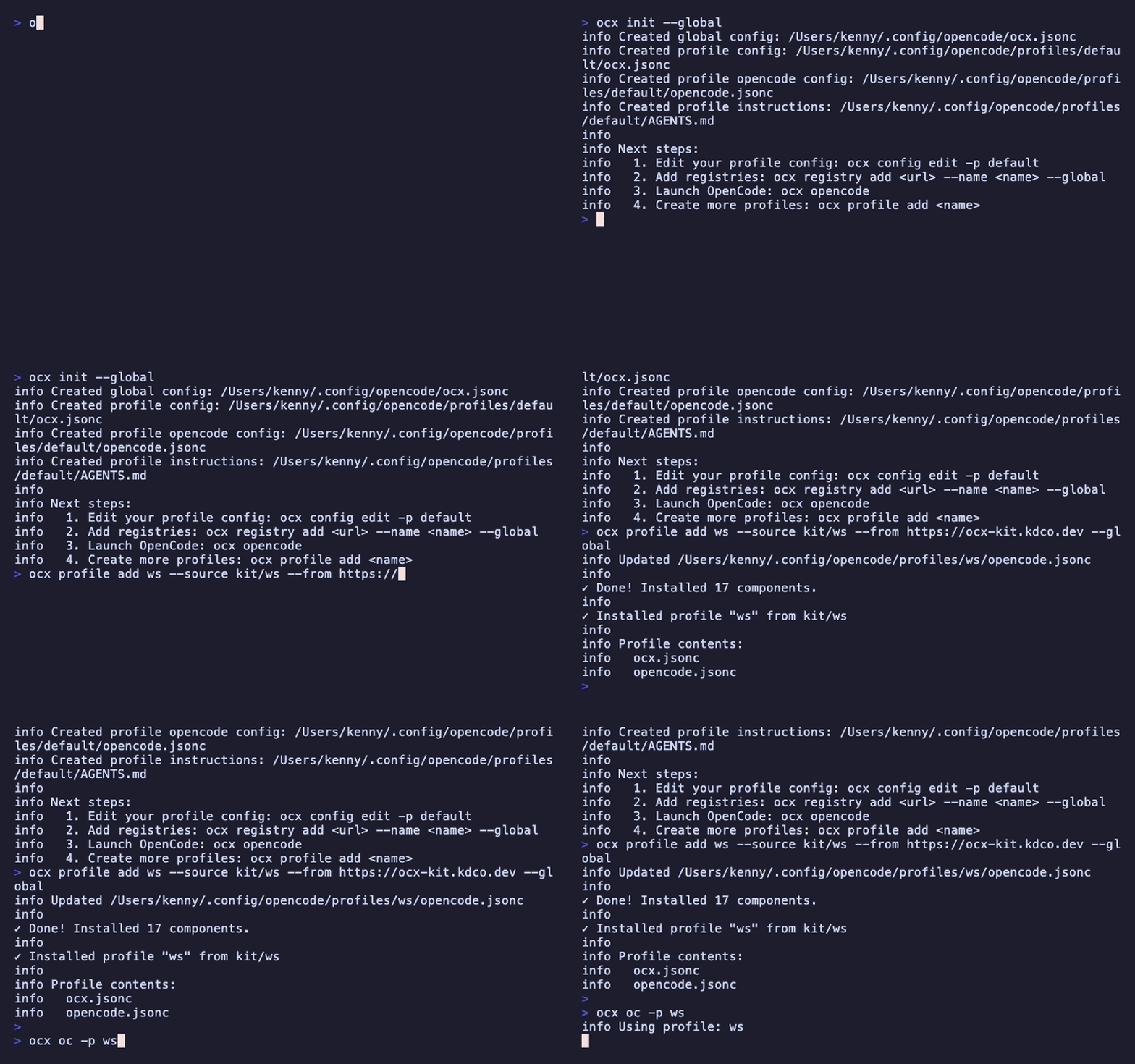
Demo uses oh-my-openagent. See more guides.
Installation
OCX supports macOS (x64, Apple Silicon), Linux (x64, arm64), and Windows (x64).
# Recommended (macOS/Linux)
curl -fsSL https://ocx.kdco.dev/install.sh | sh

# Or via npm (any platform)
npm install -g ocx
The install script handles PATH configuration automatically or prints instructions if manual setup is needed.
The npm package runs with Bun at runtime. Make sure bun is available on your PATH before using npm install -g ocx; Node.js alone is not sufficient. If you do not have Bun, use the standalone binaries from the install script or GitHub Releases when available.
Quick Start
Work in any repo without modifying it. Your config, their code.
# One-time setup
ocx init --global

# Install the KDCO workspace profile (OpenCode Free Models Only)
ocx profile add ws --source tweak/p-1vp4xoqv --from https://tweakoc.com/r --global

# Launch OpenCode with the profile
ocx oc -p ws
Need a custom profile? Open the KDCO Workspace harness in TweakOC: https://tweakoc.com/h/kdco-workspace
Profiles control what OpenCode sees through exclude/include patterns. Each profile has isolated registries for security. OpenCode config merges safely between profile and local settings.
Security Note: An empty exclude list includes all project instruction files; the default profile template ships a secure exclude list. For trusted repos, edit your profile to loosen the template's exclude list. See Lock Down Recipe.
Common Commands
| Command | Description |
|---|---|
ocx profile add <name> --source <registry/profile> --from <url> --global | Install a profile from a registry |
ocx profile add <name> --clone <existing> --global | Clone an existing profile |
ocx oc -p <name> | Launch OpenCode with a profile |
ocx profile list --global | List your profiles |
ocx config edit --global | Edit your global config |
Advanced Usage
Components
Add individual components to projects (copied to .opencode/, not node_modules):
# One-time local setup
ocx init

# Add a registry with a name
ocx registry add https://registry.kdco.dev --name kdco

# Install components using name/component syntax
ocx add kdco/workspace
See Components & Registries for more.
Creating Registries
Scaffold and deploy your own registry:
npx ocx init --registry my-registry
See Creating Registries for details.
Philosophy
OCX follows the ShadCN model: components are copied into your project (.opencode/), not hidden in node_modules. You own the code—customize freely.
Like Cargo, OCX resolves dependencies and verifies integrity. Every component is SHA-256 verified.
Your AI agent never runs code you haven't reviewed.
Documentation
- Profiles — Deep dive into profile configuration and isolation
- CLI Reference — Complete command documentation
- Creating Registries — Build and distribute your own components
- Guides — Step-by-step tutorials
Disclaimer
This project is not built by the OpenCode team and is not affiliated with OpenCode in any way.
License
MIT