Star 历史趋势
数据来源: GitHub API · 生成自 Stargazers.cn
README.md
Monitor deep learning model training and hardware usage from mobile.




🔥 Features
- Monitor running experiments from mobile phone or laptop
- Monitor hardware usage on any computer with a single command
- Integrate with just 2 lines of code (see examples below)
- Keeps track of experiments including infomation like git commit, configurations and hyper-parameters
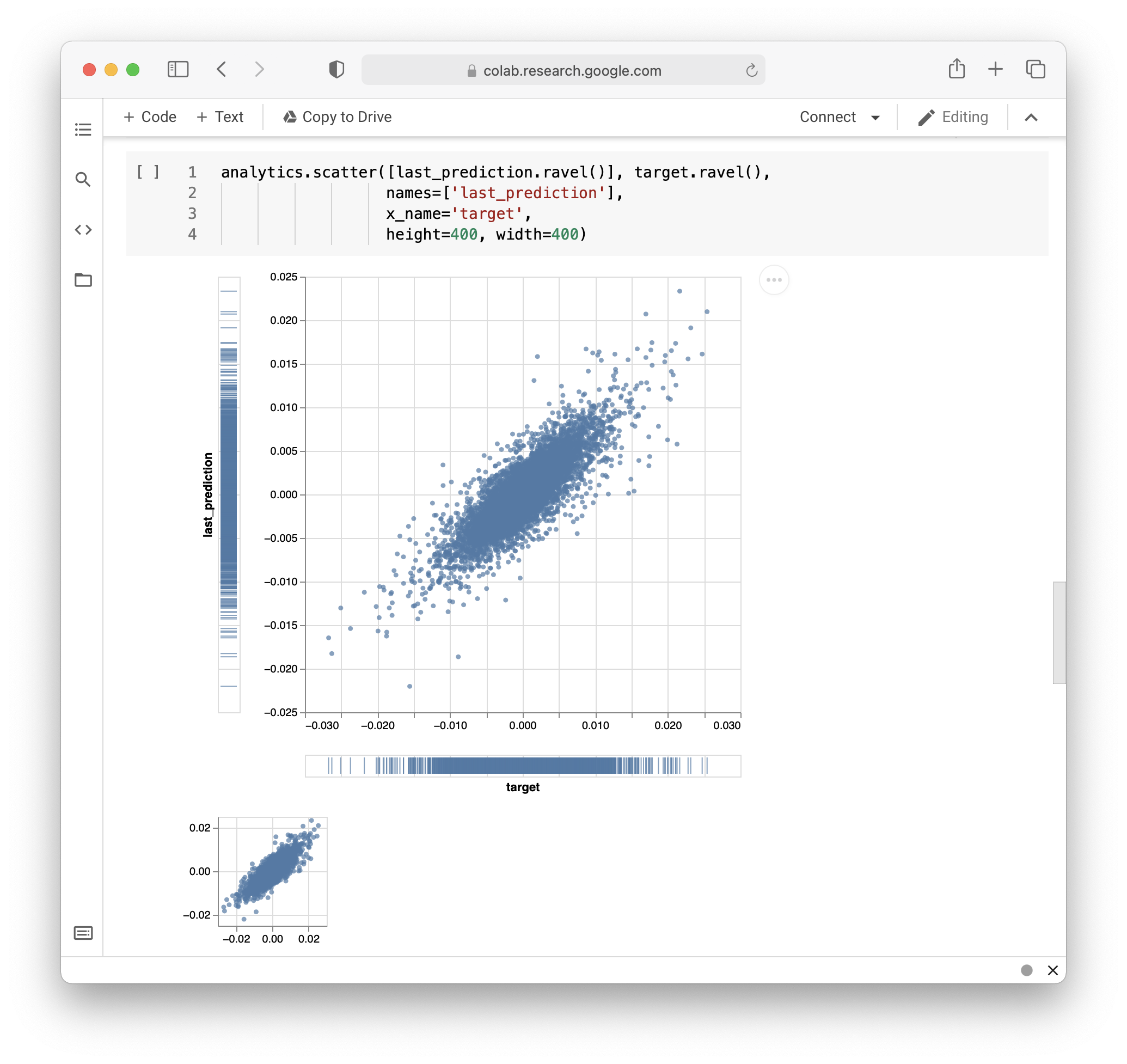
- API for custom visualizations

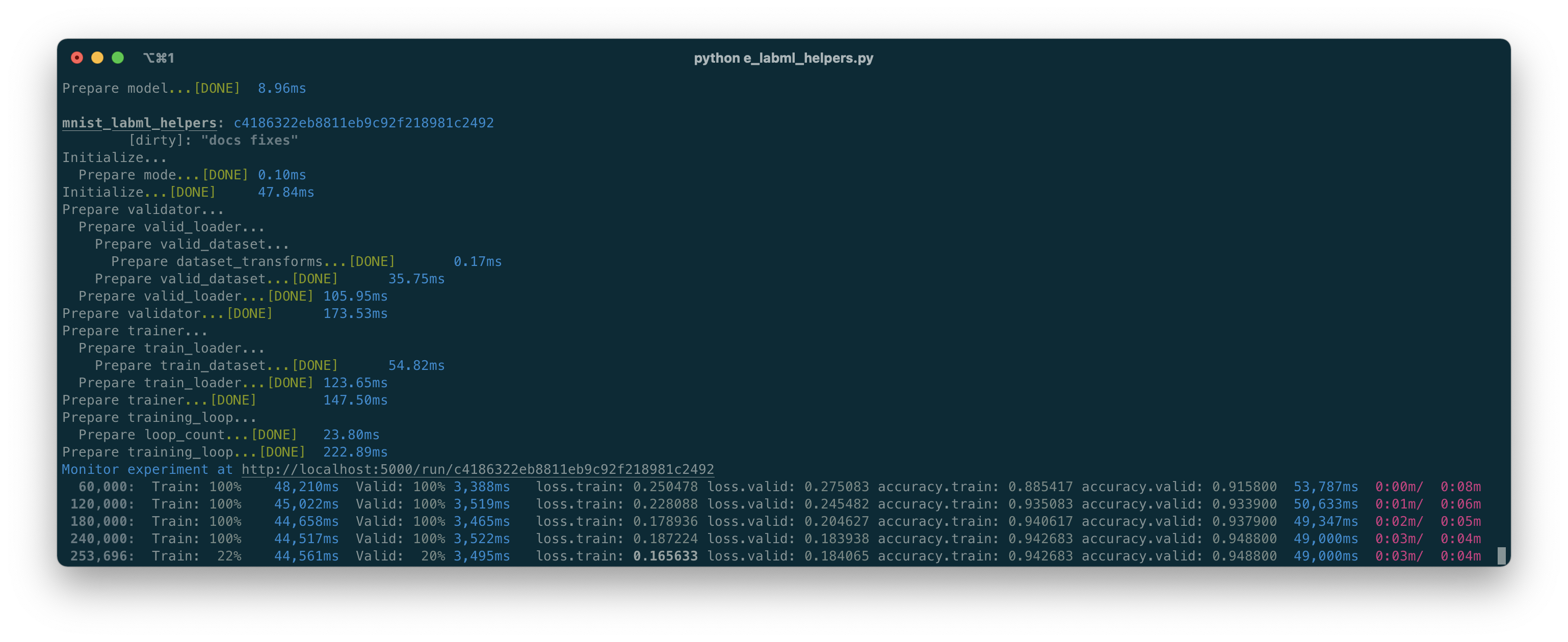
- Pretty logs of training progress
- Open source!
Hosting the experiments server
Prerequisites
To install MongoDB, refer to the official
documentation here.
Installation
Install the package using pip:
pip install labml-appStarting the server
# Start the server on the default port (5005)
labml app-server

# To start the server on a different port, use the following command
labml app-server --port PORT
Optional: to setup and configure Nginx in your server, please refer to this.
You can access the user interface either by visiting http://localhost:{port} or, if configured on a separate machine,
by navigating to http://{server-ip}:{port}.
Monitor Experiments
Installation
- Install the package using pip.
pip install labml- Create a file named
.labml.yamlat the top level of your project folder, and add the following line to the file:
app_url: http://localhost:{port}/api/v1/default

# If you are setting up the project on a different machine, include the following line instead,
app_url: http://{server-ip}:{port}/api/v1/default
PyTorch example
from labml import tracker, experiment

with experiment.record(name='sample', exp_conf=conf):
    for i in range(50):
        loss, accuracy = train()
        tracker.save(i, {'loss': loss, 'accuracy': accuracy})
Distributed training example
from labml import tracker, experiment

uuid = experiment.generate_uuid() # make sure to sync this in every machine
experiment.create(uuid=uuid,
                  name='distributed training sample',
                  distributed_rank=0,
                  distributed_world_size=8,
                  )
with experiment.start():
    for i in range(50):
        loss, accuracy = train()
        tracker.save(i, {'loss': loss, 'accuracy': accuracy})
📚 Documentation
Guides
- API to create experiments
- Track training metrics
- Monitored training loop and other iterators
- API for custom visualizations
- Configurations management API
- Logger for stylized logging
🖥 Screenshots
Formatted training loop output
Custom visualizations based on Tensorboard logs
Monitoring hardware usage
# Install packages and dependencies
pip install labml psutil py3nvml

# Start monitoring
labml monitor
Citing
If you use LabML for academic research, please cite the library using the following BibTeX entry.
@misc{labml,
 author = {Varuna Jayasiri, Nipun Wijerathne, Adithya Narasinghe, Lakshith Nishshanke},
 title = {labml.ai: A library to organize machine learning experiments},
 year = {2020},
 url = {https://labml.ai/},
}