/brag
You built it. Now brag.
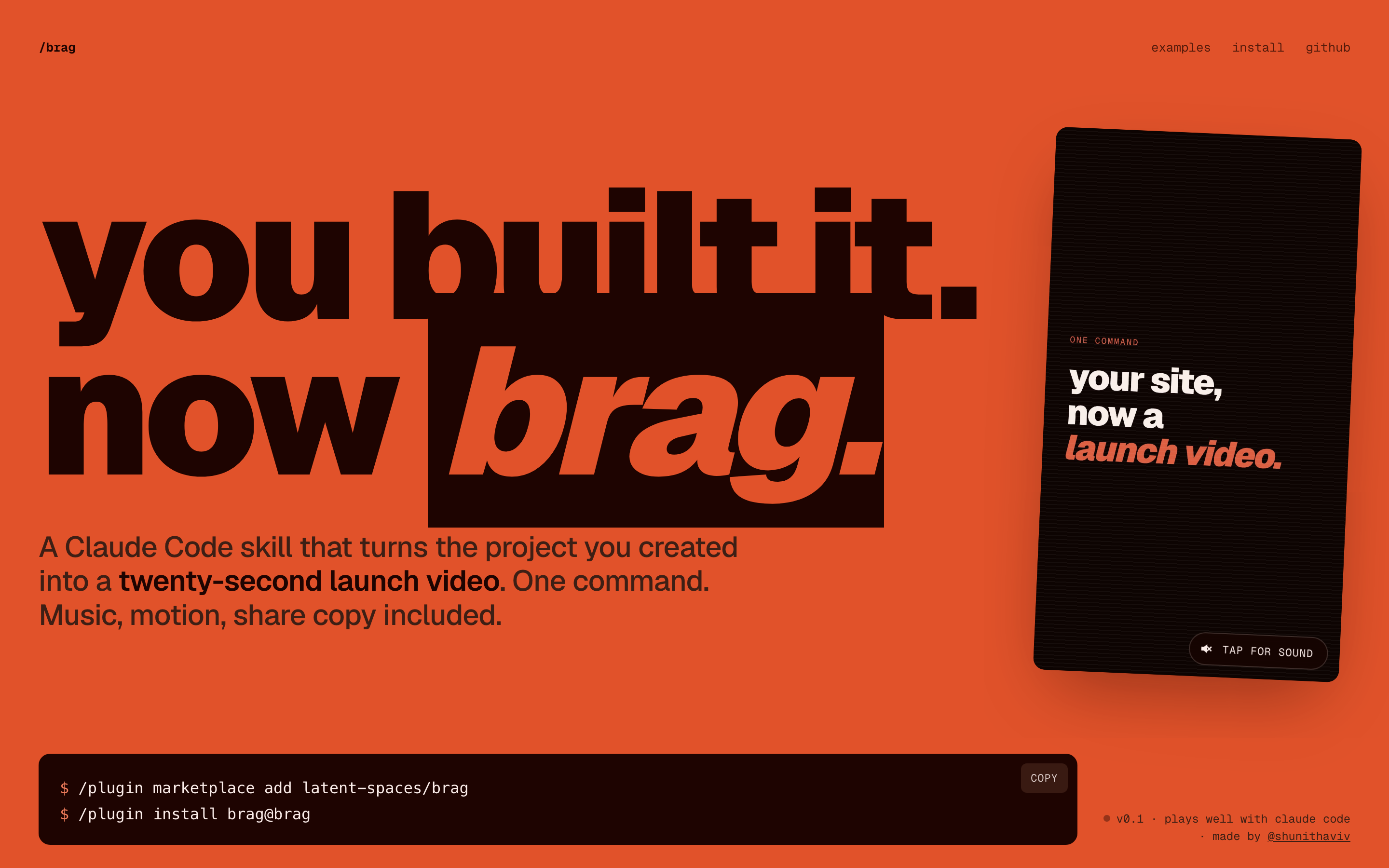
/brag is a Claude Code skill that turns the project you created into a short, shareable launch video — music, motion, and share copy included. One command, powered by Hyperframes.
The looping video on the launch site was made by /brag on this very repo.
Install
/plugin marketplace add latent-spaces/brag
/plugin install brag@brag
Then run /brag inside any project.
Any other agent — one command via the skills CLI (Cursor, Codex, Copilot, Gemini CLI, opencode, and more):
npx skills add https://github.com/latent-spaces/brag --skill bragAdd -g to install globally (available in every project); drop it to scope to the current one. (browse on skills.sh)
No installer? Copy the skill directly.
rsync -a --exclude '.DS_Store' skills/brag/ ~/.claude/skills/brag/Restart Claude Code after copying.
Also works with
This repo exposes the skill at every agent's standard discovery path via symlinks. No extra config needed.
| Agent | How it discovers |
|---|---|
| opencode | Auto-detects from .opencode/skills/brag/ at project root |
| Codex CLI | Reads .agents/skills/brag/, walking up to repo root |
| Claude Code | Also reads .claude/skills/brag/ (in addition to the .claude-plugin/ marketplace install above) |
| Other agents | Point custom instructions at skills/brag/SKILL.md — see docs/other-agents.md |
Windows users: Git requires
git config core.symlinks true(orgit clone -c core.symlinks=true) and Windows Developer Mode or Administrator privileges to create symlinks. If symlinks don't work on your system, copyskills/brag/to the agent's skill directory manually instead.
Use it
From any project directory, ask your agent:
let's /bragOr steer the tone:
/brag --tone "fake Series A launch from 2016"Voiceover is off by default. Enable it explicitly with:
/brag --voiceNarration uses Kokoro through Hyperframes when enabled.
You get a brag-output/ folder with the plan, a composition brief, share copy, and the rendered brag.mp4.
How it works
/brag owns the story — the product angle, tone, and which moments to show. It hands a focused brief to Hyperframes, which builds, times, and renders the video.
Requirements
- An agent that supports Agent Skills — Claude Code, opencode, Codex CLI, or any agent with custom instructions (see "Also works with" above)
- Node.js 22+
- FFmpeg on
PATH - Hyperframes CLI —
npx hyperframes(check it withnpx hyperframes doctor)
What's in this repo
skills/brag/— the skill, references, and bundled music + SFXexamples/— fake product sites used as a benchmark suitedocs/— the launch site (GitHub Pages).claude-plugin/— plugin manifest + marketplace catalog.claude/skills/brag/— symlink →skills/brag/(Claude Code discovery).agents/skills/brag/— symlink →skills/brag/(Codex CLI + opencode discovery).opencode/skills/brag/— symlink →skills/brag/(opencode discovery)
Credits
- Music — ende.app "Happy Beats / Business Moves"
- Sound effects — Kenney
- Video generation — Hyperframes
- Fake demo sites — built with Impeccable
Contributing
Contributions, ideas, and new demo brags are welcome — open an issue or a PR.