 Duo Translator
An AI-powered translation and writing assistant. Supports webpage translation, selected text translation, writing enhancement, and more.
Features
-
Translation
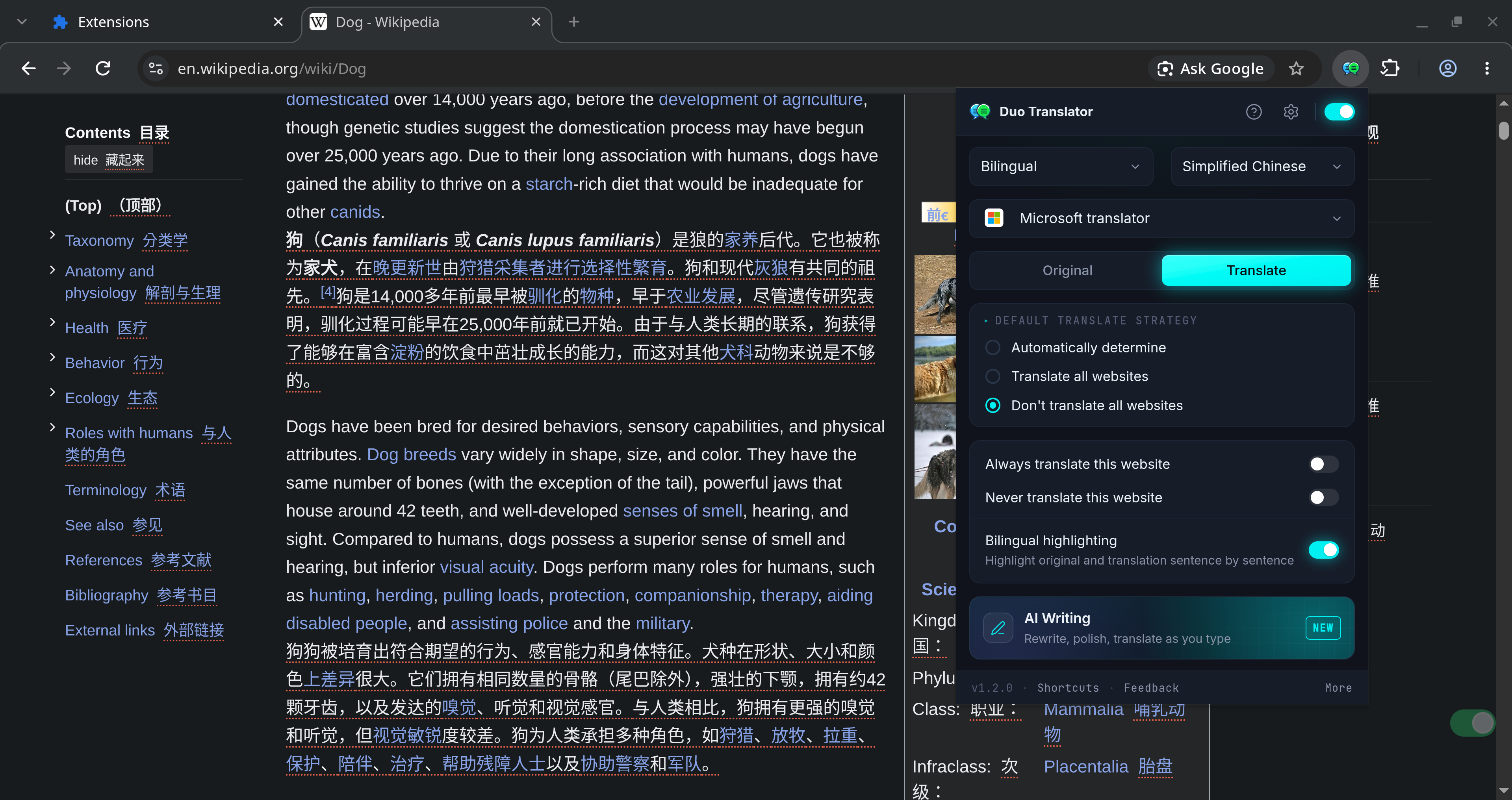
- Webpage translation
- Bilingual translation
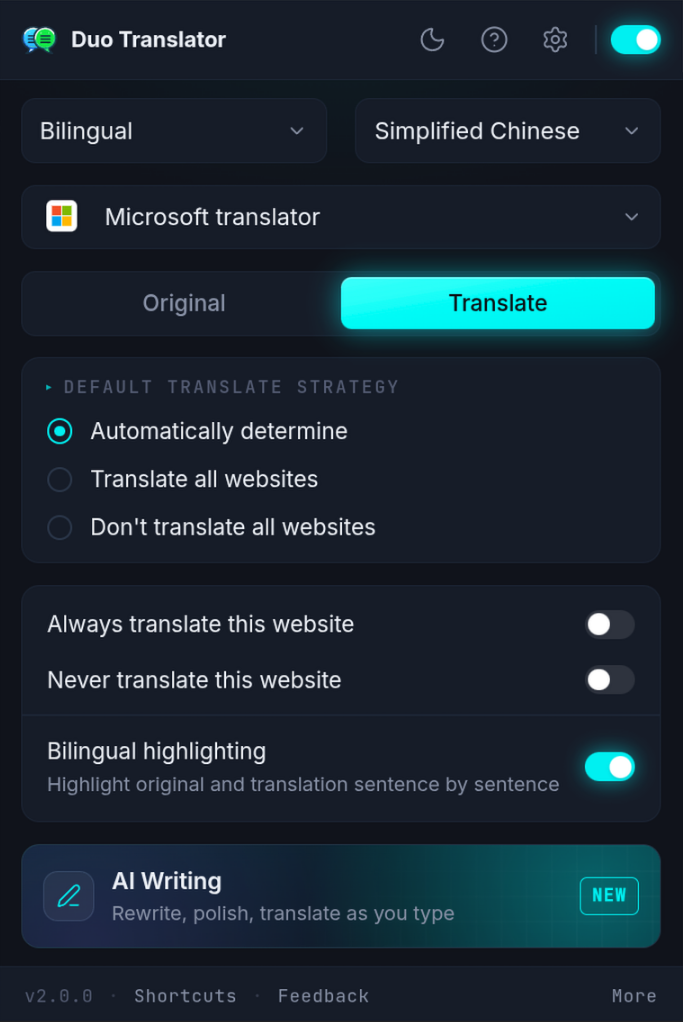
- Bilingual highlighting (Highlight original and translation sentence by sentence)
- Style settings
- Website translation rules (per-site translate areas, no-translate areas and custom CSS)
- Selection translation
- Dictionary
- Text-to-speech (TTS)
- Multiple translation services and a compact interface (optional)
- Input box translation
- Paragraph translation
- Webpage translation
-
AI Writing
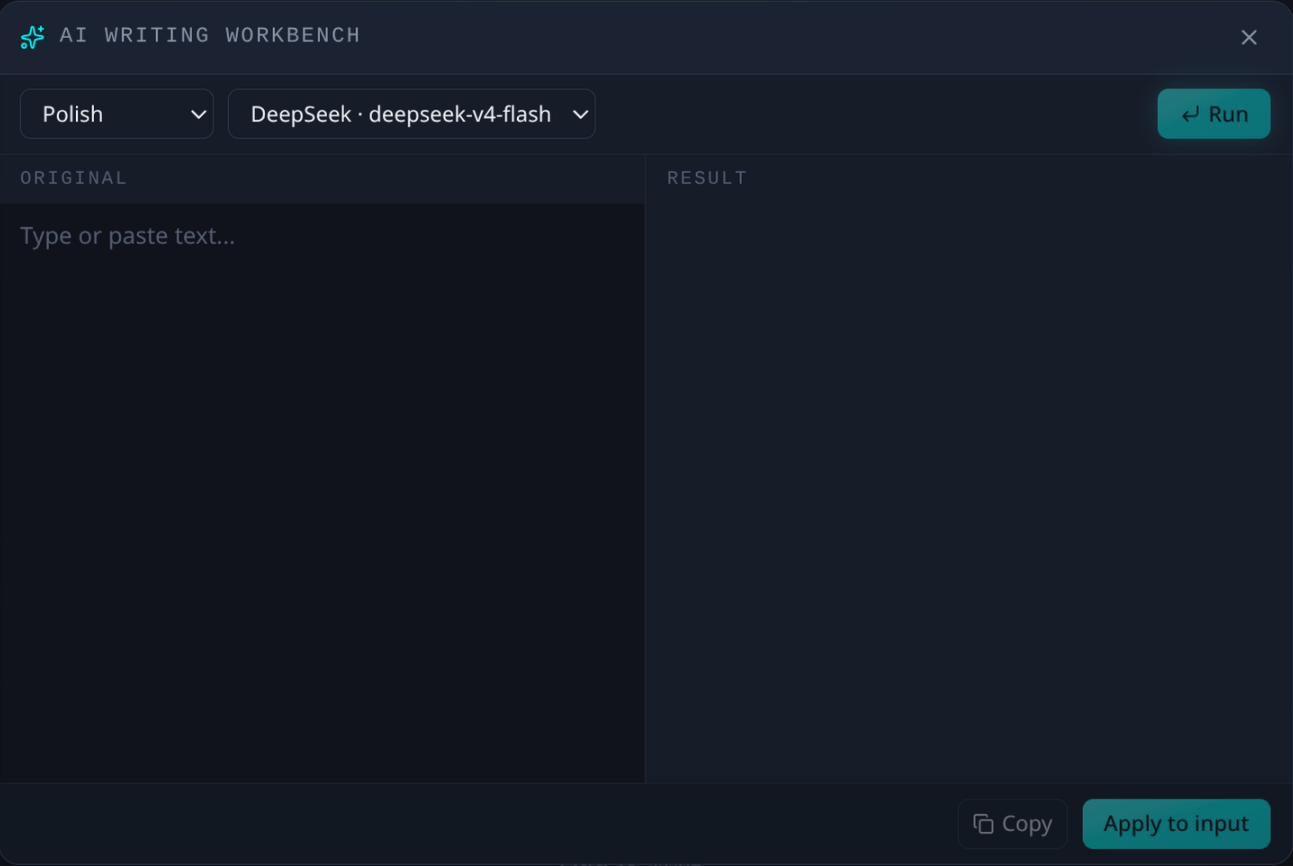
- Correct grammar, polish, translate, and more directly in the input box
- AI writing workbench
-
Video subtitles (YouTube bilingual subtitles)
- Look up words on hover
- Subtitle download
- Subtitle styles
- AI sentence segmentation
-
Multiple translation and AI service integrations
- Translation services: Microsoft, Google, Yandex, browser built-in AI (Chrome and Edge only), DeepL
- AI: OpenAI, DeepSeek, Gemini, OpenRouter, Claude, Ollama, Custom
-
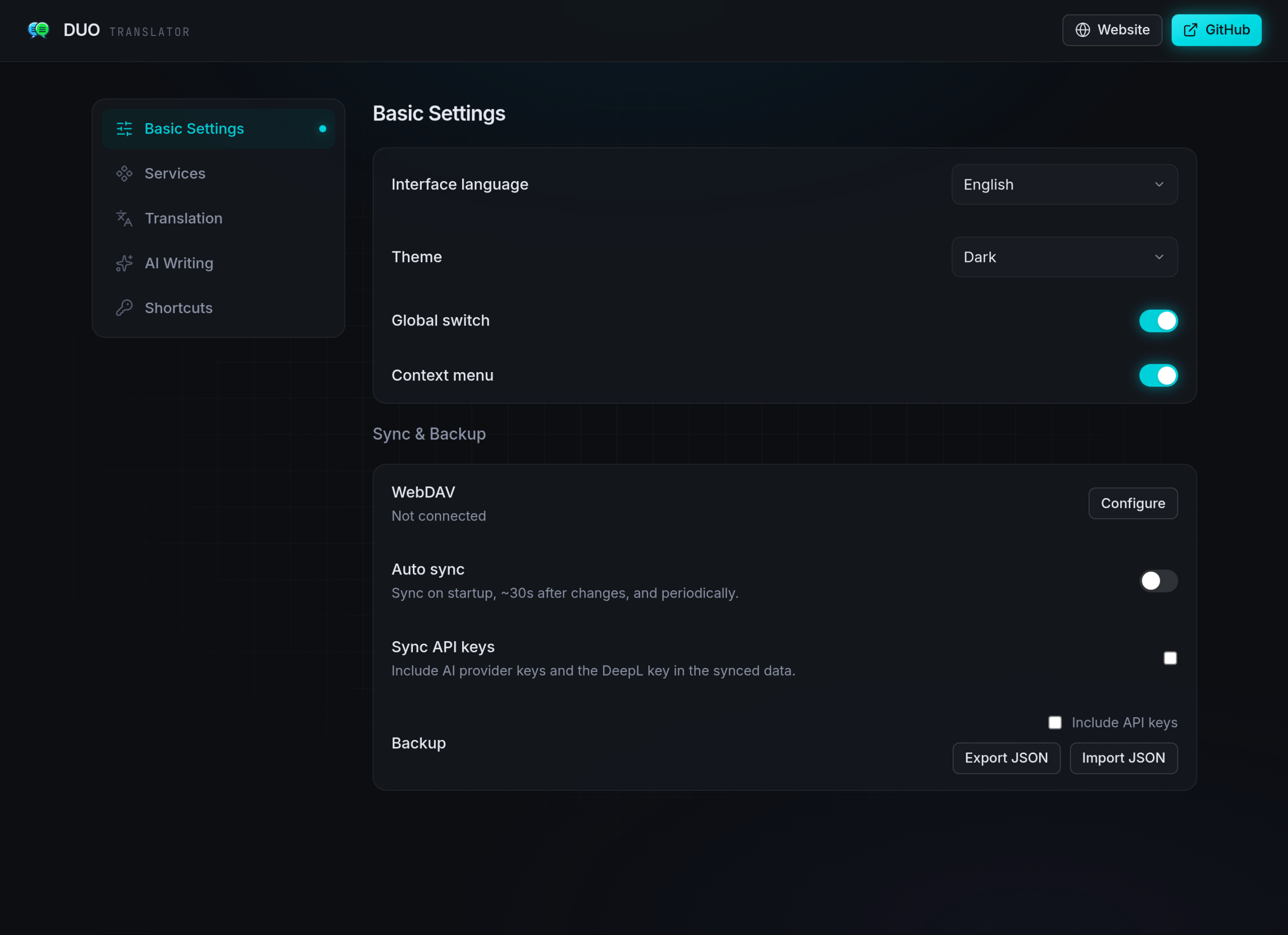
Sync & Backup
- Sync methods: Google Drive, WebDAV
- Automatic sync (on a schedule and after a setting changes)
- Backup config (import / export a JSON file)
-
Shortcuts
- Browser shortcuts
- Translate / Restore page (Alt+S)
- Translate selection / input box (Alt+A)
- Translate / Restore mouse-over paragraph (Alt+Q)
- Open AI writing workbench (Alt+W)
- Double-tap shortcuts (double-tap Ctrl/Alt)
- Translate selection
- Translate input box
- Translate / restore mouse-over paragraph
- Browser shortcuts
-
Customization
- Function shortcuts (trigger actions with a single press, a long press or a multi-press)
- Selection translate popup (UI customization)
- Extension popup (UI customization)
Installation
Add to your browser:



Alternatively, you can install it manually using the ZIP file.
Safari (beta) — manual install
Requires Safari 18.4 or later on macOS.
- Download
duo-translator-<version>-safari-beta.zipfrom Releases and unzip it. The folder holdingmanifest.jsonis the extension — keep it somewhere permanent, Safari reads it from where it sits. - In Safari, open Settings → Advanced and tick Show features for web developers. A Developer tab appears in Settings.
- Go to Settings → Developer and turn on Allow unsigned extensions.
- Click Add Temporary Extension…, confirm with your Mac password or Touch ID, and select the folder from step 1 (the one containing
manifest.json). - Open Settings → Extensions, switch DuoTranslator on, and allow it on every website — the extension rewrites pages in place, so it needs access to the sites you read.
A temporary extension only lives for the current Safari session. Quitting Safari unloads it, and steps 3–5 have to be repeated on the next launch. The store version is not available yet.
Shortcuts can only be edited from Safari 26 onwards, under Safari → Settings → Extensions.
Community
Screenshots
Development
Built with WXT + React. Package manager is pnpm.
- Install dependencies:
pnpm i - Start the dev build (with HMR):
pnpm dev(Firefox:pnpm dev:firefox) - Open
chrome://extensions/, enable Developer mode, and load the unpacked extension from.output/chrome-mv3-dev
Other commands:
pnpm build— production build to.output/chrome-mv3(Firefox:pnpm build:firefox, Edge:pnpm build:edge)pnpm zip— package the extension for store uploadpnpm test— unit tests (Vitest)pnpm e2e:build && pnpm e2e— end-to-end tests (Playwright)
Links
Thanks to the LINUX DO community for their help and support.