Public
Star 历史趋势
数据来源: GitHub API · 生成自 Stargazers.cn
README.md
☁️ Hyprland Dotfiles
A feature-rich, beautiful, and highly functional Linux setup centered around Hyprland and Quickshell.




https://github.com/user-attachments/assets/0529881d-1ff8-4aa2-973a-c108f8b27c02
✨ Features
- Window Manager: Hyprland - A dynamic tiling Wayland compositor that doesn't sacrifice on its looks.
- Shell Interface: Quickshell - A robust custom top bar with IPC, an integrated control center, Pomodoro timer, battery power mode switching, and an On-Screen Display (OSD).
- Terminal Emulators: Configured for Kitty, Foot, and Ghostty.
- Application Launcher: Primarily Native Quickshell Components (with smart fallbacks to Tofi on battery mode to preserve resources).
- Shell: Fish - With custom prompts, frozen key bindings, and useful aliases.
- Theming System: Easily switch between 15+ built-in themes via custom scripts and
supergfxctlGPU management tools. - System Fetch: Fastfetch
📸 Overview
Click to expand screenshots
| Clean Desktop | Tiled Windows |
|---|---|
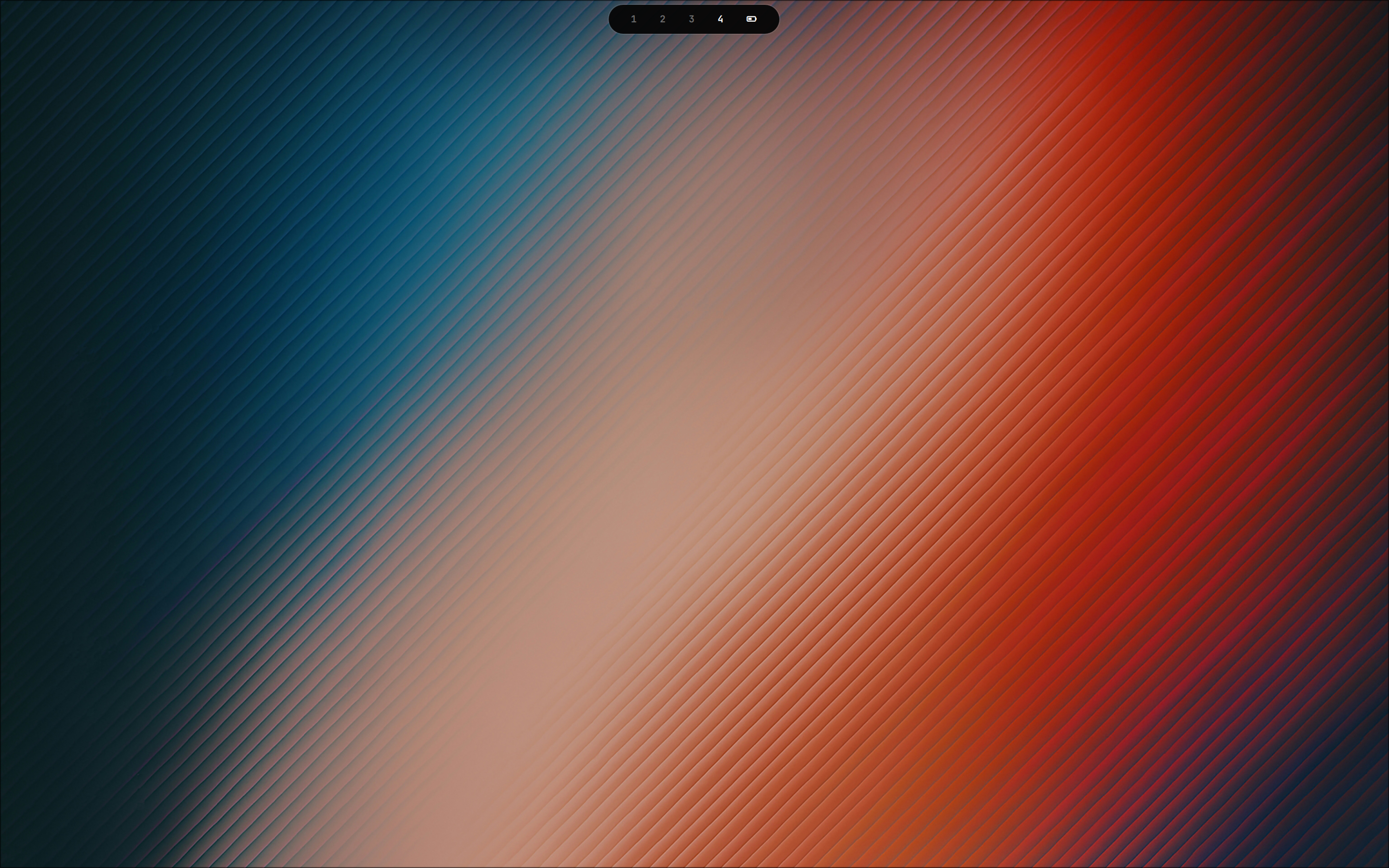 | 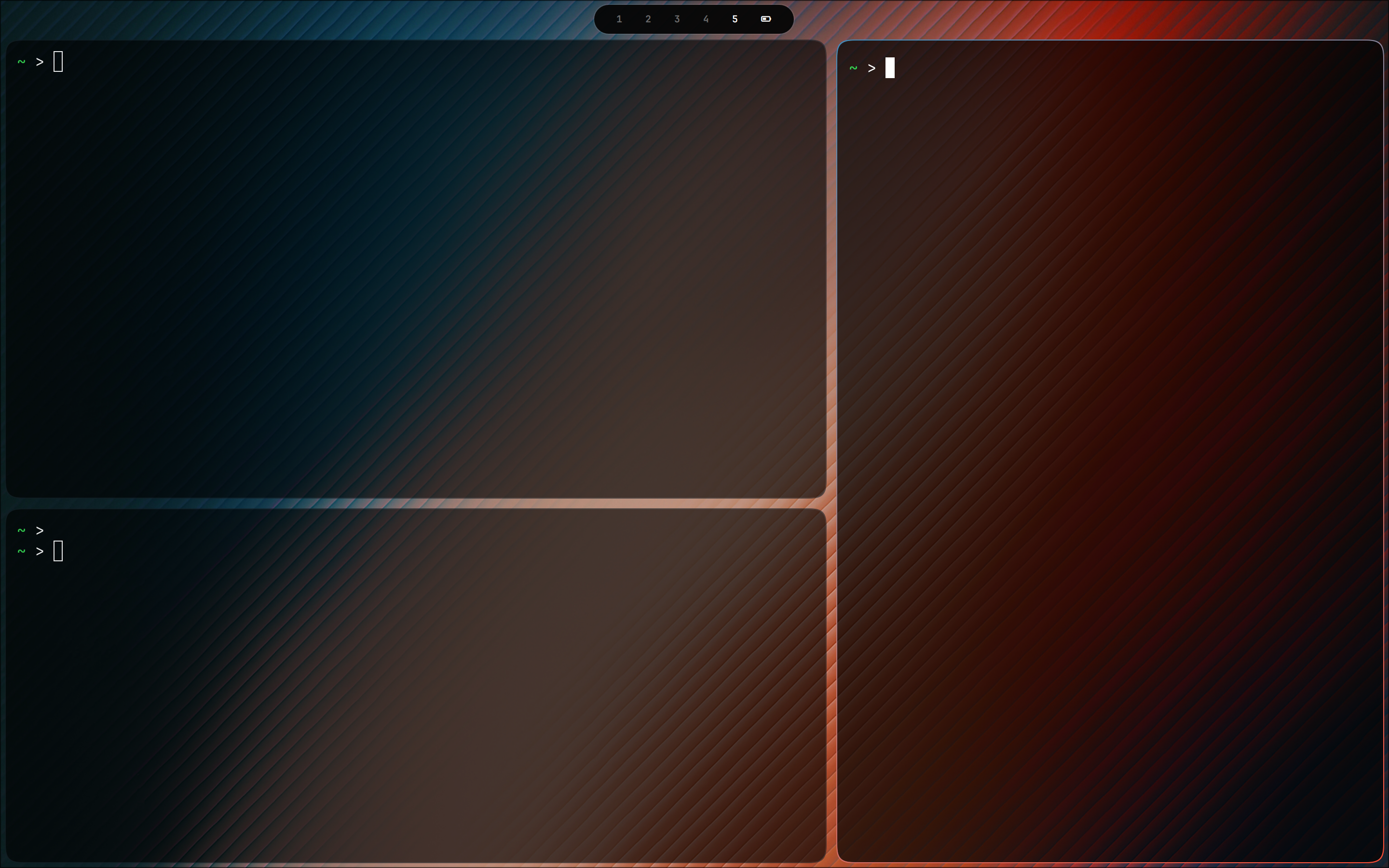 |
| Terminal & Fetch | Fullscreen Window |
|---|---|
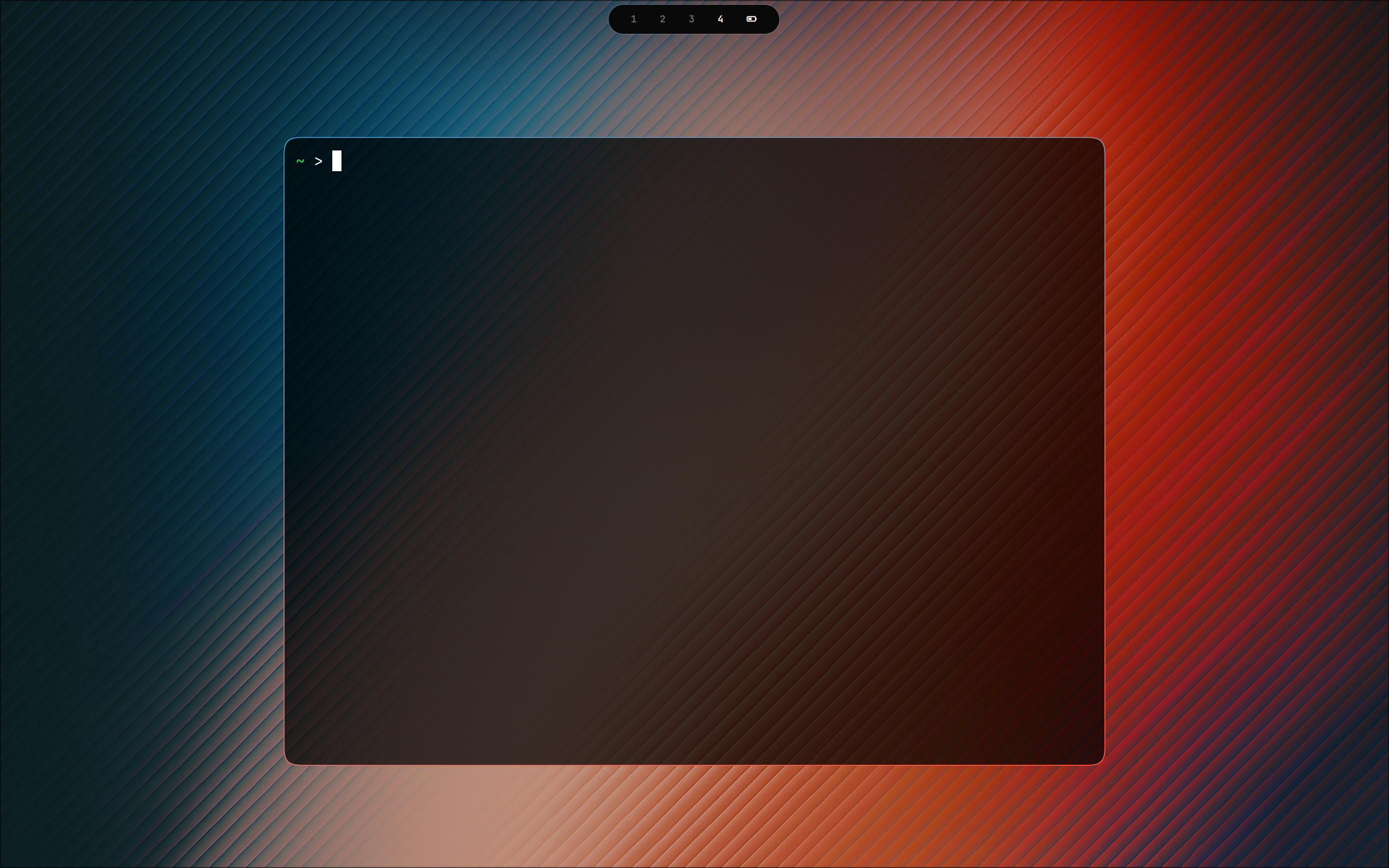 | 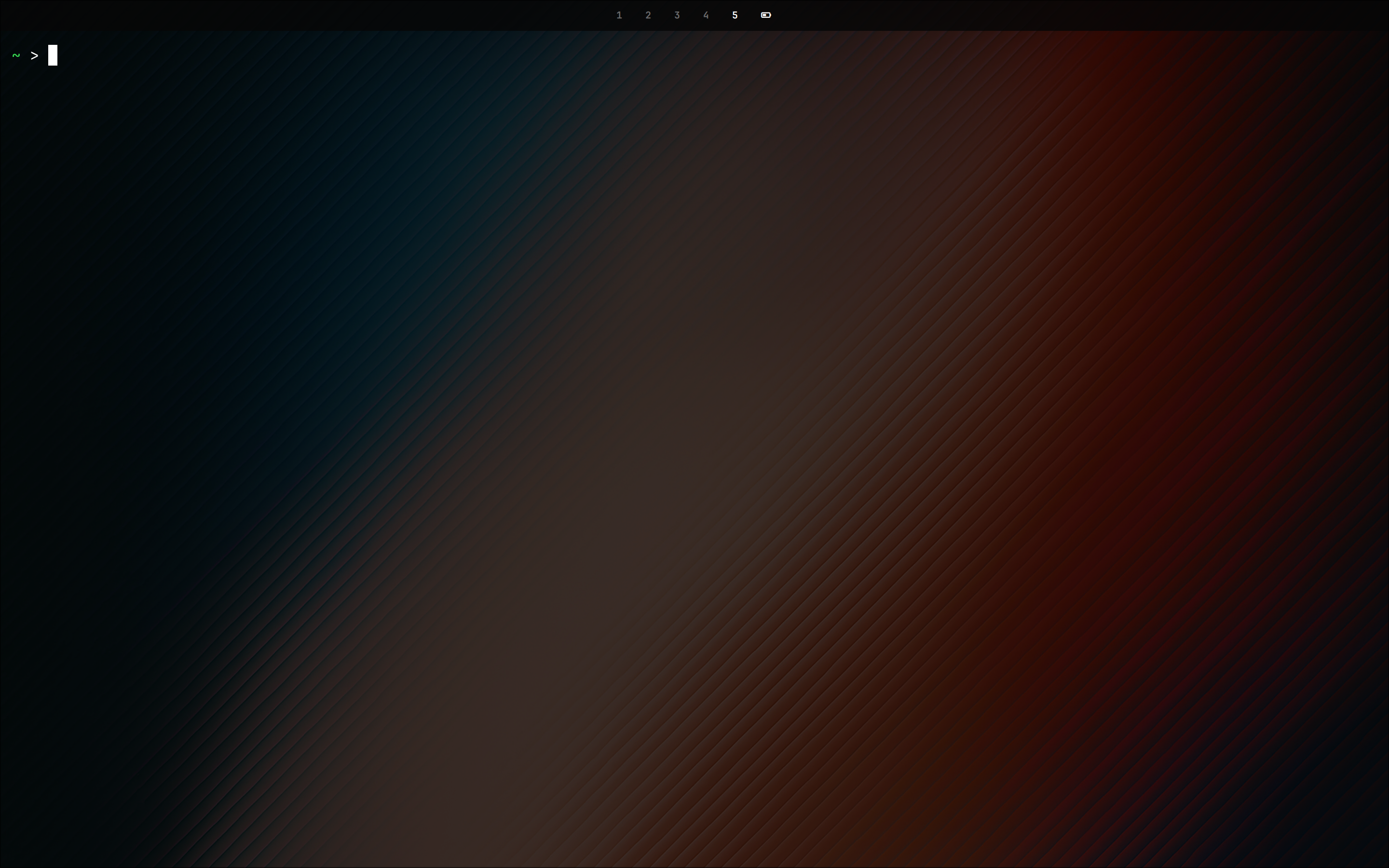 |
| Control Center | App Launcher |
|---|---|
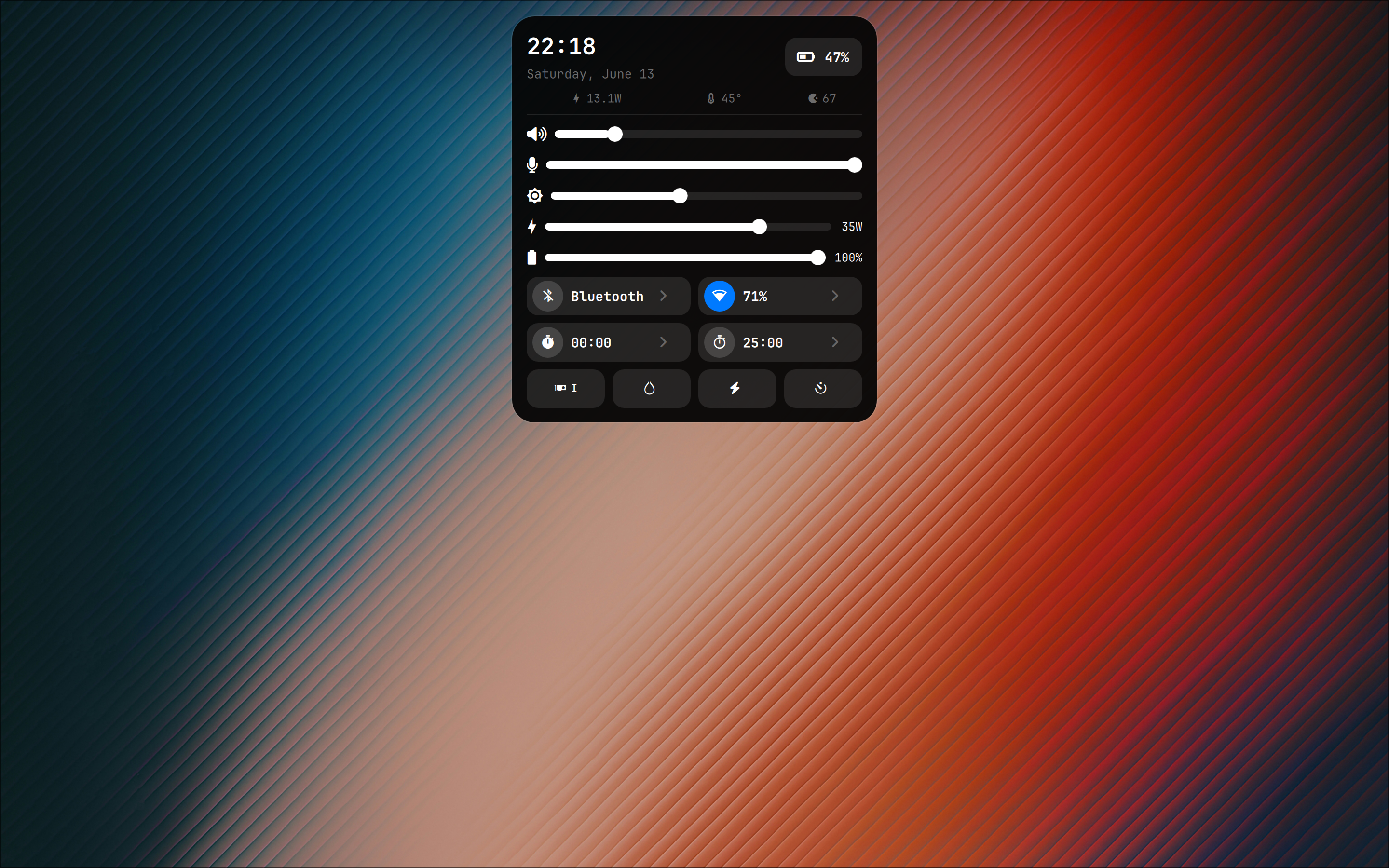 | 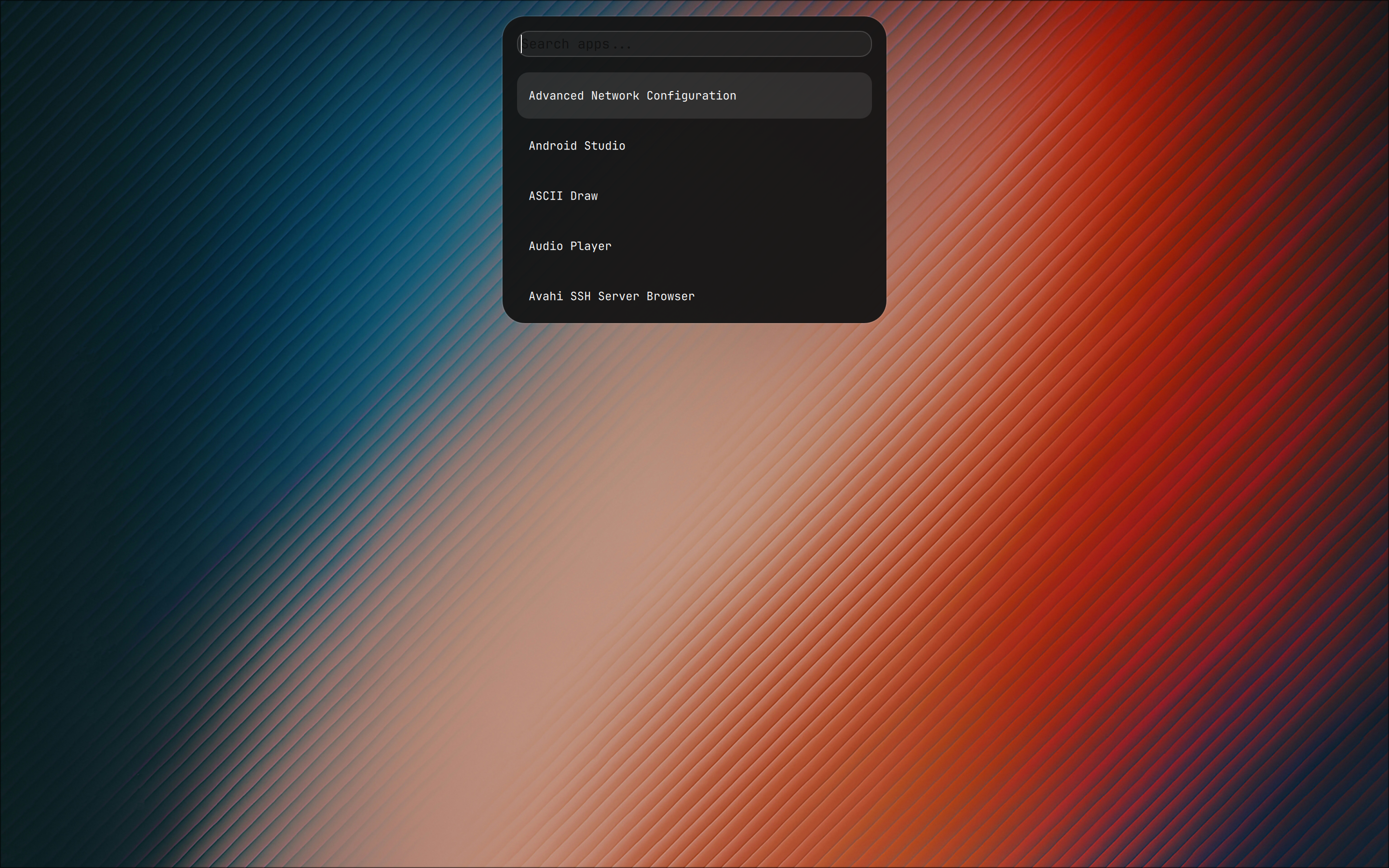 |
| Theme: Soft Color | Theme: Mountains |
|---|---|
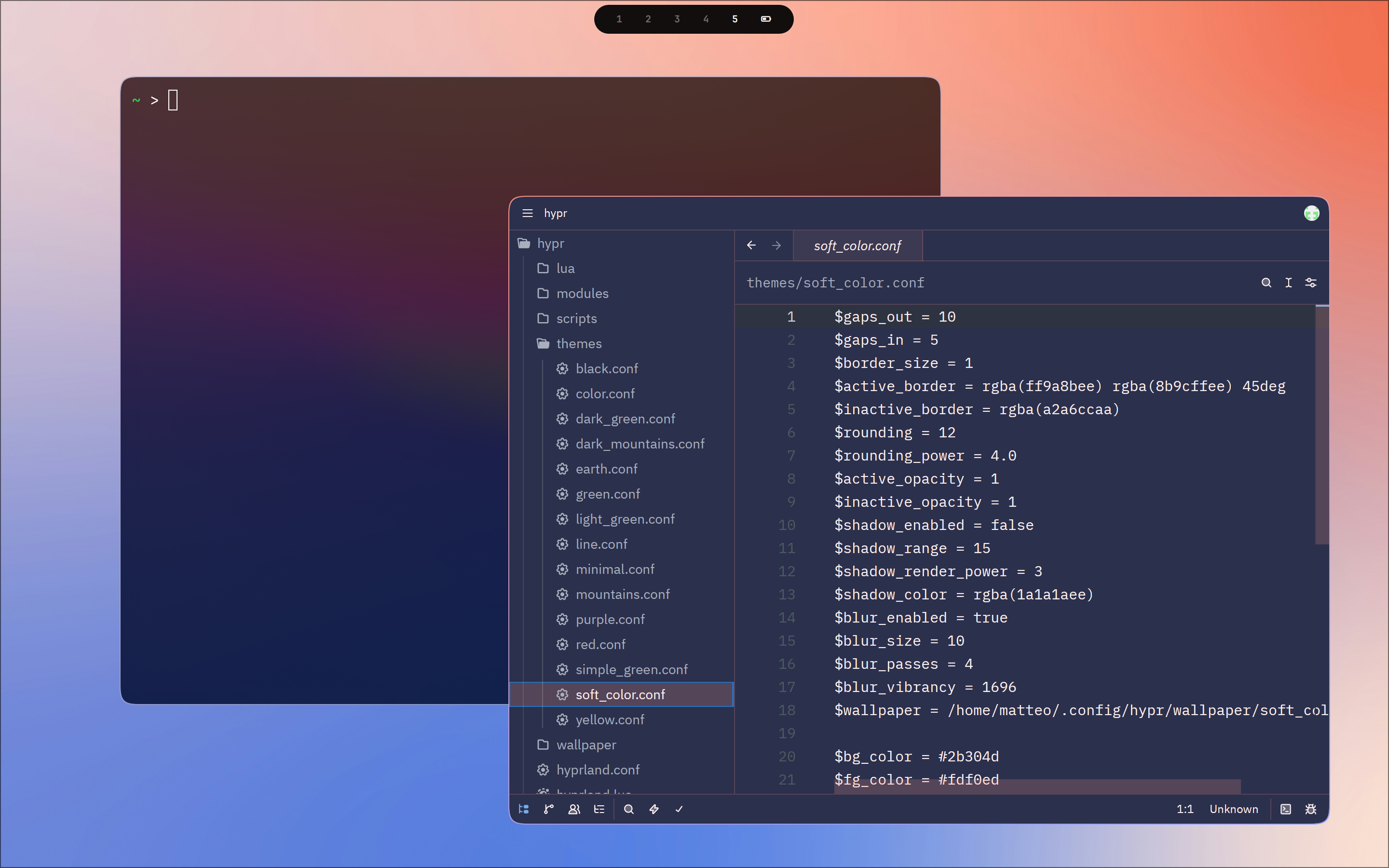 | 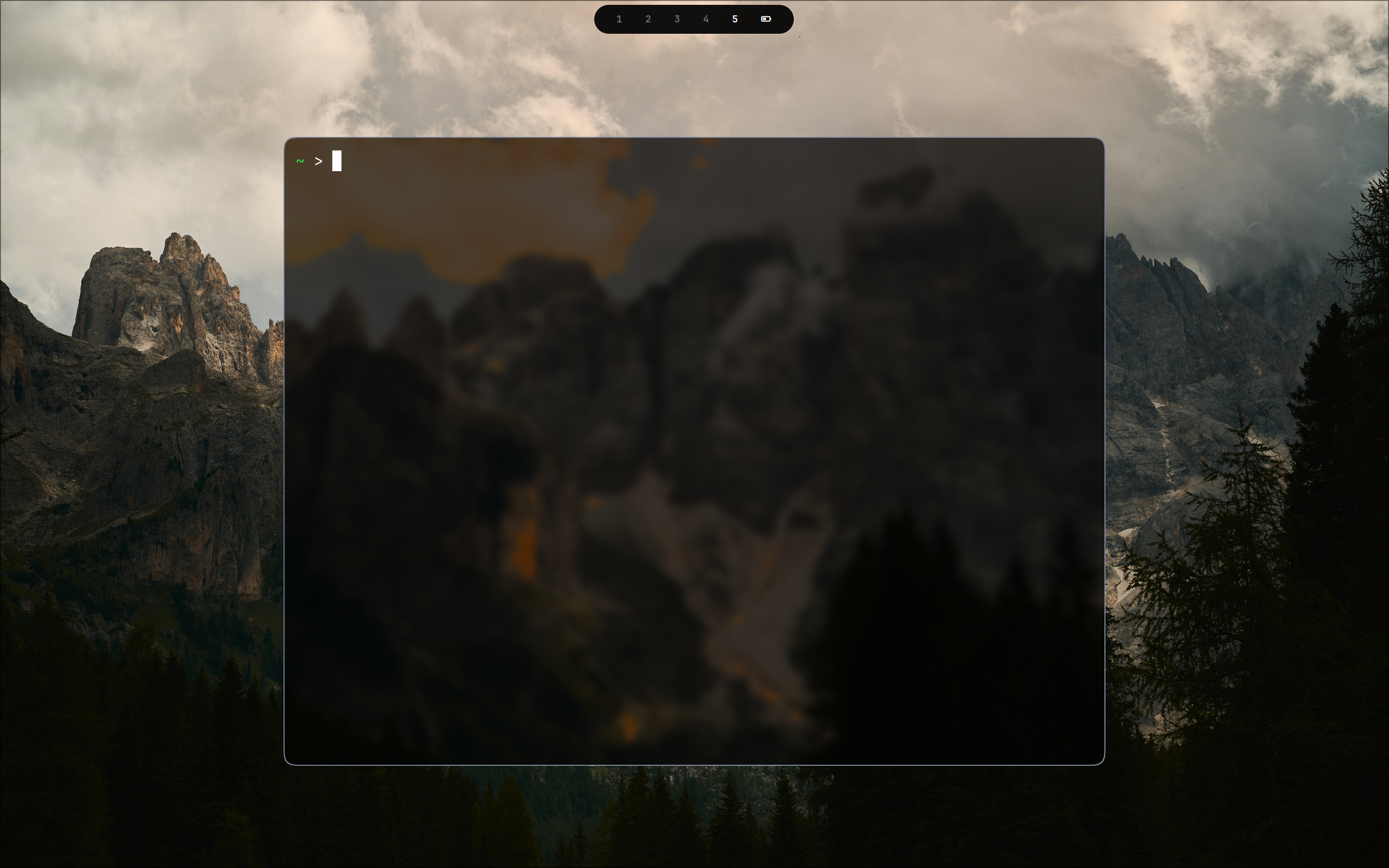 |
| Theme Switcher | Clipboard Manager |
|---|---|
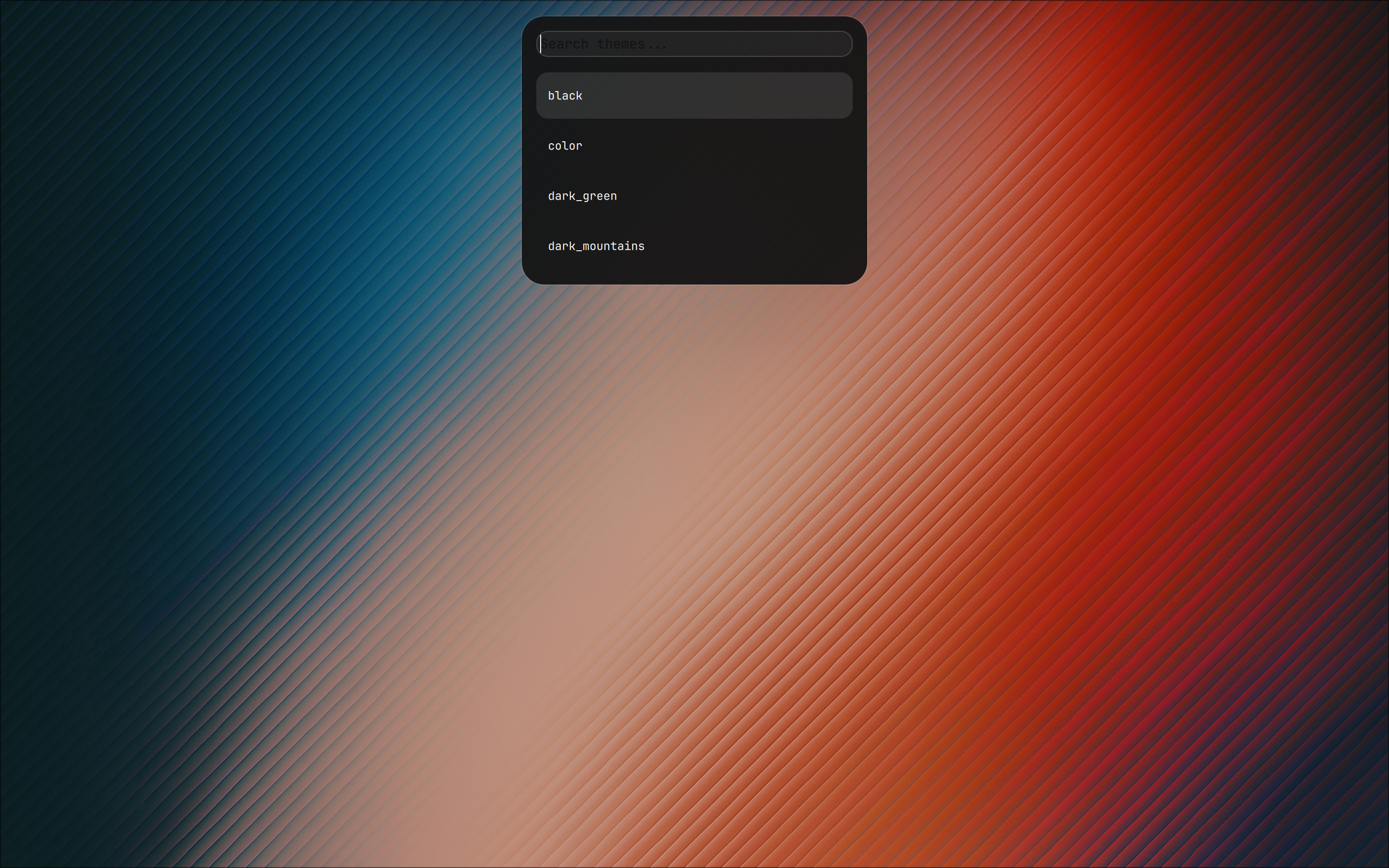 | 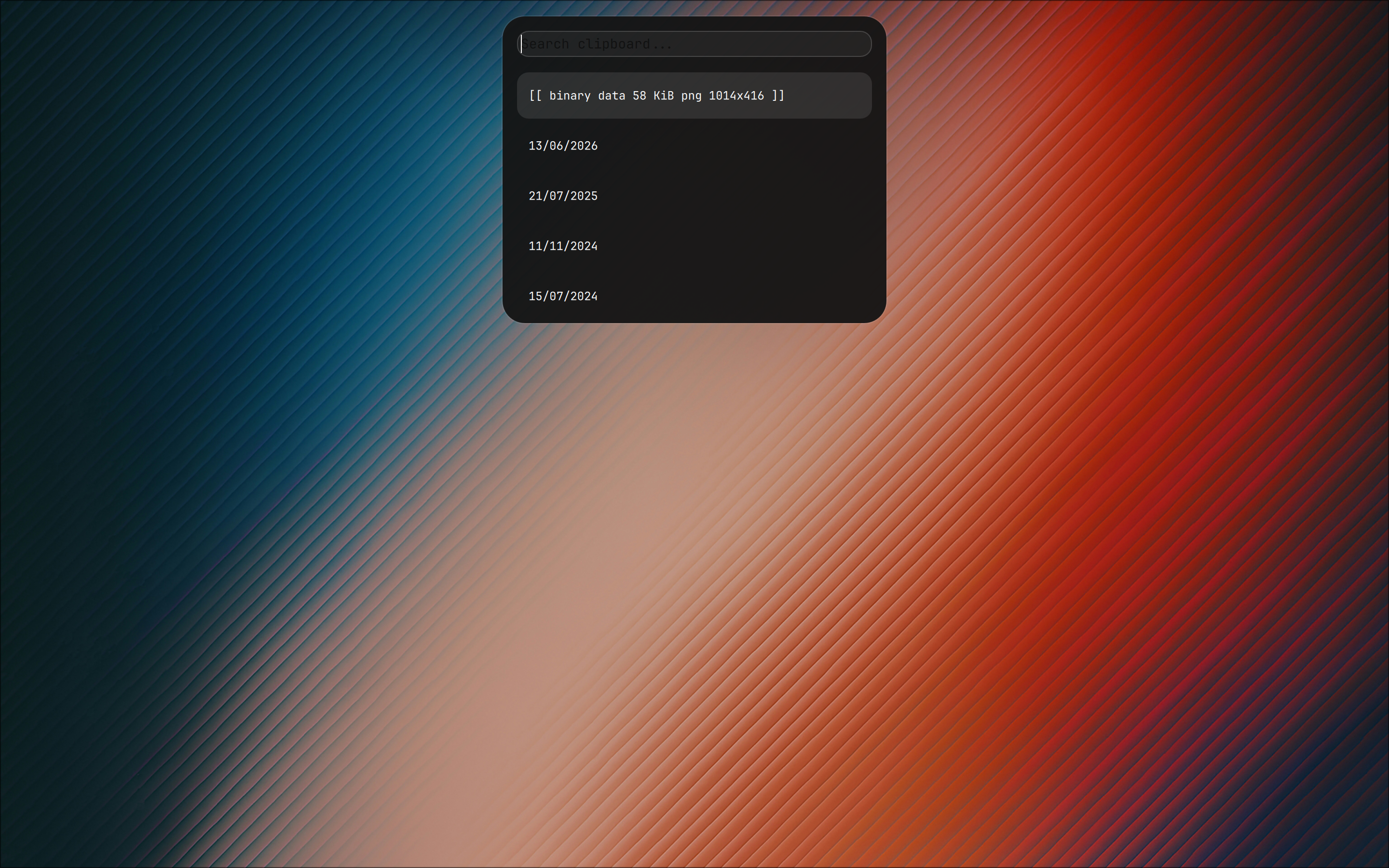 |
| OSD Volume | OSD Brightness |
|---|---|
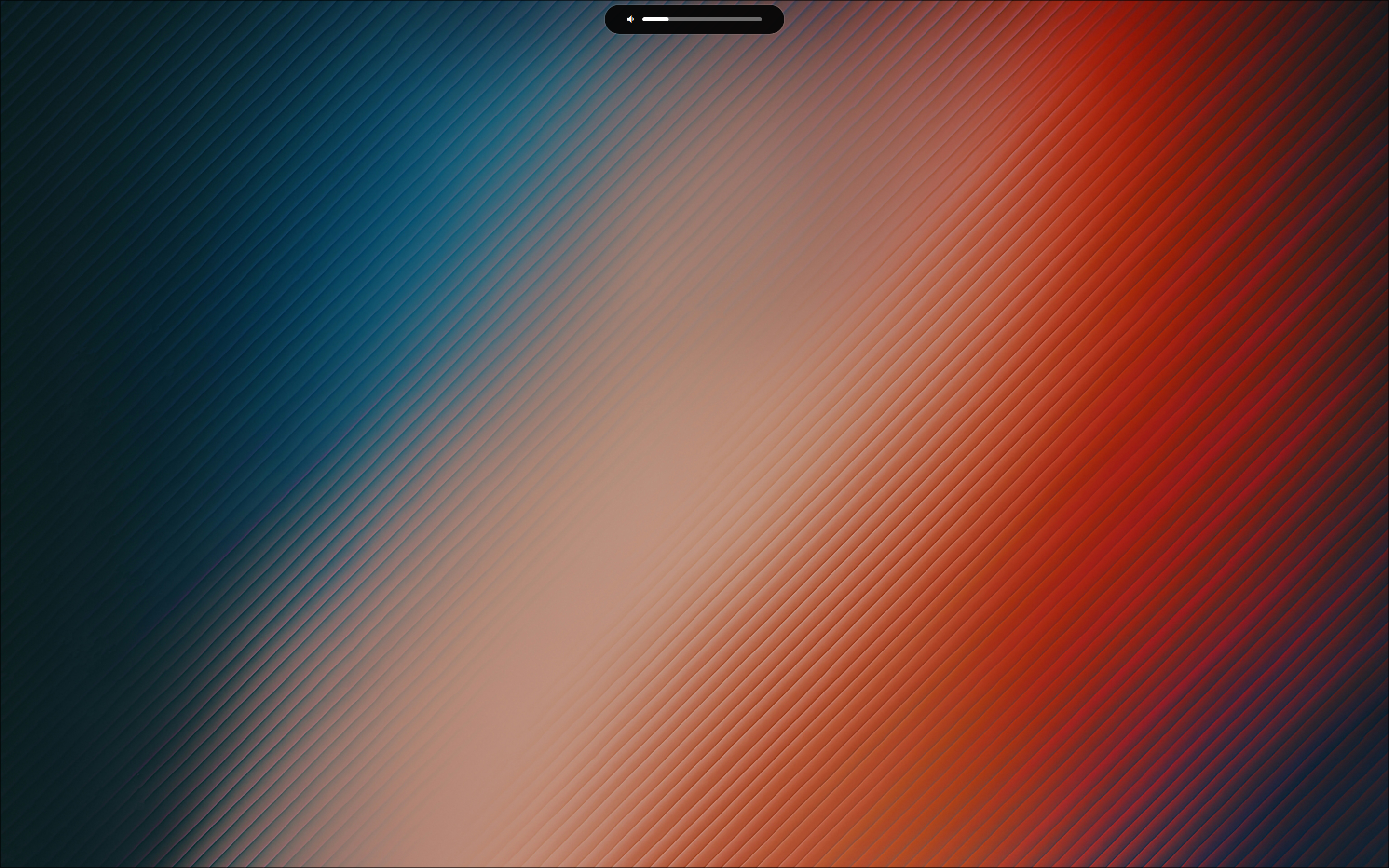 | 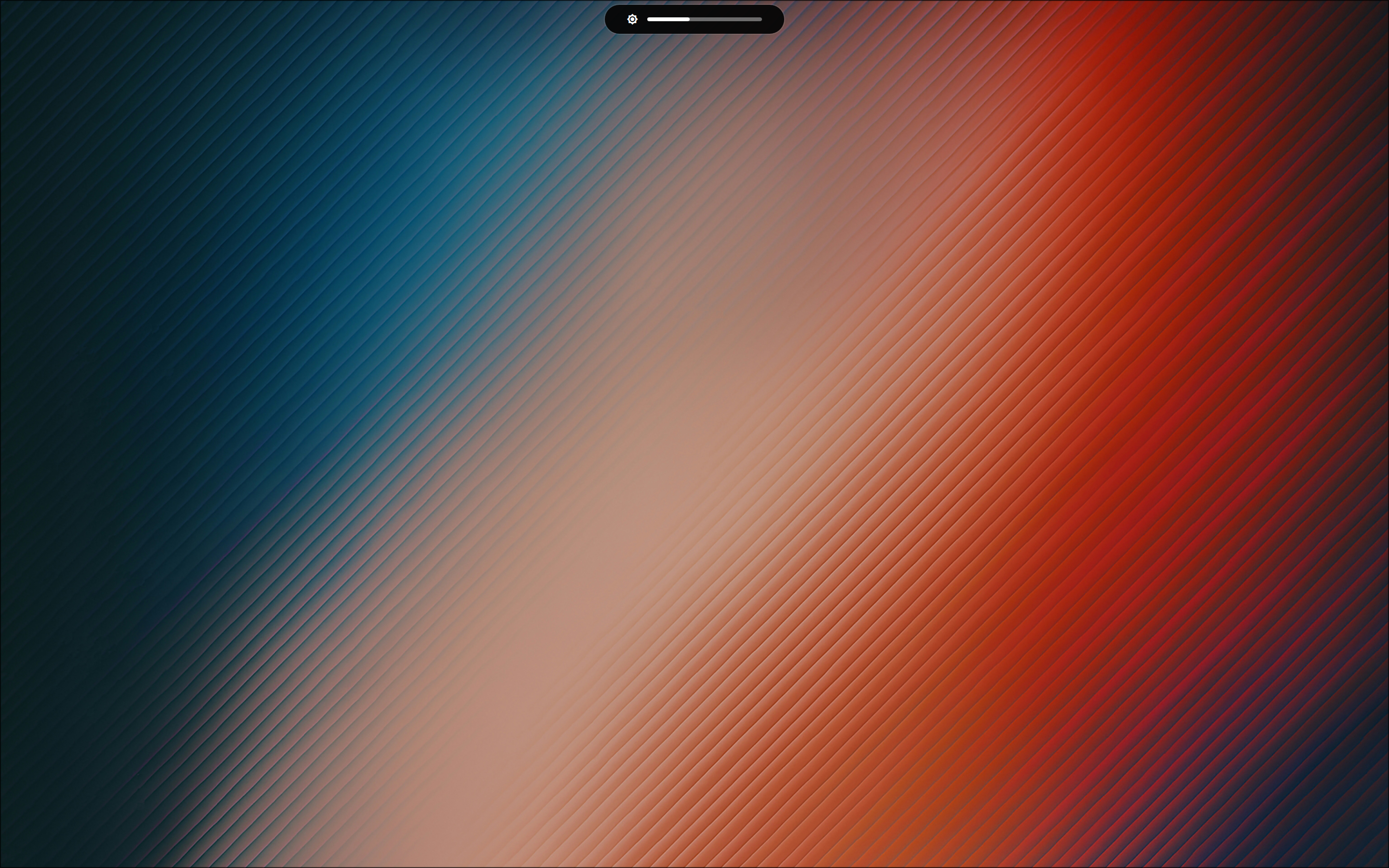 |
| Power Menu | Performance Mode |
|---|---|
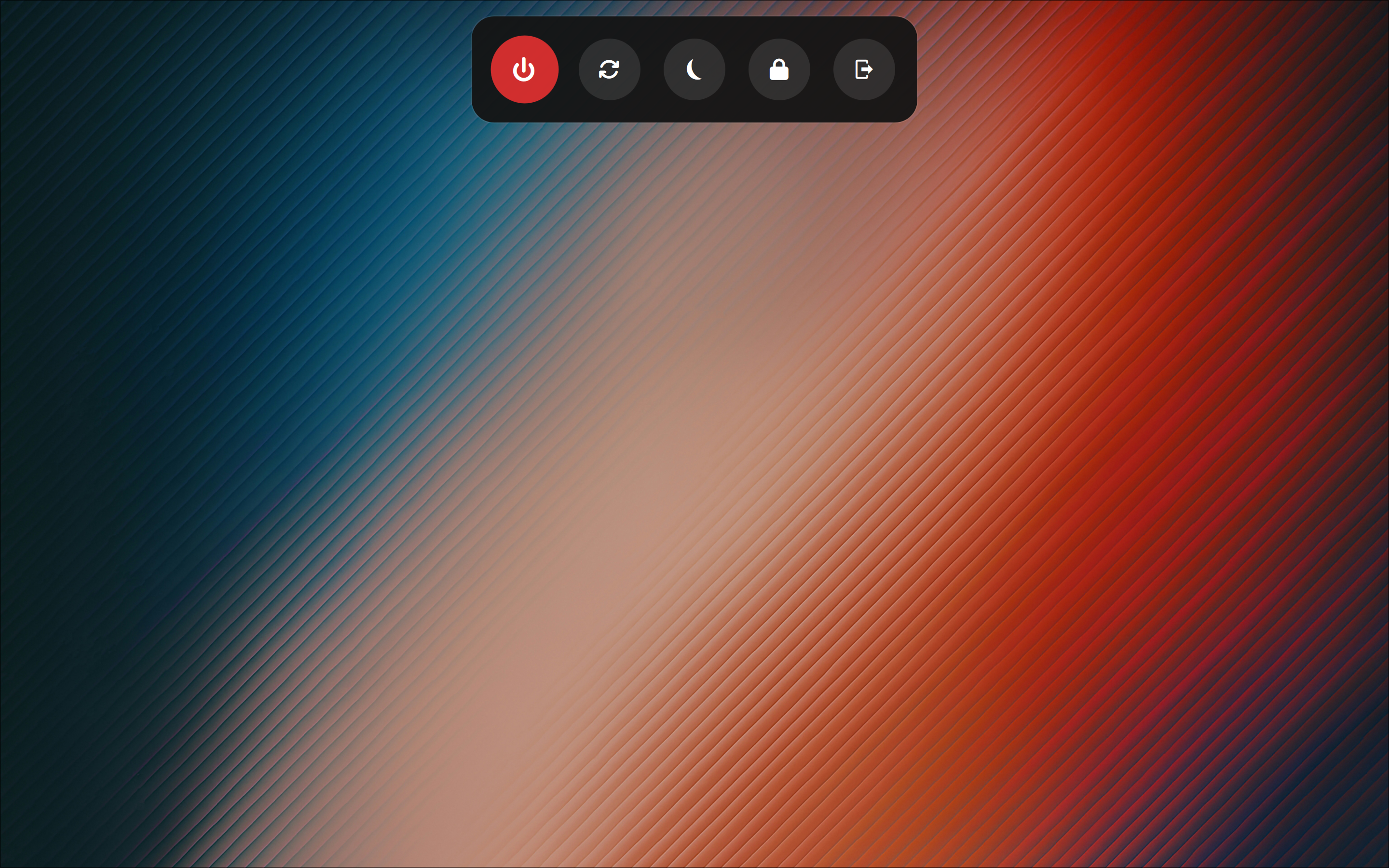 | 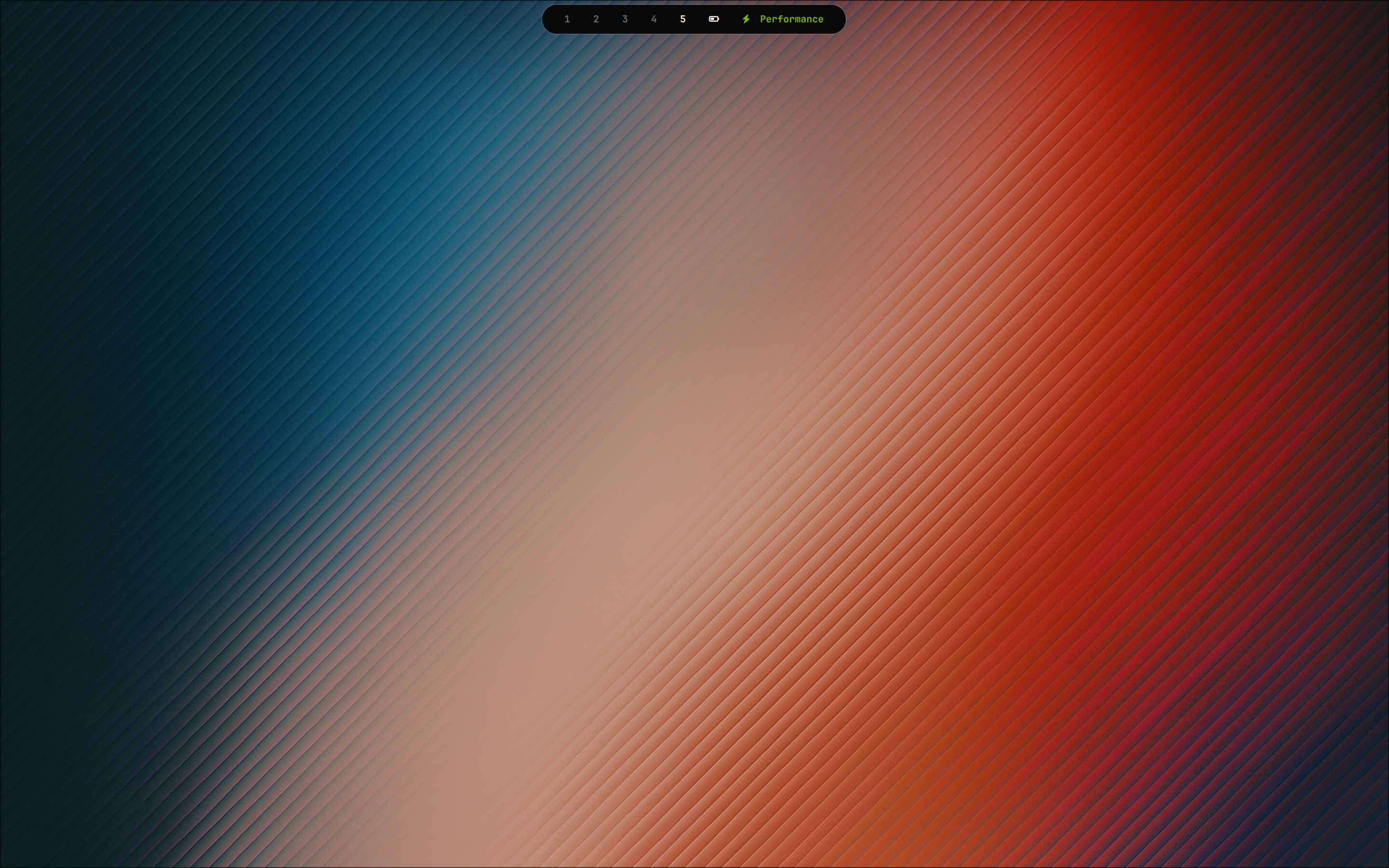 |
| Battery Mode | Battery Mode Window |
|---|---|
 | 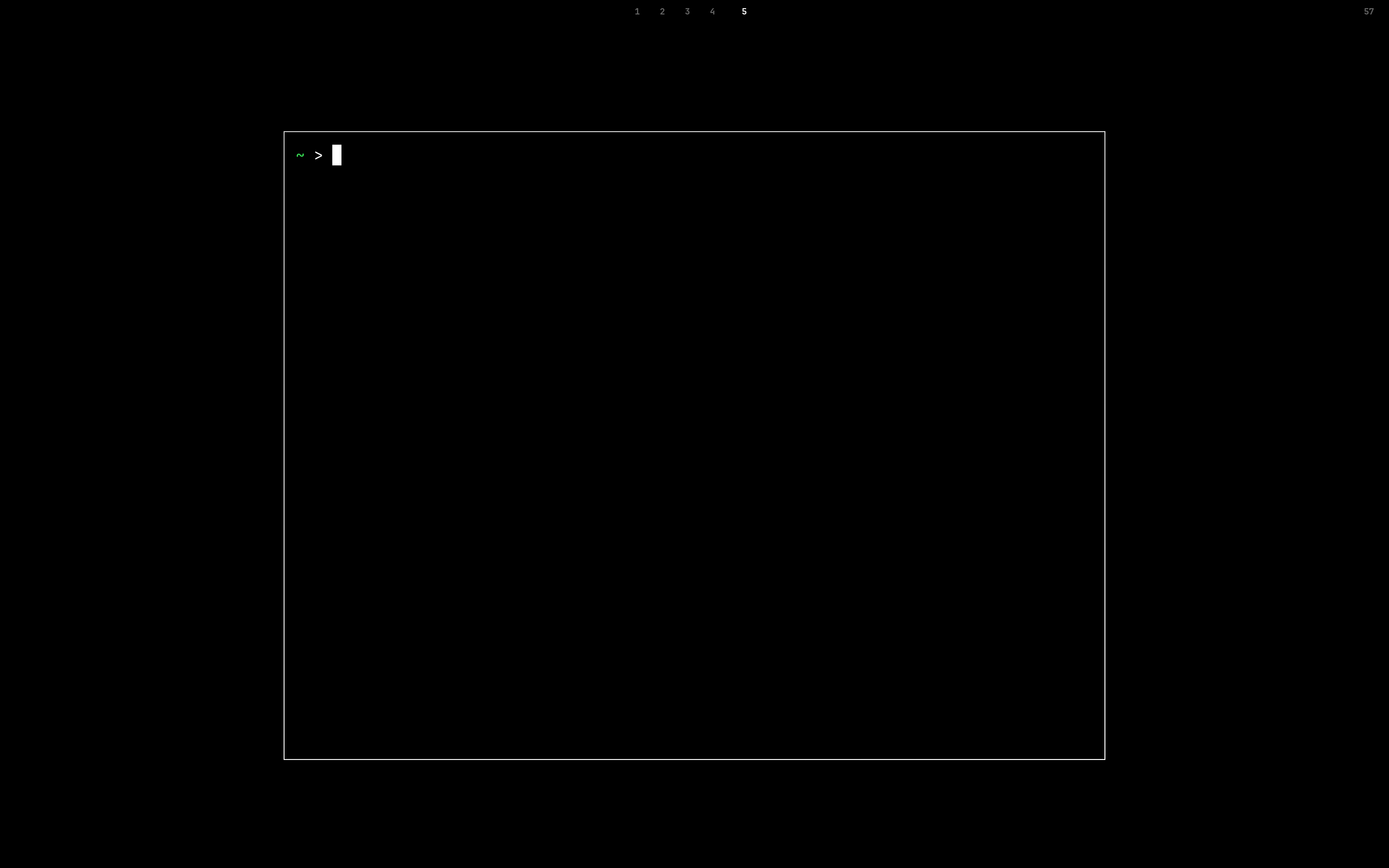 |
The setup relies heavily on Quickshell written in QML, which acts as the main shell and control center. It includes:
- Live indicators for Battery, Brightness, Audio, Mic, and Bluetooth
- Quick toggles for Pomodoro, Stopwatch, and integrated Notes/Config Editor
- Workspaces tracking and integrated OSDs
- GPU mode switcher (Integrated / Hybrid) via
supergfxctl
🛠️ Usage
Theme Switcher
You can change the theme on the fly using the built-in script:
./hypr/scripts/switch_theme.sh <theme_name>
Scripts & Utilities
battery_mode.sh: Toggles extreme power-saving mode (kills Quickshell, launches legacy Waybar, enforces a black theme, and strips all Hyprland effects).smart_*.sh: Intelligent bash wrappers for keybindings that automatically ping Quickshell's IPC if active, or fall back to legacy tools (like Tofi) when in battery mode.tofi-wifi.sh: Tofi-based GUI to easily connect to open and secured Wi-Fi networks.amd_s2idle.py: Advanced AMD debugging script for suspend issues.gacp: Fish alias to quickly add, commit, and push updates.
⚙️ Structure
.
├── bin/          # Custom scripts and binaries
├── fastfetch/    # Fastfetch config
├── fish/         # Fish shell config and functions
├── foot/         # Foot terminal config
├── ghostty/      # Ghostty terminal config
├── hypr/         # Hyprland configs, modules, themes, and scripts
├── kitty/        # Kitty terminal config
├── nano/         # Nano editor config
├── preview/      # UI screenshots and previews
├── quickshell/   # QML scripts for the main bar and control center
├── tofi/         # Tofi menus (app launcher, wifi, power)
└── waybar/       # (Legacy) Waybar configs
🚀 Installation
(Assuming Arch Linux / Pacman-based distribution)
- Ensure the core packages are installed (Hyprland, Quickshell, Fish, Tofi, Kitty, Fastfetch).
- Clone this repository into your
~/.configor use the includedricesyncscript to sync the dotfiles. - Reload Hyprland or log out and log back in.
Note: This config relies on certain system tools like
brightnessctl,playerctl,nmcli(NetworkManager),bluetoothctl,wpctl(WirePlumber), andsupergfxctl. Make sure you have them installed for the Control Center to function fully.
关于 About
No description, website, or topics provided.
语言 Languages
QML64.4%
Shell21.5%
Lua8.9%
Python3.5%
CSS1.7%
提交活跃度 Commit Activity
代码提交热力图
过去 52 周的开发活跃度145
Total Commits峰值: 87次/周
LessMore