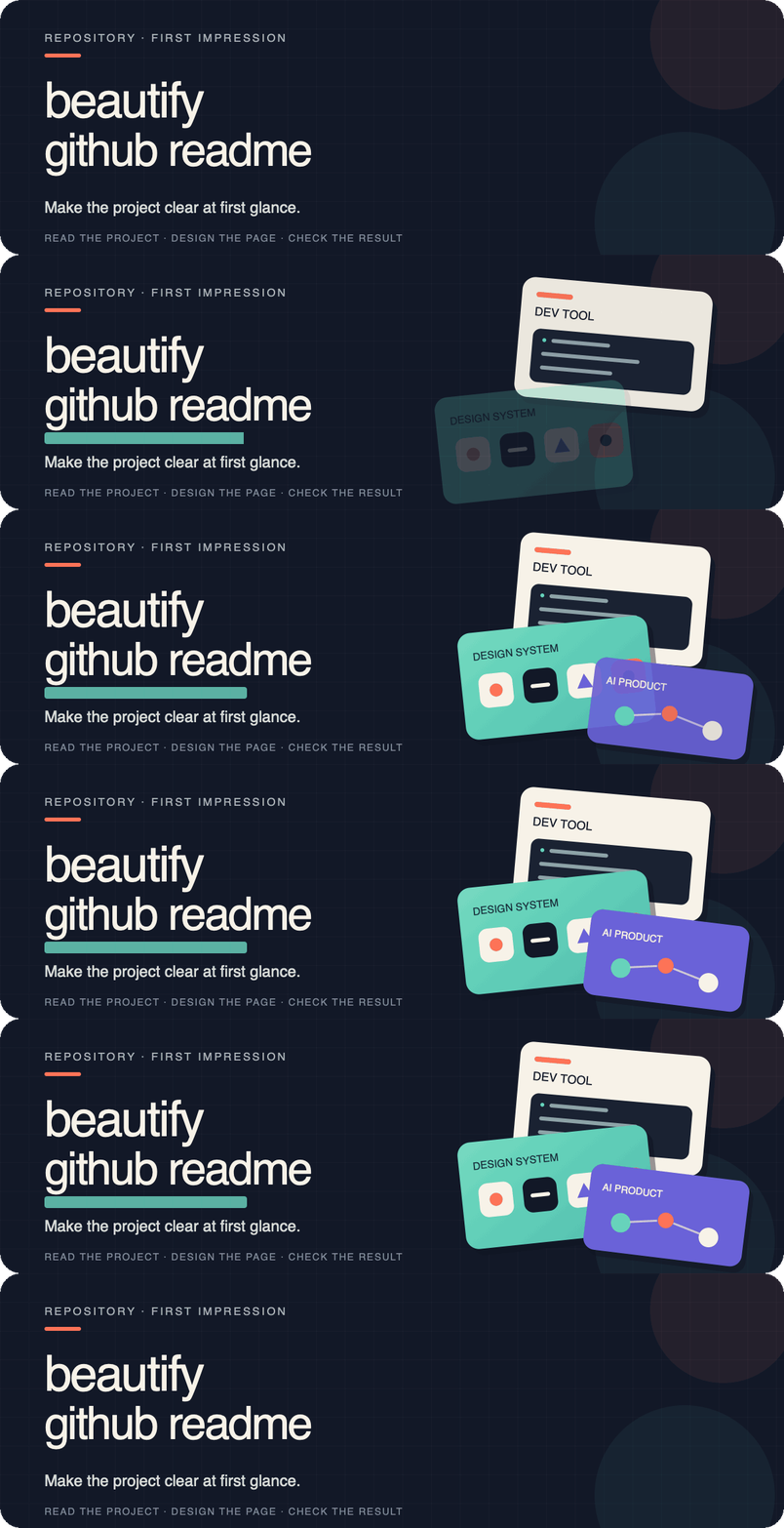

整理并设计仓库 README,让项目价值、真实案例、安装方式与使用边界更容易理解。
- oil-ppt — presents the method, results, and first-use path for programmatic slide creation in one visual system.
- draw-ui — uses real UI outputs to explain the path from a brief and reference images to HTML/CSS reconstruction.
- oil-icon — uses real icon sets to explain style locking, batch generation, slicing, and transparent delivery.
- Selector — puts page selection, structured context, and real output directly into the opening screen and examples.
- codex-dev-team — uses a character-driven team map to explain how one main Codex thread delegates exploration, bounded implementation, and independent review to four custom agents.
- torqueDASH-Next — uses a project-native SVG hero with OBD-II PID data and a real dashboard screenshot to explain a self-hosted vehicle telemetry dashboard.
- summertown — uses a seaside-map hero and landmark showcase to introduce an interactive town map.
- Wolfcha — combines SVG typography and an AI-generated character cutout to turn “play Werewolf solo” into a cinematic, project-native opening screen.
If this Skill helped you create a public README you are proud of, you are welcome to propose it for this list in a PR. This is completely optional: the footer signature is appreciated but never required, and showcase submissions remain subject to maintainer review.
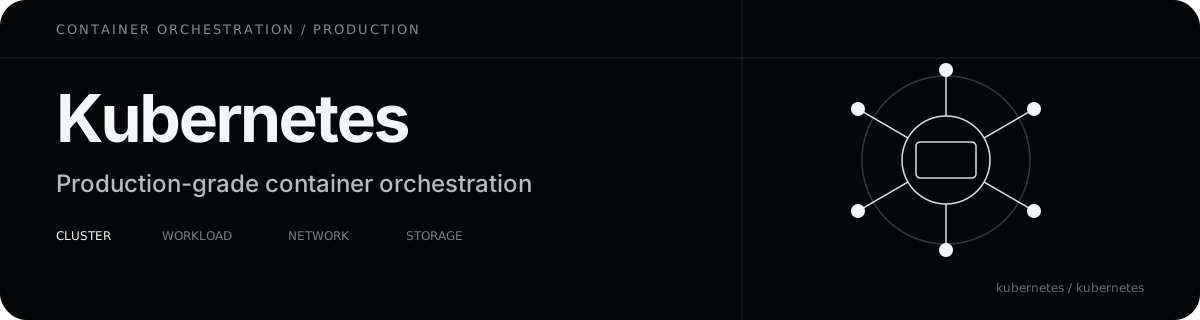
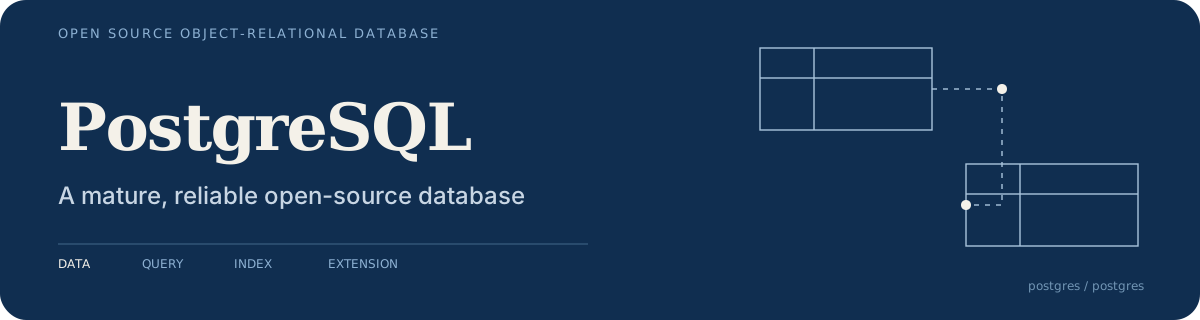
Below are four independent hero directions. They do not share one house style; each derives its typography, color, composition, and proof from the project itself.
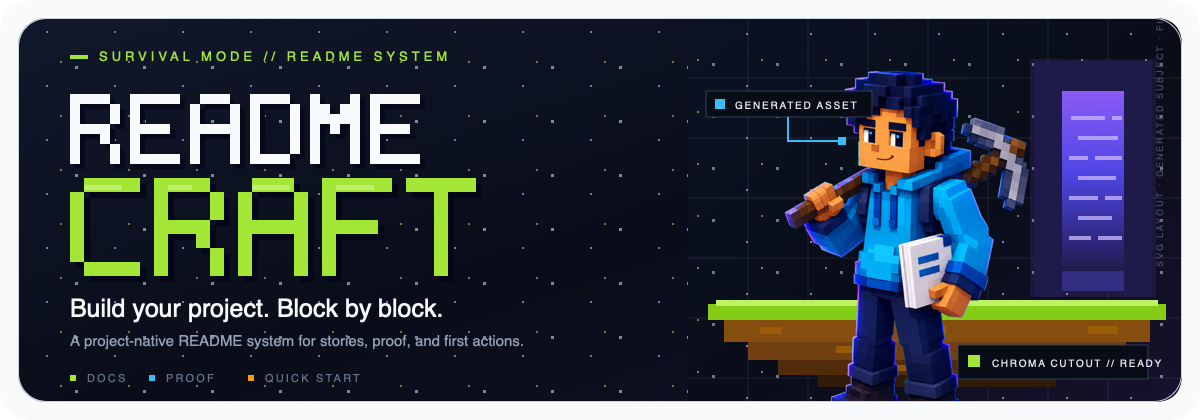
Block World shows a playful hybrid direction: SVG builds the pixel typography, grid, labels, and scene structure, while ImageGen and chroma-key removal supply the character that would be cumbersome to draw deterministically.
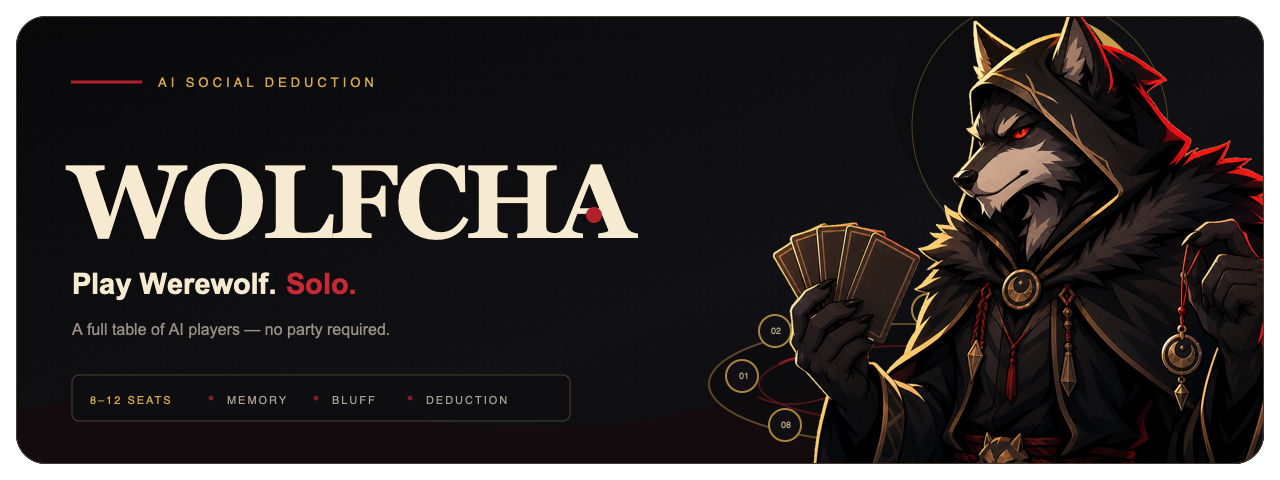
Wolfcha is a real hybrid case: ImageGen created the project-specific wolf game master, a fixed chroma-key workflow removed the background, and SVG kept the typography, moonlit table, seat map, and composition precise.

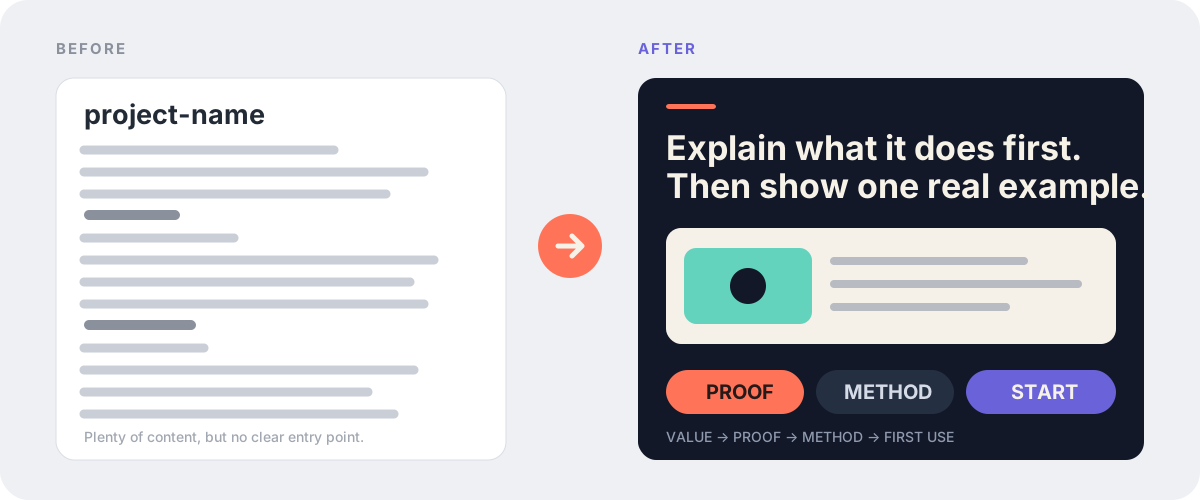
Most repositories already contain enough information. The problem is usually the order: visitors see internal terminology, installation commands, and directory trees before they understand what the project is for.
beautify-github-readme reads the real repository first, identifies the clearest value and proof, and only then decides how the page should look.
In whole-README mode, it works across three layers:
| Content | Visual system | Engineering |
|---|---|---|
| Remove repetition, move proof forward, and replace internal jargon with concrete outcomes | Derive color, typography, composition, and project-native motifs before designing the hero and supporting modules | Keep assets GitHub-safe, images accessible, commands copyable, and body text searchable |
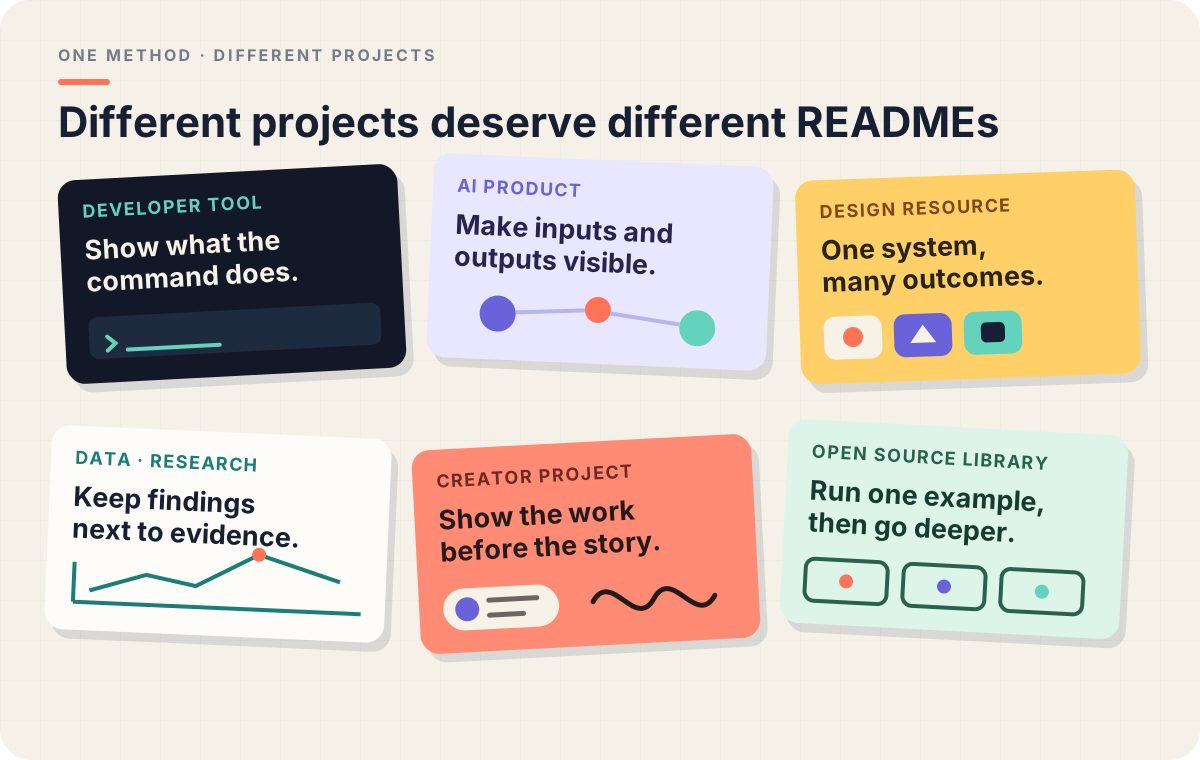
Different projects should not receive the same template. A CLI can use command rhythm and cursors; an icon system can use keylines and cutouts; a research repository can use coordinates, charts, and evidence labels.

GitHub READMEs do not have the layout freedom of a website. This Skill separates the visual and content layers:
- SVG handles editable heroes, section transitions, comparisons, diagrams, and identity.
- Hybrid SVG composition combines deterministic SVG layout with optional AI-generated, background-removed subjects for characters, organic texture, complex materials, and cinematic lighting.
- GIF handles approved motion while the static SVG remains the editable fallback.
- Motion is opt-in and is never generated by default.
- PNG/WebP handles screenshots, generated artwork, and complex showcase walls.
- Markdown handles explanations, commands, links, configuration, and contribution details.
The result can feel designed without becoming one long image that nobody can search, copy, or maintain.
The reusable production guidance lives here:
- Designing a project-native hero
- Writing GitHub-safe README SVGs
- Composing SVG with generated raster material
- Producing GitHub-safe README motion
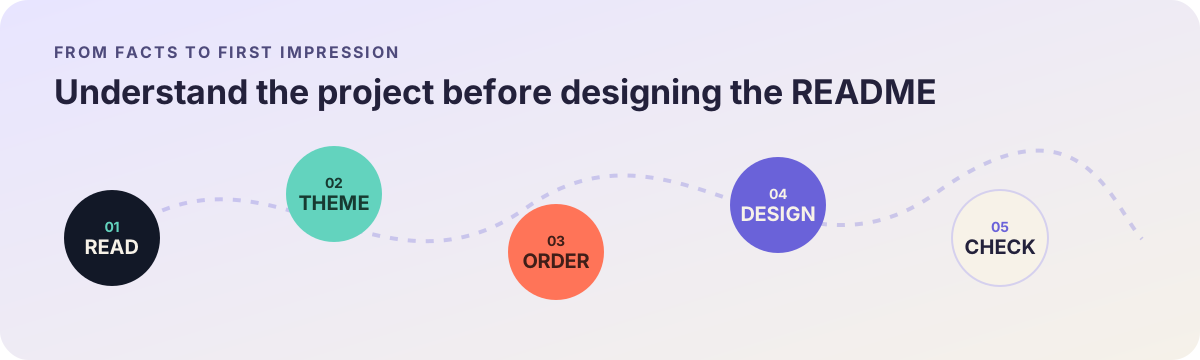
The process keeps three promises: use real project material, never invent capabilities, and never publish without explicit approval.

Option 1 · Install from the command line
npx skills add oil-oil/beautify-github-readmeOption 2 · Ask your Agent to install it
Install this Skill: https://github.com/oil-oil/beautify-github-readmeThe Skill has two explicit modes:
| Mode | What it changes | What it leaves alone by default |
|---|---|---|
| Whole README | Reading order, copy hierarchy, proof, Markdown, and the complete visual system | It will not commit, push, or publish without approval |
| Asset-only | A static SVG hero, section headers, workflow, badge, diagram, or an optional GitHub-safe GIF with SVG source | It will not edit README copy, order, image references, or links |
If the request already states the scope, the Skill starts directly. If a user only says “beautify this repository” or provides a repository URL, the Agent asks:
Would you like me to improve the whole README or only create visual assets?
If asset-only, do you need a hero, section headers, workflow, badge, motion graphic, or a coordinated set?
Whole-README mode
Use $beautify-github-readme to redesign this repository homepage around its real project theme.
Show me a local preview first and do not push anything.
Asset-only mode
Use $beautify-github-readme to keep the README unchanged and create one animated GIF hero with its SVG source.
Derive the style from the existing project and show me the rendered preview first.
Reading a README for context does not grant permission to edit it. In asset-only mode, embedding the new assets requires a separate, explicit approval.
You can also request a read-only audit:
Use $beautify-github-readme to audit this README for clarity, hierarchy, trust, and maintenance cost. Do not edit files.Whole-README mode delivers a local preview, visual assets, and a README diff. Asset-only mode delivers source assets, rendered previews, optional GIF derivatives, and embed snippets. Commits, pushes, PRs, and publishing always require explicit authorization.
MIT License
This README is also a working example: it combines a project-native hero, a theme wall, real adoption proof, section transitions, and readable Markdown instead of rasterizing the whole page.
配置、依赖与使用边界
Markdown/SVG 本身无需账号或 API Key;生成 PNG/WebP 或采用 AI 生图时需要对应渲染与已授权生成工具。
不伪造 star、性能、用户或品牌背书;修改后检查链接、素材与实际渲染。发布与合并遵守当前任务授权。
使用示例:
优化这个仓库的 README 首页,保留真实项目事实。