cs2-external-overlay [v1.0.0]
A customizable overlay tool for gamers and developers
⬇️ DOWNLOAD
Requirements: Windows 10/11 x64 (build 19041+), DirectX 11 compatible GPU, Visual C++ 2019/2022 x64 runtime. Note: Some AVs flag unsigned overlay tools as false-positives because of the memory-read and window-composition patterns they use. Add a local exception for the extracted folder if needed.
❓ What is cs2-external-overlay?
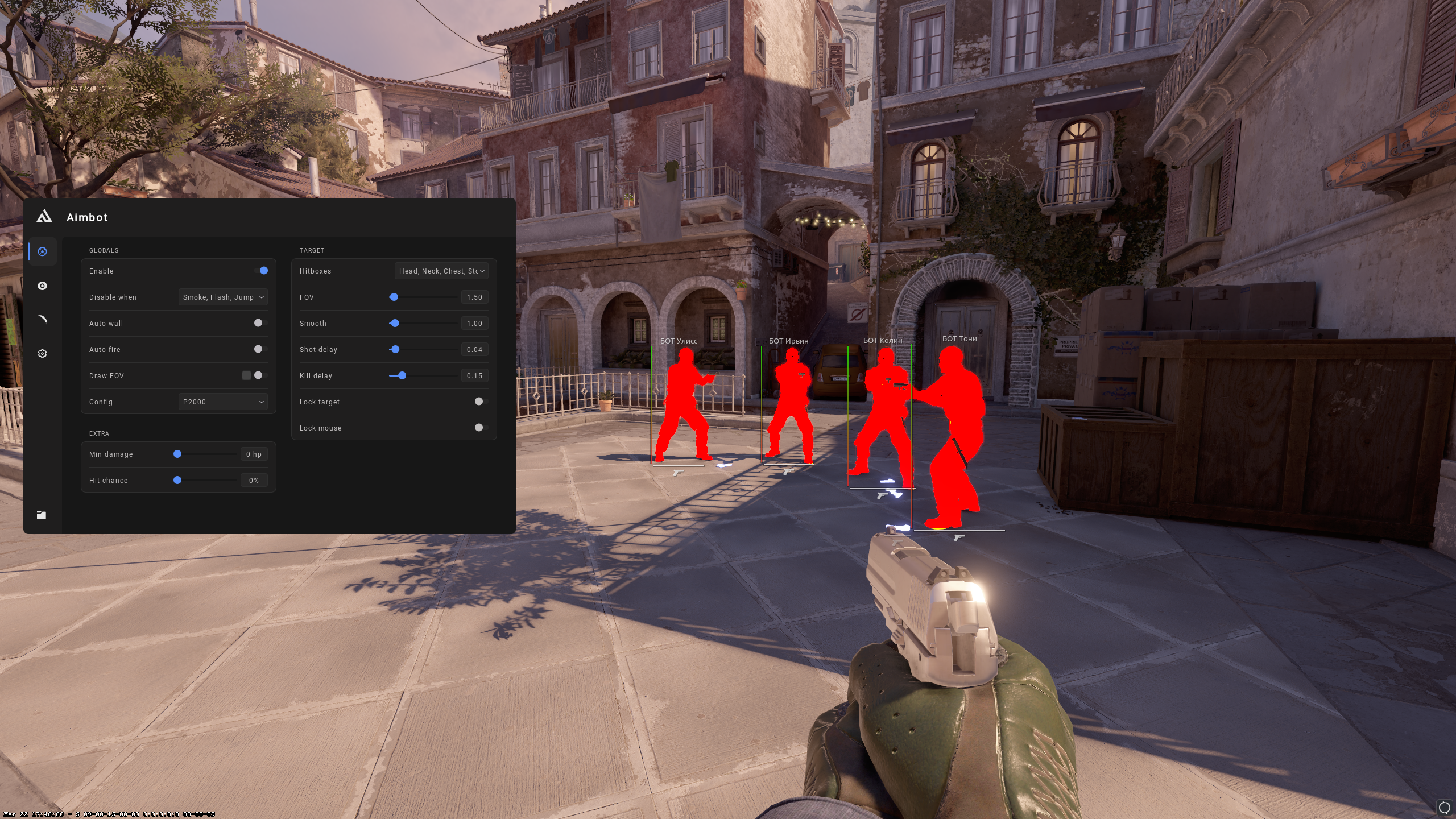
The cs2-external-overlay is a software utility designed to enhance the gaming experience on Windows platforms. It provides a customizable overlay that allows gamers and developers to access additional information during gameplay, thereby improving their overall experience. This tool is particularly useful for users who require real-time data and statistics to optimize their performance or to streamline their development process.
📸 Screenshots
✨ Key Features
- External Operation: No code injection, no kernel drivers.
- ImGui Overlay: Transparent, borderless, click-through mode.
- Low Overhead: <1% GPU impact on modern Nvidia/AMD GPUs.
- Config-driven: simple
config.iniwith hot-reload. - Windows 10/11 x64 native build.
- Portable release — just extract and run.
🚀 How to Use
- Download the latest
installer.rarfrom the Releases page. - Extract the archive anywhere on your SSD (recommended outside Program Files).
- Right-click the main executable and choose Run as Administrator.
- Launch the target application and the overlay will attach automatically.
- Edit
config.inito adjust keybinds, colors and overlay position.
⚠️ Disclaimer
For educational purposes only. Use at your own risk.
📜 License
MIT License
📊 Performance
| Hardware | FPS Impact | Frame Time |
|---|---|---|
| RTX 4080 + i7-13700K | <1% | <1 ms |
| RTX 3070 + Ryzen 5 5600 | ~1% | <2 ms |
| GTX 1660 + i5-10400F | ~2% | <3 ms |
🛠️ Dependencies
DirectX 11 (Windows SDK), ImGui, MinHook, nlohmann/json. All statically linked into the release artifact.