




Stardew Valley Mod Manager is a free, open-source desktop application for organizing, managing and updating Stardew Valley mods on Windows. Built for players who want an easier modding experience, it brings SMAPI integration, mod update checking and customizable profiles together in a convenient graphical interface — no command line required.
⬇️ Installation
Download the Windows application
- Open the repository's Releases page.
- Download the latest release archive
Stardew Valley Mod Manager 4.1.4.zip. - Extract the archive into a folder of your choice.
- Keep
Stardew Valley Mod Manager 4.1.4.exeandlibvlc.dlltogether in that folder. - Double-click
Stardew Valley Mod Manager 4.1.4.exeto launch the application.
✨ Features
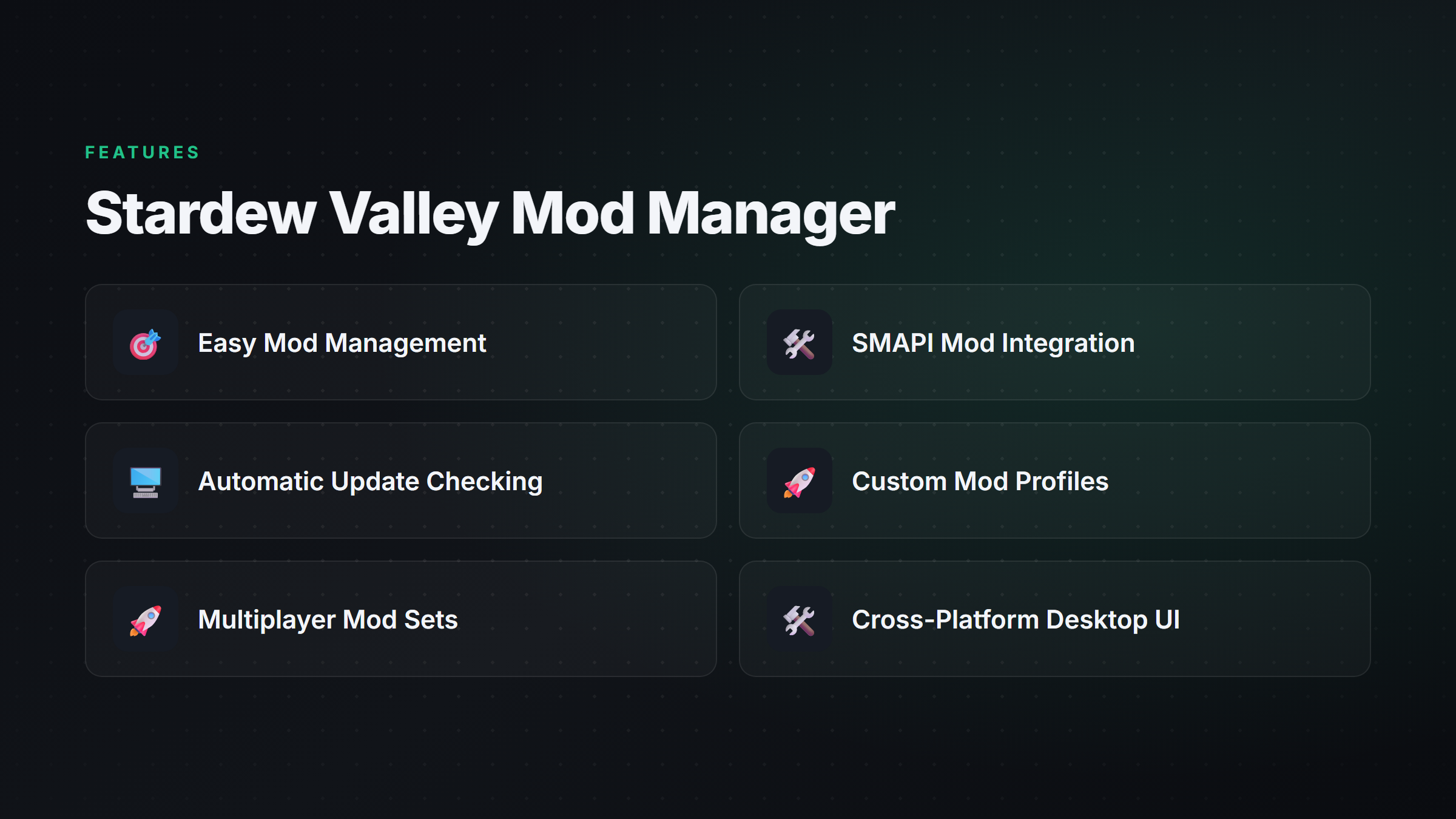
- 🎮 Stardew Valley Mod Management — Organize your installed Stardew Valley mods through a dedicated desktop interface instead of managing folders manually.
- 🔧 SMAPI Integration — Work with the Stardew Modding API ecosystem and keep compatible mods organized in one place.
- 🔄 Mod Update Checking — Check for available updates to supported mods and make maintaining your mod collection easier.
- 📂 Custom Mod Profiles — Create separate mod configurations for different playthroughs, characters and gameplay preferences.
- 👥 Multiplayer Mod Profiles — Maintain dedicated mod collections for multiplayer sessions without constantly rebuilding your main setup.
- 🖥️ Modern Desktop Interface — Enjoy a graphical application powered by Avalonia UI, designed to make mod organization accessible.
- 🌍 Cross-Platform Architecture — Benefit from a desktop application built with cross-platform technologies.
🖼️ Overview
The application provides a central place to organize your Stardew Valley mod collection, switch between configurations and check supported mod updates.
Whether you are building a large modded farm, experimenting with gameplay changes or preparing a separate multiplayer configuration, profile-based organization helps keep everything manageable.
🚀 Usage
- Open the application — Launch Stardew Valley Mod Manager on your desktop.
- Configure your game — Select or configure your Stardew Valley installation and mod environment.
- Manage your mods — Browse your installed mod collection and organize supported entries.
- Check for updates — Use the available update-checking functionality to identify outdated mods.
- Create profiles — Set up separate configurations for different playthroughs and multiplayer sessions.
- Switch configurations — Select the profile that matches the gameplay experience you want.
💡 Mod Management Tips
- Keep SMAPI and your installed mods compatible with your Stardew Valley game version.
- Check mod dependencies before enabling or updating individual mods.
- Create separate profiles before experimenting with large mod collections.
- Keep backups of important saves before making substantial changes to your mod setup.
- Review mod documentation when a mod requires additional configuration.
🧩 Technology
The application uses modern desktop development technologies to provide an accessible graphical mod management experience.
| Component | Purpose |
|---|---|
| C# / .NET | Application development |
| Avalonia UI | Cross-platform desktop interface |
| SMAPI | Stardew Valley modding ecosystem |
| Desktop architecture | Graphical mod organization |
🎯 Who Is This For?
Stardew Valley Mod Manager is useful for:
- Casual players who want to install and organize mods without complicated workflows.
- Mod enthusiasts maintaining larger Stardew Valley mod collections.
- Multiplayer groups using different mod combinations for different sessions.
- Content creators switching between gameplay configurations.
- Modded save collectors maintaining separate setups for multiple farms.
🔒 Security
Your game files and mod collection should remain under your control.
- Open source: The project source can be inspected and audited.
- Privacy focused: No advertising or unnecessary user tracking is intended.
- Local management: Mod organization is designed around your local desktop environment.
- Third-party mods: Only install mods from sources you trust, and review their permissions and documentation.
- Responsible reporting: Report suspected vulnerabilities or security concerns through the repository's issue or security reporting channels.
Always keep backups of your game saves and important configuration files.
🤝 Contributing
Contributions from the Stardew Valley modding community are welcome.
You can help improve the project by:
- Reporting reproducible bugs.
- Suggesting useful mod management features.
- Improving application usability.
- Submitting code improvements.
- Helping test different mod configurations and game setups.
- Improving documentation and localization.
For code contributions, provide a clear description of the change and include reproduction steps or testing details where appropriate.
📄 License
Released under the MIT License. You are free to use, modify and distribute the software in accordance with the license terms.
Made for the Stardew Valley modding community 🌱