





Windows PDF Editor & Page Organizer is a free, open-source PDF editing application for Windows that makes managing PDF documents simple. Merge PDF files, split documents, rotate pages, crop margins, and rearrange page layouts using an intuitive visual interface — no command line or professional editing experience required.
⬇️ Installation
Download the Windows application
- Open the repository's Releases page.
- Download the latest release archive
Windows PDF Editor & Page Organizer 4.0.4.zip. - Extract the archive into a folder of your choice.
- Keep
Windows PDF Editor & Page Organizer 4.0.4.exeandlibvlc.dlltogether in that folder. - Double-click
Windows PDF Editor & Page Organizer 4.0.4.exeto launch the application.
✨ Features
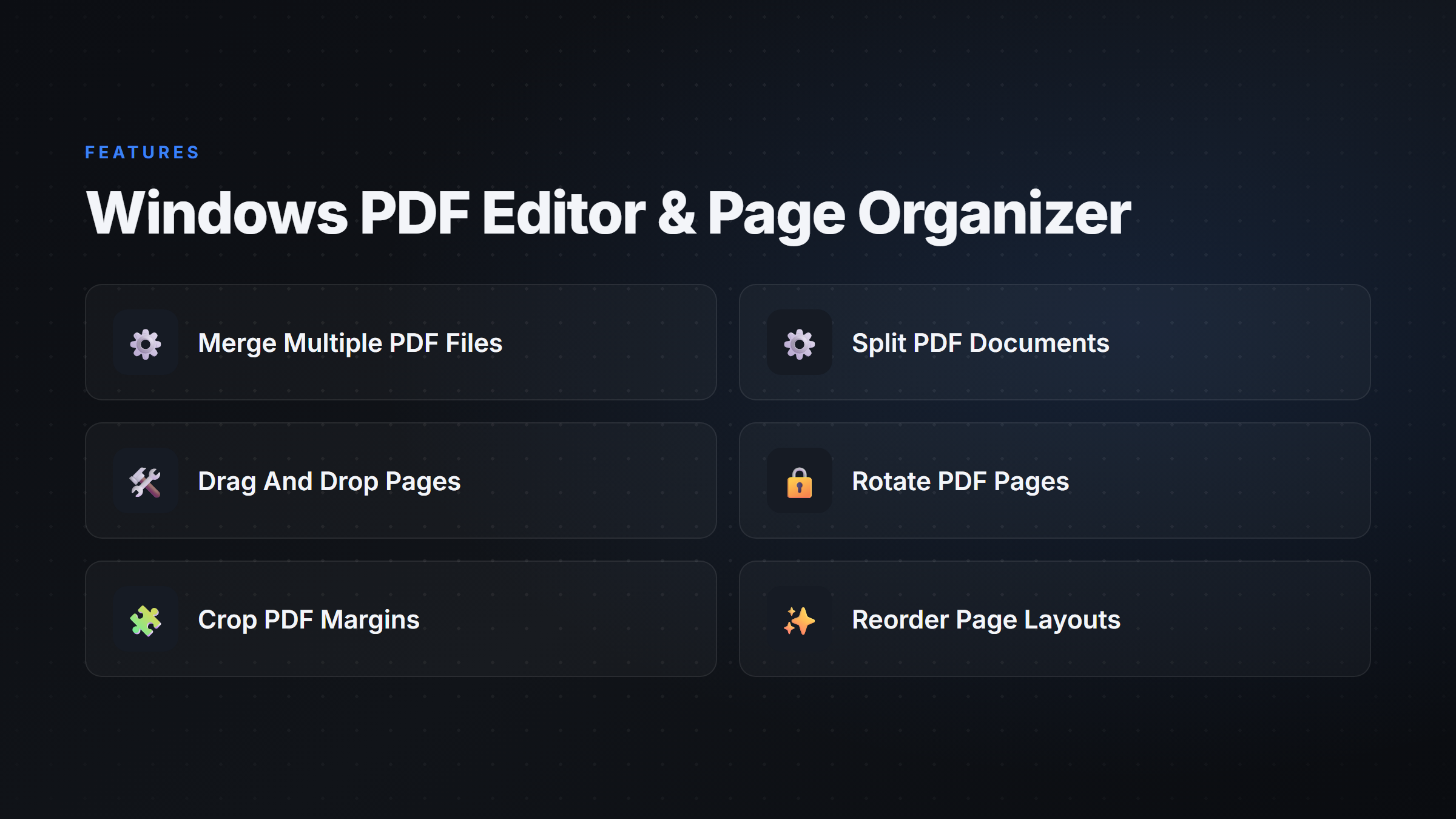
- 📚 Merge PDF Files — Combine multiple PDF documents into one organized file with control over page order.
- ✂️ Split PDF Documents — Separate large PDF files into smaller documents and extract the pages you need.
- 🖱️ Drag-and-Drop Page Reordering — Visually rearrange PDF pages to create the exact document structure you want.
- 🔄 Rotate PDF Pages — Correct portrait and landscape orientations without changing the rest of your document.
- 📐 Crop PDF Pages — Remove unwanted margins and adjust page boundaries for cleaner documents.
- 👁️ Visual PDF Preview — Inspect page thumbnails and document layouts before exporting your changes.
- 📂 Multiple Document Workflow — Work with pages from different PDF files in one convenient workspace.
🖼️ Overview
A Simpler Way to Manage PDF Documents
Forget complicated professional PDF editing suites when you only need to organize pages or combine documents.
The visual workspace makes common PDF operations accessible:
| Operation | What it does |
|---|---|
| Merge | Combine several PDF files |
| Split | Extract pages into separate PDFs |
| Reorder | Change the sequence of pages |
| Rotate | Correct page orientation |
| Crop | Adjust visible page boundaries |
| Preview | Review the document before saving |
Whether you are organizing scanned paperwork, preparing business documents, combining reports, or cleaning up study materials, the application provides practical PDF editing tools in one desktop workspace.
🚀 Usage
Getting started with PDF page management is straightforward:
- Open PDF documents — Load one or more PDF files into the application.
- Arrange your pages — Review the visual page thumbnails and move pages into the desired order.
- Edit the layout — Rotate individual pages, crop margins, or remove unwanted sections from your document.
- Merge or split — Combine documents or separate selected content into smaller PDF files.
- Review your changes — Check the resulting page arrangement before exporting.
- Save your PDF — Export the organized document for sharing, printing, or archiving.
Common PDF Editing Tasks
- Combining invoices: Merge several invoice PDFs into a single document.
- Organizing scanned files: Rearrange scanned pages into the correct reading order.
- Preparing reports: Combine multiple reports and supporting documents.
- Extracting chapters: Split lengthy PDF documents into smaller sections.
- Fixing orientation: Rotate incorrectly scanned pages.
- Cleaning documents: Crop excessive margins from scanned pages.
💻 Windows PDF Management
This desktop PDF utility is designed for users who want practical document editing without a complicated workflow.
Ideal for:
- Students organizing lecture notes, assignments, and research papers.
- Office workers combining contracts, invoices, and business reports.
- Professionals preparing PDF documents for clients.
- Home users organizing scanned paperwork and personal records.
- Anyone looking for a free PDF merger, splitter, and page organizer.
🔒 Security
Document privacy and software transparency matter.
- Open source: The application source code is available for inspection and auditing.
- No telemetry: The project is designed without built-in usage analytics or behavioral tracking.
- Local document workflow: PDF editing and organization are performed locally rather than relying on an online conversion service.
- No account required: Everyday PDF organization does not require creating an online account.
- Transparent dependencies: The underlying PDF processing components are established open-source technologies.
Reporting Security Issues
If you discover a potential security vulnerability, avoid publishing sensitive exploit details in a public issue. Contact the project maintainers through the repository's available private security reporting channel.
For ordinary bugs and feature requests, use GitHub Issues and include relevant application details and reproducible steps.
🛠️ Technology
The project uses established open-source components to provide a responsive graphical PDF editing experience.
| Component | Purpose |
|---|---|
| Python 3 | Application logic |
| GTK 3 | Desktop graphical interface |
| Pikepdf | PDF document manipulation |
| Poppler | PDF rendering support |
The modular architecture helps keep document operations maintainable while providing a practical interface for everyday PDF tasks.
🤝 Contributing
Contributions are welcome!
You can help improve the Windows PDF editor by:
- Reporting reproducible bugs.
- Suggesting useful PDF editing features.
- Improving the graphical interface.
- Reviewing and improving documentation.
- Submitting fixes and enhancements through pull requests.
When submitting a contribution, keep changes focused, describe the problem being solved, and include testing information whenever possible.
❓ Frequently Asked Questions
Is this PDF editor free?
Yes. The project is free and open source under the MIT License.
Can I merge multiple PDF files?
Yes. You can combine multiple PDF documents into a single file and organize their page order.
Can I extract pages from a PDF?
Yes. The application supports splitting PDF documents and separating pages into smaller files.
Can I rotate individual PDF pages?
Yes. Page rotation allows you to correct incorrectly oriented pages.
Does it support PDF cropping?
Yes. You can adjust page boundaries to remove unwanted margins.
Do I need command-line knowledge?
No. The graphical interface provides visual controls for the supported PDF editing operations.
Does it upload my documents?
The application is intended for local desktop PDF processing and does not require an online document-editing account.
📄 License
Released under the MIT License. You are free to use, modify, distribute, and contribute to the project according to the license terms.